
Escala do Carrinho
Manage volunteer data and generate balanced weekly service schedules from one administrative workspace.
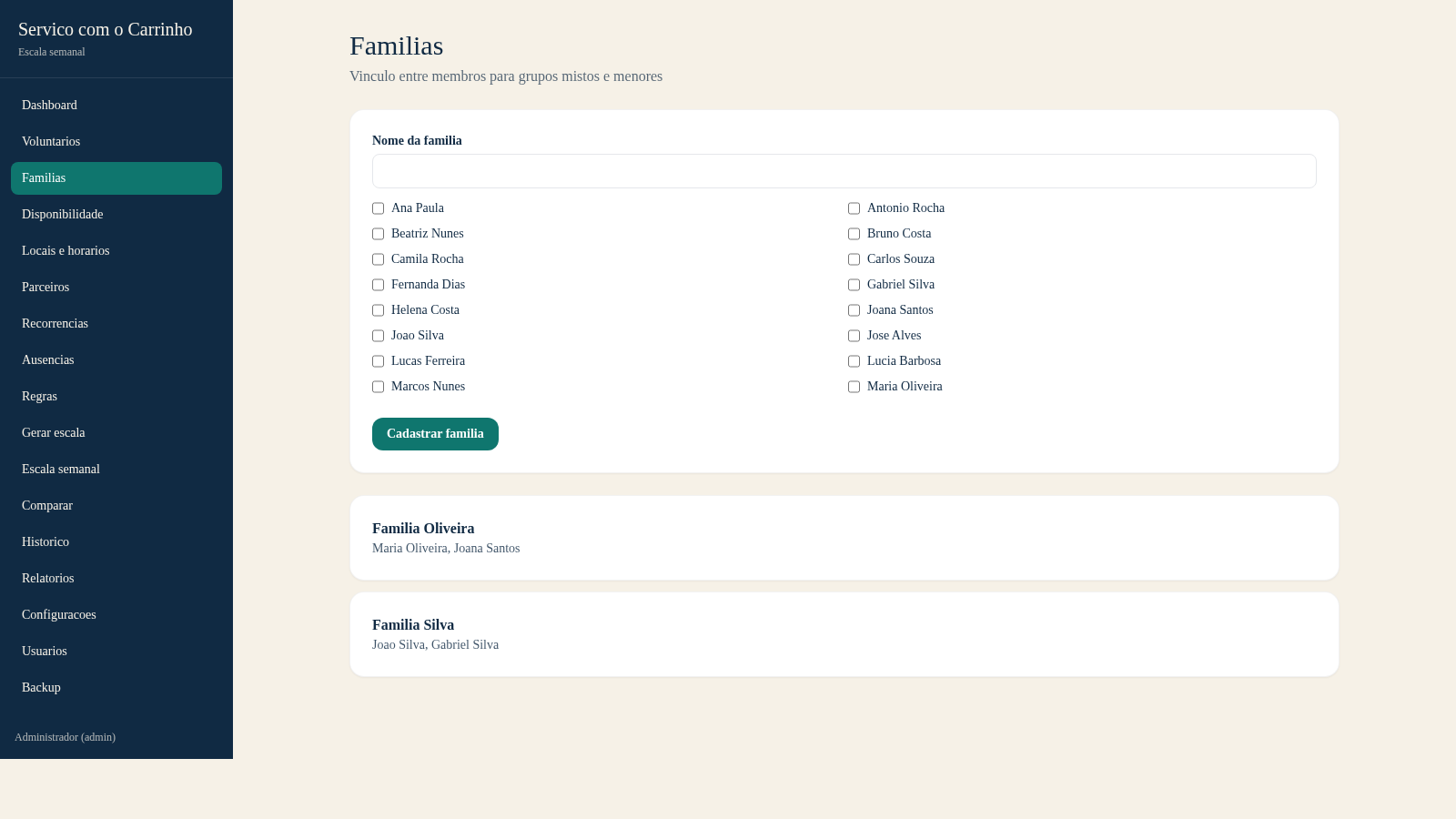
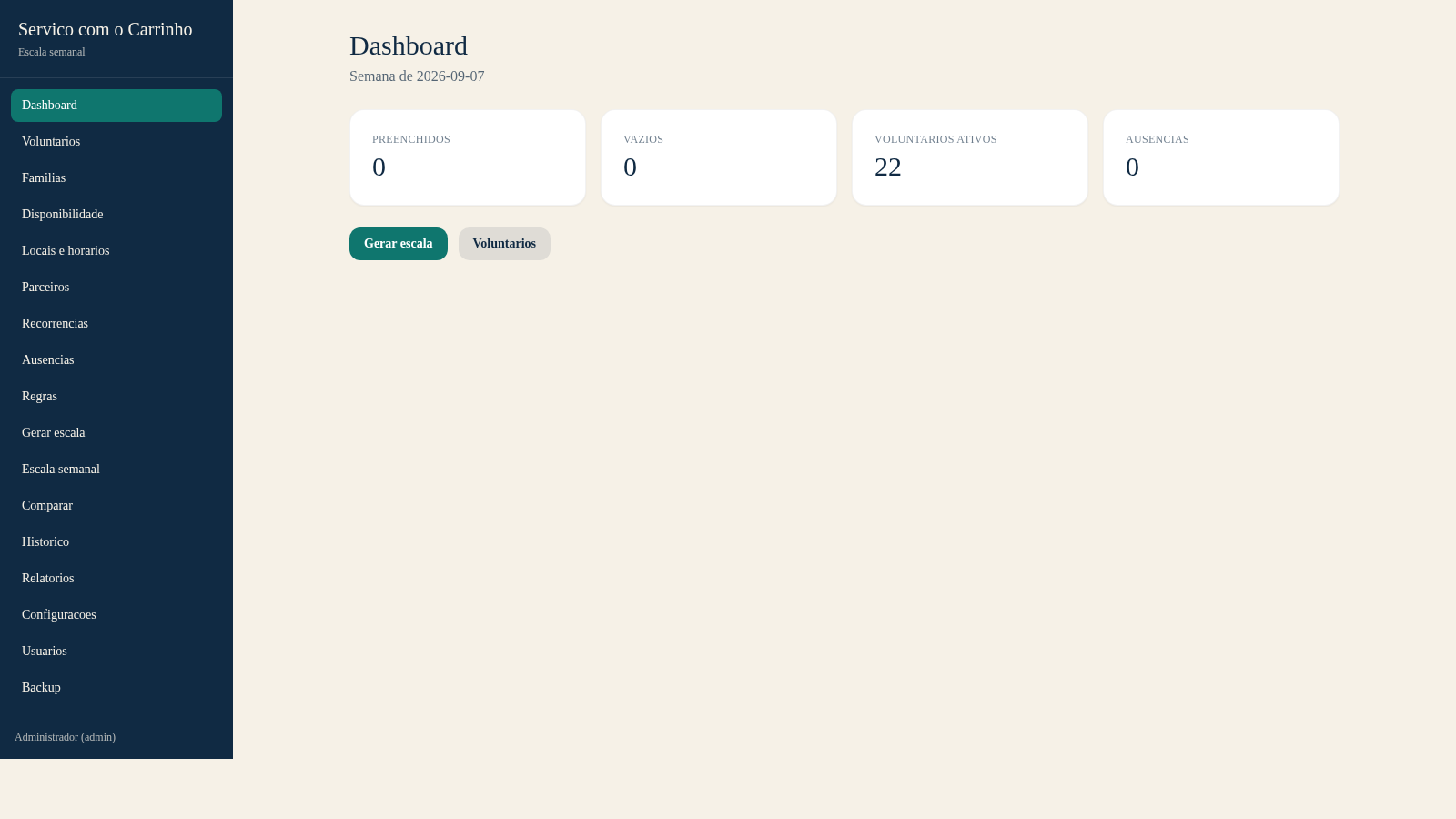
Escala do Carrinho is a Portuguese-language operations application for administering the weekly schedule of Servico com o Carrinho. It brings together volunteer profiles, family relationships, availability, locations and hours, partners, recurring assignments, absences, scheduling rules, generated schedules, comparisons, history, reports, settings, users, and backups. Administrators can search existing volunteers, classify special assignment needs, group family members, choose a week and generation seed, simulate a roster, review coverage and constraint statistics, and then approve a draft or compare another option.
Highlights
Roster simulation
Builds weekly plans
Rule validation
Shows conflicts
Volunteer records
Tracks status flags
Schedule metrics
Reports coverage
How to Use
Review volunteer records
Open Voluntarios to browse the registered people, inspect status and eligibility flags, or use the search field to narrow the list. The page filters immediately and provides a separate entry point for adding a new record.
Prepare scheduling constraints
Use Familias, Disponibilidade, Locais e horarios, Recorrencias, Ausencias, and Regras to maintain the relationships and constraints used by the scheduler. Each module is available from the persistent left navigation.
Simulate a weekly schedule
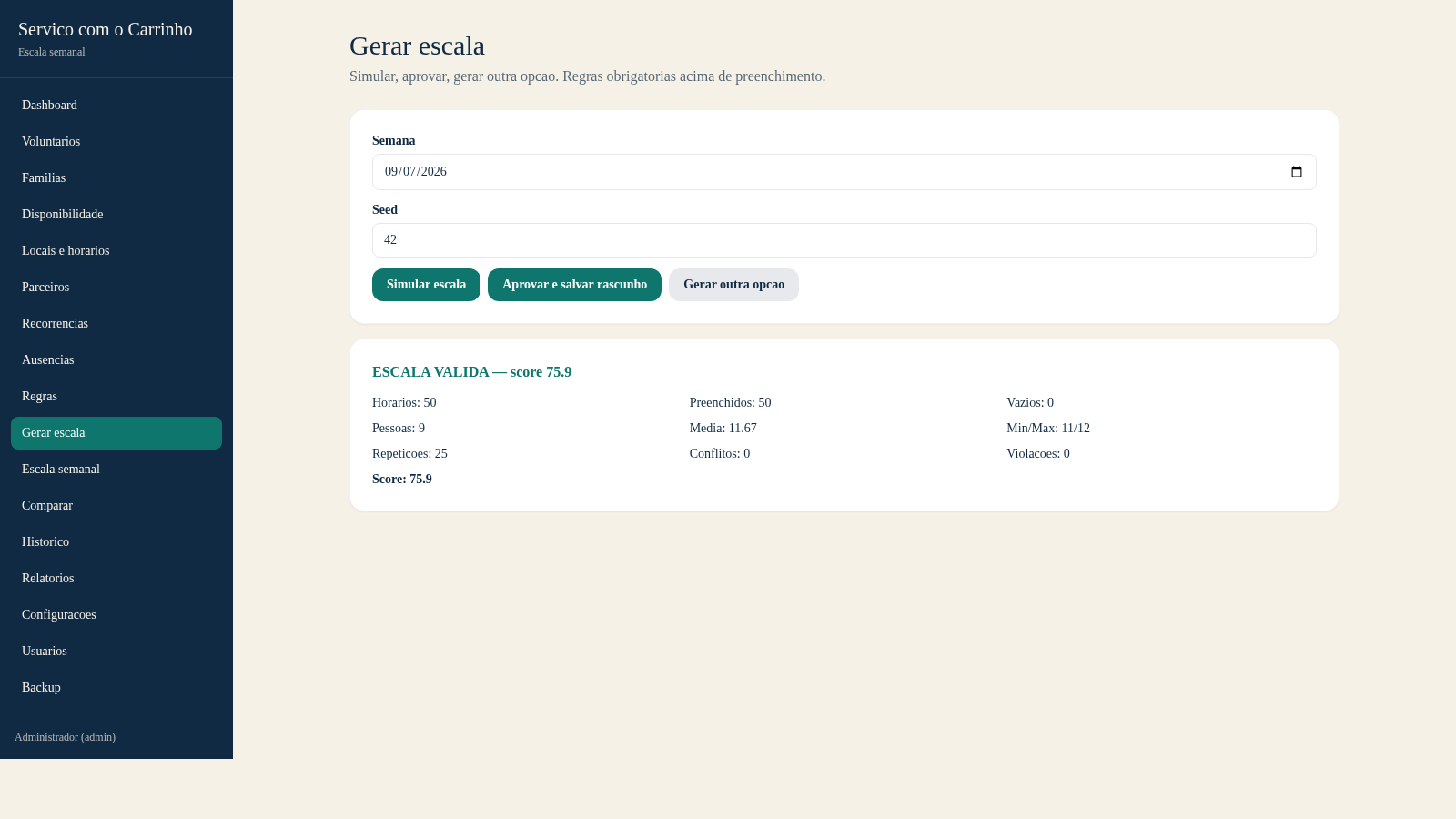
Open Gerar escala, select the target week, adjust the numeric seed if another deterministic option is needed, and press Simular escala. The result panel reports whether the plan is valid along with filled slots, empty slots, assigned people, workload range, repeats, conflicts, violations, and score.
Approve or compare
After reviewing the simulation metrics, approve and save the result as a draft, or choose Gerar outra opcao to compare an alternative. The weekly schedule module is then used for calendar review, editing, replacement, locking, and printing.
Similar Sites
 14
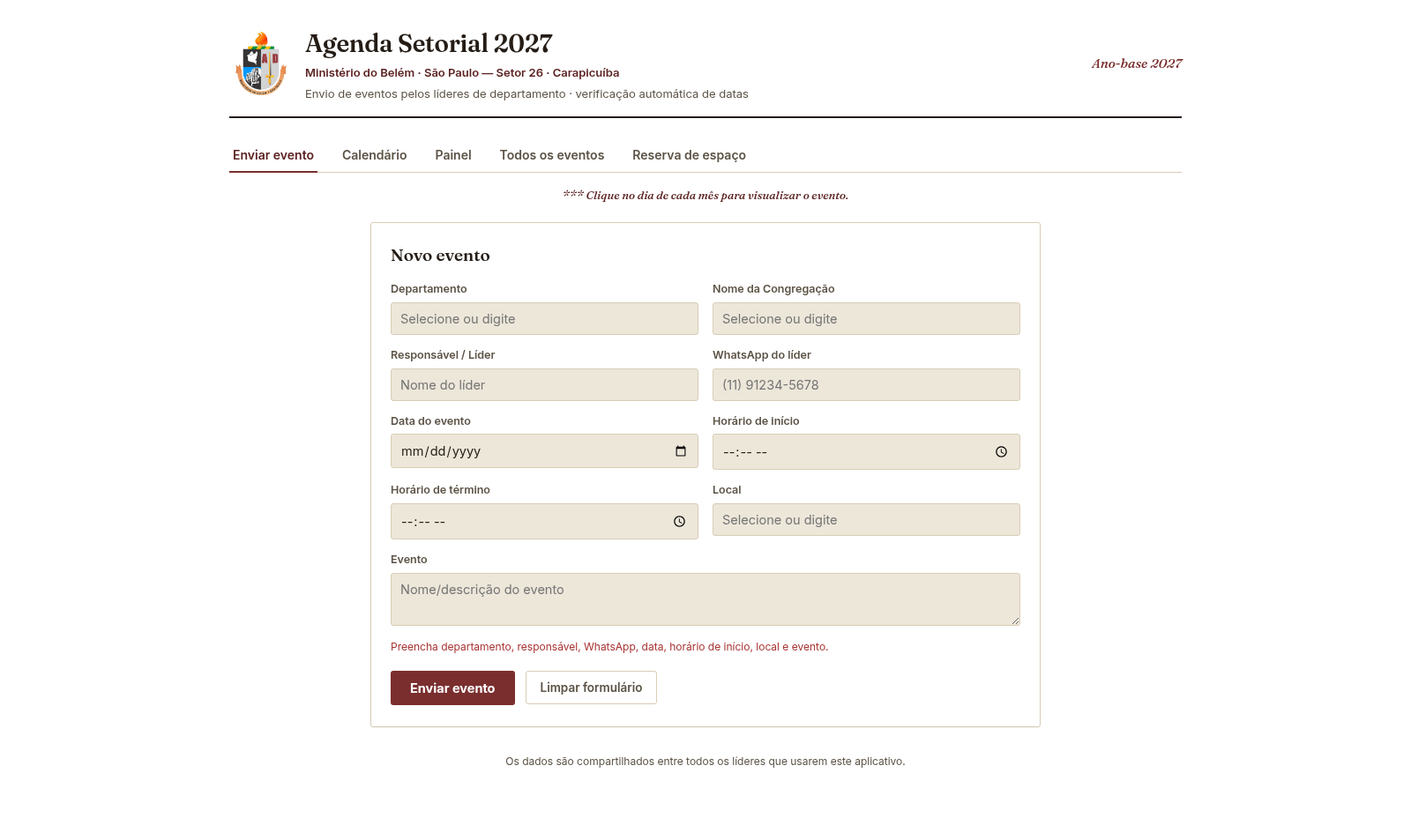
14Agenda Setorial 2027
Agenda 2027 do Ministério do Belém (Setor 26 · Carapicuíba): eventos, calendário, escala e reserva de espaços.
 126
126Agenda de Pedidos - Confeitaria
Agenda digital de pedidos para confeitaria com integração WhatsApp
 49
49SGI CONTROL
Sistema Integrado de Gestão da Qualidade (ISO 9001) com painel B2B multiempresa
 49
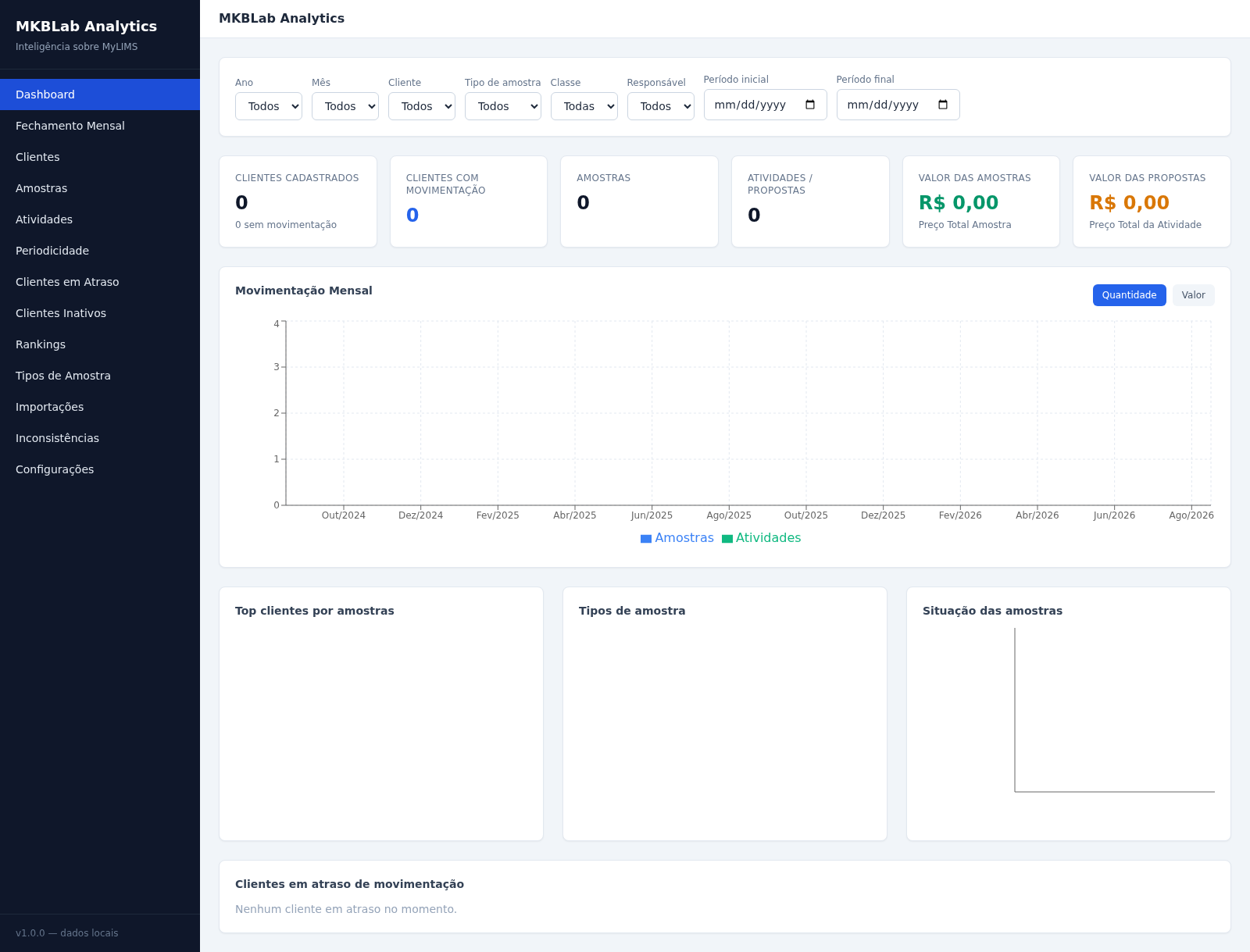
49MKBLab Analytics
Dashboard gerencial com importação de relatórios XLSX do MyLIMS
 65
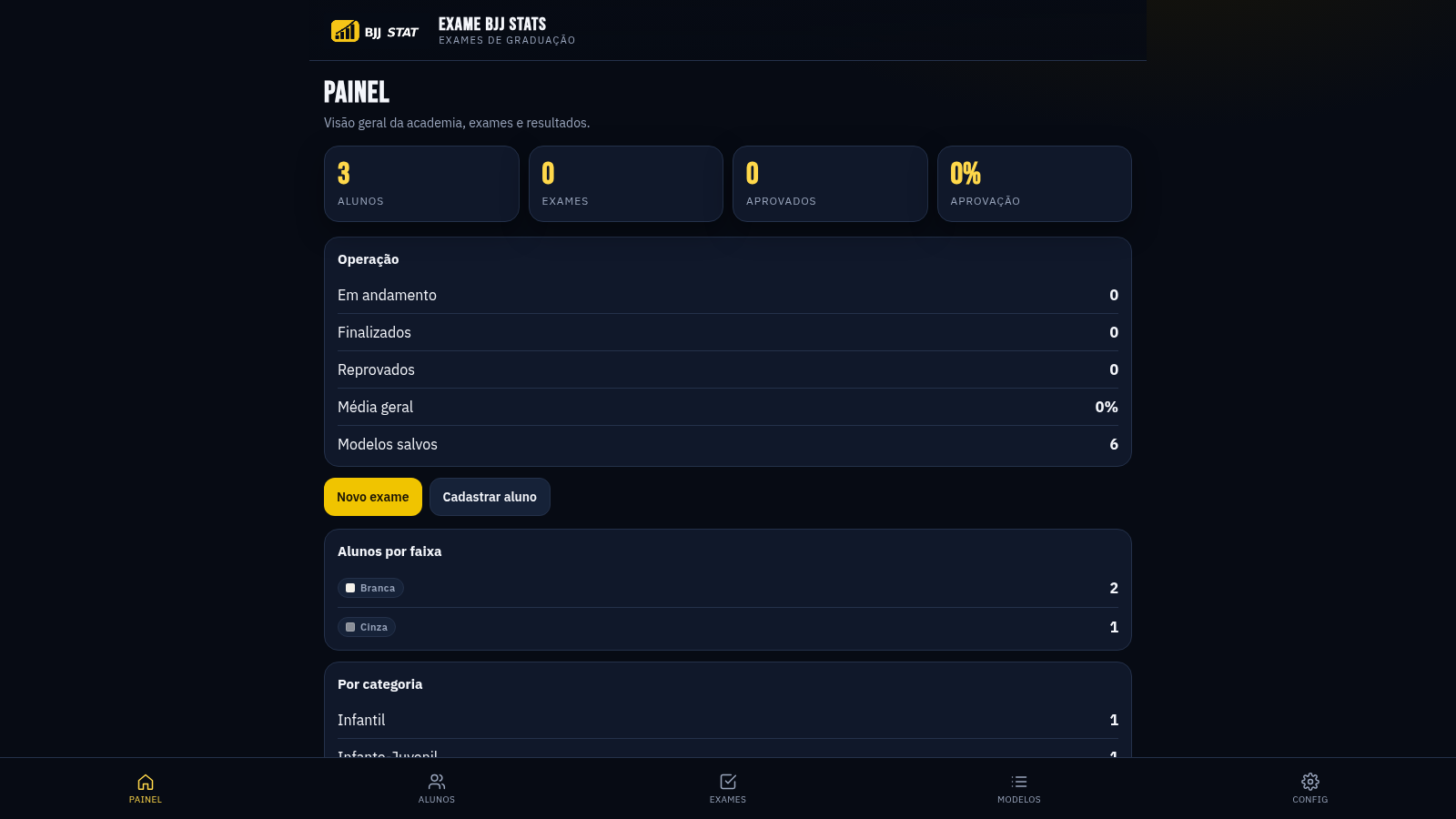
65EXAME BJJ STATS
Sistema profissional de exames de graduação BJJ, com modelos por faixa e relatório APROVADO/REPROVADO.
 63
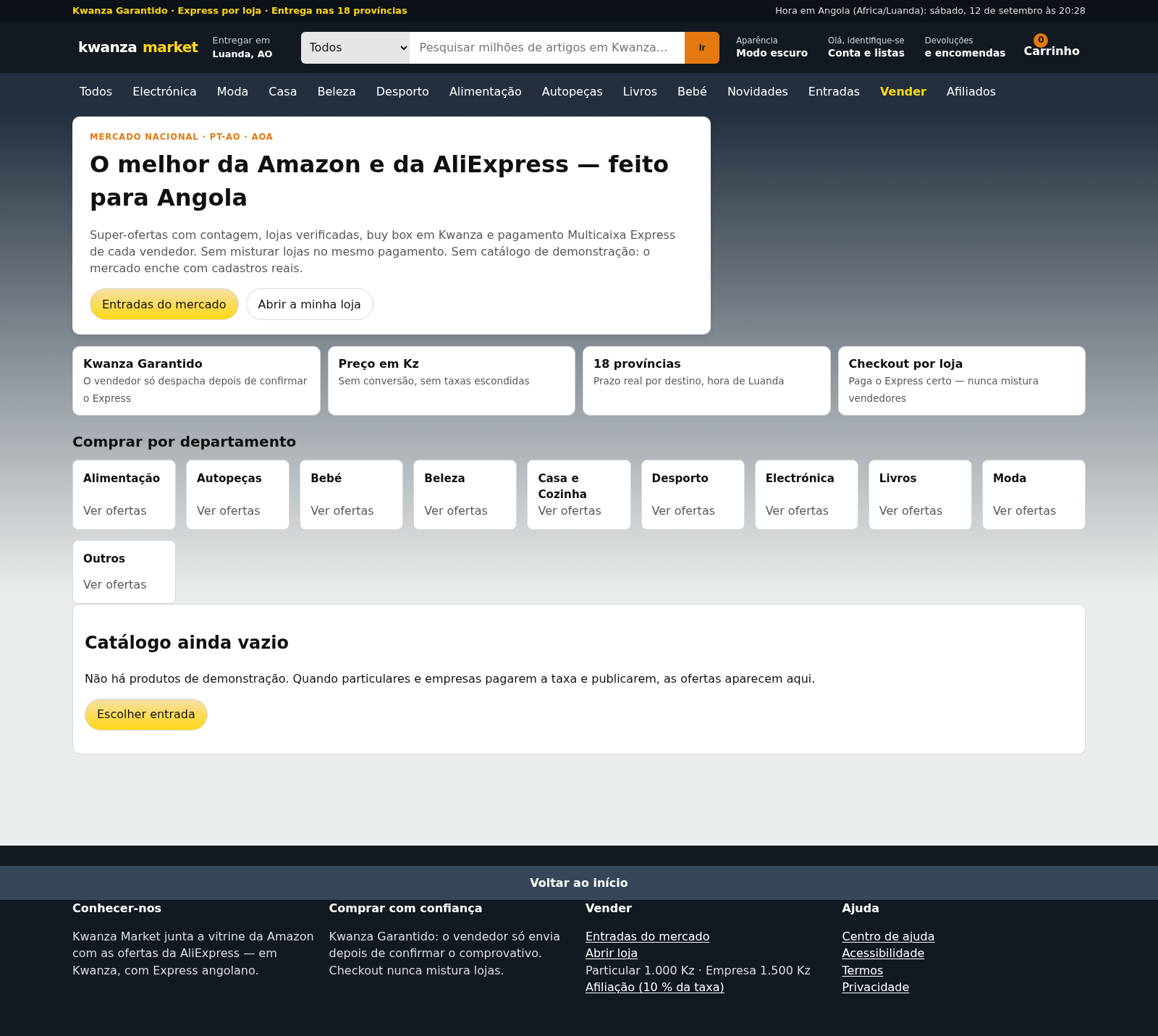
63Kwanza Market
Mercado de Angola: compre e venda em Kwanza com Multicaixa Express.