
Nosso Lar Controle Financeiro
A shared household finance dashboard for tracking income, bills and monthly balance
Nosso Lar is a private shared finance dashboard for a two-person household. After logging in, users can record income and expenses, filter and search each list, review monthly totals and a running balance, compare any two months across years, export records to CSV, and manage the shared account password and family recovery code.
Highlights
Shared ledger
Both users, one base
Income entries
Add, edit, remove
Expense tracking
Paid or pending
Monthly summary
Totals and balance
Month comparison
Any two periods
CSV export
Save local records
How to Use
Sign in with a family user
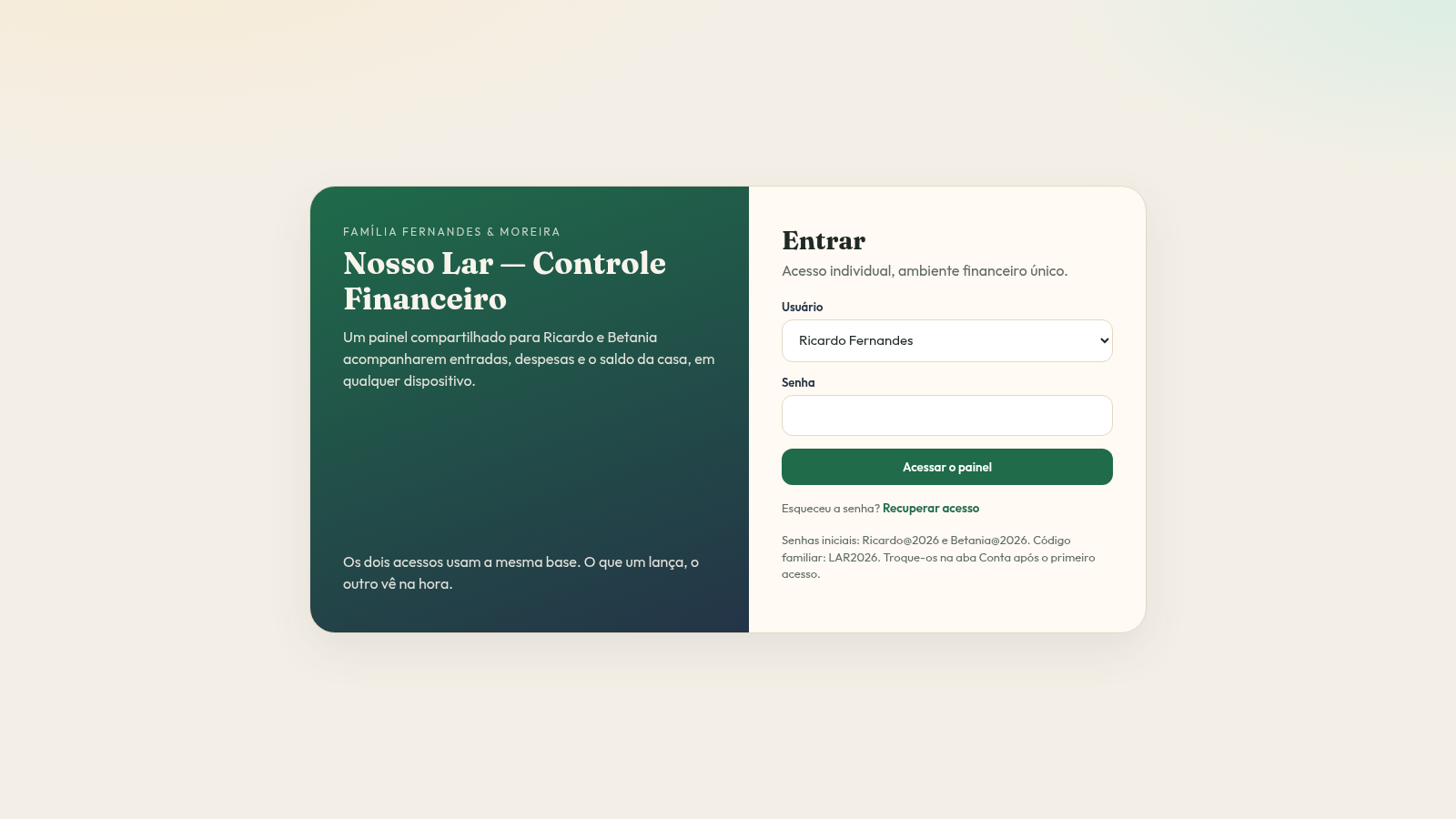
Choose either Ricardo Fernandes or Betania Moreira in the login dropdown and enter the initial password shown on the same screen. The button opens the shared dashboard, and the header shows which user is active.
Log an income
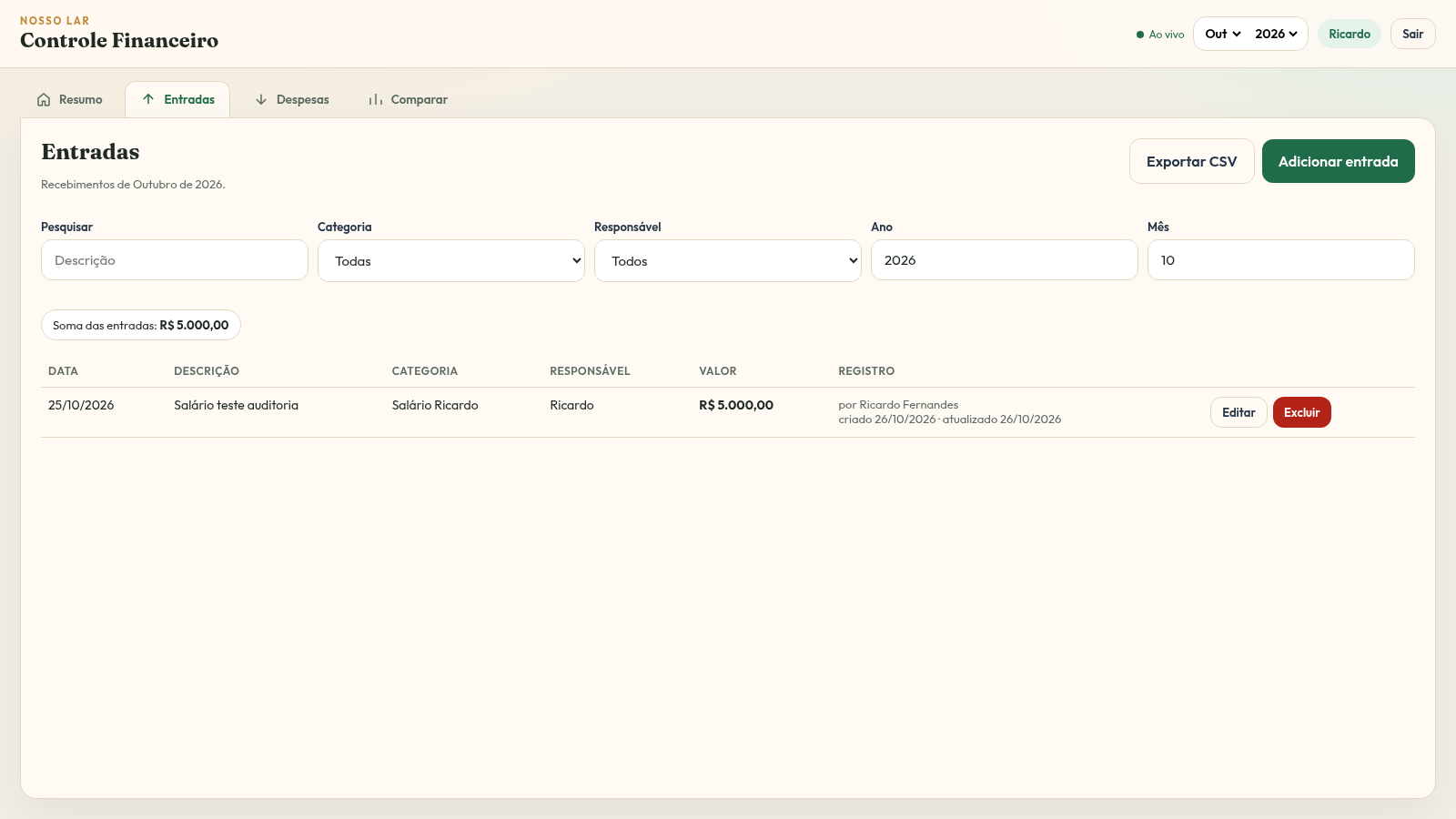
Open the Entradas tab and press Adicionar entrada. Fill in a description, category, amount, date and responsible person, then save; the new row appears in the table and the income sum updates immediately.
Log an expense
Open the Despesas tab and press Adicionar despesa. The form supports expense categories, a paid or pending status, amount, date and responsible person, and the page keeps separate totals for paid, pending and all registered expenses.
Filter and export lists
Each ledger has a search field plus category, responsible person, status and sorting controls. The Exportar CSV button downloads the currently viewed records, and the year and month selectors in the header switch the whole period.
Review and compare
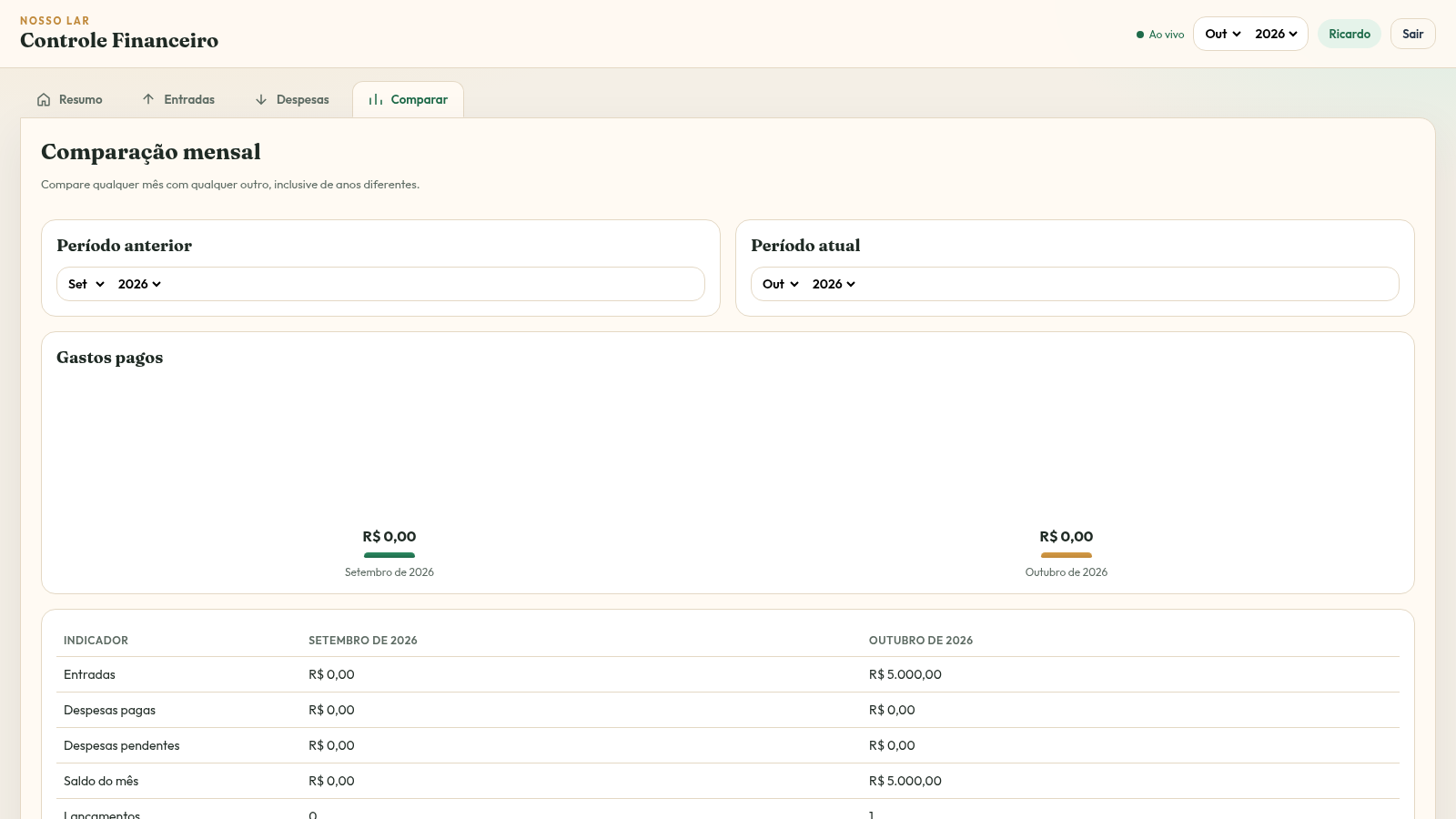
The Resumo tab shows income, paid expenses, month balance and accumulated balance cards. The Comparar tab lets you pick a previous and a current period, then displays both side by side with differences, entry counts and category changes.
Manage access
Press the user chip in the header to open the account panel. There you can change the current password, update the family recovery code used on the login screen, or sign out of the shared account.
Similar Sites
 19
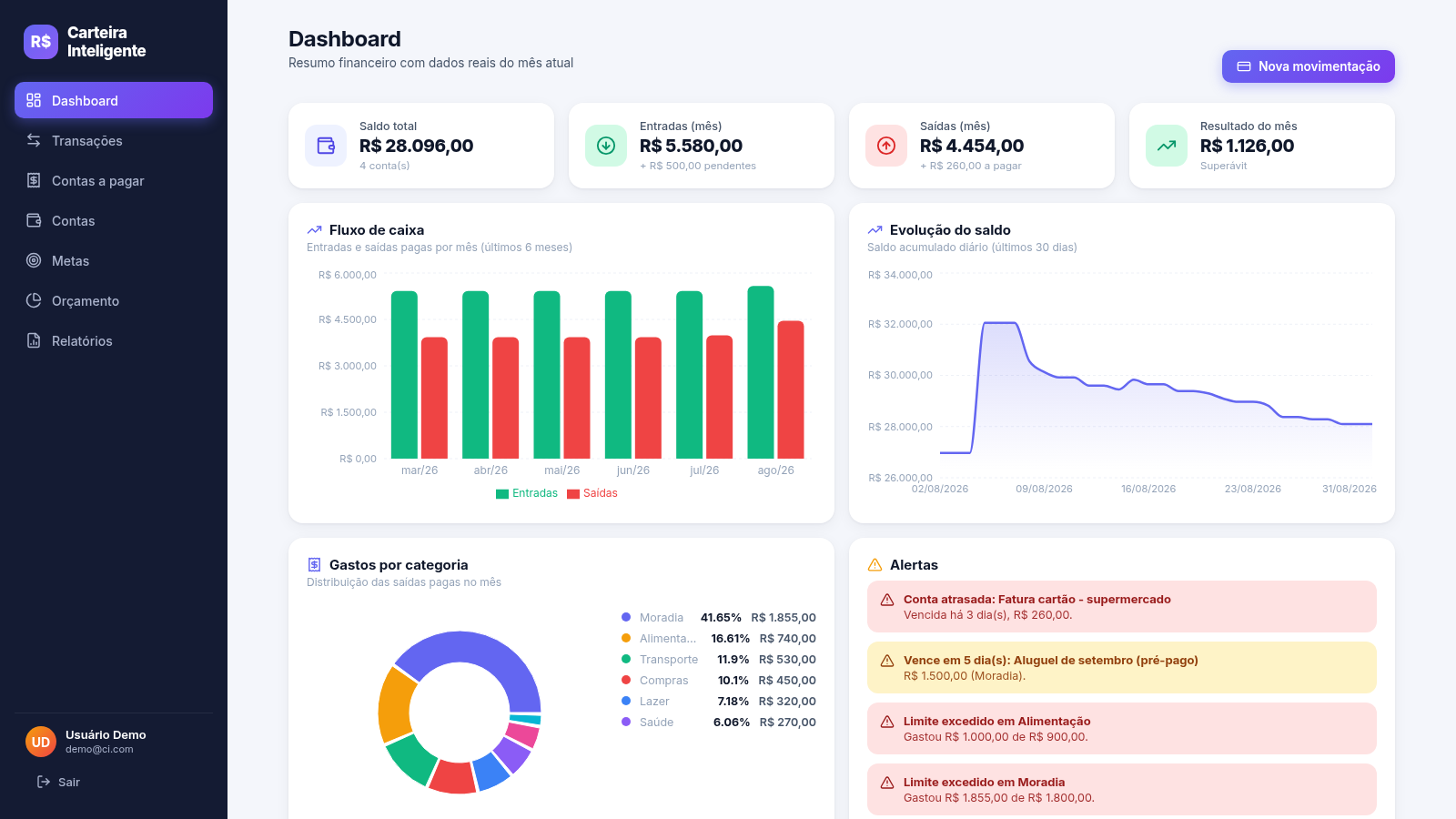
19Carteira Inteligente
Carteira Inteligente - controle financeiro pessoal em R$
 17
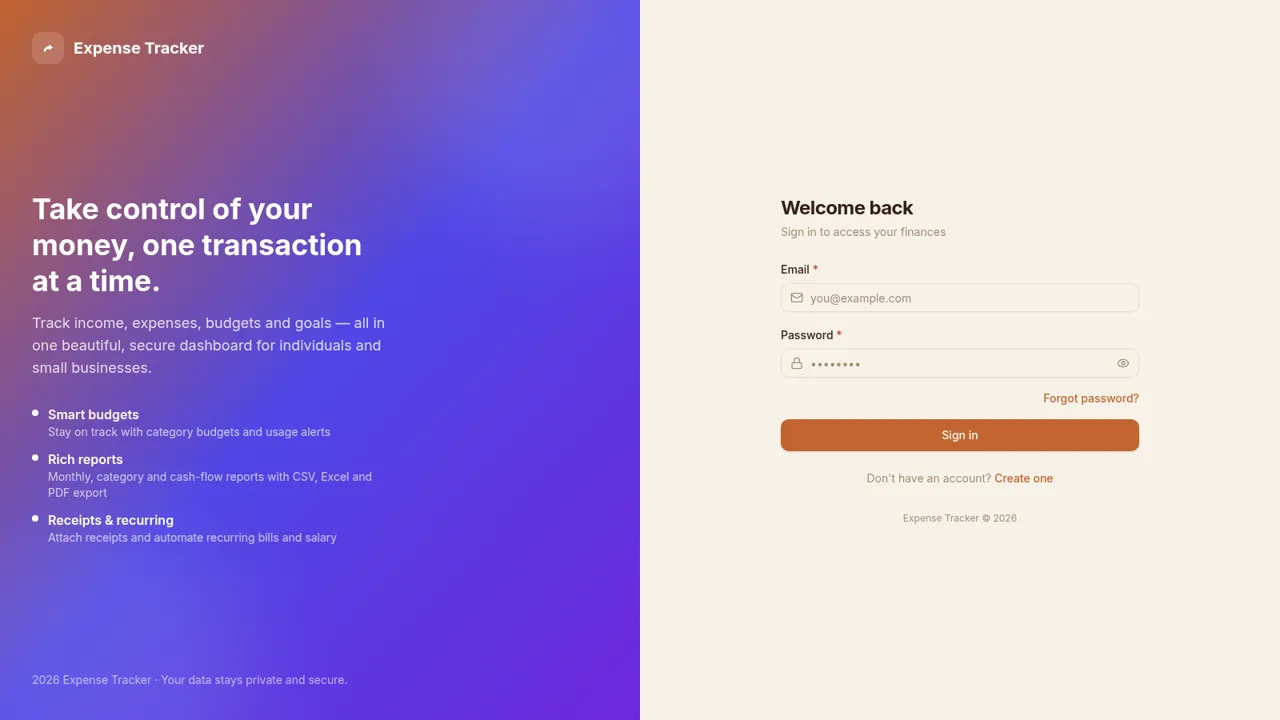
17Expense Tracker
Track income, expenses, budgets, recurring bills, and savings goals with reports and exports
 6
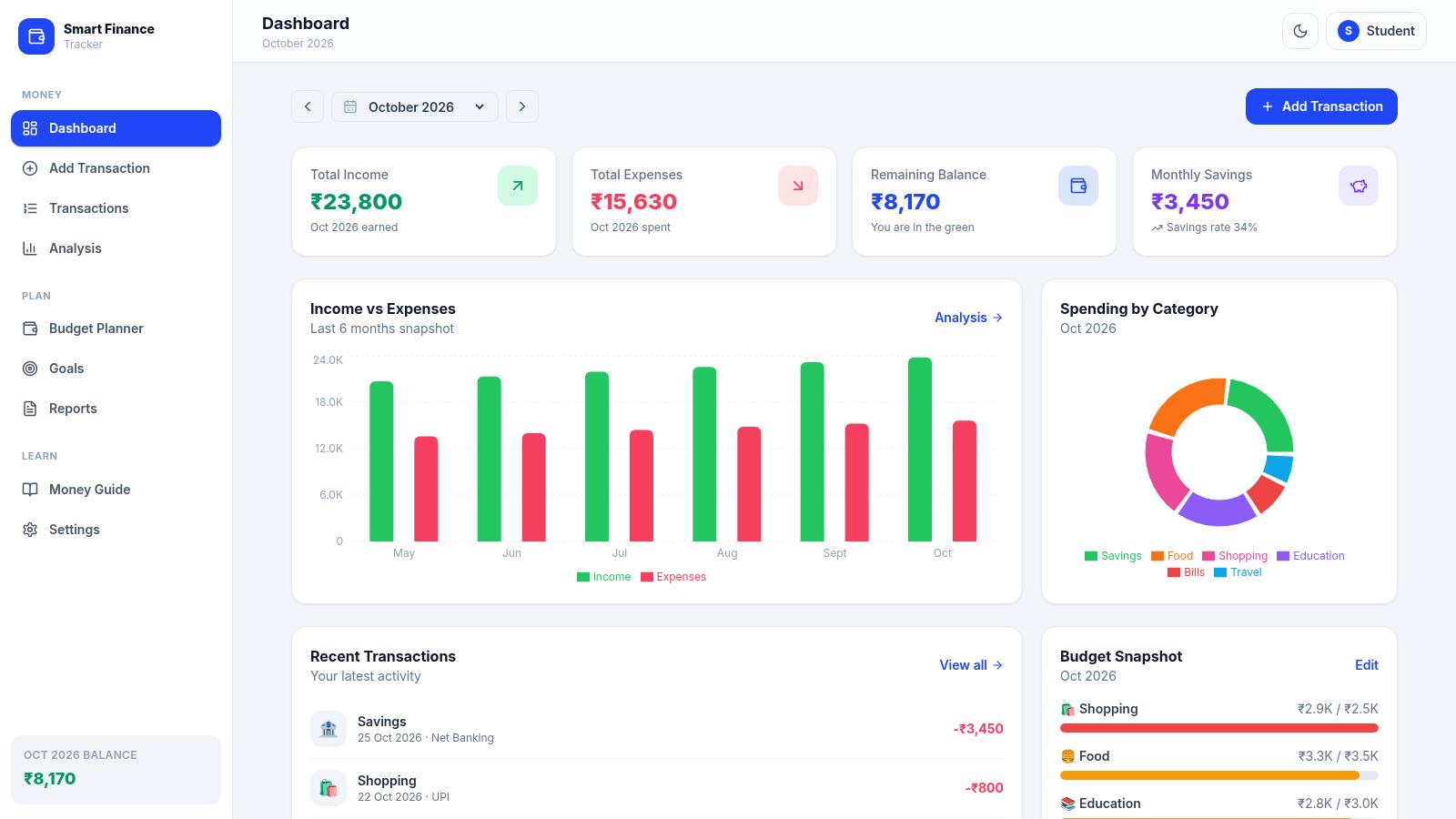
6paisawise
A modern personal finance dashboard built for Indian college students.
 1
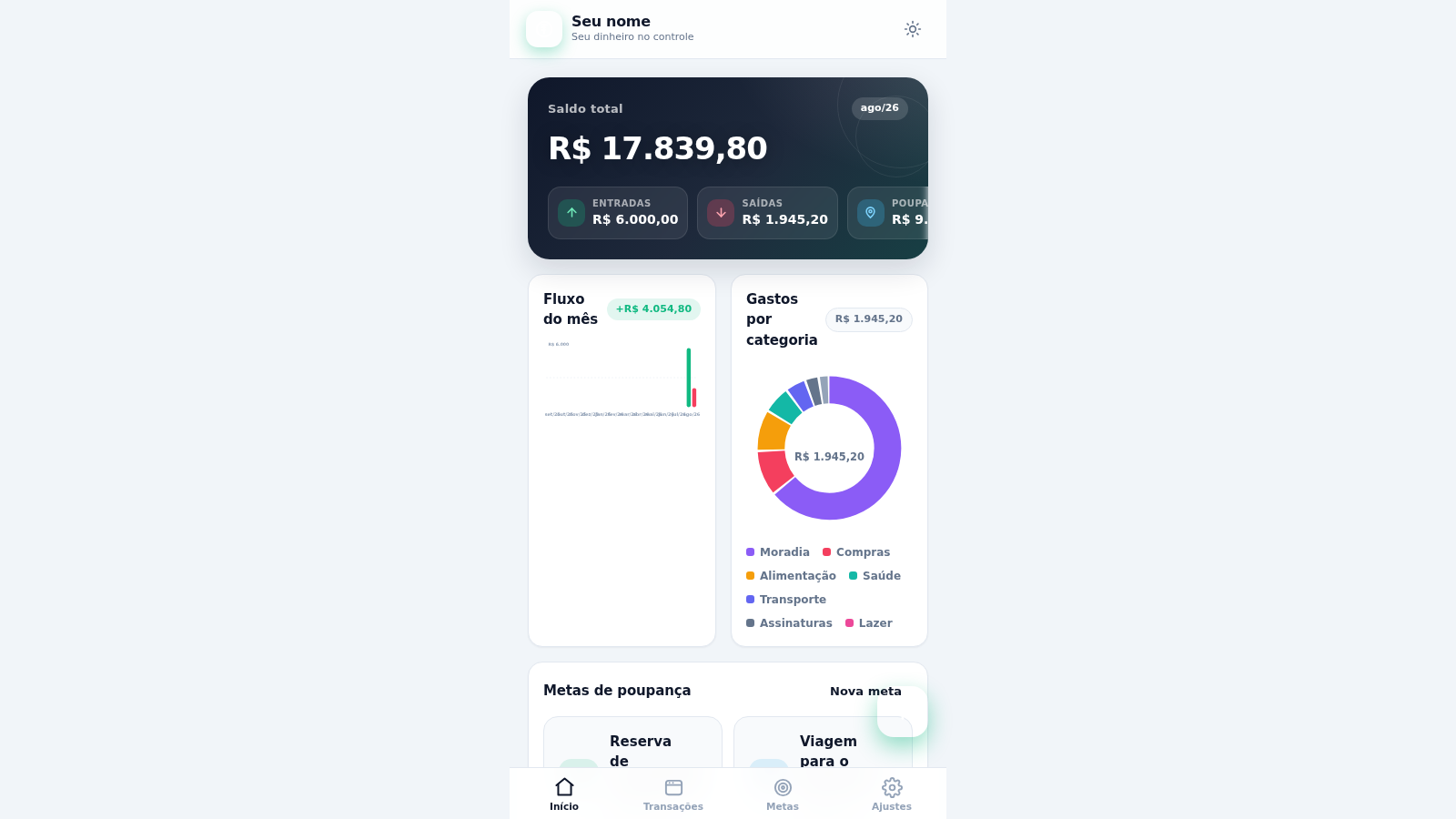
1Meu Poupador
Controle financeiro pessoal: receitas, despesas, metas de poupança, orçamentos e gráficos.
 3
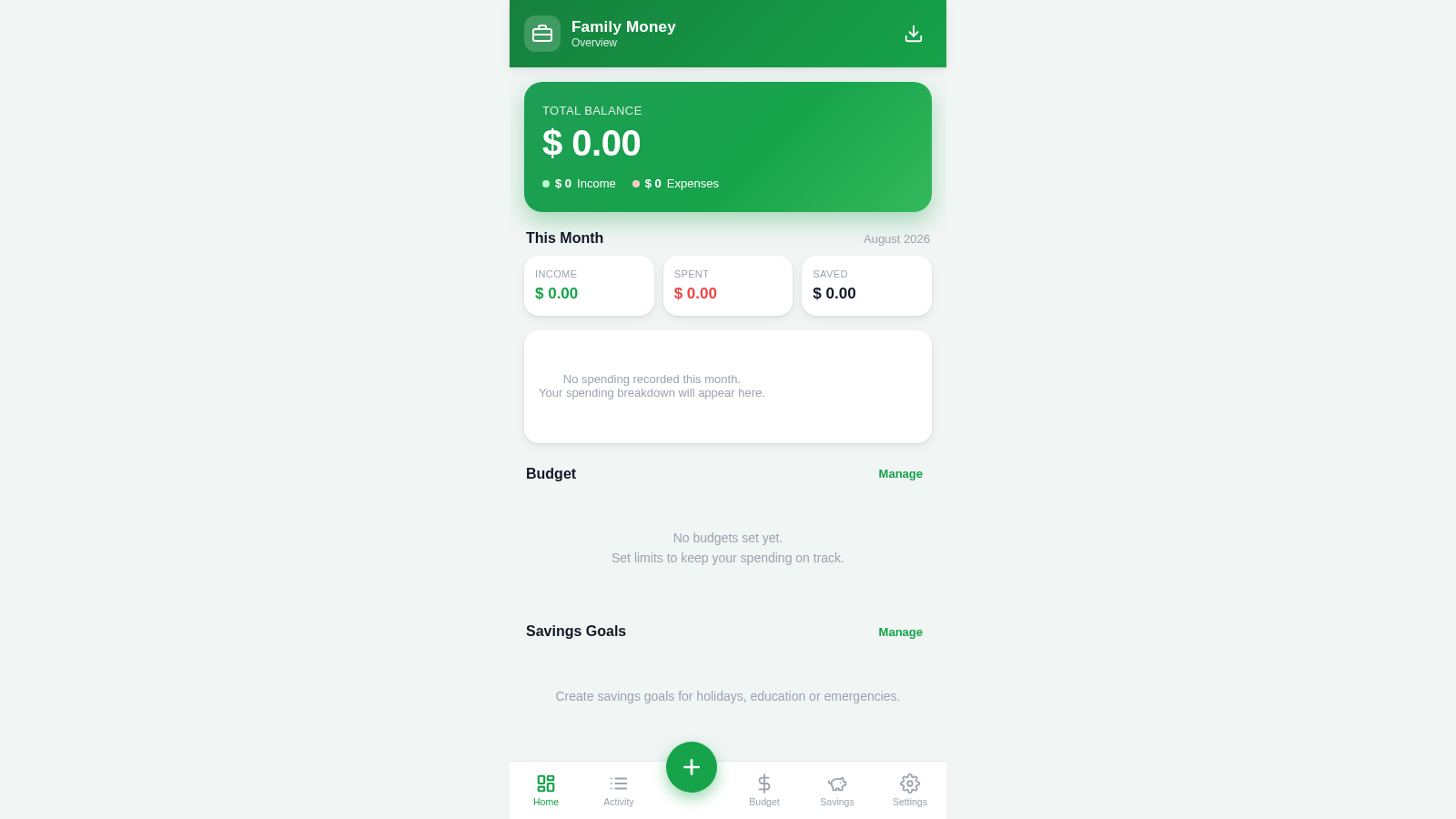
3Family Money Manager
Track income, expenses, budgets and savings for your family.
 17
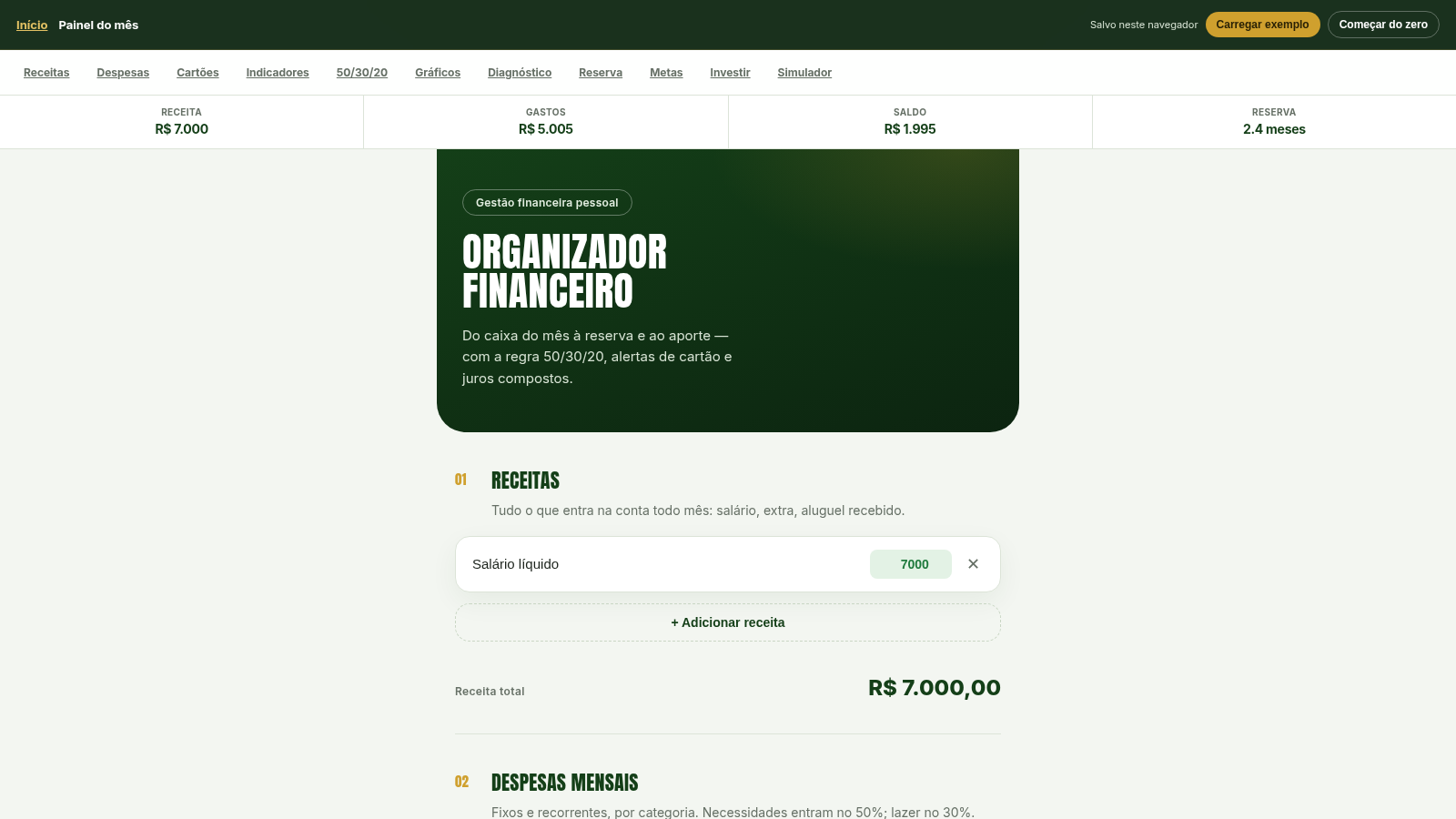
17Organizador Financeiro
Organize receitas, despesas e cartões. Aplique 50/30/20, calcule reserva de 6 meses, metas e juros compostos.