
Meu Poupador
Track everyday money, monthly budgets, and savings goals from one Portuguese-language dashboard.
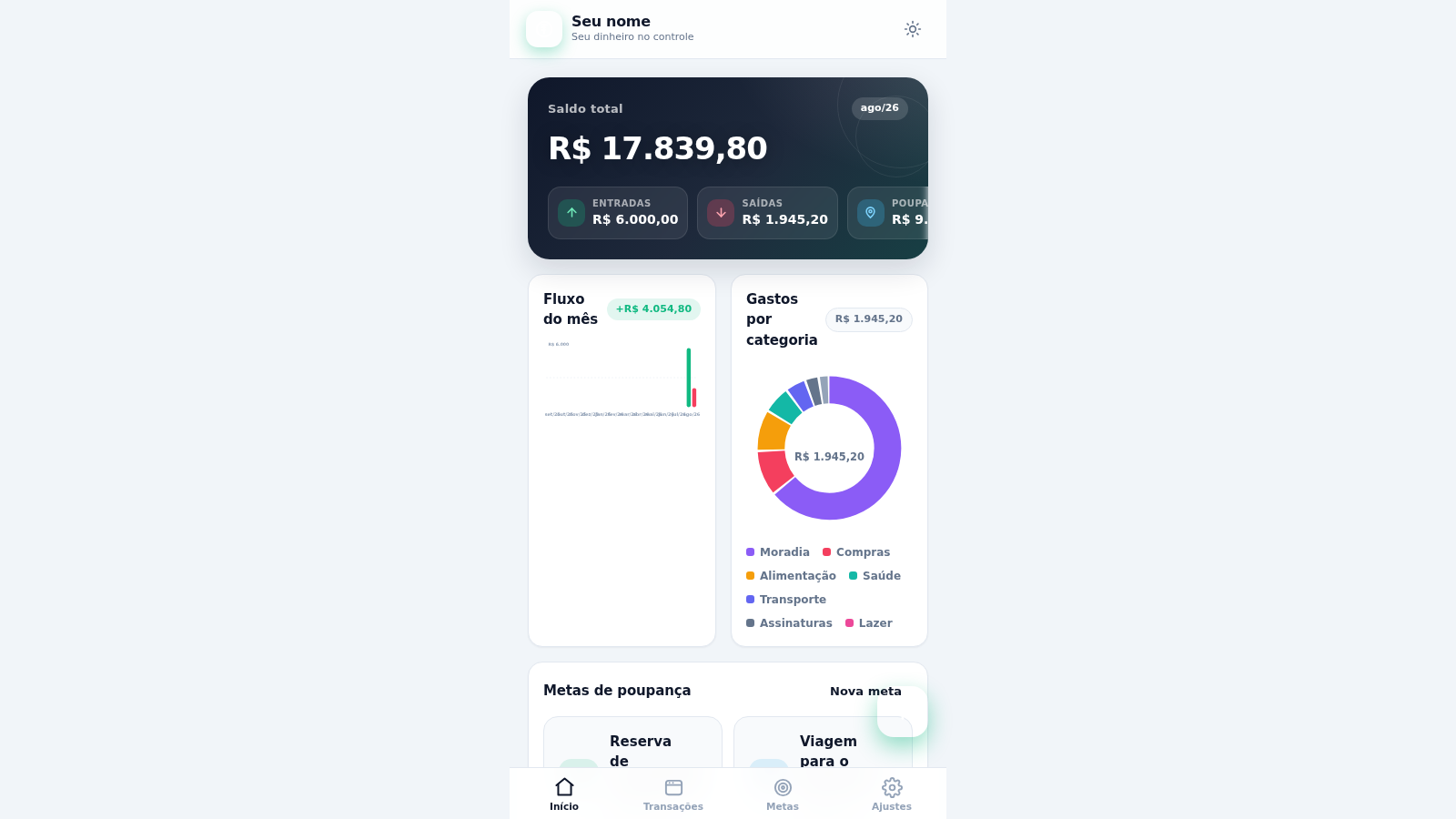
Meu Poupador is an interactive personal finance application presented in Brazilian Portuguese. Its home dashboard combines total balance, monthly income and expenses, savings, cash-flow history, category spending, budget utilization, recent transactions, and goal progress. Dedicated views let users browse and filter transactions, add income, expenses, or transfers, manage savings targets, and adjust accounts, categories, appearance, and stored data. Information is kept in the browser and can be exported or imported as JSON.
Highlights
Unified dashboard
Balances, charts, budgets
Transaction tools
Add, edit, search, filter
Savings goals
Track targets and progress
Local backup
Import and export JSON
How to Use
Review the dashboard
Open the home view to check the total balance, current-month inflows and outflows, savings, cash-flow history, spending by category, budget progress, savings targets, and recent activity.
Record money movement
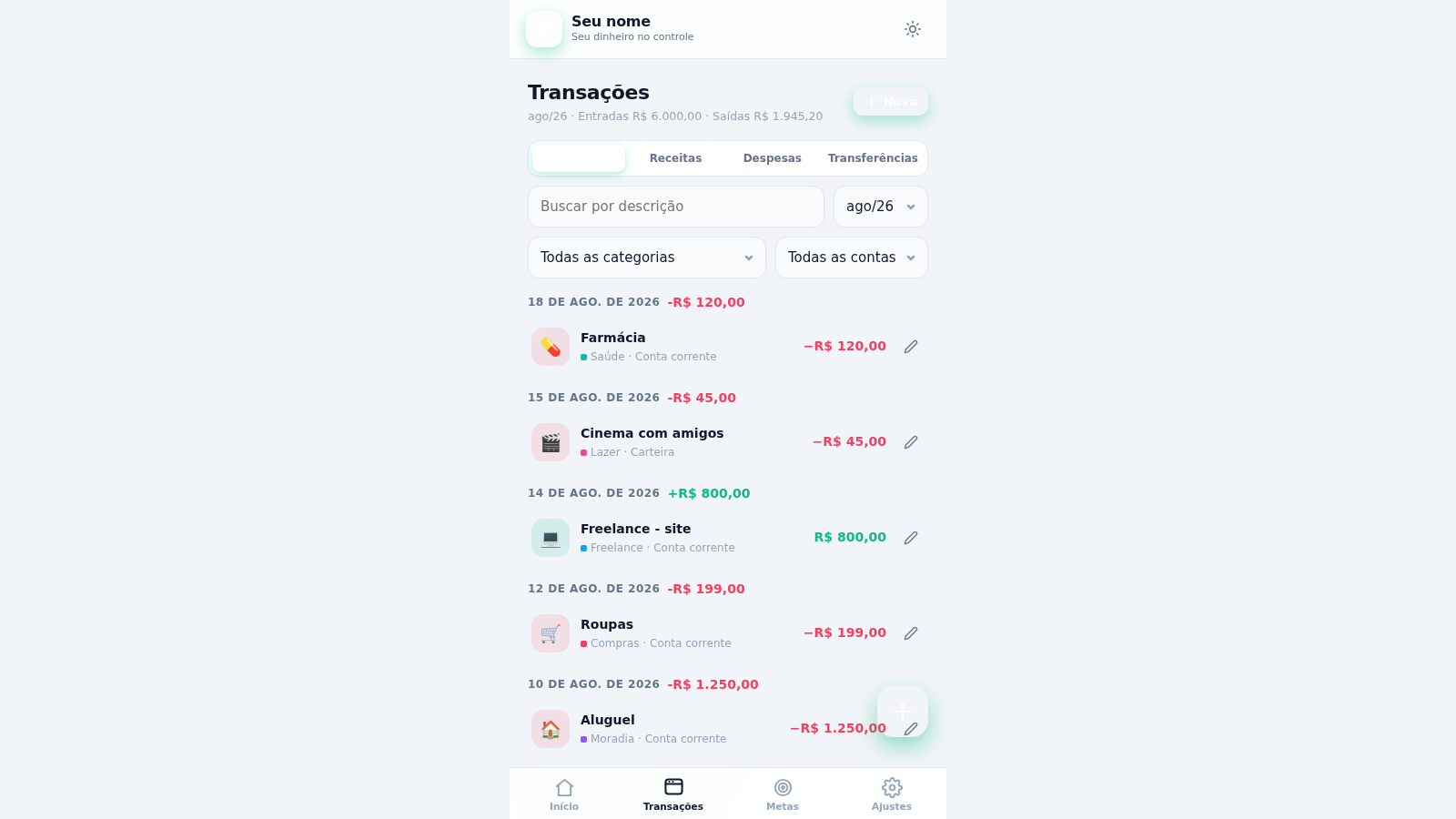
Open the Transactions view and choose New, then select income, expense, or transfer. Enter the amount and description, choose the relevant category and account, set the date, and add the record; the list and financial totals update from the saved entry.
Find and review records
Use the transaction type buttons, description search, month selector, category selector, and account selector to narrow the history. Each existing row also provides an edit action for correcting stored details.
Manage savings targets
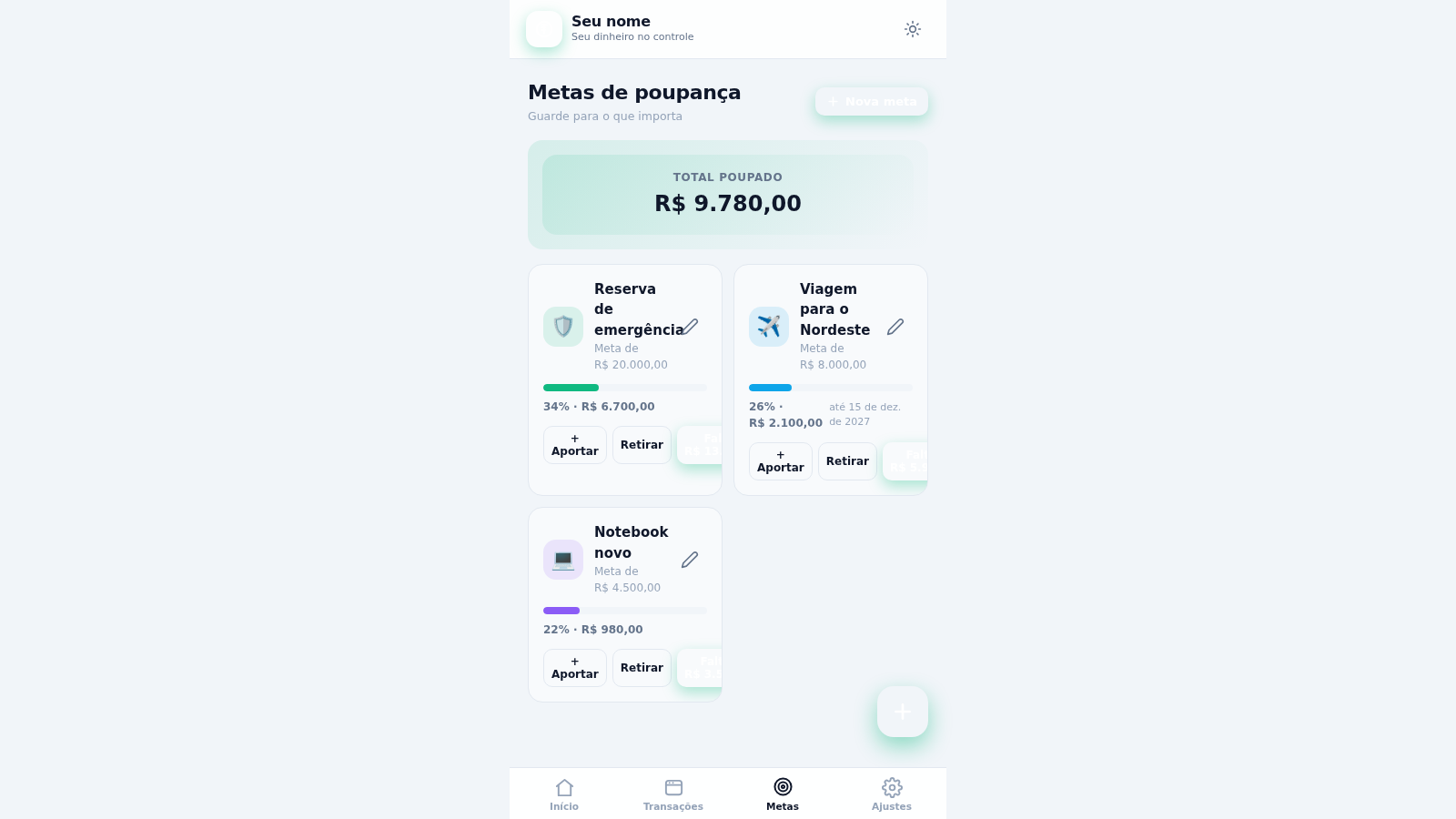
Open Goals to review saved amounts, target totals, deadlines, completion percentages, and remaining balances. Use the contribution or withdrawal controls to update progress, or create a new goal for another planned purchase or reserve.
Configure and back up
Use Settings to personalize the profile, theme, accounts, and categories. Export the browser data as JSON for backup, and use the import control when restoring a previously exported data set.
Similar Sites
 19
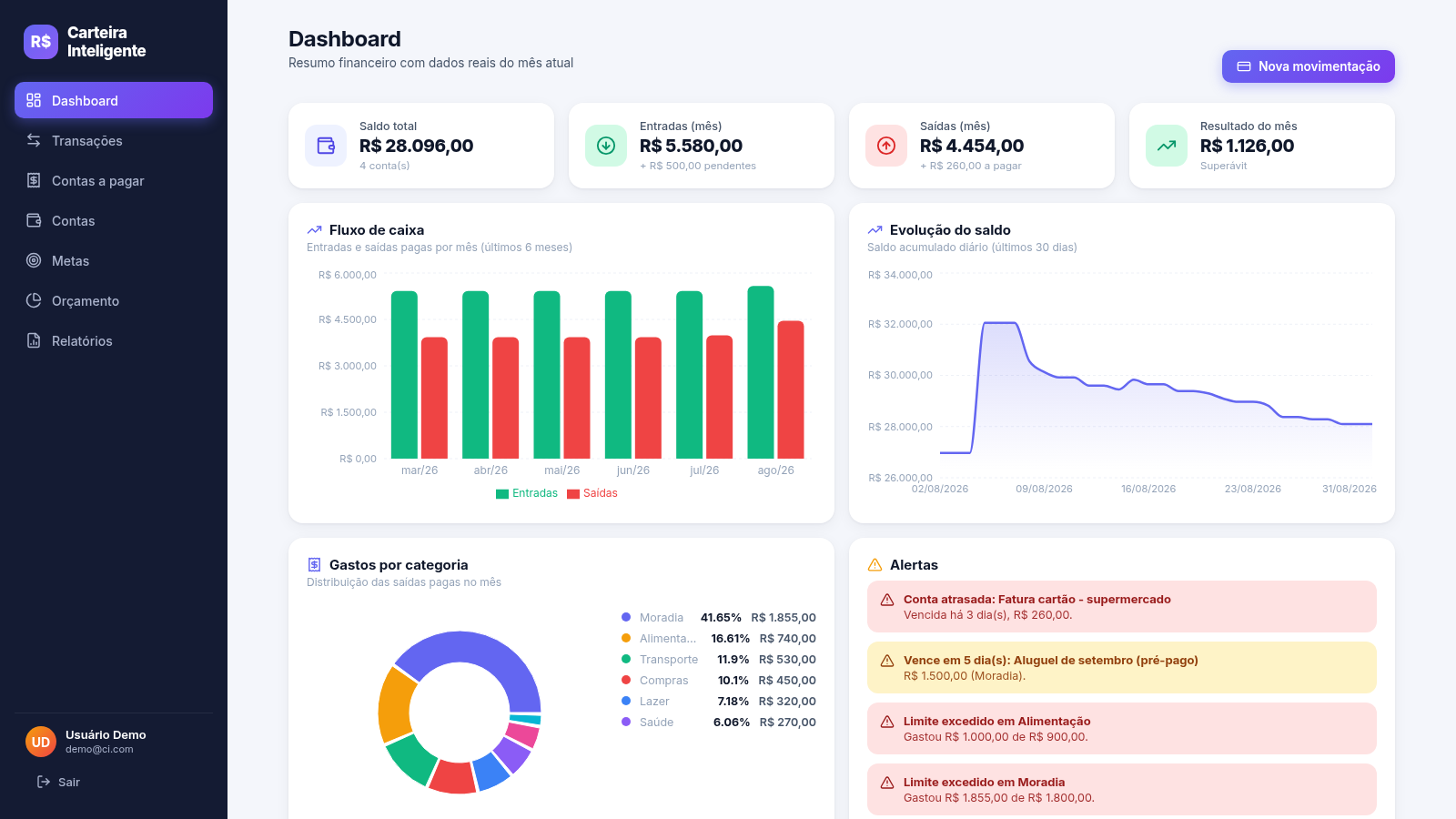
19Carteira Inteligente
Carteira Inteligente - controle financeiro pessoal em R$
 17
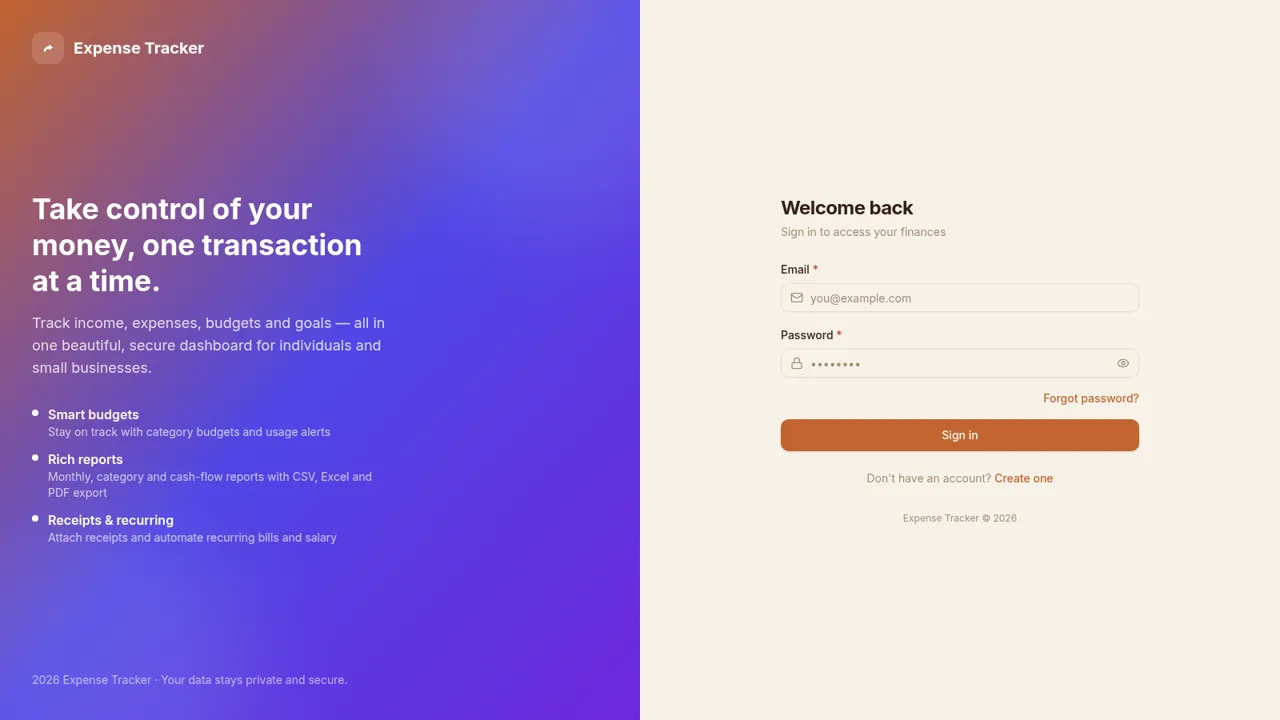
17Expense Tracker
Track income, expenses, budgets, recurring bills, and savings goals with reports and exports
 6
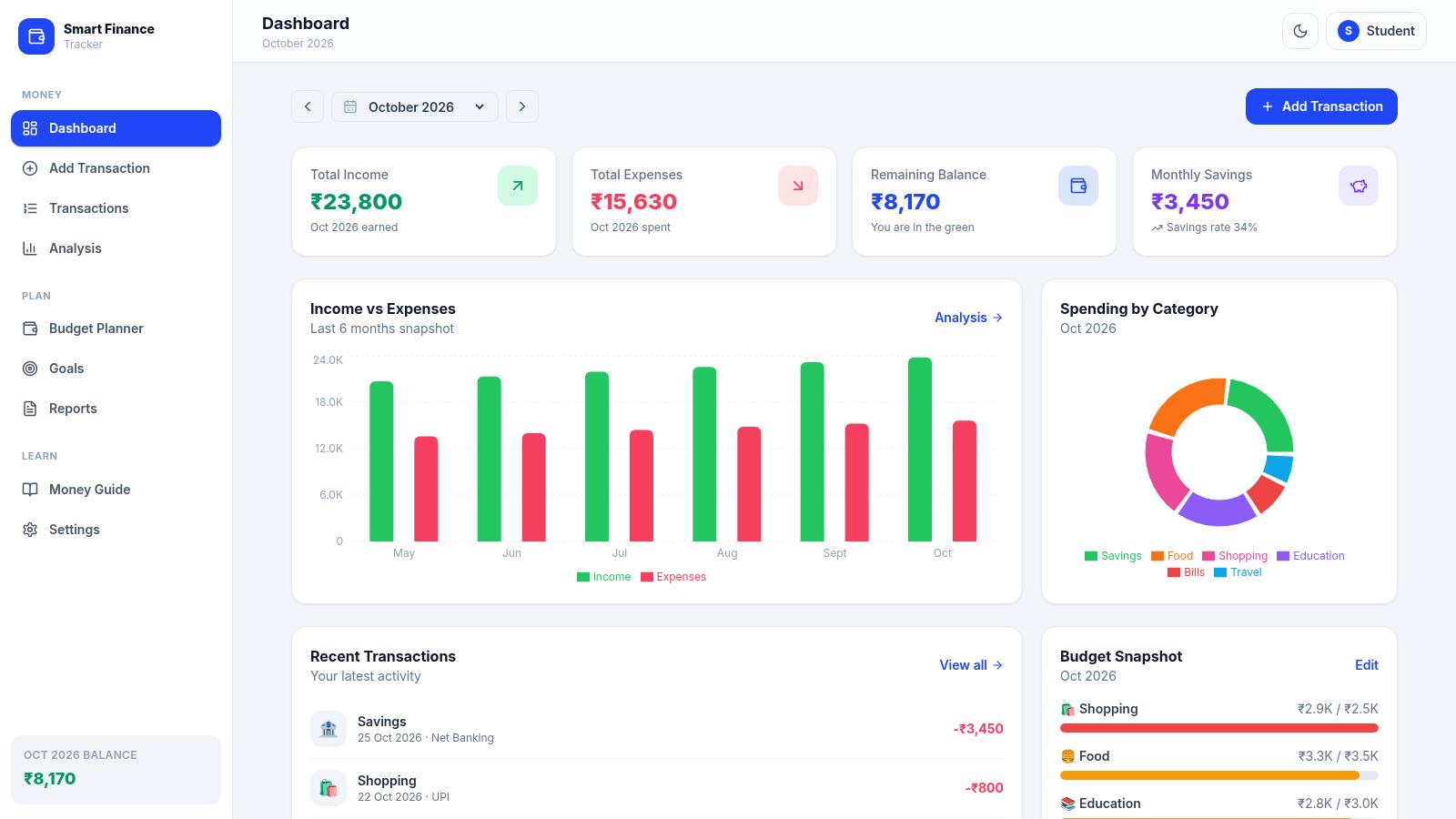
6paisawise
A modern personal finance dashboard built for Indian college students.
 3
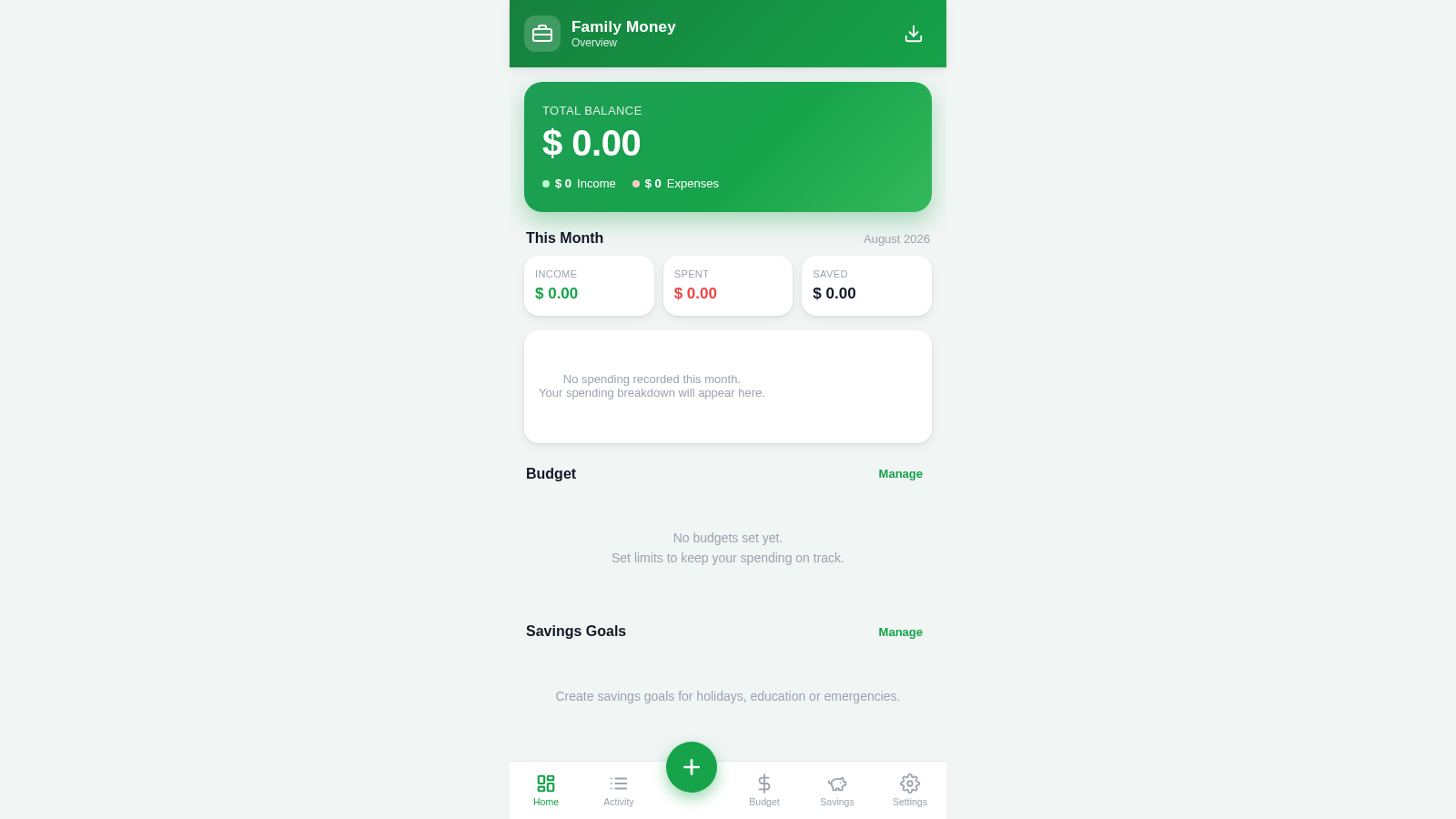
3Family Money Manager
Track income, expenses, budgets and savings for your family.
 6
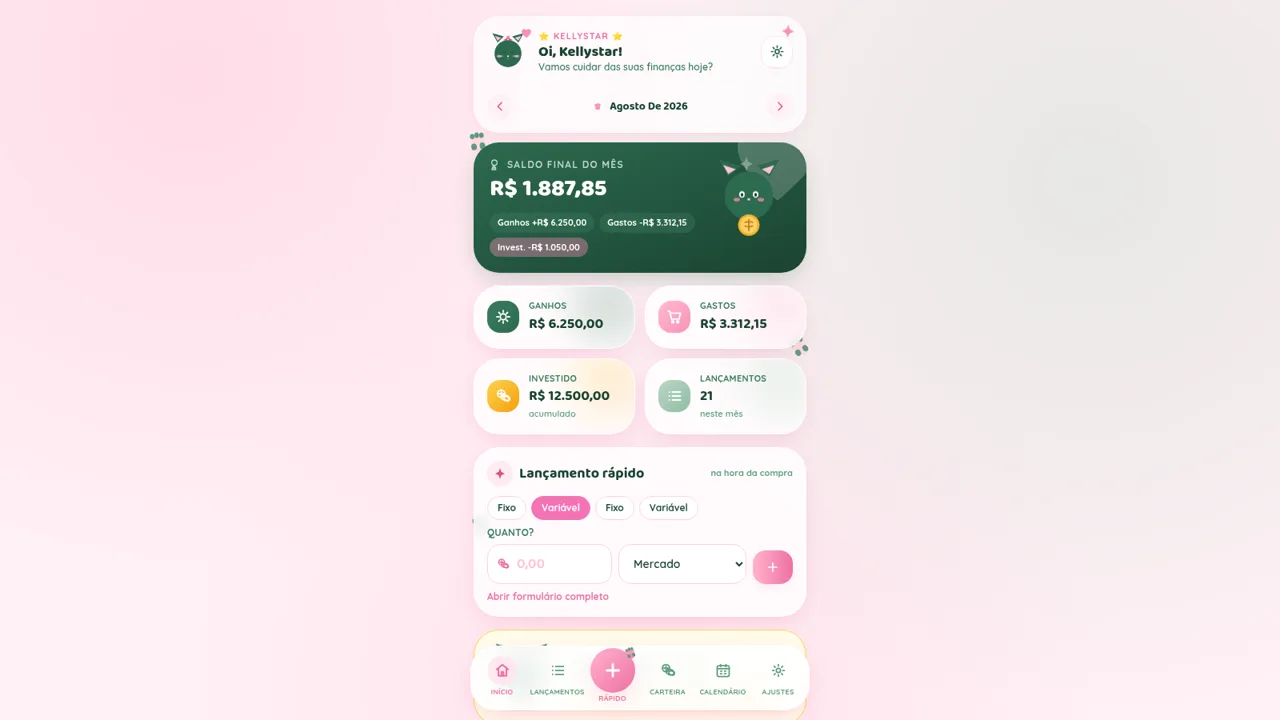
6Kellystar
Gestão de finanças pessoais fofa, responsiva e editável
 5
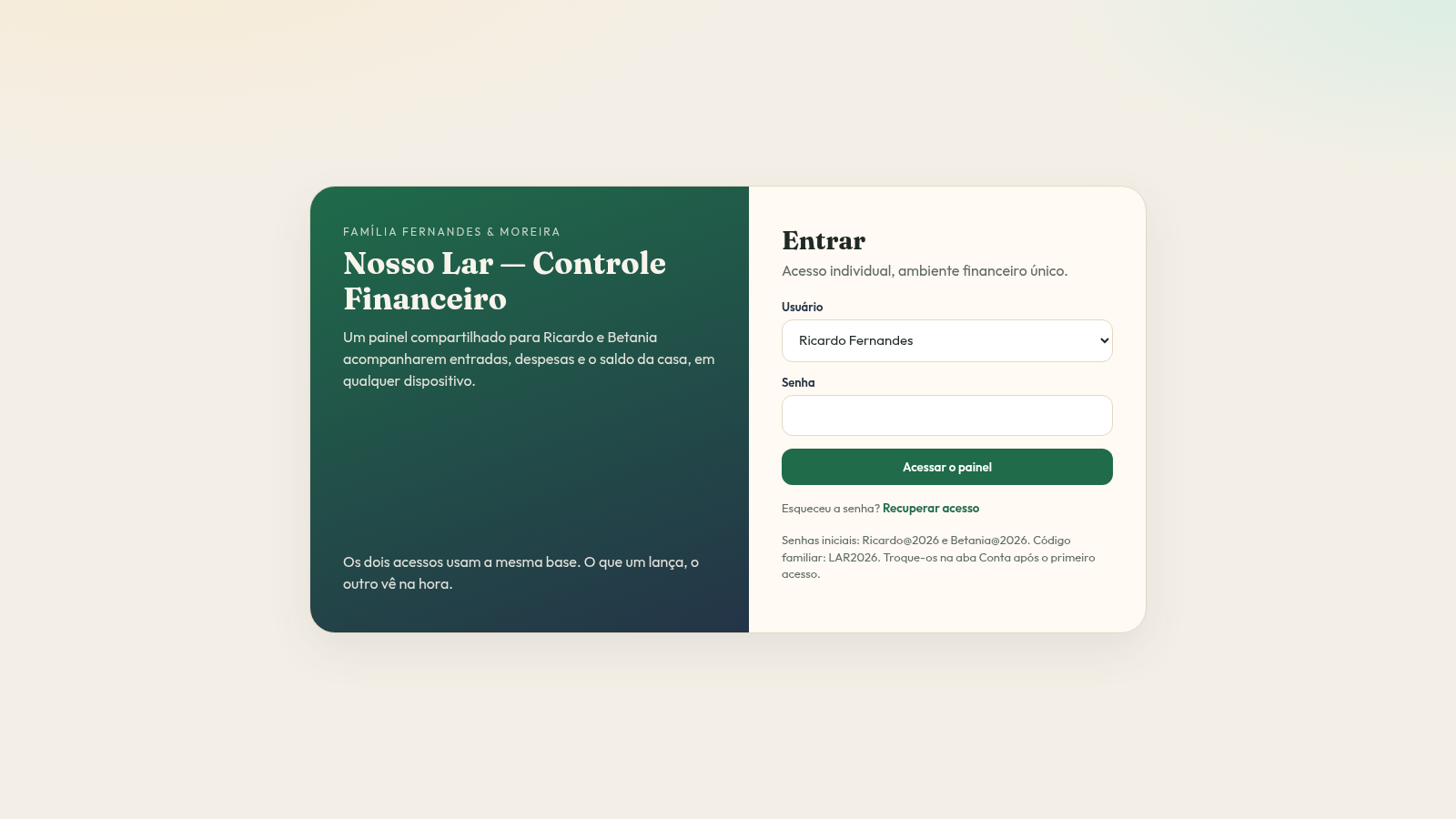
5Nosso Lar Controle Financeiro
CRM doméstico compartilhado para Ricardo e Betania controlarem as finanças da casa.