
Organizador Financeiro
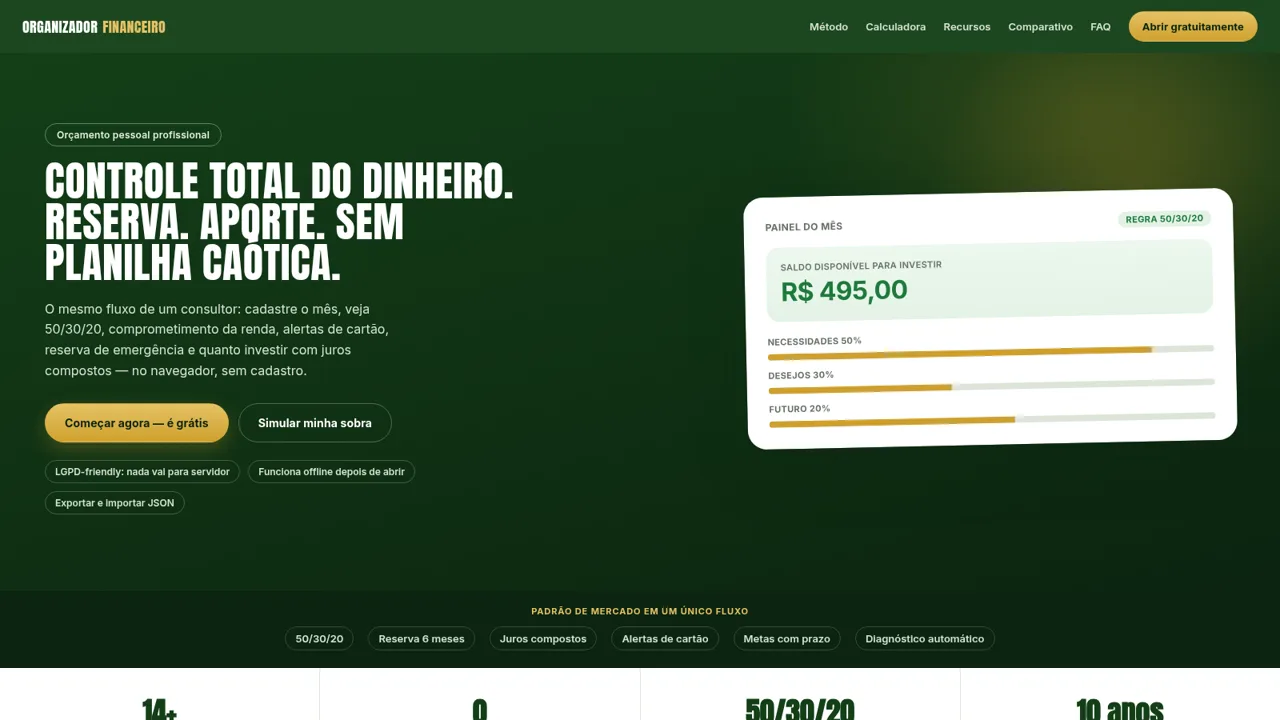
Plan a monthly budget, build an emergency reserve and project investments in one private browser-based workspace.
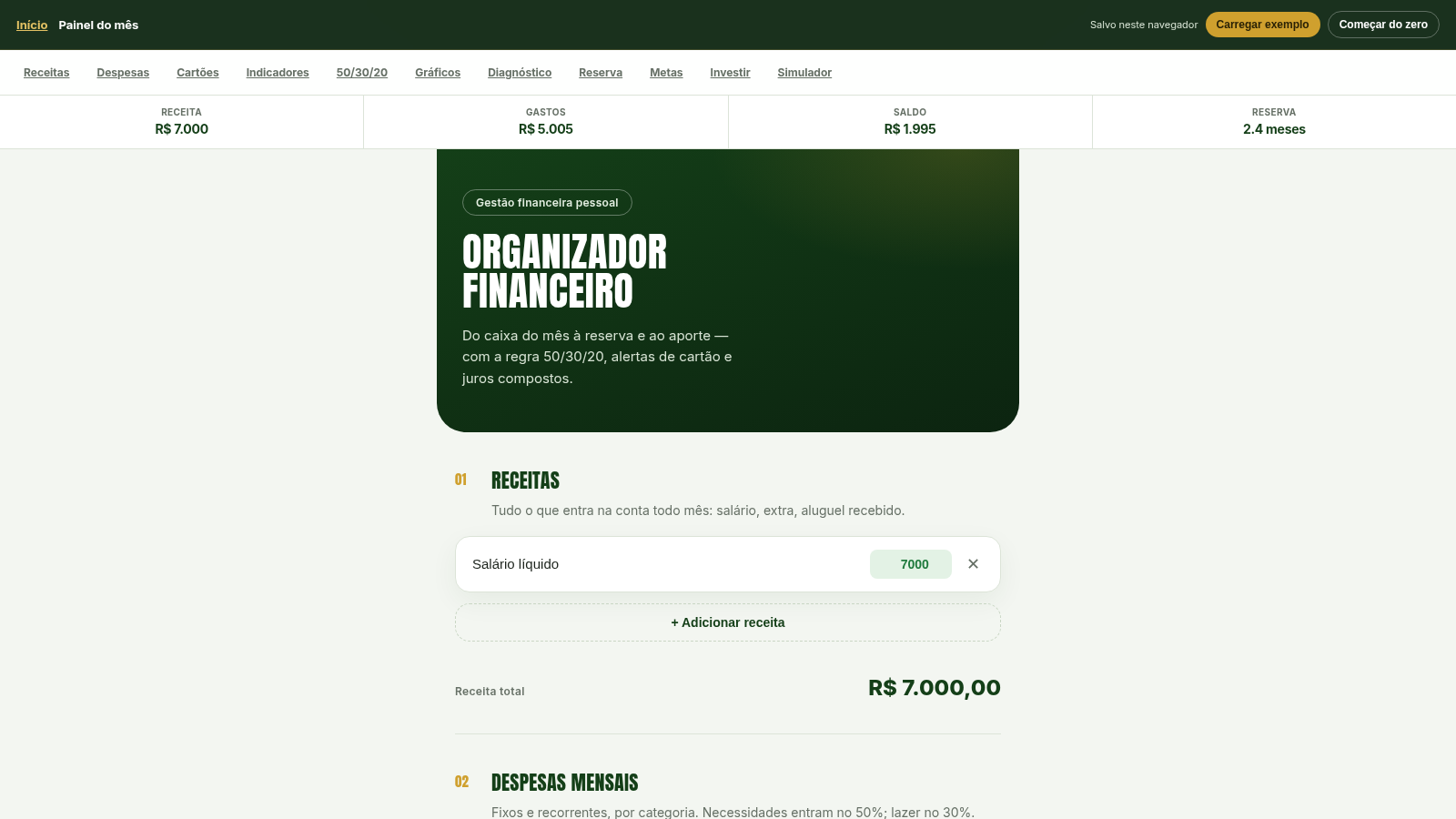
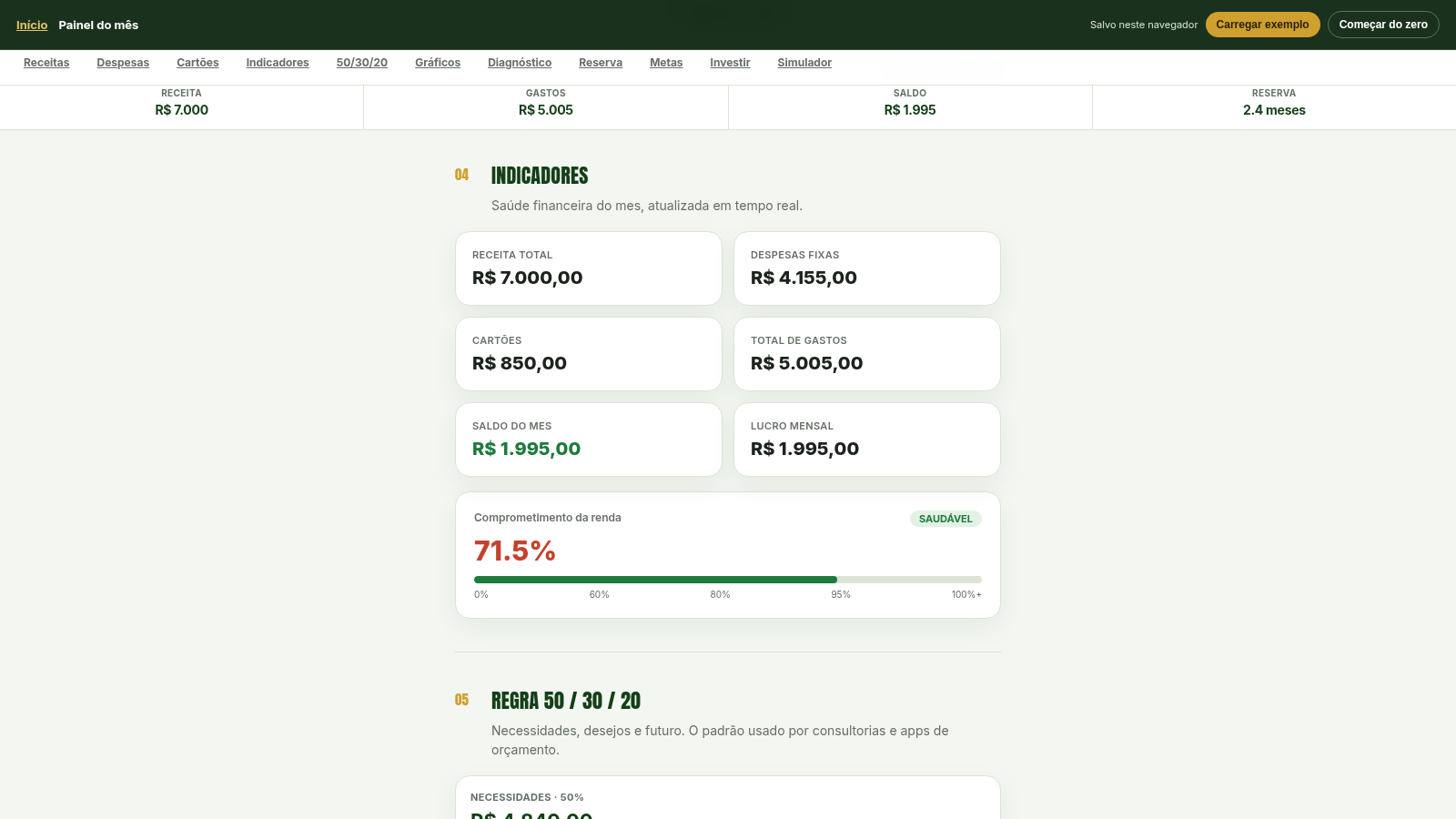
Organizador Financeiro is an interactive personal finance application presented in Portuguese. It lets users enter income, recurring expenses and credit-card details, then calculates monthly spending, remaining balance and income commitment in real time. The dashboard applies the 50/30/20 budgeting method, groups spending by category, generates a written diagnosis, flags risky patterns and proposes practical actions. Additional sections calculate the target and current coverage of a six-month emergency reserve, manage multiple goals with deadlines, compare what-if scenarios and project monthly contributions over one, five and ten years using an adjustable annual rate. No account is required: data stays in local browser storage, with controls for JSON backup, restoration and PDF output.
Highlights
Live Budget Analysis
Totals update instantly
50/30/20 Breakdown
Tracks each budget band
Actionable Diagnosis
Flags risks and next steps
Scenario Simulator
Compares financial changes
Private Local Data
No account or cloud upload
How to Use
Choose a starting point
Open the dashboard and either start with empty fields or load the built-in example. The example immediately fills the modules with realistic data so you can inspect every calculation before replacing it with your own figures.
Enter monthly cash flow
Add income sources, recurring expenses and credit cards. Give each expense a category and enter card limits, bills and dates; dashboard totals, charts and the income commitment indicator update as values change.
Review the budget analysis
Use the indicators, 50/30/20 section, category chart, written diagnosis and alerts to see where money is going. The action plan translates the current figures into concrete areas to review.
Plan reserves and goals
Enter existing emergency savings to compare current coverage with a six-month target. Add named financial goals, amounts and deadlines to calculate the monthly amount required for each objective.
Test scenarios and investments
Select a predefined scenario such as a salary increase or expense reduction to compare monthly and annual impact. Then set a monthly investment and annual rate to view compound-interest projections for one, five and ten years.
Keep a backup
Your information remains in the current browser. Use the JSON backup control before clearing browser data or moving devices, and restore that file later through the import control; the dashboard also offers PDF output.
Similar Sites
 19
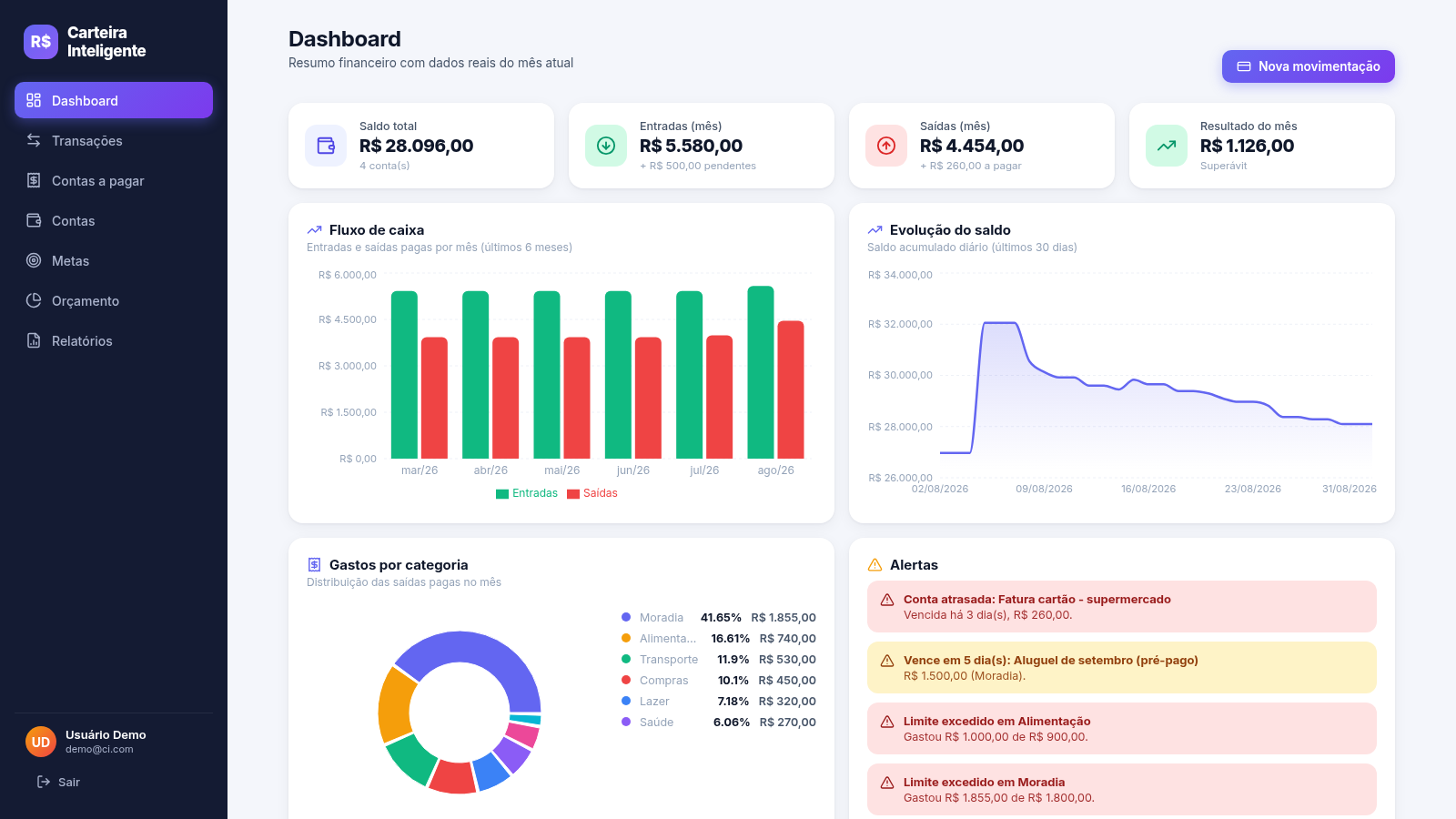
19Carteira Inteligente
Carteira Inteligente - controle financeiro pessoal em R$
 17
17Expense Tracker
Track income, expenses, budgets, recurring bills, and savings goals with reports and exports
 5
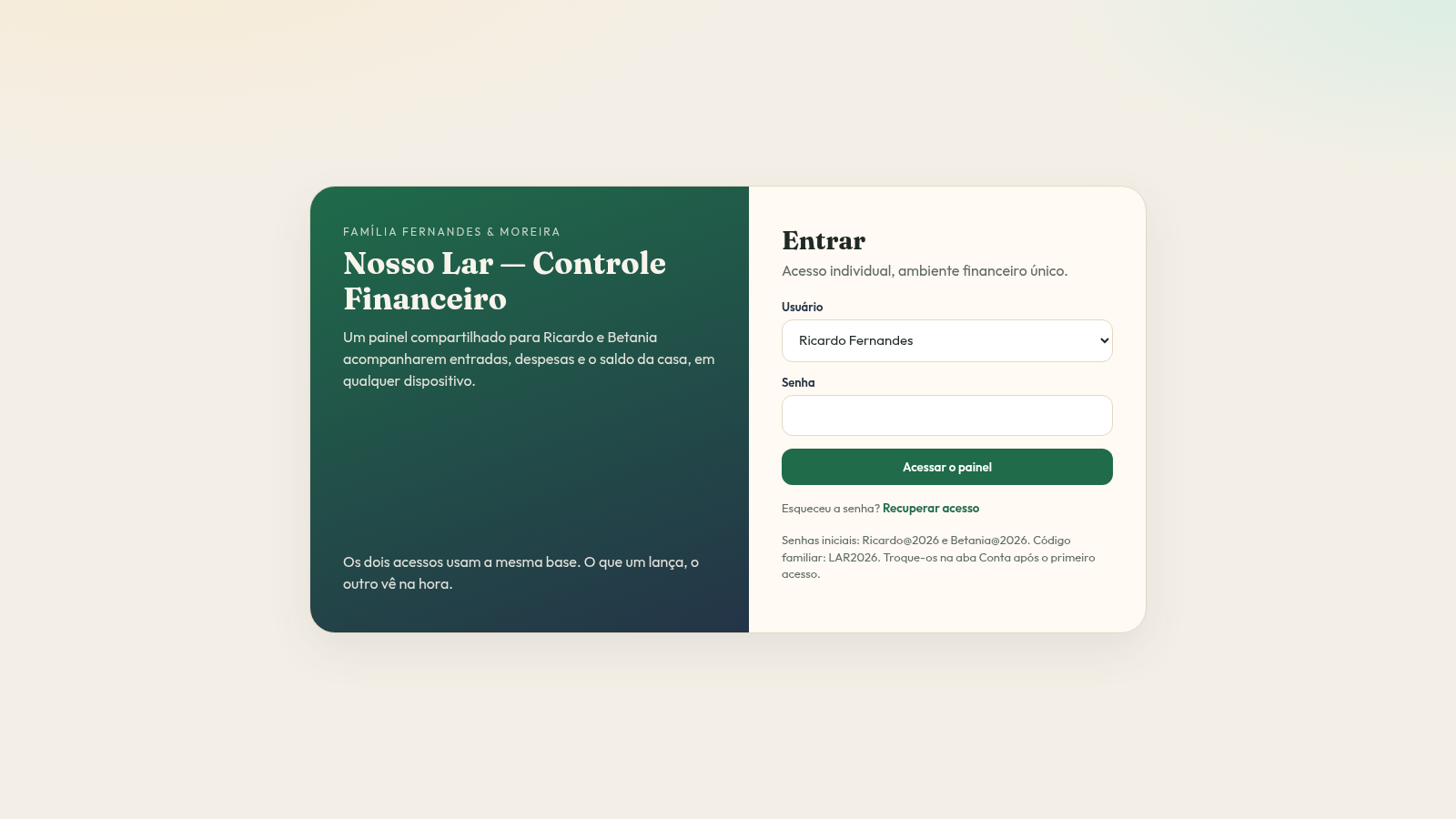
5Nosso Lar Controle Financeiro
CRM doméstico compartilhado para Ricardo e Betania controlarem as finanças da casa.
 9
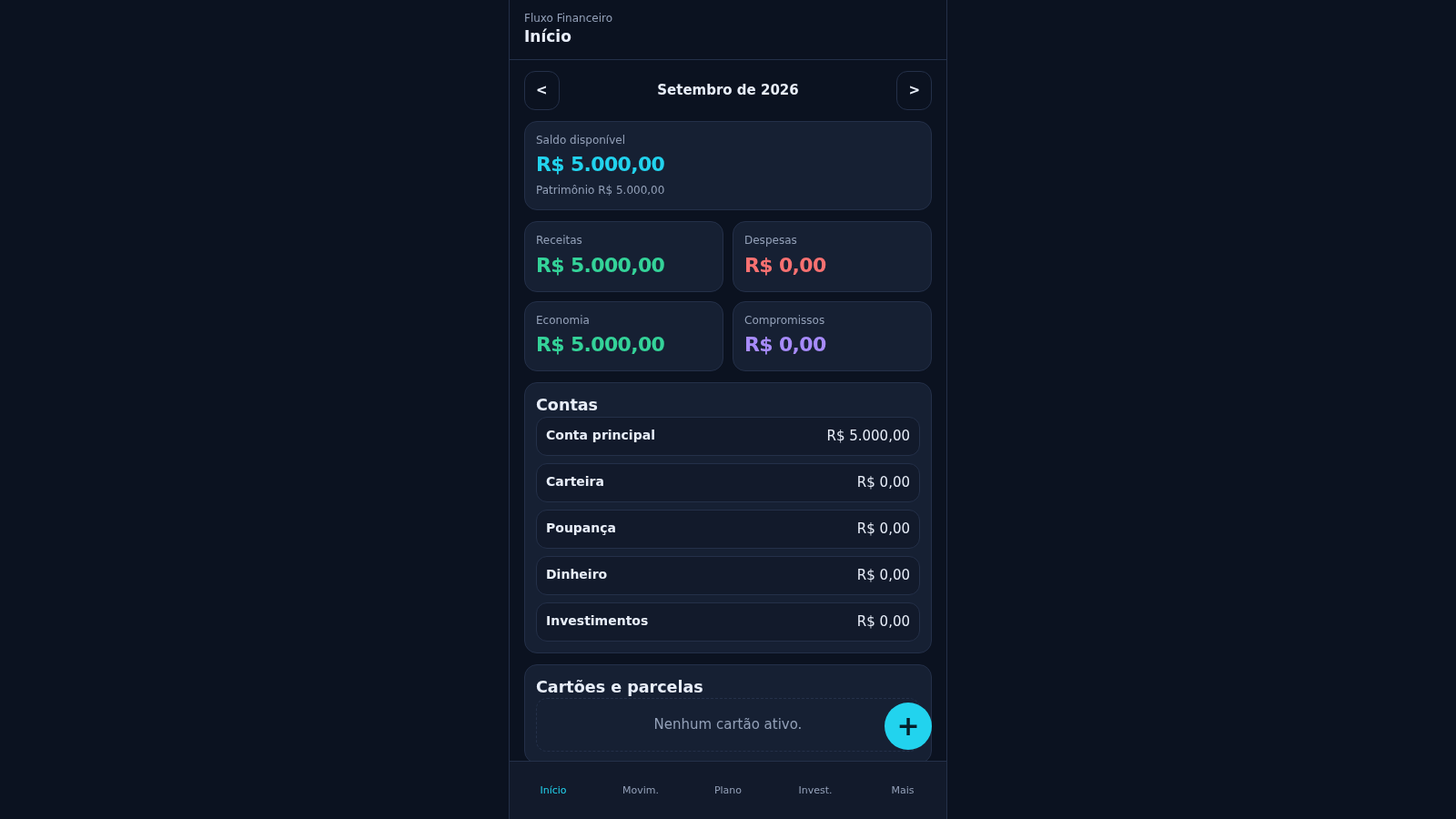
9Fluxo Financeiro
Controle pessoal de receitas, despesas, cartões e planejamento.
 5
5VELORA — Ateliê Financeiro
Patrimônio, cartões, orçamentos e metas num ateliê privado.
 4
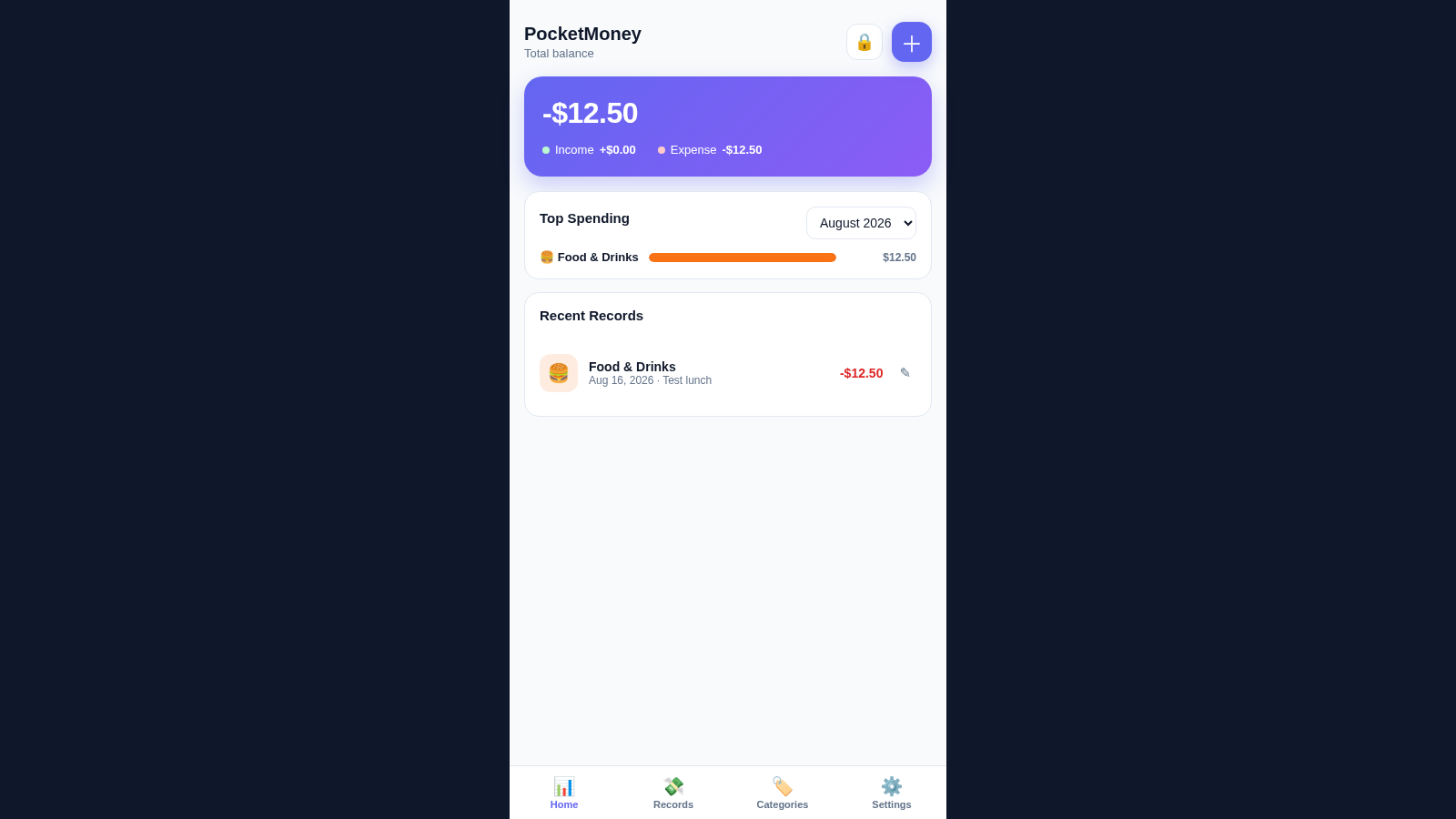
4PocketMoney Manager
Mobile-first pocket money app with PIN lock, editable categories, and CSV/Excel export.