
Controle de Treinamentos
Centralize employee registrations and issue training certificates only when records are valid
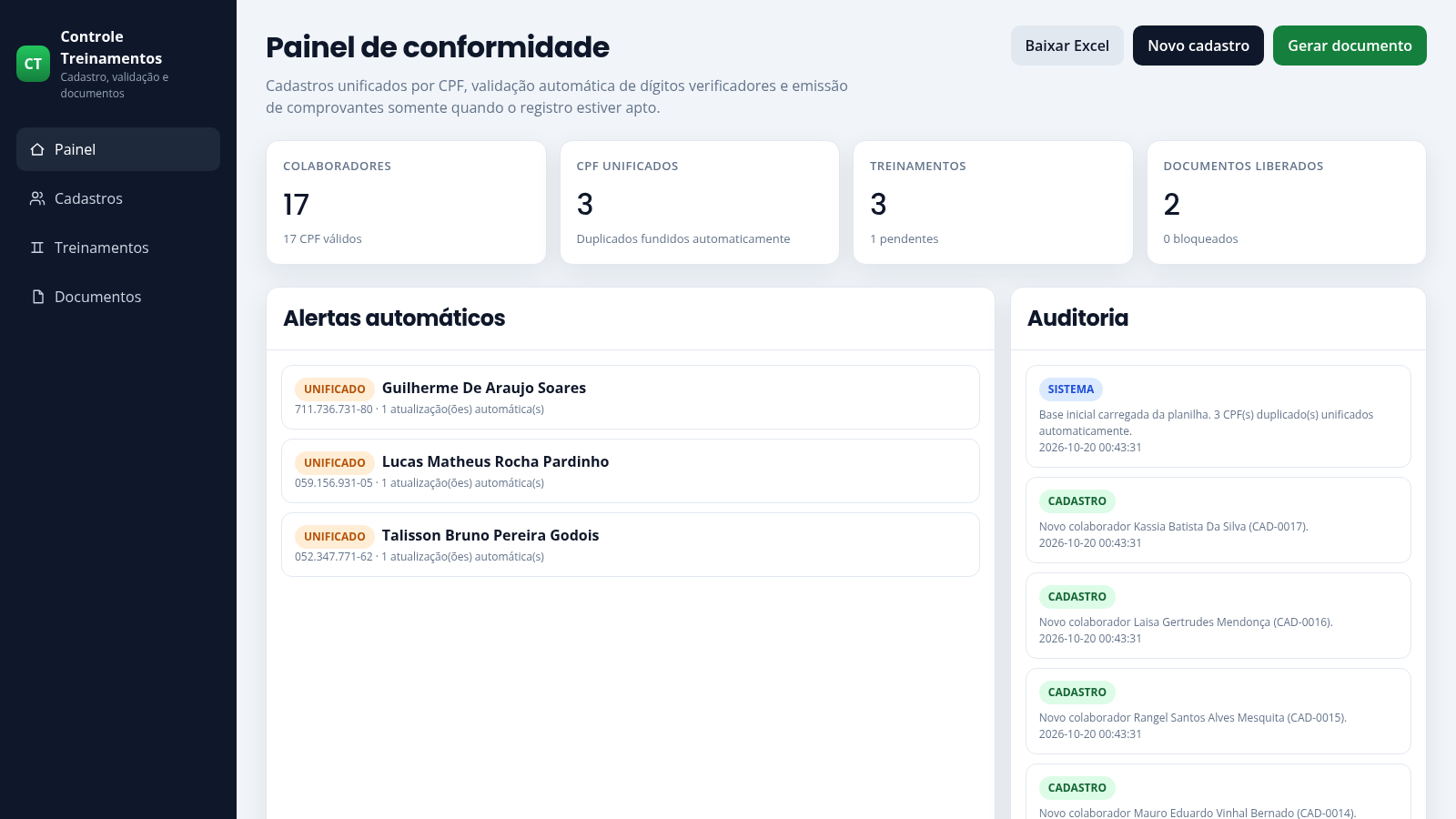
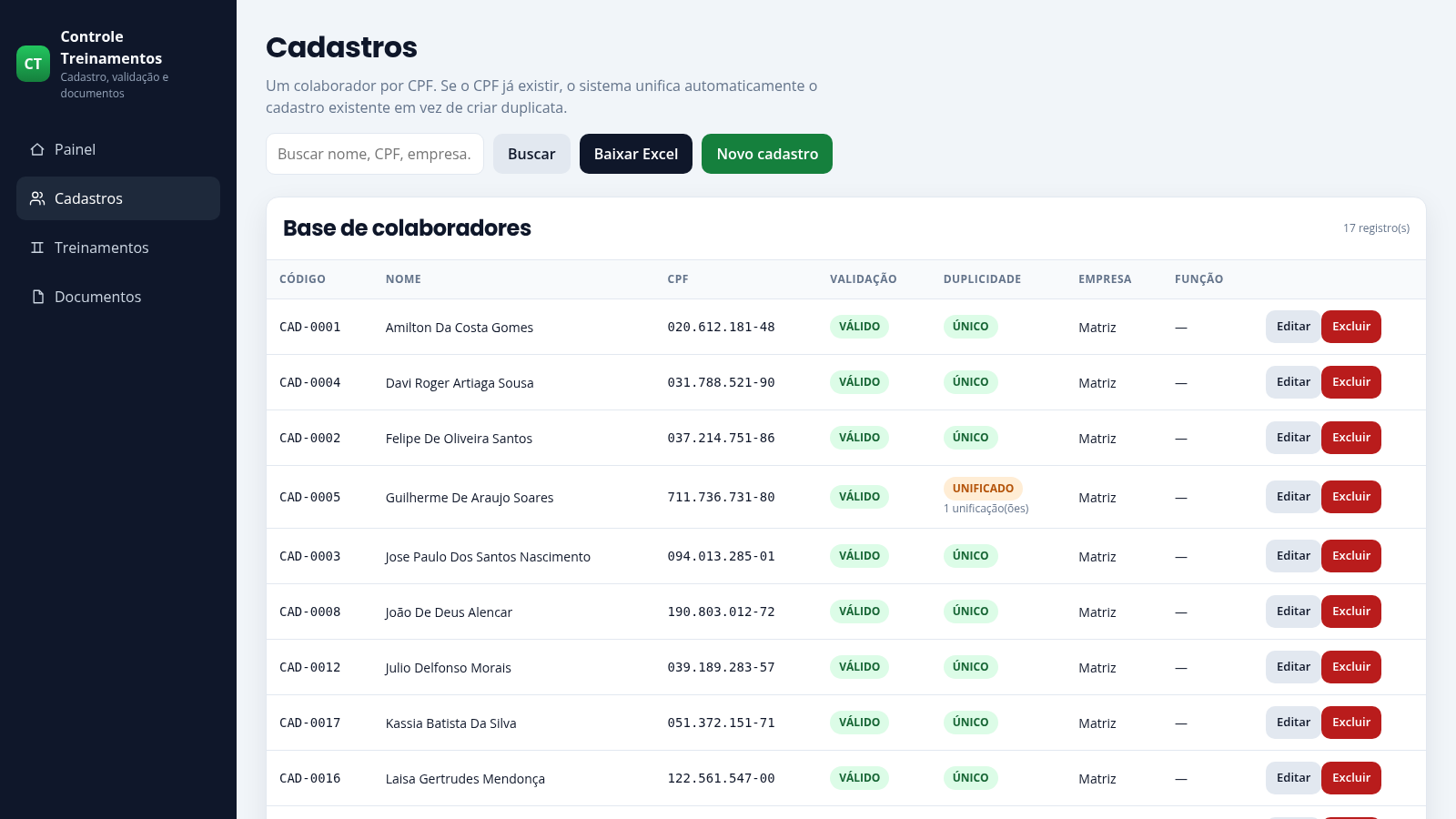
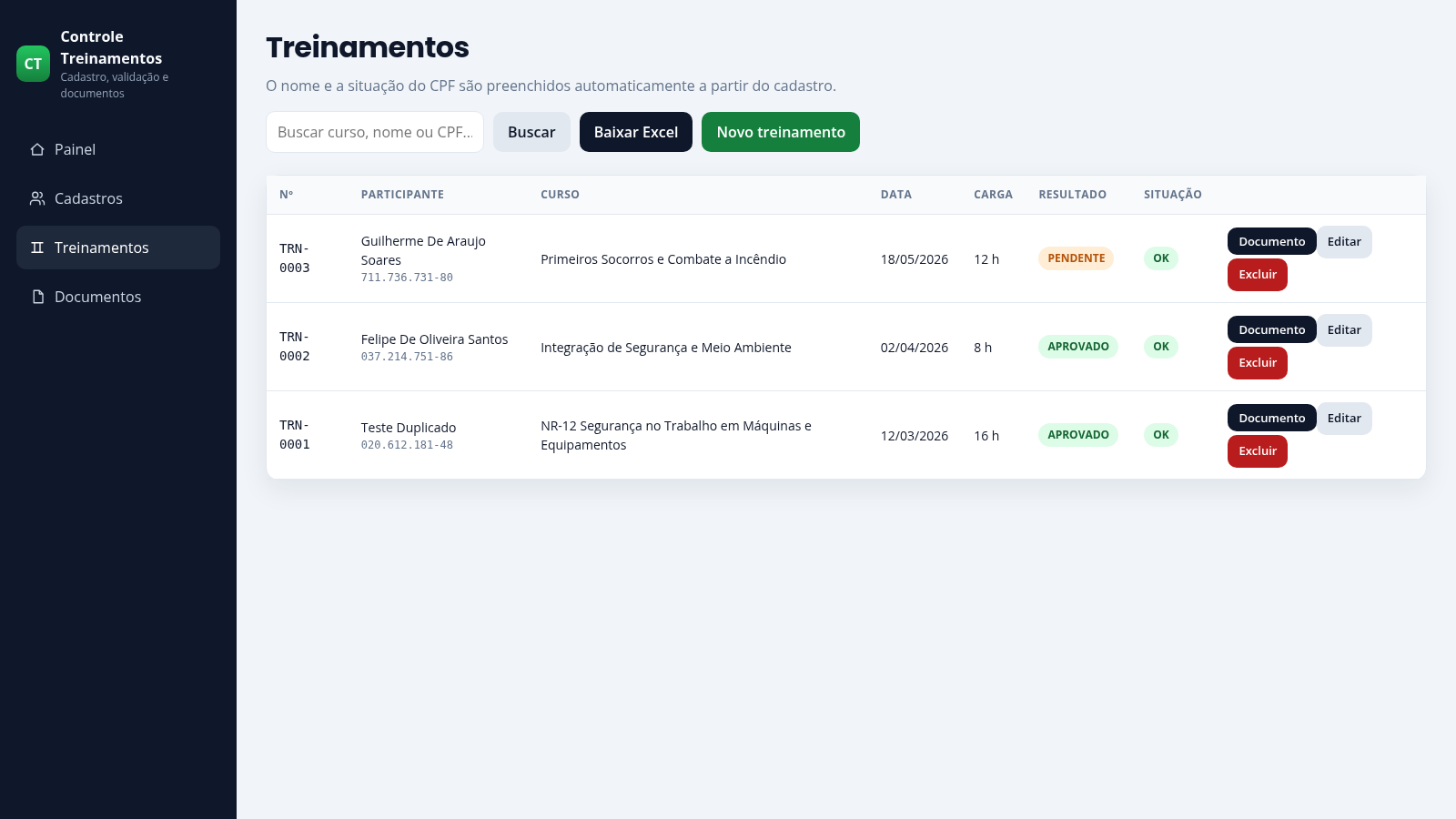
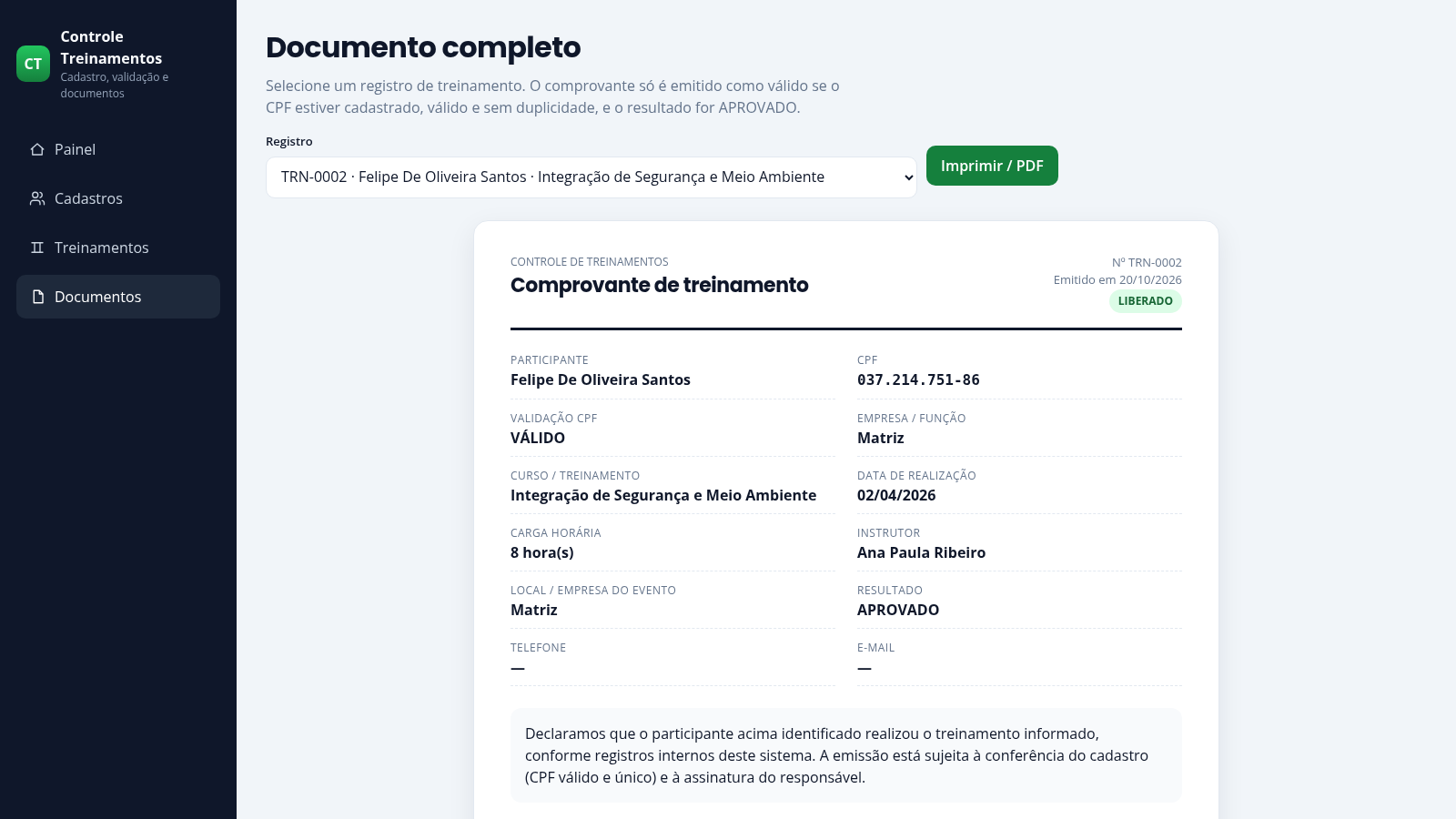
Controle de Treinamentos is a Portuguese-language management console for corporate training compliance. The compliance dashboard summarises how many employees are registered, how many CPF duplicates were merged, how many training records exist and how many certificates are released, then lists automatic unification alerts and an audit trail of every registration. The Cadastros page keeps a single record per CPF, validates the Brazilian CPF check digits and merges duplicates into the existing entry. The Treinamentos page stores course name, date, workload, instructor, company and result, and fills the participant name from the CPF. The Documentos page renders a printable training certificate and explicitly blocks it when the result is not approved or the CPF is invalid. Data can be exported to an Excel workbook.
Highlights
CPF dedup
Duplicates merge
CPF check
Invalid CPFs flagged
Training log
Course, date, result
Gated certificates
Only approved records
Audit trail
Every change logged
Excel export
Download all records
How to Use
Read the compliance dashboard
Open the home page to see four counters for employees, merged CPFs, training records and released documents, followed by automatic alerts listing merged names and an audit column with timestamped entries. Use the top buttons to download the spreadsheet, start a registration or jump to document issuance.
Register an employee
Go to Cadastros and press Novo cadastro. Fill in the full name and CPF, then optionally choose the company, role, admission date, phone and email. Submitting a new CPF adds a new row with a VÁLIDO or INVÁLIDO validation badge; submitting an existing CPF shows a message that the existing record was updated and marks it UNIFICADO, so the register count does not grow.
Find and maintain records
Use the search box on Cadastros to filter by name, CPF or company and press Buscar; the table count updates to the filtered result. Each row exposes Editar and Excluir actions, and the toolbar offers Baixar Excel, which downloads the full dataset as an xlsx file.
Log a training course
On Treinamentos press Novo treinamento and type the participant CPF. The form immediately shows the person name together with a status such as cadastro apto or CPF inválido. Fill in the course, date, workload, instructor, company, result and notes, then save to add a row showing participant, CPF, course, date, workload, result and status.
Issue a certificate
Open Documentos and select a training record from the dropdown. The certificate card shows participant, CPF validation, company, course, date, workload, instructor, venue and result. Records that are not approved, or whose CPF is missing or invalid, display a BLOQUEADO warning, while eligible records show LIBERADO. The Imprimir / PDF button opens the browser print view for saving the document.
Similar Sites
 32
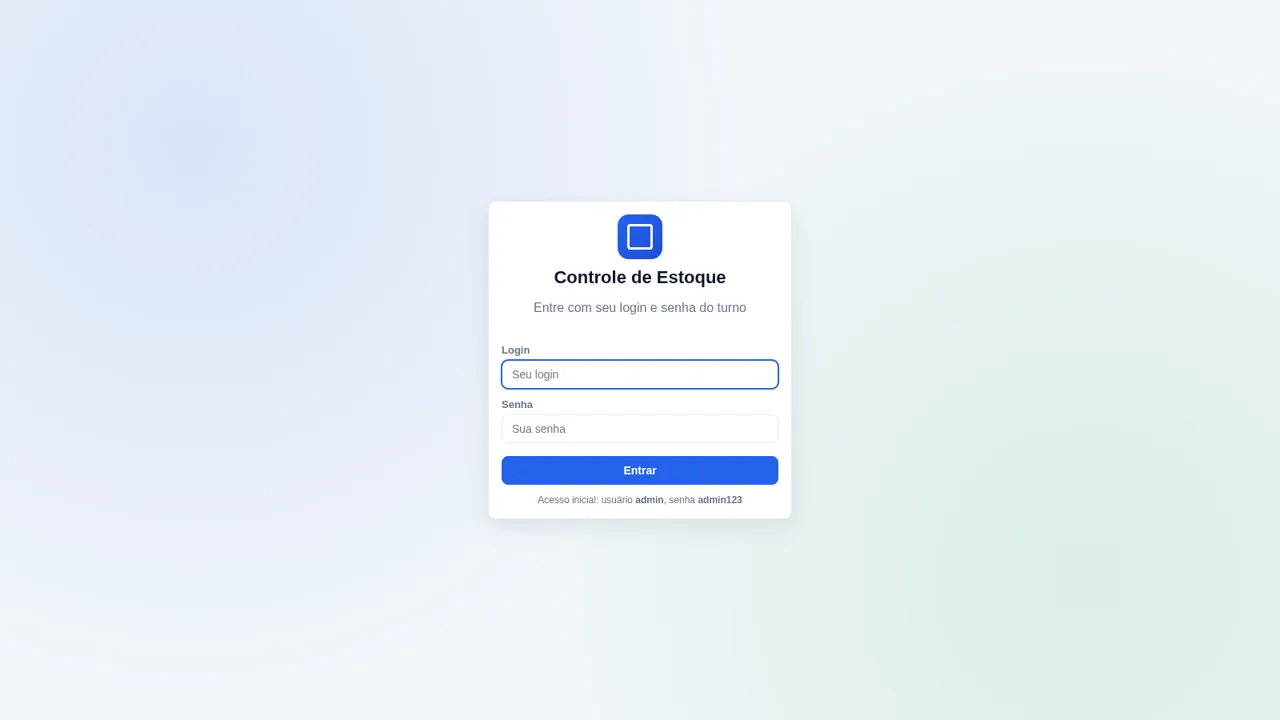
32Controle de Estoque
Entrada e saída de materiais com baixa automática do estoque
 30
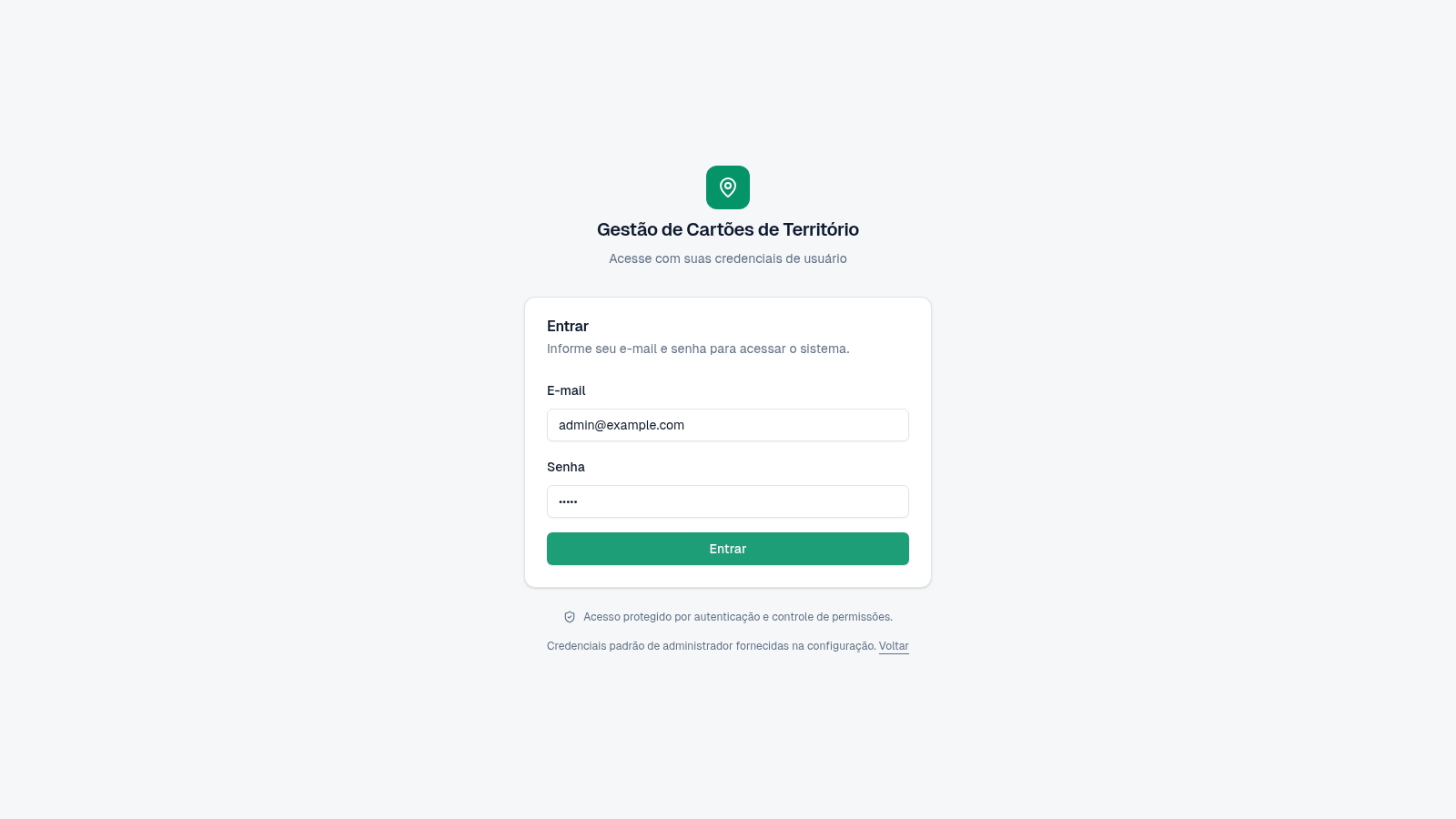
30Cartões de Território
Gestão de cartões e territórios com grupos, designações e histórico.
 24
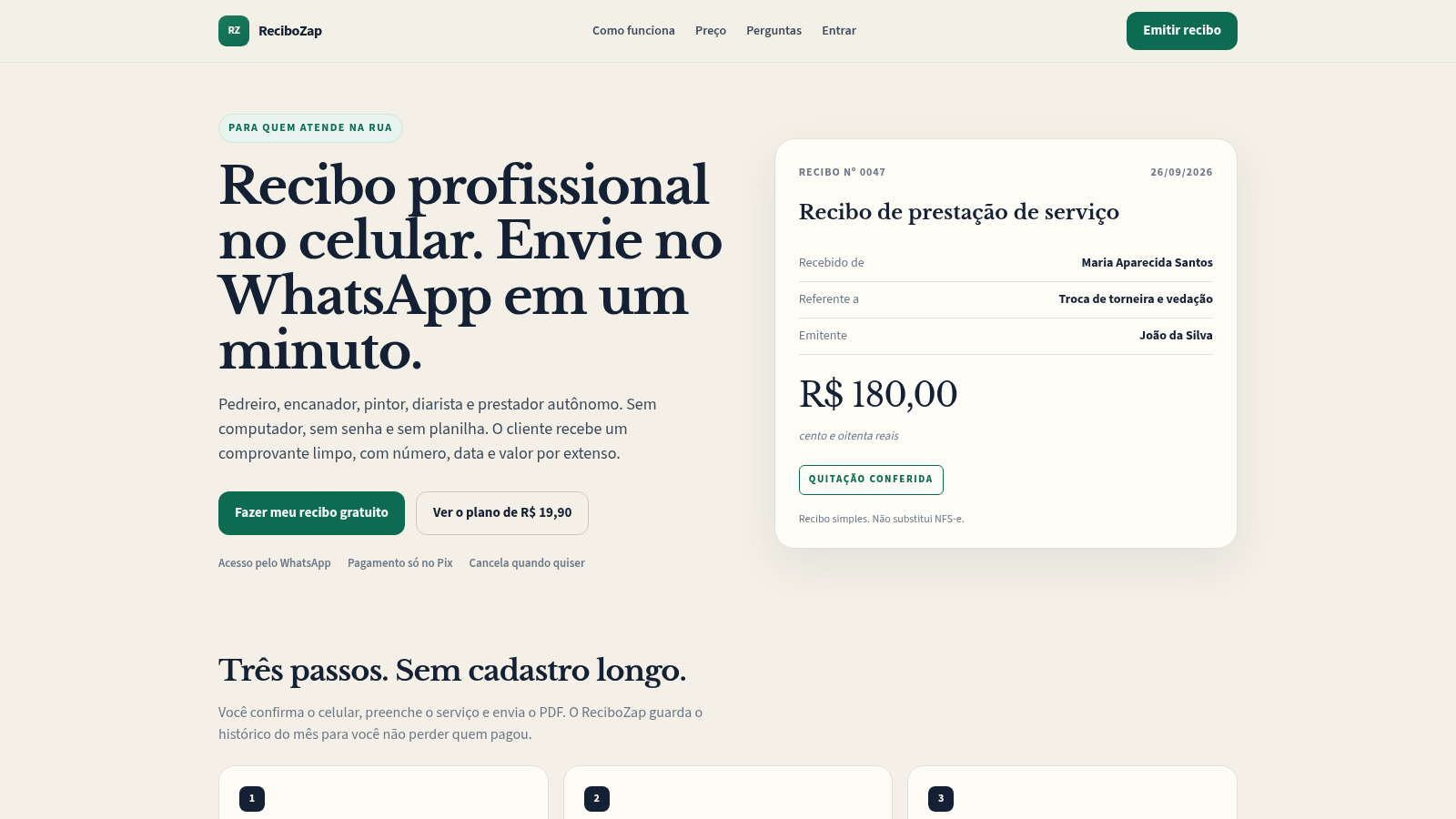
24ReciboZap
Recibo profissional no celular. Envie no WhatsApp.
 19
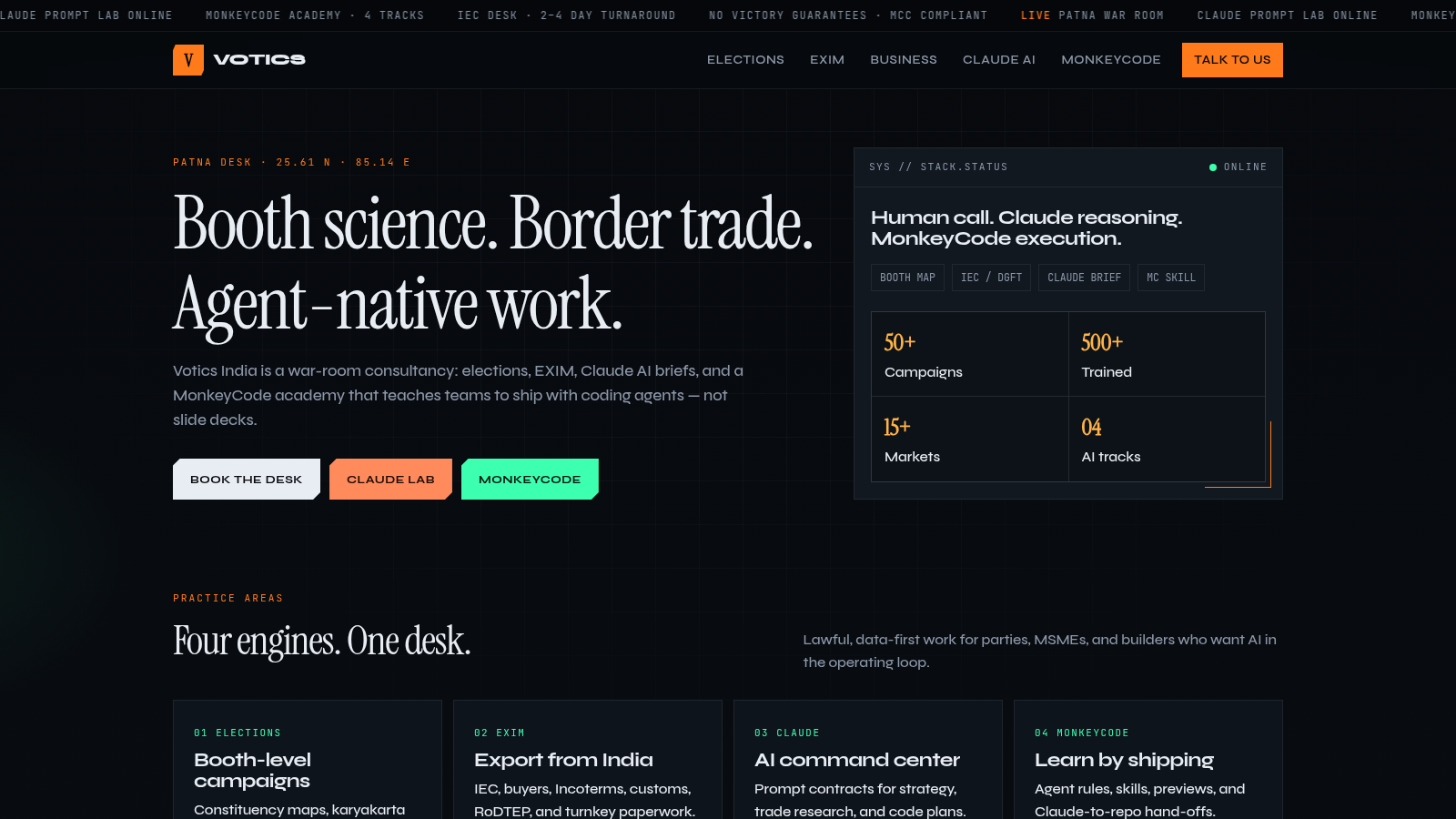
19Votics India War Room
Election, EXIM, Claude AI lab and MonkeyCode academy from Votics India, Patna.
 15
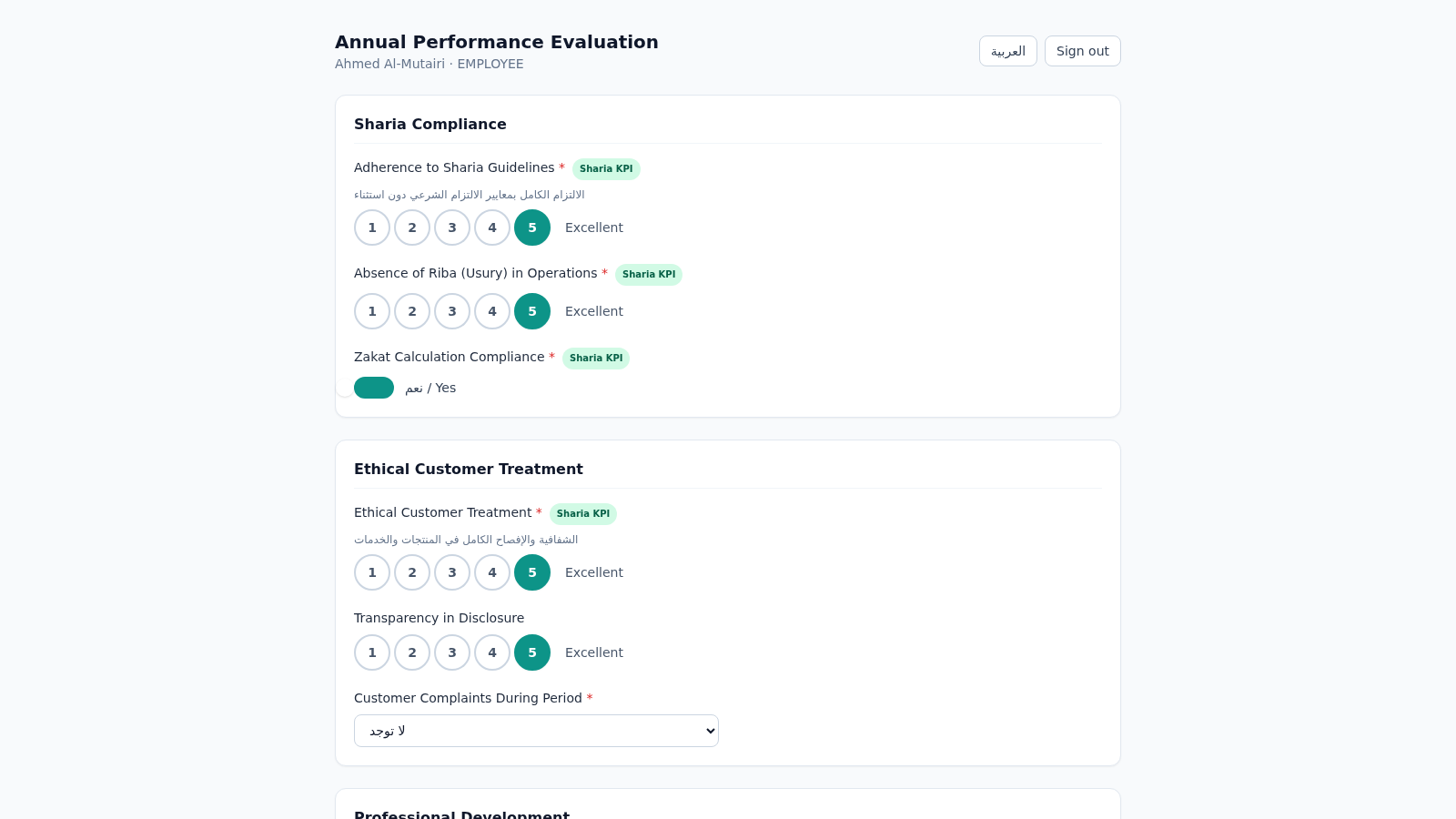
15Islamic Bank Performance Evaluation
Annual performance evaluation system for an Islamic bank: dynamic Sharia-KPI form engine, weighted scoring, immutable cryptographic audit trail, and 3-role approval workflow with Arabic/RTL support.
 9
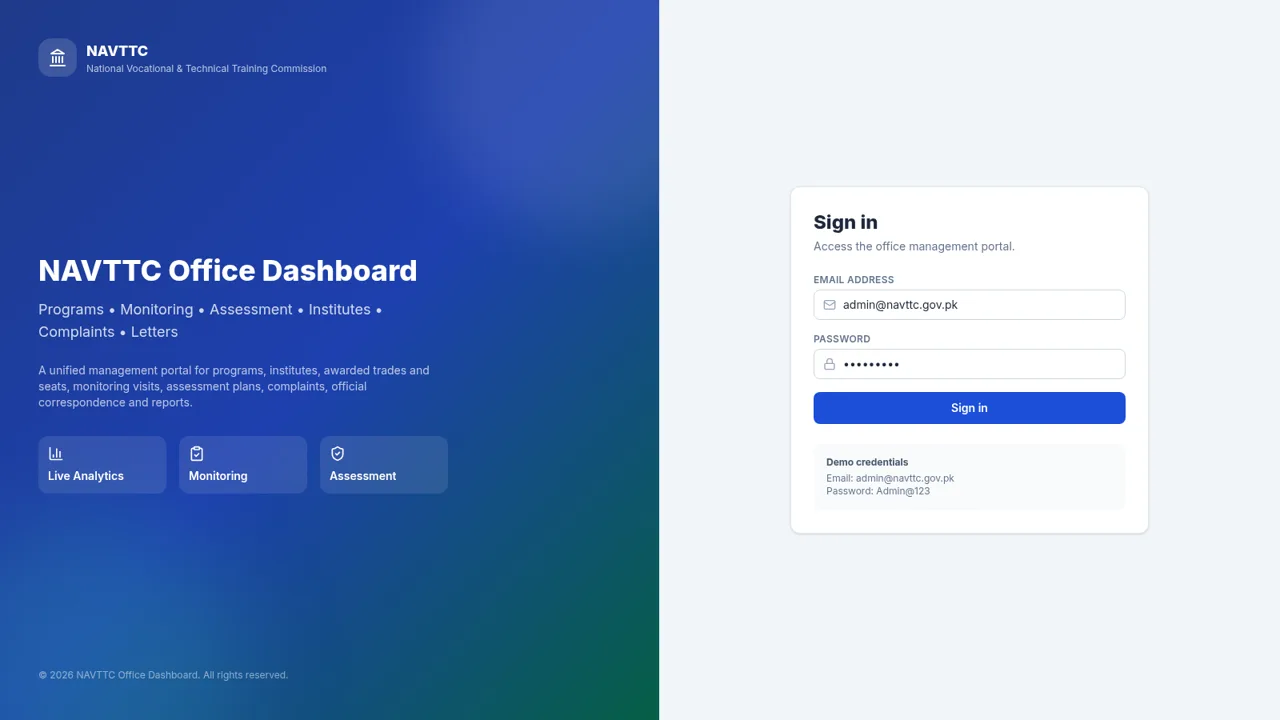
9NAVTTC Office Dashboard
Programs, monitoring, assessment and complaints portal for NAVTTC.