
NAVTTC Office Dashboard
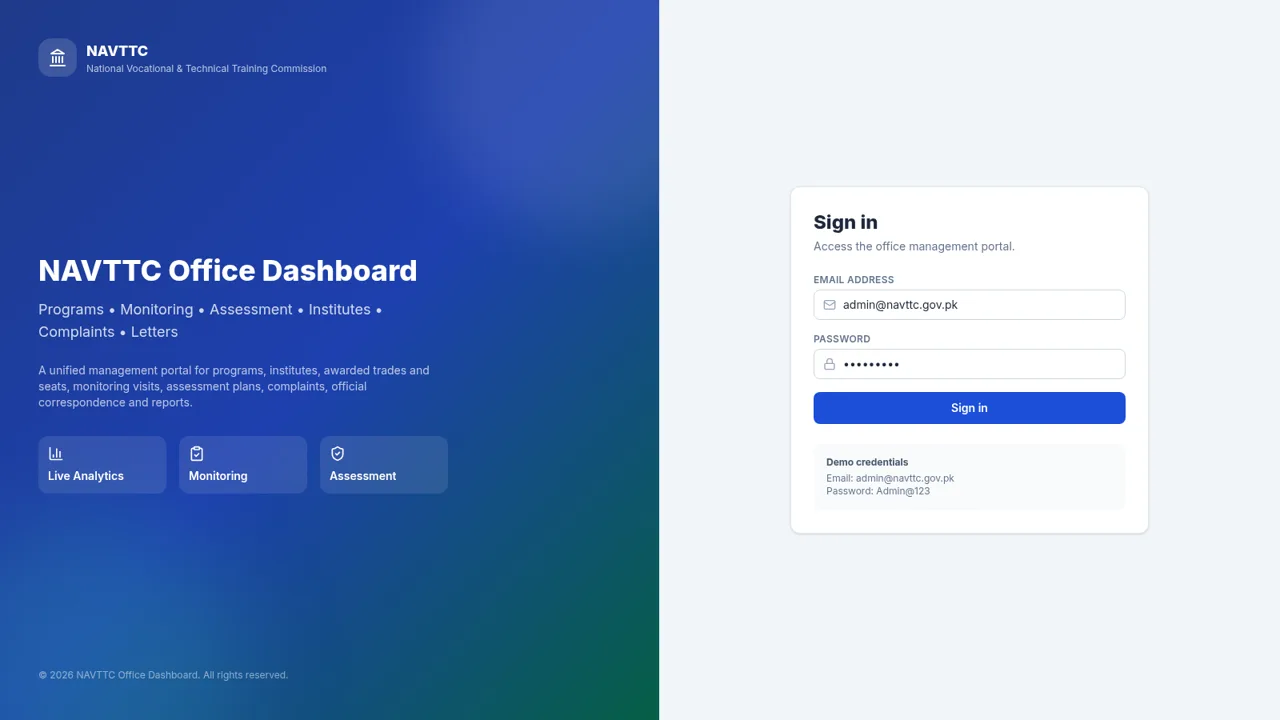
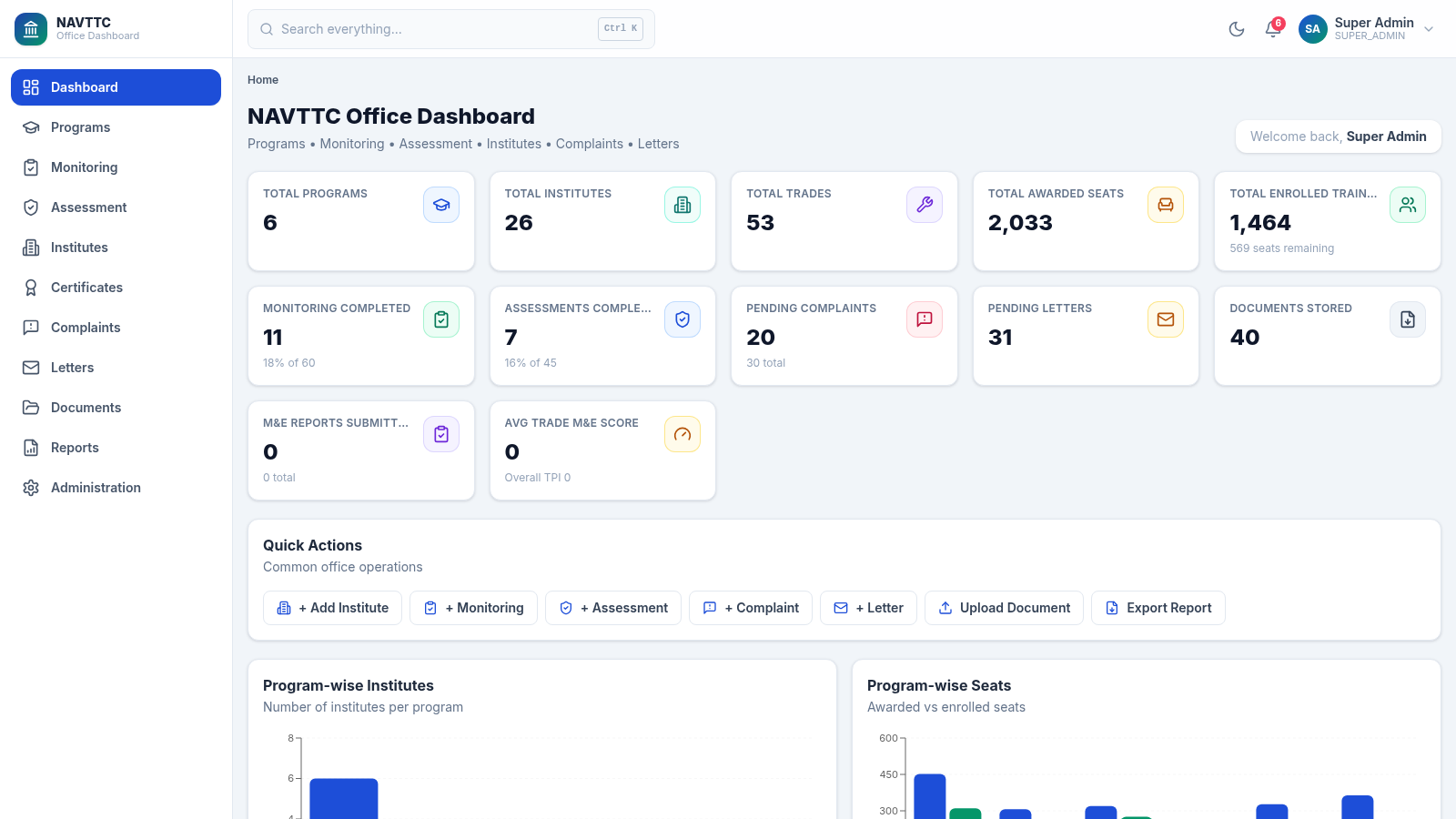
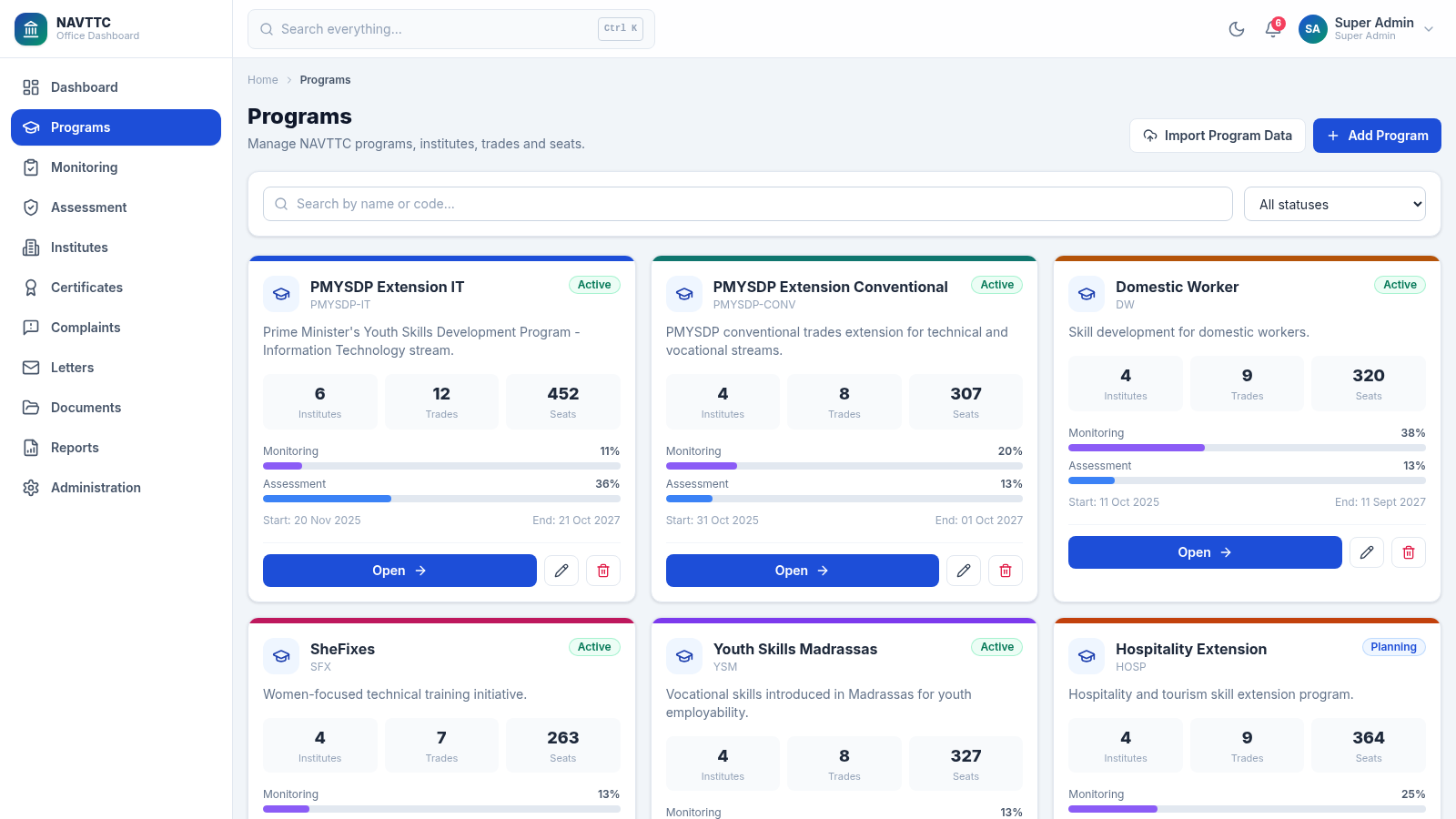
A unified operations workspace for vocational training programs, institutes, monitoring, assessments, complaints, correspondence, and reports.
NAVTTC Office Dashboard is an interactive management information system for vocational and technical training operations. After signing in with the provided demo account, users reach a role-based workspace with organization-wide totals, program and seat analytics, monitoring and assessment progress, complaint and letter pipelines, and recent activity. Dedicated modules support programs, institutes, certificates, monitoring visits, assessments, complaints, letters, documents, reports, and administration. The inspected program area presents status, dates, institute counts, trades, seats, and progress for each initiative, while the complaint area provides filters, priorities, assigned officers, record actions, export, printing, and pagination.
Highlights
Unified Operations
Core office modules together
Live Analytics
Charts and key totals
Program Oversight
Seats, trades, and progress
Case Tracking
Filtered complaint workflow
How to Use
Sign in with the demo account
Open the portal and use the demo email and password displayed on the sign-in page. Submitting the form opens the Super Admin workspace and exposes the complete navigation menu.
Review organization-wide activity
Use the main dashboard to review program, institute, trade, seat, enrollment, monitoring, assessment, complaint, letter, document, and report totals. Charts below the summary cards break down programs, seats, trades, workflow statuses, and monthly activity.
Manage programs and institutes
Open Programs from the sidebar to browse initiatives by status, inspect institute and trade counts, compare awarded seats, review dates and progress, import program data, or begin adding a program. Use the Institutes module for institution-level records.
Track operational workflows
Navigate to Monitoring, Assessment, Complaints, Letters, or Documents for the relevant workflow. On the complaint page, combine program, status, and priority filters, reset the view when needed, open record actions, or export and print the current records.
Use reports and administration
Open Reports for consolidated operational outputs and Administration for privileged management tasks. The global search field and notification area provide quicker access to records and current office activity.
Similar Sites
 5
5Juridic IA
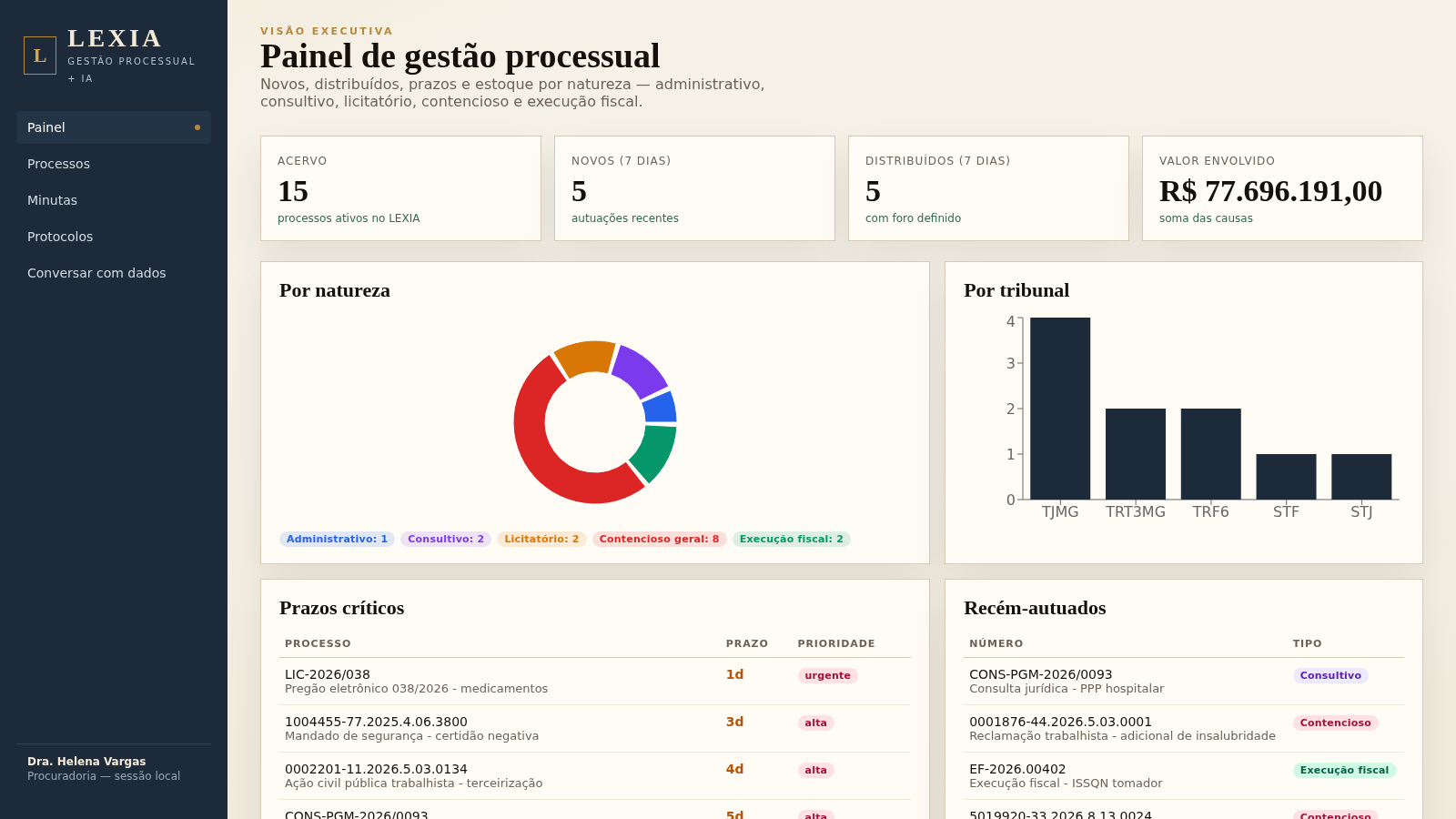
Painel processual com minutas, protocolos e IA juridica
 2
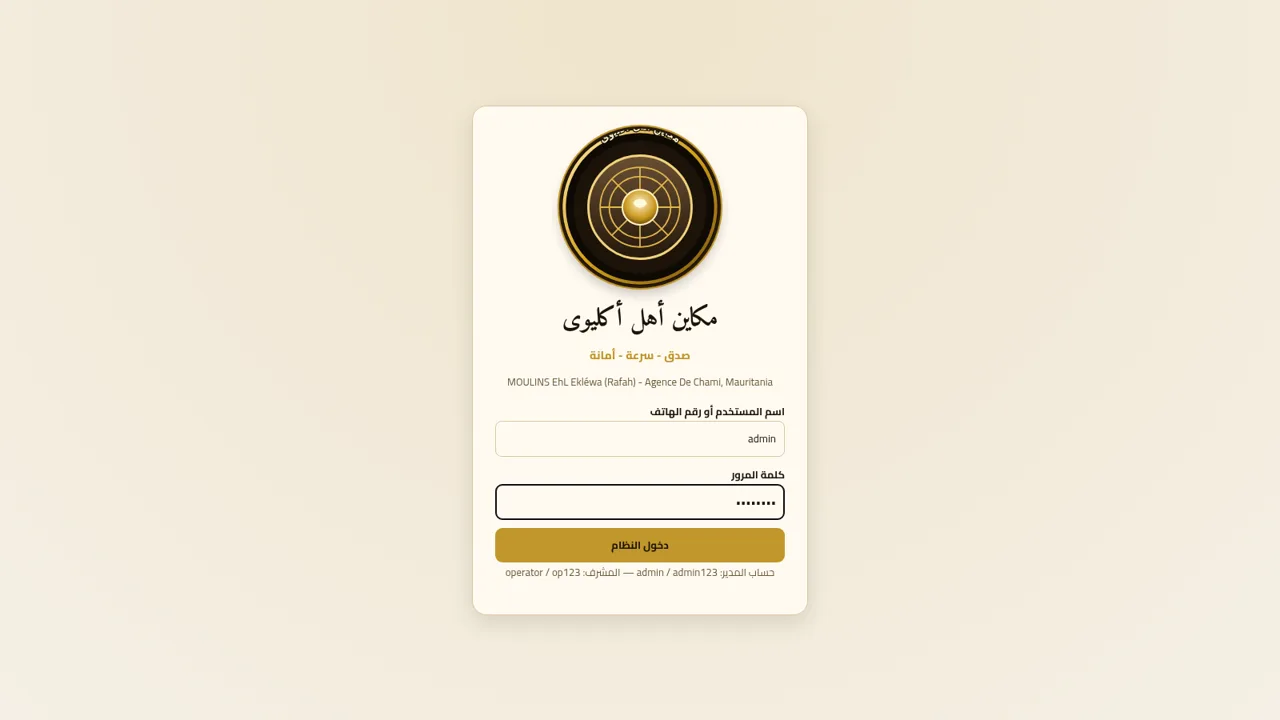
2مكاين أهل أكليوى
نظام إدارة فواتير وطحن الحجارة والمعادن لمكاين أهل أكليوى
 49
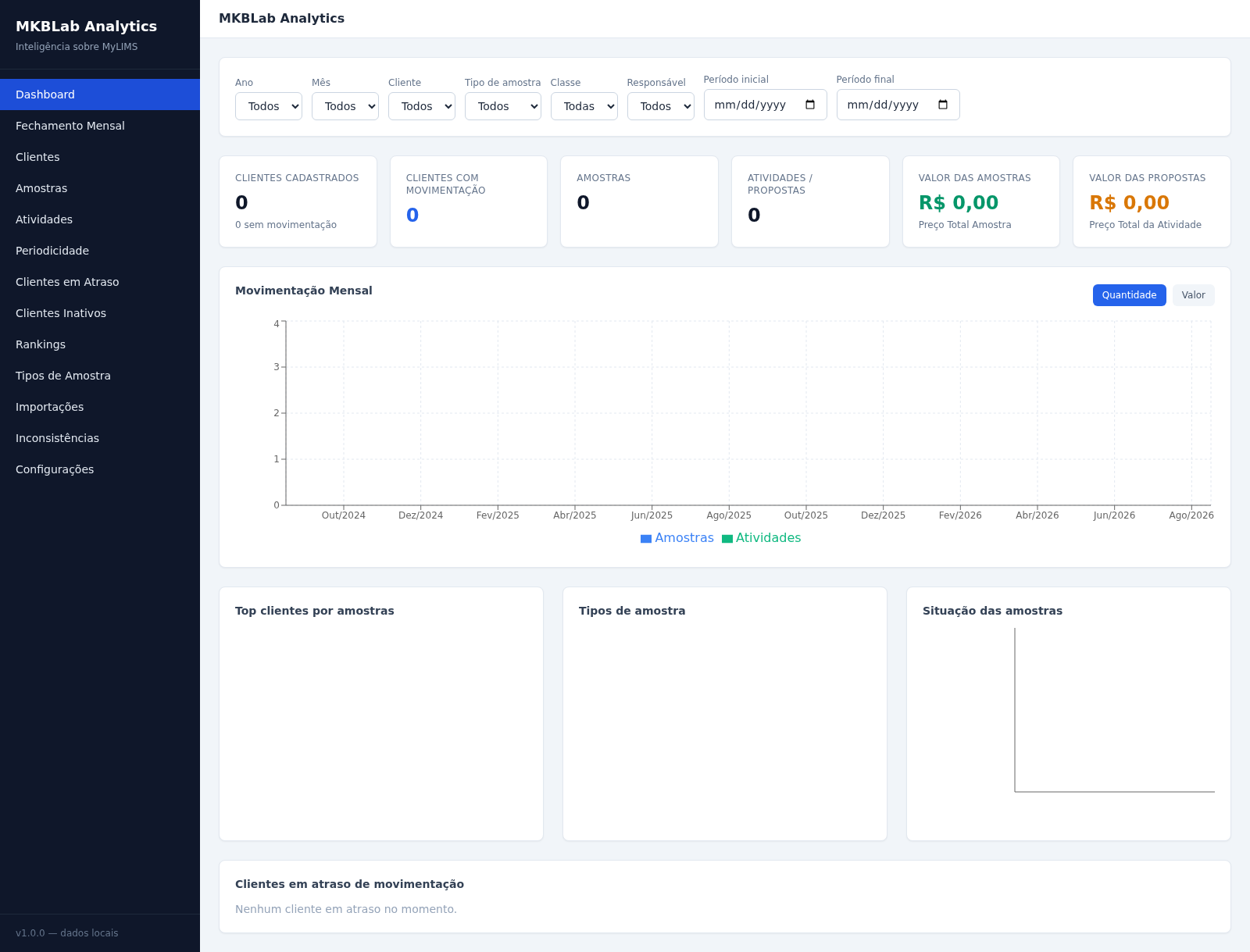
49MKBLab Analytics
Dashboard gerencial com importação de relatórios XLSX do MyLIMS
 69
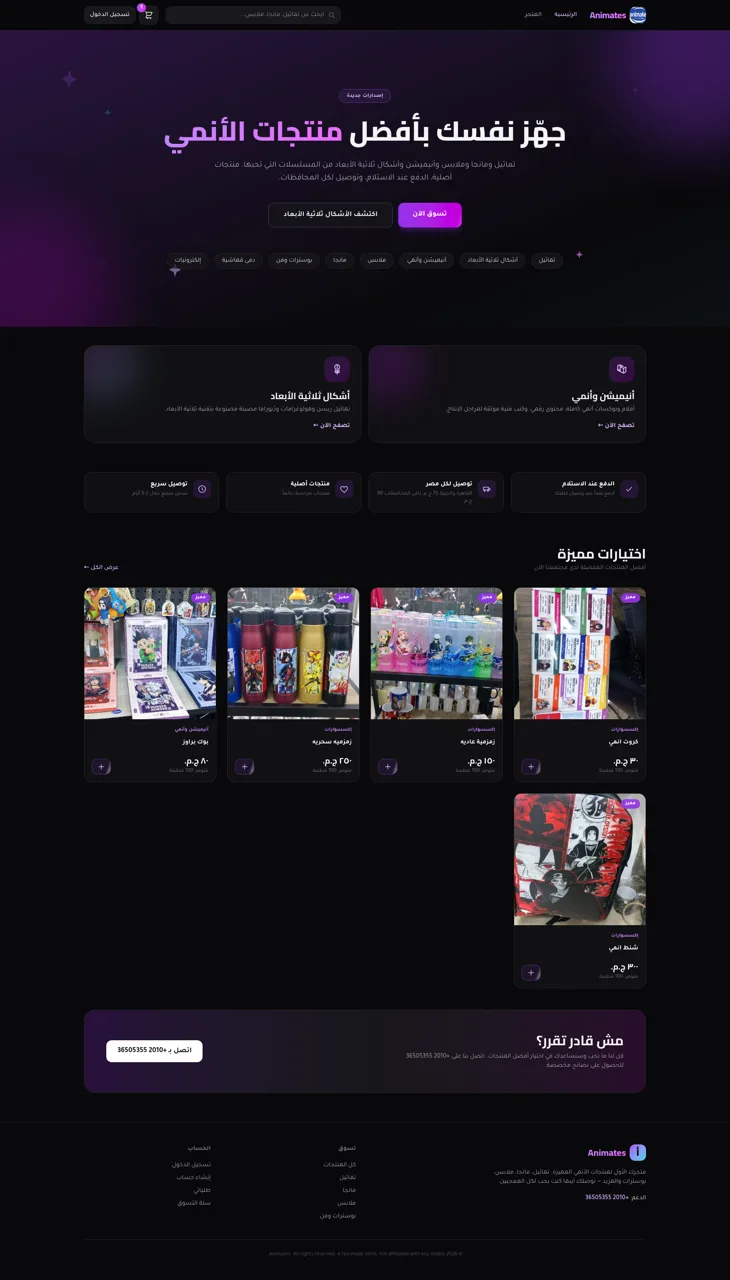
69Animates — Anime Merch Store
Full-stack Arabic RTL anime merch store with COD checkout and admin dashboard
 44
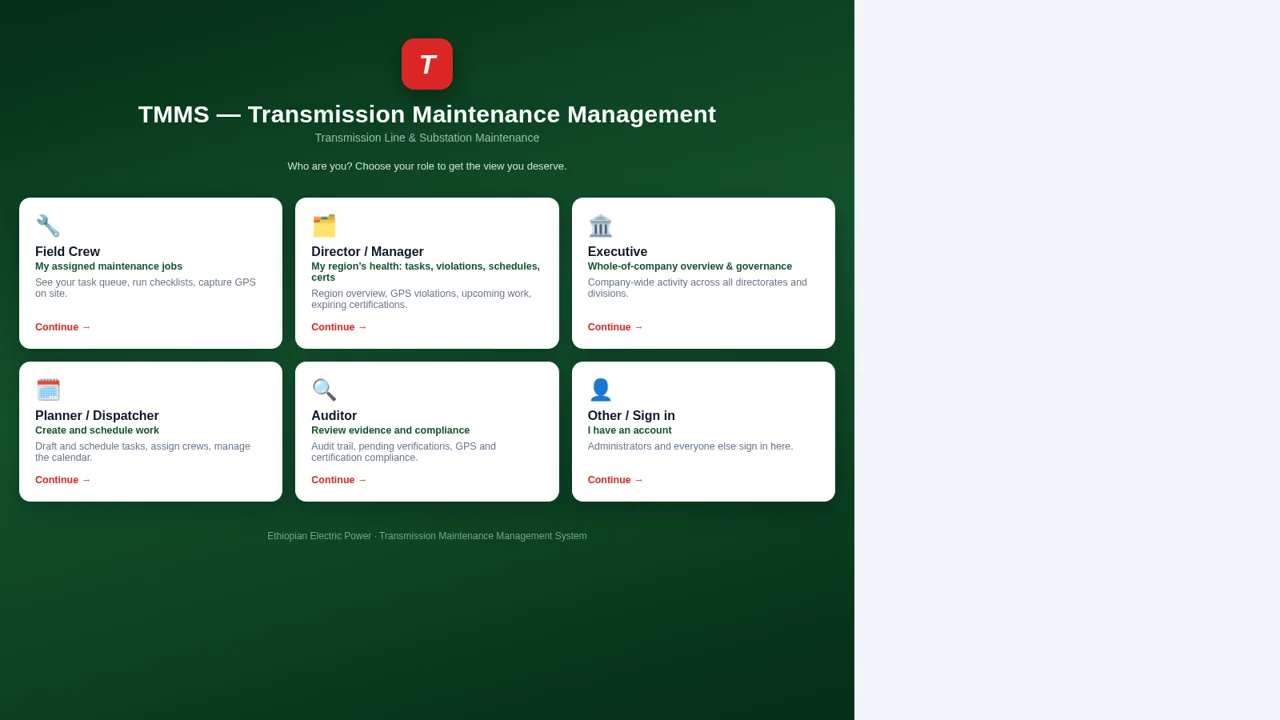
44EEP Transmission Asset Management System
Transmission maintenance: assets, tasks, crews, checklists and GPS reports.
 40
40Gateway Pix
Gateway Pix e boleto com painel de vendas, cupons e links de pagamento.