
Customer Comparison App
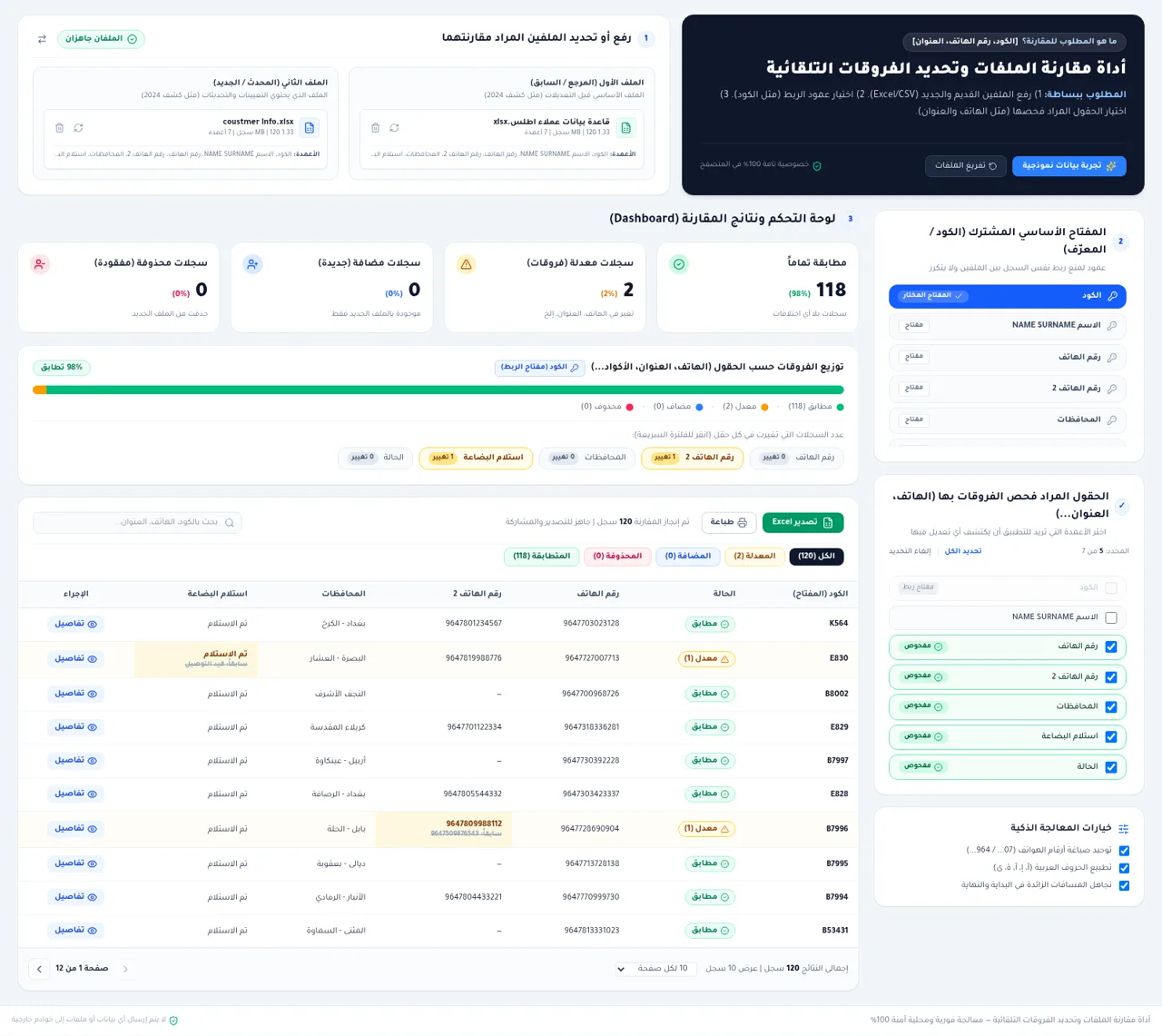
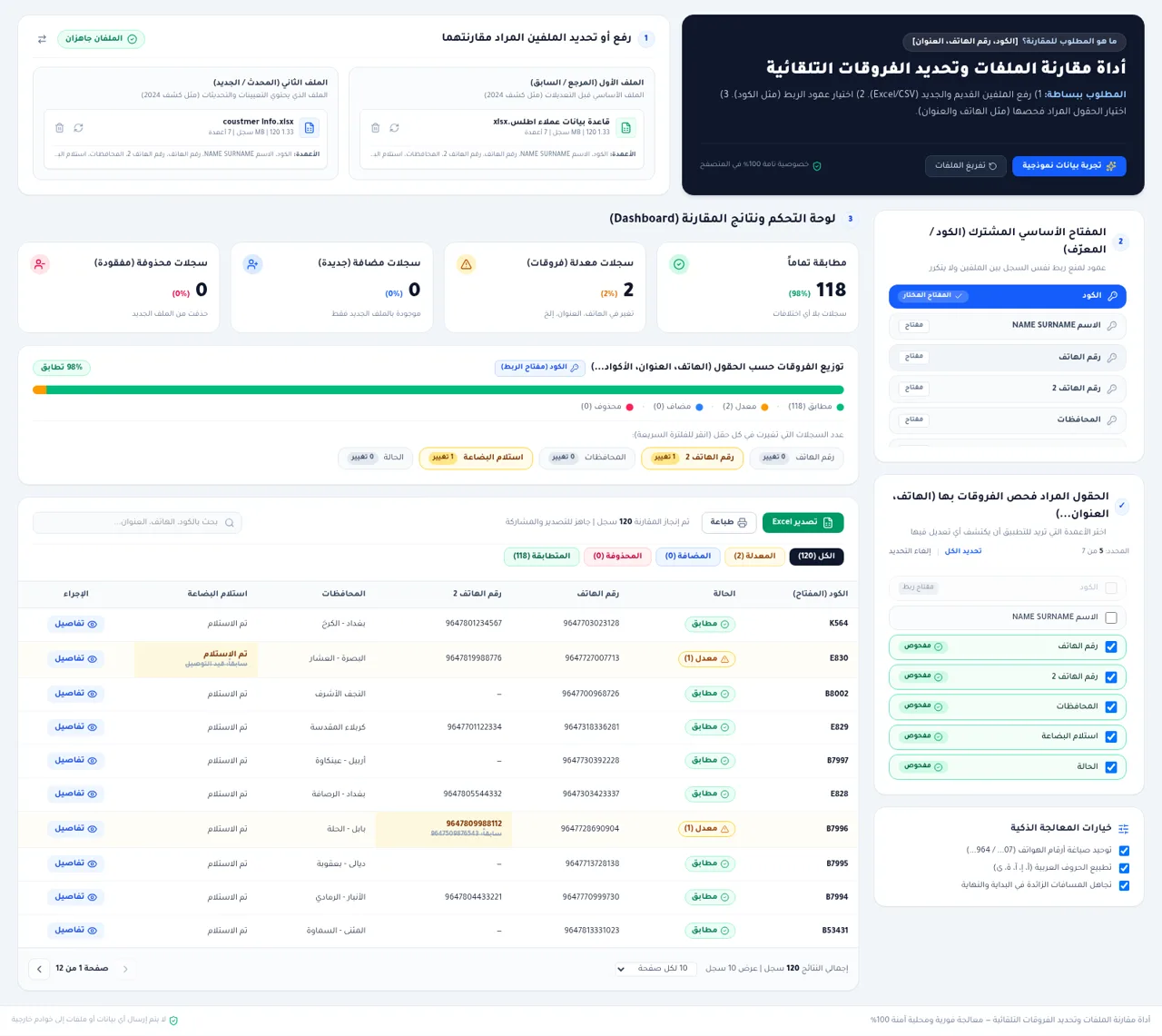
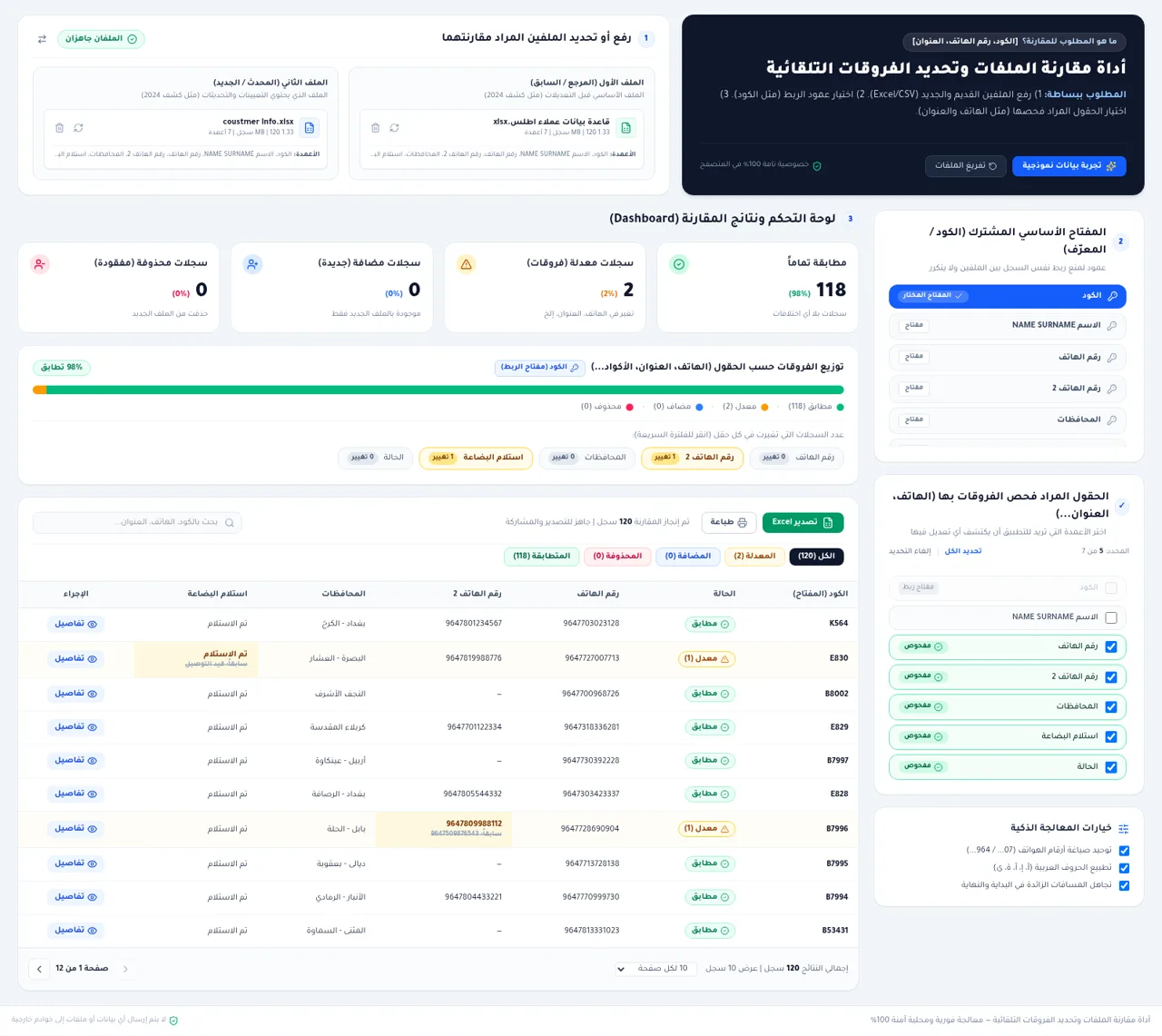
Compare customer spreadsheets locally and inspect every changed field in a structured dashboard.
This Arabic-language utility compares an older reference file with a newer Excel or CSV file directly in the browser. Users choose a shared key such as a customer code, select which columns should be checked, and optionally normalize phone formats, Arabic letters, and surrounding spaces. The result dashboard separates records into matched, modified, added, and deleted groups, summarizes changes by field, and provides search, status filters, pagination, detailed before-and-after values, printing, and Excel export. Built-in sample files make the complete workflow available without preparing data first.
Highlights
Local processing
Files stay in browser
Flexible matching
Choose key and fields
Change dashboard
See four record states
Detailed review
Compare old and new
Smart cleanup
Normalize common data
Report tools
Export or print results
How to Use
Load two files
Choose the older reference spreadsheet and the newer spreadsheet using the two upload areas. Excel and CSV formats are accepted. If no files are available, select the sample-data button to load a ready-made 120-record comparison.
Configure matching
Select the shared primary key used to connect the same record across both files, then check the columns that should be examined for changes. Optional switches can normalize phone formats, Arabic letter variants, and extra surrounding spaces before comparison.
Review the dashboard
Use the summary cards and field-change counters to understand how many records match or differ. Select a status tab, click a changed-field counter, or enter a customer code, phone number, or address in the search box to narrow the table.
Inspect a record
Select the details action on any row to open a field-by-field comparison. Modified values are presented with their previous reference value and current updated value so the exact change can be verified.
Share the findings
After reviewing the records, use the Excel export control to create a reusable report or use the print control for a printable view. Pagination and page-size controls help review larger result sets before export.
Similar Sites
 126
126Agenda de Pedidos - Confeitaria
Agenda digital de pedidos para confeitaria com integração WhatsApp
 69
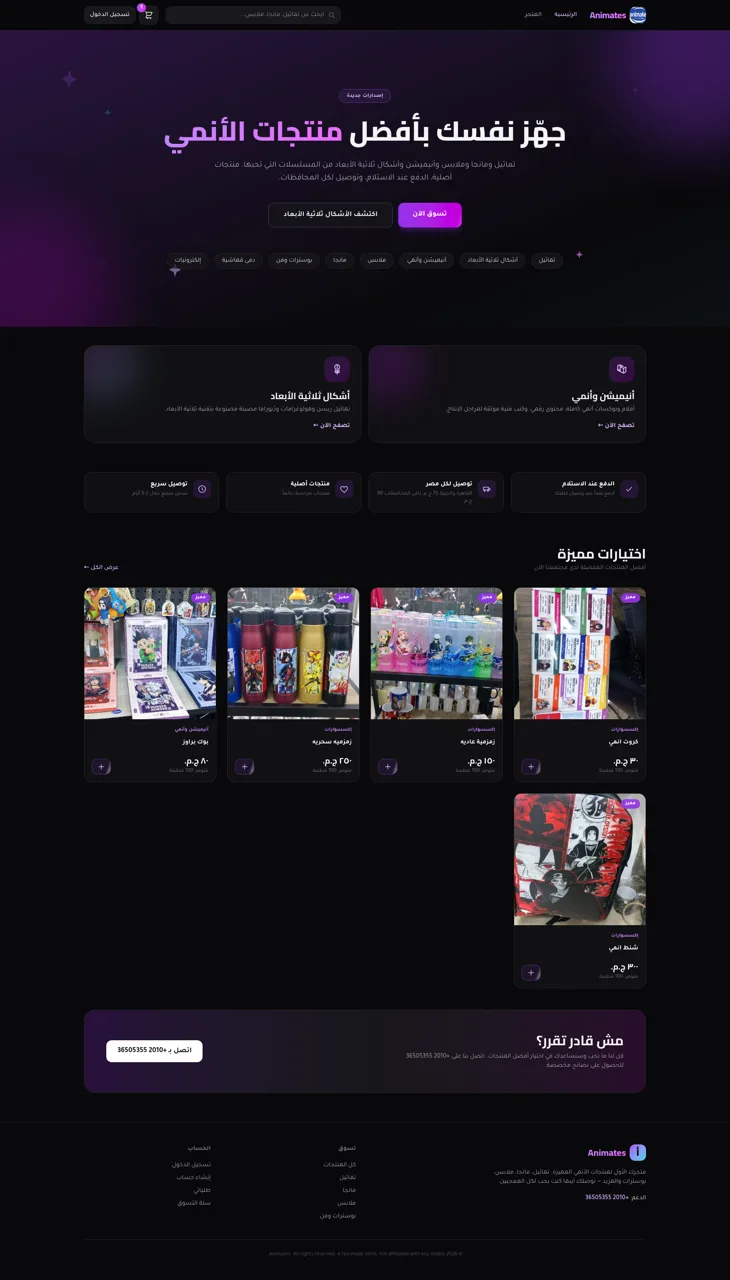
69Animates — Anime Merch Store
Full-stack Arabic RTL anime merch store with COD checkout and admin dashboard
 42
42DKW System CRM com IA
CRM white label com WhatsApp, Instagram, IA e automações
 26
26HelpDesk - Sistema PE
Chamados e suporte com chat, painel admin e configurações de marca
 11
11Company Bookkeeper
Accounting app: invoicing, inventory, purchases, ledgers, reports, multi-role.
 10
10ابزاریاب
اپ تعمیر ابزار با رهگیری سراسری و پرداخت امانی