
HelpDesk - Sistema PE
Create, discuss, track, and administer customer support tickets through dedicated client, agent, and administrator workspaces.
HelpDesk - Sistema PE is a Portuguese-language service desk application built around a complete customer support workflow. Clients can register or use a demonstration account, open a request with a subject, category, priority, detailed description, and optional attachments, then follow the case in a threaded conversation. Support agents receive a shared queue and can reply, add private notes, assign ownership, update priority and status, resolve cases, or close them. Administrators also receive an operational dashboard with user, ticket, status, priority, and category metrics, plus sections for users, categories, and brand configuration.
Highlights
Three role workspaces
Client, agent, and admin
Ticket conversations
Messages and private notes
Lifecycle controls
Assign, resolve, and close
Operations dashboard
Status and category metrics
How to Use
Choose an account
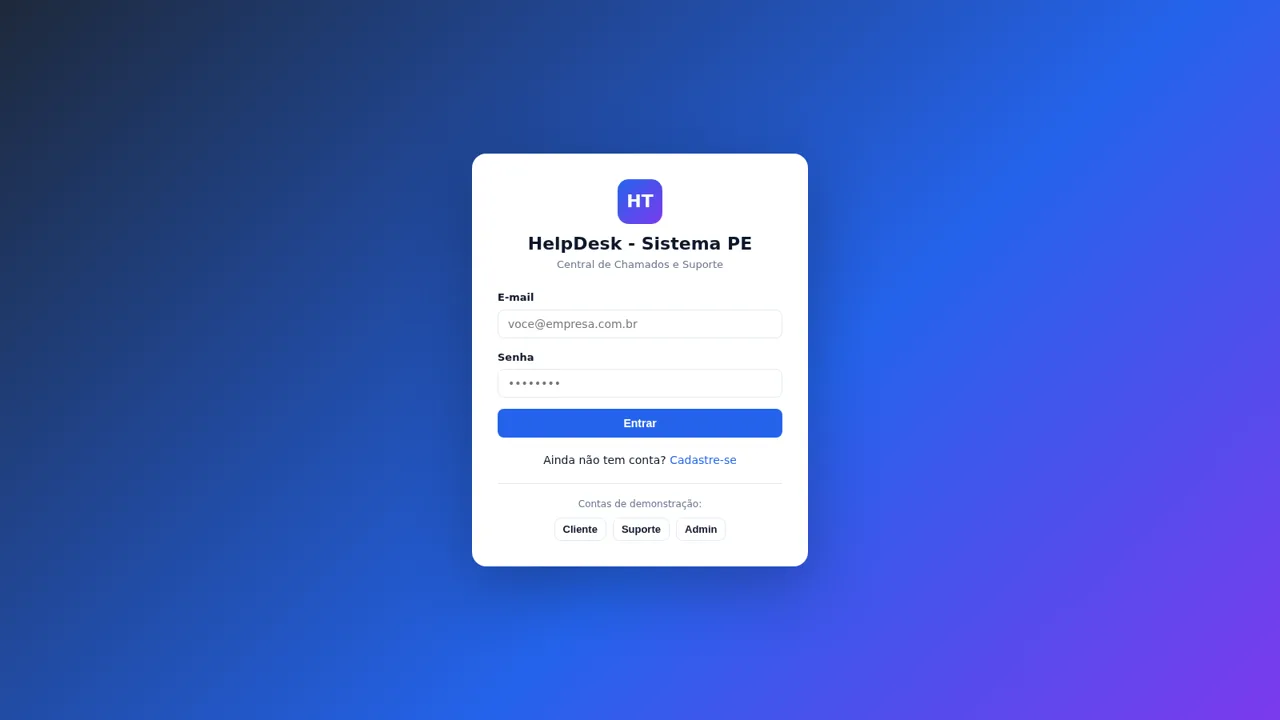
Open the login page and select Client, Support, or Admin under the demonstration accounts. The selected button fills the credentials automatically; press Entrar to enter the corresponding role workspace. A registration link is also available for a new account.
Open a support ticket
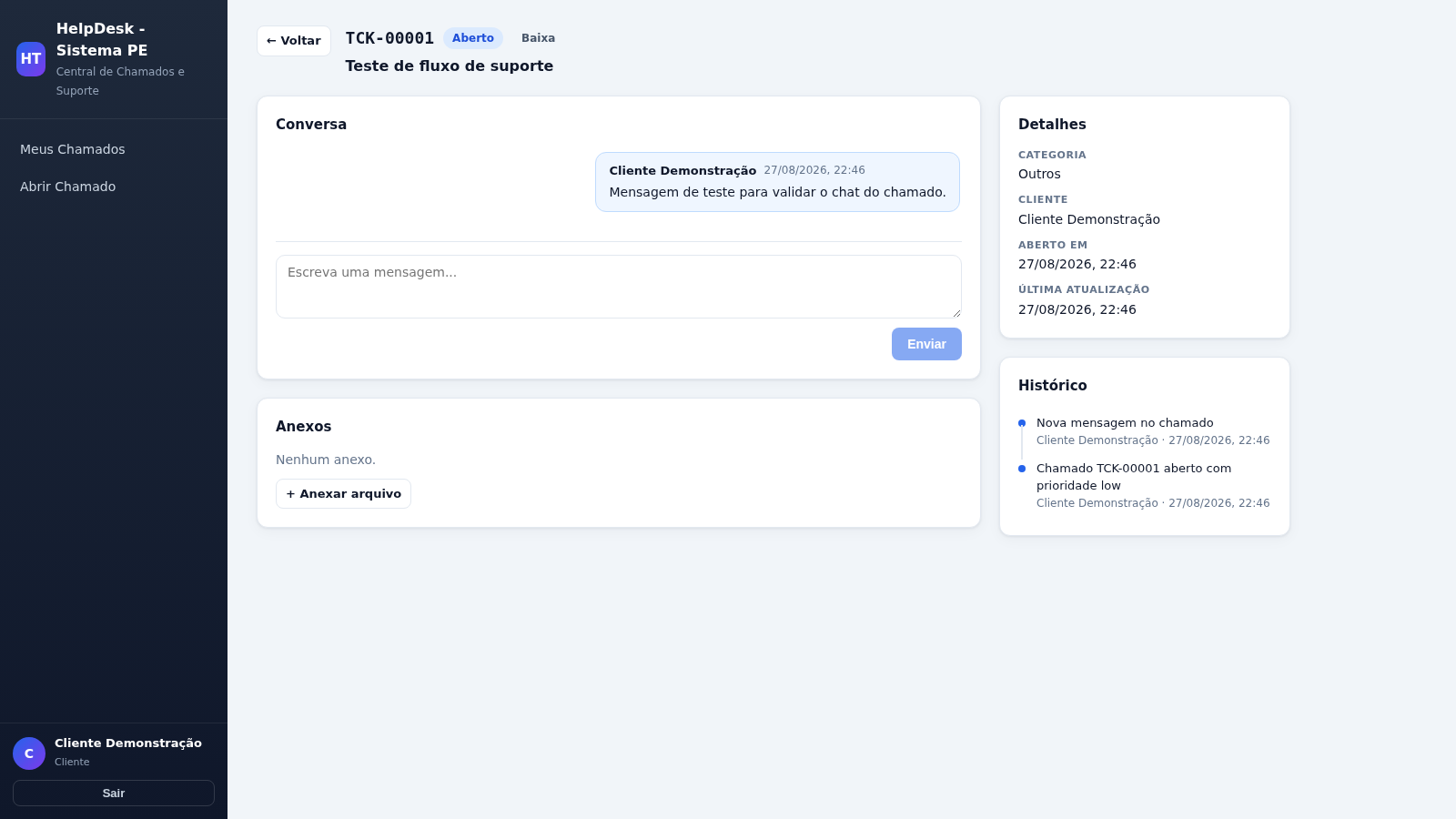
From the client workspace, select Abrir Chamado, enter a concise subject, choose a category and priority, and describe the issue in detail. Optional files can be attached before submission. A successful submission opens a numbered ticket page with status, timestamps, details, and history.
Continue the conversation
Open a ticket and type into the conversation box to send an update. Messages appear in the chronological thread, while attachments remain available in their own section. The history panel records relevant ticket events separately from the discussion.
Process requests as support
Use the support queue and filters to locate a request, then open its details. Agents can reply publicly or mark a message as an internal note, change status and priority, select a responsible team member, and use the resolve or close actions as work progresses.
Review administration data
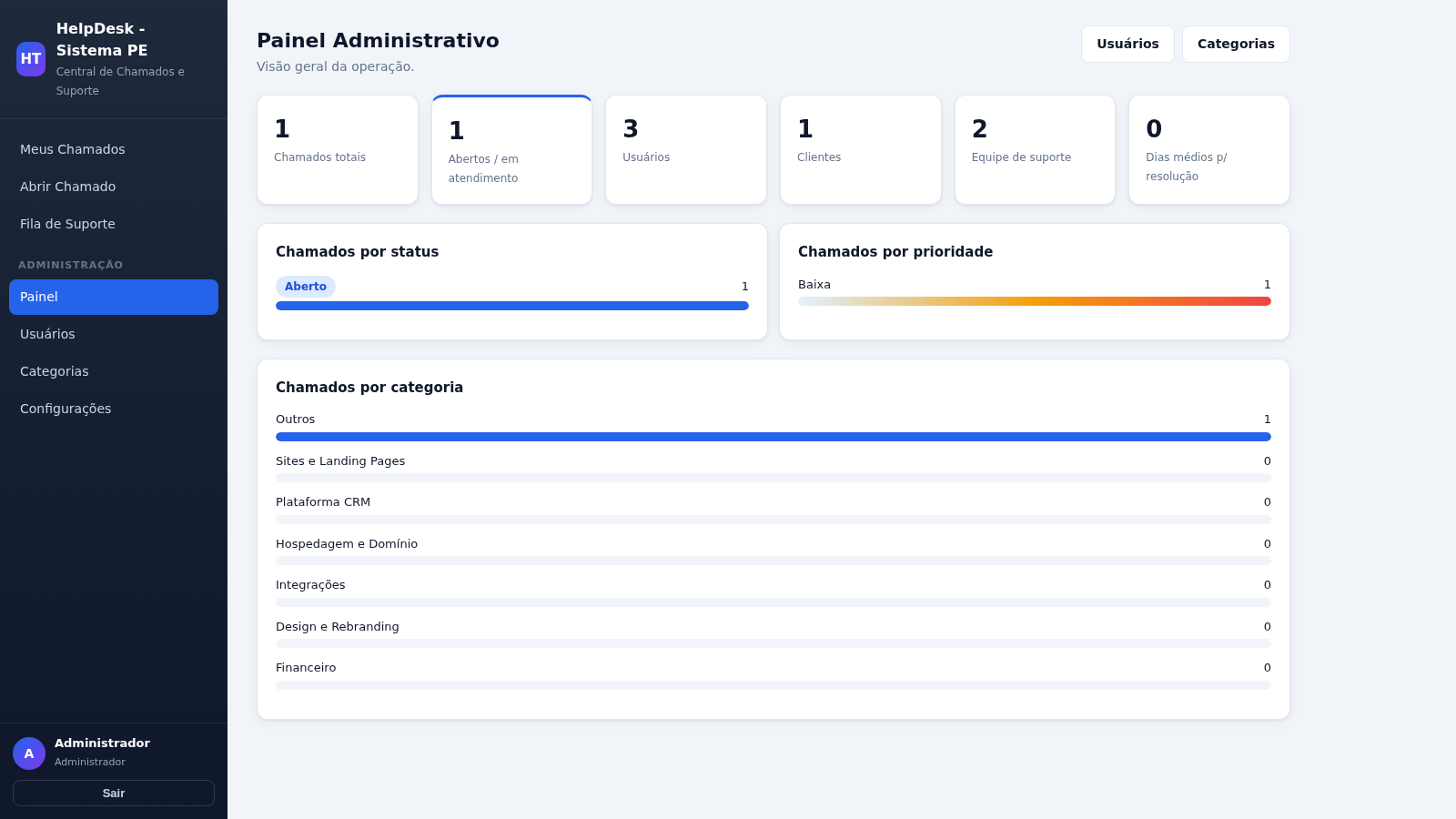
Sign in with the Admin demonstration account and open Painel to review ticket, user, status, priority, category, staffing, and resolution metrics. The sidebar also provides user, category, and configuration sections for maintaining the service environment.
Similar Sites
 49
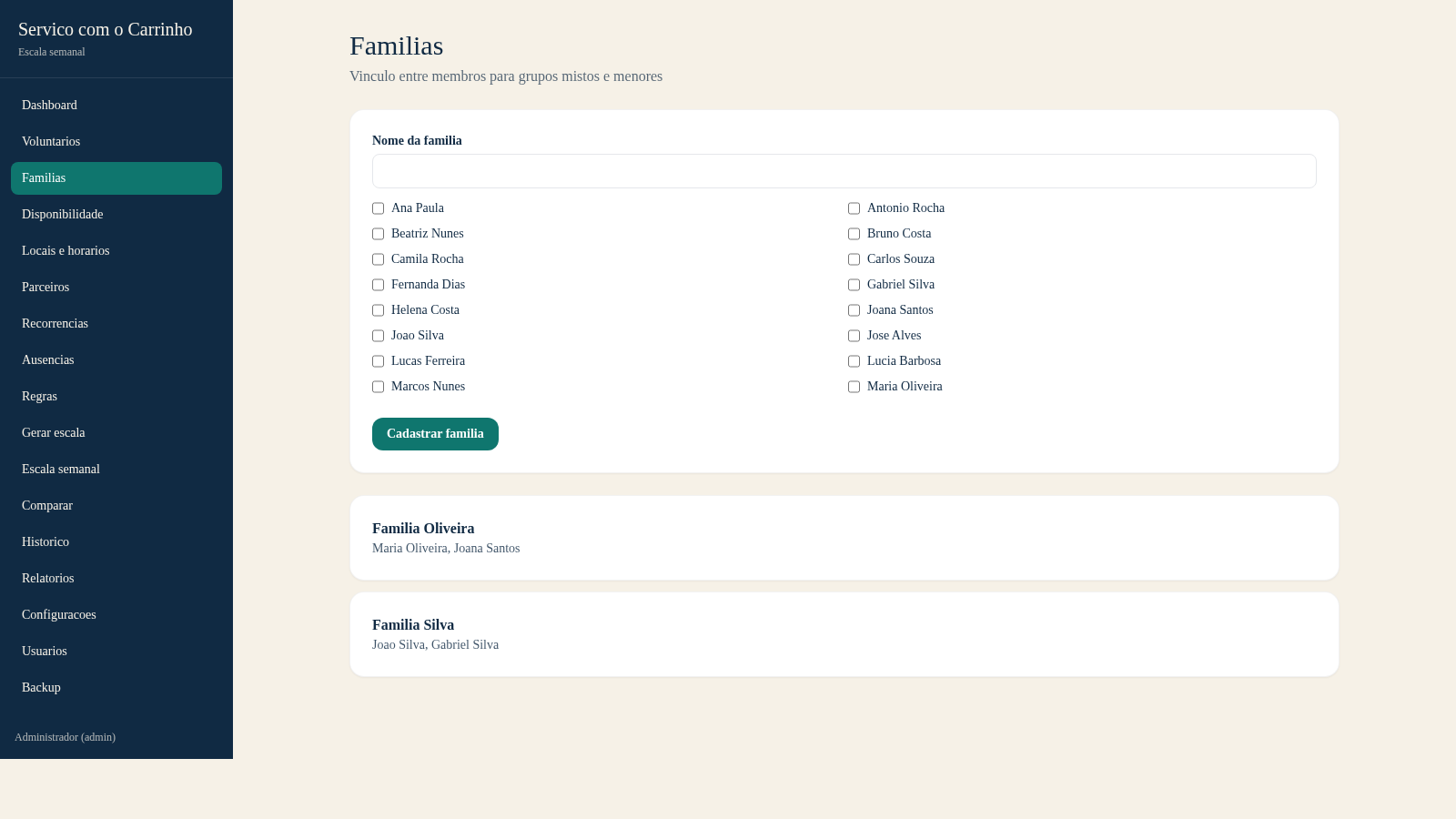
49Escala do Carrinho
Sistema de administracao e geracao automatica da escala semanal do Servico com o Carrinho
 43
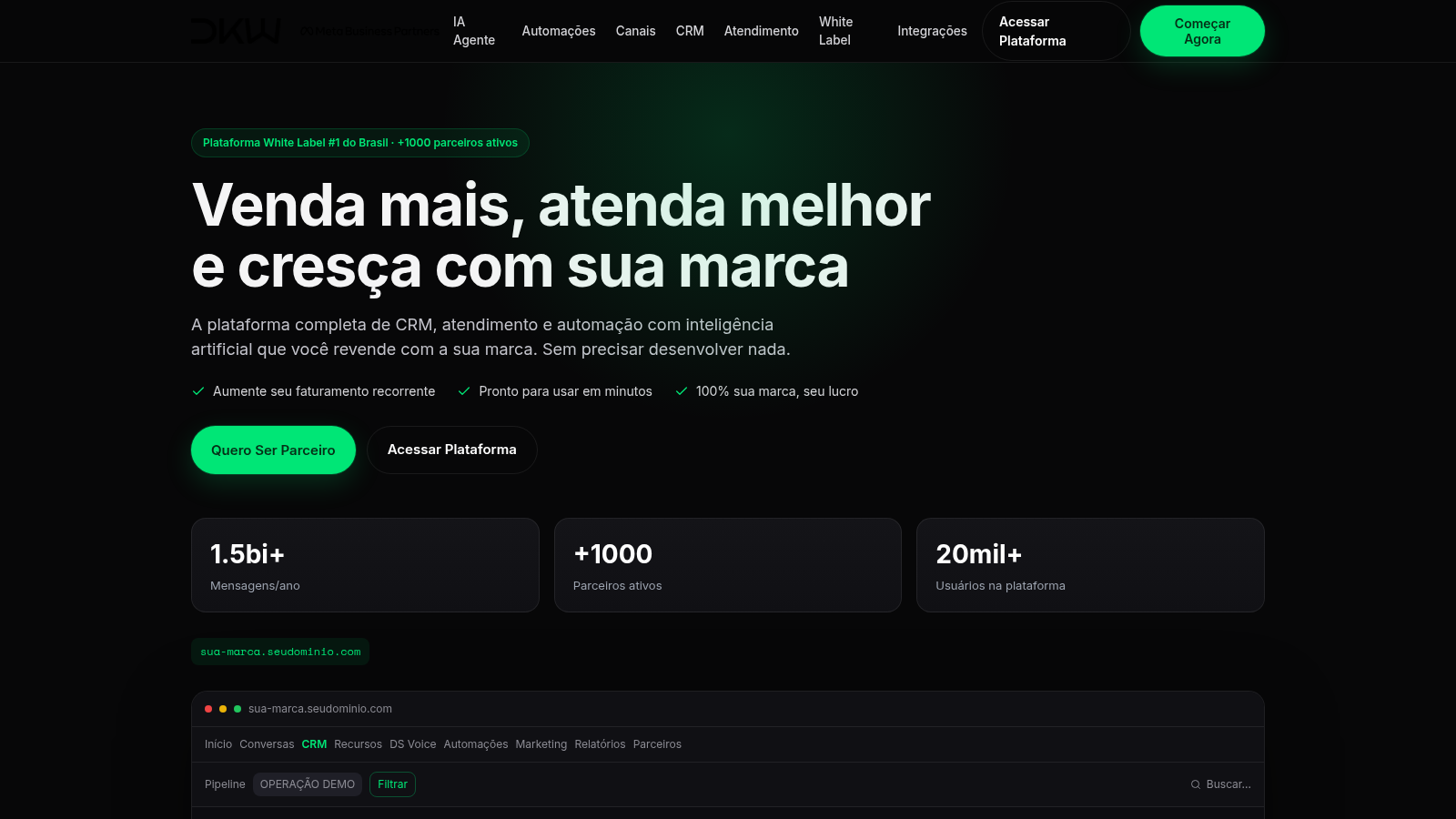
43DKW System CRM com IA
CRM white label com WhatsApp, Instagram, IA e automações
 23
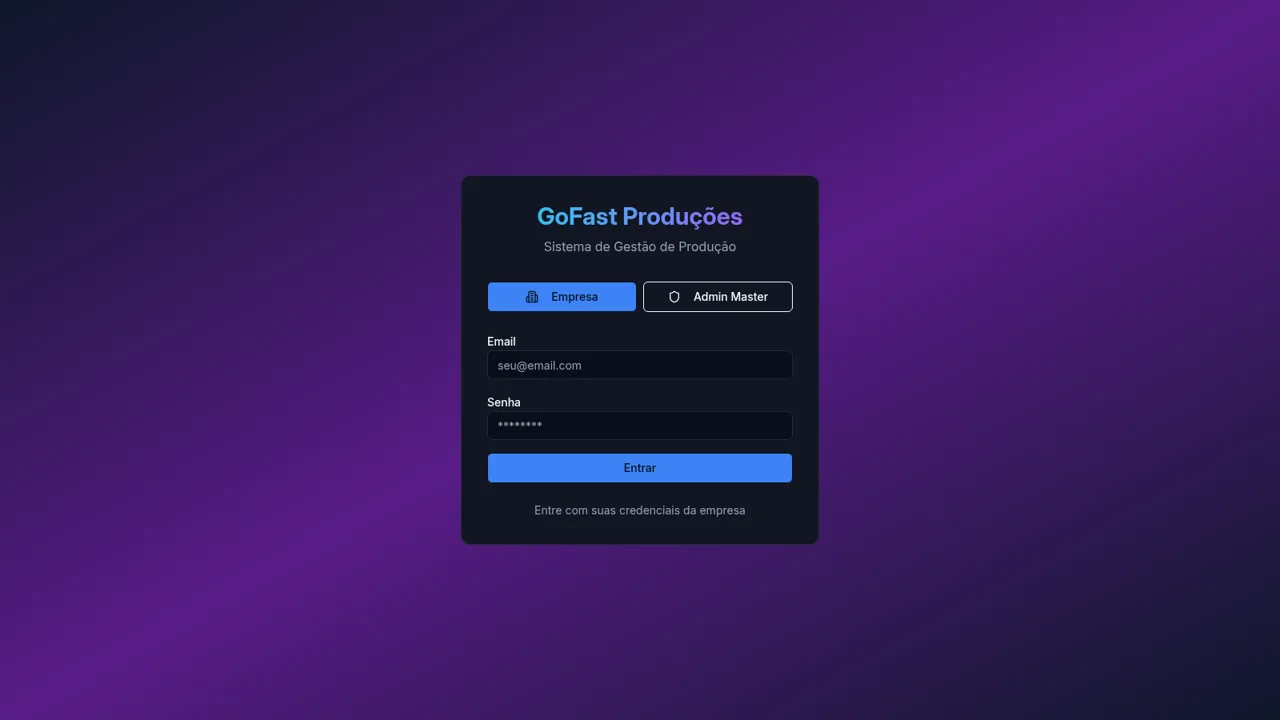
233RLTEXTIL
SISTEMA DE GESTÃO DE FACÇÃO
 13
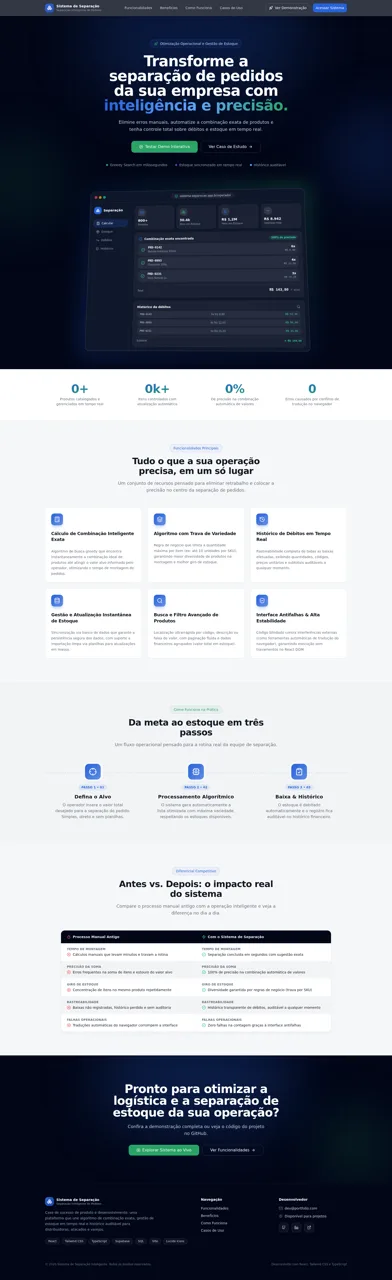
13Sistema de Separação
Combinação exata, gestão de estoque em tempo real e histórico auditável.
 6
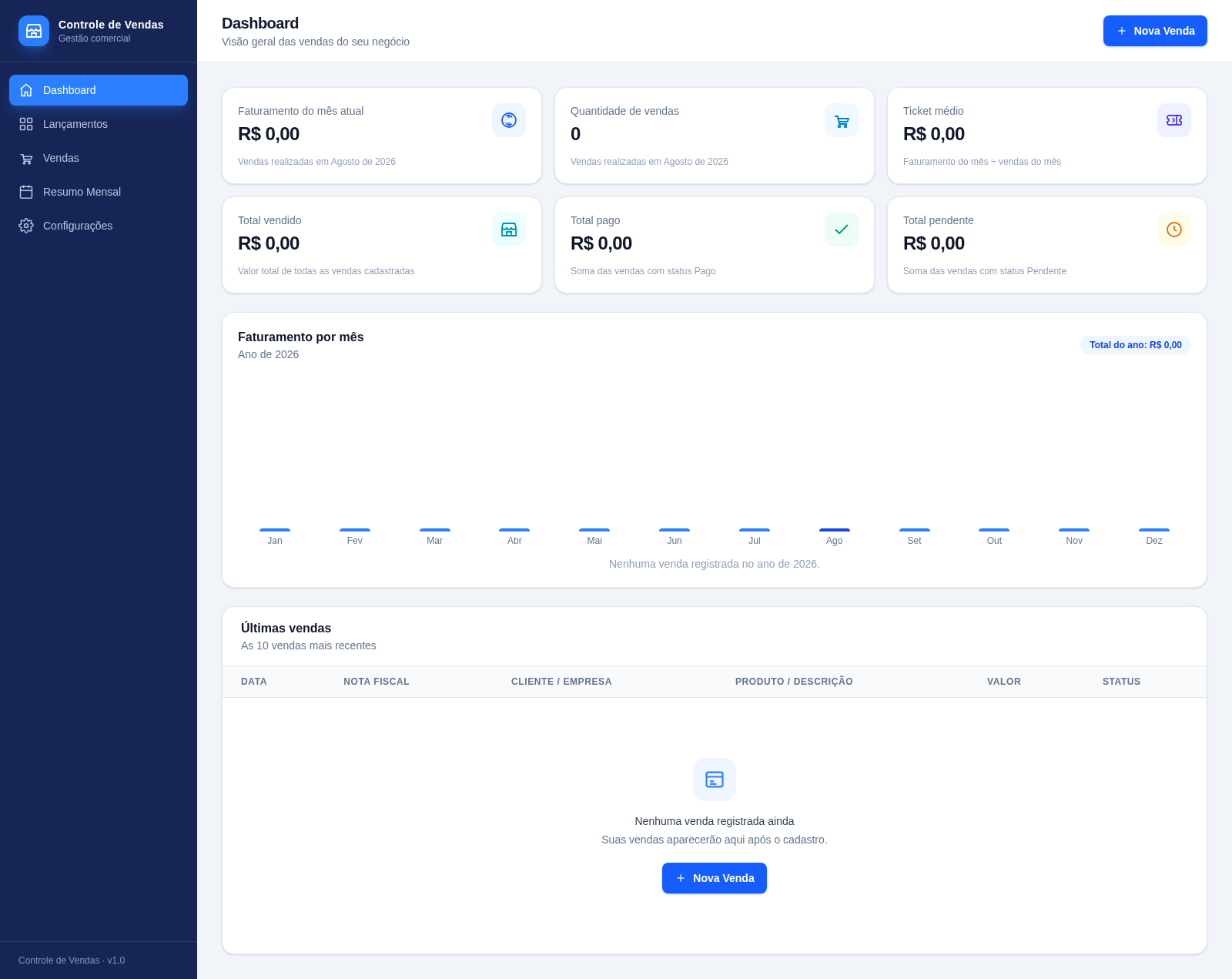
6Controle de Vendas - Rei Dos Filtros
Sistema de controle de vendas com metas mensais, lançamentos rápidos estilo planilha e importação de CSV/Excel.
 3
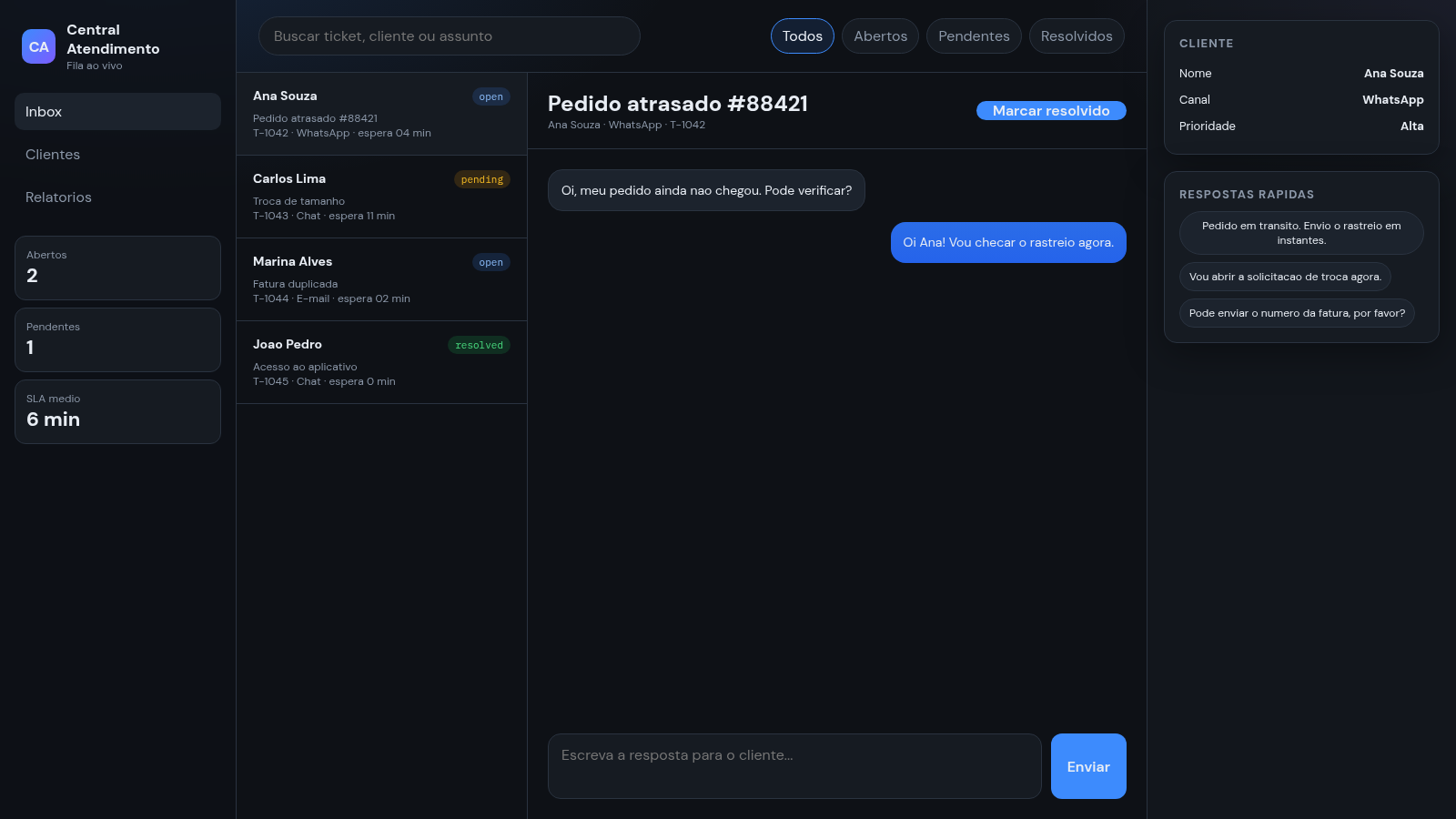
3Central de Atendimento
Painel de atendimento com fila de tickets, chat e respostas rapidas.