
Company Bookkeeper
Record company income and expenses in Pakistani rupees with live totals, running balances, filters, and private browser storage.
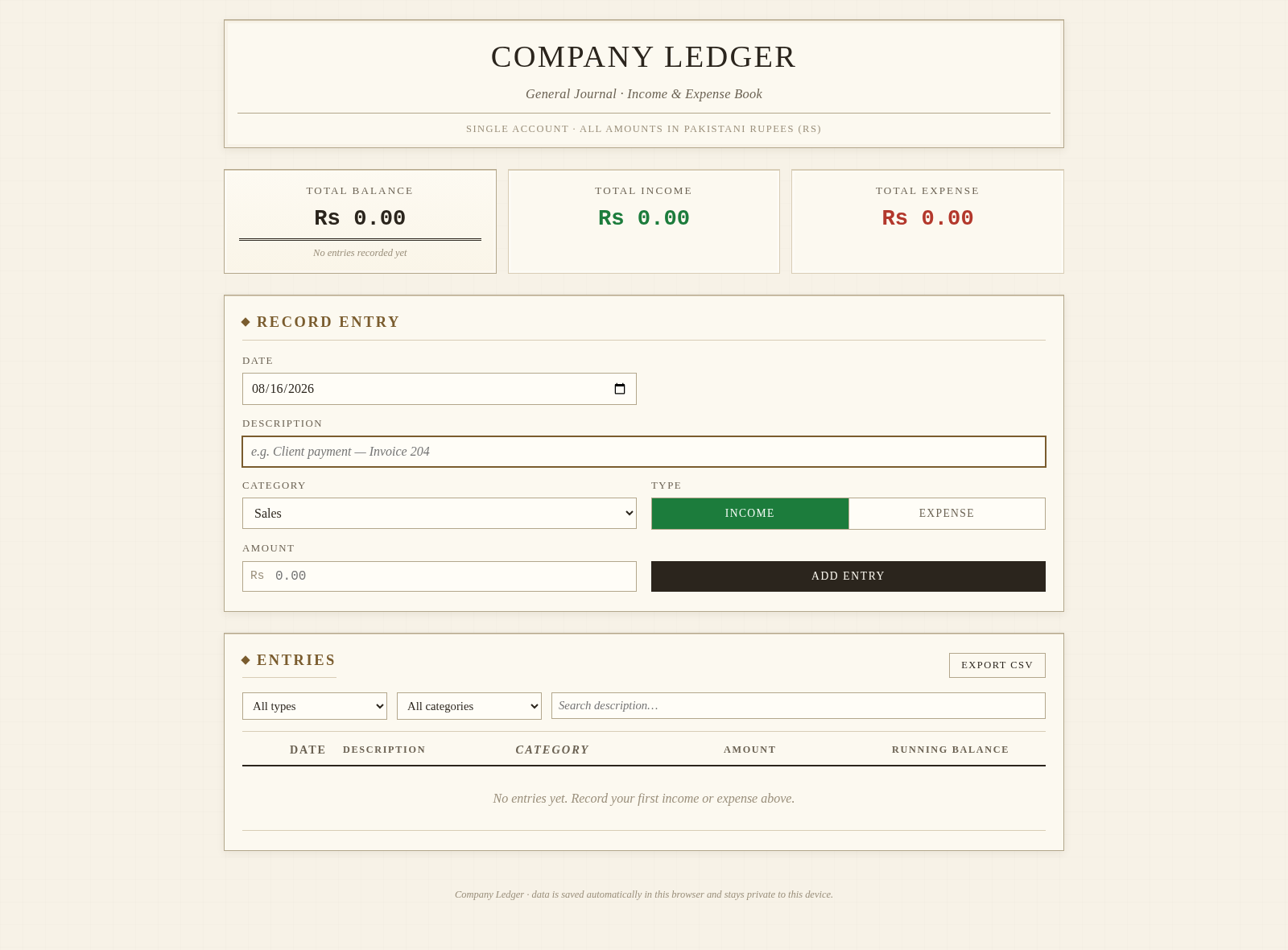
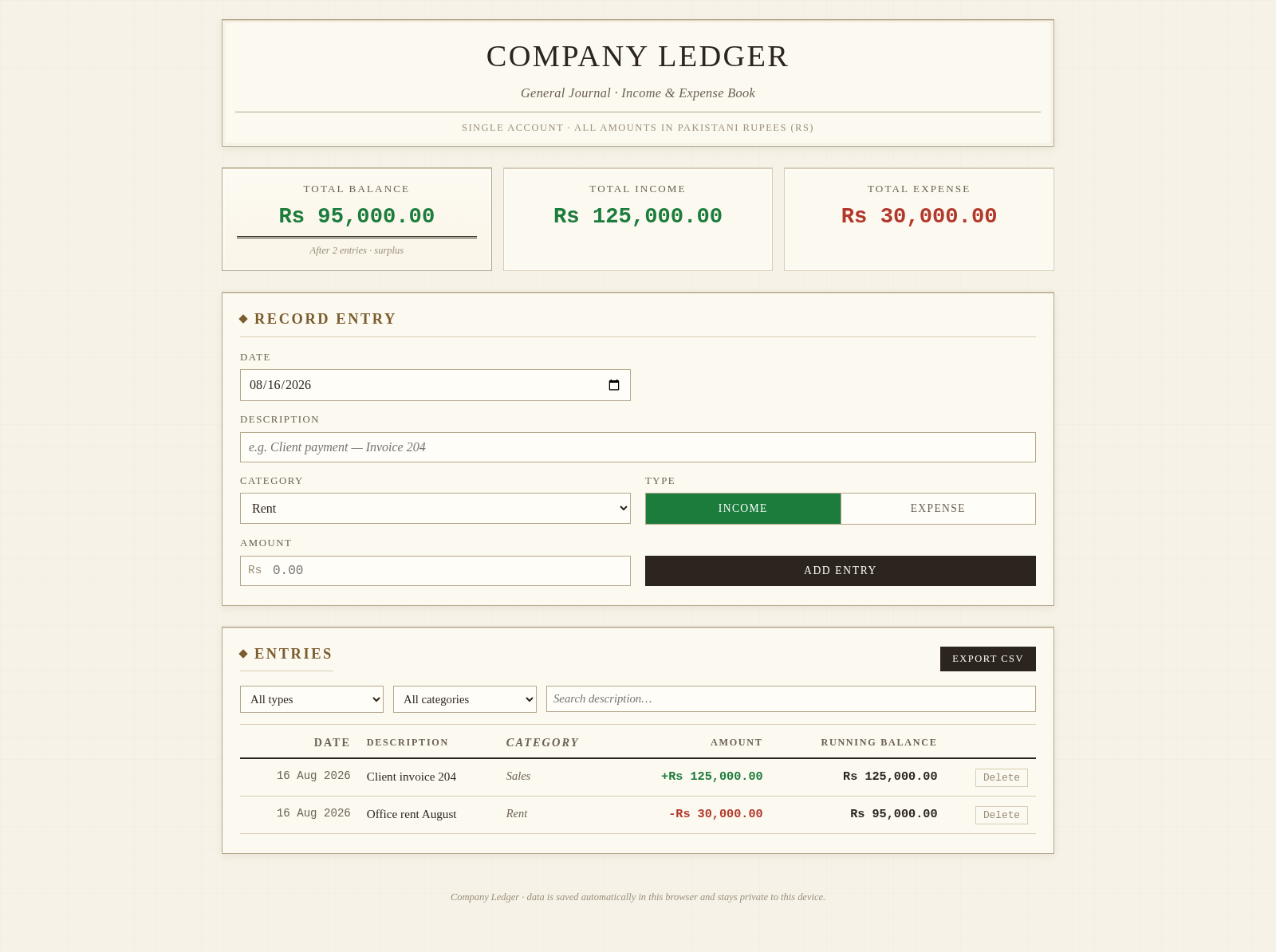
Company Ledger is a single-account general journal for lightweight business bookkeeping. Users can record dated income and expense entries with a description, category, and amount in Pakistani rupees. The dashboard recalculates total balance, total income, and total expenses immediately, while the ledger presents transactions chronologically with a running balance. Entries can be searched by description, filtered by type or category, exported as a CSV file, and deleted after confirmation. Records are saved automatically in the current browser and do not require an account or remote service.
Highlights
Live balance
Totals update after entries
Useful filters
Search by type or category
CSV export
Download transaction records
Private storage
Data stays in the browser
How to Use
Record a transaction
Choose the transaction date, enter a clear description, select one of the available business categories, mark the entry as income or expense, and provide the amount in Pakistani rupees. Select Add Entry to save it; the form clears and the dashboard and ledger update immediately.
Review balances
Use the three summary cards to check the current total balance, cumulative income, and cumulative expenses. In the entries table, read each signed amount alongside its running balance to understand how the account changed over time.
Find specific entries
Select a transaction type or category from the filter controls, or enter part of a description in the search field. The table updates to show matching records and displays a clear empty result message when the active filters have no match.
Export or remove data
Select Export CSV to download the current ledger as a spreadsheet-friendly file. To remove a transaction, use its Delete control and review the confirmation message before accepting; totals and balances are recalculated after deletion.
Similar Sites
 32
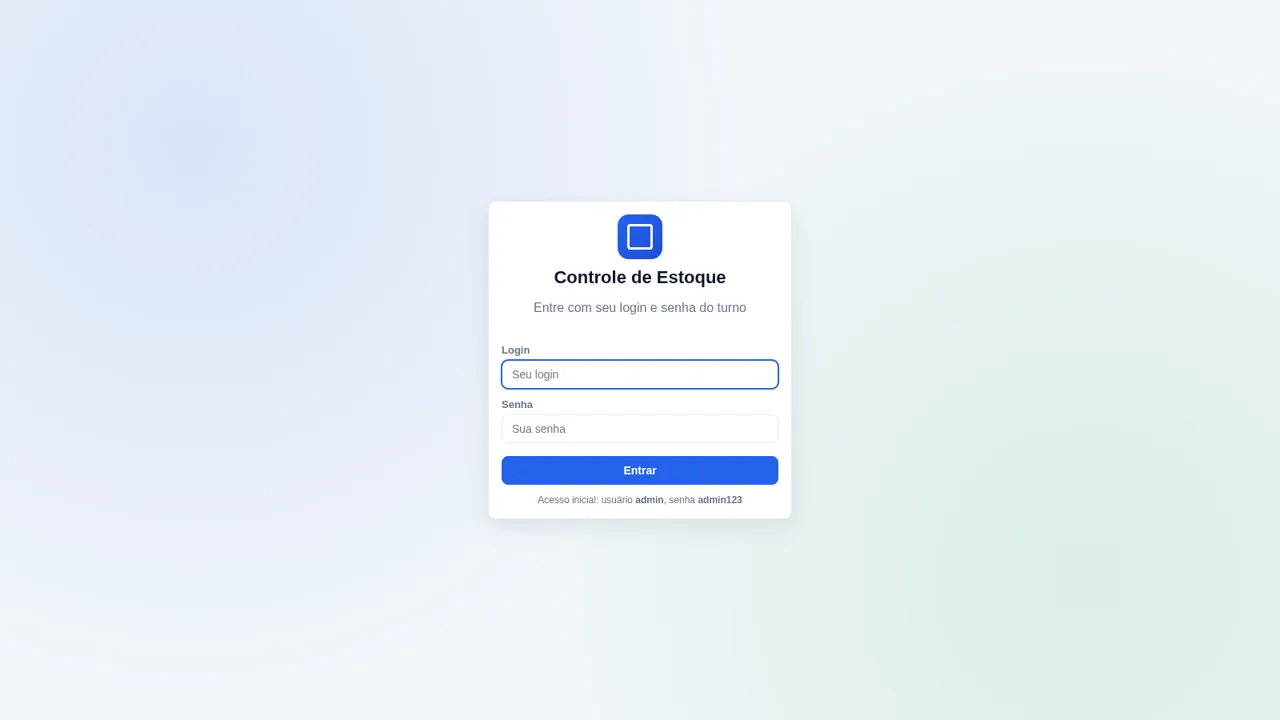
32Controle de Estoque
Entrada e saída de materiais com baixa automática do estoque
 22
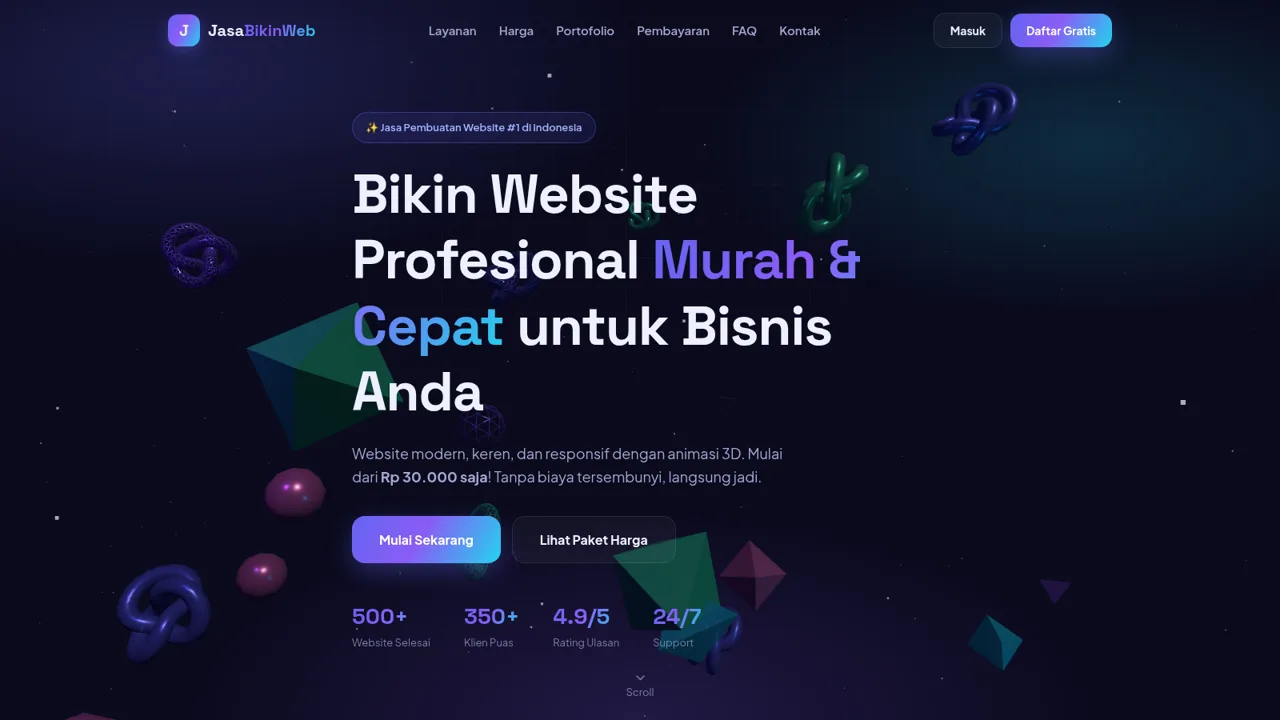
22Jasa Bikin Website
Jasa pembuatan website profesional mulai Rp30.000. Pembayaran OVO, DANA, GoPay.
 18
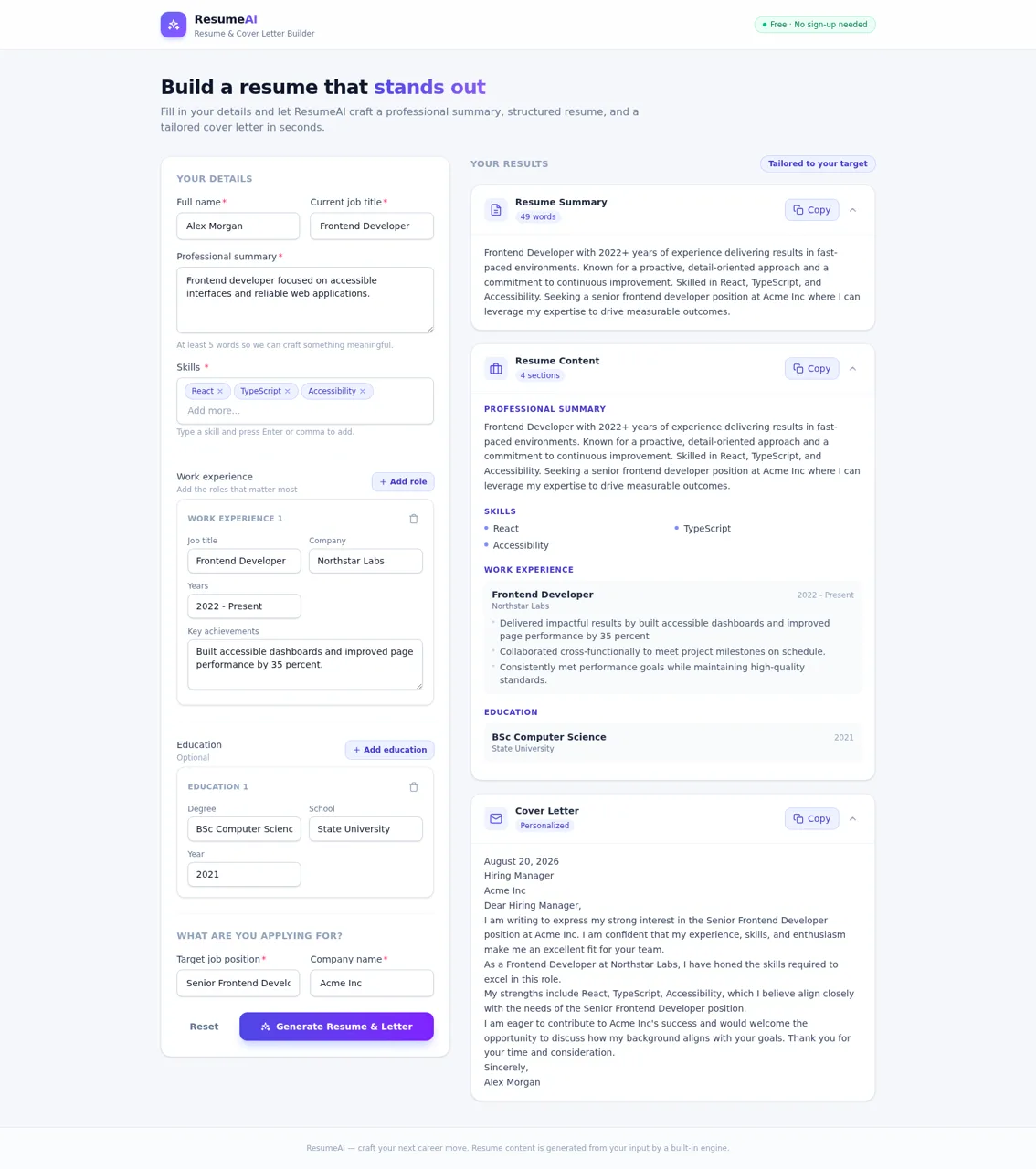
18ResumeAI
AI Resume and Cover Letter Builder
 17
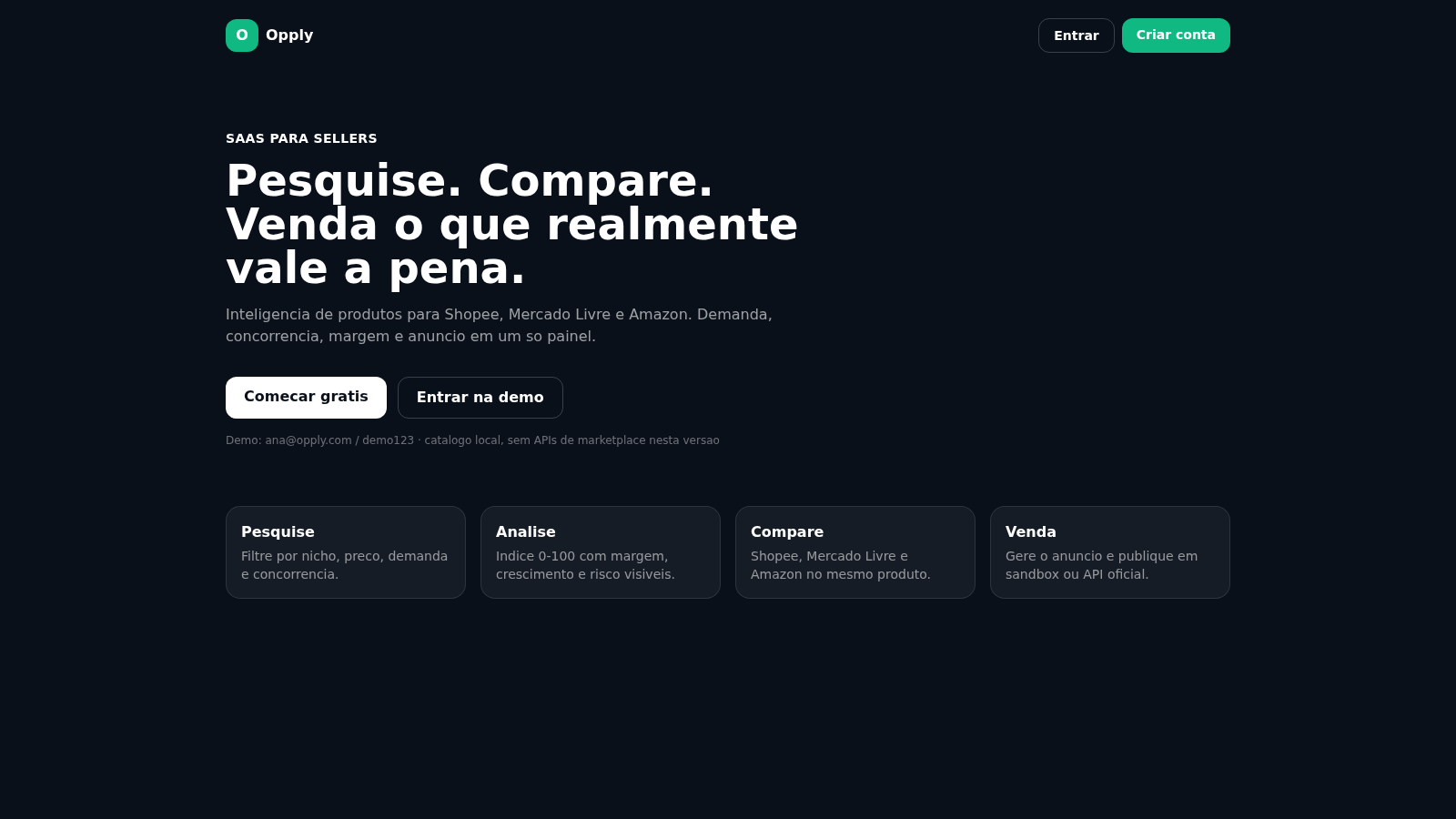
17Opply
Inteligencia de produtos para Shopee, Mercado Livre e Amazon.
 13
13The Next Level Events
Bilingual (EN/AR) exhibitions and conferences website with admin CMS
 13
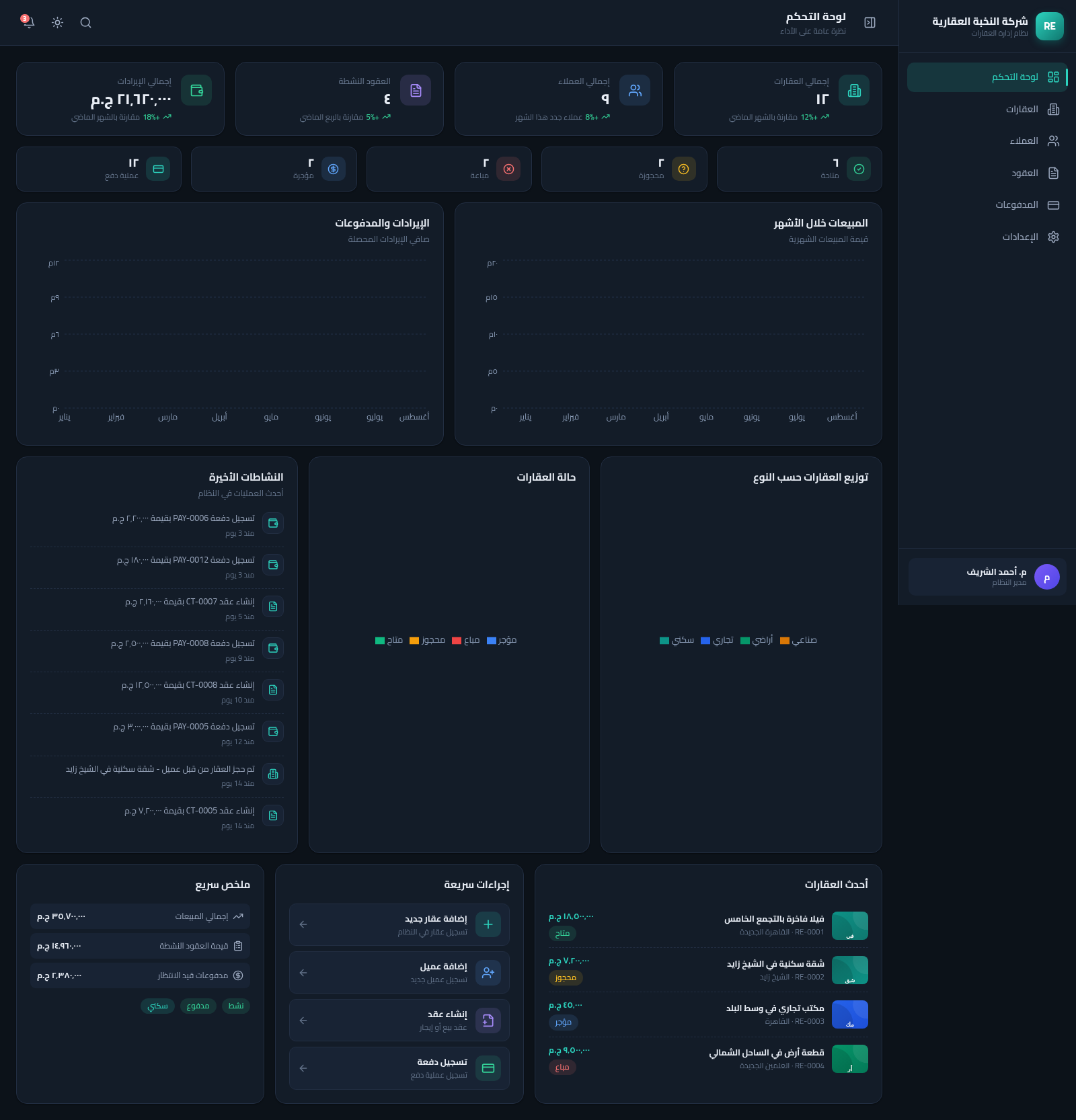
13Real Estate Manager
نظام متكامل لإدارة العقارات والعملاء والعقود والمدفوعات بواجهة عربية RTL