
FreeRoot Proot Installer
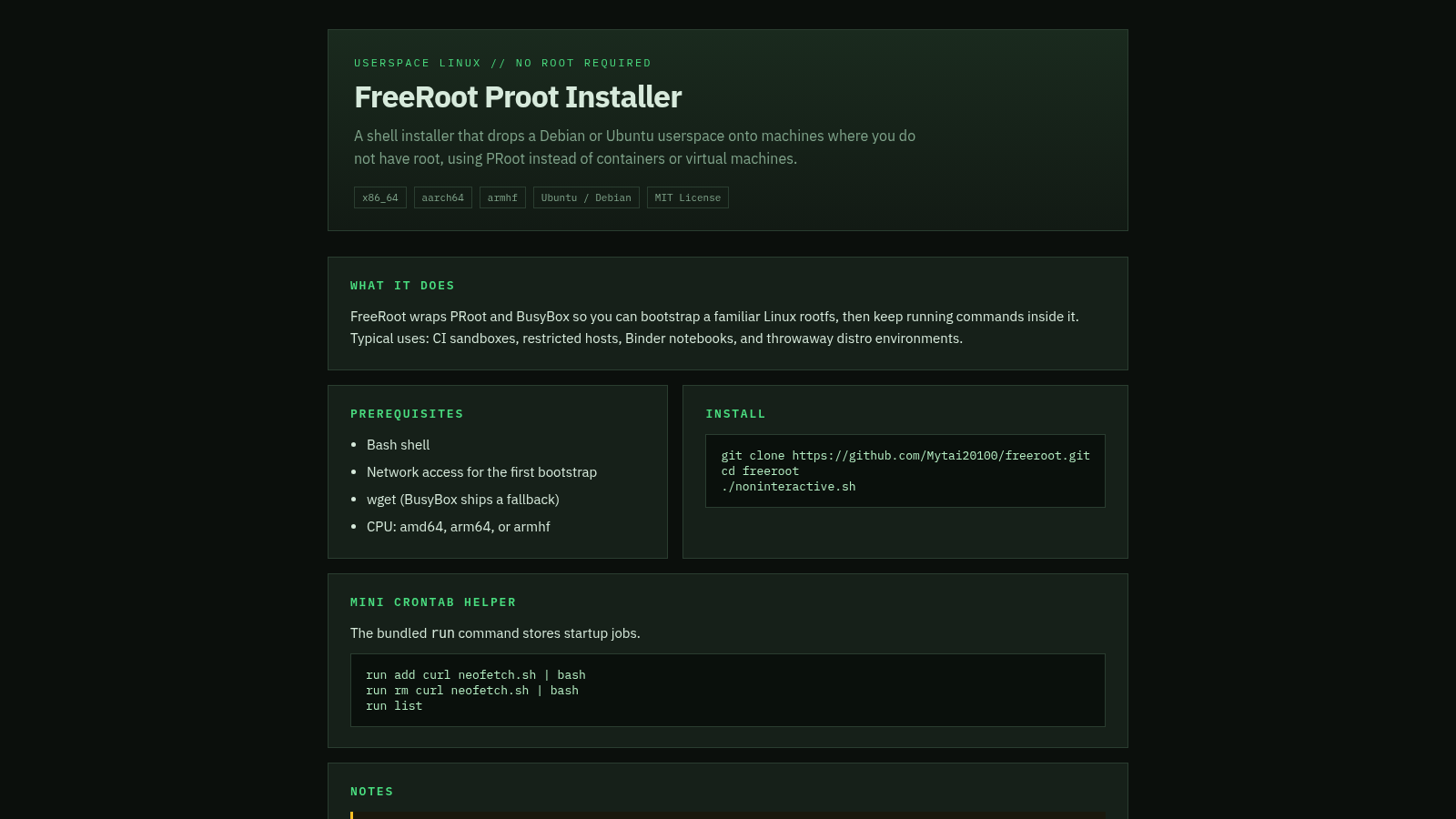
A shell installer that bootstraps a Debian or Ubuntu userspace without root using PRoot.
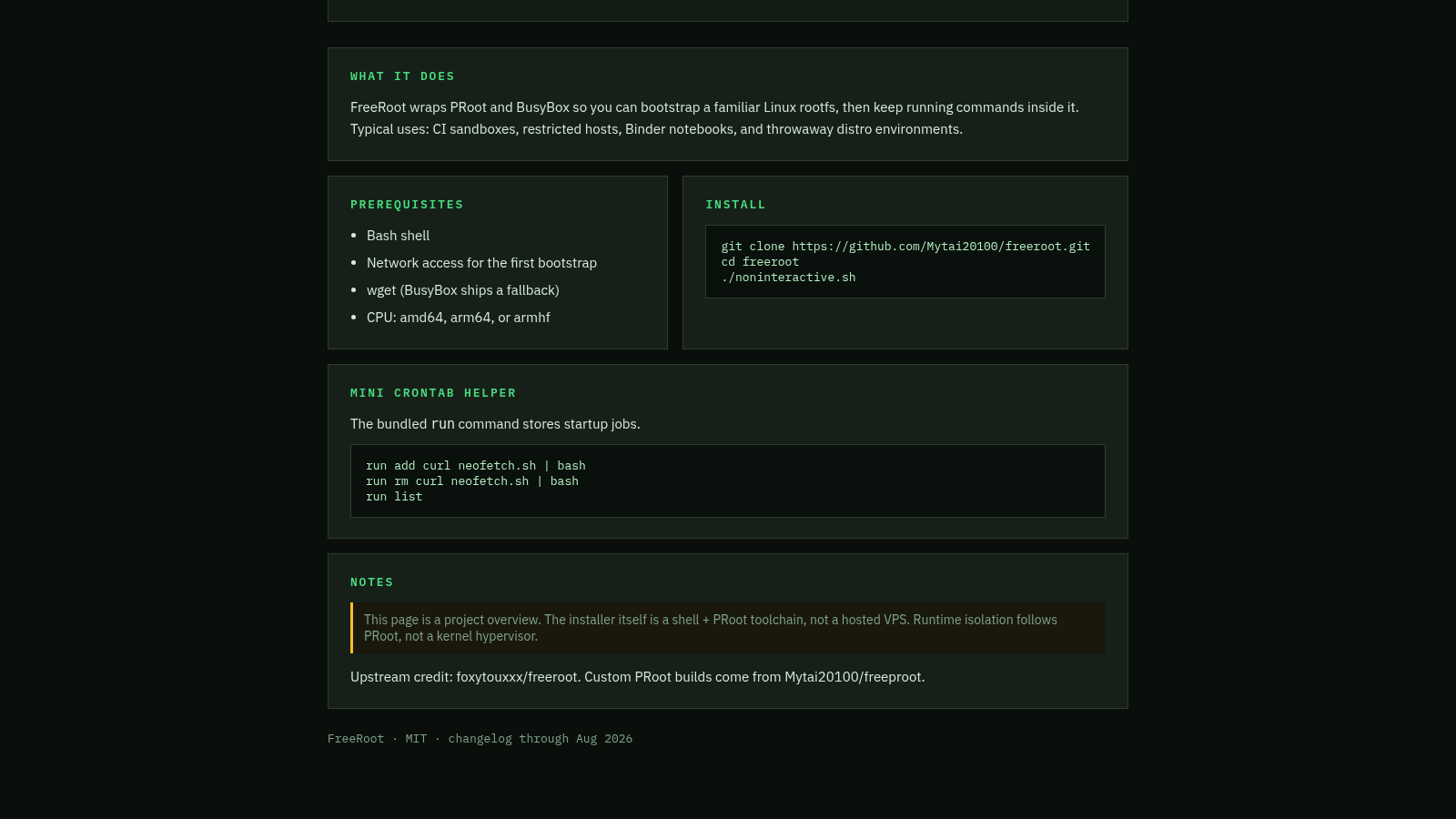
FreeRoot Proot Installer is a single-page project overview for a shell installer that places a Debian or Ubuntu userspace on a host where you do not have root. Instead of containers or virtual machines it relies on PRoot and BusyBox, so you can bootstrap a familiar Linux rootfs and keep running commands inside it. The page describes what the project does, lists prerequisites such as a Bash shell, network access, wget and supported CPUs, shows the install commands, and documents a bundled mini crontab helper for storing startup jobs. It also notes typical uses like CI sandboxes, restricted hosts, Binder notebooks and throwaway distro environments, and credits the upstream project the work builds on.
Highlights
Root-free Linux
No sudo required
Multi-arch
x86_64, ARM64, armhf
Crontab helper
Store startup jobs
MIT licensed
Free and open source
How to Use
Read the overview
Open the page and start with the header, which states the core idea of a userspace Linux install that needs no root. The chips underneath list the target CPU architectures and the Ubuntu / Debian and MIT License tags, while the What it does section explains how PRoot and BusyBox are used and lists typical scenarios such as CI sandboxes and restricted hosts.
Check the prerequisites
Look at the Prerequisites block before installing. It lists four requirements: a Bash shell, network access for the first bootstrap, wget (with a BusyBox fallback), and a CPU that is amd64, arm64 or armhf. Confirm the host matches these before continuing.
Run the install commands
The Install block shows the commands as plain text: clone the freeroot repository with git, change into the directory, then run noninteractive.sh. These are displayed for reference rather than as clickable links, so copy them into a shell on the target machine to bootstrap the userspace.
Use the crontab helper
The Mini crontab helper section explains that the bundled run command stores startup jobs. It shows three example invocations for adding a job, removing a job and listing jobs. Use these inside the environment to keep commands that should run on startup.
Similar Sites
 81
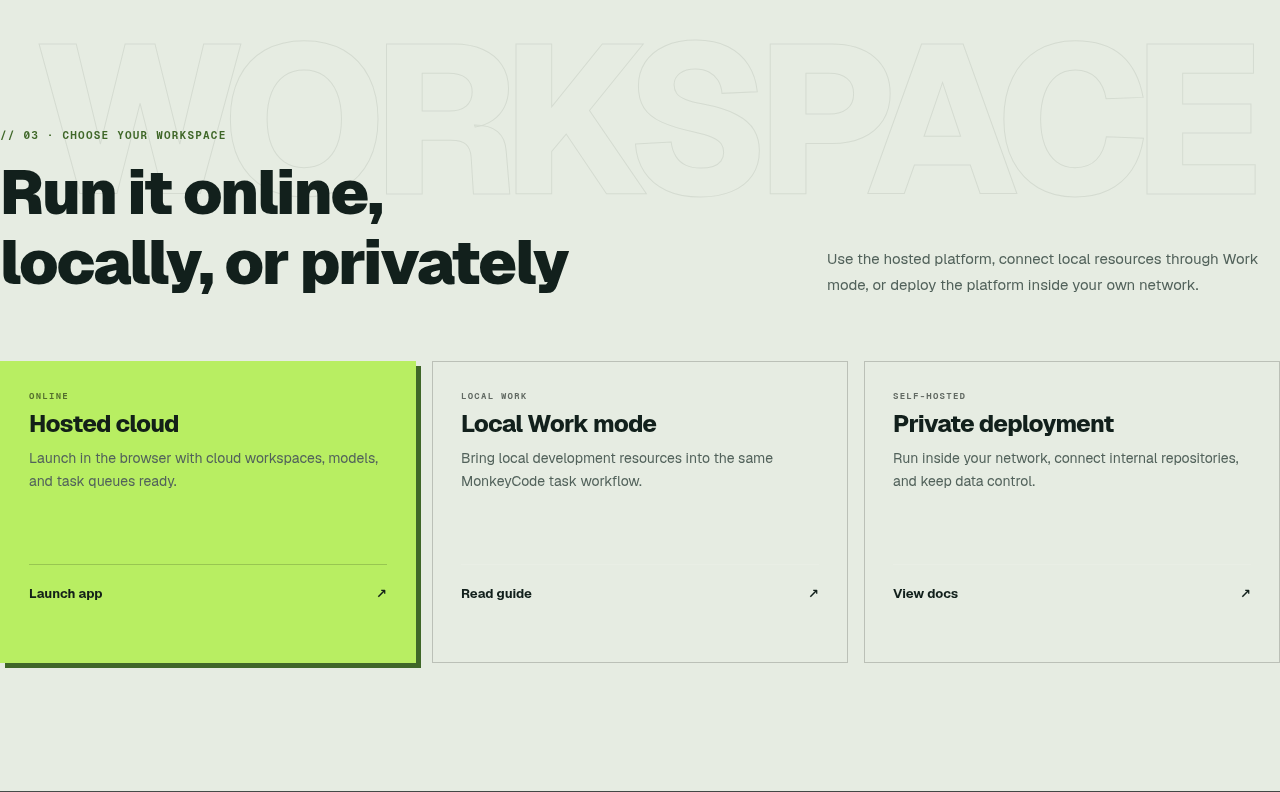
81MonkeyCode AI Workspaces
AI coding workspaces for engineering teams
 45
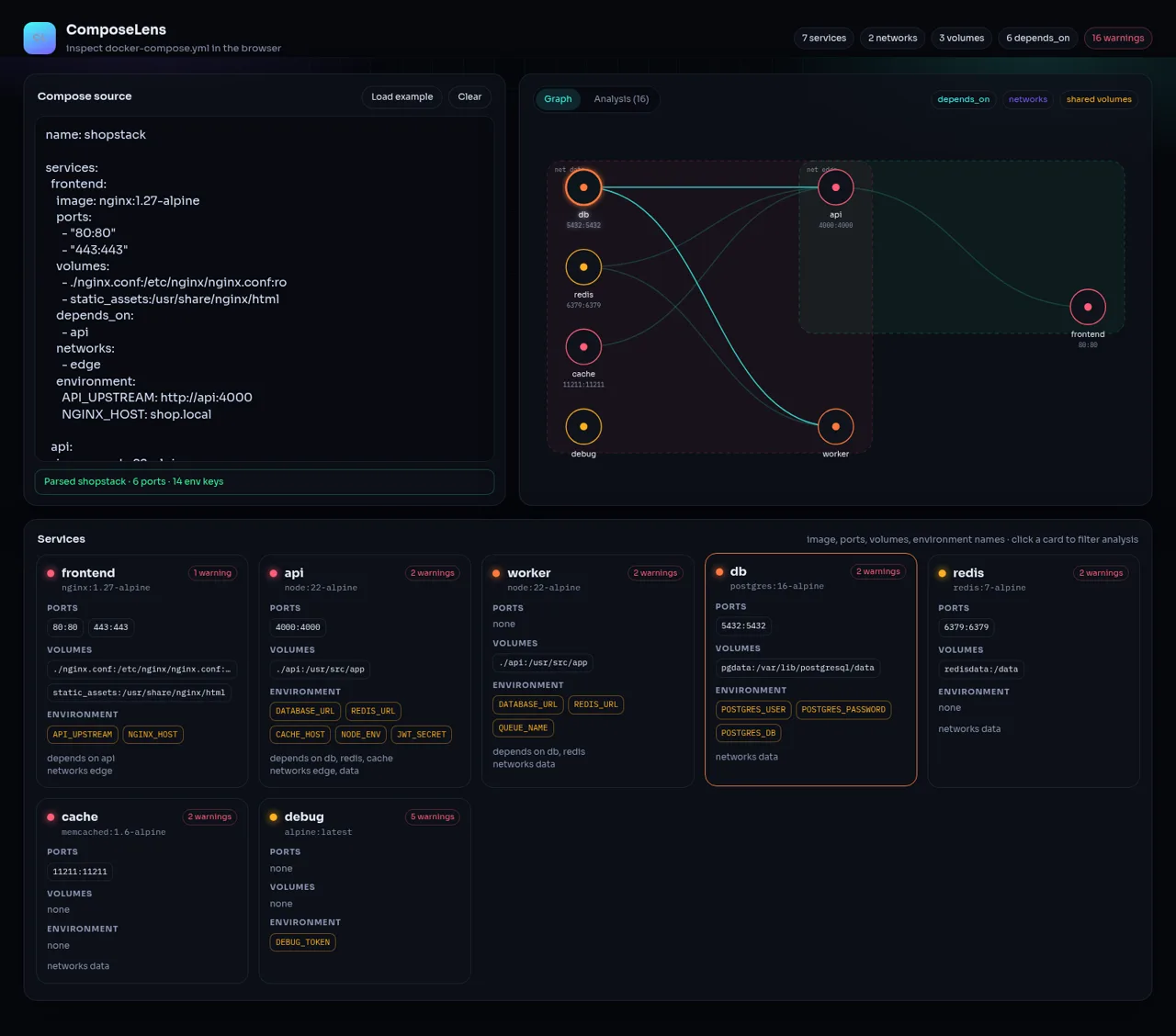
45ComposeLens
Visual Docker Compose inspector with graphs and security warnings
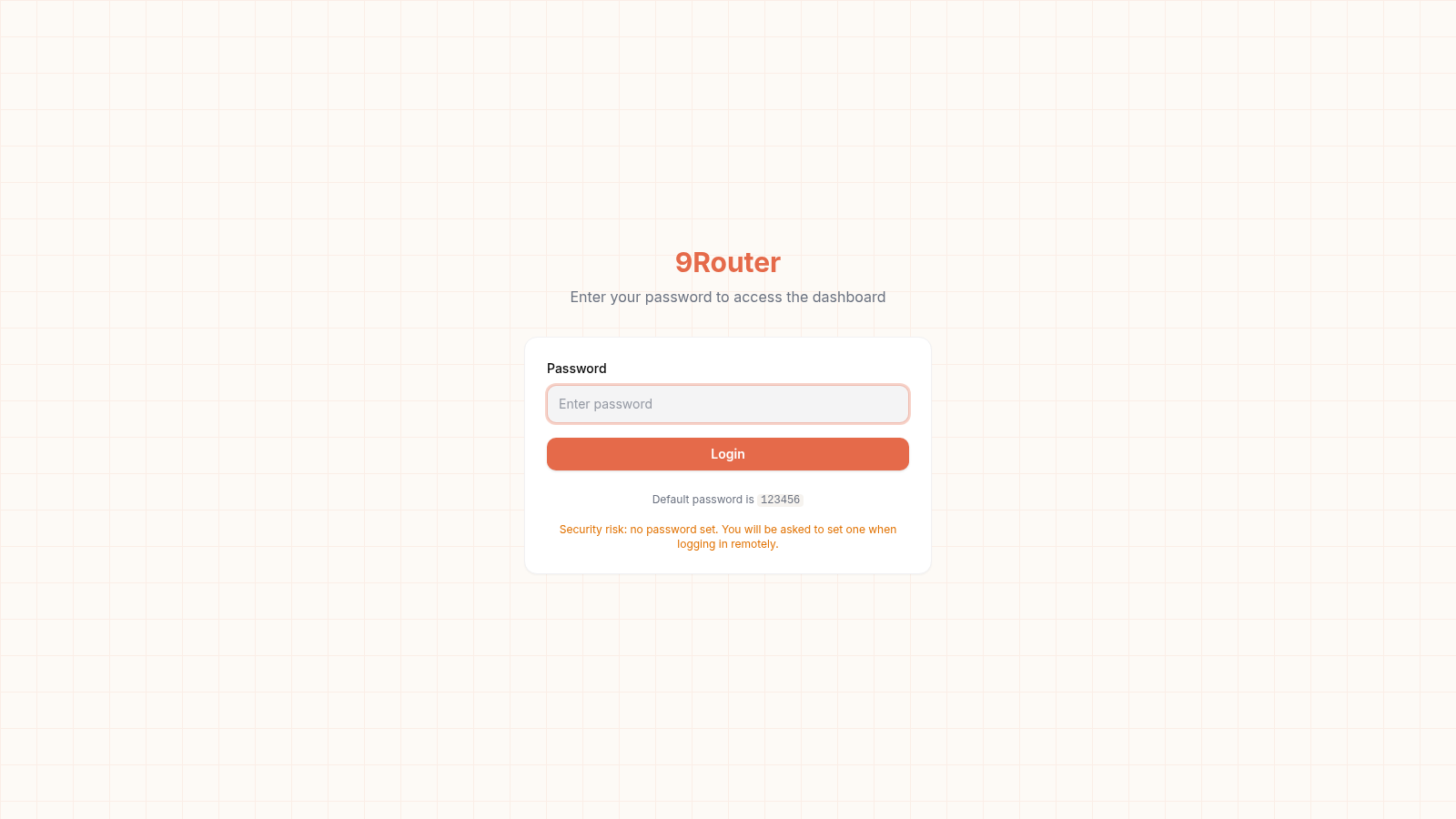 24
249Router - AI Router
FREE AI coding router with auto-fallback, RTK token saving, 40+ providers
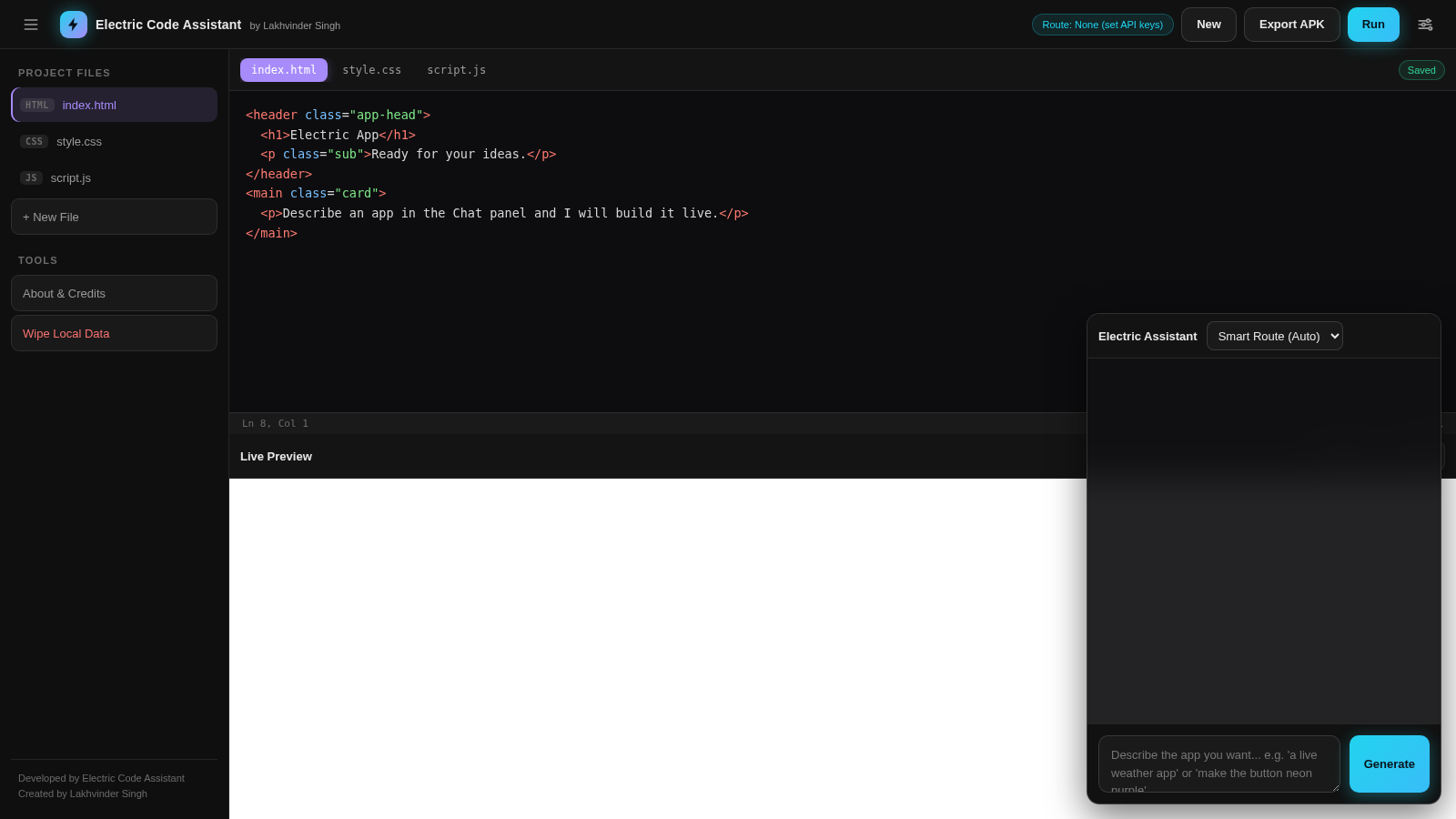 23
23Electric Code Assistant
Ultra-lightweight AI web IDE: build apps with AI, live preview, APK export
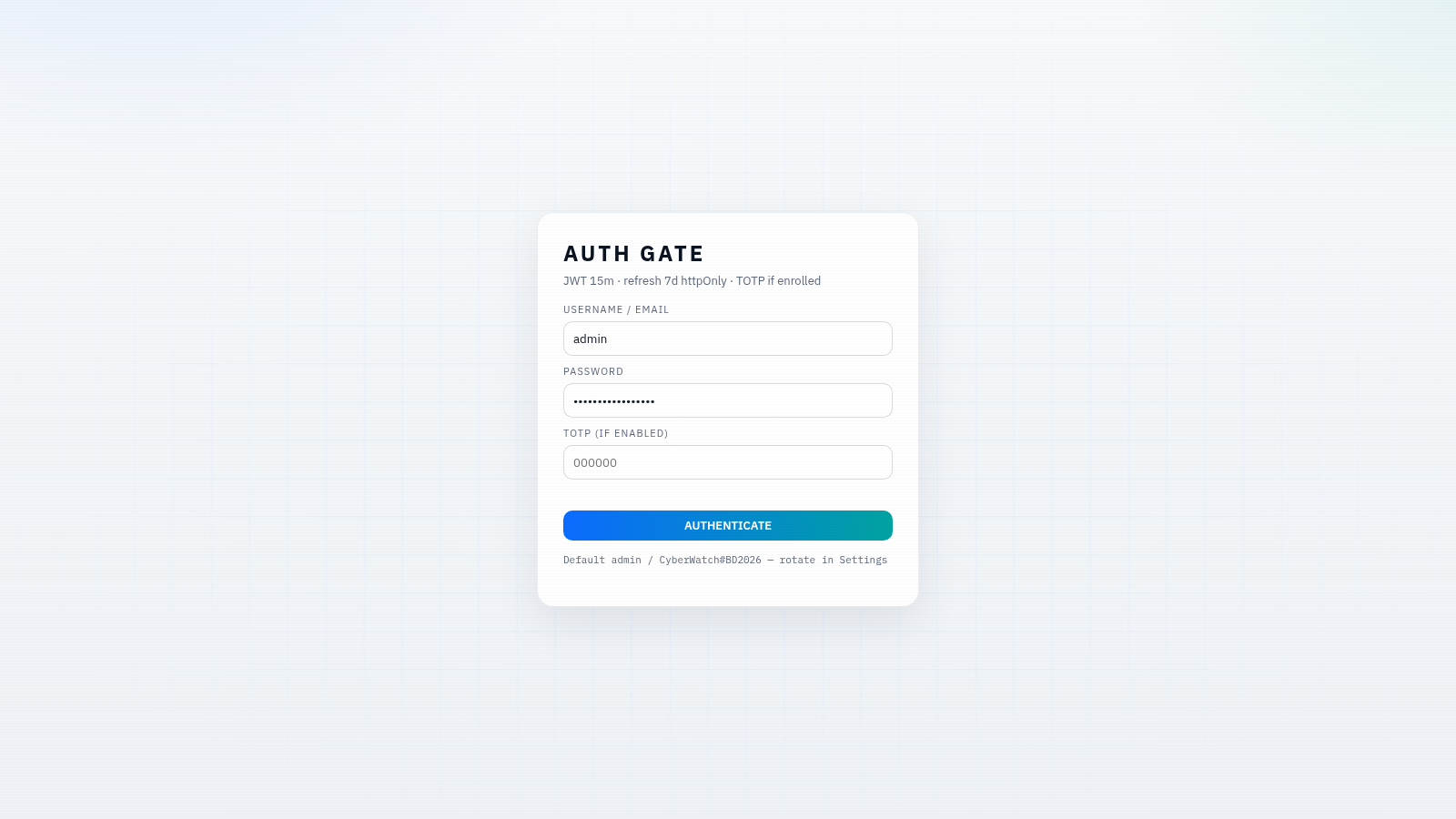 15
15CYBERWATCH-BD
Unified SOC with local AI triage, gated scans, and Bangladesh cyber tools.
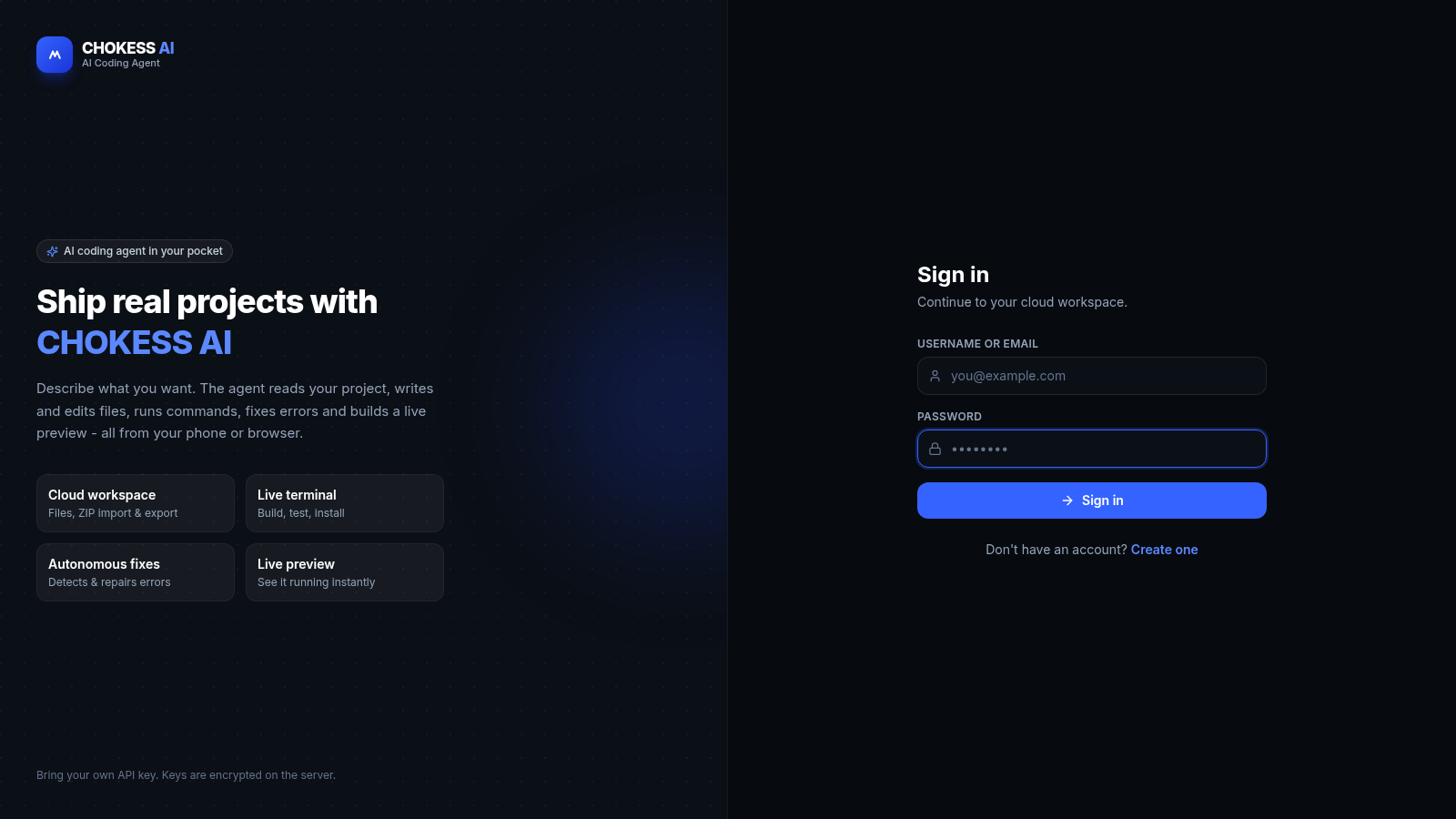 14
14CHOKESS AI
Browser-based AI coding agent with cloud workspace, terminal and live preview