
FreeLLMAPI
An OpenAI-compatible gateway that routes to many free LLM providers with one API key
FreeLLMAPI is a developer dashboard that unifies many free and free-tier LLM providers behind a single OpenAI-compatible endpoint. After signing in you can add provider credentials from a catalog of 57 platforms, choose a routing strategy such as Manual, Balanced, Smartest, Fastest or Most reliable, manage named fallback chains, test models in a chat playground with sampling controls, and generate configuration for coding agents including Claude Code, Codex CLI, Cline and OpenCode. An analytics area reports request volume, latency, token usage, errors and estimated savings.
Highlights
One unified API key
A single endpoint for many providers
Six routing strategies
Manual through most reliable
57-provider catalog
Free and free-tier model sources
Chat playground
Test models and sampling live
Agent setup recipes
Claude Code, Codex, Cline and more
Usage analytics
Latency, tokens, errors and savings
How to Use
Sign in with the demo account
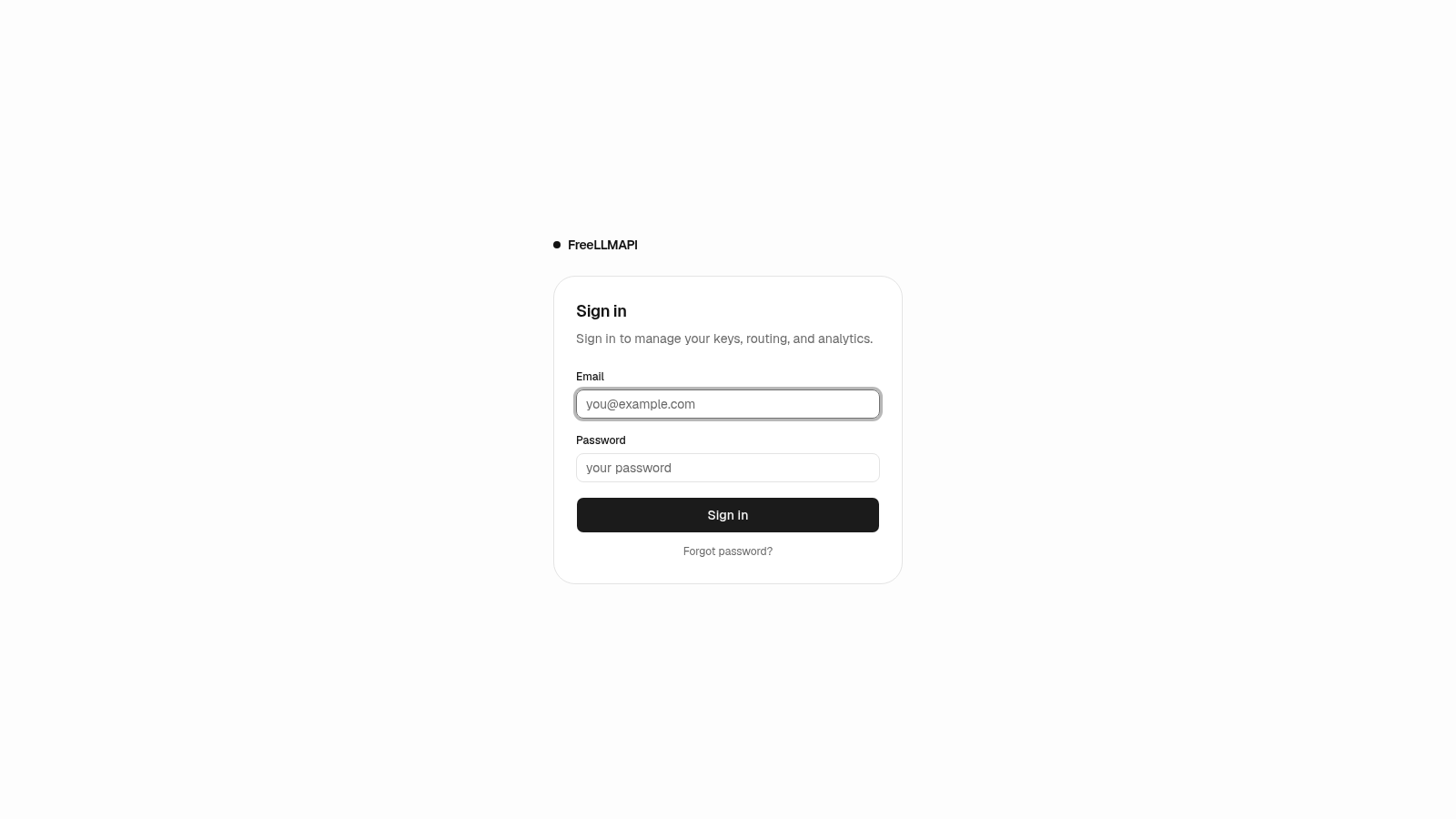
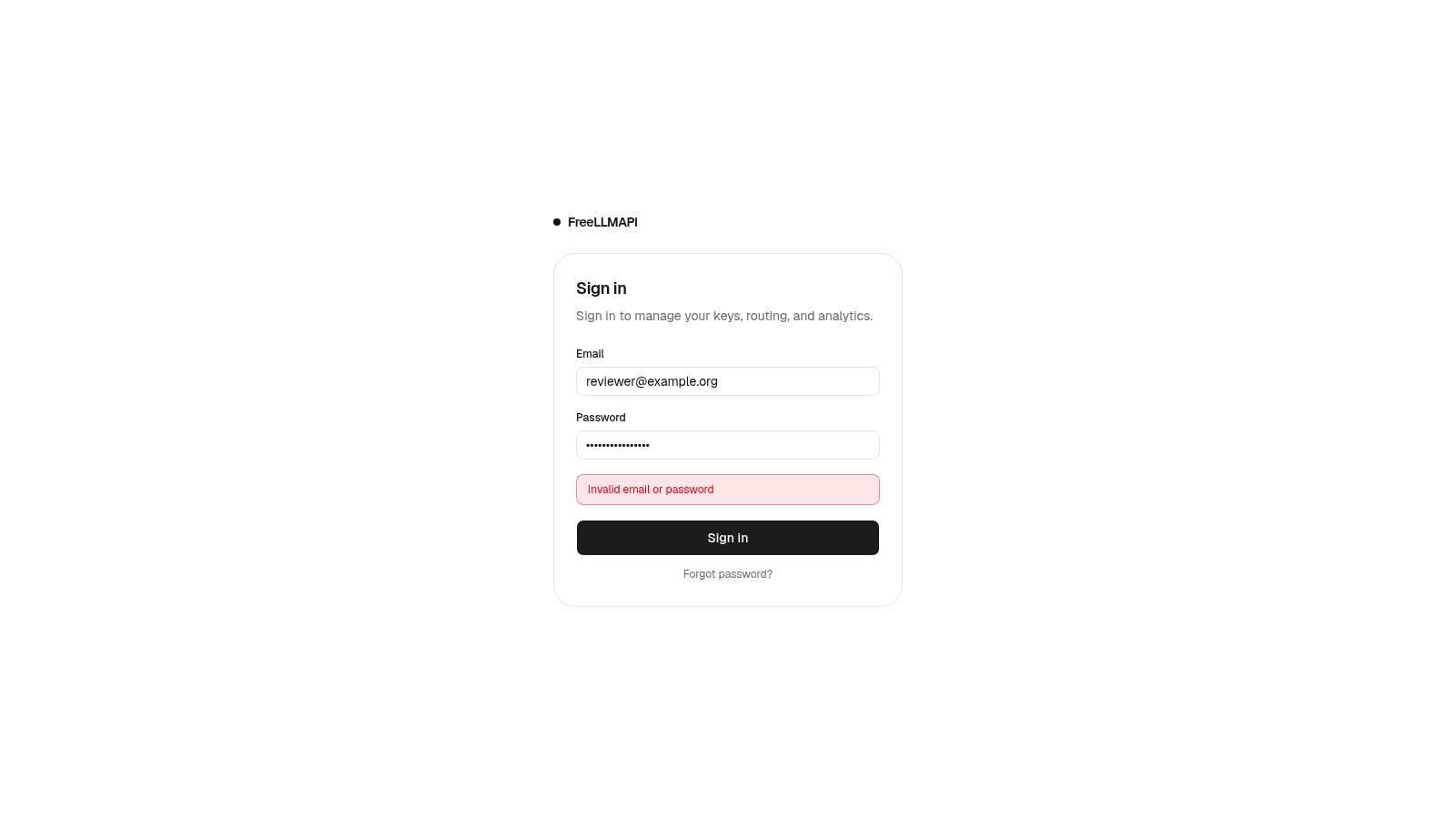
Open the site and you are taken to a sign-in screen. The page prints a public demo account, and the email and password fields are already filled in, so you can press Sign in to reach the dashboard immediately.
Add a provider key
Go to the Keys page and press Add key. In the dialog choose Provider key, open the Platform dropdown, filter or scroll the catalog, select a provider, paste its API key, optionally add a label, and confirm. The page then reports how many of the 57 providers are configured.
Choose how requests route
On the Models page pick a routing strategy. Manual lets you drag to set the order, while the other options route by live score across reliability, speed and intelligence. You can also open the Fallback chains panel to define named chains that are callable as auto entries.
Test a model in the Playground
Open the Playground, select a model in the right-hand Settings column, optionally write a system prompt, switch on temperature or top p if you want to override defaults, then type a message and send it to see the response in the conversation area.
Connect an app or coding agent
The Agents page lists supported tools. For each one you can copy an automatic setup command, or copy the base URL and unified API key to enter manually in that tool's own settings, then follow the linked documentation.
Review analytics
The Analytics page shows metric tiles for requests, success rate, input and output tokens, average and p95 latency, average time to first token and estimated savings. Use the time-range tabs and the calls table filters to narrow the view.
Similar Sites
 81
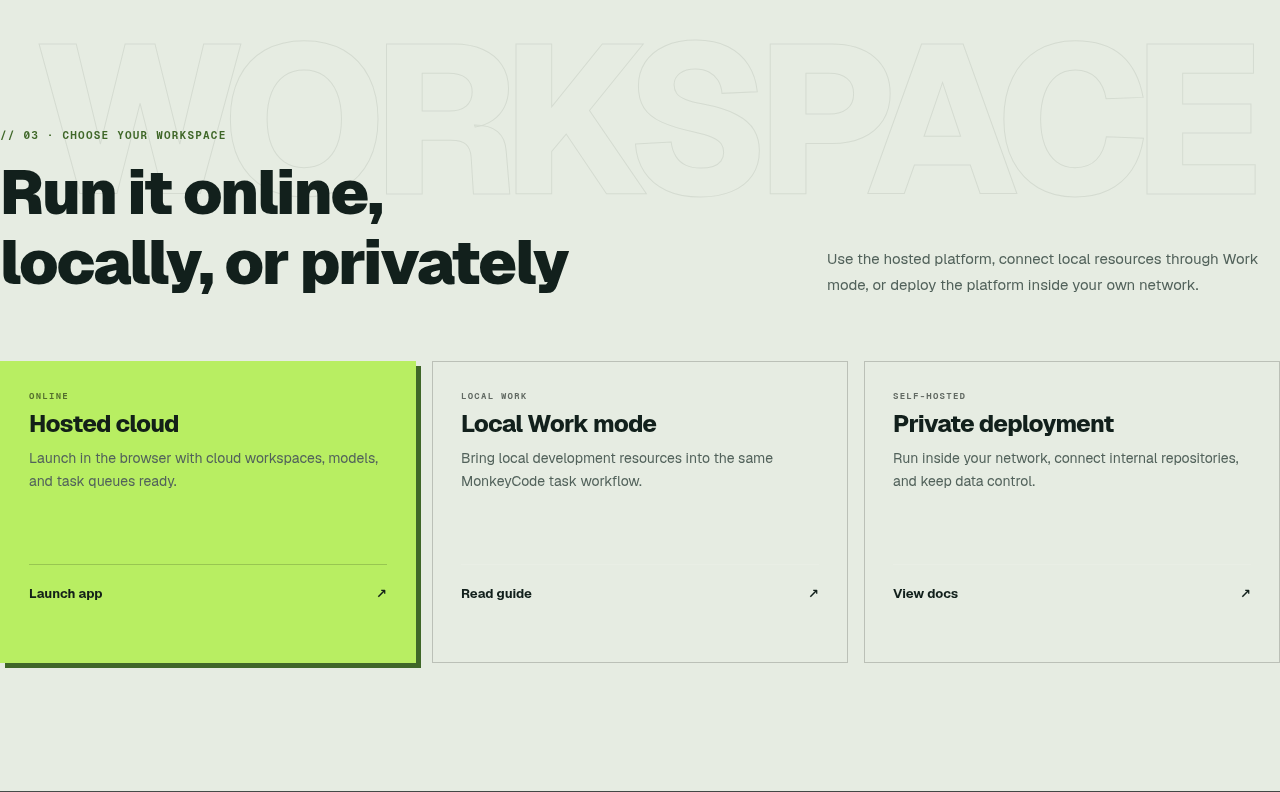
81MonkeyCode AI Workspaces
AI coding workspaces for engineering teams
 45
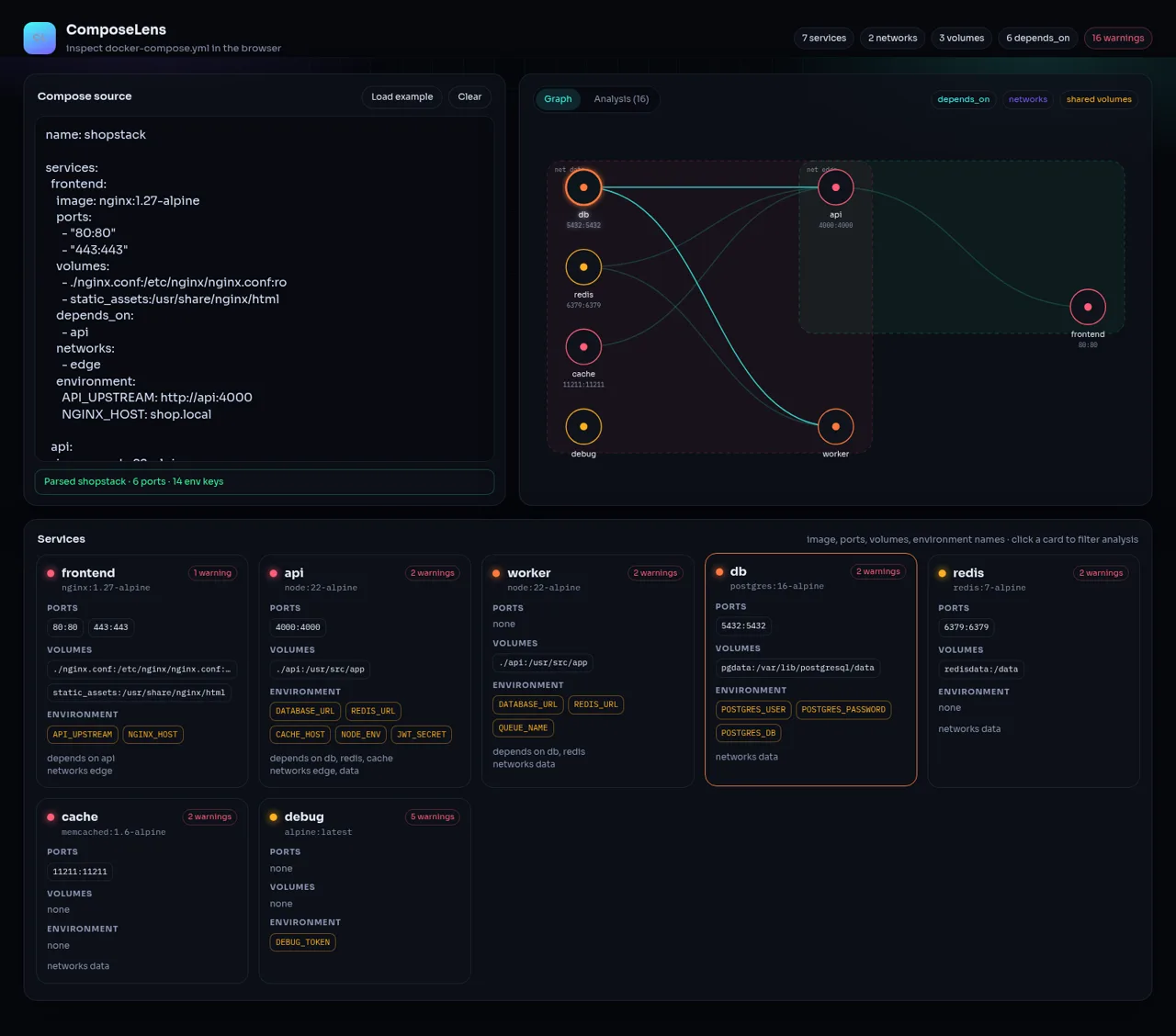
45ComposeLens
Visual Docker Compose inspector with graphs and security warnings
 24
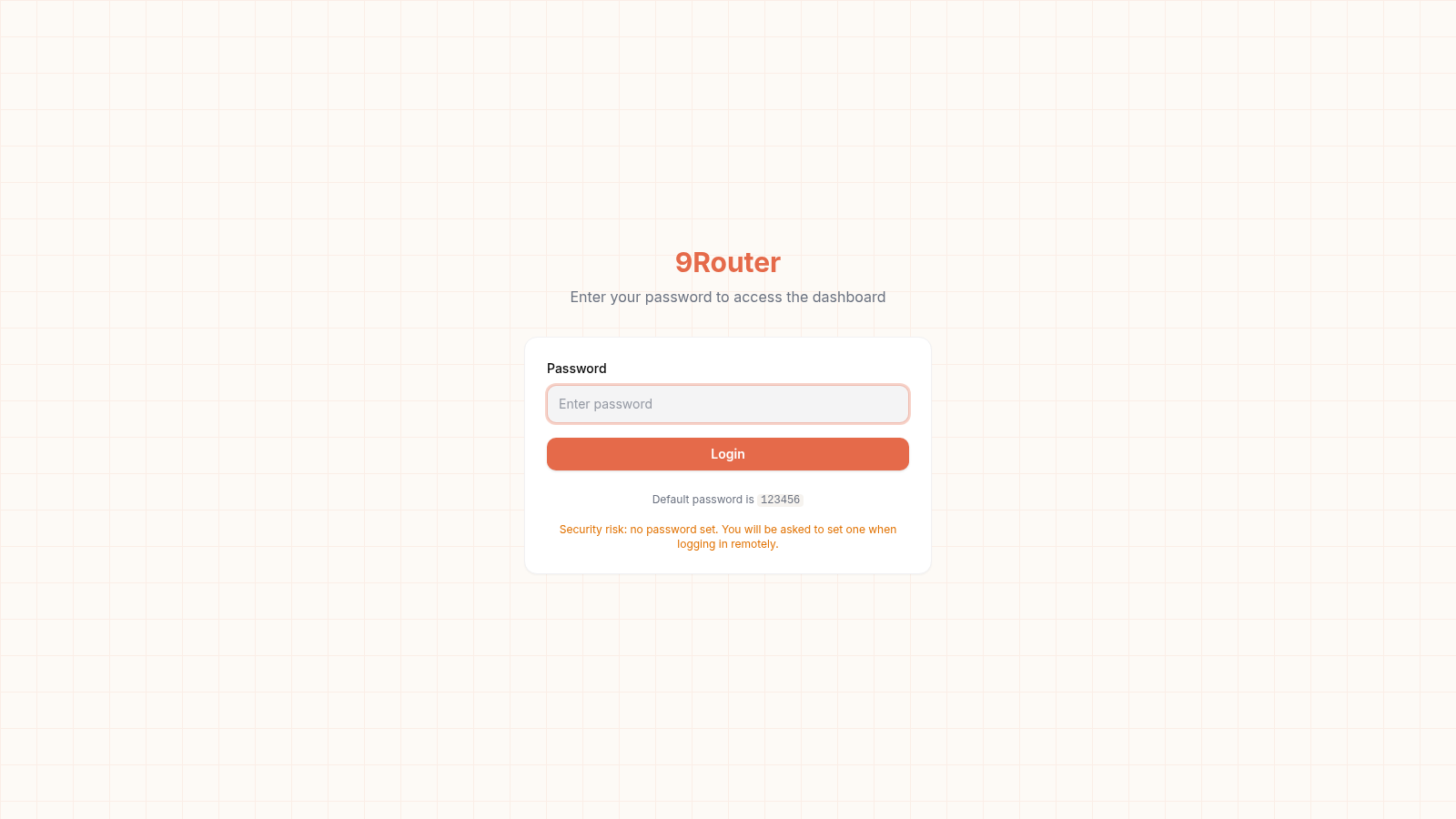
249Router - AI Router
FREE AI coding router with auto-fallback, RTK token saving, 40+ providers
 23
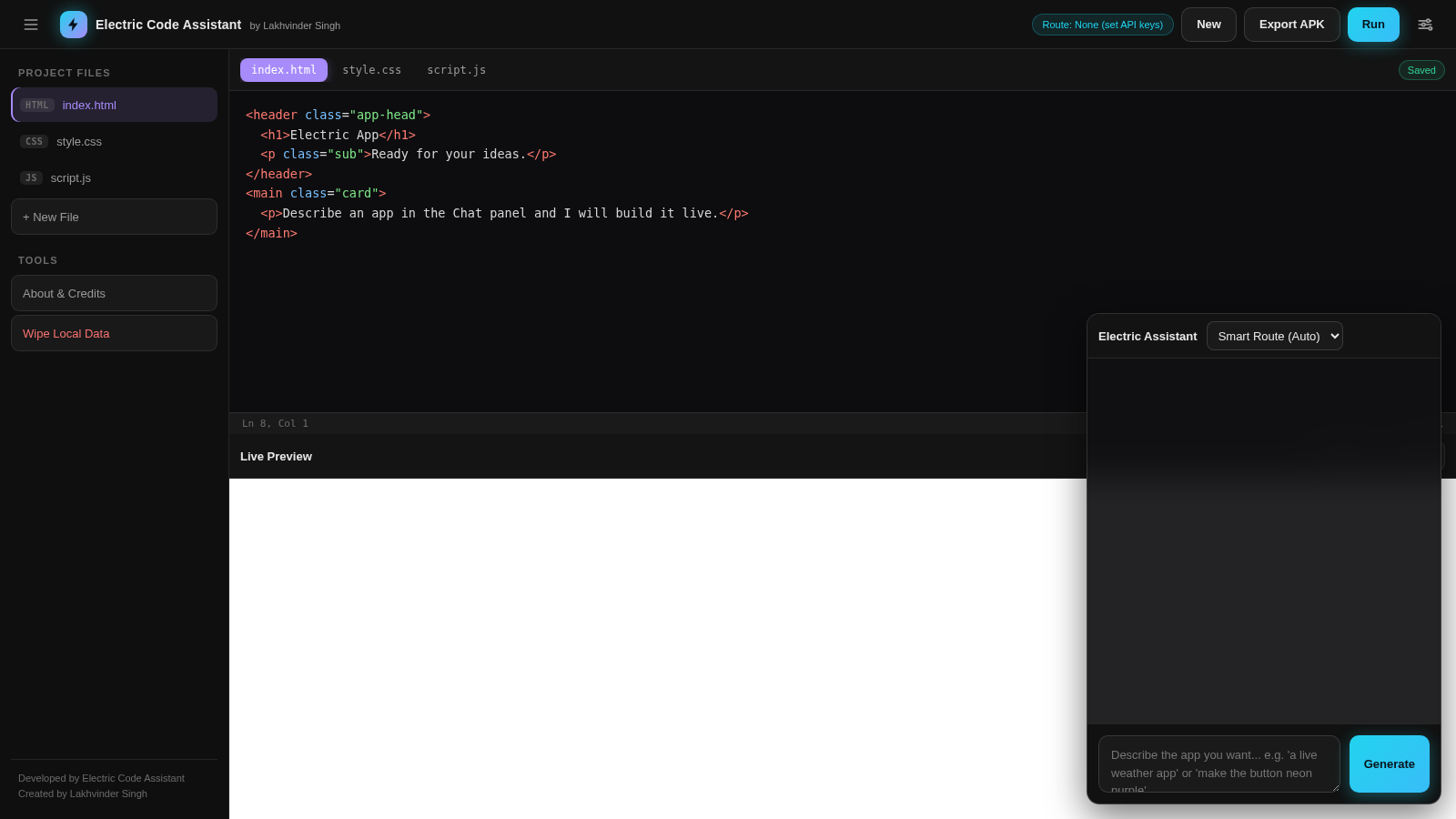
23Electric Code Assistant
Ultra-lightweight AI web IDE: build apps with AI, live preview, APK export
 15
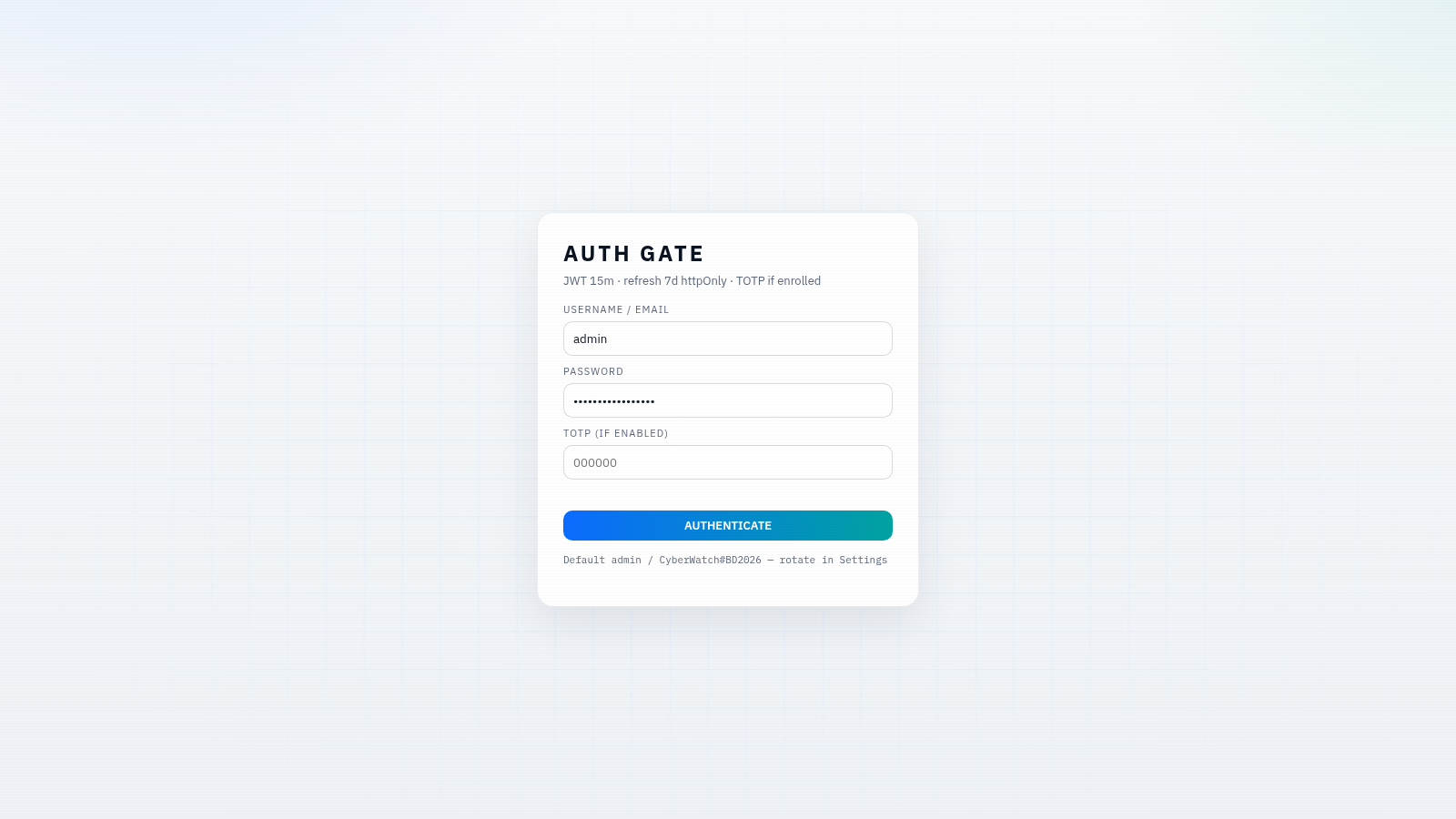
15CYBERWATCH-BD
Unified SOC with local AI triage, gated scans, and Bangladesh cyber tools.
 14
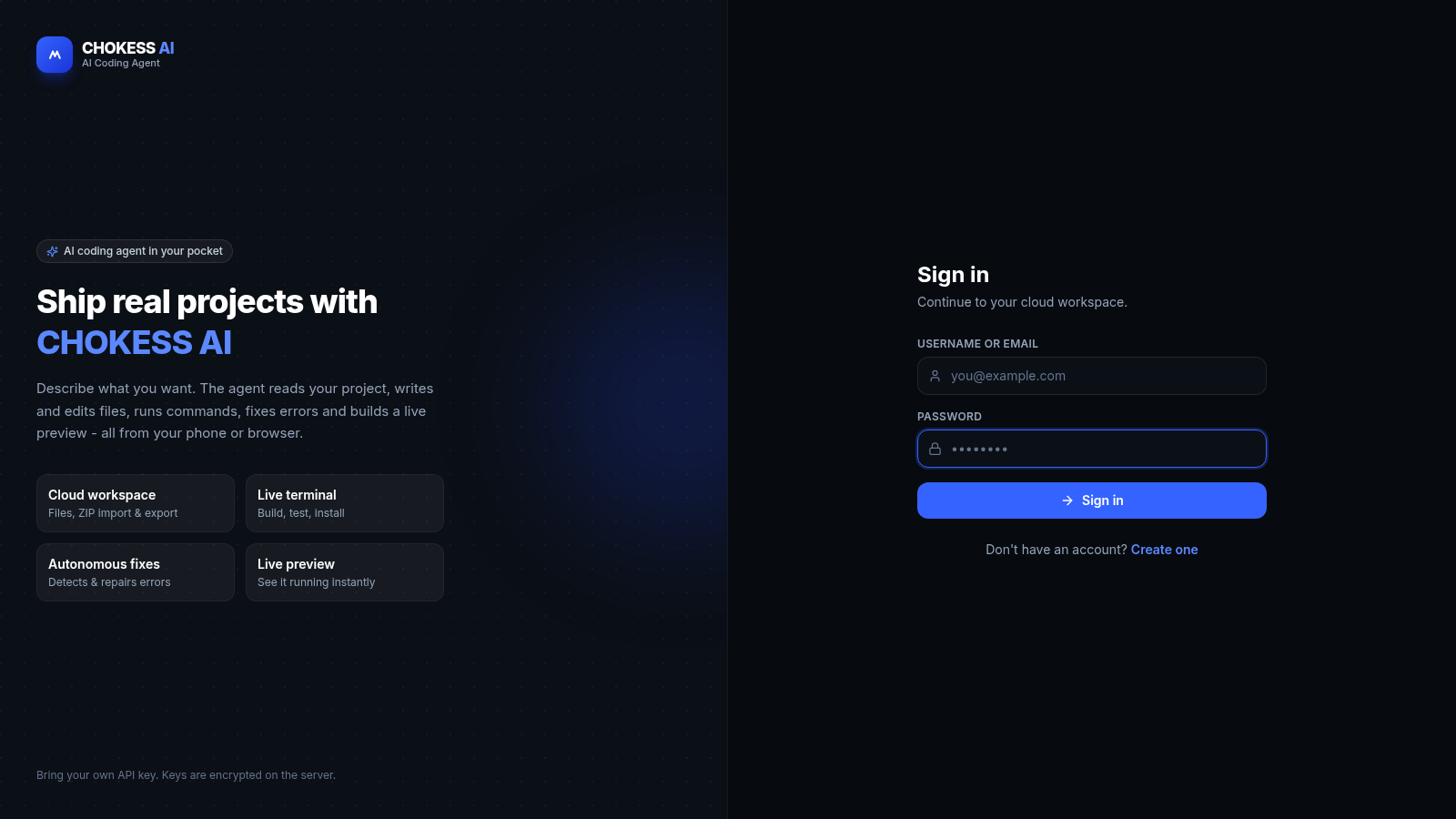
14CHOKESS AI
Browser-based AI coding agent with cloud workspace, terminal and live preview