
Controle de Visitas a Clientes
Record customer visits, organize follow-ups, and monitor sales activity from one focused dashboard.
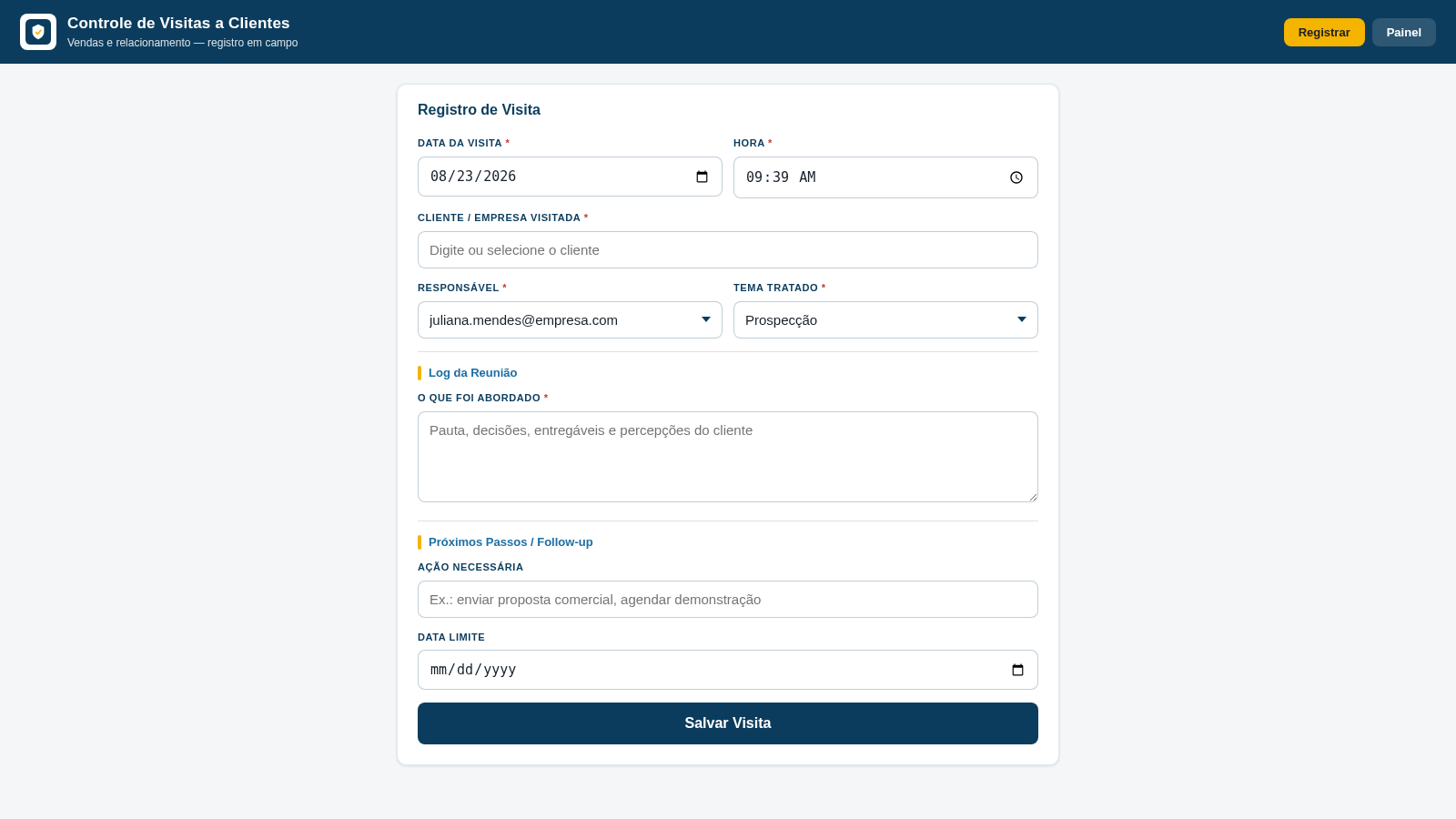
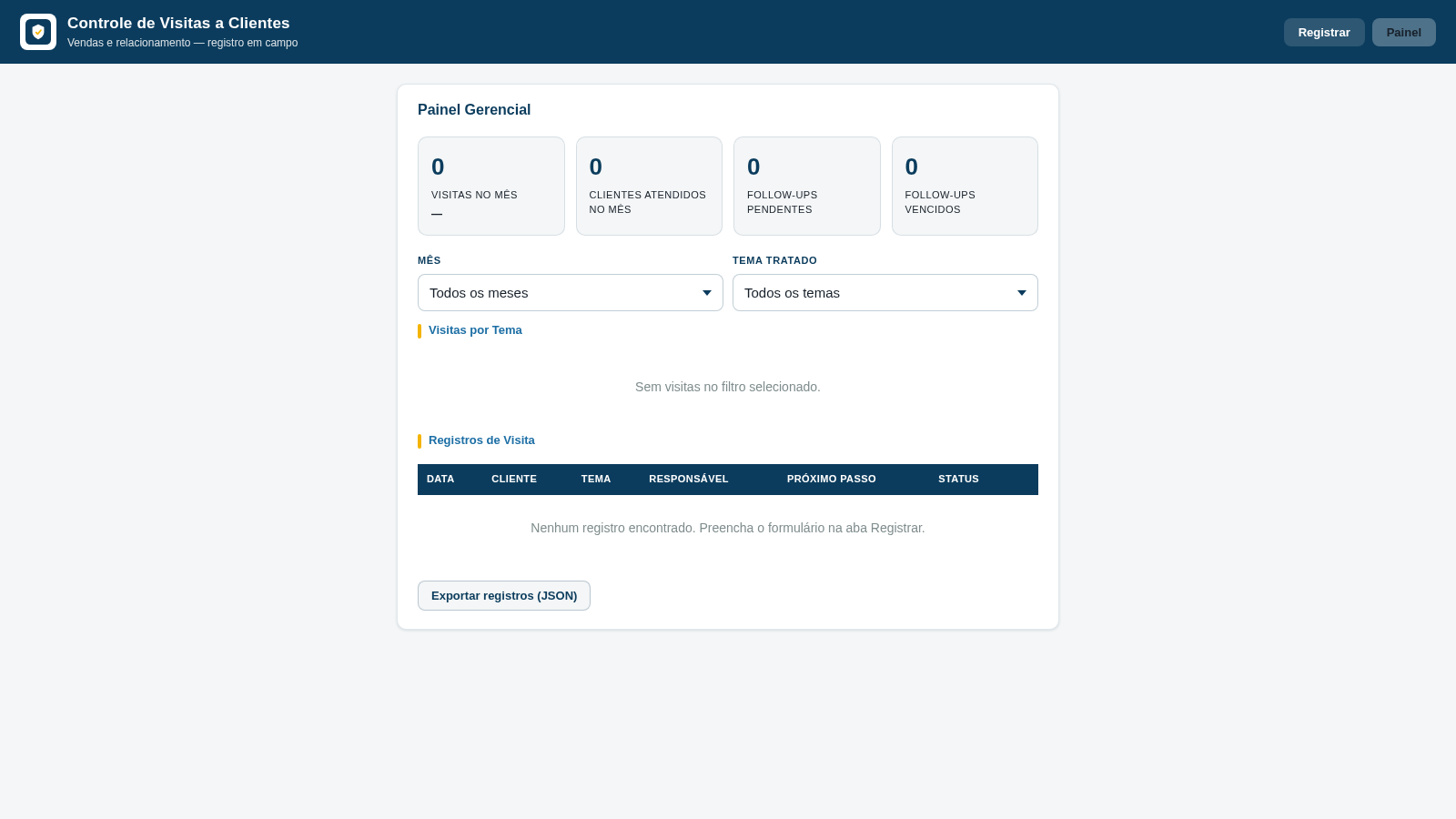
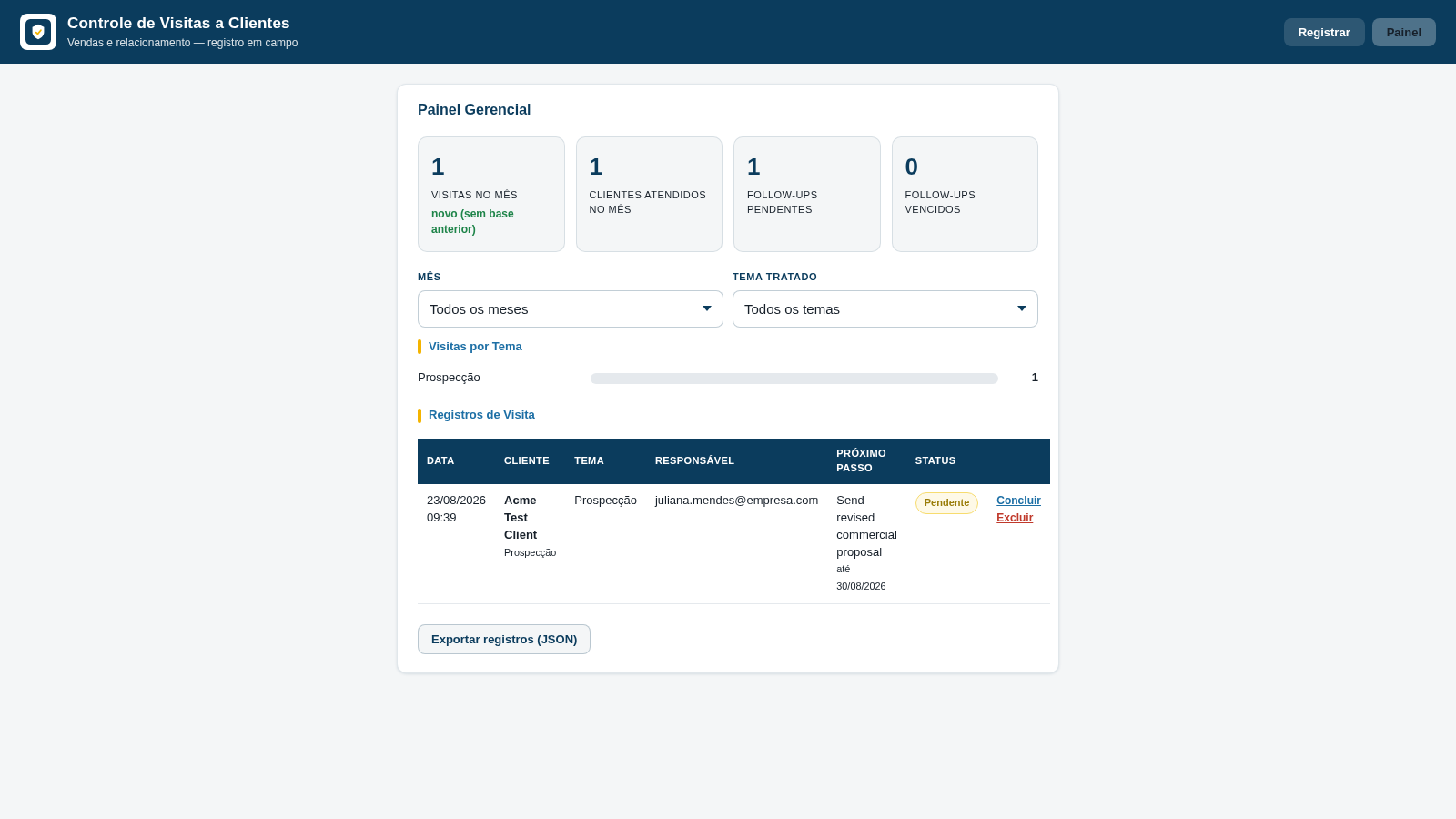
Controle de Visitas a Clientes is a Portuguese-language browser tool for sales and relationship teams working in the field. Users can register the date and time of a client visit, identify the company and responsible representative, classify the meeting topic, write a detailed meeting log, and set an optional next action with a deadline. Saved visits appear in a management dashboard with monthly visit totals, unique clients served, pending and overdue follow-ups, topic counts, month and topic filters, individual status controls, and JSON export. Data is stored in the current browser, so the app can be used immediately without an account.
Highlights
Structured visit logs
Capture each meeting
Follow-up tracking
Monitor due actions
Live sales metrics
See updated totals
Flexible filtering
Filter month and topic
Portable records
Export data as JSON
How to Use
Register a client visit
Open the Registrar tab, confirm the visit date and time, enter or select the client company, choose the responsible representative and meeting topic, then describe what was discussed.
Add the next action
Use the follow-up section to enter any required action and its deadline. This information will be used by the dashboard to identify pending or overdue work.
Save and confirm
Select Salvar Visita after completing the required fields. The app displays a success state confirming that the visit was stored in the browser and provides a direct route to continue.
Review the dashboard
Open Painel to see visit totals, clients served, pending and overdue follow-ups, topic distribution, and a detailed table of saved records. Use the month and topic controls to narrow the view.
Manage or export records
Use the controls beside a visit to complete or delete its follow-up. Select Exportar registros to download the current records in JSON format for backup or further processing.
Similar Sites
 14
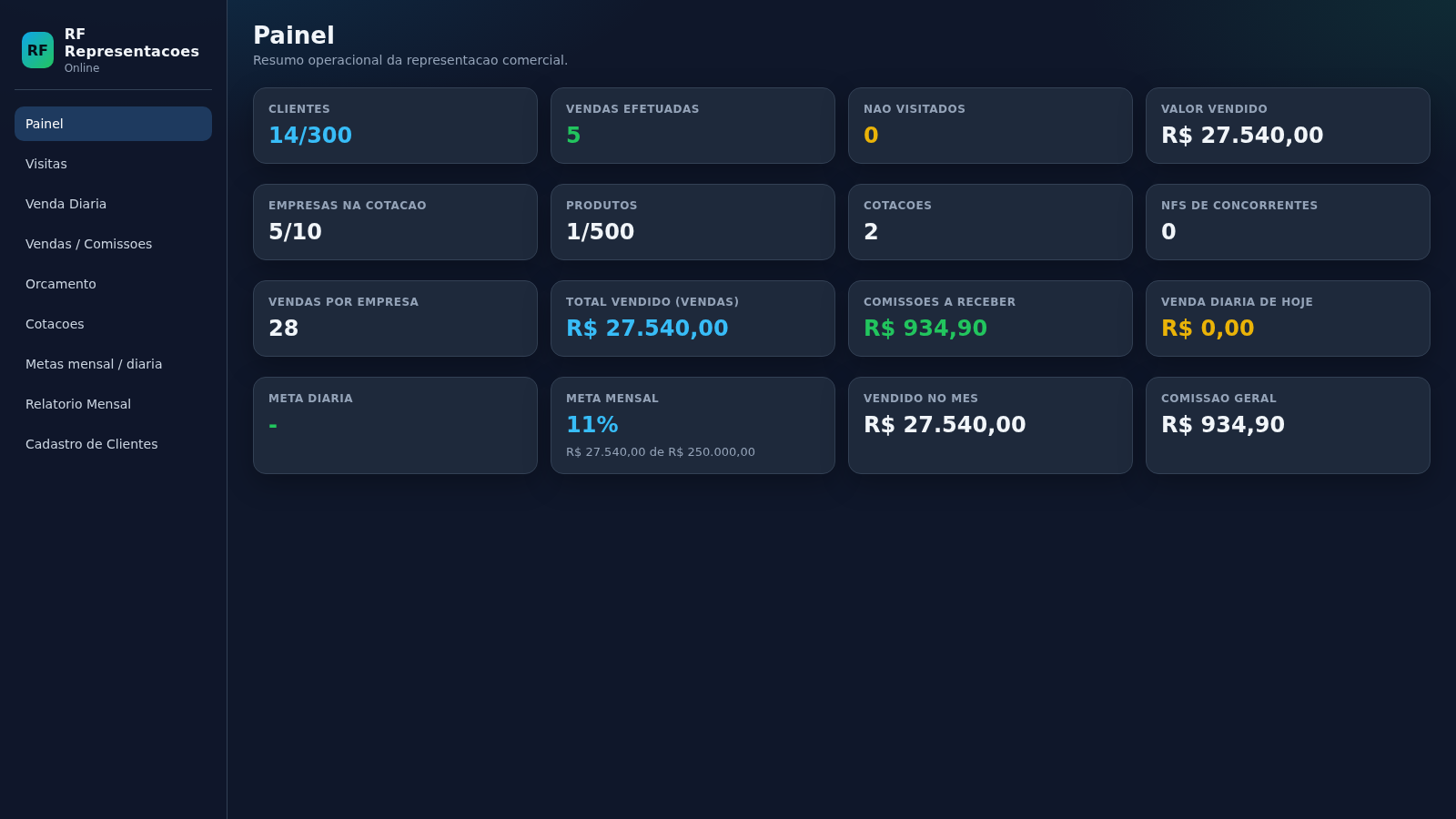
14RF Representacoes
Sistema de representacao comercial com orcamentos, visitas, metas e clientes
 10
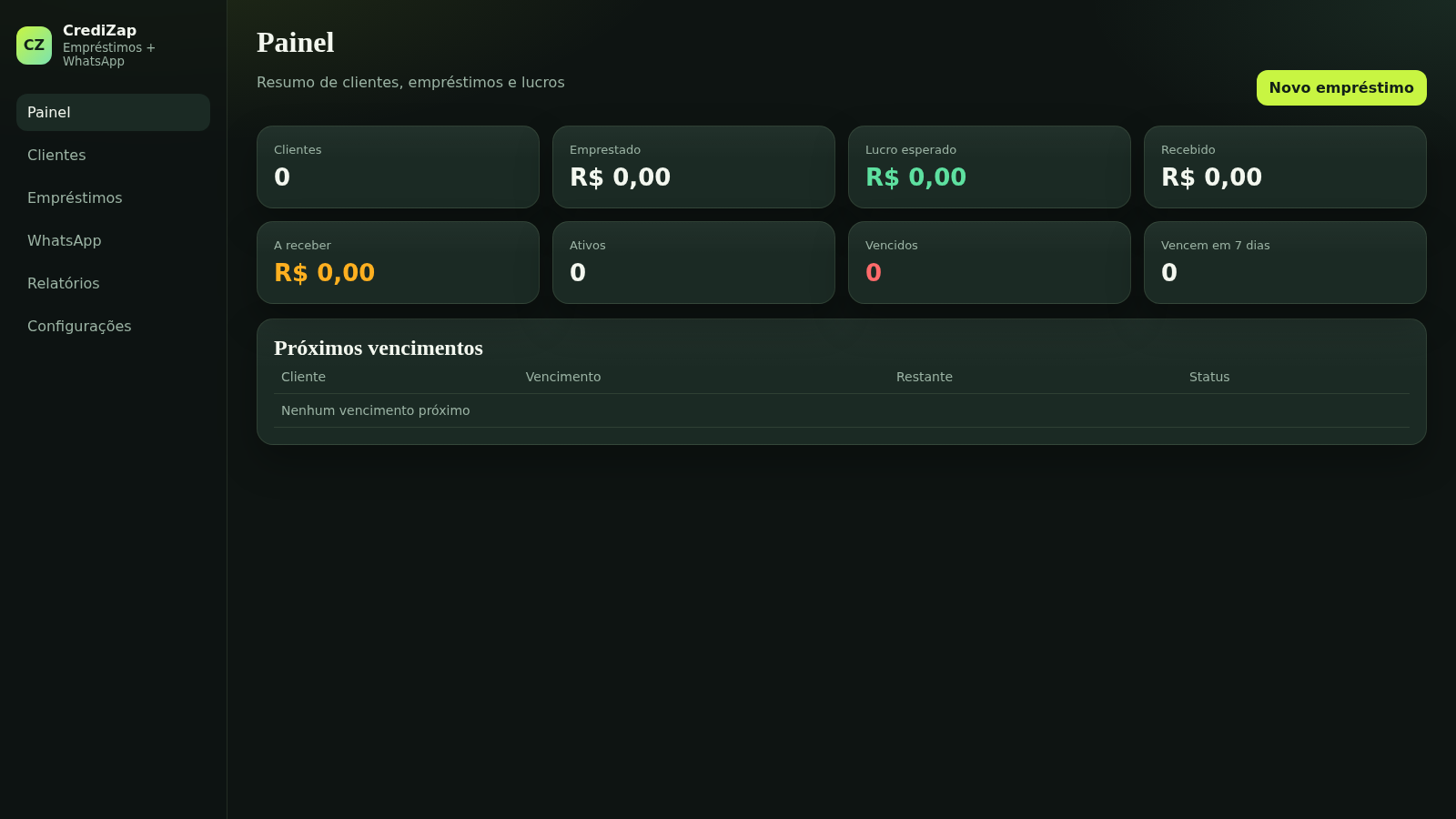
10CrediZap Empréstimos
Painel de empréstimos com clientes, lucros, vencimentos e WhatsApp
 49
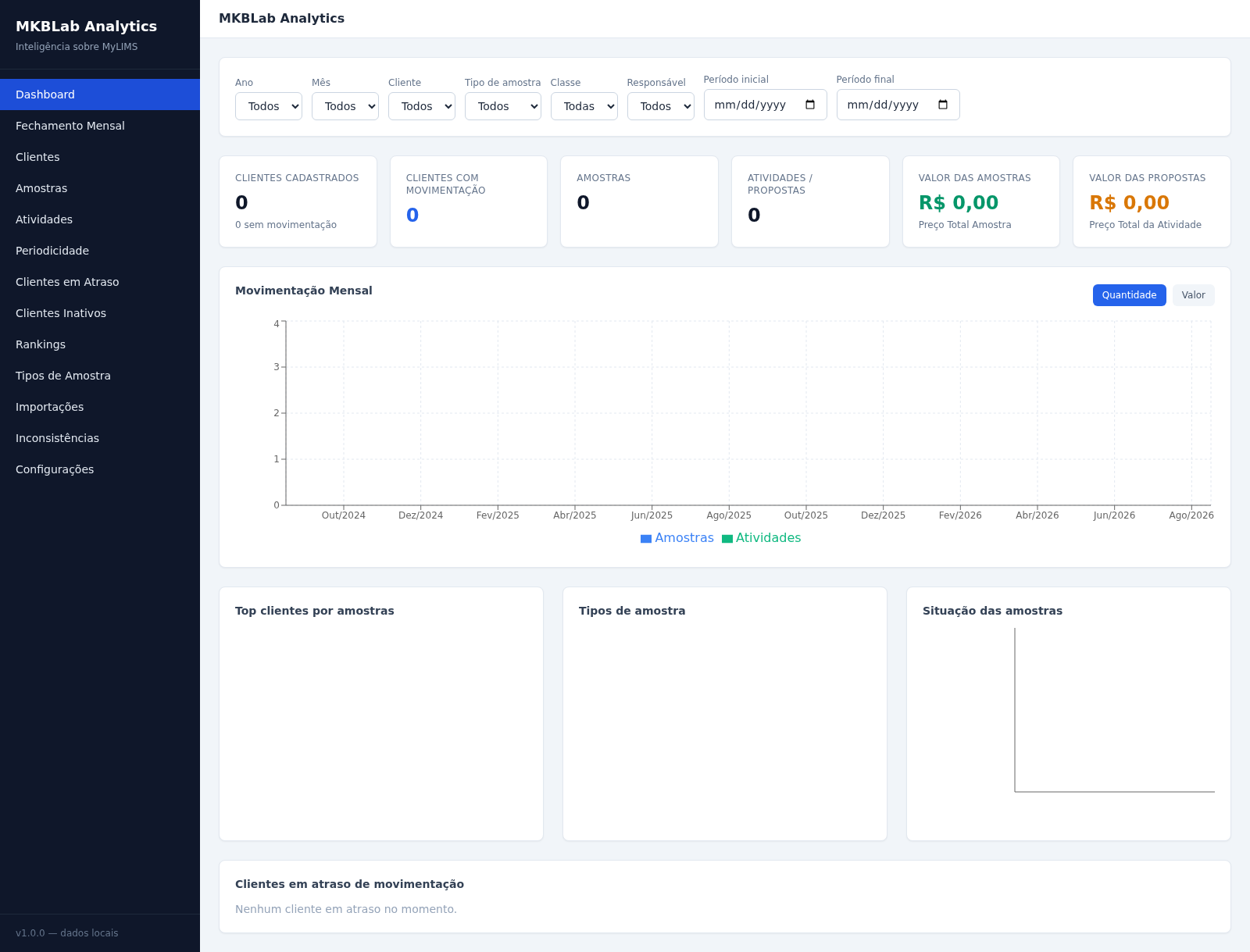
49MKBLab Analytics
Dashboard gerencial com importação de relatórios XLSX do MyLIMS
 32
32Controle de Estoque
Entrada e saída de materiais com baixa automática do estoque
 24
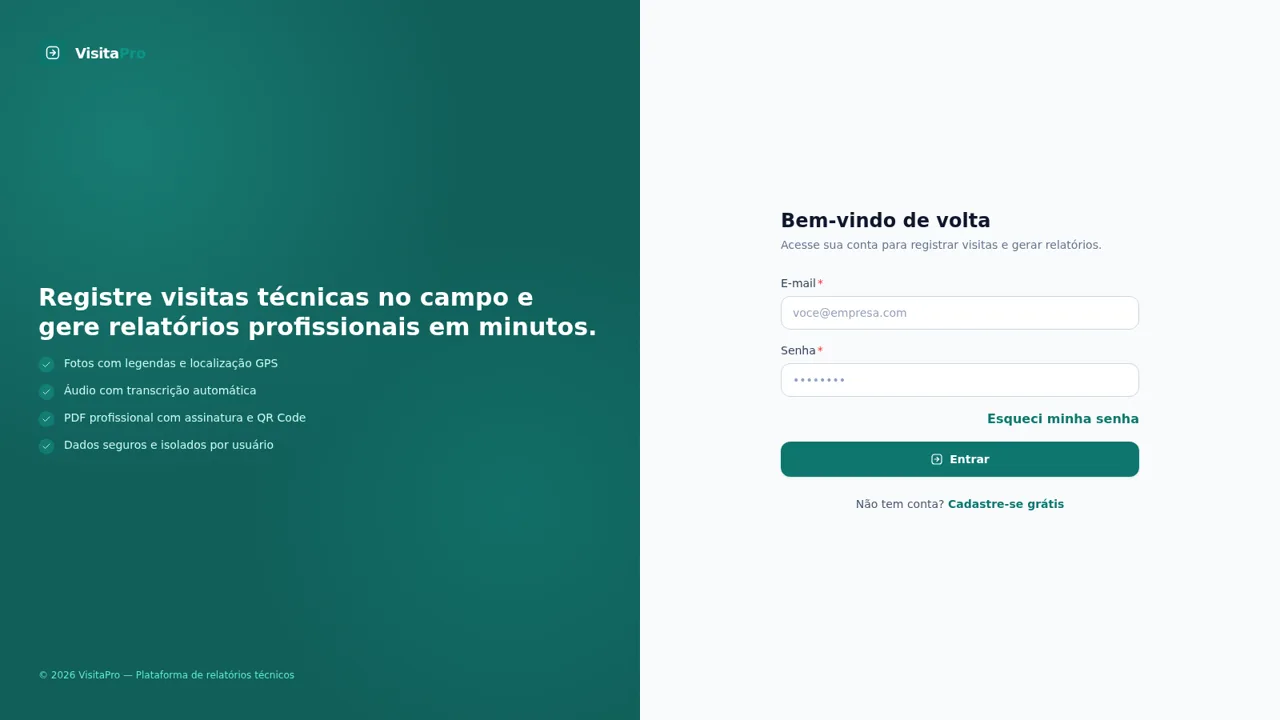
24VisitaPro
Relatórios técnicos profissionais para visitas, inspeções e vistorias
 24
24REMOTE ENGINE START/SHUTDOWN FOR MULTIPLE VEHICLE MANANGEMENT
Live fleet tracking, geofencing, anti-theft alarm, and remote engine control.