
MultiTasks
Track books, courses, skills and projects with auto daily targets
MultiTasks is a browser-based goal planner that keeps books, courses, skills and projects in one place. You add a goal with a type, a status, an optional deadline and a total amount to finish, and the app turns that into a daily quota. The Today screen shows only what needs attention now, the Goals screen lets you search and filter every entry, the Plan screen spreads the remaining work across calendar days, and the Focus screen provides a Pomodoro timer that can be linked to a goal so finished sessions add progress. The interface is available in both English and Arabic, and all data is stored locally in the browser.
Highlights
Bilingual interface
English and Arabic
Four goal types
Book, course, skill
Daily quota plan
Auto daily targets
Pomodoro focus
Timer links to task
Local storage
No account needed
How to Use
Load the sample goals
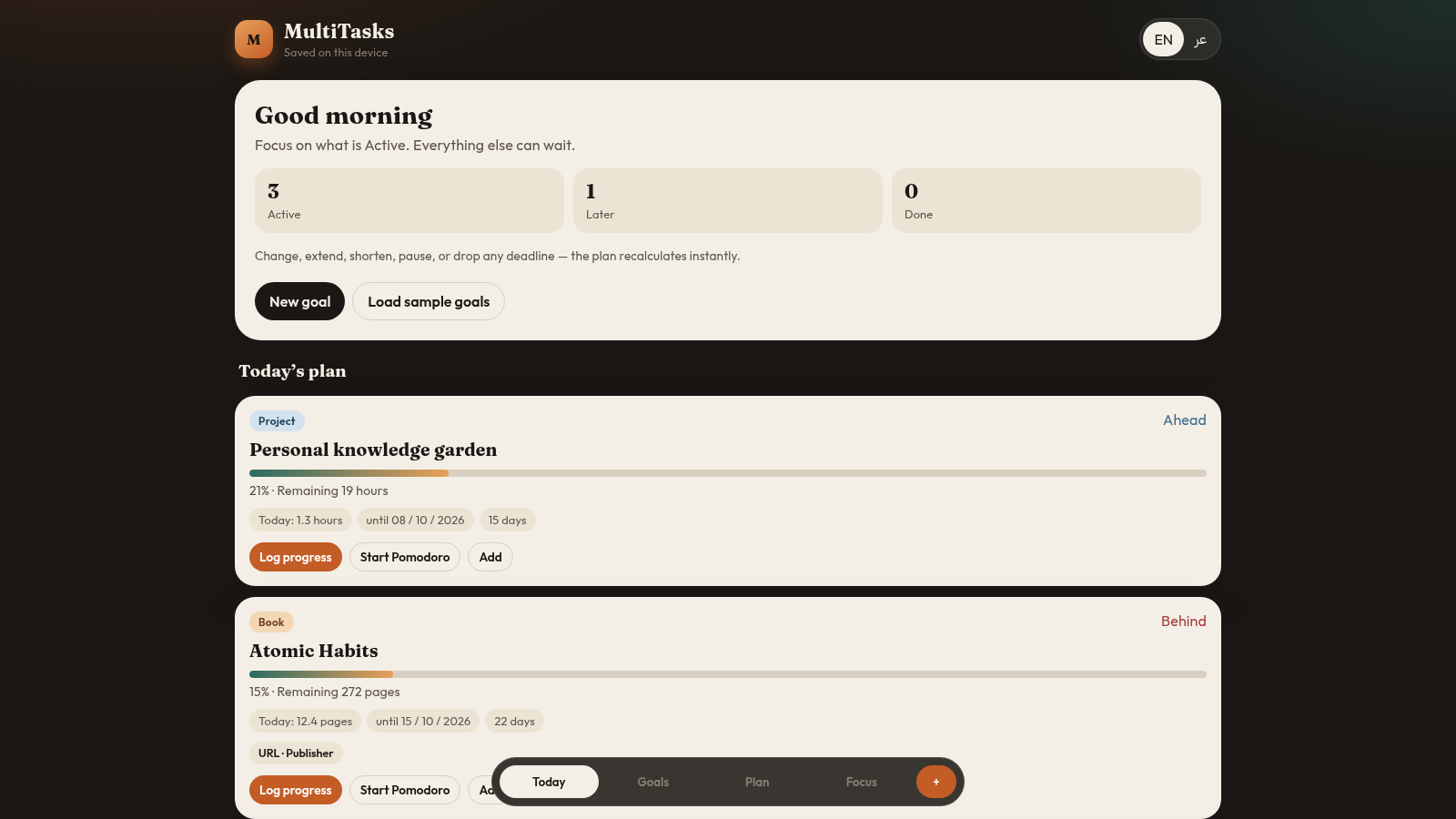
Open the site and press Load sample goals on the home screen to fill the app with four examples: a book, a course, a skill and a project. Each one immediately appears in the Active and Later counters and in the Today plan with its own daily figure.
Read the Today plan
The Today tab lists the goals that need work today together with an amount such as pages, videos or hours, plus shortcut buttons to log progress, start a Pomodoro or add time. If nothing is scheduled it shows an empty state telling you to activate a goal or add a deadline.
Browse and filter goals
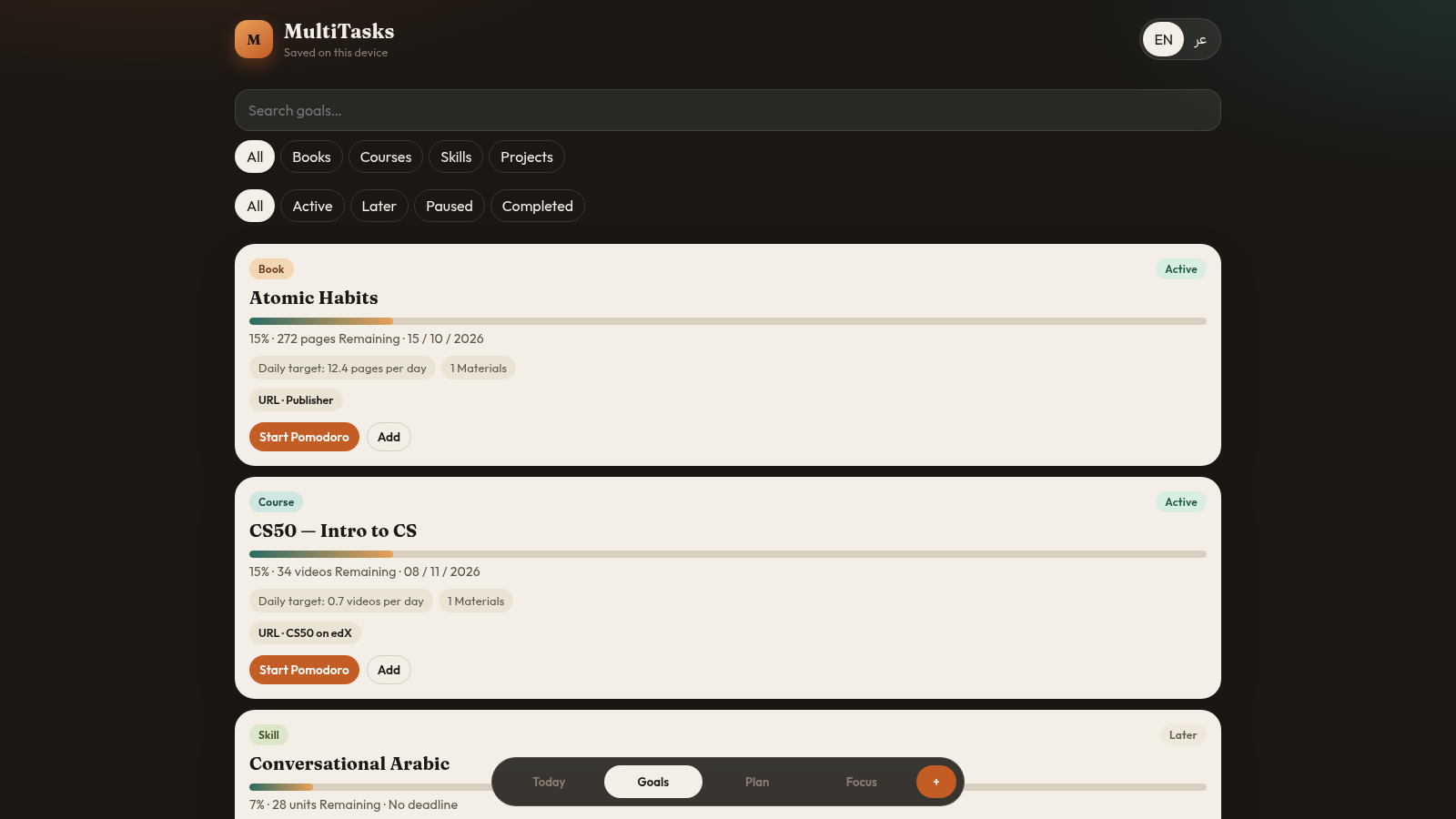
The Goals tab shows every entry as a card with its type, status, progress percentage and deadline. Use the search box or the type row (Books, Courses, Skills, Projects) and the status row (All, Active, Later, Paused, Completed) to narrow the list, then open a card to see its detail view.
Log progress and reschedule
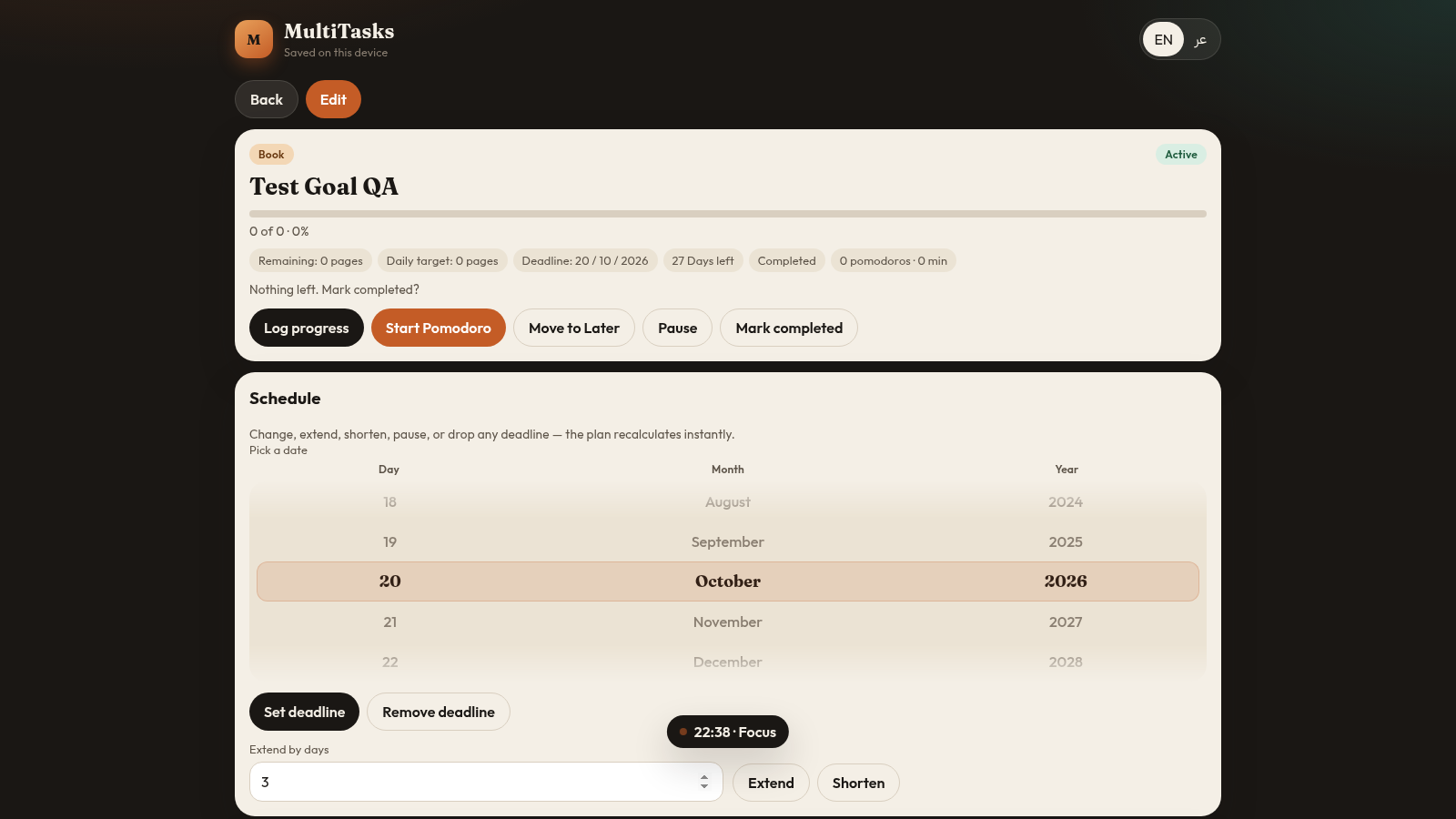
Inside a goal detail you can log progress, add materials, start a Pomodoro, move the goal to Later, pause it or mark it complete. Changing the deadline in the Schedule section recalculates the daily target, and the Plan tab redistributes the remaining work across the calendar days up to the new deadline.
Run a focus session
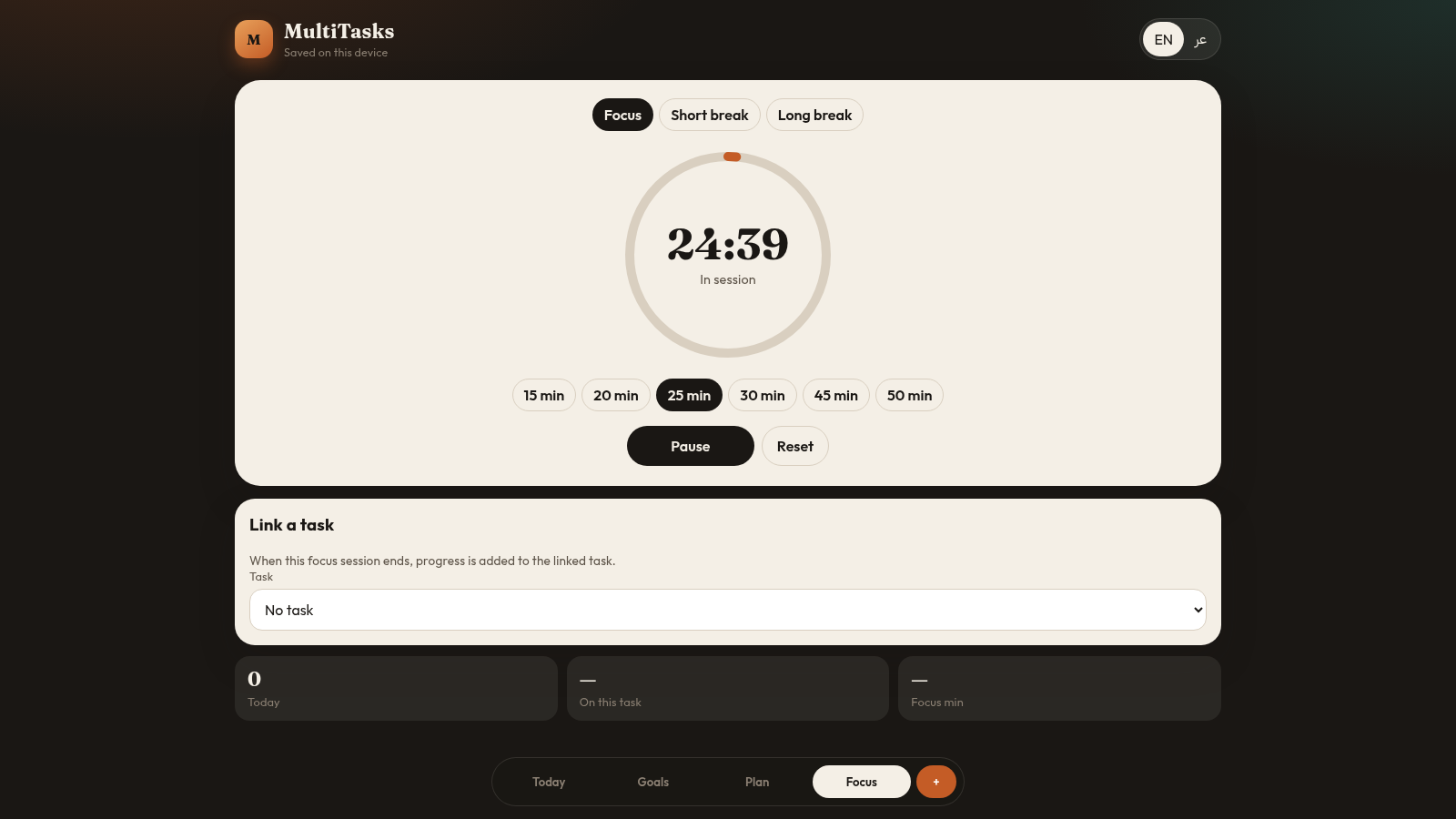
The Focus tab offers Focus, Short break and Long break modes with durations from 15 to 50 minutes. Pick a duration, optionally link a task from the dropdown so finished sessions add progress to it, then press Start; the timer counts down and shows a Pause and Reset control.
Add a new goal
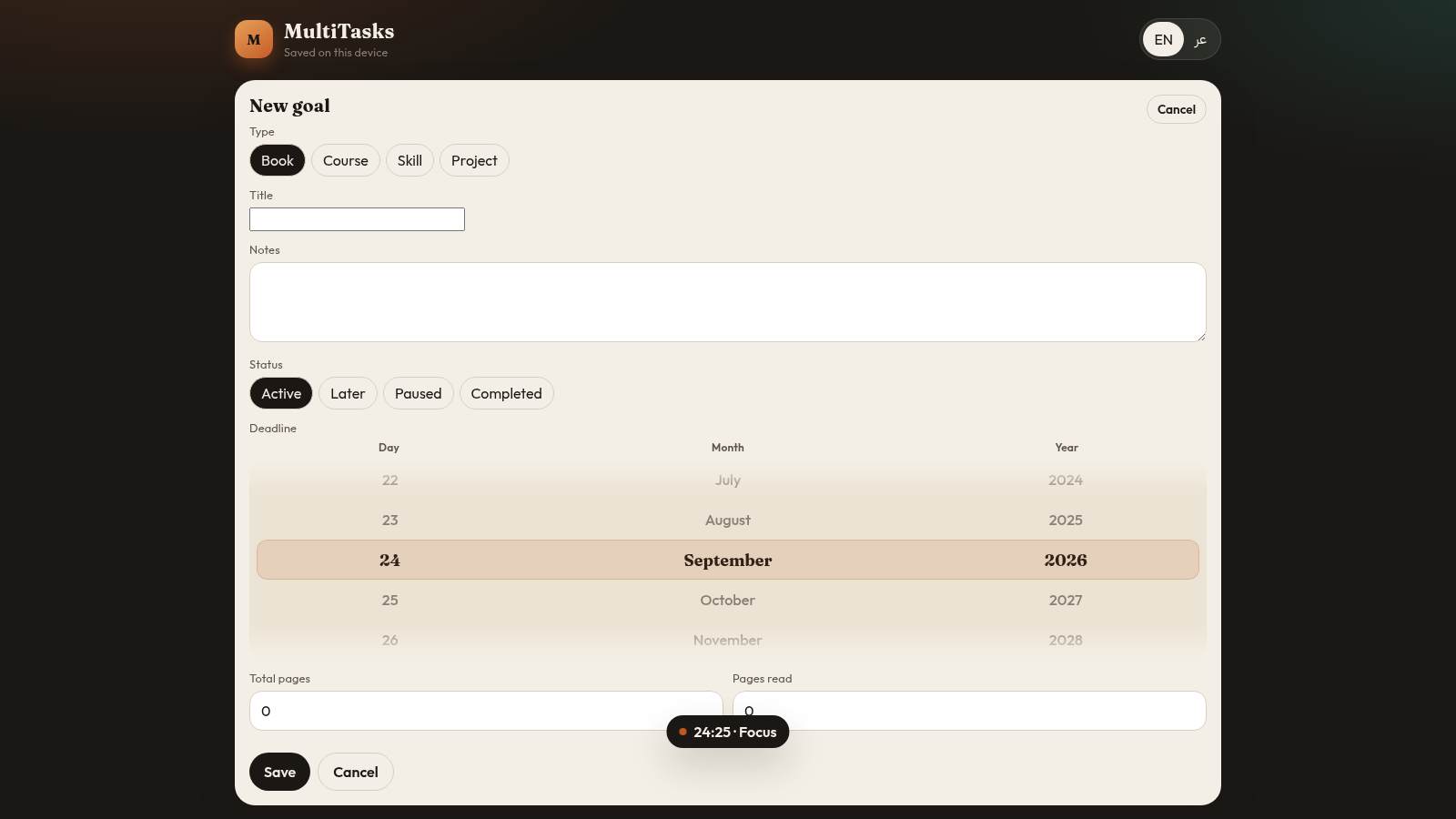
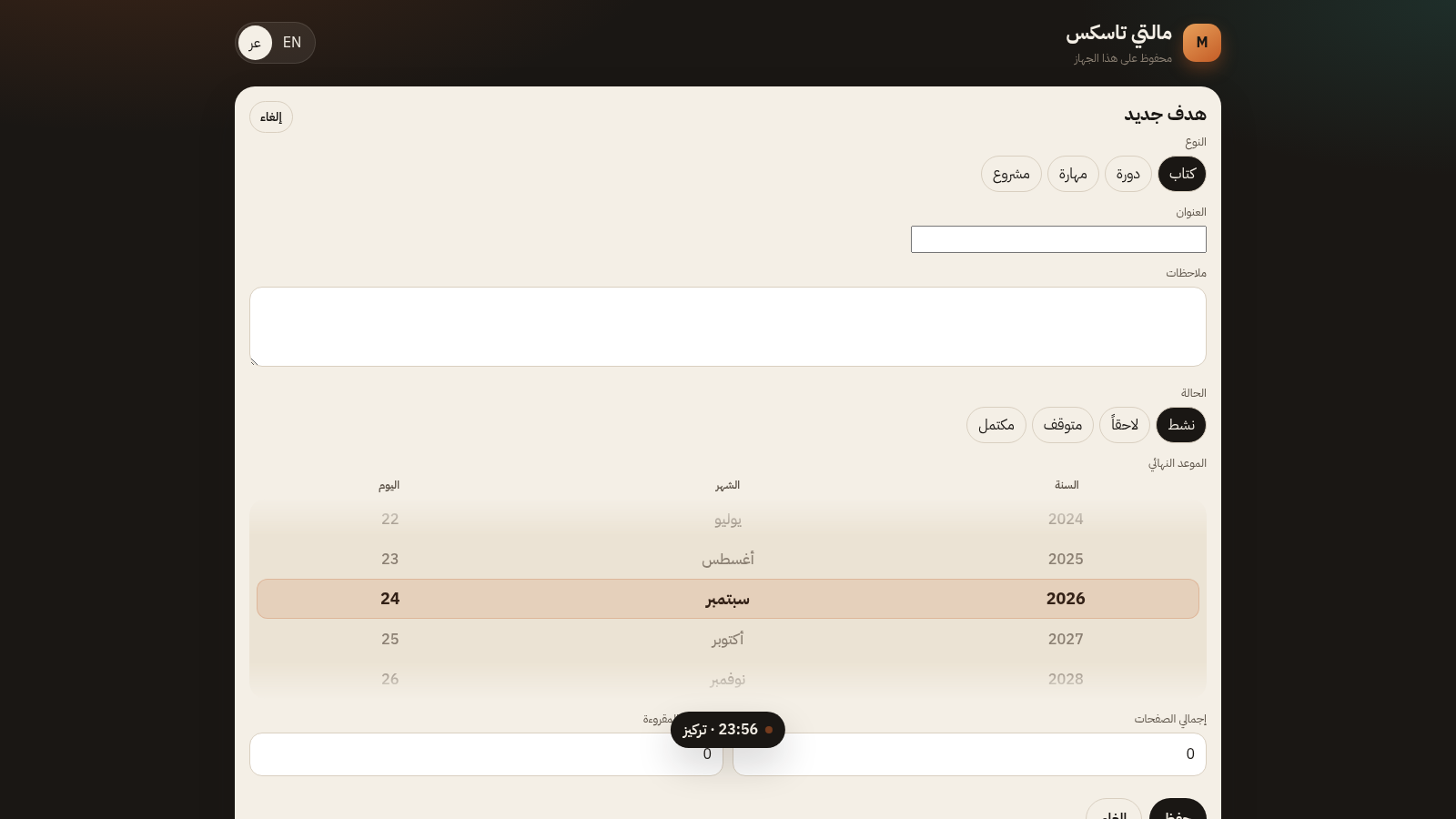
Press the + tab or New goal, choose a type, enter a title and optional notes, pick a status, choose a day, month and year for the deadline, and for books fill in total pages and pages read. Press Save and the new goal appears in the Goals list and, if active, in the Today plan.
Similar Sites
 23
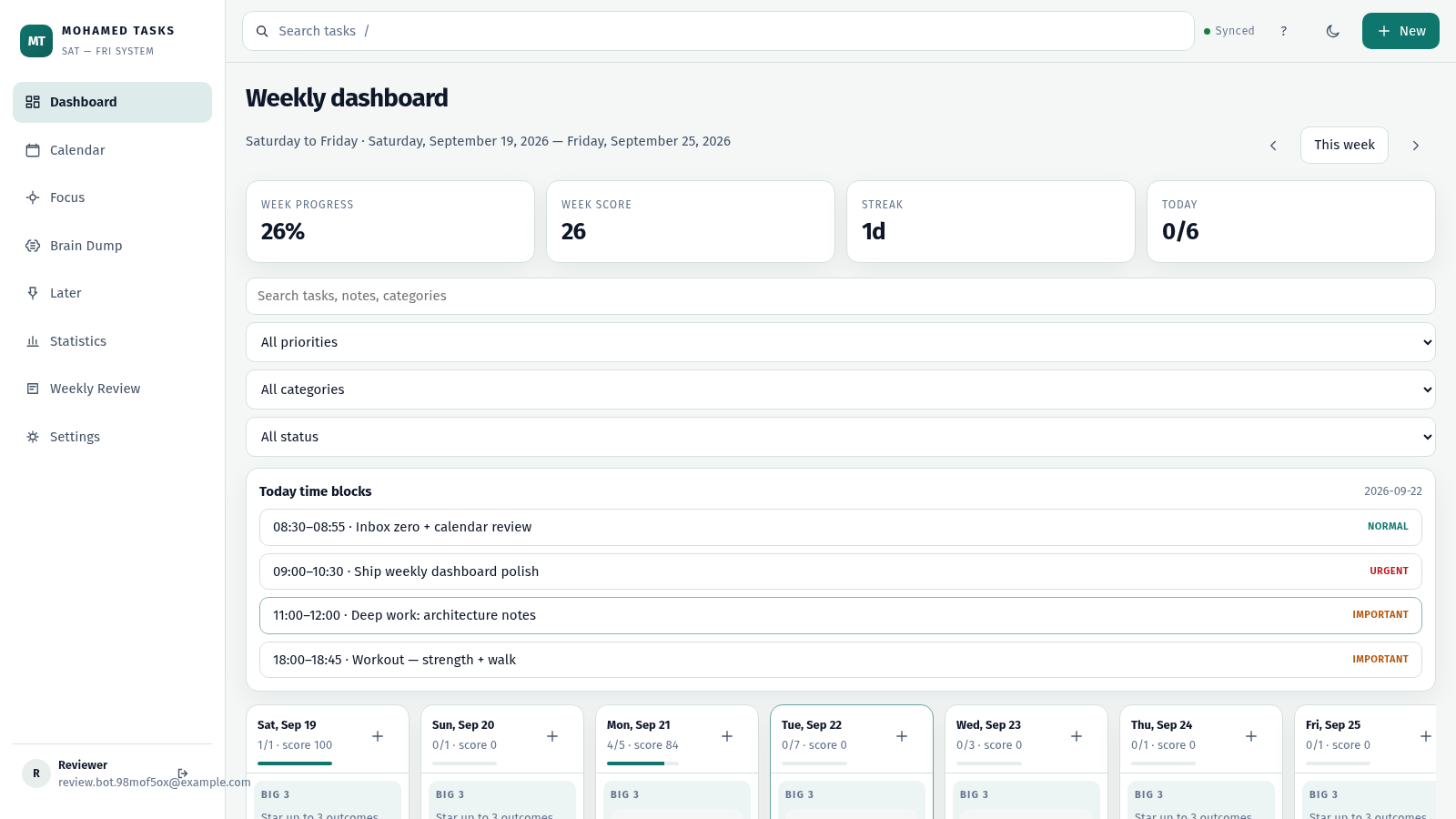
23MOHAMED TASKS
Weekly productivity dashboard with cloud sync, Big 3, and focus mode.
 14
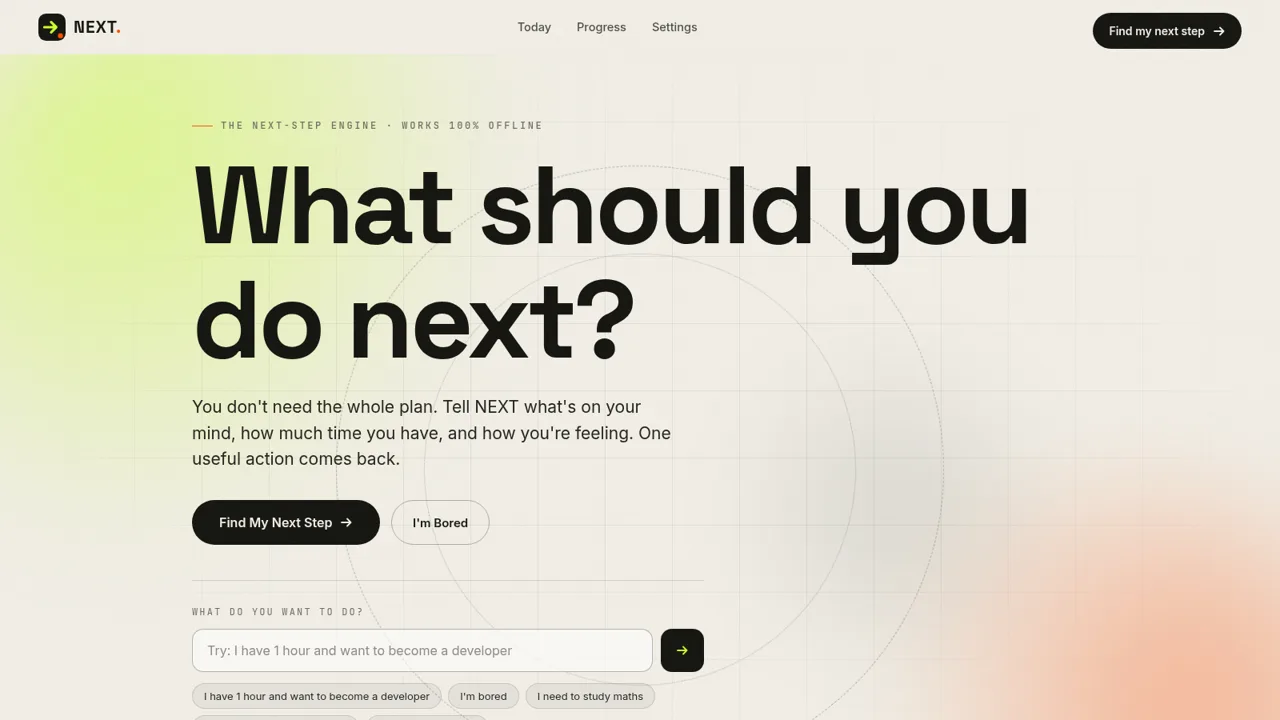
14NEXT — Find Your Next Step
NEXT turns your goals, time, and energy into one useful action.
 9
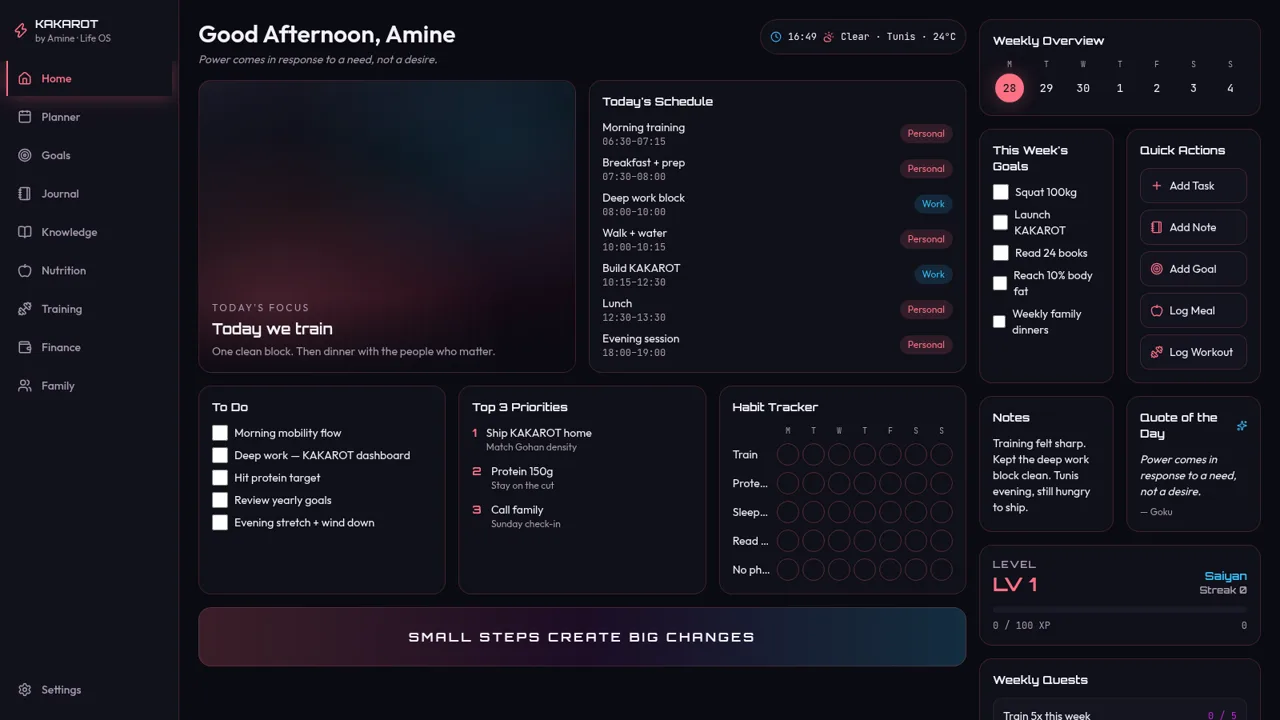
9KAKAROT
Neon life OS dashboard with tasks, habits, and RPG XP
 4
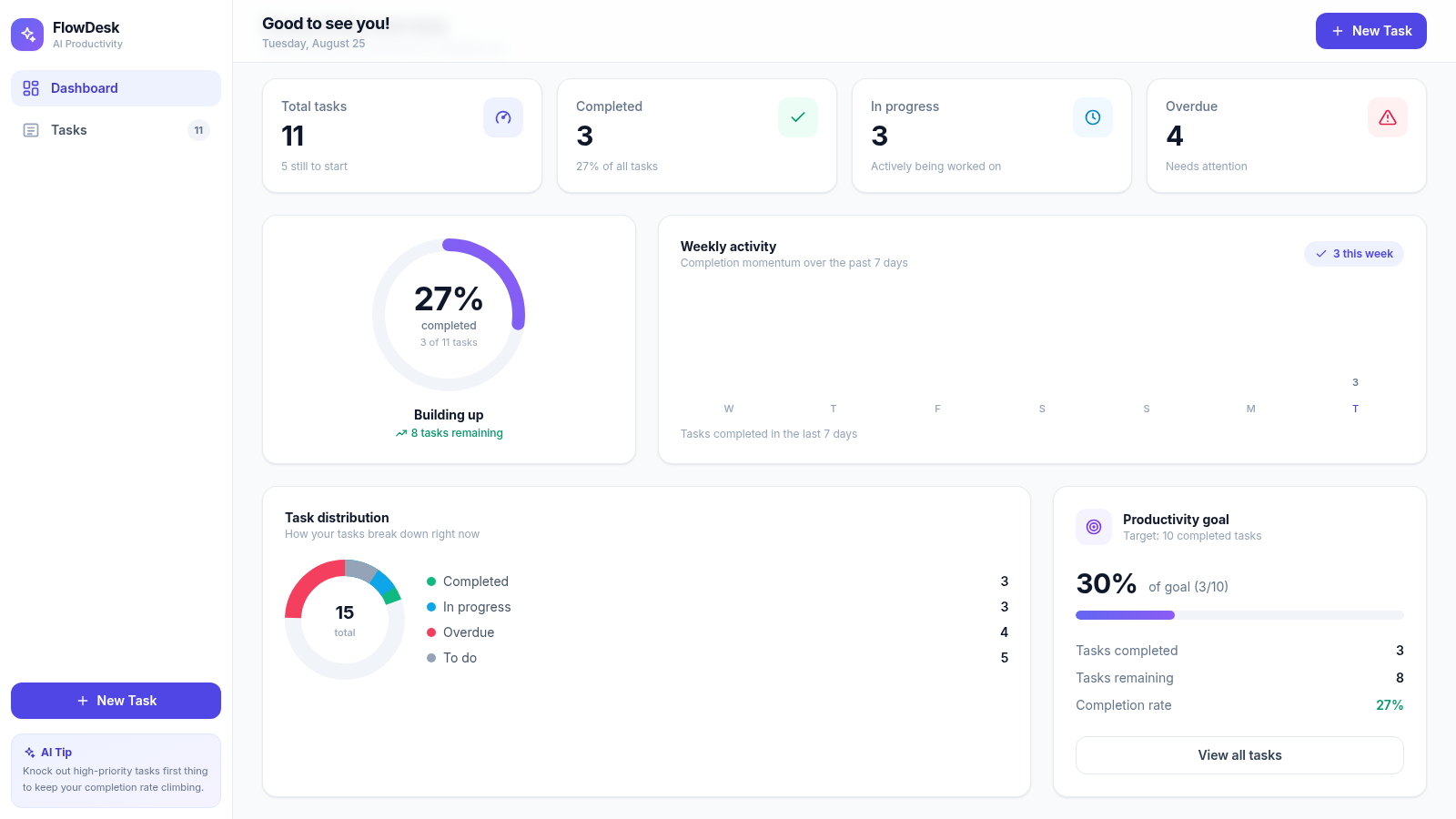
4FlowDesk · AI Productivity
AI-powered task management with smart productivity analytics
 3
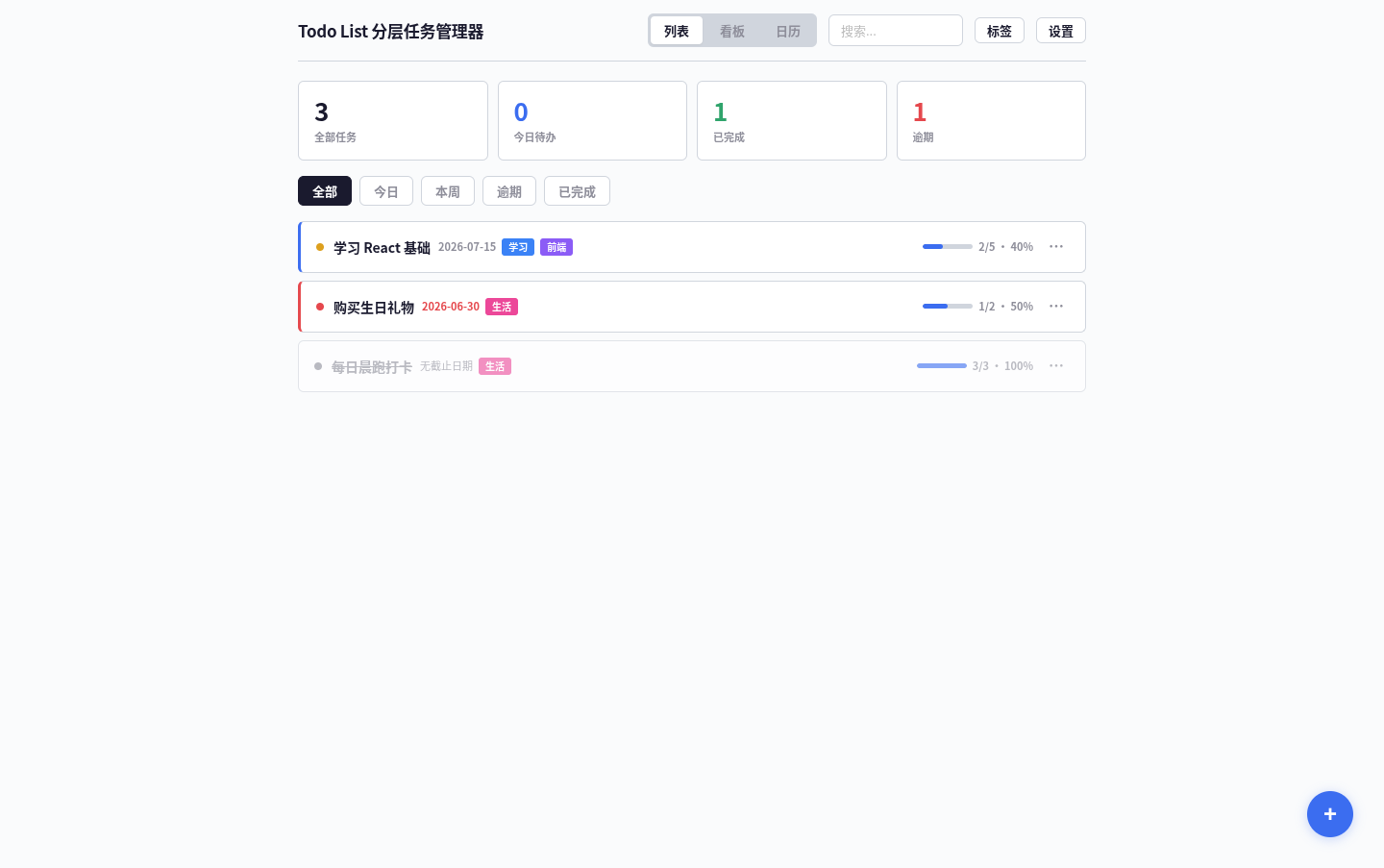
3Todo List
A task management app that supports kanban/calendar views, drag-and-drop sorting, and scheduled reminders.
 3
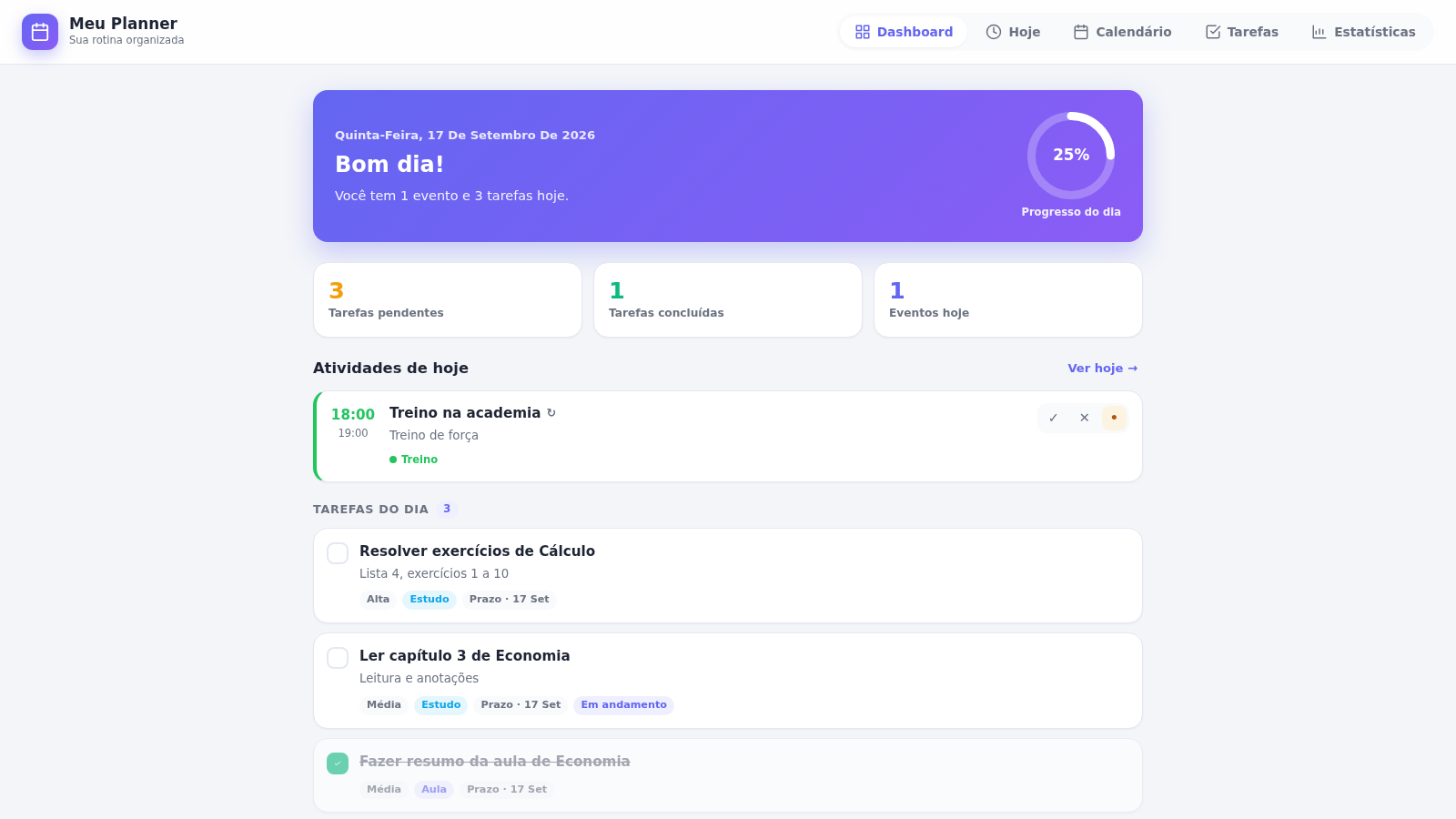
3PLANEJAMENTO IA.
Meu Planner — organize seus estudos, eventos e tarefas do dia a dia.