
NEXT — Find Your Next Step
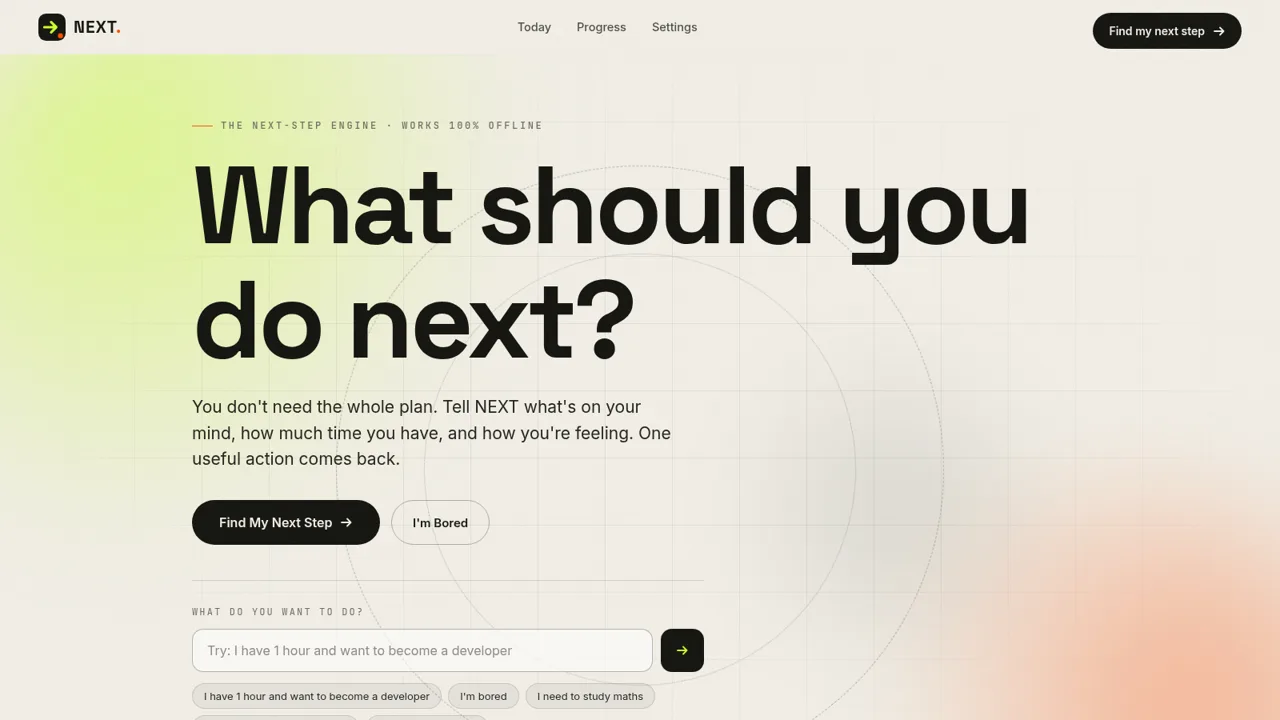
Turn your current situation, available time, and energy into one concrete mission you can start now.
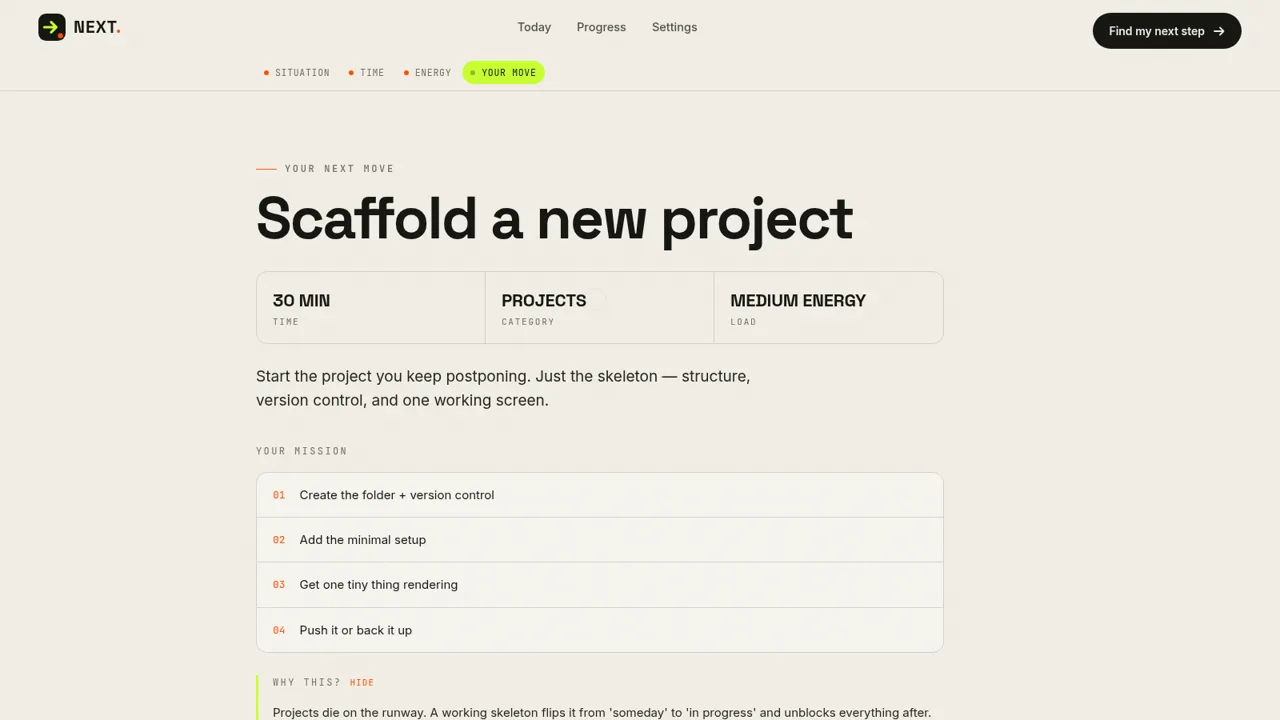
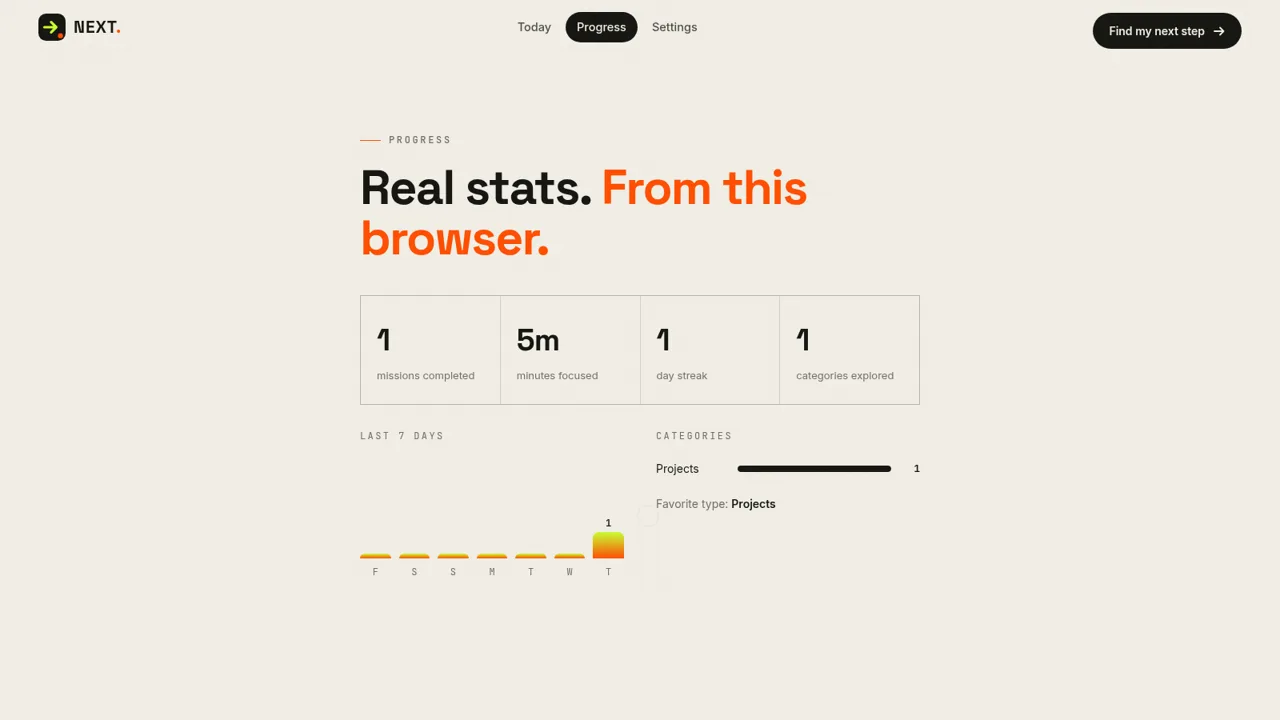
NEXT is an offline-first productivity tool designed for moments when a broad goal feels too large or the next move is unclear. A guided flow asks users to choose their current situation, the time they can realistically spend, and their energy level. It then returns one tailored mission with a short rationale and a numbered checklist. Users can open focus mode, work through the steps, track focused minutes, and complete the mission. Separate Today and Progress views retain completed work, reflections, plans, streaks, category activity, and weekly statistics in the current browser. Settings support category preferences, task difficulty, optional AI enhancement, local data export, and data clearing without requiring an account for the core experience.
Highlights
Context-aware missions
Matches time and energy
Guided focus mode
Timer and task checklist
Local progress
Tracks streaks and focus
Private by default
Runs without an account
How to Use
Describe your situation
Open the recommendation flow and choose the option that best matches your current state, such as learning coding, studying, pursuing a goal, feeling lost, or feeling overwhelmed. NEXT uses this selection as the direction for the mission.
Set realistic constraints
Choose how much time you have, from a short five-minute slot to two hours, then select low, normal, or high energy. The interface advances after each choice and calibrates the recommendation to those constraints.
Review your next move
Read the generated mission title, category, workload, explanation, and numbered action list. Expand or hide the rationale as needed, or request another mission if the first suggestion does not fit.
Work in focus mode
Start the mission to open the focused task view. Use the timer and complete each checklist step in sequence, with the option to skip the current step or finish the mission when the work is complete.
Review and plan
After finishing, visit Today to record a short reflection and prepare a plan for tomorrow. Open Progress to review completed missions, focused minutes, streaks, recent activity, and explored categories.
Similar Sites
 88
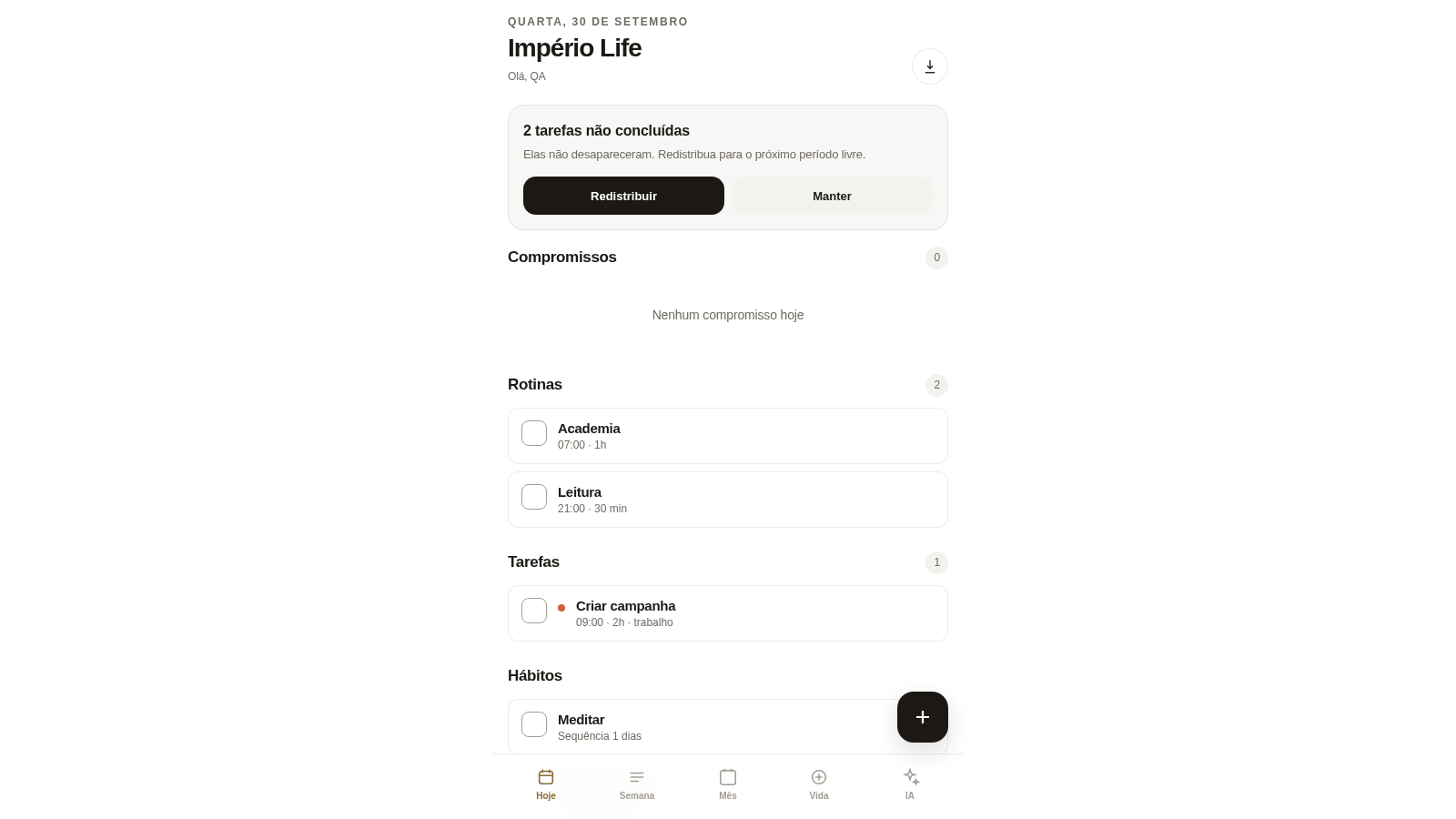
88Império Life
Organização pessoal: tarefas, rotinas e planejamento semanal.
 19
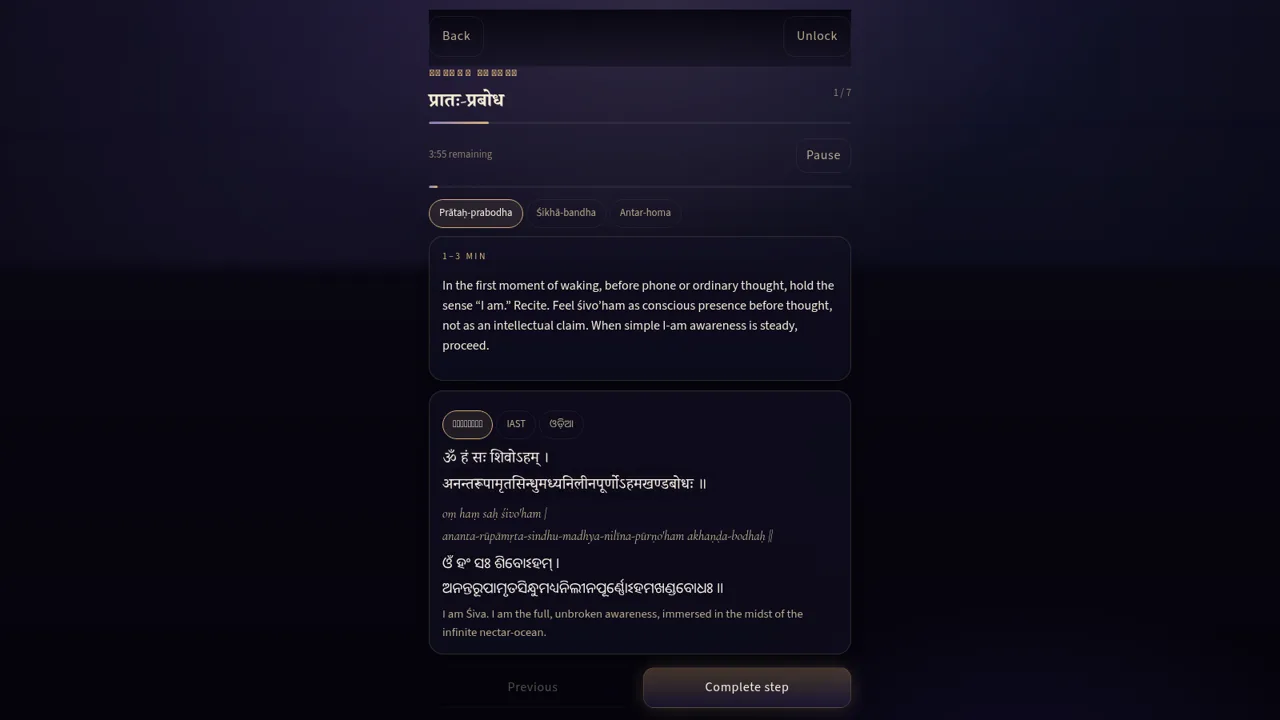
19Trika Hṛdaya Sādhana
Private offline-first SAUḤ practice companion
 14
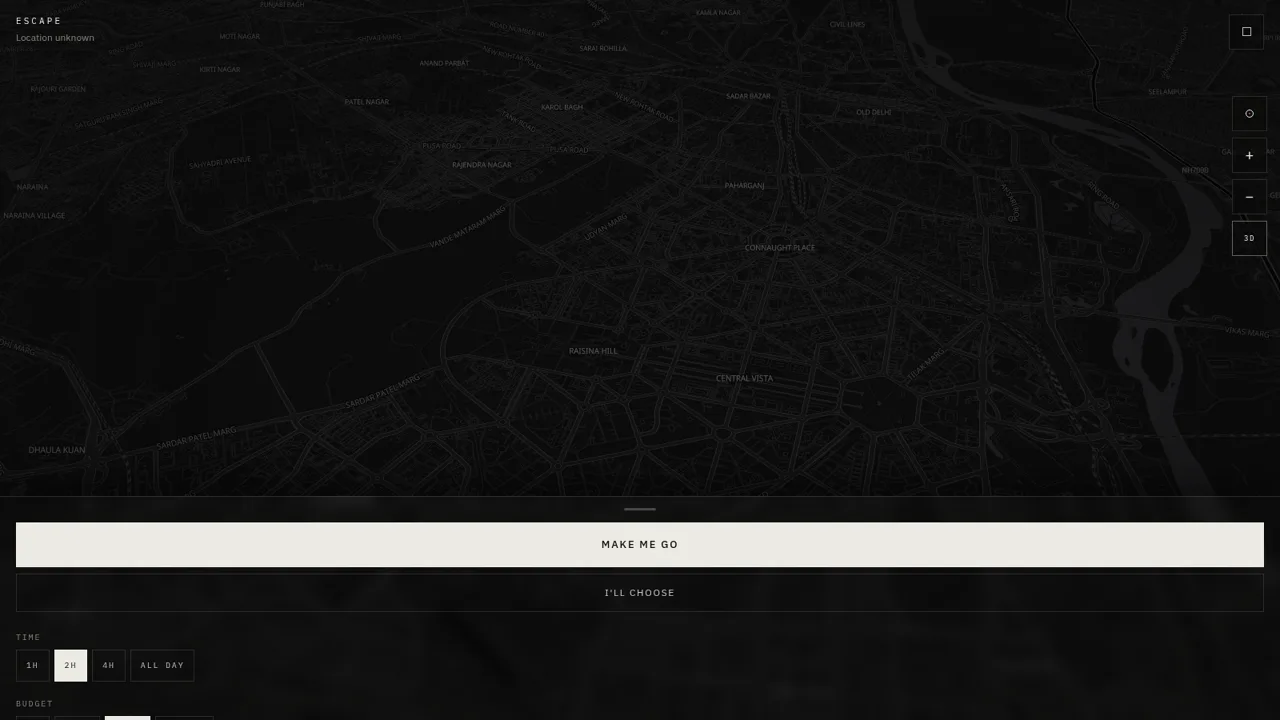
14ESCAPE
Escape — research places, check live weather, and plan your getaway.
 11
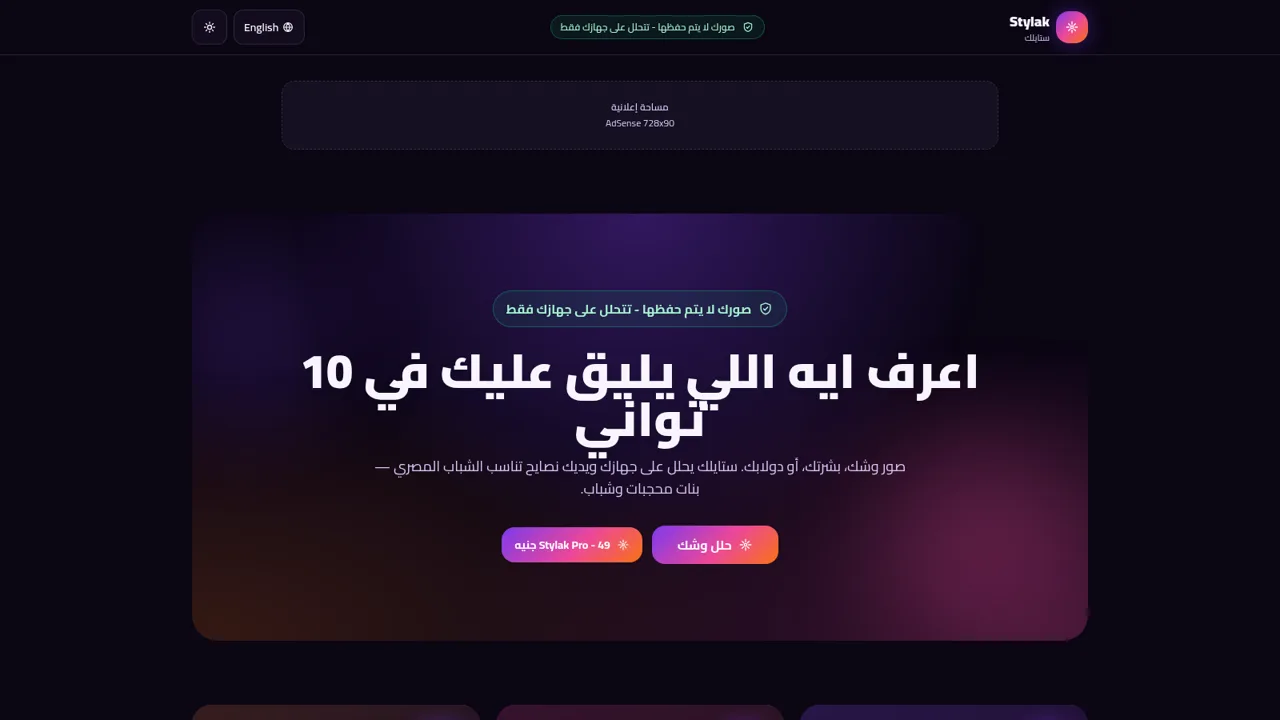
11Stylak ستايلك
اعرف ايه اللي يليق عليك في 10 ثواني
 7
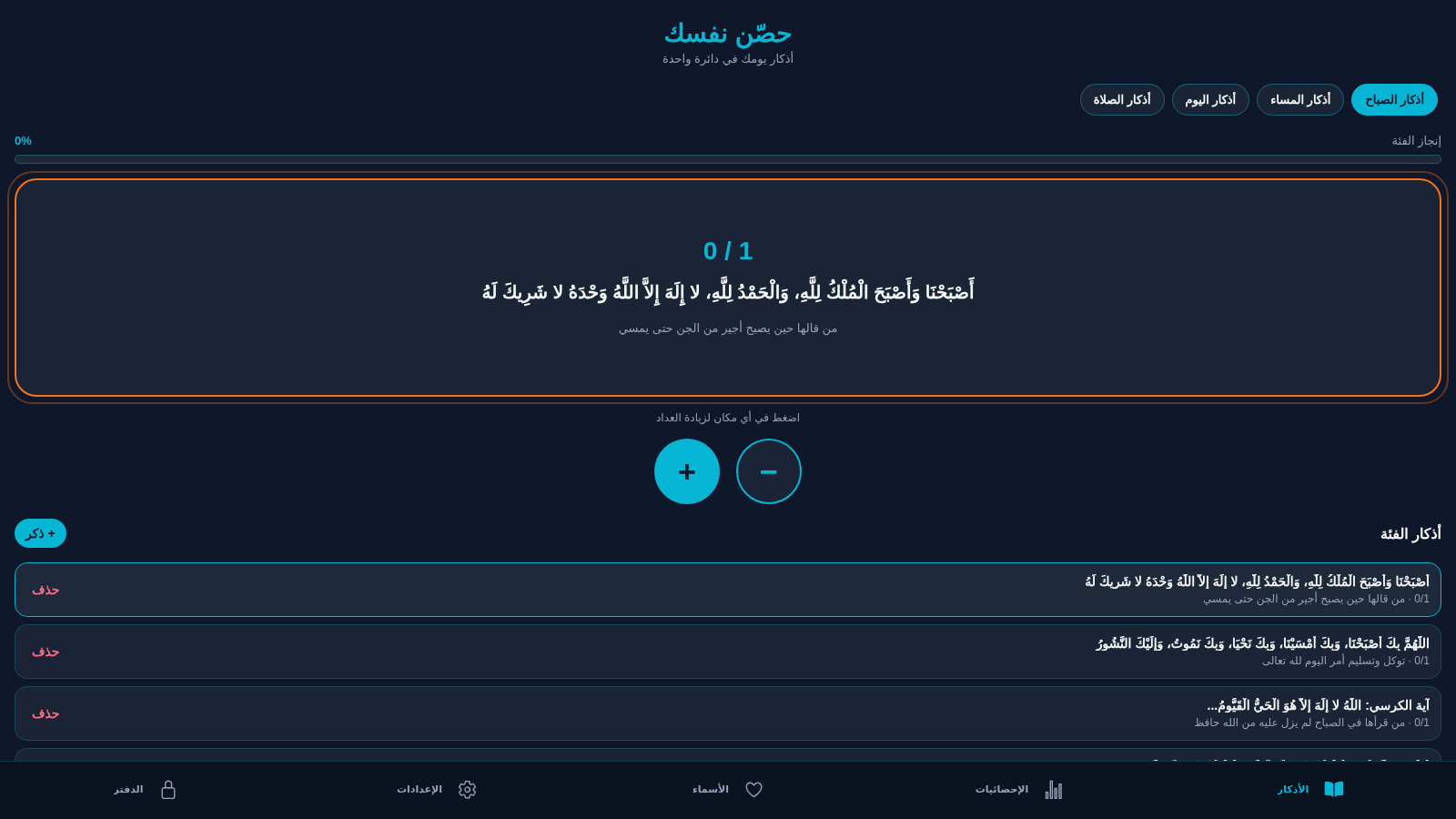
7حصّن نفسك
تطبيق أذكار إسلامي بعدّ ذكي وحفظ محلي
 3
3Family Money Manager
Track income, expenses, budgets and savings for your family.