
Aurora — Project Management
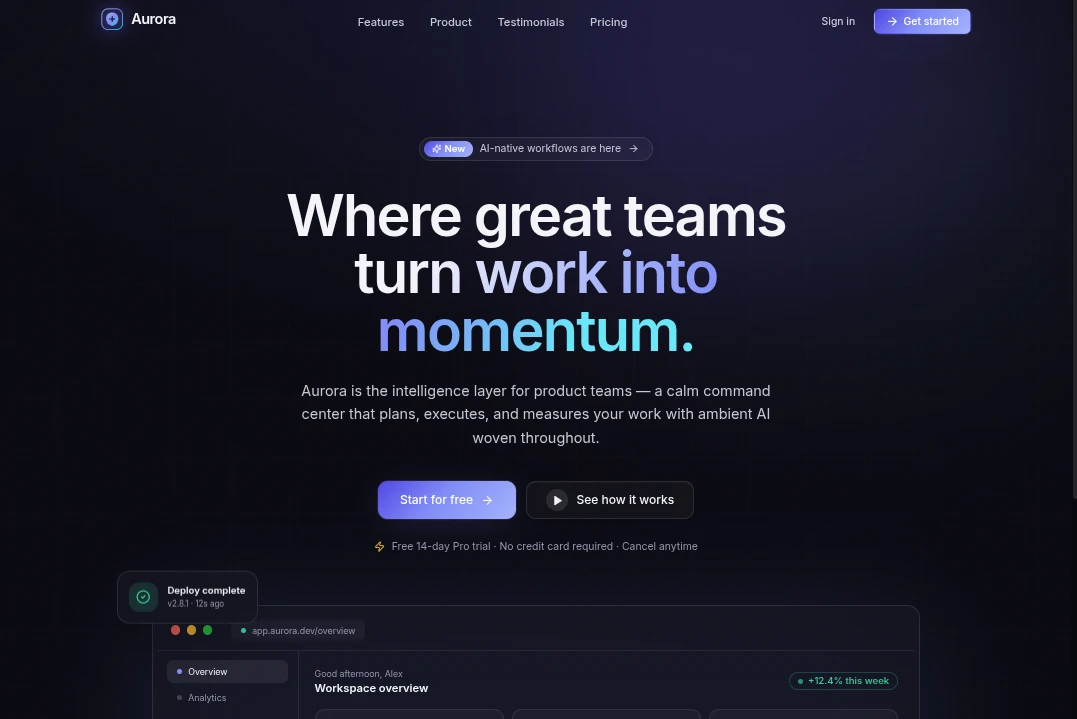
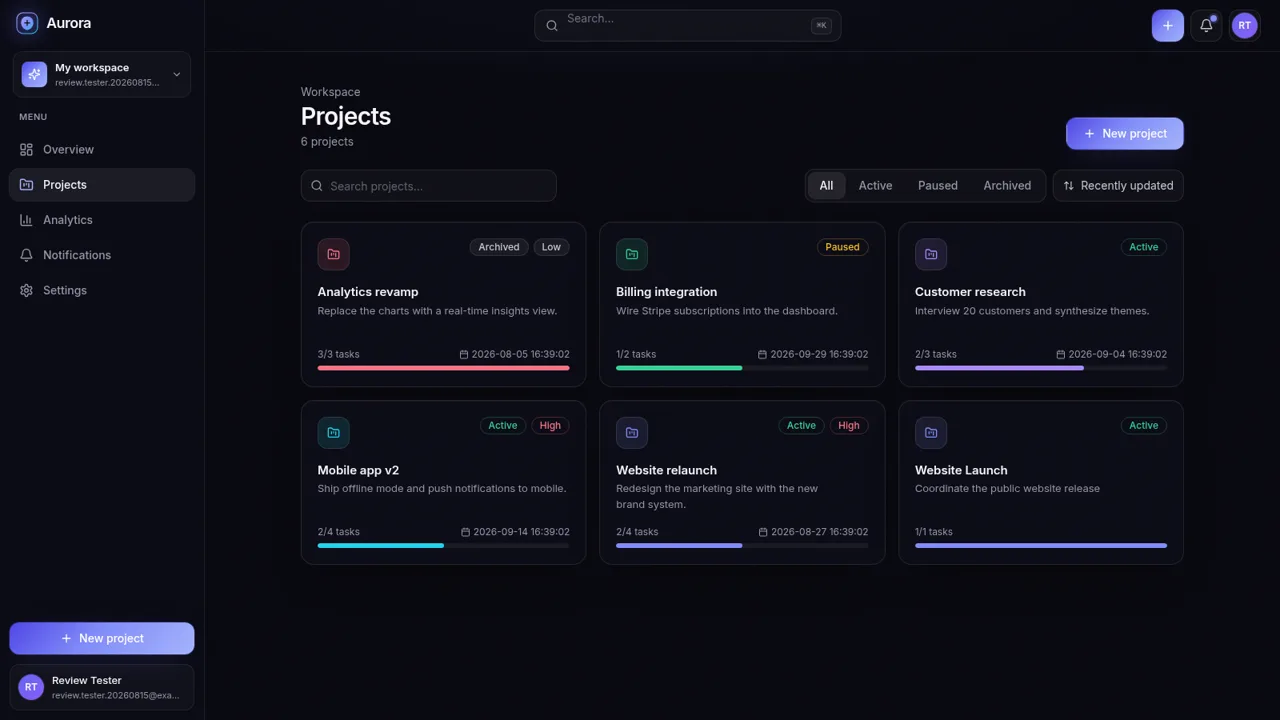
A calm project workspace that connects planning, task execution, live analytics, and team activity.
Aurora is an interactive project management application designed for product teams. Visitors can create an account through a guided signup and onboarding flow, personalize a workspace, and begin with a set of realistic starter projects. The authenticated application combines a high-level overview, project cards, project detail dialogs, task checklists, analytics charts, recent activity, notifications, search, status filters, sorting, and workspace settings. Actions are connected across the product: creating a project adds it to the portfolio and activity feed, adding or completing a task updates progress, analytics, and notifications, and the overview provides a compact summary of active work, completion, and billing data.
Highlights
Guided onboarding
Four clear setup steps
Project workflows
Create, filter, and edit
Task progress
Add and complete tasks
Connected analytics
Charts reflect live work
Activity inbox
Changes become alerts
How to Use
Create an account
Open the signup page, enter a name, work email, and password, choose a plan, and submit the form. Aurora then opens a four-step onboarding sequence without requiring a credit card.
Set up the workspace
Continue through onboarding to confirm personal details, optionally add company and role information, select an accent color, and create an initial project. The final step opens a populated dashboard with starter data.
Manage projects
Open Projects from the sidebar to search, filter by status, change sorting, or select a project card. The project panel shows its description, status, priority, completion count, edit and delete controls, and its task list.
Track tasks
Enter a task in the project panel and use Add to place it in the checklist. Marking the task as done immediately changes the completion counter and creates corresponding activity and notification records.
Review performance
Visit Analytics to inspect revenue, activity volume, project status distribution, project creation trends, and completion percentages for recent projects. Use Notifications to review unread changes or mark the inbox as read.
Similar Sites
 12
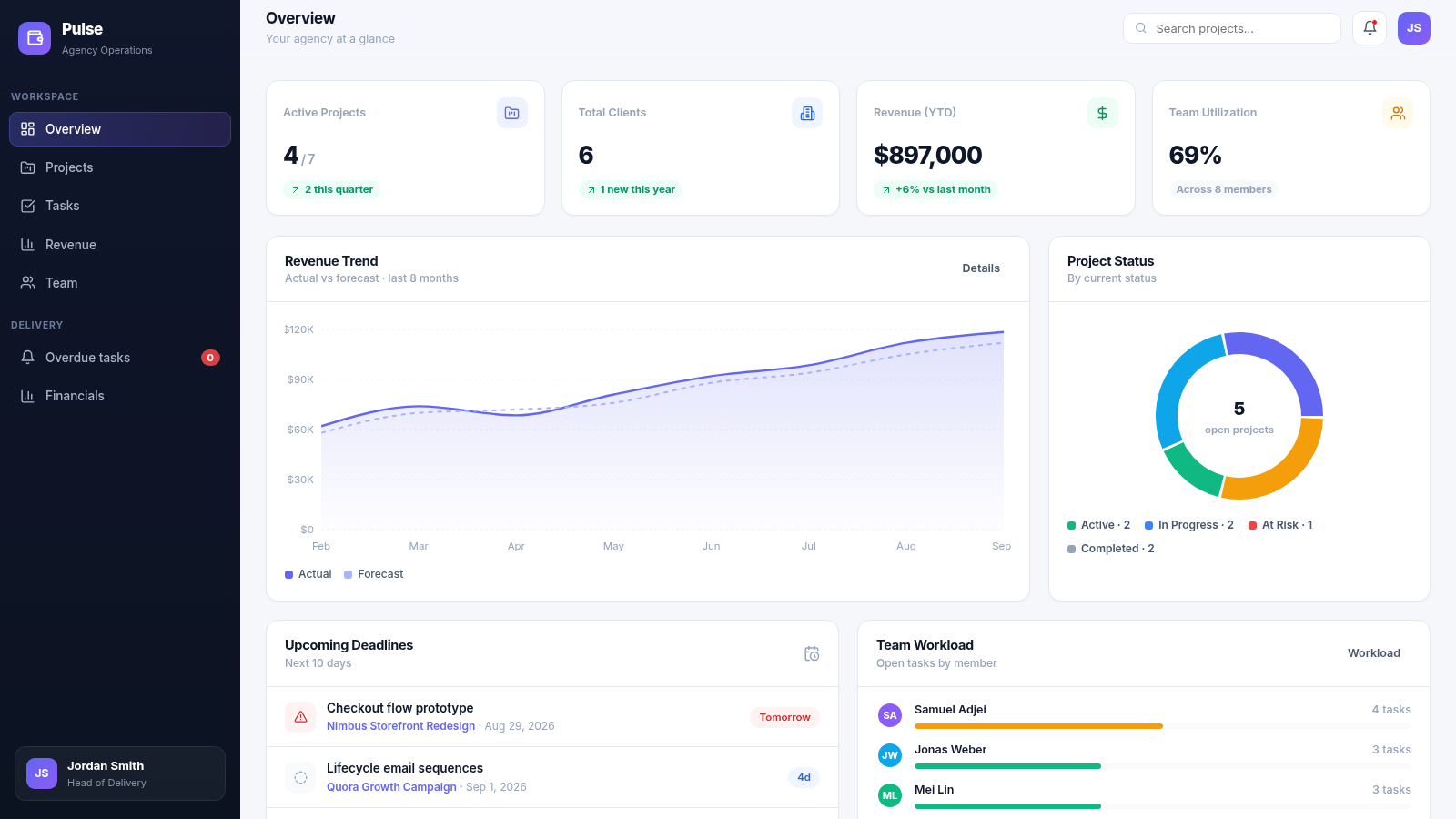
12Pulse Agency Ops Dashboard
Project management & revenue analytics dashboard for digital agencies
 12
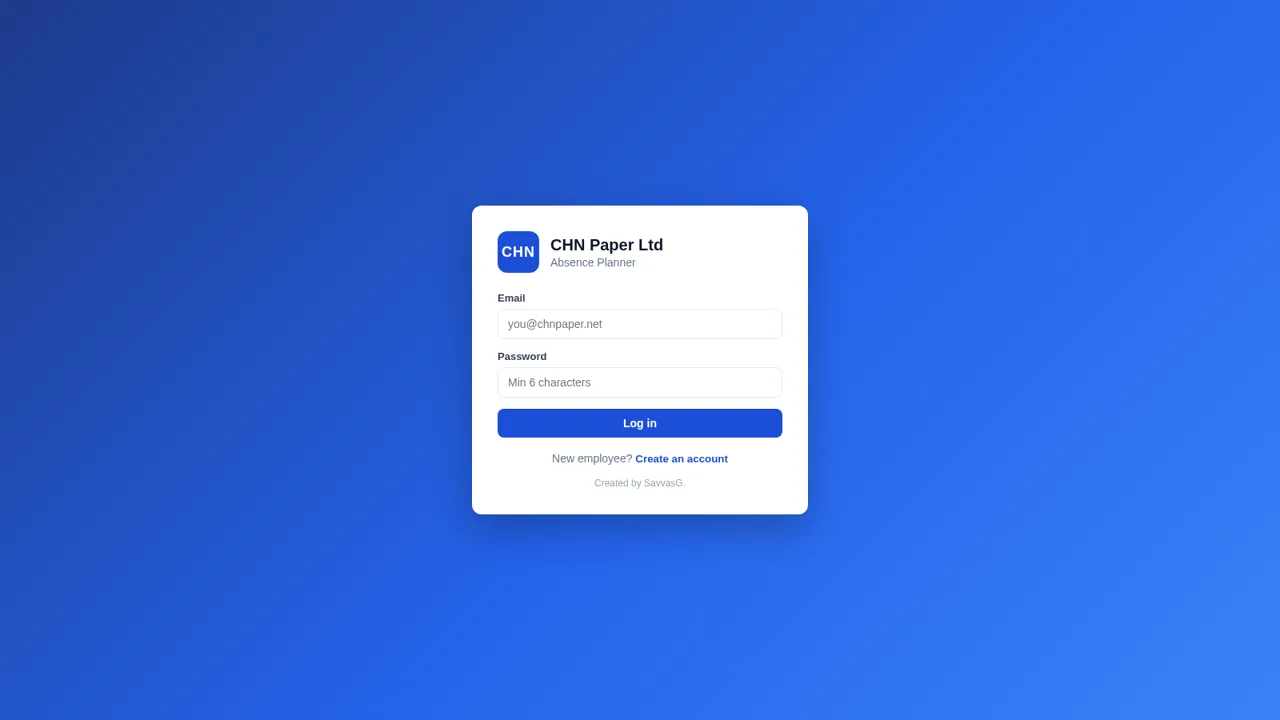
12CHN Paper Absence Planner
Absence planner for CHN Paper Ltd - approvals, allowances and reports
 126
126Agenda de Pedidos - Confeitaria
Agenda digital de pedidos para confeitaria com integração WhatsApp
 49
49SGI CONTROL
Sistema Integrado de Gestão da Qualidade (ISO 9001) com painel B2B multiempresa
 49
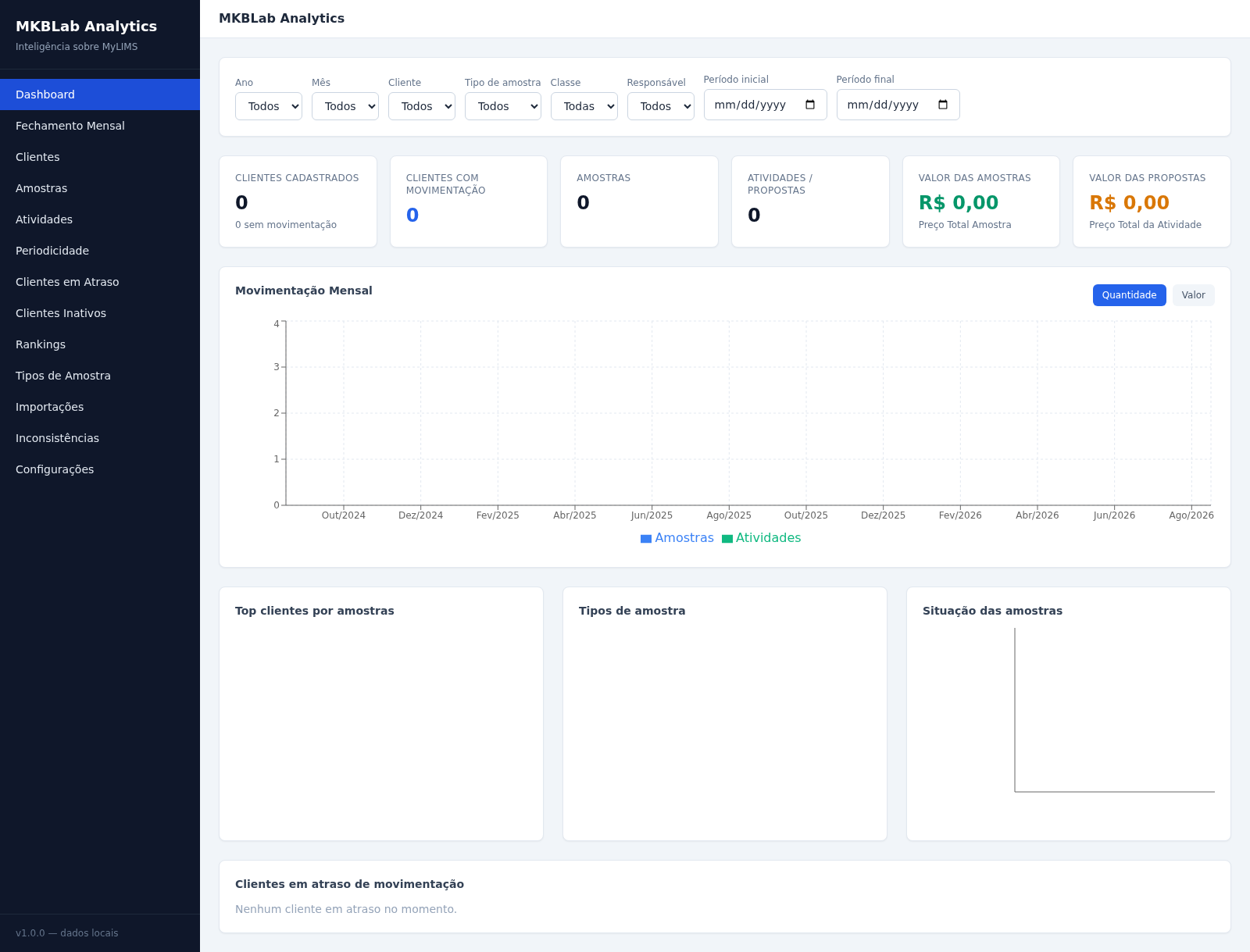
49MKBLab Analytics
Dashboard gerencial com importação de relatórios XLSX do MyLIMS
 65
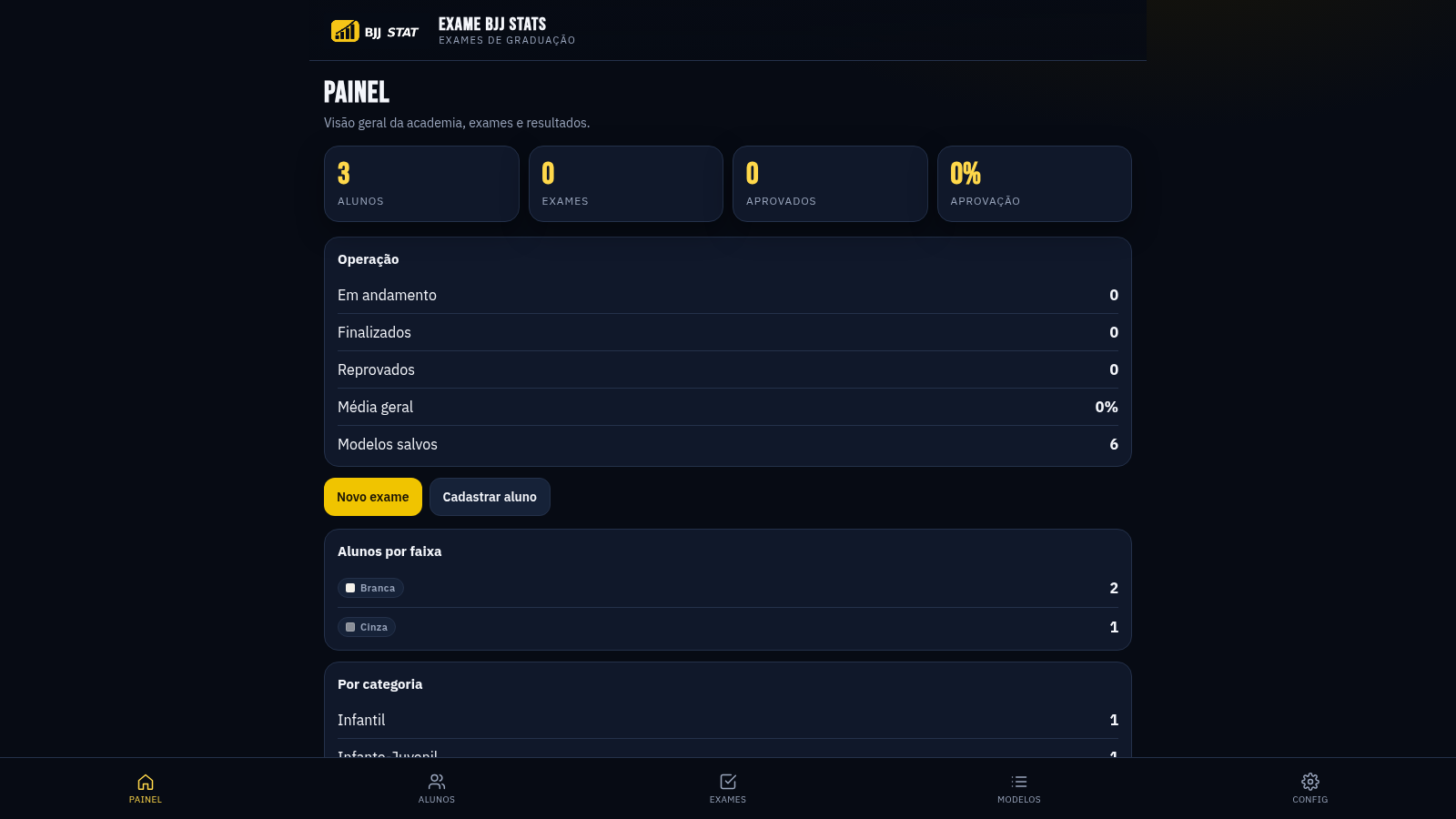
65EXAME BJJ STATS
Sistema profissional de exames de graduação BJJ, com modelos por faixa e relatório APROVADO/REPROVADO.