
NEX ONE - Gestão de negócios
Run customers, operations, finances, and performance from one industry-adaptive workspace.
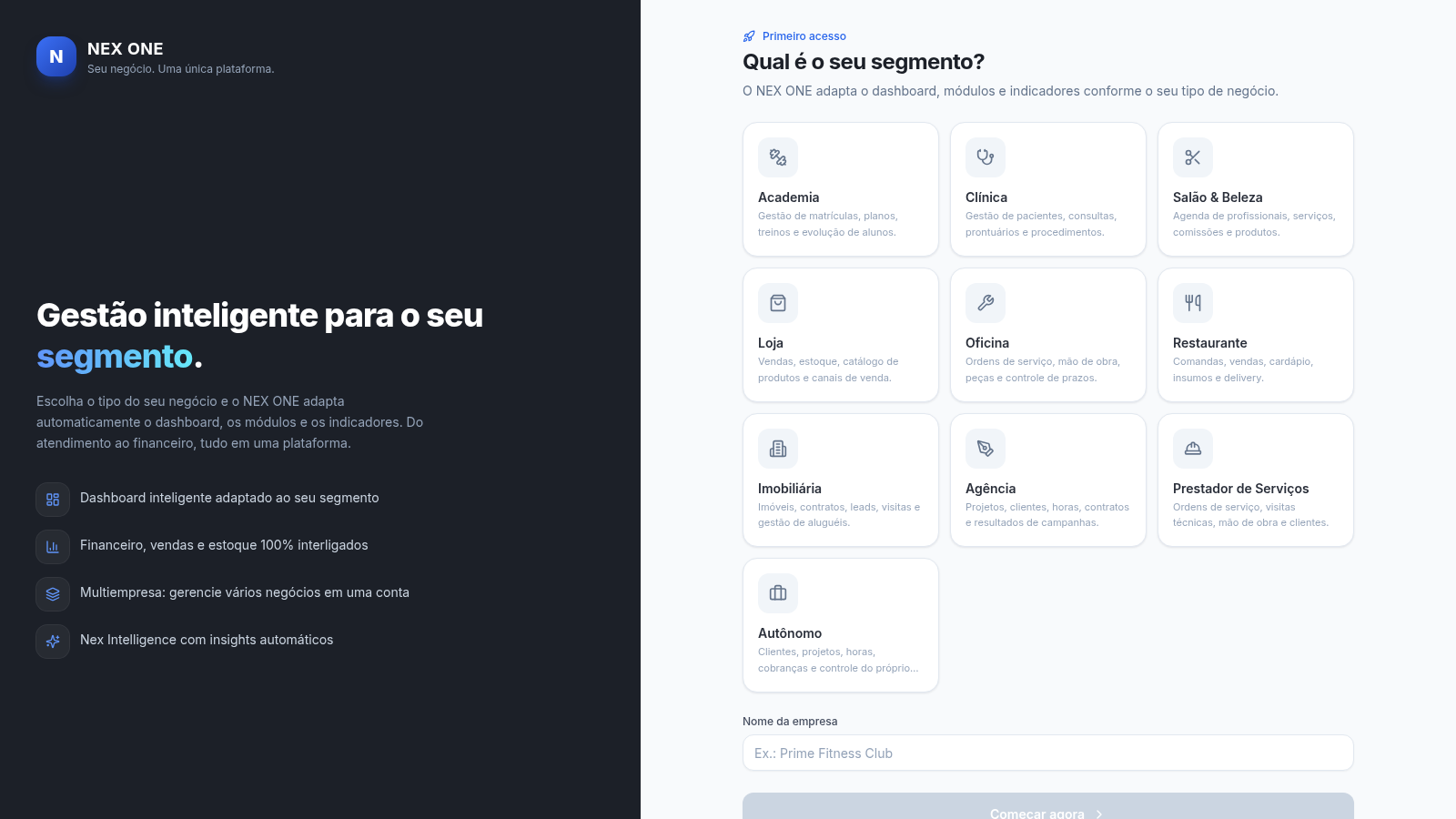
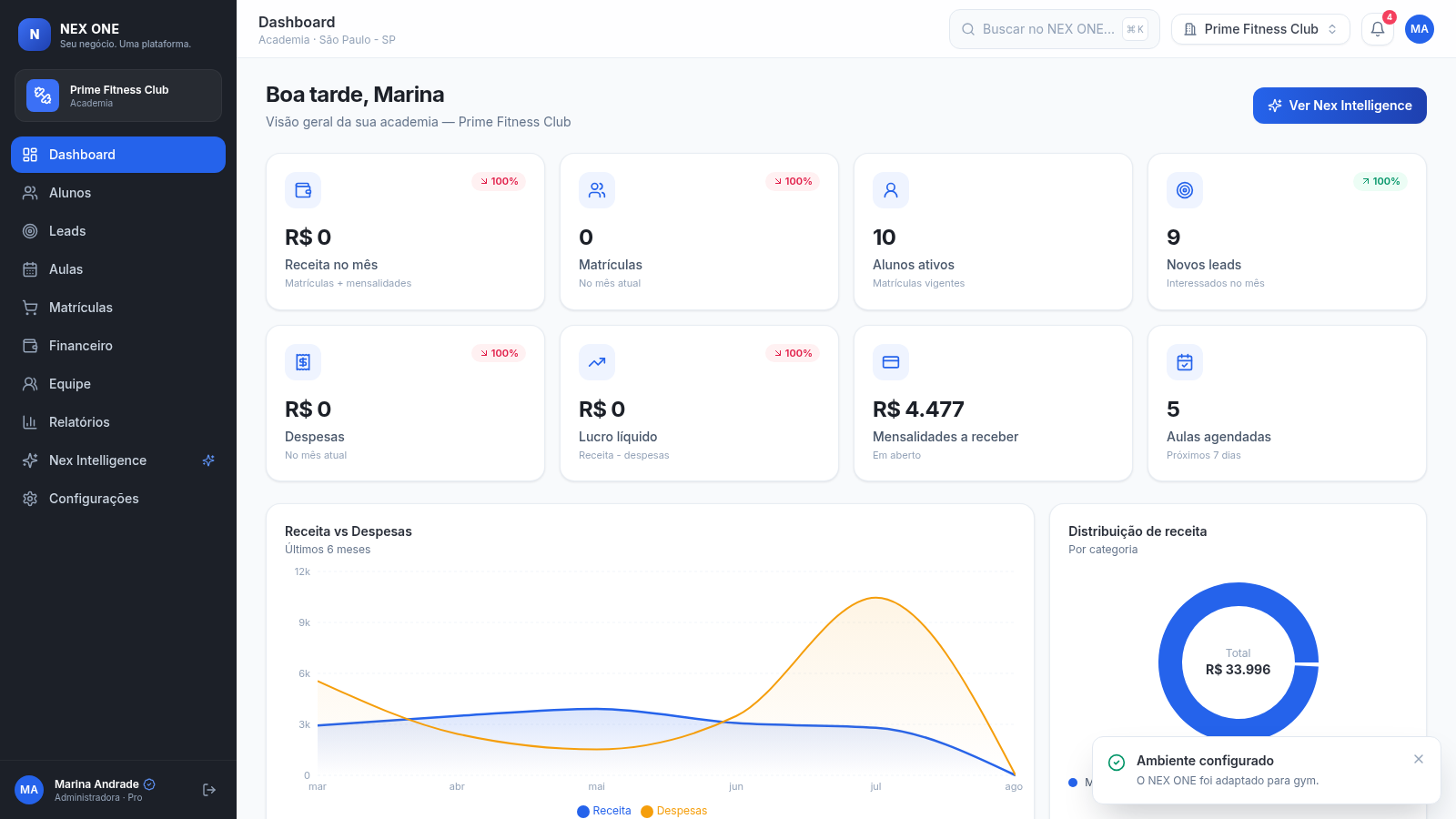
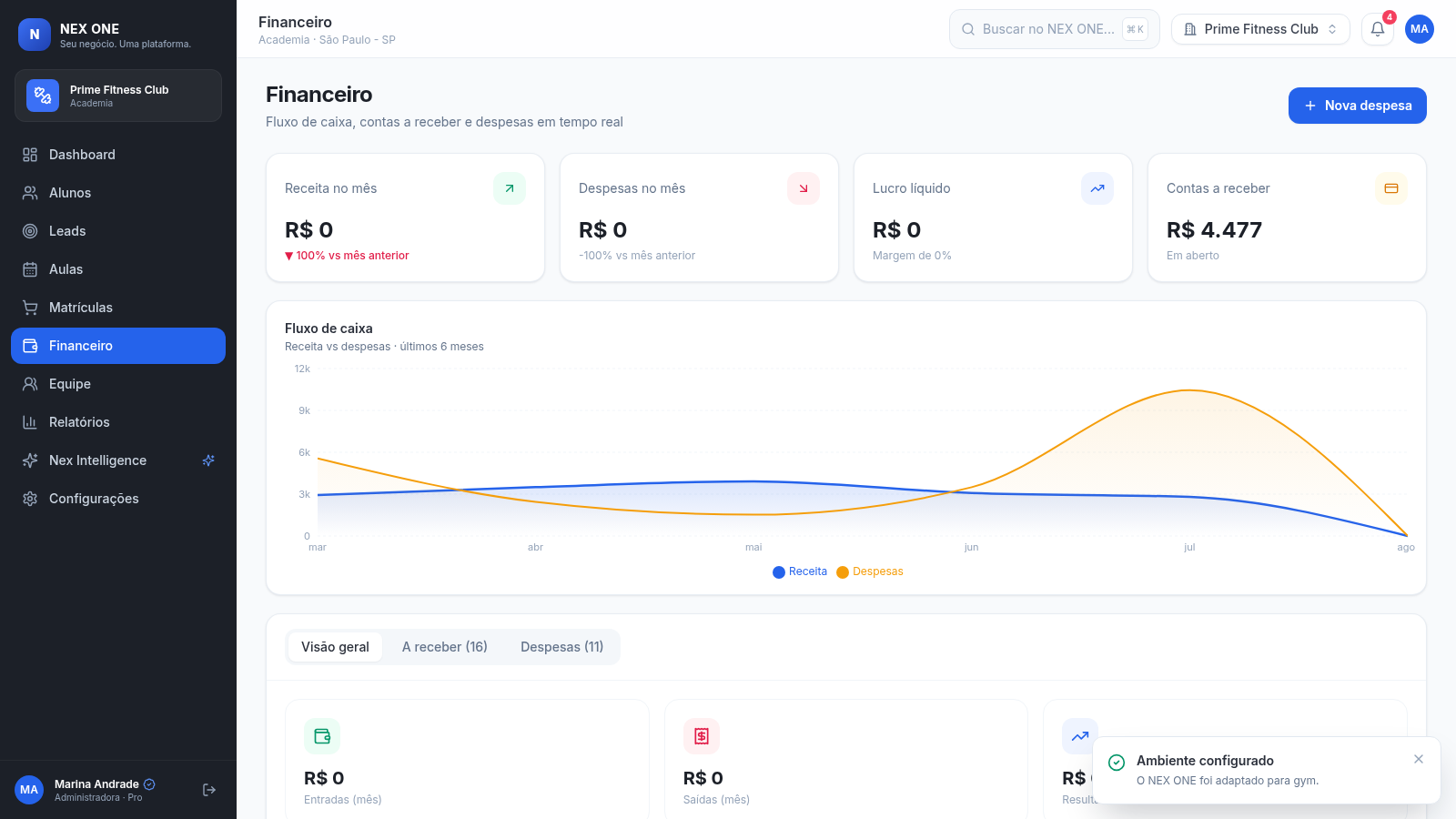
NEX ONE is a Portuguese-language business management application that configures its workspace around the selected business type. The onboarding page supports gyms, clinics, salons, stores, workshops, restaurants, real estate firms, agencies, service providers, and independent professionals. In the inspected gym setup, users can review business indicators, manage students and leads, organize classes and memberships, monitor finance, work with team and report modules, and consult automated operational insights. The dashboard combines revenue, expenses, profit, receivables, active students, new leads, scheduled classes, charts, top customers, recent transactions, and upcoming appointments. The customer area provides status and segment filters, pagination, plan details, accumulated value, and a form for adding records that become available to CRM, sales, scheduling, and dashboard indicators.
Highlights
Adaptive setup
Ten business segments
Unified dashboard
KPIs, charts, activity
Operational CRM
Records, plans, filters
Finance overview
Cash flow and expenses
Smart insights
Actionable business alerts
How to Use
Configure the workspace
On the first screen, select the segment that best represents the business, enter a company name, and choose the start action. NEX ONE then opens a populated workspace whose modules and labels reflect that segment.
Review business performance
Use the dashboard to inspect monthly revenue, expenses, profit, receivables, customer activity, leads, scheduled work, charts, recent transactions, and automated insights. Navigation buttons lead to the related operational areas.
Manage customer records
Open the student or customer module to browse records, filter by customer group or status, move between pages, and review plan, accumulated value, recent purchase, and upcoming appointment information.
Add a customer
Choose the new-customer action, provide a name and optional contact details, select a plan and status, then save. The interface explains that the record will become available in CRM, dashboard indicators, sales, and scheduling workflows.
Monitor finances
Open the finance module to compare revenue and expenses, inspect net profit and outstanding receivables, switch among overview, receivables, and expense sections, and use the new-expense action when recording costs.
Similar Sites
 11
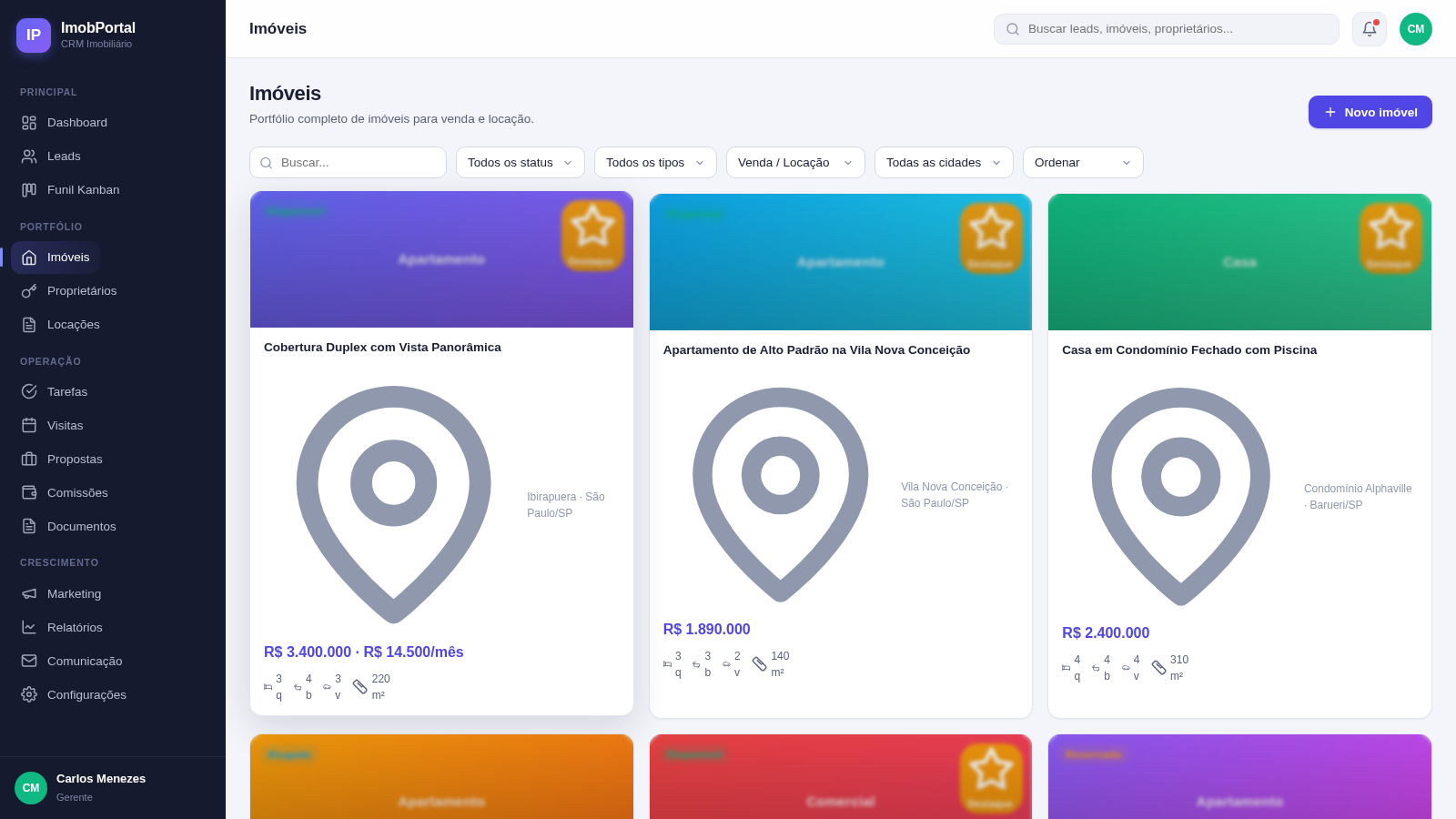
11ImobPortal CRM
CRM Imobiliário completo - gestão de leads, imóveis, proprietários, locação e comissões
 500
500حاسبة رسوم الجمعية
حاسبة رسوم الجمعية لوكلاء Money Fellows — حساب القسط وصافي القبض شهر بشهر.
 51
51SGI CONTROL
Sistema Integrado de Gestão da Qualidade (ISO 9001) com painel B2B multiempresa
 126
126Agenda de Pedidos - Confeitaria
Agenda digital de pedidos para confeitaria com integração WhatsApp
 42
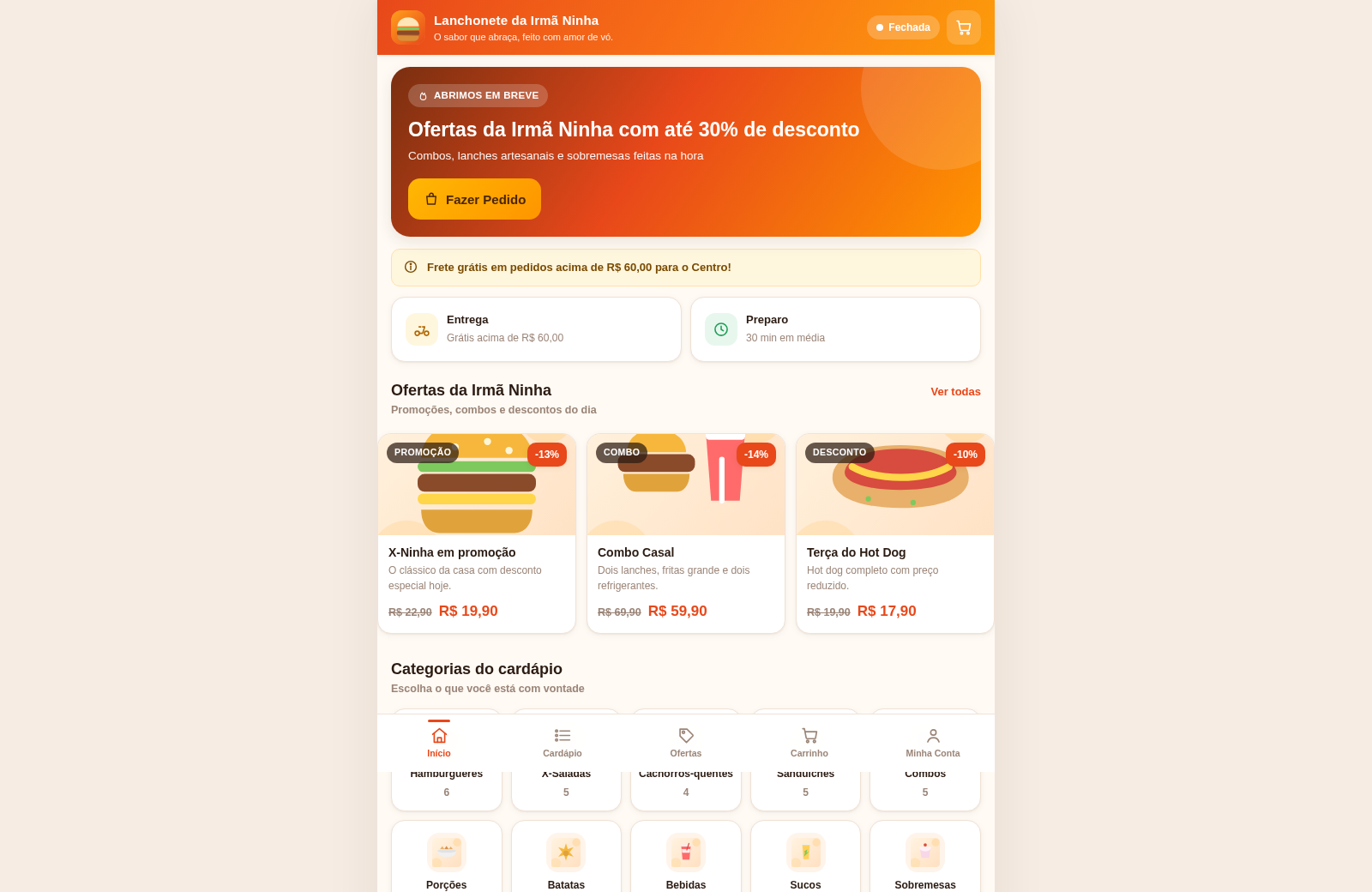
42Lanchonete da Irmã Ninha
Cardápio digital, ofertas e promoções com painel administrativo.
 38
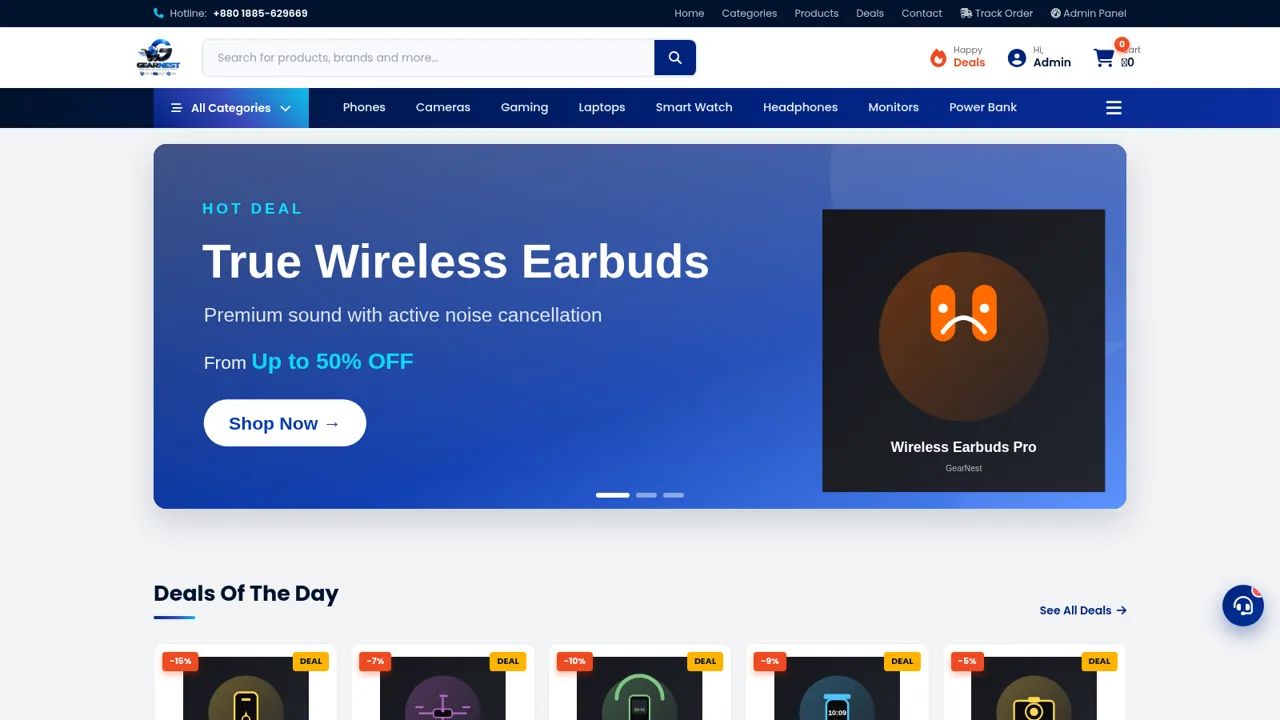
38GearNest | Premium Gadgets Store
Online store for original gadgets, phones, laptops and accessories in Bangladesh.