
Hoje
Turn income, bills and savings into one clear daily spending limit
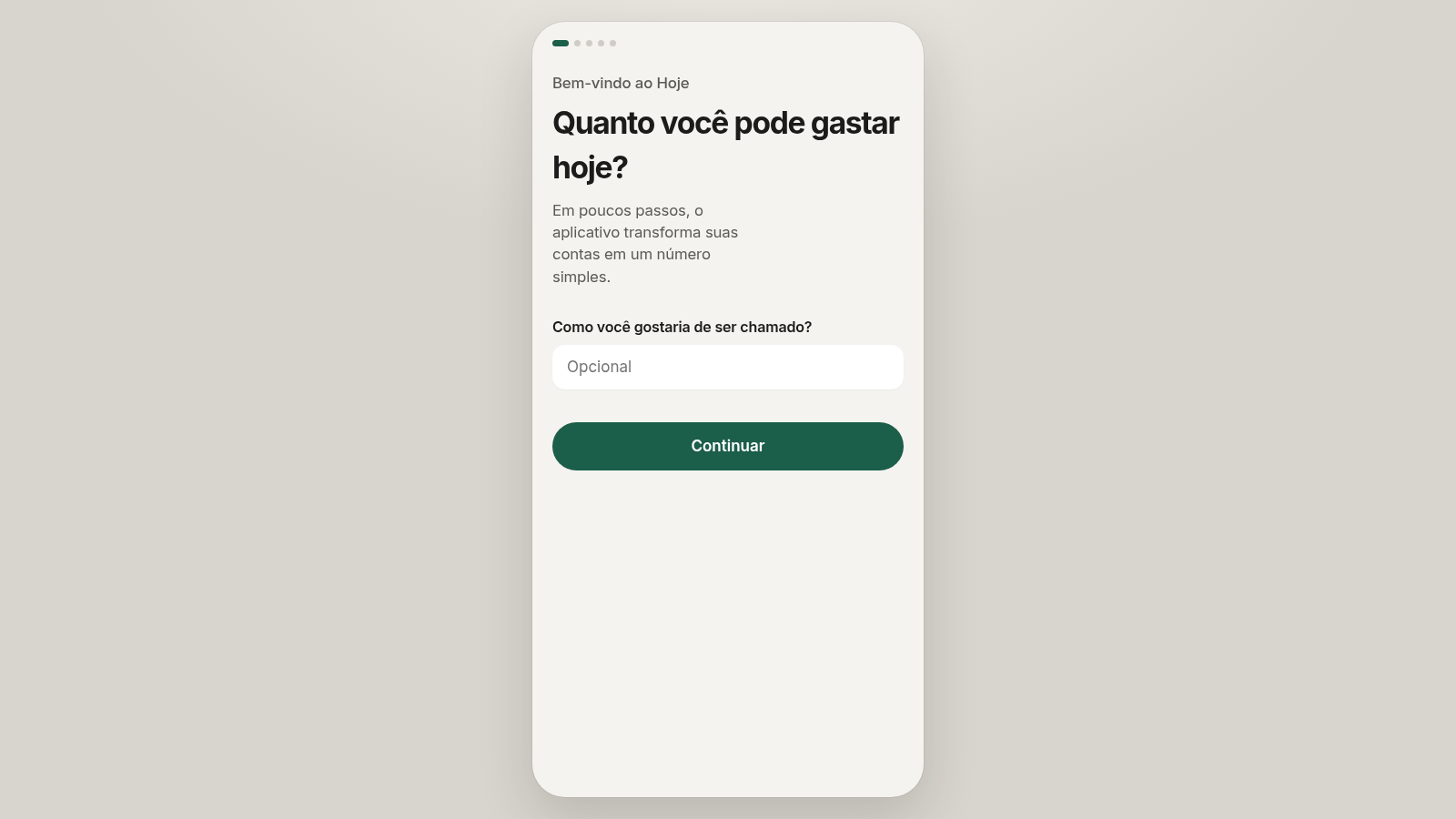
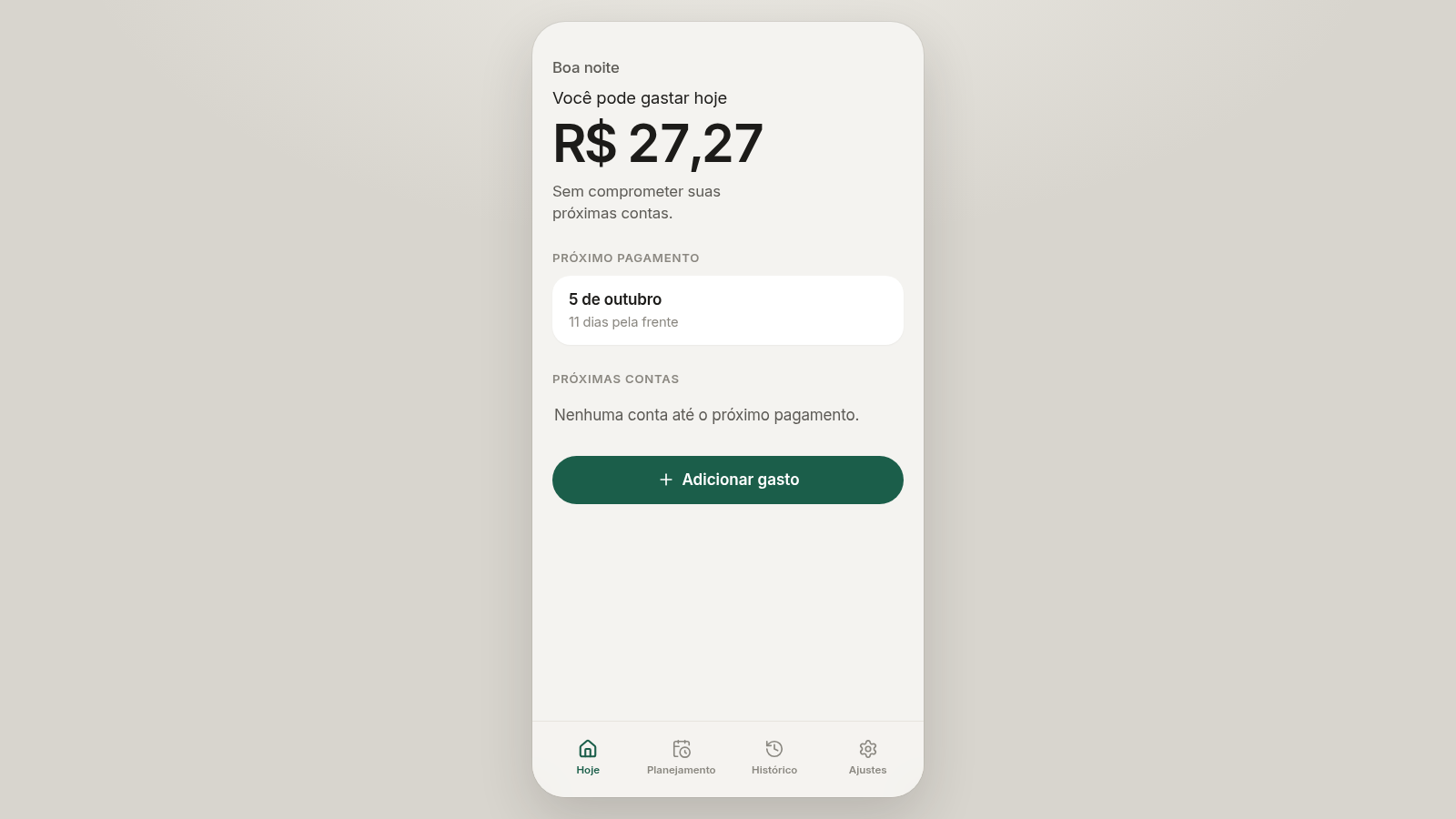
Hoje is a personal budgeting web app written in Brazilian Portuguese. A short onboarding wizard collects how much you receive and on which day, the cash currently in your account, your recurring bills and an optional monthly savings target. The app then calculates a single figure for how much you can spend today without affecting upcoming payments. A dashboard shows the daily amount, the next payday and any bills due before it, an add-expense dialog with categories keeps the figure up to date, and the planning, history and settings tabs let you manage bills, emergency savings, past spending and your stored values.
Highlights
Daily spend figure
One number for today
Short setup wizard
Five quick steps
Expense log
Add or undo spend
Planning tab
Bills and savings
History view
Spending by day
Simple mode
Hide extra options
How to Use
Set up your numbers
On the welcome screen enter an optional name and press Continuar. The following steps ask for how much you receive and how often, the money currently in your account, any recurring bills with their amounts and due days, and a monthly amount you want to set aside. Each step has a Continuar button that becomes active once the required field is filled.
Read today's limit
After the last step the dashboard opens on the Hoje tab. A large figure under 'Você pode gastar hoje' shows how much you can spend today, and cards below show the next payday with the days remaining and any bills due before it.
Log your spending
Press Adicionar gasto to open the Novo gasto dialog. Enter the amount, an optional description and pick a category such as Alimentação or Transporte, then confirm. The daily figure recalculates immediately so you always see the remaining amount.
Plan bills and savings
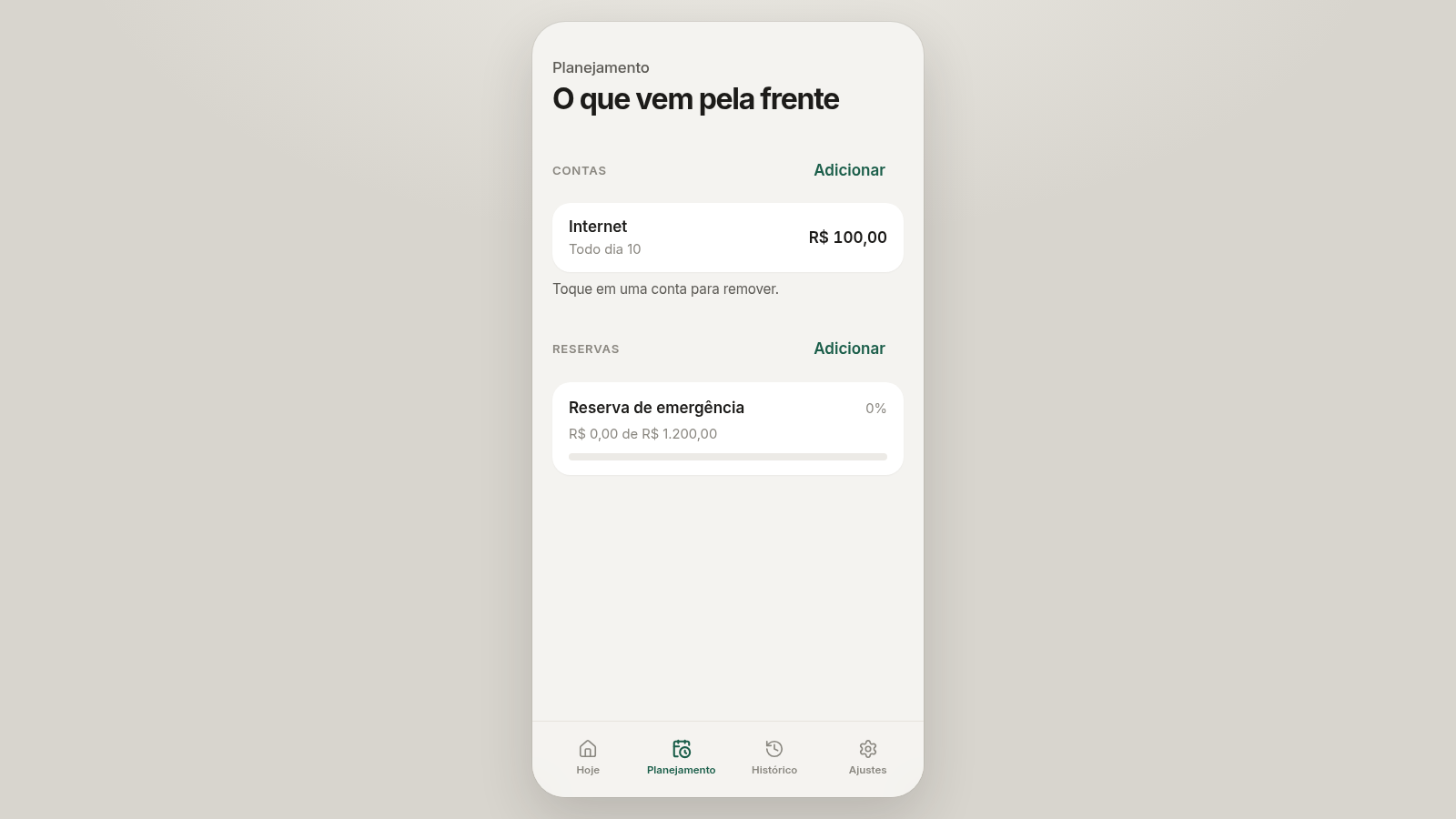
Open the Planejamento tab to see upcoming bills and reserve goals. Use the Adicionar buttons to create a new bill or savings target, and tap an existing bill to remove it. Savings show a progress value such as R$ 0,00 de R$ 1.200,00.
Review and adjust
The Histórico tab lists expenses grouped by day and lets you tap an entry to undo it. The Ajustes tab offers a Modo simples toggle and editable fields for your name, available money, income and payday, saved with Salvar valores.
Similar Sites
 17
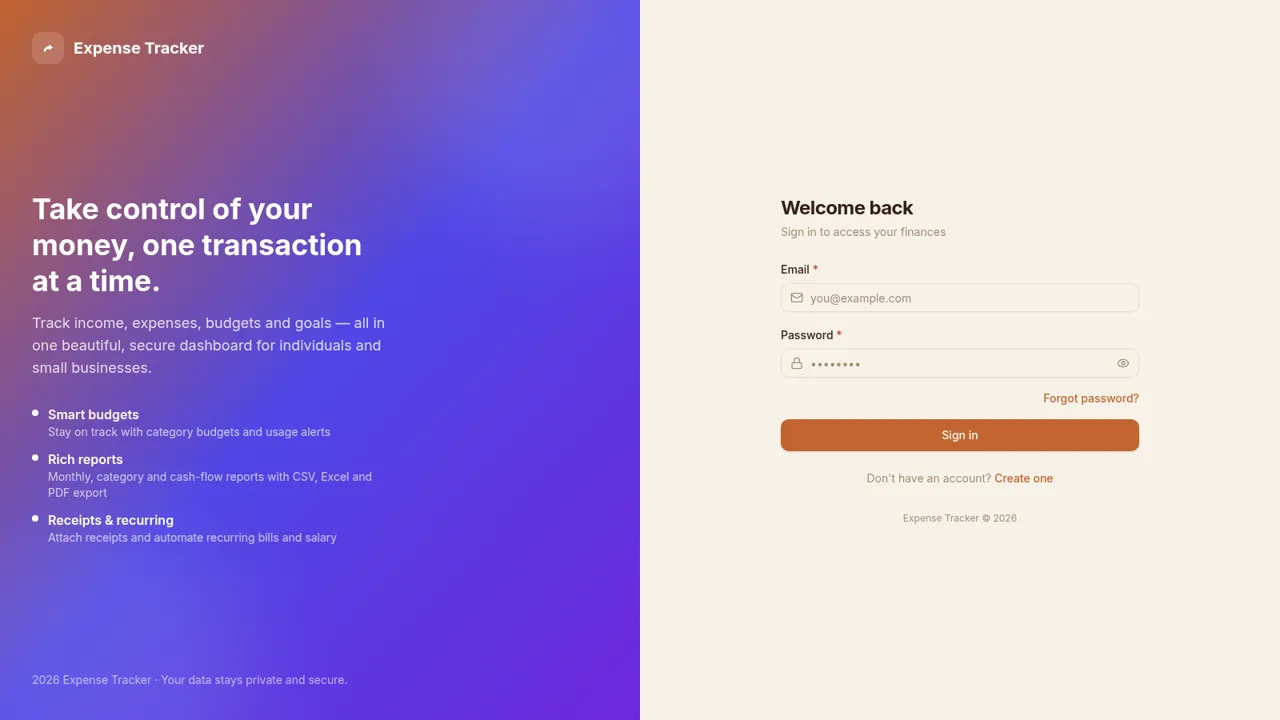
17Expense Tracker
Track income, expenses, budgets, recurring bills, and savings goals with reports and exports
 1
1Meu Poupador
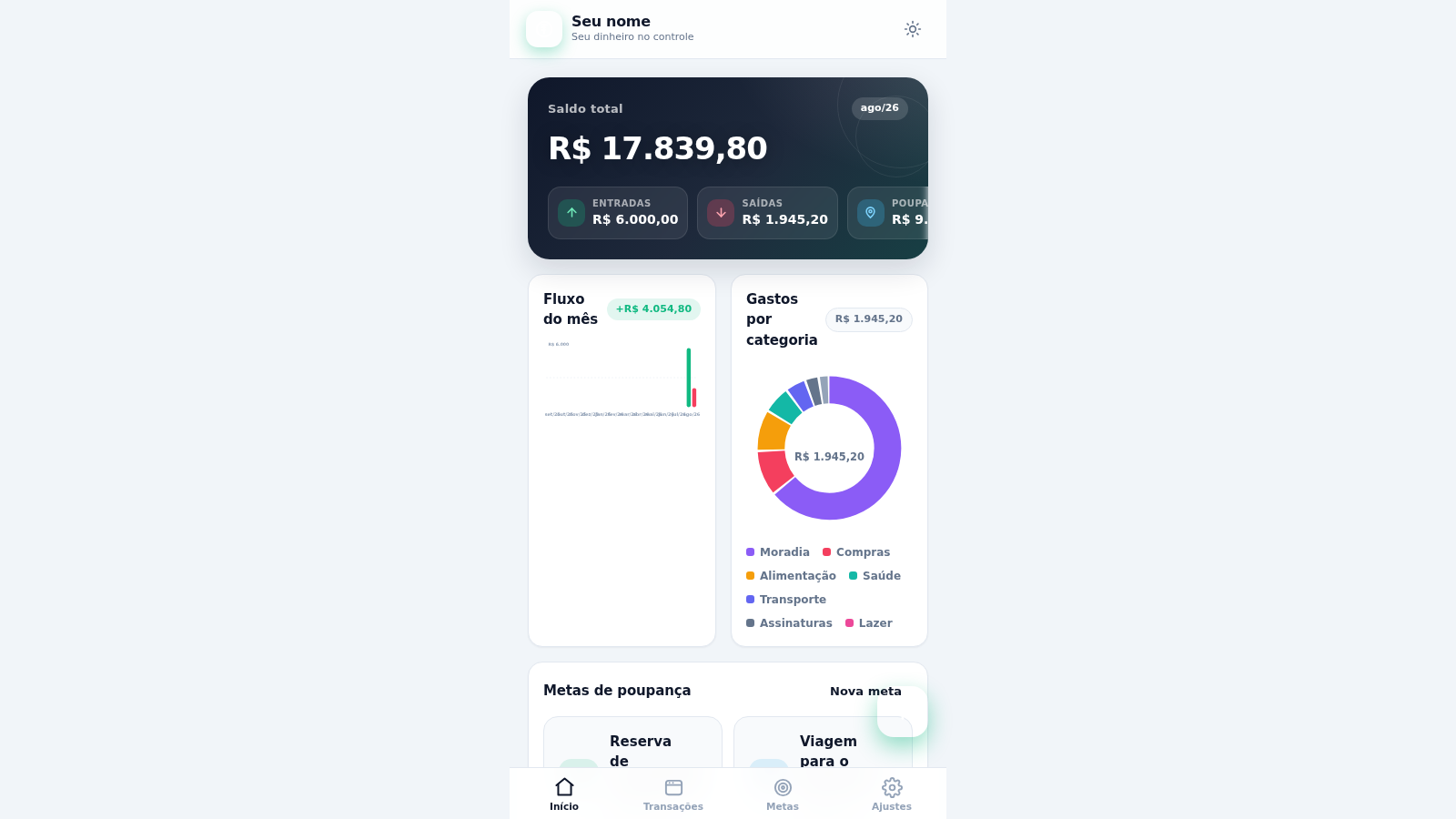
Controle financeiro pessoal: receitas, despesas, metas de poupança, orçamentos e gráficos.
 6
6paisawise
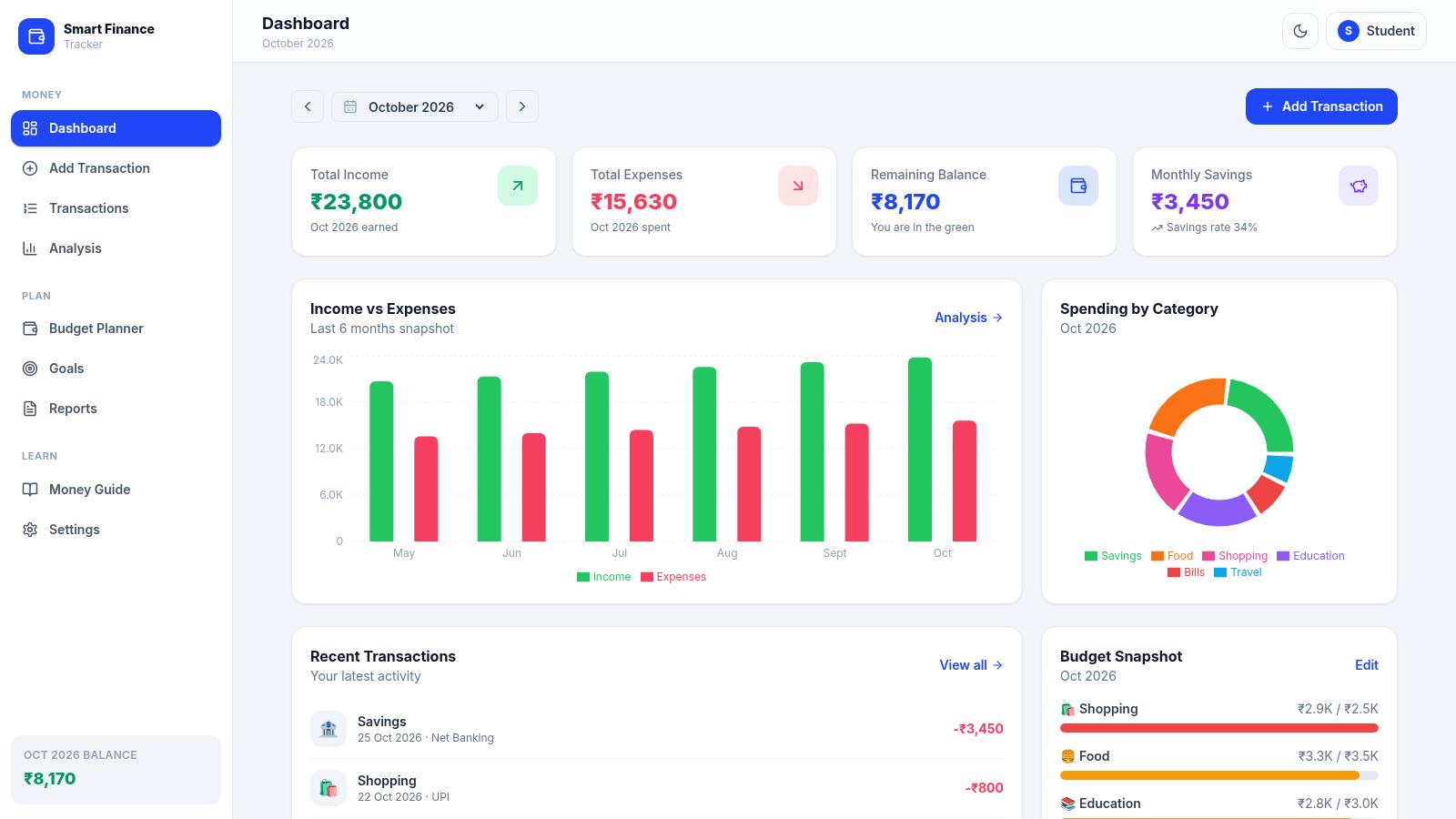
A modern personal finance dashboard built for Indian college students.
 1
1Mizaniya - Budget familial
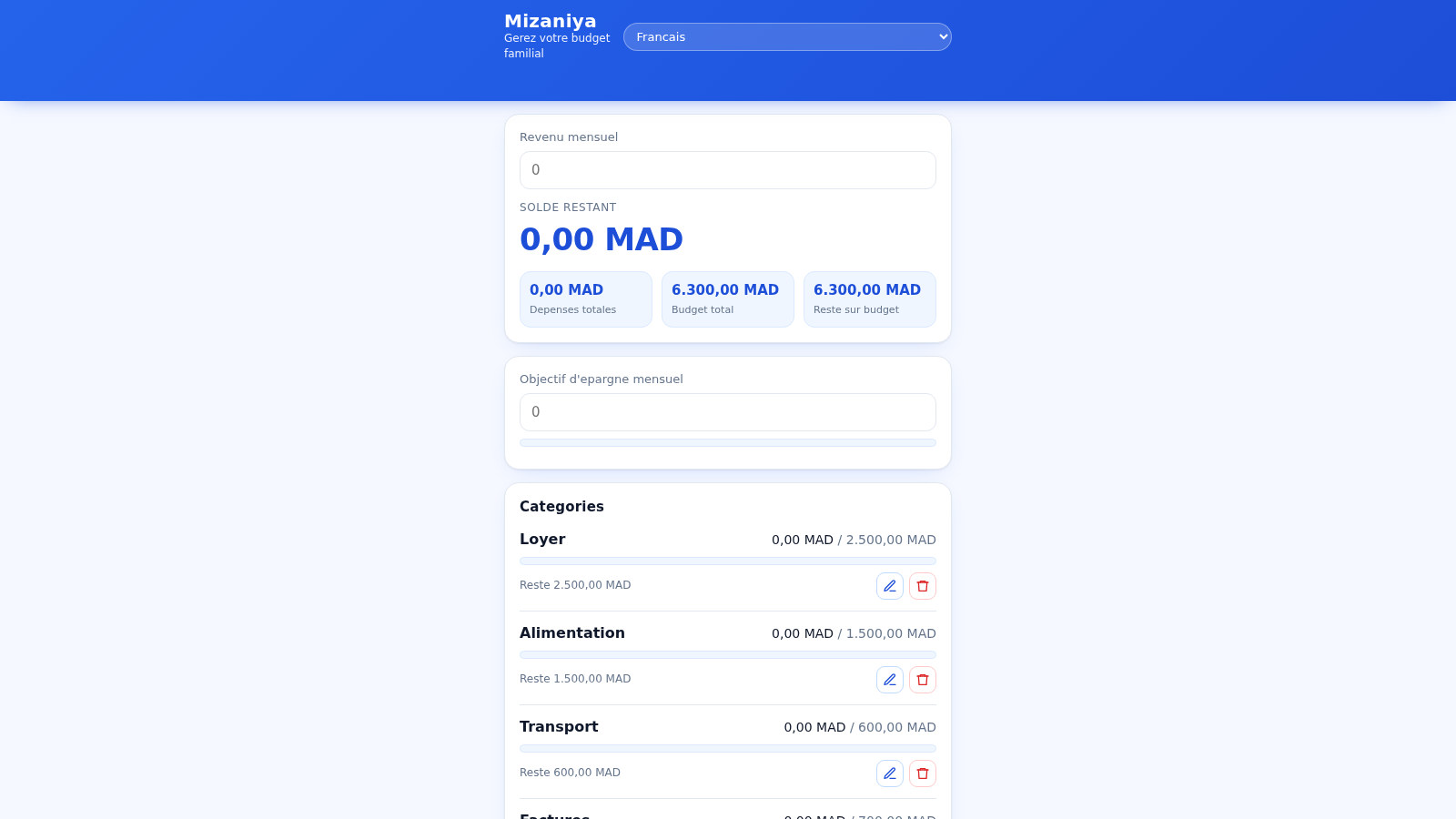
only test
 19
19Carteira Inteligente
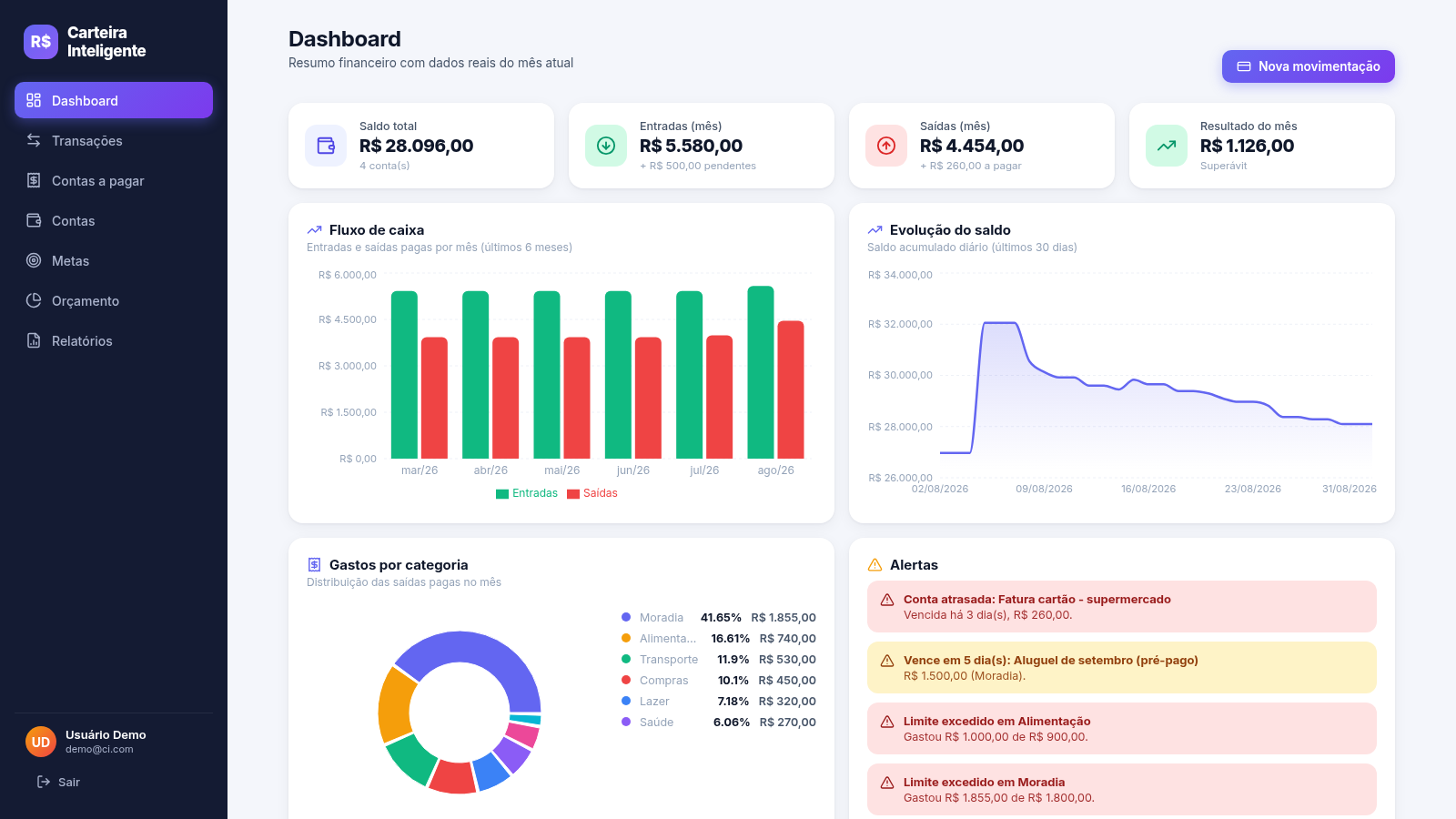
Carteira Inteligente - controle financeiro pessoal em R$
 17
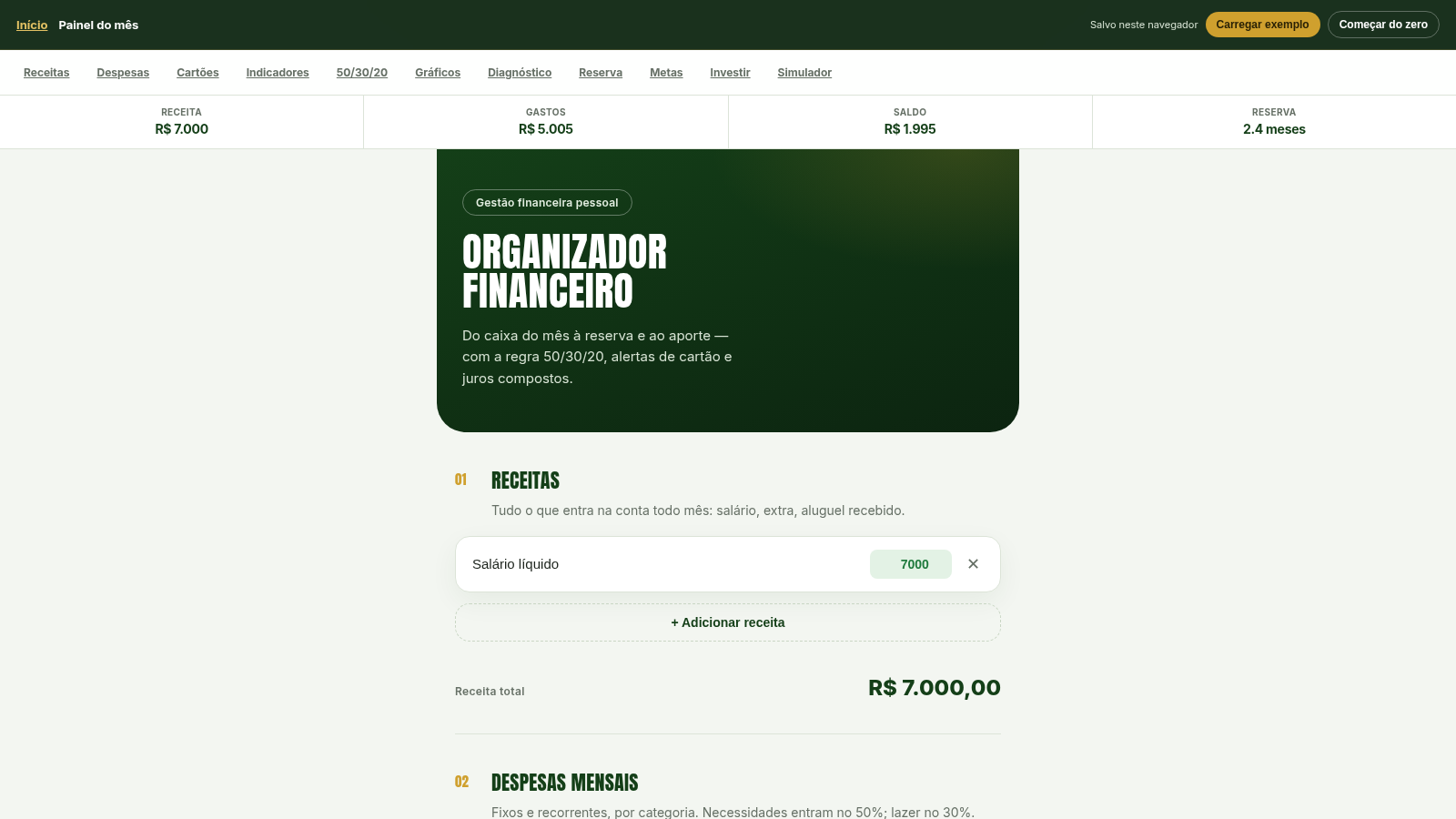
17Organizador Financeiro
Organize receitas, despesas e cartões. Aplique 50/30/20, calcule reserva de 6 meses, metas e juros compostos.