
Mona Lisa Mini Bot
Request a WhatsApp pairing code for the Mona Lisa bot and link it from your phone
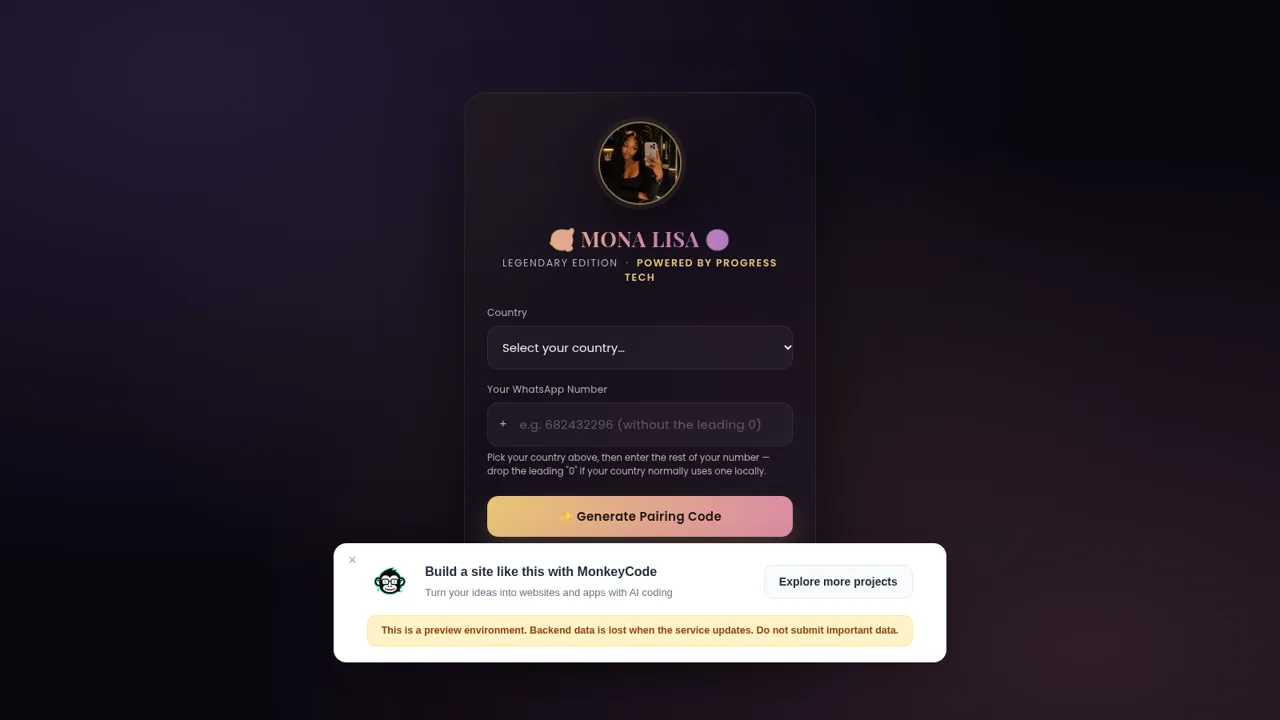
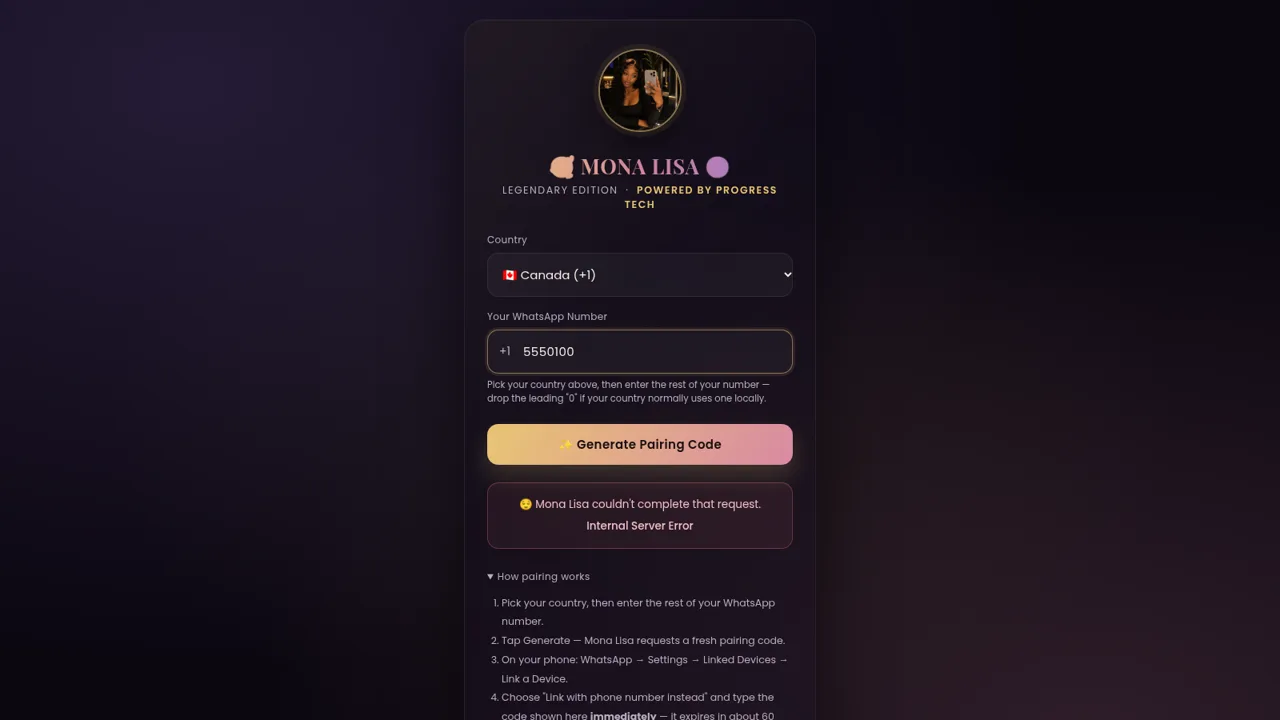
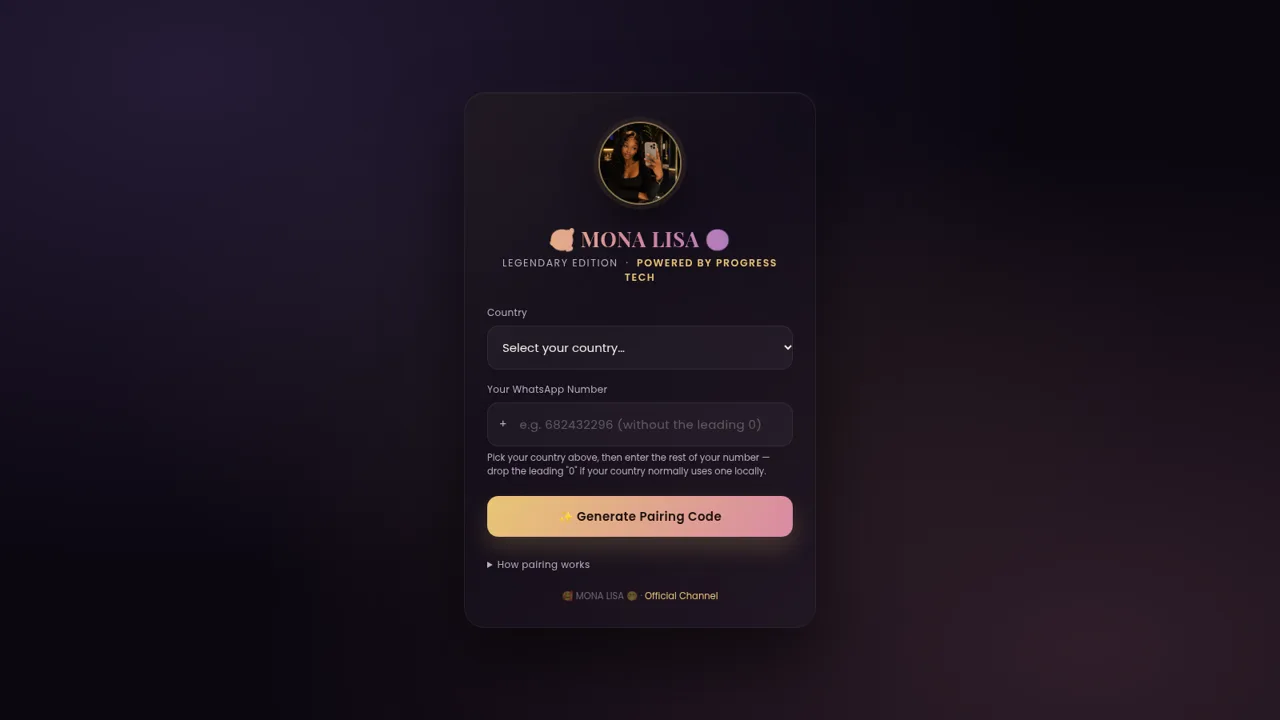
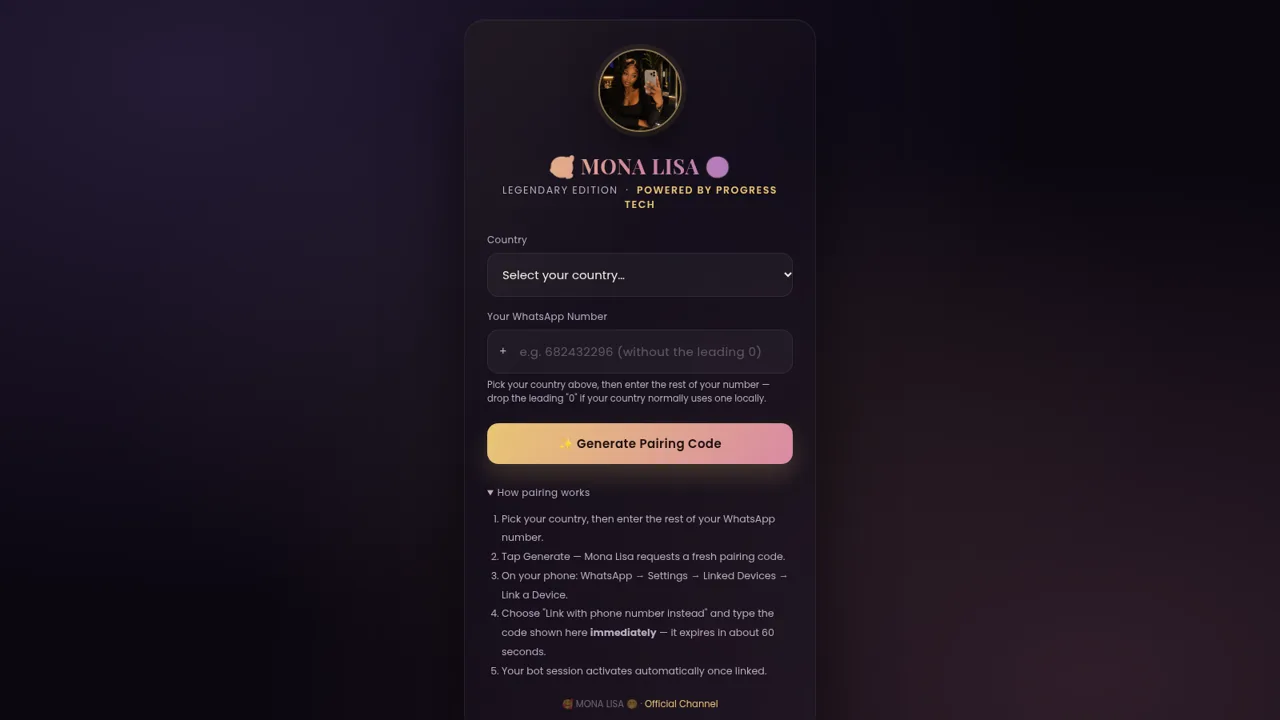
Mona Lisa Mini Bot is a single-page web tool that generates a WhatsApp pairing code for a bot built on Baileys 7. The page presents one card with a country selector carrying roughly 195 dial codes and a field for the rest of the phone number. After submitting, the card reports loading, success, already-connected, reconnecting and error states, and it can poll the connection status or force a fresh link. A short walkthrough explains how to enter the code in WhatsApp under Linked Devices, and the footer links to the bot's official channel. During this review the code-generation endpoint returned a server-side database timeout while the status endpoint and all static assets worked normally.
Highlights
Full dial-code picker
About 195 countries with flags
Guided linking steps
Clear five-step walkthrough
Smart session states
Reconnect and force relink
How to Use
Choose your country
Open the page and use the first dropdown to pick your country. The list is sorted alphabetically and each entry shows a flag, the country name and its dial code, so you can search visually. Selecting one places the matching dial code in the small plus badge in front of the phone field.
Enter your number
Type the part of your WhatsApp number that follows the country code. The field strips out any character that is not a digit as you type, and the helper line reminds you to drop the leading zero that many countries use locally. The form checks that the number is long enough and within international length limits before it will submit.
Request the code
Press the Generate Pairing Code button. The card switches to a loading message while the request is in flight. On success it shows the pairing code in a box with a copy button. If the number is already linked or is busy reconnecting, the page instead shows a status panel and reveals a force-relink action you can use right away.
Link the device
On your phone open WhatsApp, go to Settings, then Linked Devices, then Link a Device, and choose the option to link with a phone number instead. Type the code shown on the page before it expires in about a minute, then wait for the bot session to activate on its own.
Similar Sites
 7
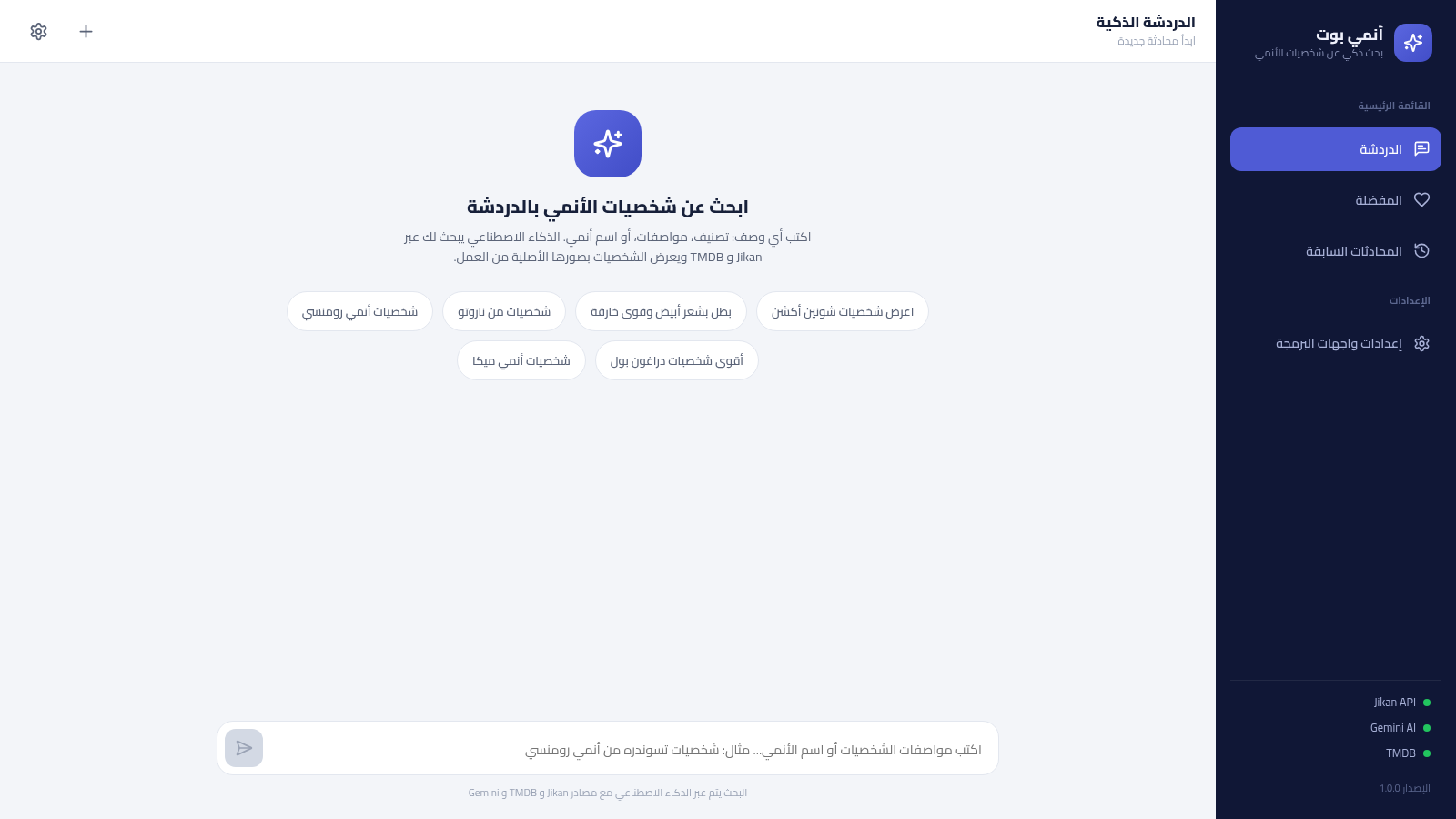
7أنمي بوت - بحث ذكي عن شخصيات الأنمي
بحث ذكي عن شخصيات الأنمي بالعربية عبر الذكاء الاصطناعي، يعتمد على Jikan و TMDB ويحفظ مفضلتك ومحادثاتك
 6
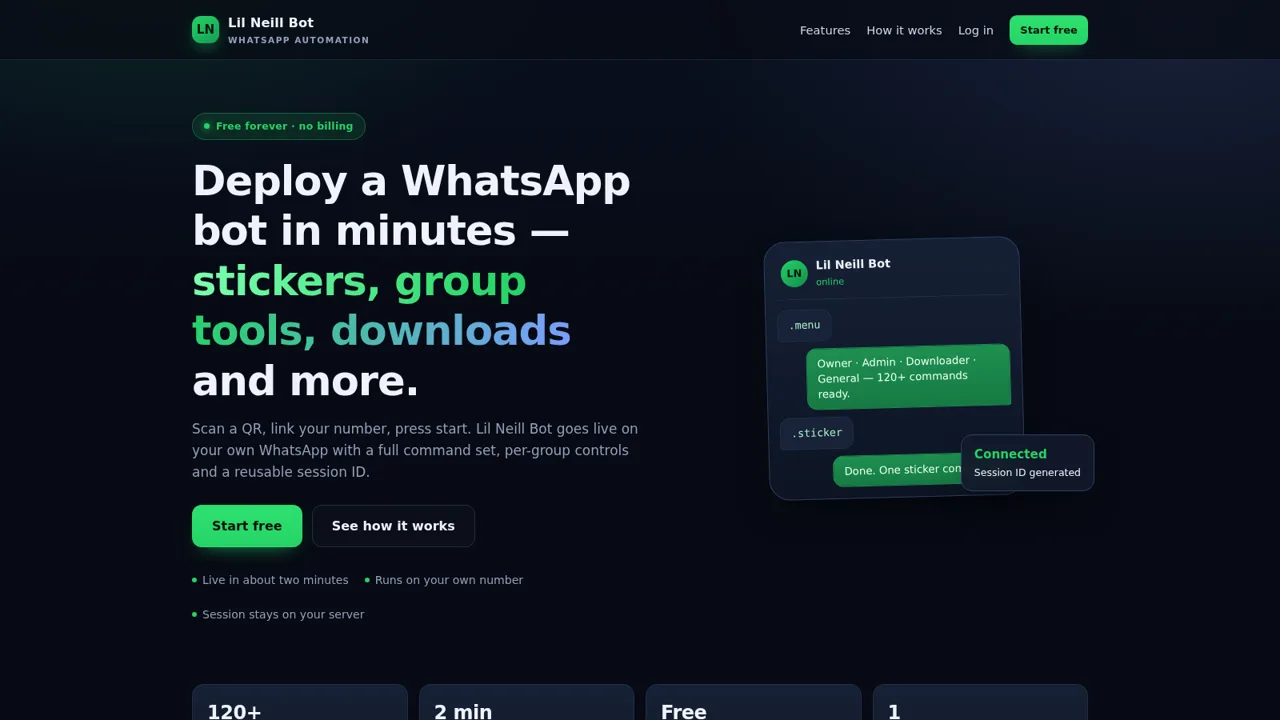
6Lil Neill Bot
WhatsApp bot engine plus a free web dashboard to create, link, and run bots.
 1
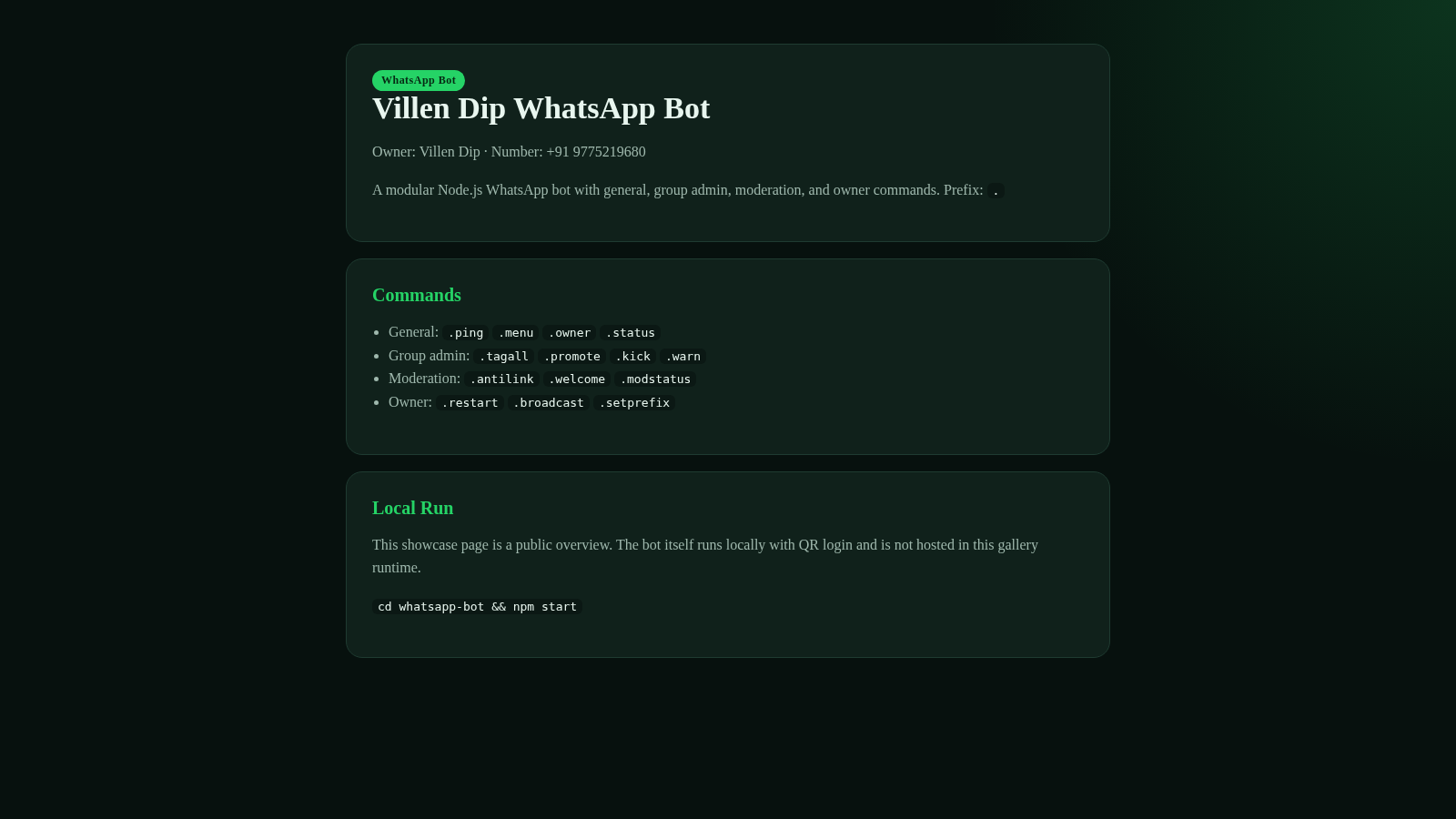
1Villen Dip WhatsApp Bot
Modular WhatsApp bot by Villen Dip with group admin, moderation, and owner commands.
 19
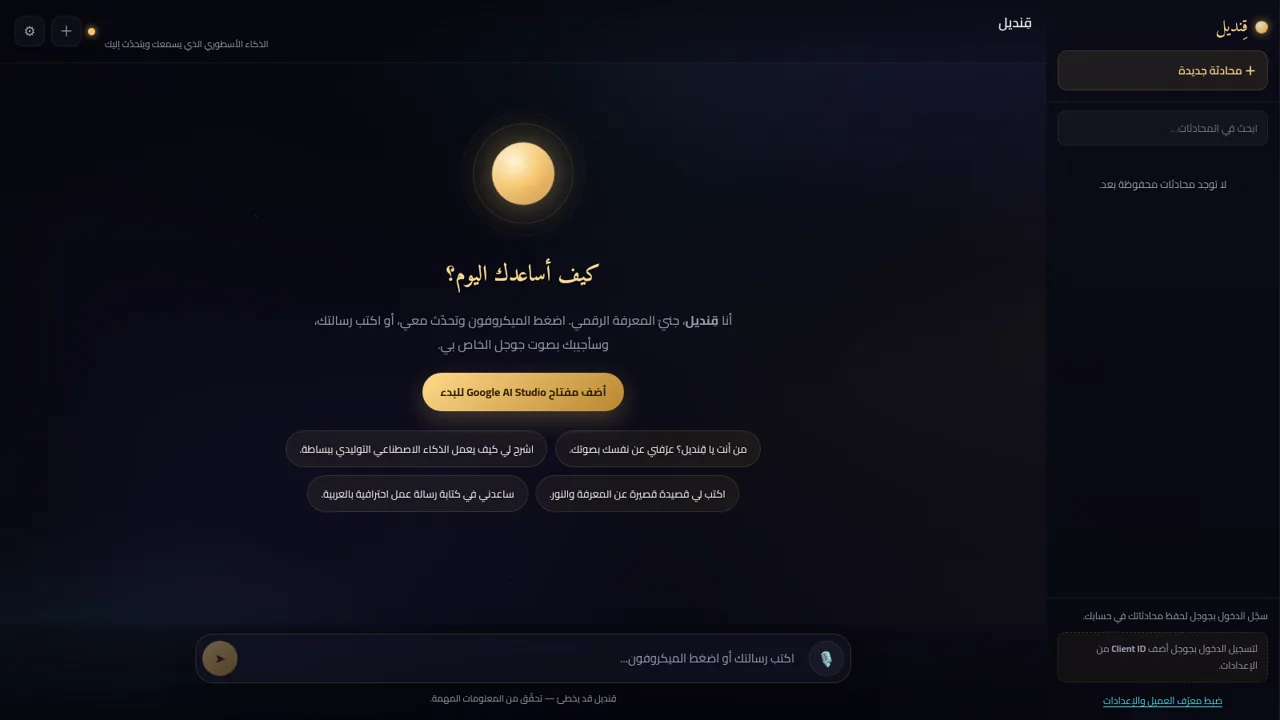
19قِنديل · الذكاء الأسطوري
مساعد ذكاء اصطناعي أسطوري: تحدّث معه بصوتك واستمع إلى ردّه بصوت جوجل
 8
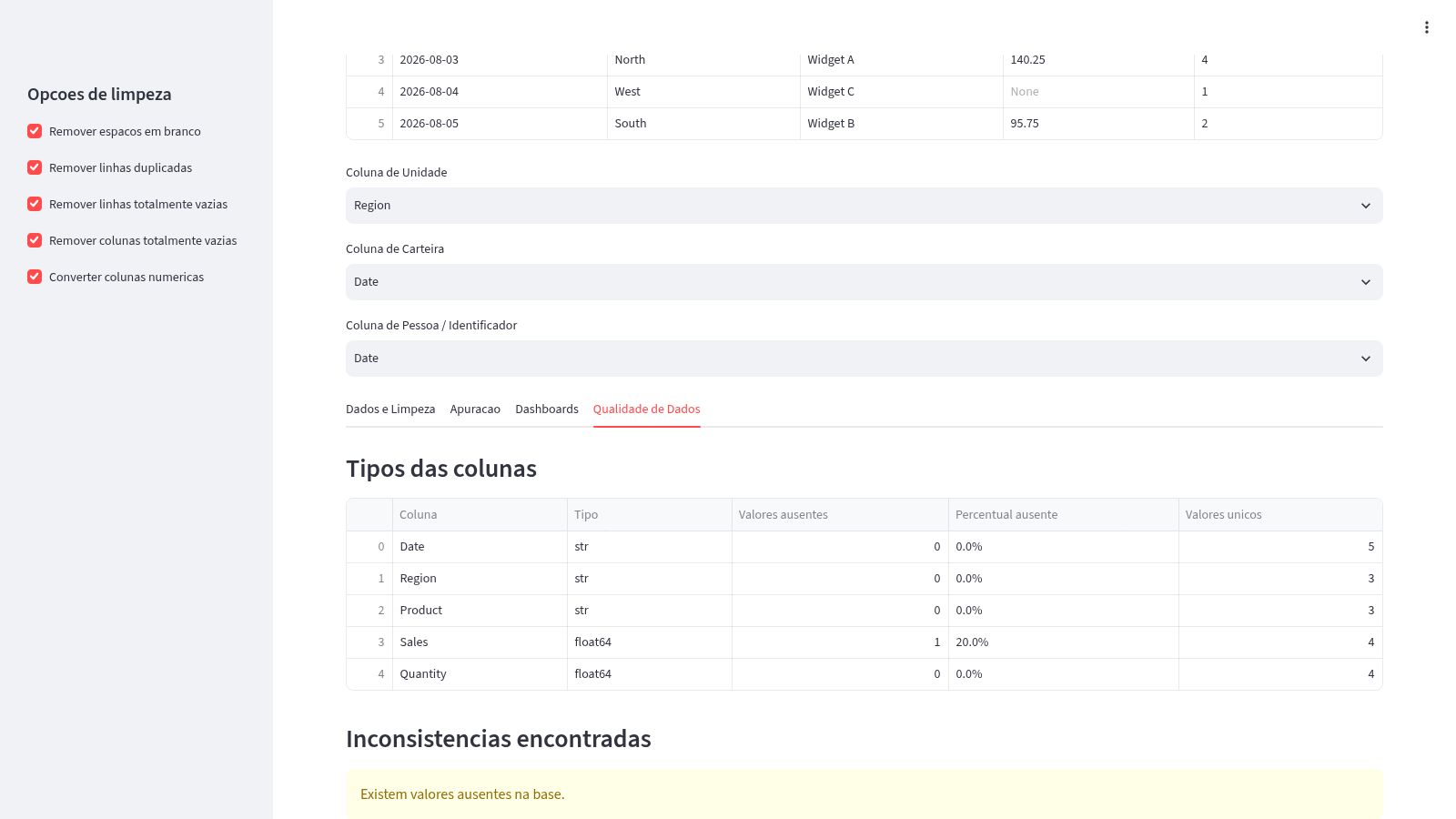
8Análise de Planilhas Excel/CSV
Carregue planilhas Excel ou CSV, limpe os dados, gere apurações e dashboards interativos.
 94
94OhMyPS - AI Image Editor
Brush, describe, and quickly edit part of an image with AI.