
أنمي بوت - بحث ذكي عن شخصيات الأنمي
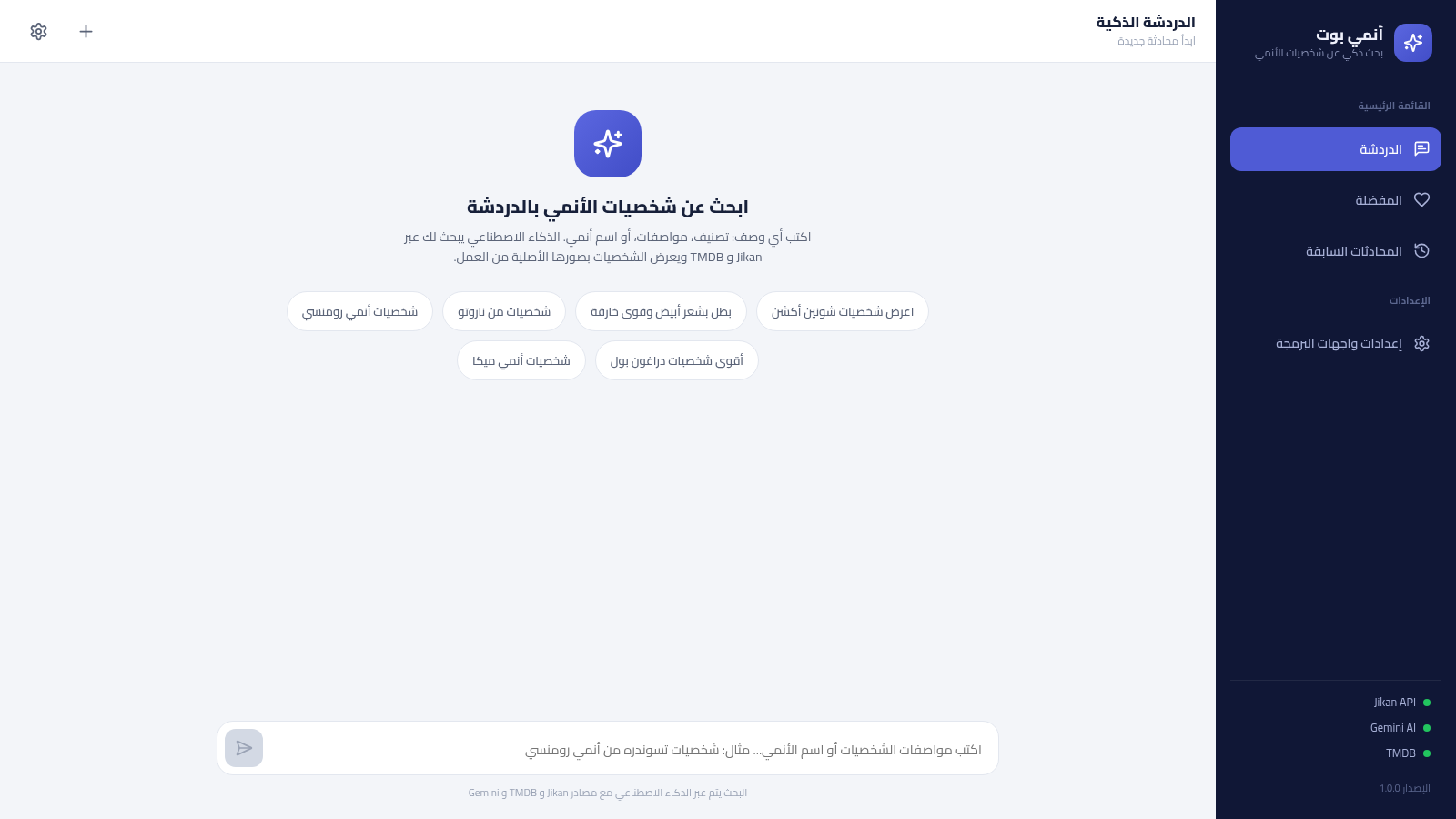
Search for anime characters in Arabic using conversational descriptions and familiar anime references.
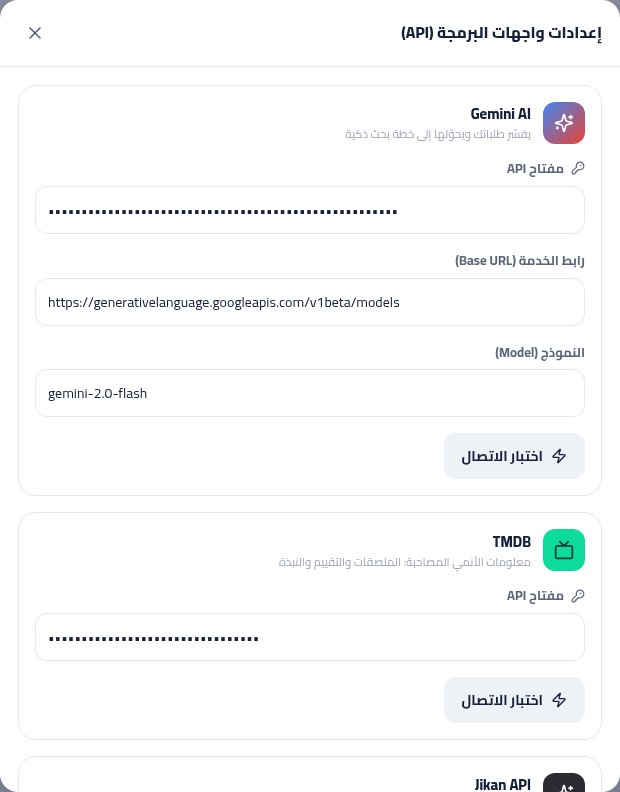
Anime Bot is an Arabic, right-to-left web tool designed to find anime characters from natural-language prompts. The chat screen accepts a character description, genre, trait, or anime title and presents example searches for shonen, romance, mecha, Naruto, and Dragon Ball. The interface also includes sections for favorite characters, saved conversations, and API configuration for Gemini AI and TMDB, while identifying Jikan as its primary character source. During inspection, the main search did not return character cards because the Gemini request was unauthorized and the fallback did not complete the result flow.
Highlights
Arabic Chat Search
RTL prompt-driven lookup
Search Examples
Six ready-made queries
Saved Areas
Favorites and chat history
API Controls
Gemini and TMDB settings
How to Use
Enter a character request
Open the chat area and describe a character, genre, trait, or anime title in the text box. You can also select one of the supplied examples to submit a prepared query. The current deployment may fail to display results because its Gemini connection is unauthorized.
Review and save characters
When search results are available, character cards are intended to provide the source images and a heart control for saving selected characters. Saved entries can then be revisited from the Favorites section in the sidebar.
Return to previous chats
Use the Previous Conversations section to reopen searches that the application has stored locally. The page provides an empty state and a button for starting a new conversation when no sessions have been saved.
Configure data services
Open API Settings to view the Gemini service URL and model or provide Gemini and TMDB credentials, then use the connection-test controls before saving. Credentials should only be entered after the application is changed to handle them securely.
Similar Sites
 17
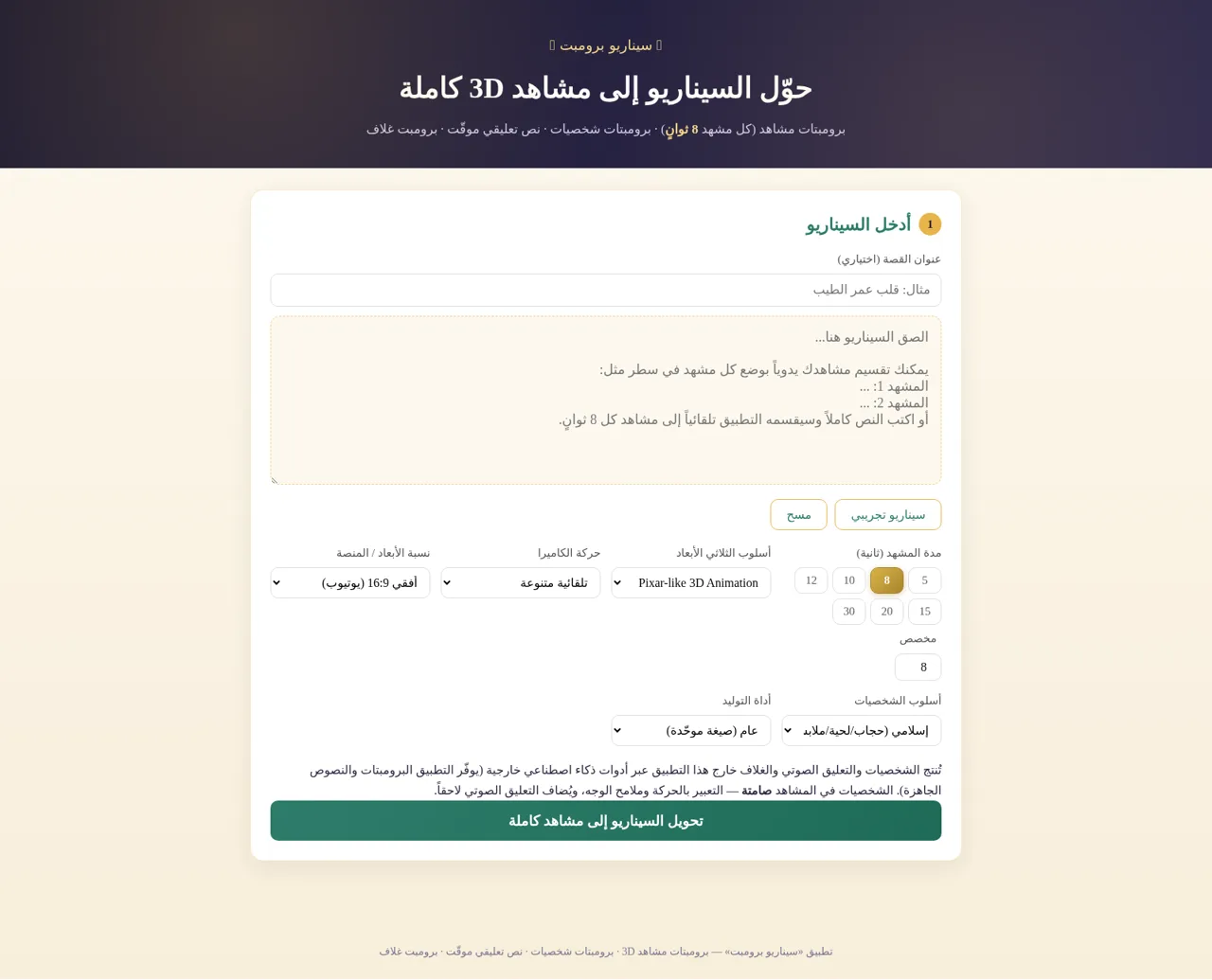
17سيناريو برومبت
حوّل السيناريو إلى برومبتات مشاهد 3D وشخصيات ونص تعليقي وبرومبت غلاف
 94
94OhMyPS - AI Image Editor
Brush, describe, and quickly edit part of an image with AI.
 81
81PDF Master AI
Private in-browser PDF toolkit to convert, merge, compress, edit, and protect files.
 77
77BJJ STAT — ANALISE. ENTENDA. EVOLUA.
Scout de Jiu-Jitsu em um toque. Placar IBJJF, relatórios visuais e PWA offline.
 59
59ToolCraft - Free Online Tools
Free, fast, privacy-friendly online tools & expert guides - all in your browser.
 30
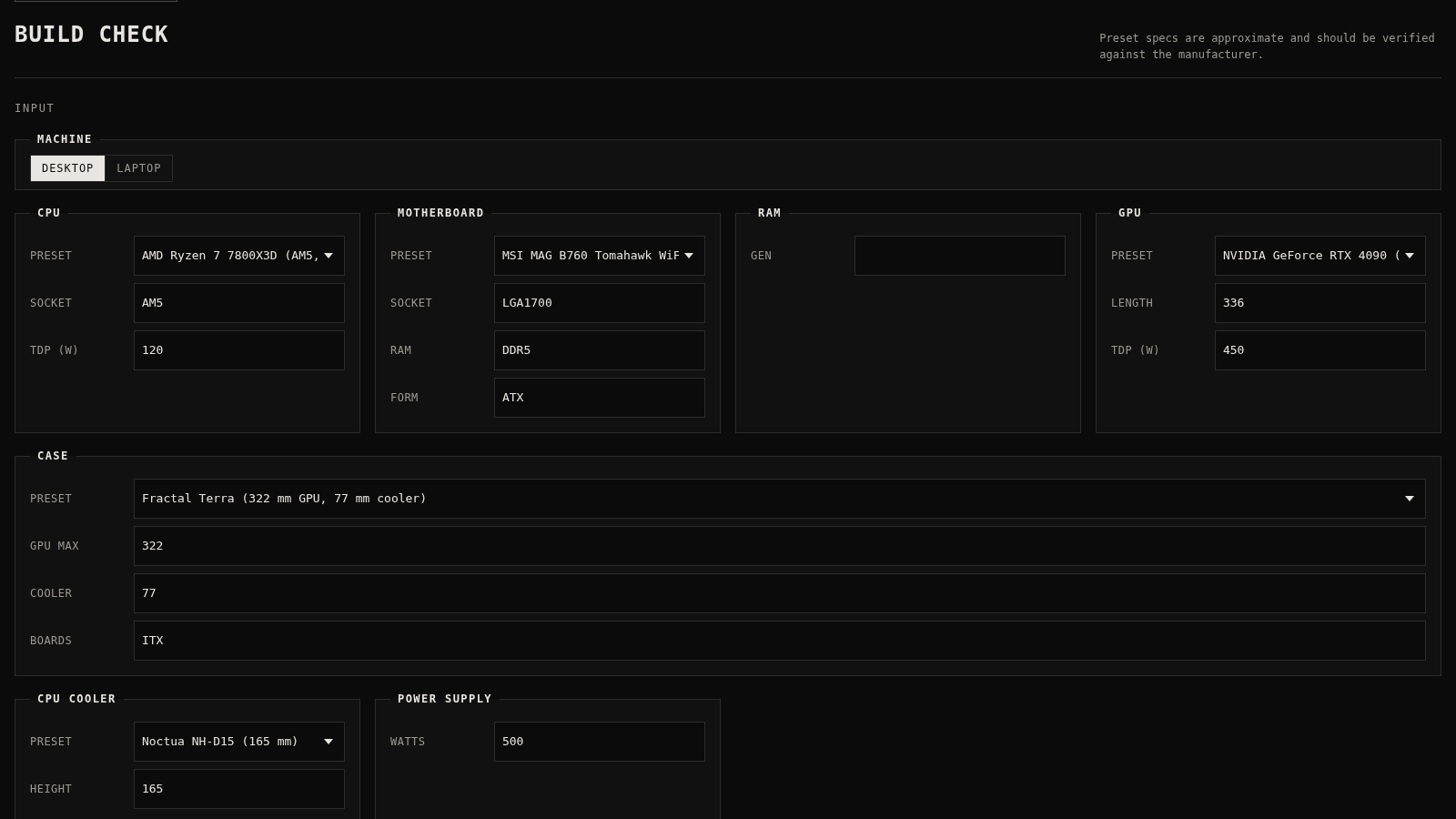
30PC Build Checker
Check desktop and laptop PC builds for compatibility, scores, and upgrades.