
Análise de Planilhas Excel/CSV
Upload an Excel or CSV file, clean its records, inspect quality, and turn the data into summaries and interactive charts.
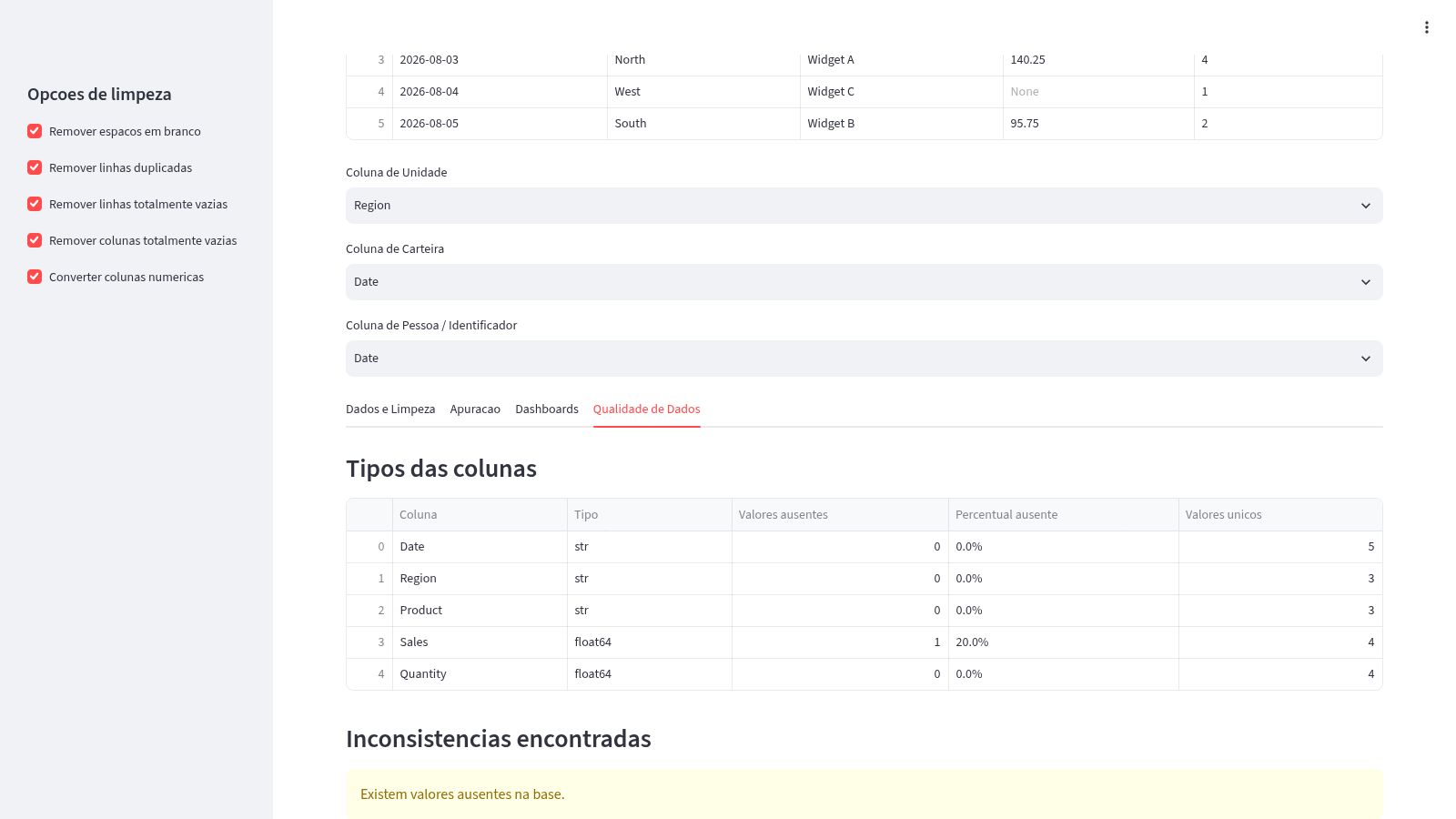
Analisador de Planilhas Excel e CSV is a Portuguese-language browser tool for working with spreadsheet data without an account. Users can upload an XLSX or CSV file, identify the row containing column names, preview the raw table, and choose columns that represent operational units, portfolios, and people or identifiers. A cleanup sidebar controls whitespace removal, duplicate removal, empty-row and empty-column removal, and numeric conversion. The processed dataset is then available across dedicated views for cleaned data, grouped calculations, dashboards, and data quality. Results can be downloaded as CSV or Excel files.
Highlights
Flexible uploads
Reads XLSX and CSV
Configurable cleanup
Five cleanup options
Grouped summaries
Counts and totals
Dynamic dashboards
Configurable charts
Quality checks
Flags missing values
Result exports
CSV and Excel output
How to Use
Upload a spreadsheet
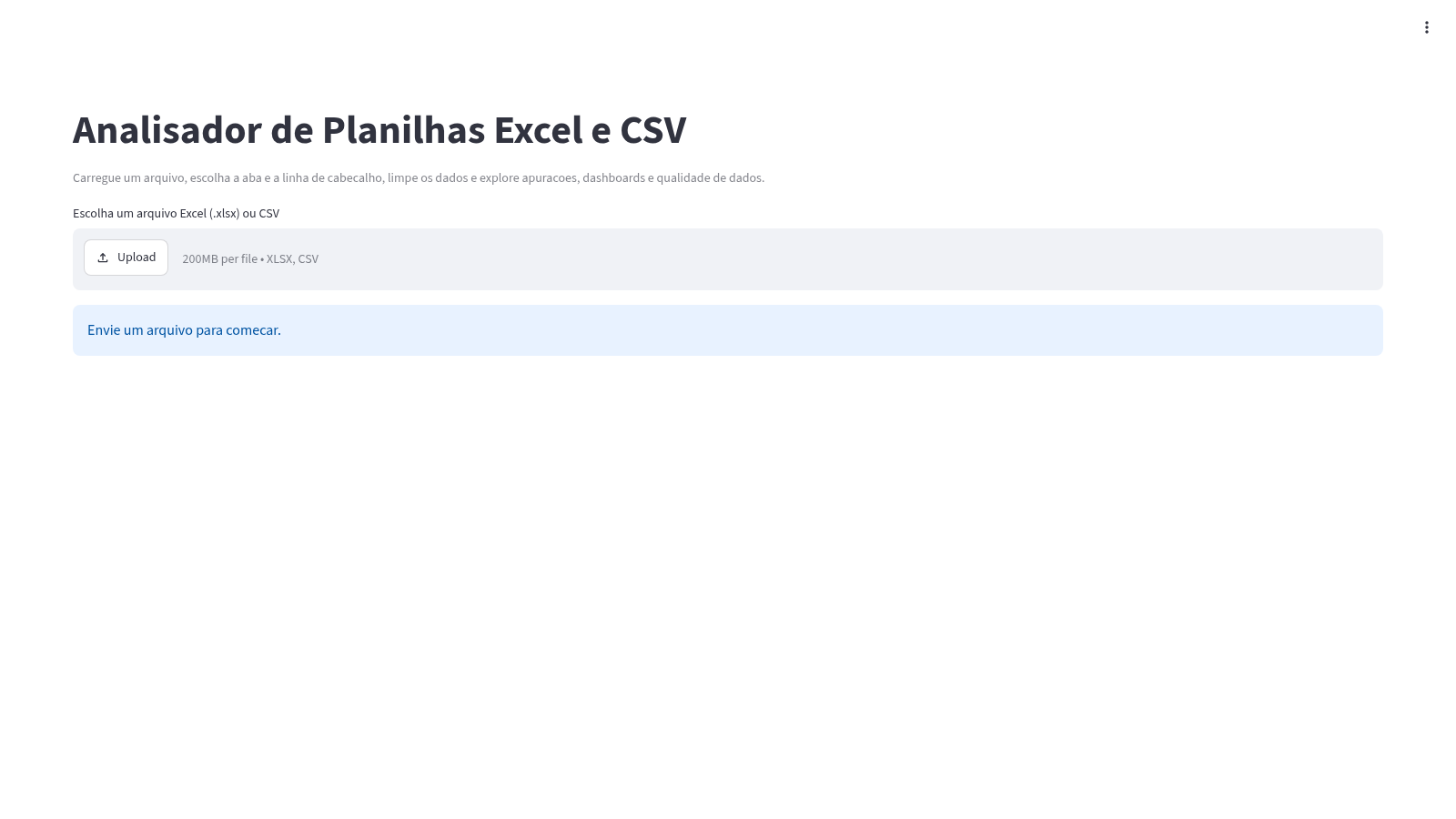
Choose an XLSX or CSV file in the upload area. For CSV input, the page reports the detected delimiter and encoding, then displays a preview of the raw records.
Set the header and roles
Select the row that contains the column names, then use the unit, portfolio, and person or identifier selectors to map the uploaded fields to the available analysis views.
Configure cleanup
Use the sidebar checkboxes to remove surrounding whitespace, duplicate rows, fully empty rows, fully empty columns, or convert numeric-looking fields. The cleaned-data tab updates its row, column, missing-value, and duplicate metrics.
Build calculations
Open the calculations tab to choose a calculation method and review grouped results by operational unit and portfolio. The generated calculations can be downloaded from the same view.
Explore dashboards
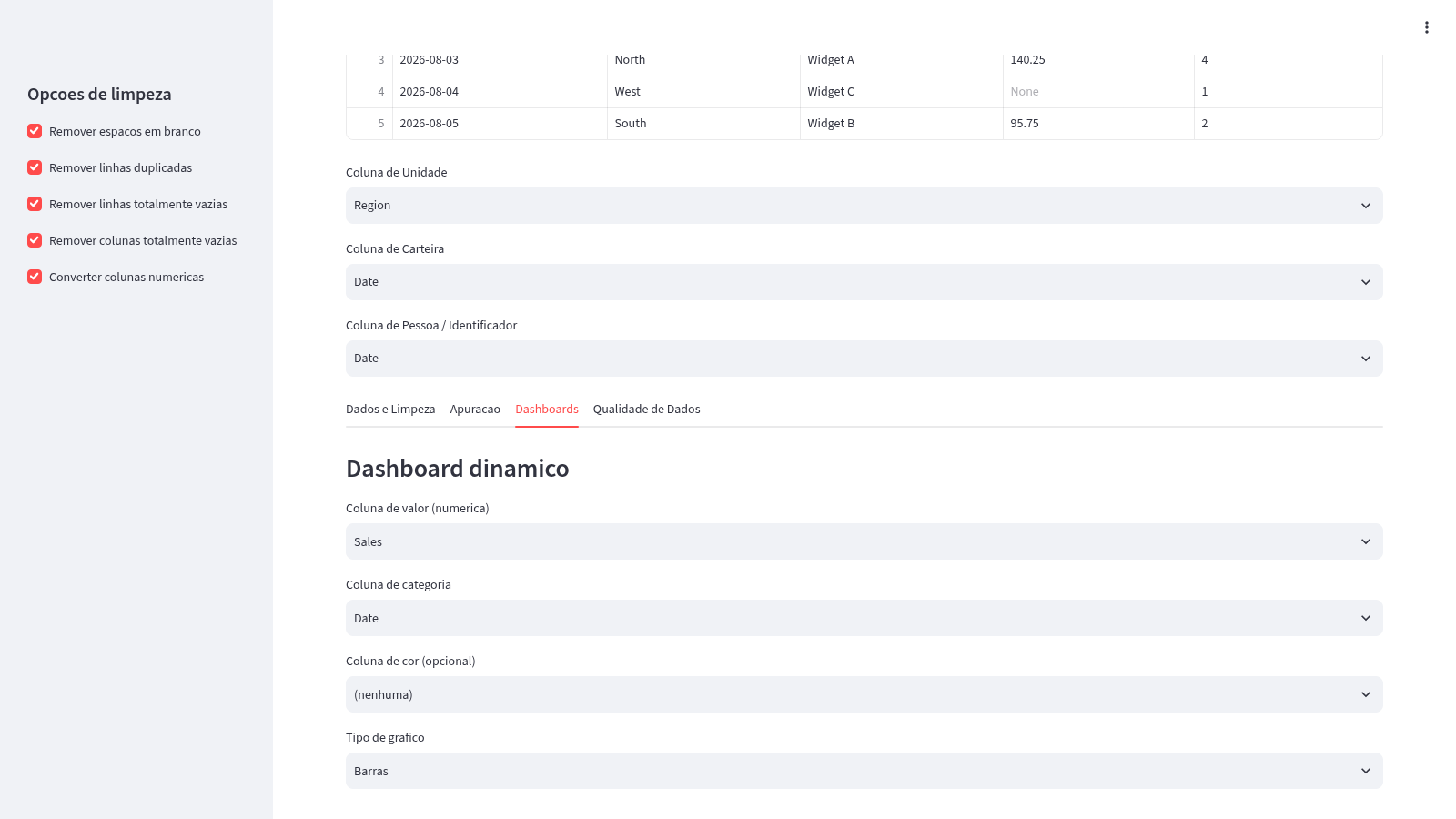
Open the dashboards tab, select a numeric value column, category column, optional color grouping, and chart type. The page renders an interactive chart and a separate total-by-unit visualization from the selected data.
Review and export
Use the data-quality tab to inspect column types and detected inconsistencies such as missing values. Return to the cleaned-data view to download the processed dataset as CSV or Excel.
Similar Sites
 94
94OhMyPS - AI Image Editor
Brush, describe, and quickly edit part of an image with AI.
 77
77BJJ STAT — ANALISE. ENTENDA. EVOLUA.
Scout de Jiu-Jitsu em um toque. Placar IBJJF, relatórios visuais e PWA offline.
 53
53ToolCraft - Free Online Tools
Free, fast, privacy-friendly online tools & expert guides - all in your browser.
 30
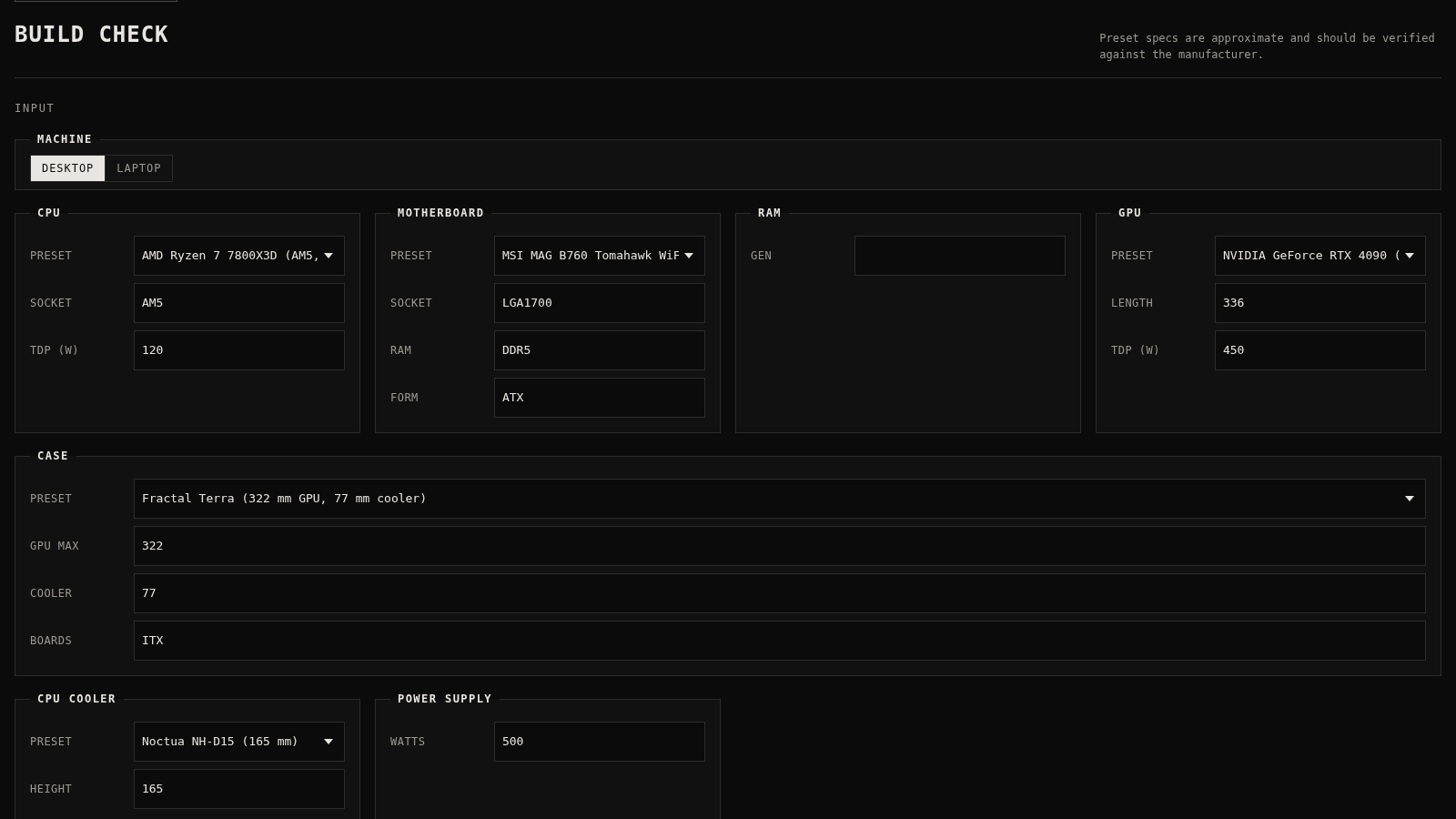
30PC Build Checker
Check desktop and laptop PC builds for compatibility, scores, and upgrades.
 22
22AuroraOS
A desktop OS inside a single HTML file - apps, terminal, games, music
 20
20HOOK12 Agnes 创作台
脱口秀、动漫、文生/图生/关键帧视频与文生文、生图工作台。