
قِنديل · الذكاء الأسطوري
An Arabic AI companion you can talk to and that answers in a Google voice.
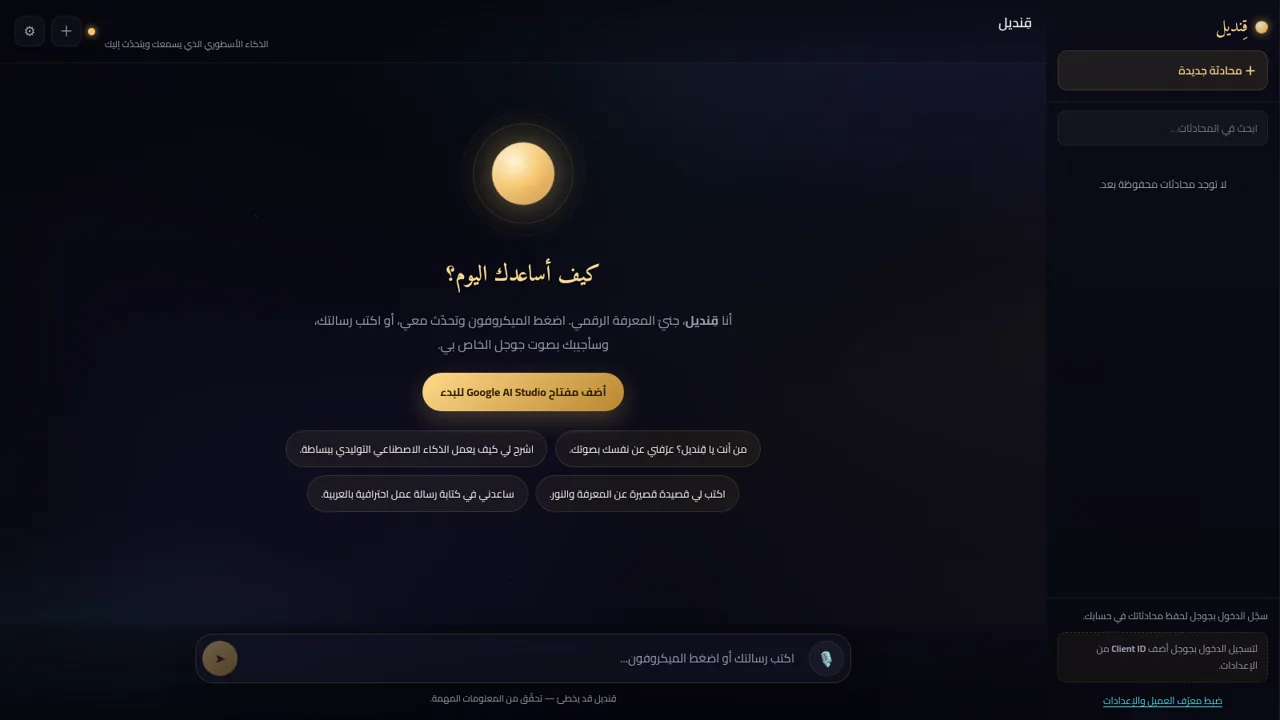
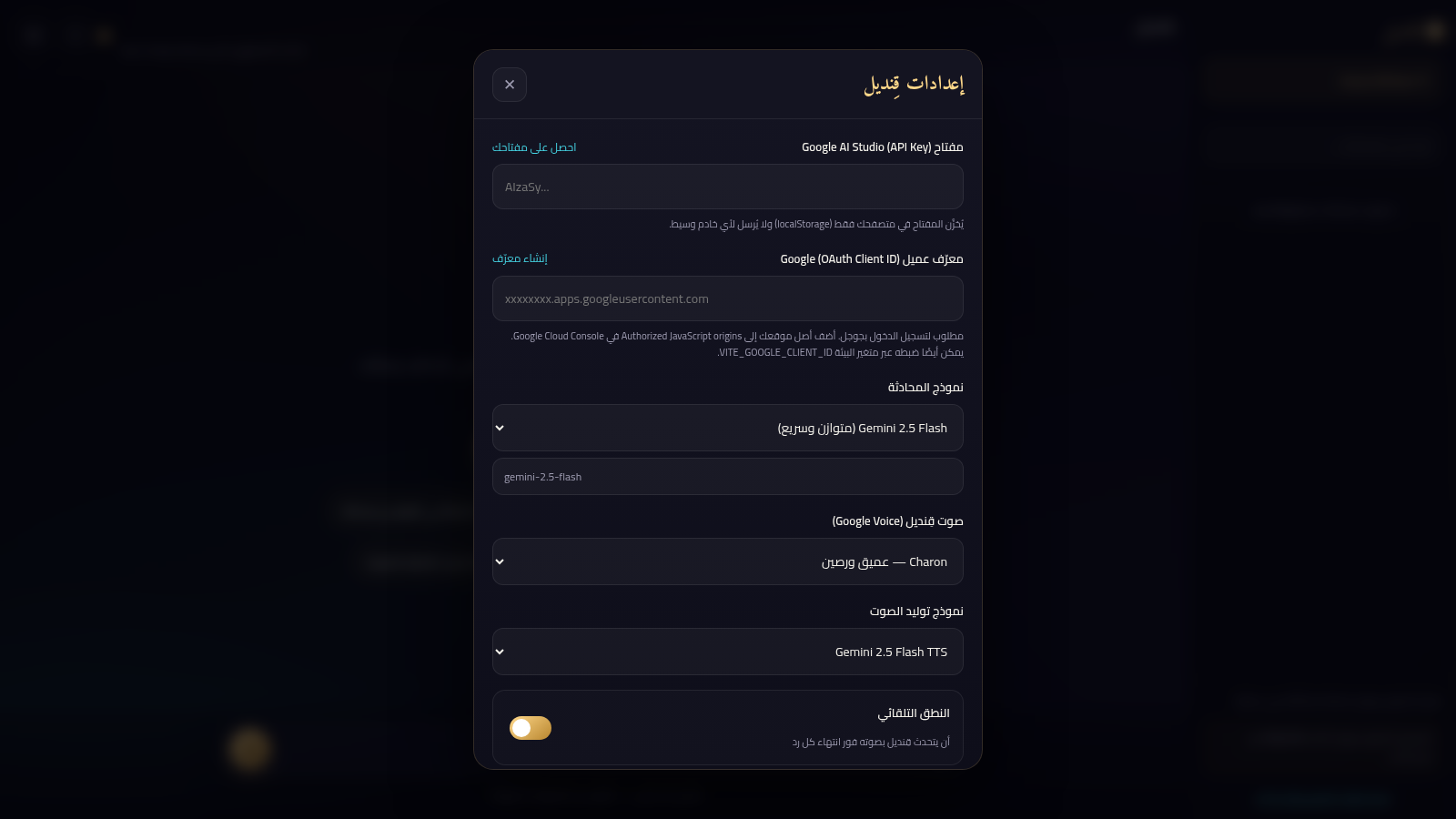
Qandeel is a browser-based Arabic AI assistant built on Google Gemini. The main screen greets users with a headline, a composer, a microphone button and four example questions, over a dark layout with a glowing golden lamp as the hero image. In the settings panel users paste their own Google AI Studio API key, choose a Gemini chat model (2.5 Flash, 2.5 Pro or 2.0 Flash, or a custom model id), pick one of ten Google TTS voices, select a TTS audio model, edit an Arabic system instruction that defines the assistant persona, and toggle auto-speak and auto-send. Conversations can optionally be saved to a Google account via OAuth, which also adds a searchable conversation sidebar. The interface is fully right-to-left Arabic with Cairo and Amiri typography.
Highlights
Voice input & reply
Speak and hear answers
Choose Gemini models
Three Gemini options
Custom AI persona
Editable system prompt
Ten Google voices
Pick a TTS voice
Optional sign-in
Save conversations
Private by design
Key stays in browser
How to Use
Open the site and add your API key
When the page loads, the greeting explains that Qandeel needs a Google AI Studio API key. Click the add-key button or the gear icon to open settings, paste a key obtained from aistudio.google.com/app/apikey into the API Key field, and press the save button. The page states that the key is stored only in the browser.
Pick a model, voice and persona
In the same settings panel, choose a chat model from Gemini 2.5 Flash, Gemini 2.5 Pro or Gemini 2.0 Flash, or type a custom model id. Choose one of the ten Google TTS voices and a TTS audio model, and optionally edit the pre-filled Arabic system instruction that sets the assistant tone. The auto-speak and auto-send switches control whether replies are read aloud and whether dictation is submitted automatically.
Talk or type to Qandeel
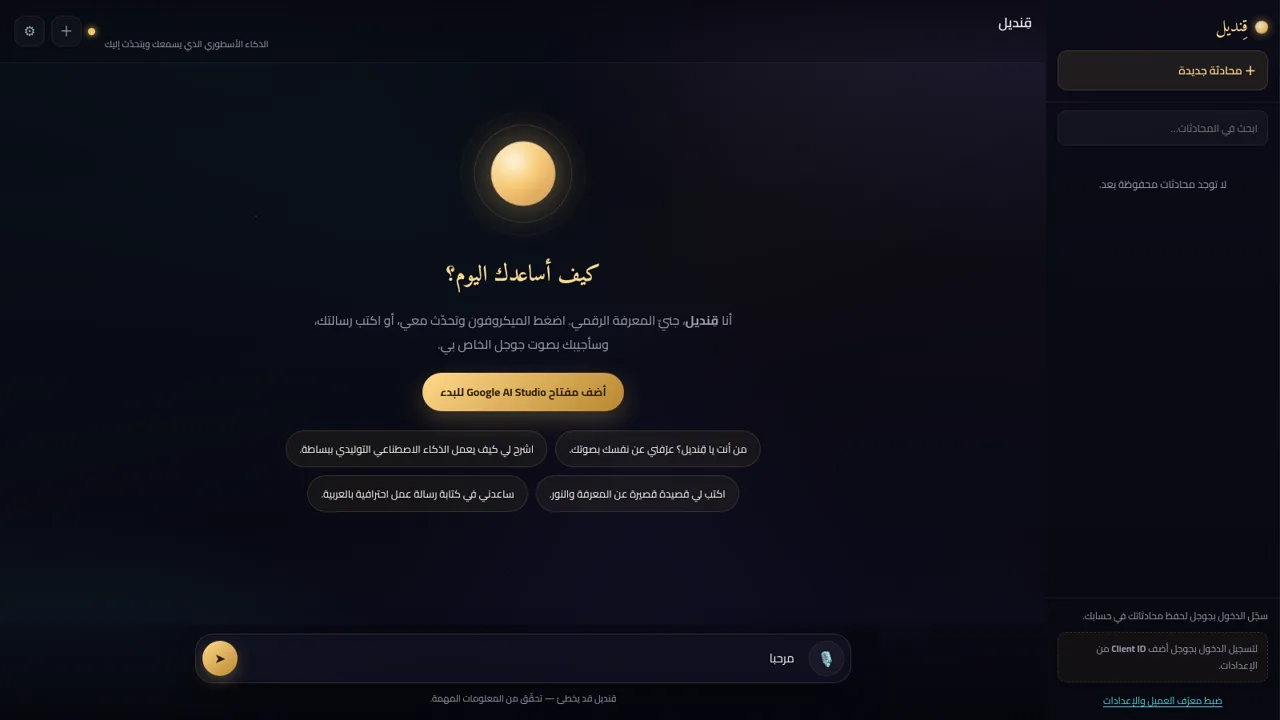
Close settings and use the composer at the bottom: type a message and press the send arrow, or press the microphone button and speak. The four example questions on the home screen start a conversation with one click. With auto-speak on, each answer is read aloud; with auto-send on, your speech is submitted when you stop talking.
Save and revisit conversations
Saving conversations is optional and needs a Google OAuth Client ID entered in settings, created from the Google Cloud credentials console. Once configured, signing in with Google lists chats in the right-hand sidebar, where a new-chat button and a search box let you manage them. Without sign-in, chats live only in the current browser session.
Similar Sites
 10
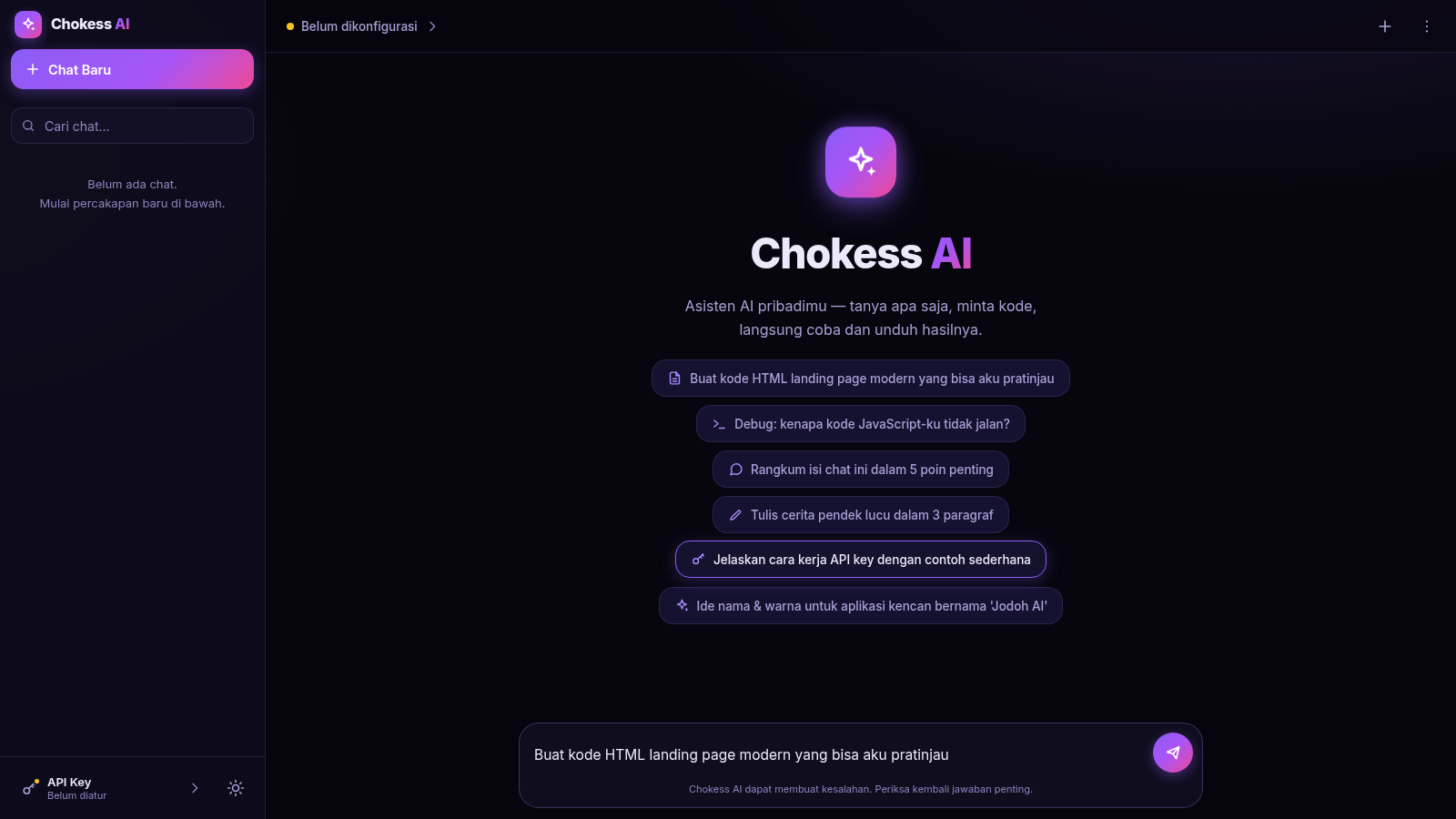
10Chokess AI — Personal AI Chat
Chat AI pribadi dengan API key sendiri, mendukung Claude & OpenAI
 8
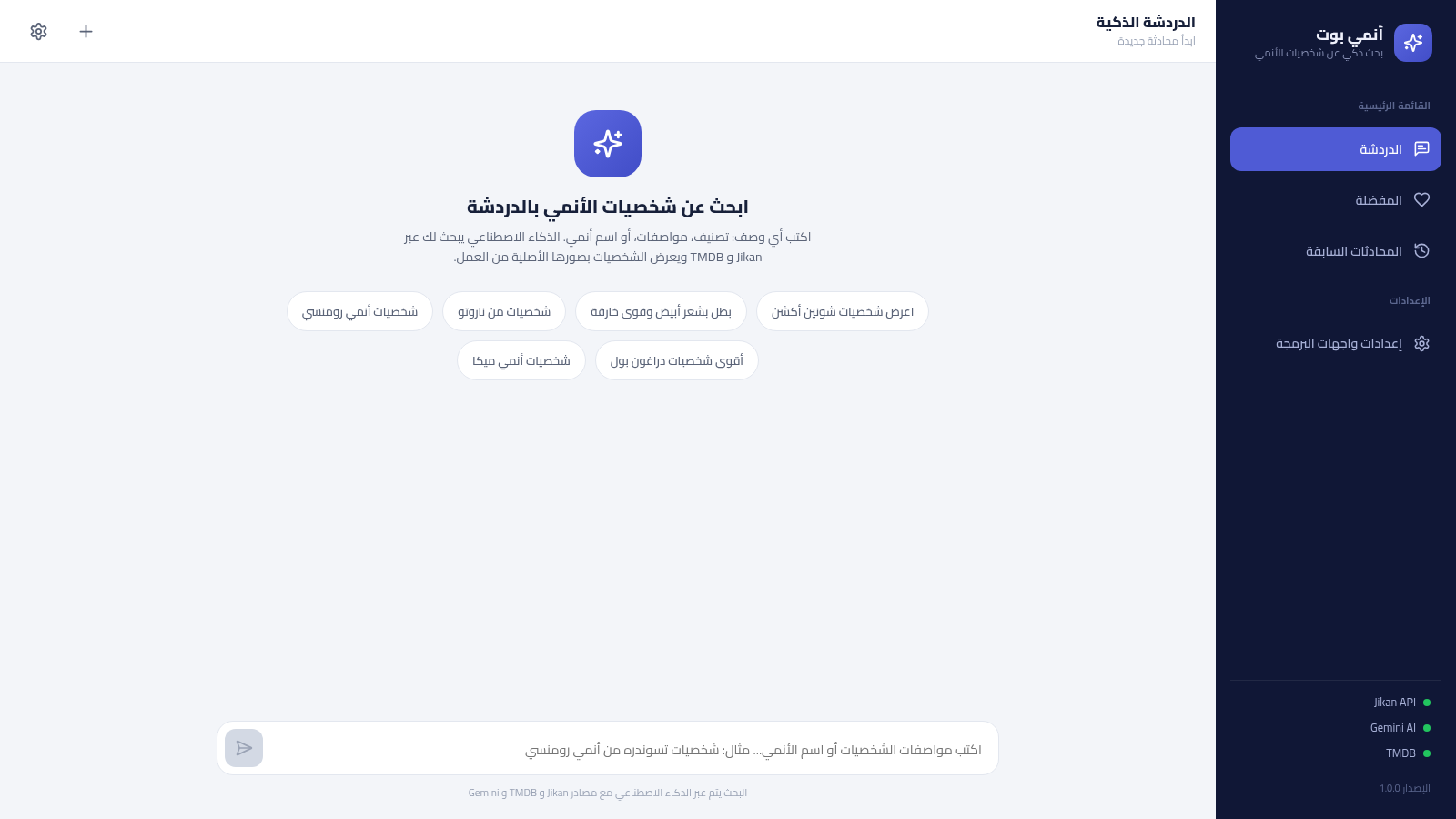
8أنمي بوت - بحث ذكي عن شخصيات الأنمي
بحث ذكي عن شخصيات الأنمي بالعربية عبر الذكاء الاصطناعي، يعتمد على Jikan و TMDB ويحفظ مفضلتك ومحادثاتك
 17
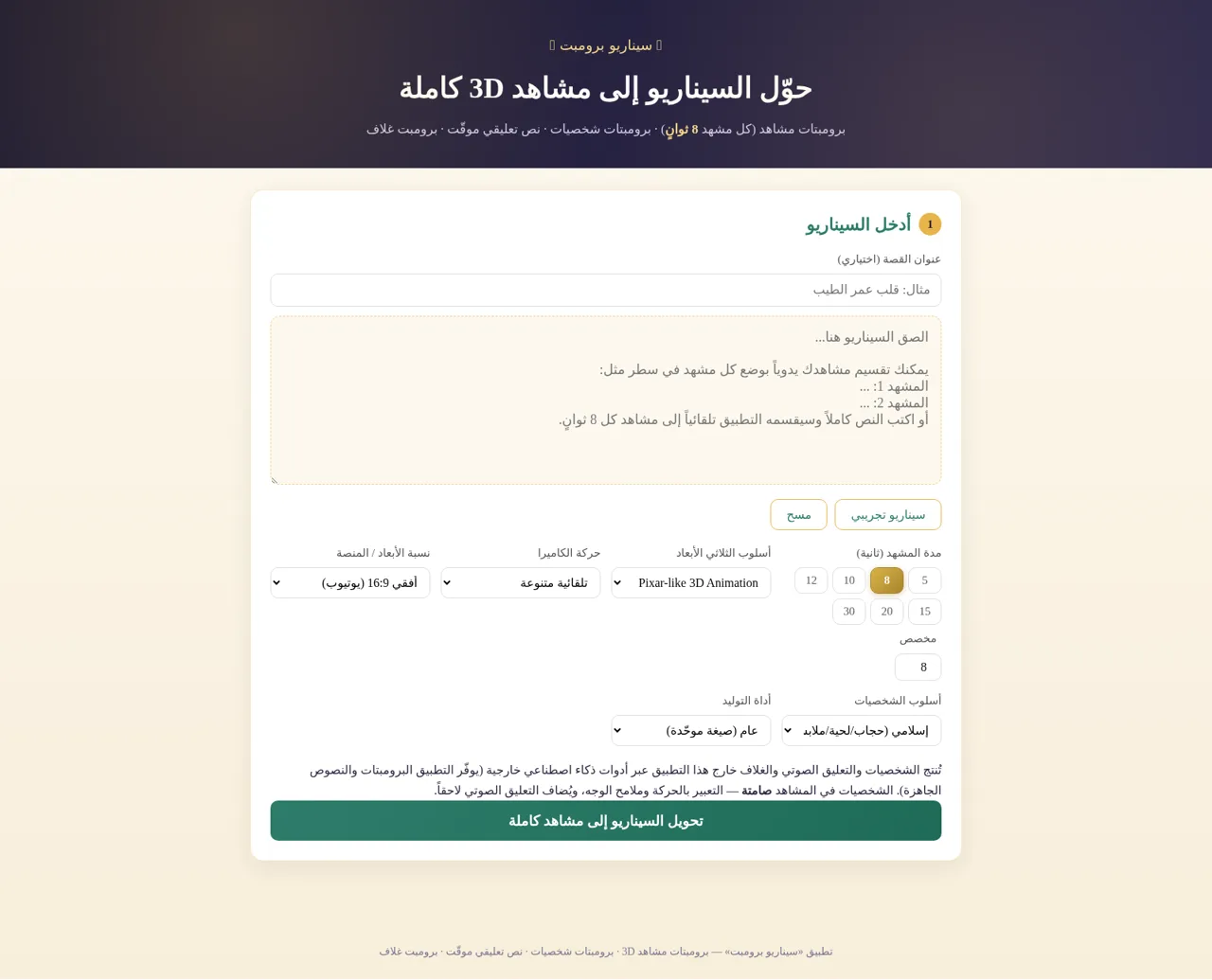
17سيناريو برومبت
حوّل السيناريو إلى برومبتات مشاهد 3D وشخصيات ونص تعليقي وبرومبت غلاف
 16
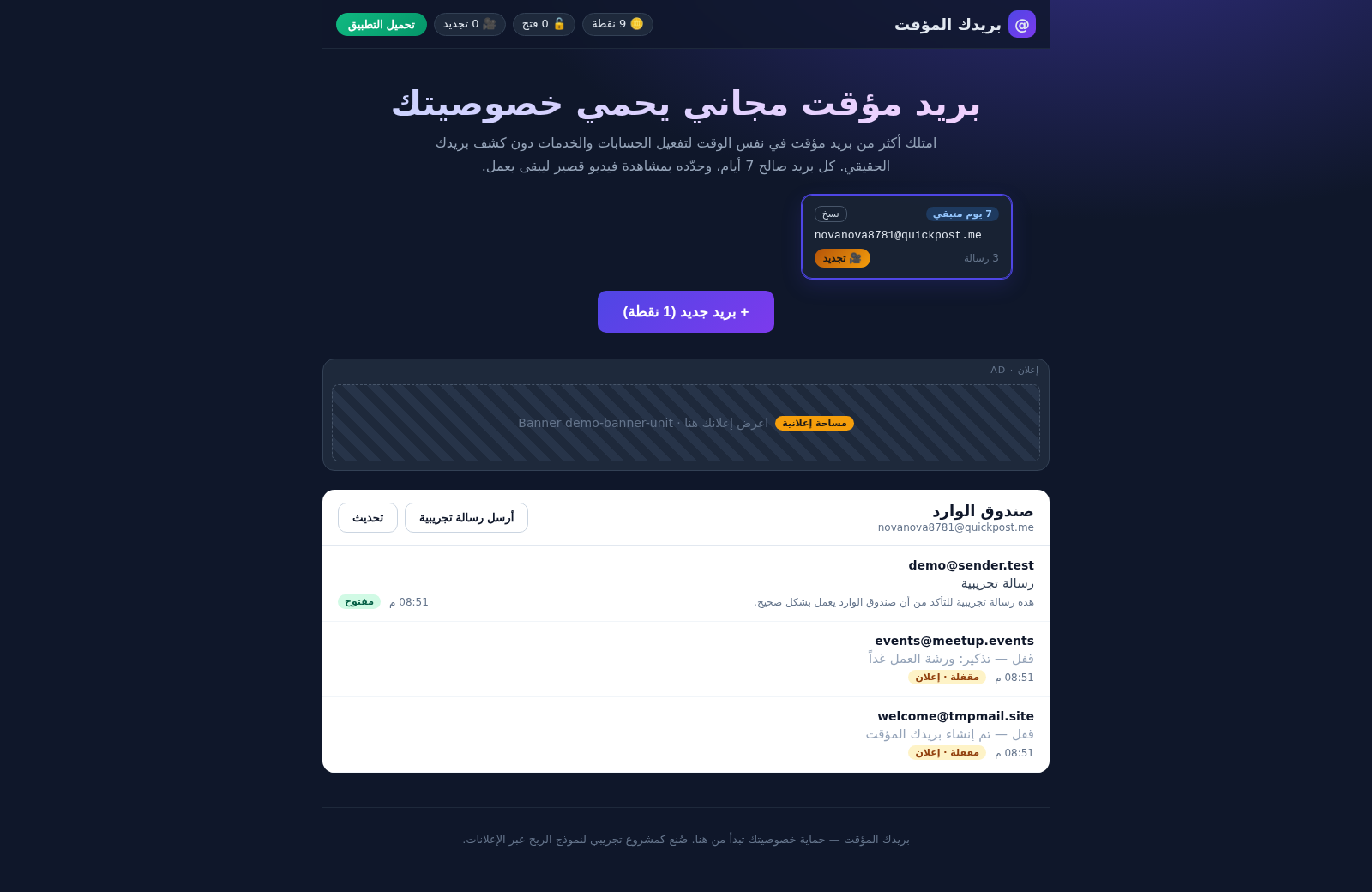
16بريدك المؤقت
بريد مؤقت مجاني آمن - أنشئ أكثر من بريد في وقت واحد، احمِ خصوصيتك، واربح النقاط بمشاهدة الإعلانات
 9
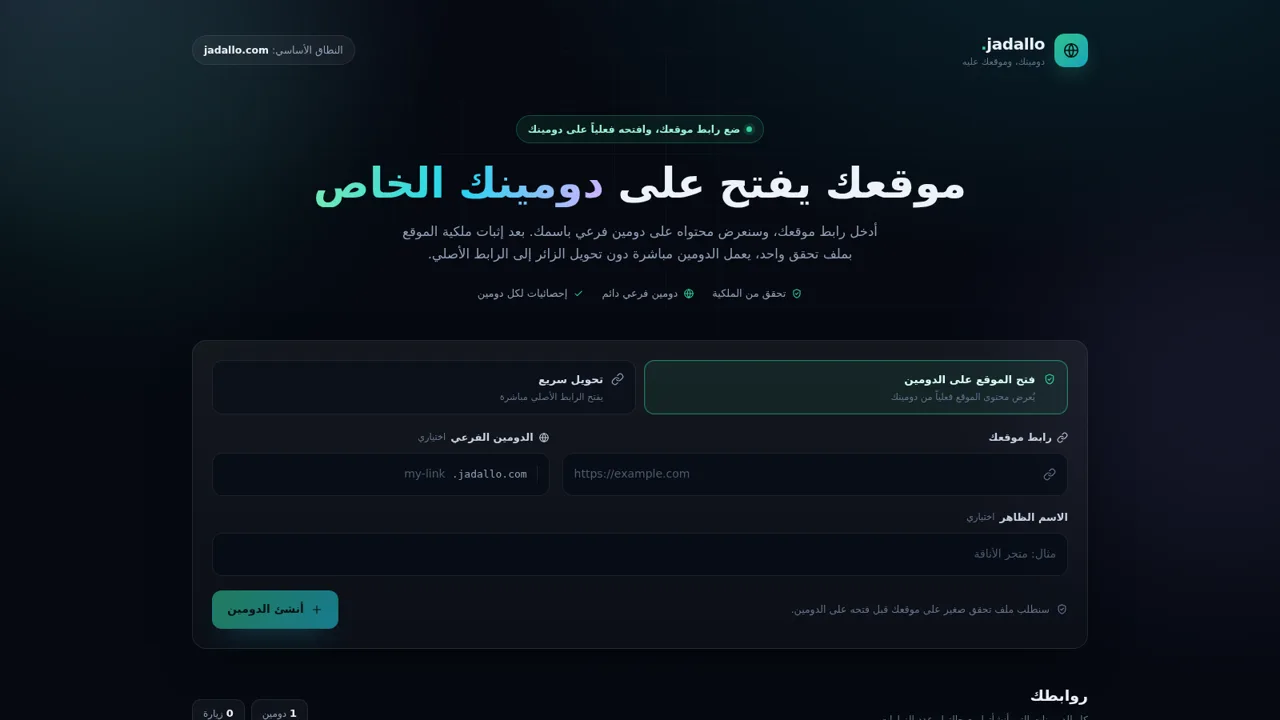
9jadallo — موقعك على دومينك
انشر موقعك على دومين فرعي باسمك بعد التحقق من الملكية
 6
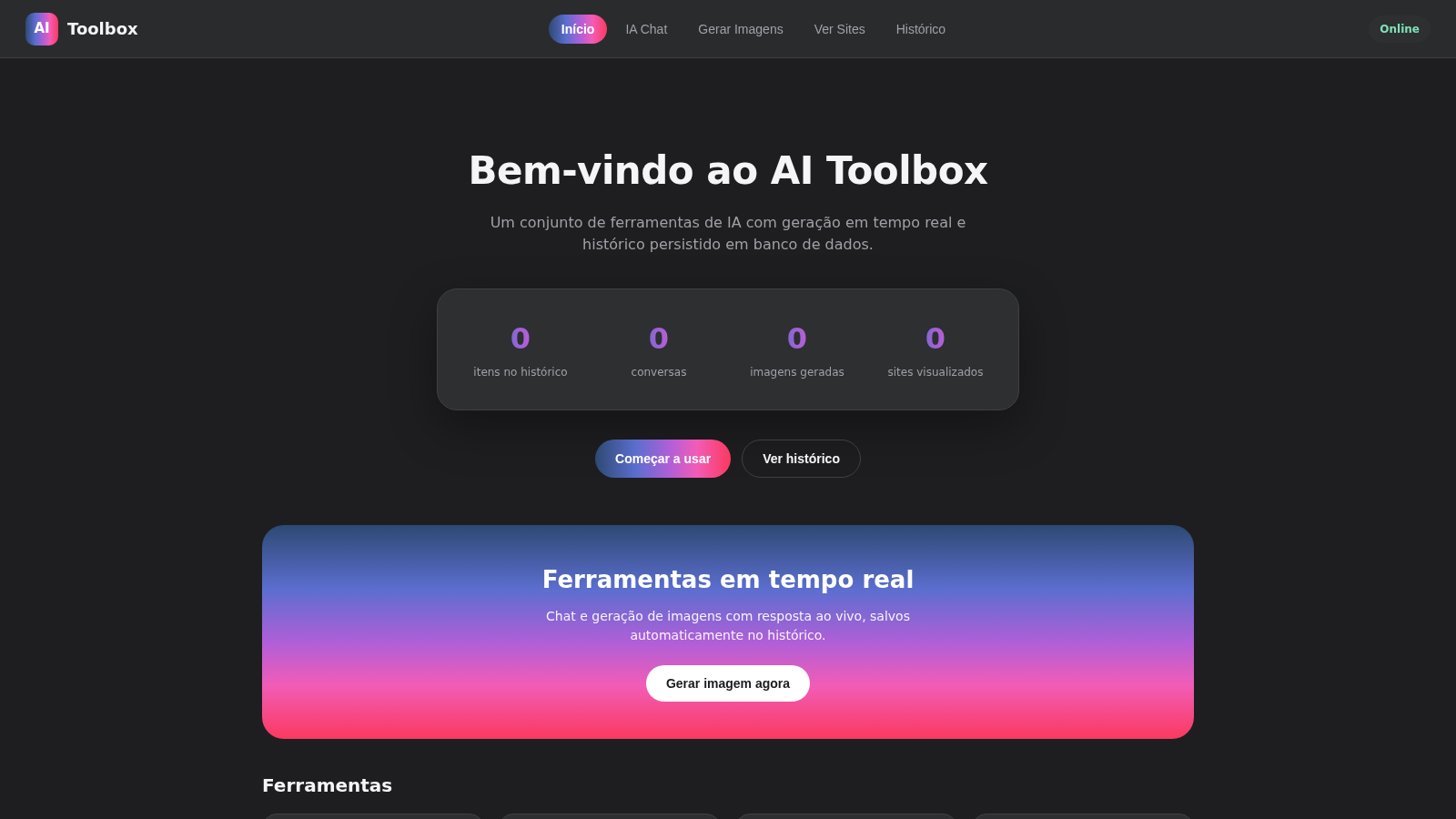
6AI Toolbox
IA chat e geracao de imagens em tempo real com historico salvo