
Cifras IA — Chord Editor
Turn lyrics or chord PDFs into editable lead sheets with AI-assisted arranging tools.
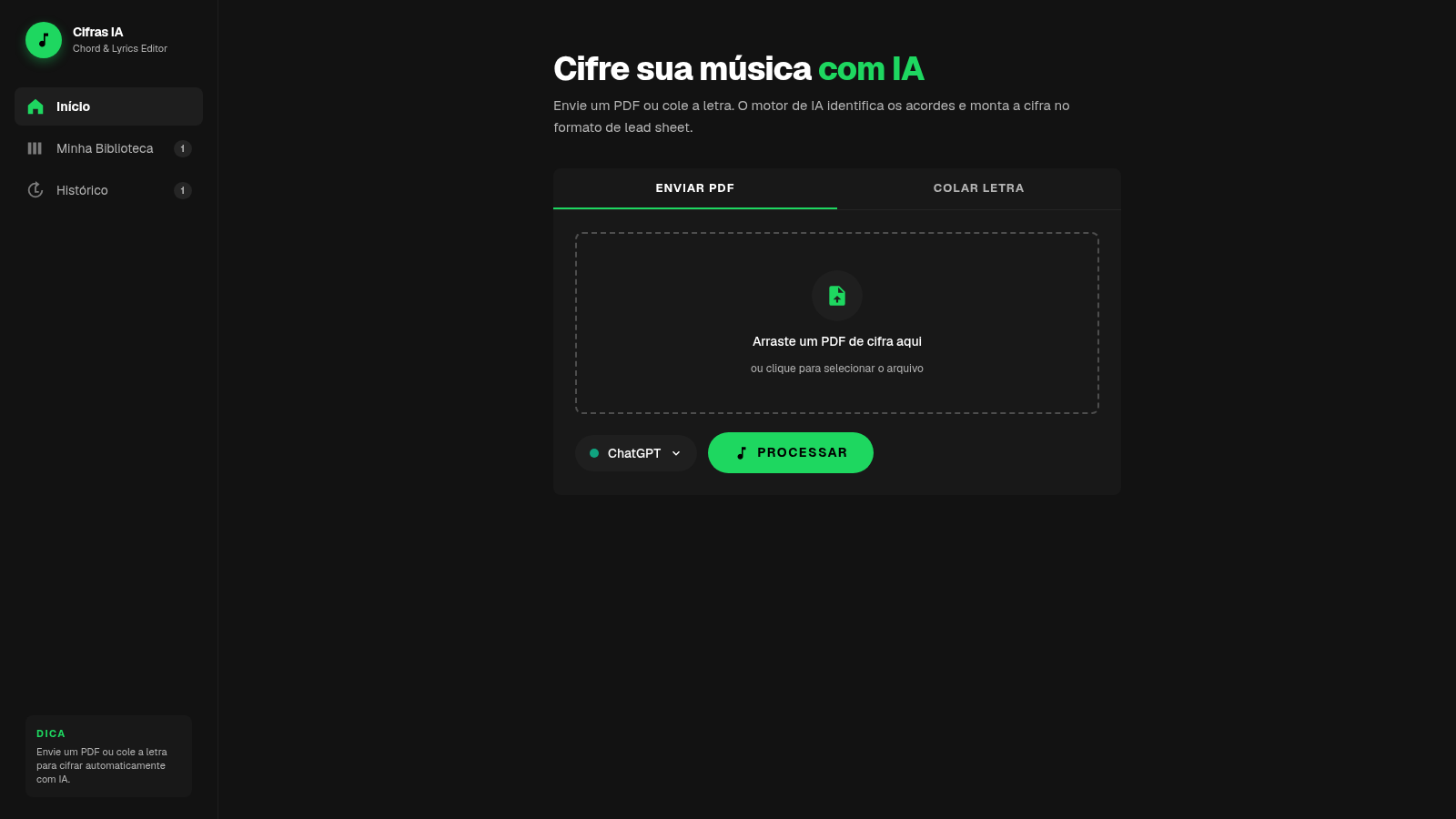
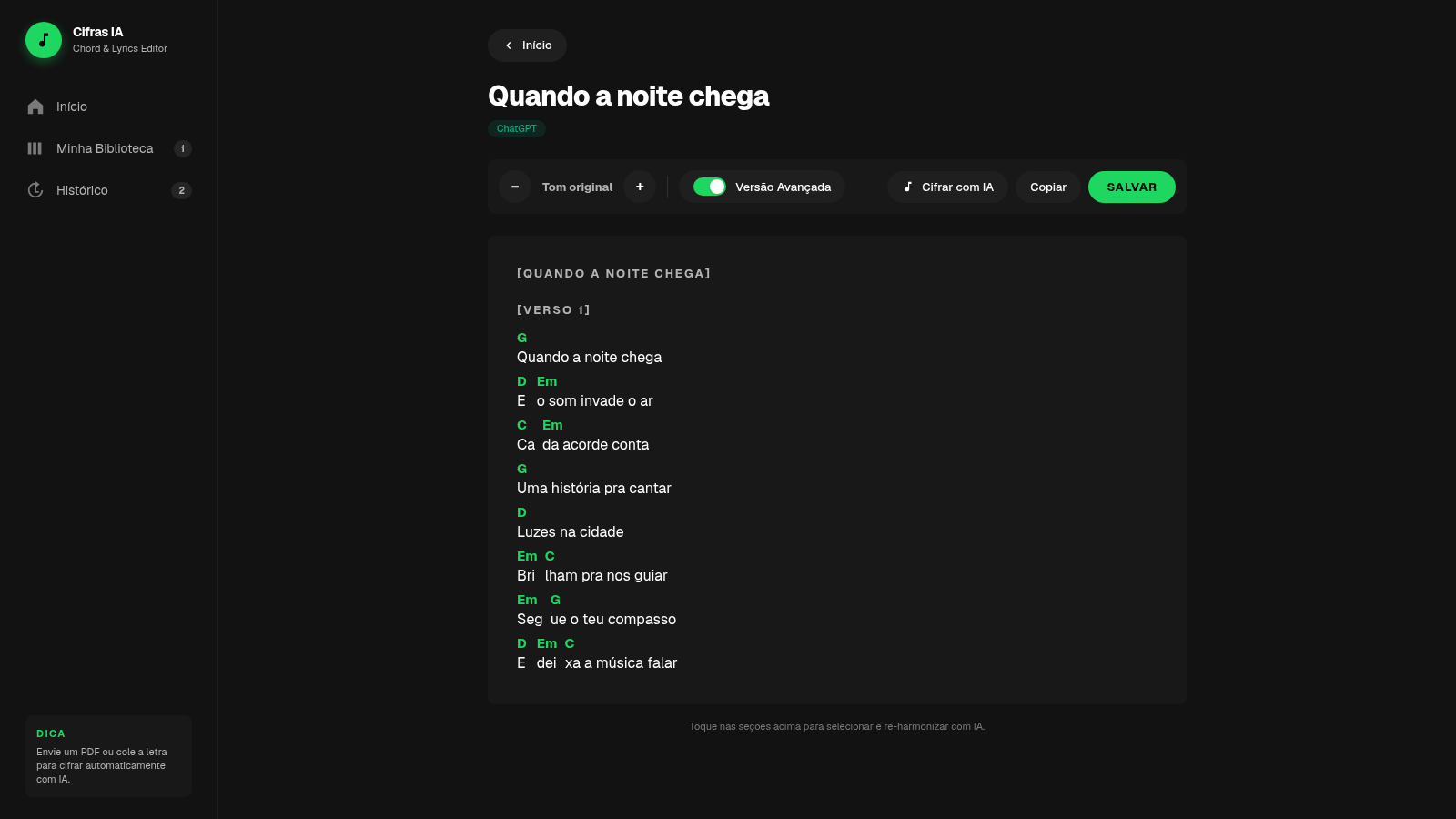
Cifras IA is a Portuguese-language browser editor for musicians who need to create and organize chord-and-lyrics sheets. Users can upload a chord PDF or paste lyrics, choose an AI provider, and process the material into a structured lead sheet. The result view provides semitone transposition, reset controls, an advanced version option, section-based AI reharmonization, copying, and saving. Saved songs appear in a personal library, while processed items are recorded in a searchable-style history view without requiring an account.
Highlights
AI chord sheets
Builds lead sheets
Live transposition
Shifts every chord
Song organization
Library and history
Two input paths
PDF or pasted lyrics
How to Use
Choose an input method
On the home screen, select the PDF tab to upload or drag in a chord document, or select the lyrics tab to paste song text. The lyrics mode also offers a built-in sample that fills the editor for a quick trial.
Generate the lead sheet
Choose the displayed AI provider and press the process button. The interface shows a processing state, then opens a result containing named song sections, lyrics, and chord symbols arranged as a lead sheet.
Adjust the arrangement
Use the minus and plus controls to move the song down or up by semitone. The key indicator updates and all visible chord symbols change together; use the reset control to return to the original key.
Refine selected sections
Select song sections in the result and use the AI reharmonization action when an alternative harmonic treatment is needed. The advanced version control provides another arrangement path from the same editor.
Keep or reuse the result
Copy the generated lead sheet for use elsewhere or save it to the built-in library. Open My Library to reopen, tag, or remove saved songs, and use History to review earlier processing runs.
Similar Sites
 7
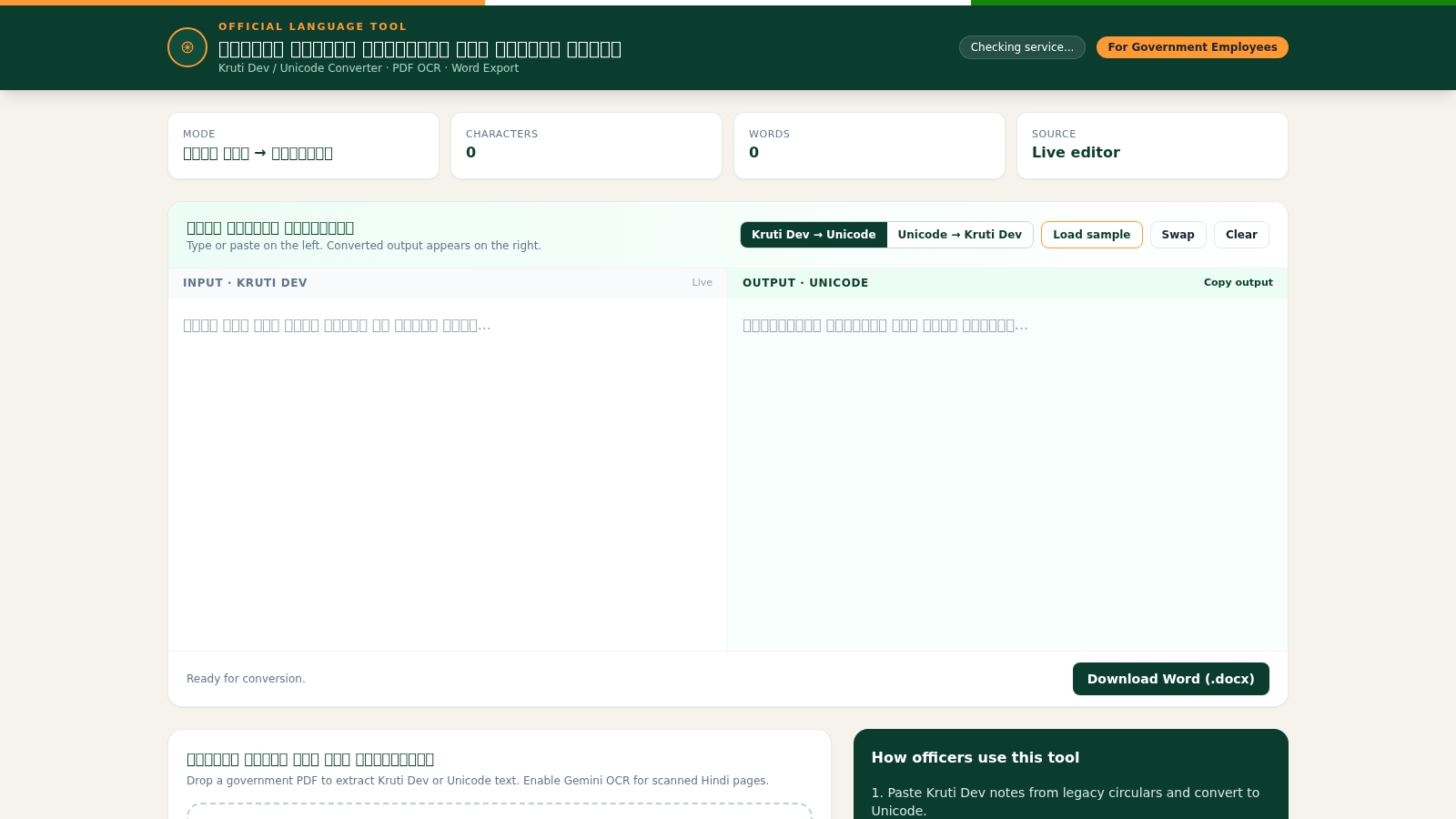
7Hindi Font Converter
Convert Kruti Dev and Unicode Hindi, extract PDF text, and export Word files.
 94
94OhMyPS - AI Image Editor
Brush, describe, and quickly edit part of an image with AI.
 22
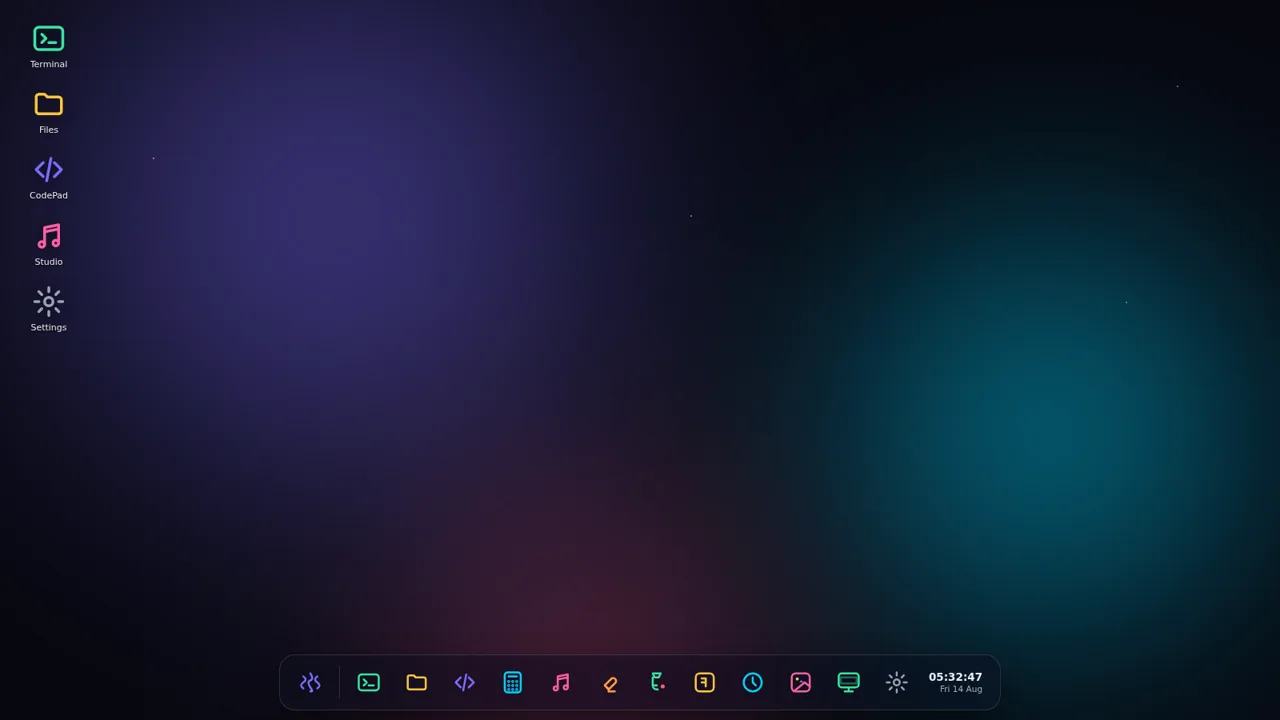
22AuroraOS
A desktop OS inside a single HTML file - apps, terminal, games, music
 13
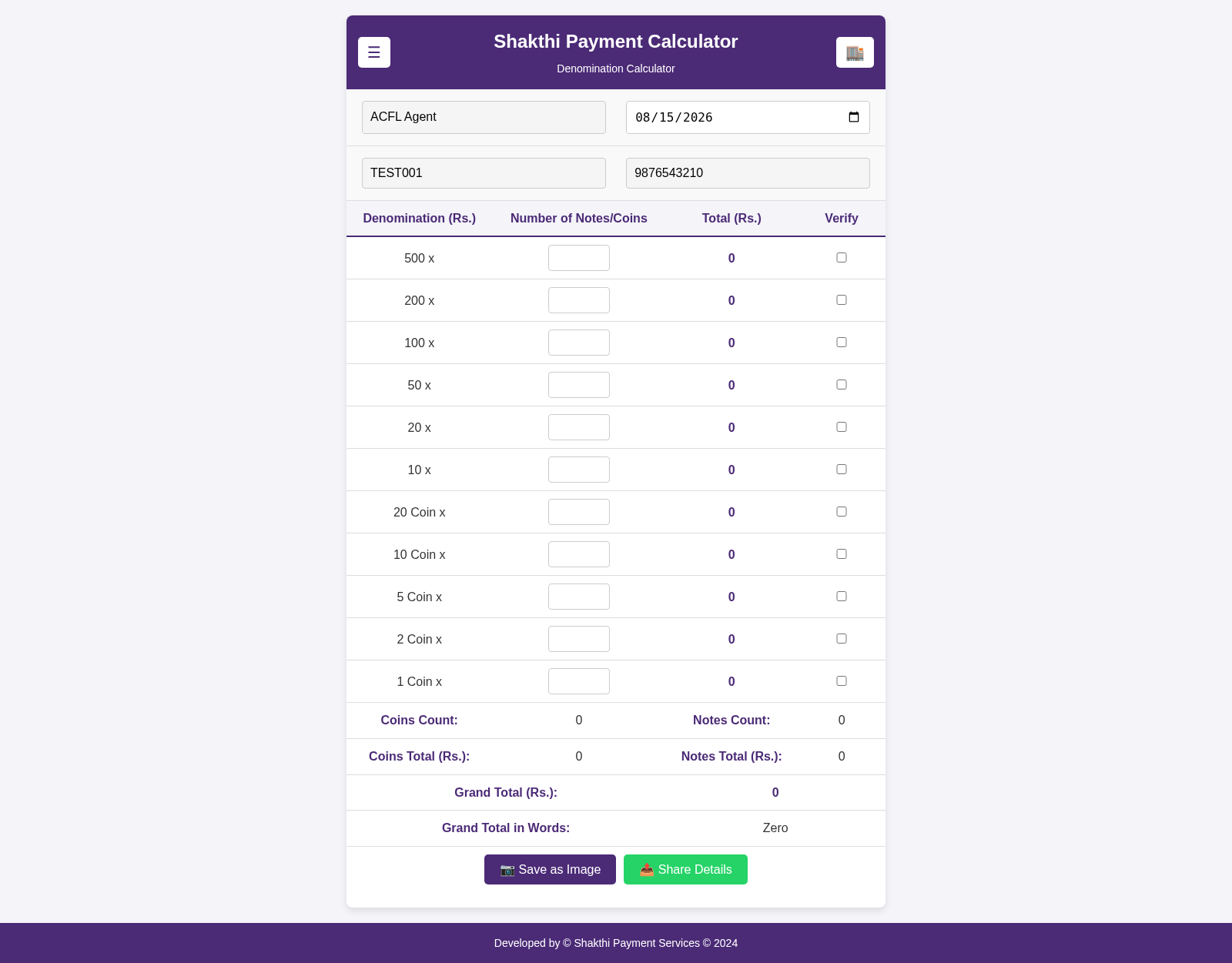
13Shakthi Payment Calculator
Denomination calculator and payment tracker for Shakthi Payment Services
 10
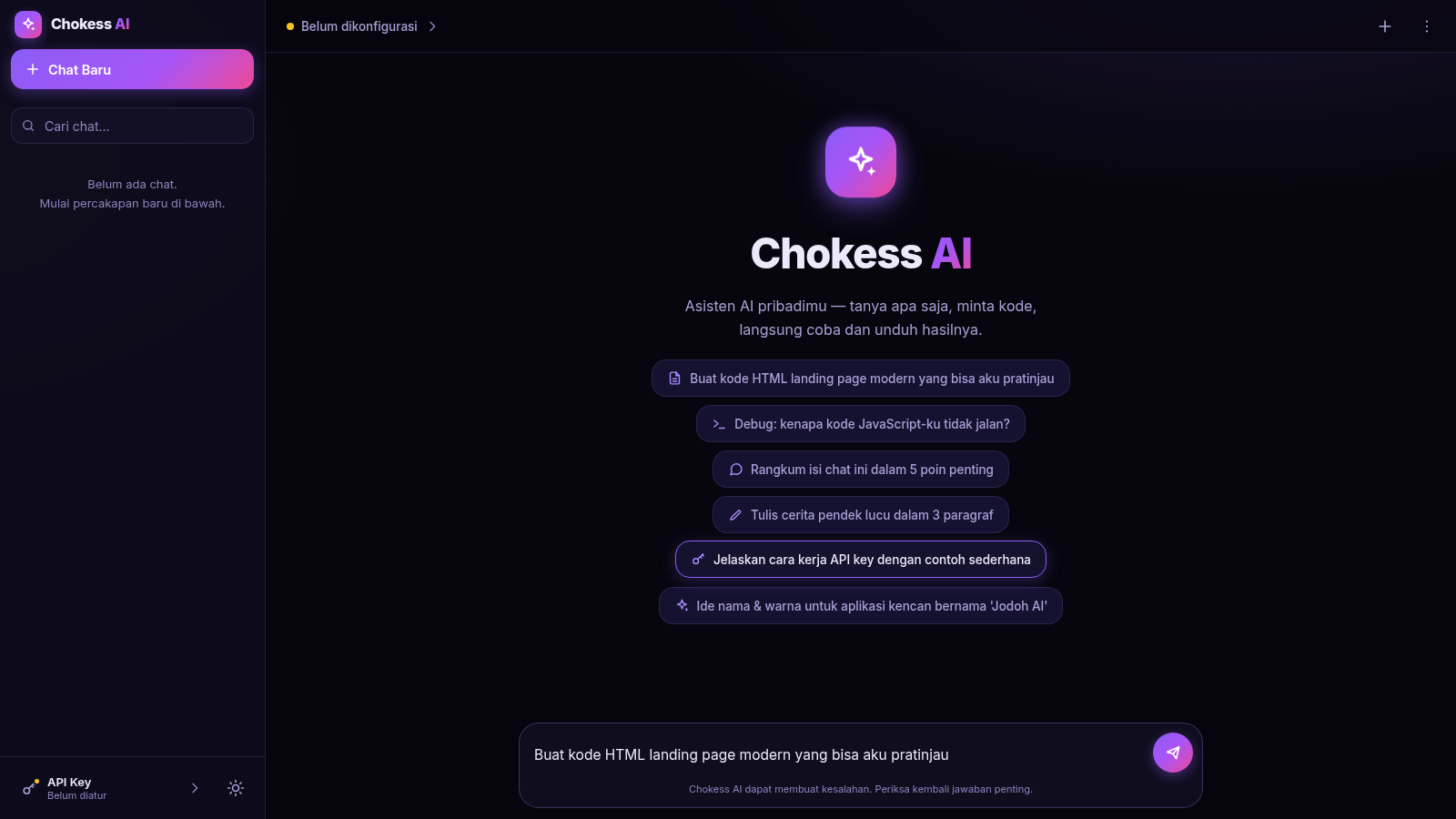
10Chokess AI — Personal AI Chat
Chat AI pribadi dengan API key sendiri, mendukung Claude & OpenAI
 8
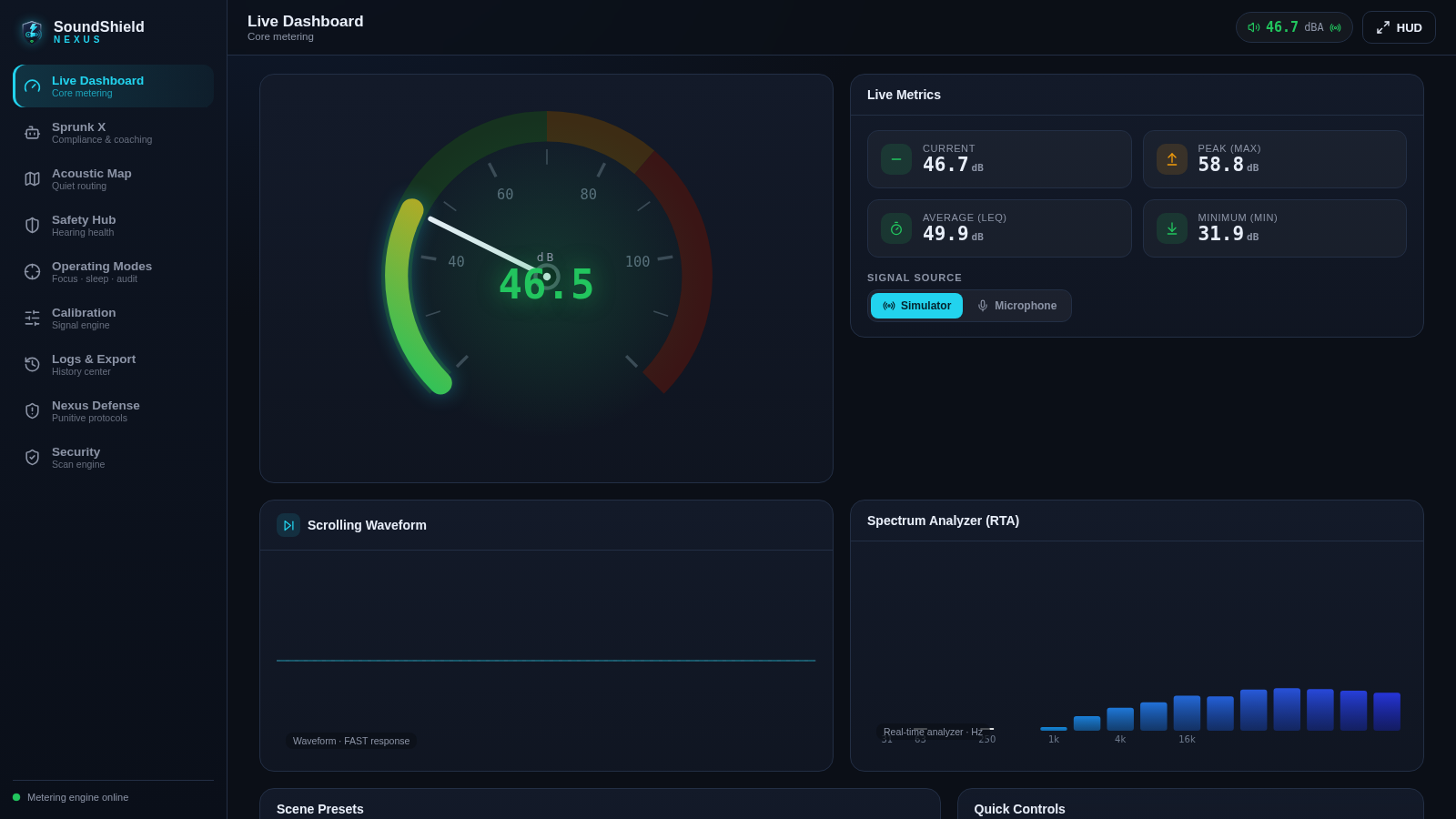
8SoundShield Nexus
Five scanners police every payload via the Sprunk X compliance engine