
Shakthi Payment Calculator
Count, verify, and track Indian rupee collections from one browser-based workspace.
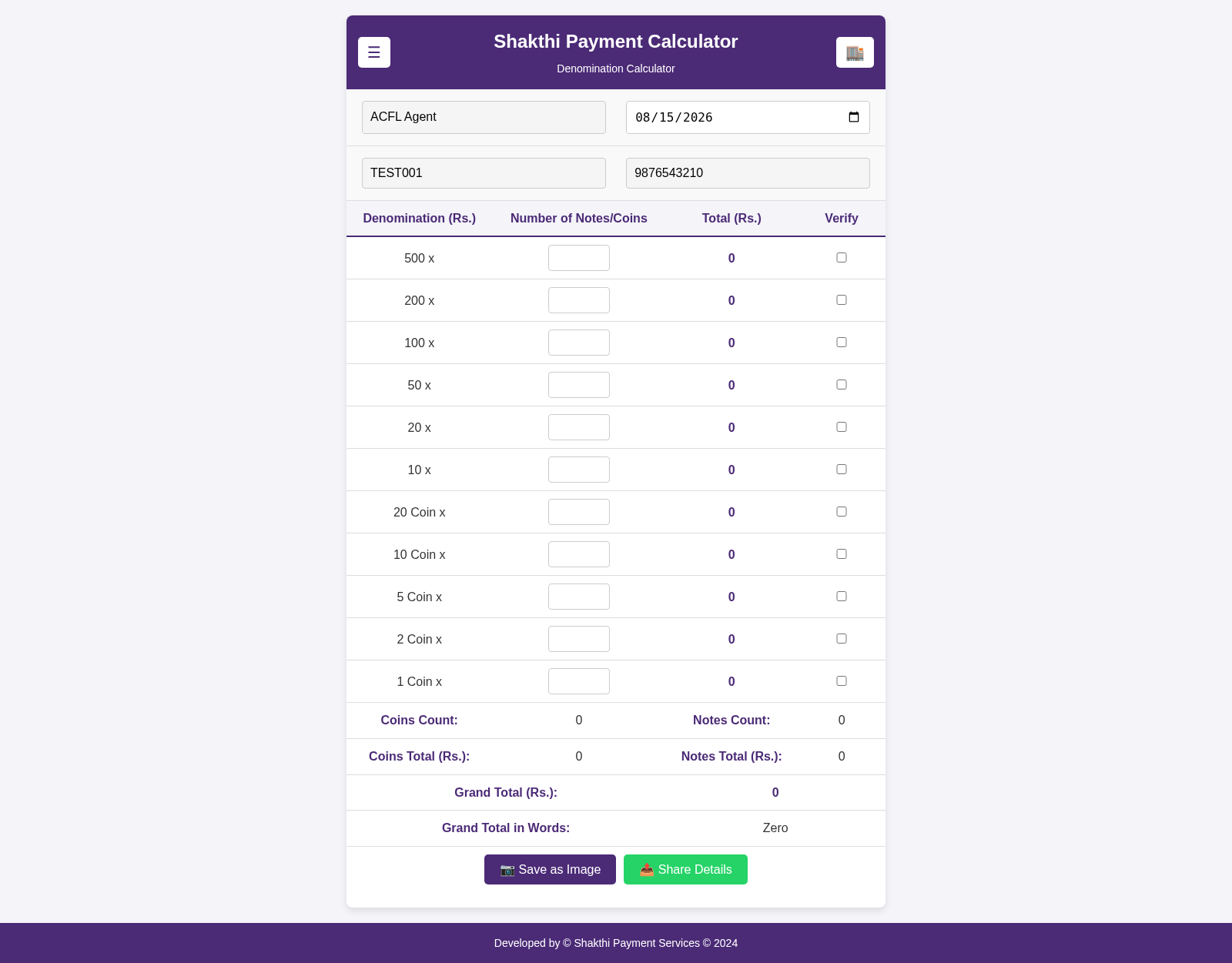
Shakthi Payment Calculator is an interactive cash-handling utility designed for payment service agents and collection staff. Users create a company profile with employee contact details, select that profile, and enter quantities for common Indian rupee notes and coins. The calculator shows each denomination subtotal, separates note and coin counts, calculates their totals, and converts the verified grand total into words. A menu provides collection dashboards, transaction history, company management, local backup and restore, data clearing, image export, and sharing controls. Data is stored in the current browser, so the tool works without an account but does not automatically synchronize across devices.
Highlights
Live cash totals
Totals update as counts change
Verified amounts
Mark checked denominations
Agent profiles
Store company and staff data
Collection overview
Review period summaries
Portable records
Back up local data
How to Use
Create a company profile
Choose one of the listed agent companies or select the custom company option, then enter the employee name, mobile number, and employee ID. Select Save Company to store the profile in the current browser and continue to the company list.
Open the denomination calculator
Select a saved company card to open its calculator. Confirm the company, date, employee ID, and mobile number shown above the denomination table before entering collection values.
Count and verify cash
Enter the quantity beside each Indian rupee note or coin denomination. The page updates individual subtotals, note and coin counts, and category totals immediately. Use the Verify checkbox for denominations that have been checked; the verified grand total and its written amount reflect those selections.
Review collection records
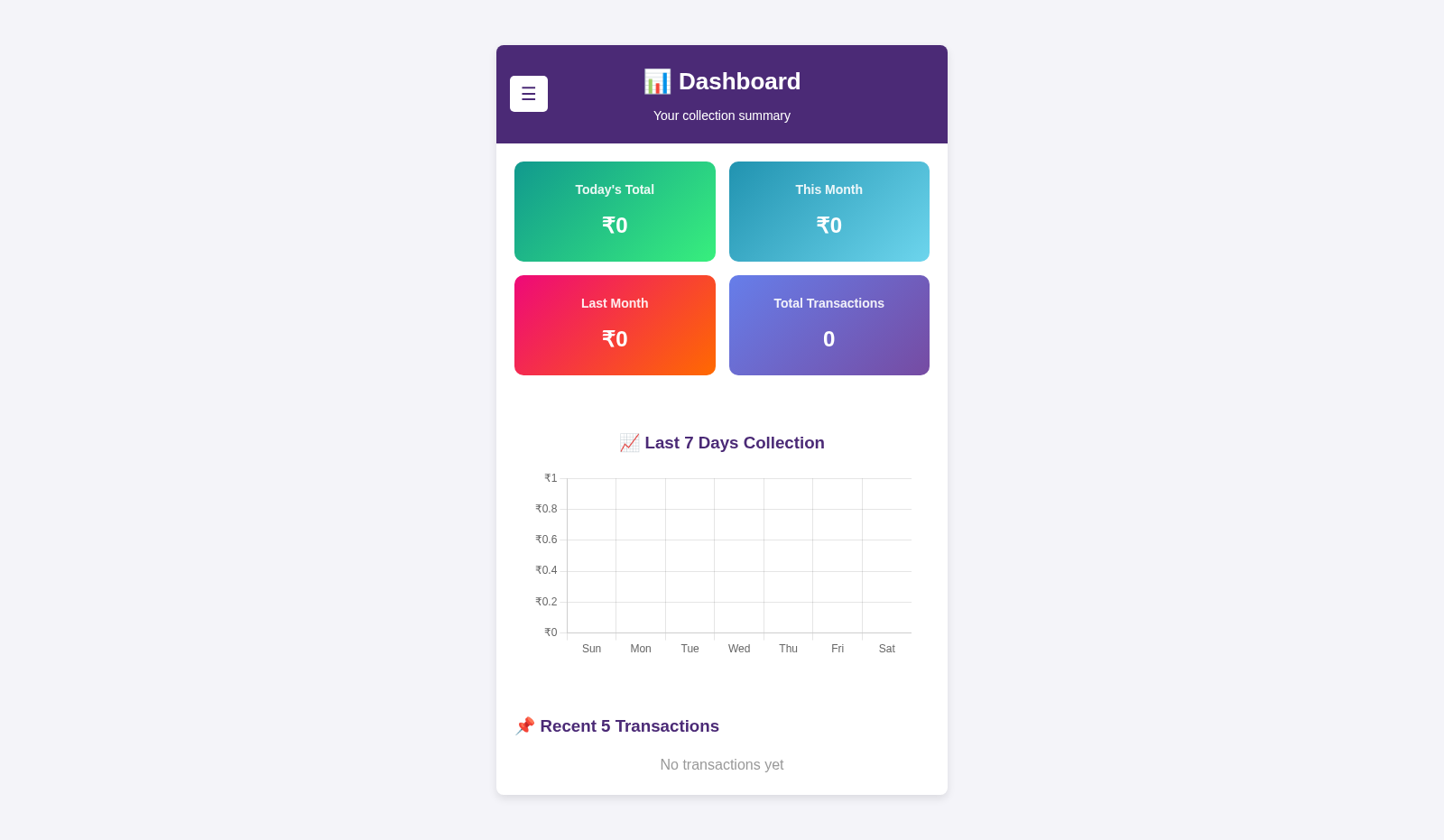
Open the menu and select Dashboard to view today, this month, last month, total transactions, the last seven days, and recent entries. Select Transaction History to browse all saved records when transactions are available.
Export or protect data
Use Save as Image or Share Details from the calculator when a portable summary is needed. From the menu, use Backup Data to export the browser records and Restore Backup to import them later, especially before clearing browser storage or moving to another device.
Similar Sites
 3
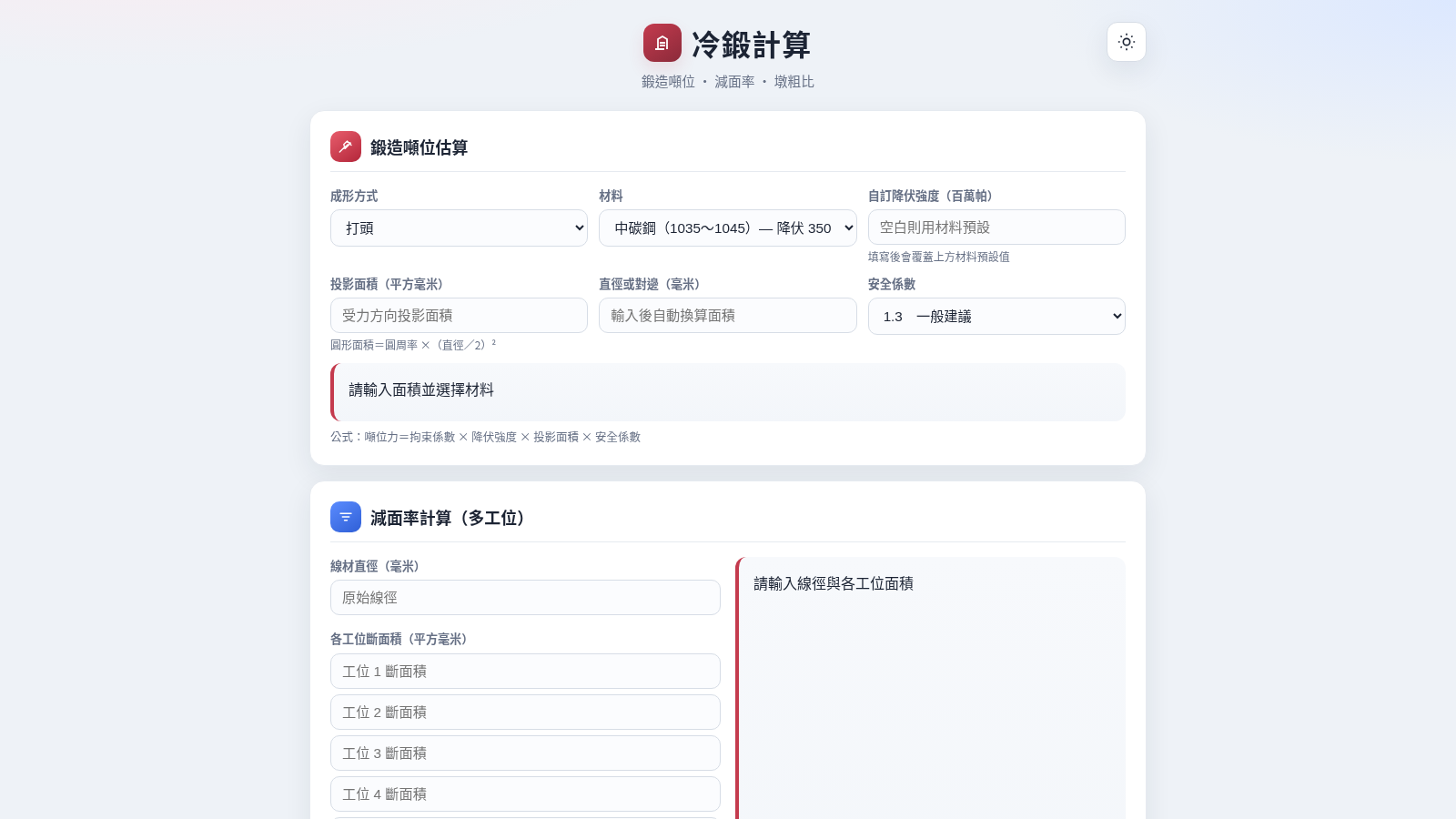
3冷鍛計算
多工位冷鍛噸位、減面率與墩粗比計算工具
 2
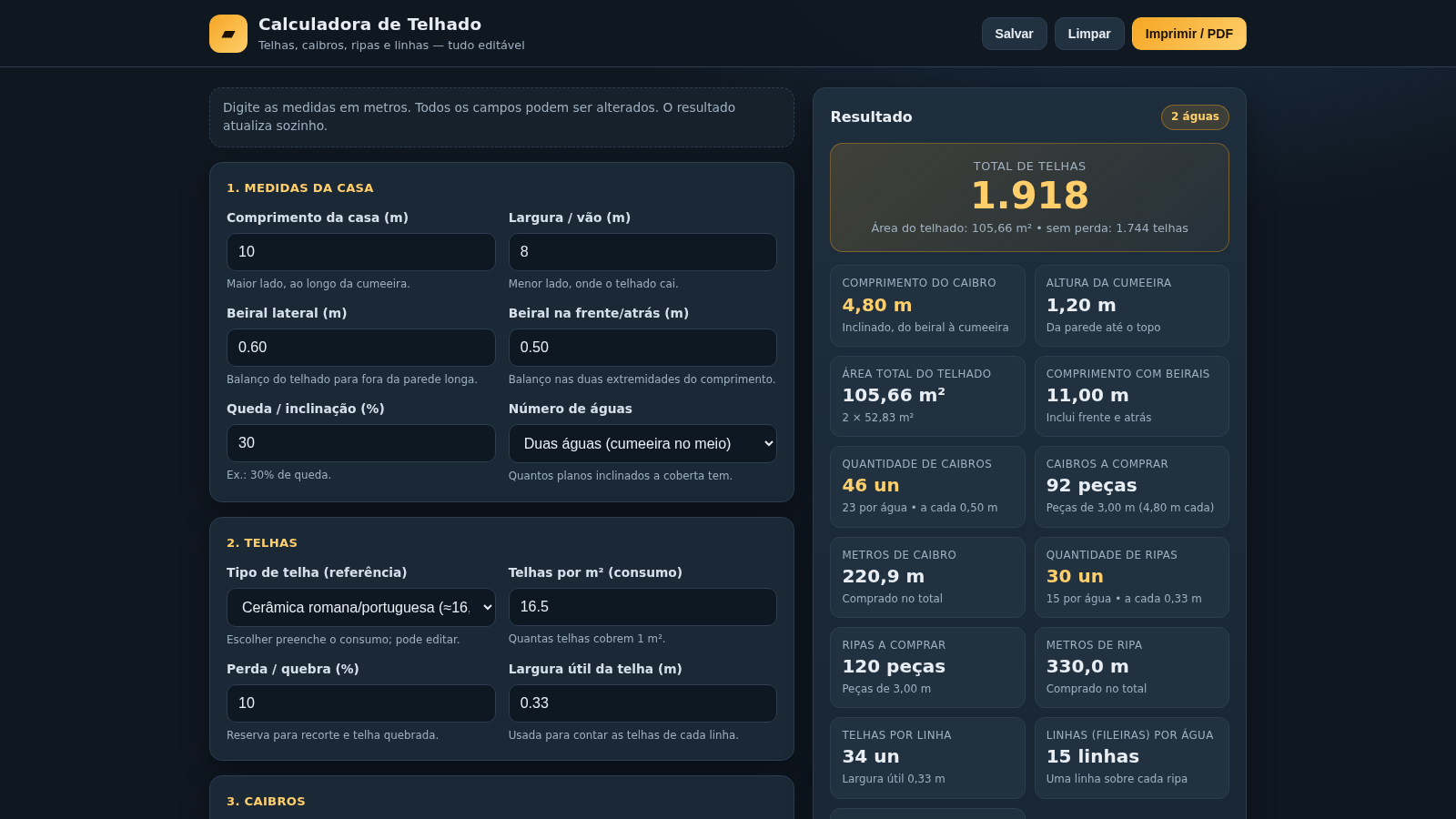
2Calculadora de Telhado
Calcula telhas, caibros, ripas e linhas do telhado pelas medidas da casa.
 94
94OhMyPS - AI Image Editor
Brush, describe, and quickly edit part of an image with AI.
 81
81PDF Master AI
Private in-browser PDF toolkit to convert, merge, compress, edit, and protect files.
 77
77BJJ STAT — ANALISE. ENTENDA. EVOLUA.
Scout de Jiu-Jitsu em um toque. Placar IBJJF, relatórios visuais e PWA offline.
 59
59ToolCraft - Free Online Tools
Free, fast, privacy-friendly online tools & expert guides - all in your browser.