
Hindi Font Converter
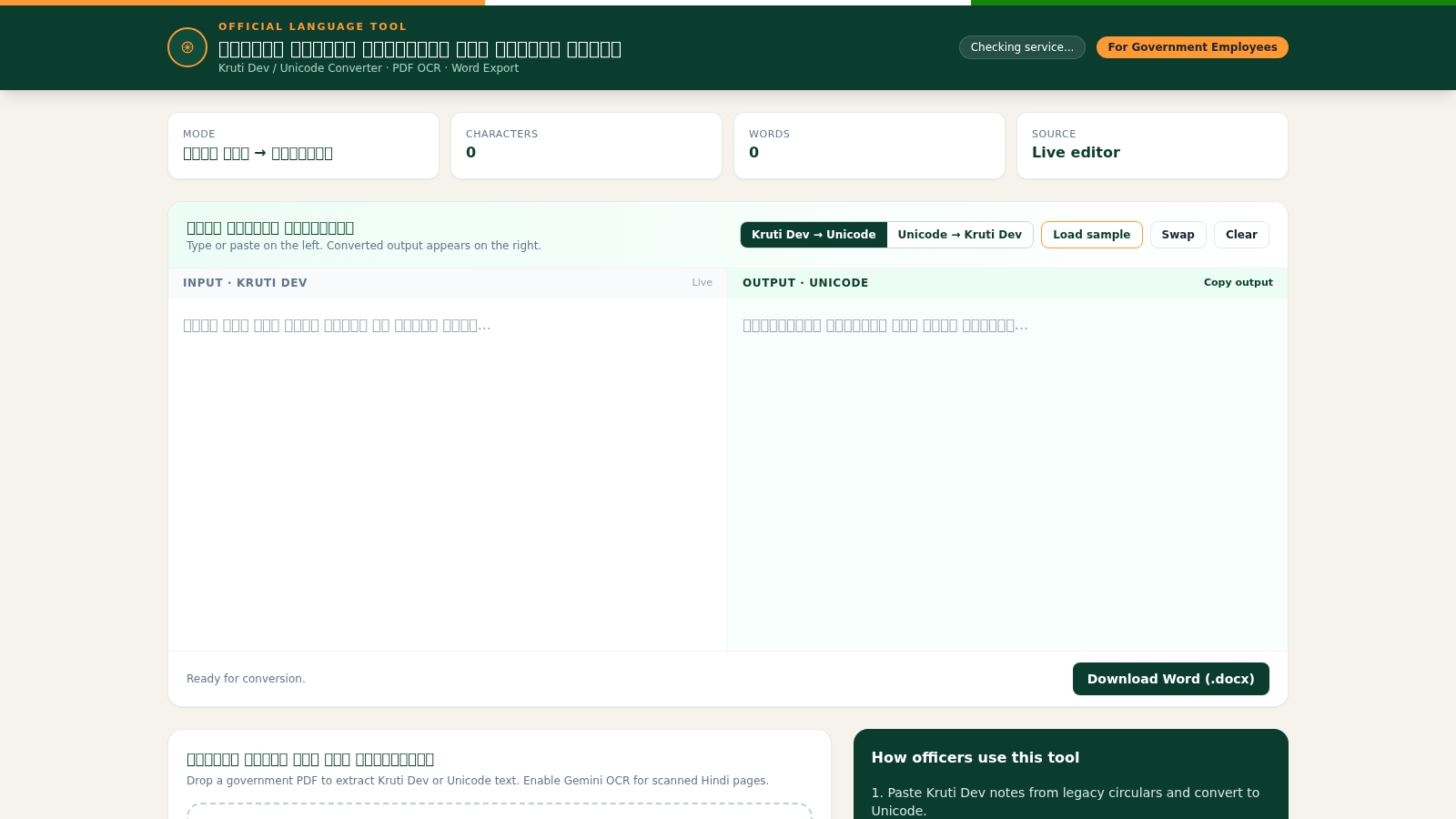
Convert Kruti Dev and Unicode Hindi, extract PDF text, and export Word files
This is a browser-based Hindi language utility aimed at government and official correspondence work. The main section is a live editor that converts text between legacy Kruti Dev encoding and Unicode in either direction, with buttons to switch the conversion mode, load a sample, swap the panes, clear the fields and copy the resulting output. Converted wording can be downloaded as a Microsoft Word file. Below the editor is a PDF panel that accepts files up to 20 MB, extracts embedded Kruti Dev or Unicode Hindi text, and can optionally use an OCR path for scanned pages. The page also tracks character and word counts and lists typical officer workflows in a side panel.
Highlights
Two-way font conversion
Kruti Dev to Unicode and back
PDF Hindi extraction
Upload a PDF and pull out Hindi text
Optional OCR mode
Toggle OCR for scanned pages
Word document export
Download converted text as .docx
Live counting
Character and word metrics update live
How to Use
Choose the conversion mode
At the top of the editor pick either the Kruti Dev to Unicode or the Unicode to Kruti Dev button. The mode label in the metric row updates to reflect your choice, and the input pane header changes so you can see which encoding is expected on the left.
Enter or load text
Type or paste your source text into the left textarea, or press Load sample to drop in example content. The character and word counters update as you write. You can also press Swap to move the current content between the panes, or Clear to reset both sides.
Read and reuse the output
The converted result appears in the right textarea. Press Copy output to place it on your clipboard, or use Download Word (.docx) to save the converted wording as a Word document for further editing before submission.
Extract text from a PDF
Scroll to the PDF section and drop a file onto the upload area or click it to browse, keeping under the 20 MB limit. Tick Convert extracted text to convert the result during extraction, and tick Gemini Hindi OCR when working with scanned or image-only pages. Then press Extract text and review the output paragraph that appears.
Similar Sites
 94
94OhMyPS - AI Image Editor
Brush, describe, and quickly edit part of an image with AI.
 81
81PDF Master AI
Private in-browser PDF toolkit to convert, merge, compress, edit, and protect files.
 77
77BJJ STAT — ANALISE. ENTENDA. EVOLUA.
Scout de Jiu-Jitsu em um toque. Placar IBJJF, relatórios visuais e PWA offline.
 59
59ToolCraft - Free Online Tools
Free, fast, privacy-friendly online tools & expert guides - all in your browser.
 30
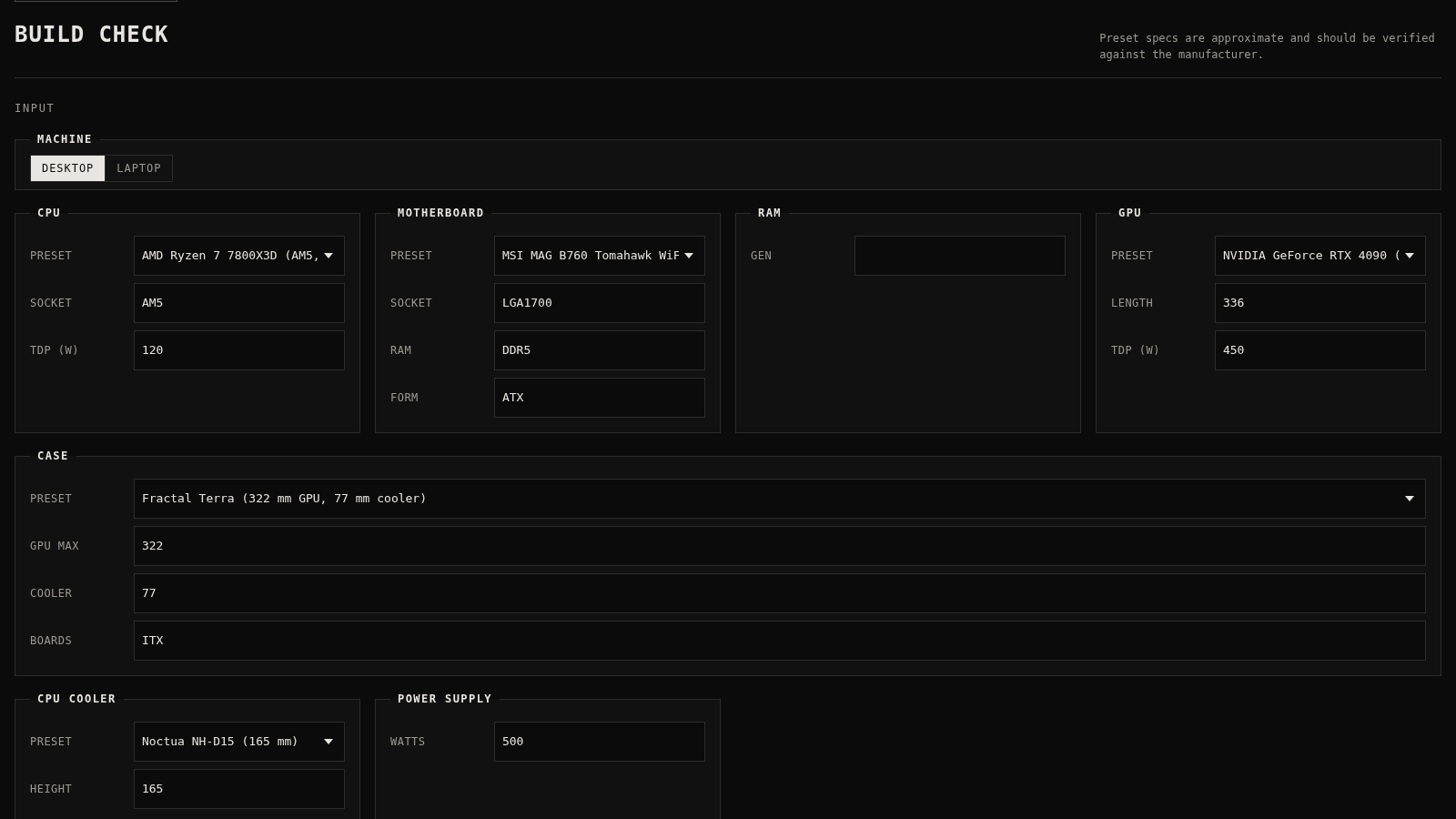
30PC Build Checker
Check desktop and laptop PC builds for compatibility, scores, and upgrades.
 22
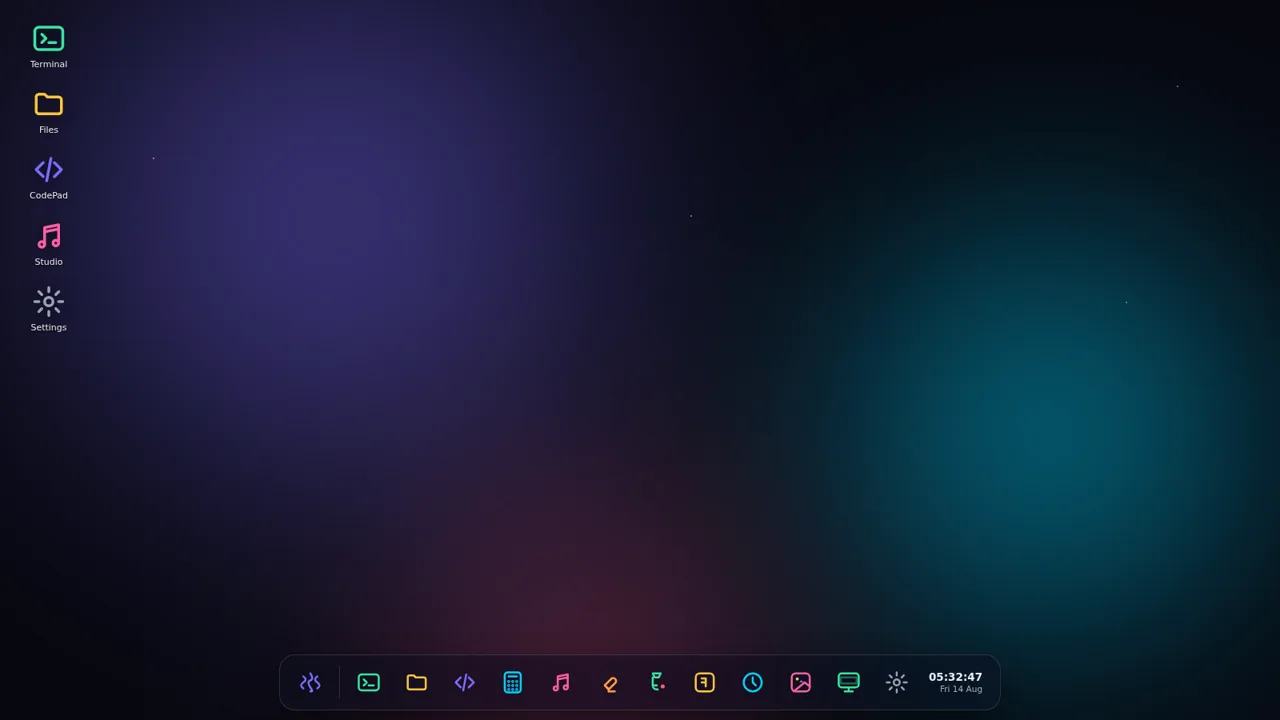
22AuroraOS
A desktop OS inside a single HTML file - apps, terminal, games, music