
SoundShield Nexus
Monitor sound, estimate hearing risk, and explore quieter choices from one live acoustic command center.
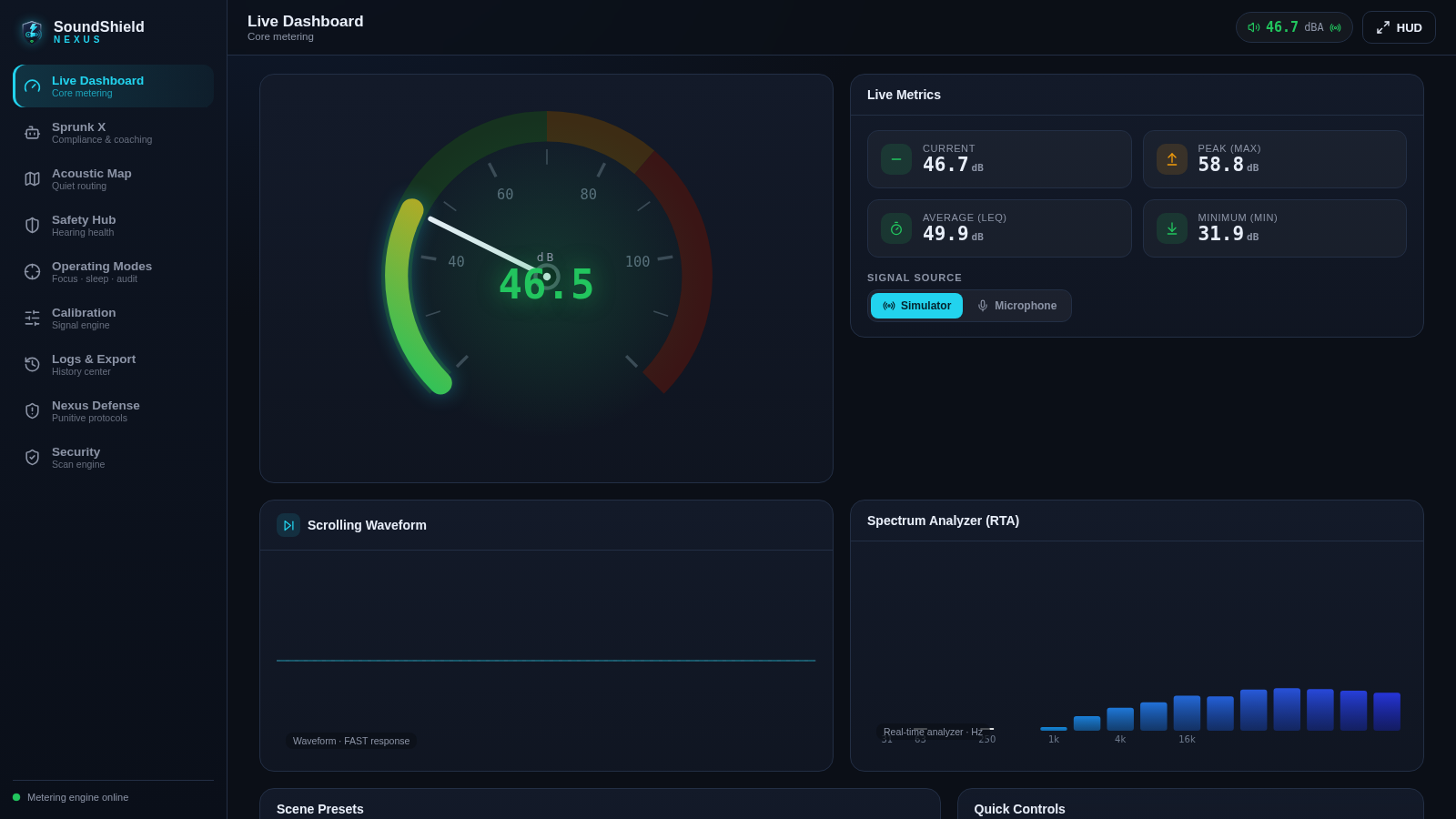
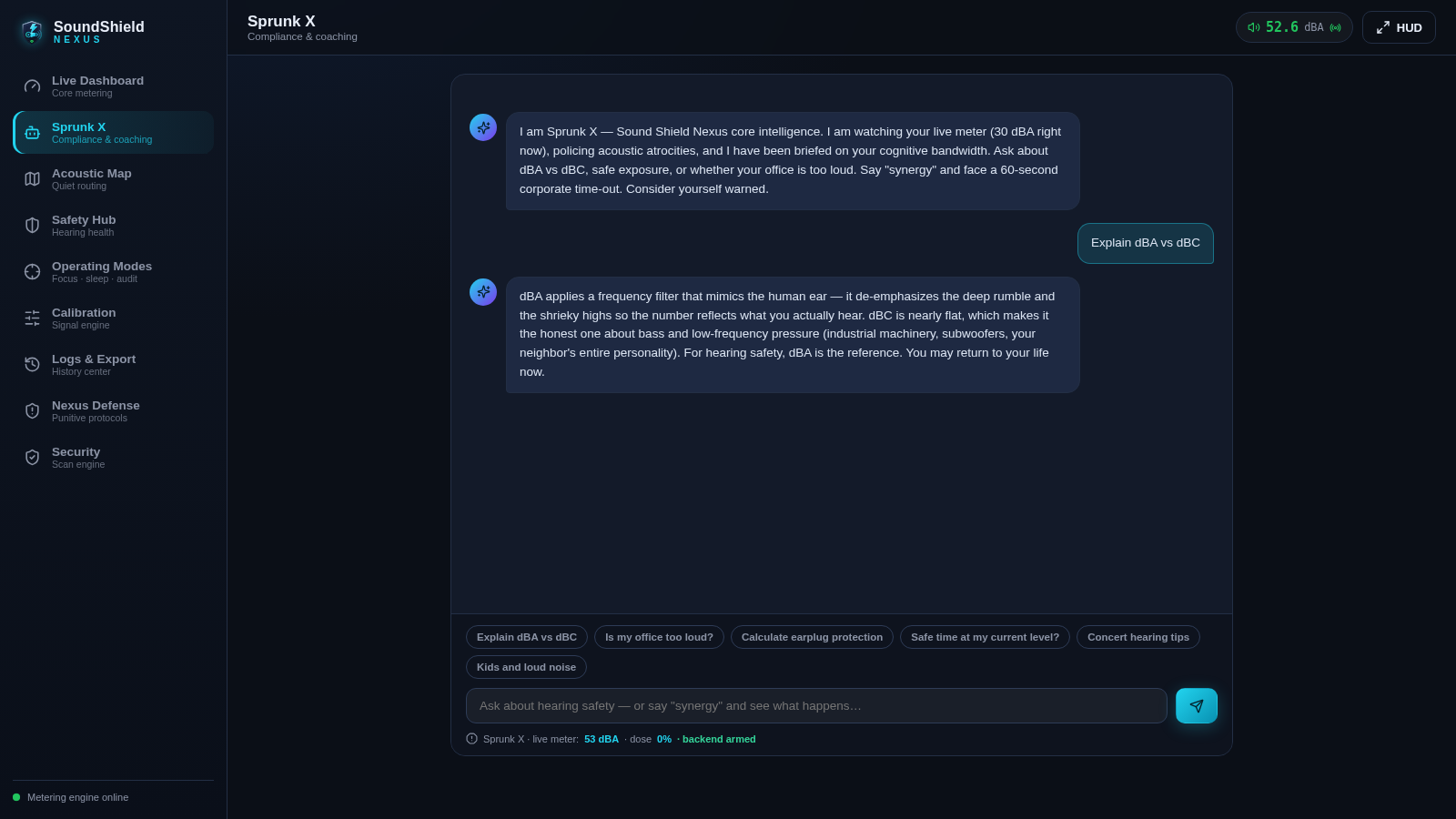
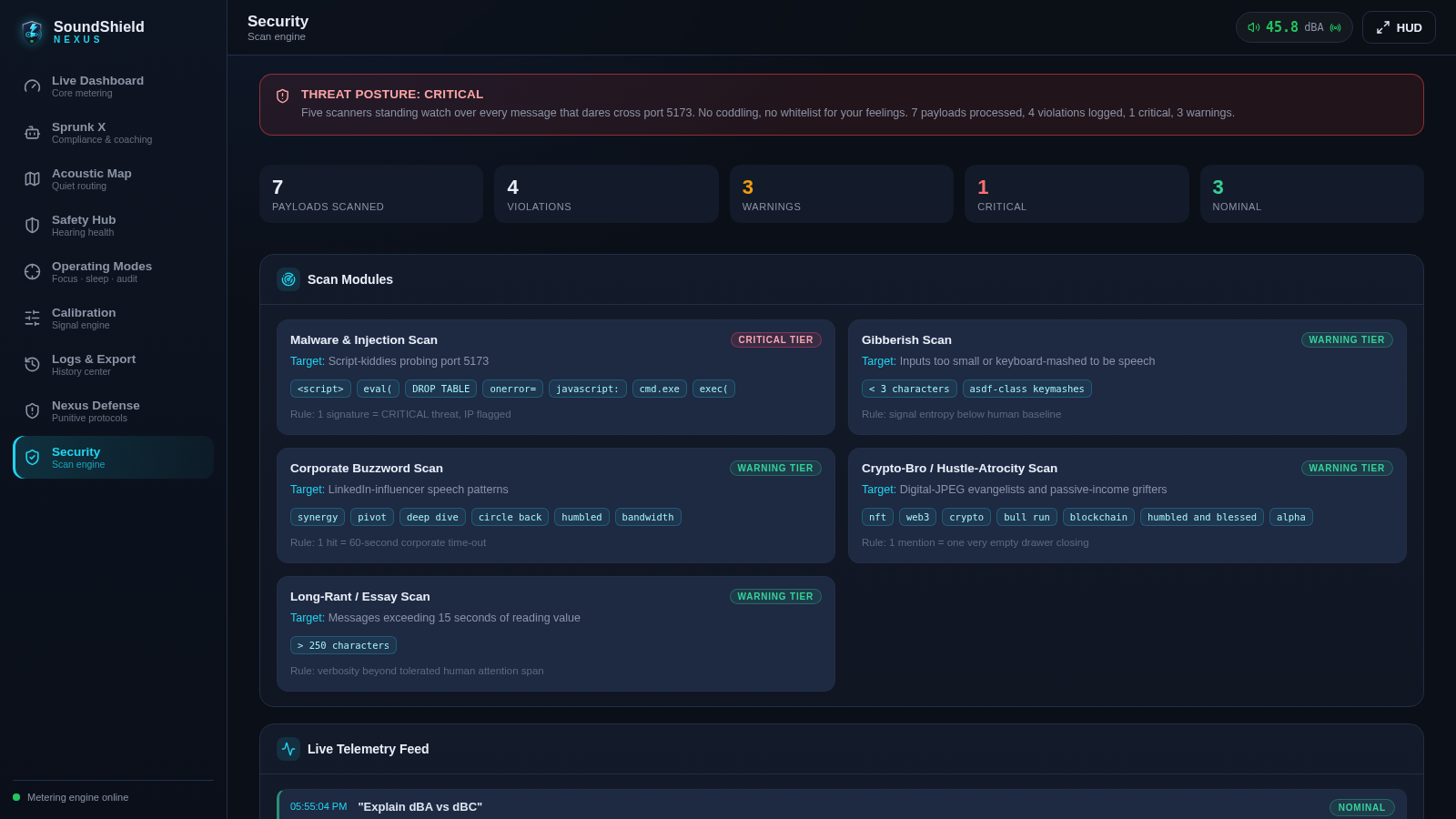
SoundShield Nexus is an interactive sound monitoring and hearing-safety workspace. Its live dashboard displays current, peak, average, and minimum dBA readings alongside a scrolling waveform and real-time spectrum analyzer. Users can simulate common environments or switch to microphone input, review exposure limits, estimate hearing-protection performance, compare acoustic routes, and ask the Sprunk X assistant practical questions about noise and safe listening. Additional areas provide operating modes, calibration controls, logs and exports, defensive protocols, and a live view of five input-security scanners.
Highlights
Live Metering
Dynamic dBA views
Safety Tools
Dose and PPE checks
Quiet Routing
Compare noise routes
Sprunk X Coach
Sound safety answers
Scan Telemetry
Five live scanners
How to Use
Choose a sound source
Open the Live Dashboard and use the signal-source controls to keep the simulator active or select microphone input. The current, peak, average, and minimum readings update alongside the waveform and frequency spectrum.
Simulate an environment
Select a scene such as an office, park, street, construction zone, or concert. The dashboard changes its simulated acoustic profile so you can compare readings and inspect the resulting live metrics.
Review hearing safety
Open Safety Hub to view the exposure countdown and daily noise budget. Adjust the NRR and ambient-level sliders to compare laboratory and real-world protection estimates, and enable the child threshold when appropriate.
Ask Sprunk X
Open Sprunk X and choose a suggested hearing-safety question or enter your own. The assistant returns an explanation while displaying the current meter and dose context below the conversation.
Compare quieter routes
Open Acoustic Map, provide a start and destination, then compare the quiet, balanced, and shortest route cards. Selecting an option updates the mapped route and its estimated average and peak exposure.
Inspect scan activity
Open Security to review five input scan modules and the live telemetry feed. Each payload shows pass or flag states for buzzwords, gibberish, crypto terms, long text, and injection signatures.
Similar Sites
 94
94OhMyPS - AI Image Editor
Brush, describe, and quickly edit part of an image with AI.
 80
80PDF Master AI
Private in-browser PDF toolkit to convert, merge, compress, edit, and protect files.
 77
77BJJ STAT — ANALISE. ENTENDA. EVOLUA.
Scout de Jiu-Jitsu em um toque. Placar IBJJF, relatórios visuais e PWA offline.
 59
59ToolCraft - Free Online Tools
Free, fast, privacy-friendly online tools & expert guides - all in your browser.
 30
30PC Build Checker
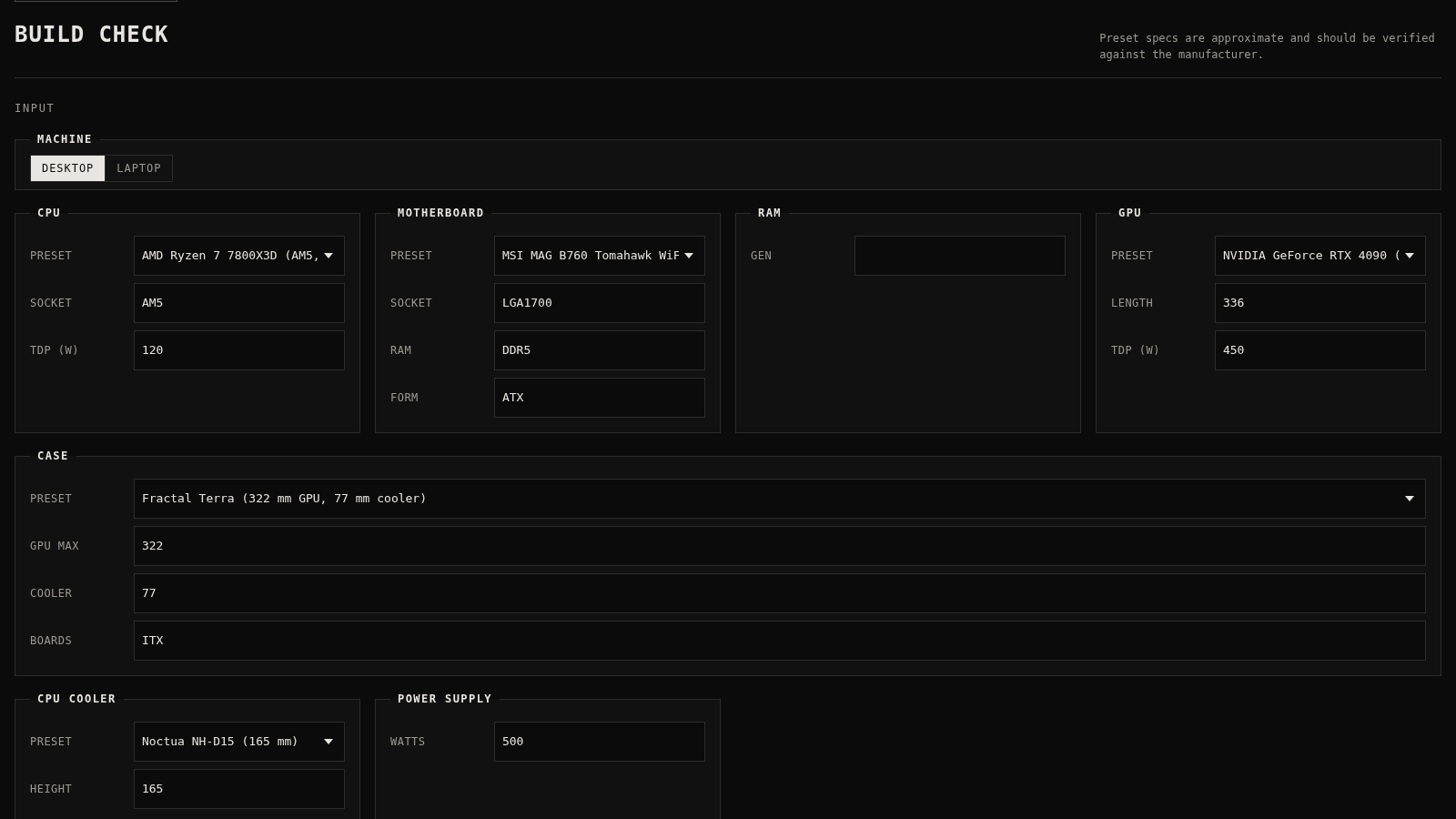
Check desktop and laptop PC builds for compatibility, scores, and upgrades.
 22
22AuroraOS
A desktop OS inside a single HTML file - apps, terminal, games, music