
Workspace Terminal
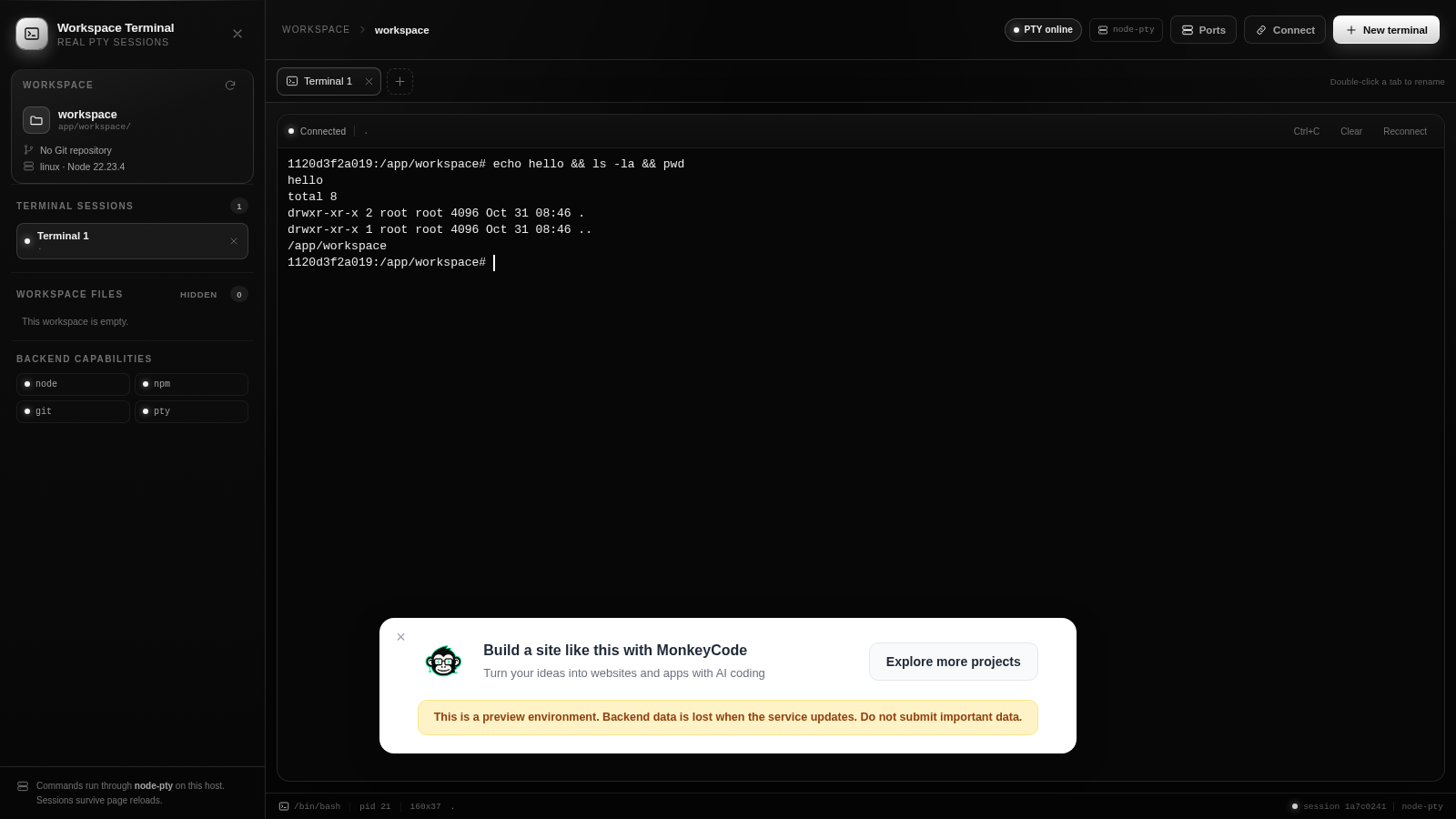
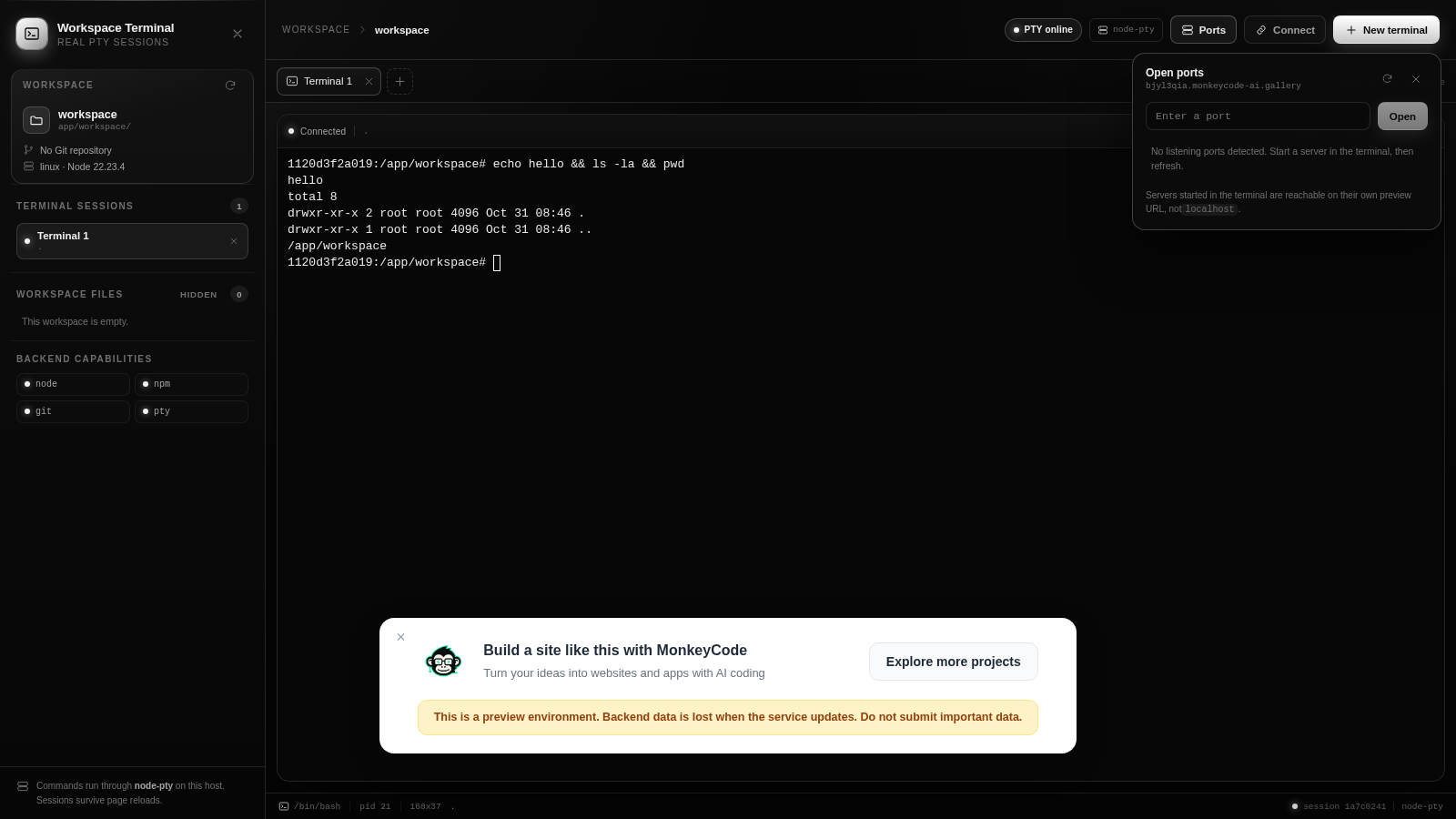
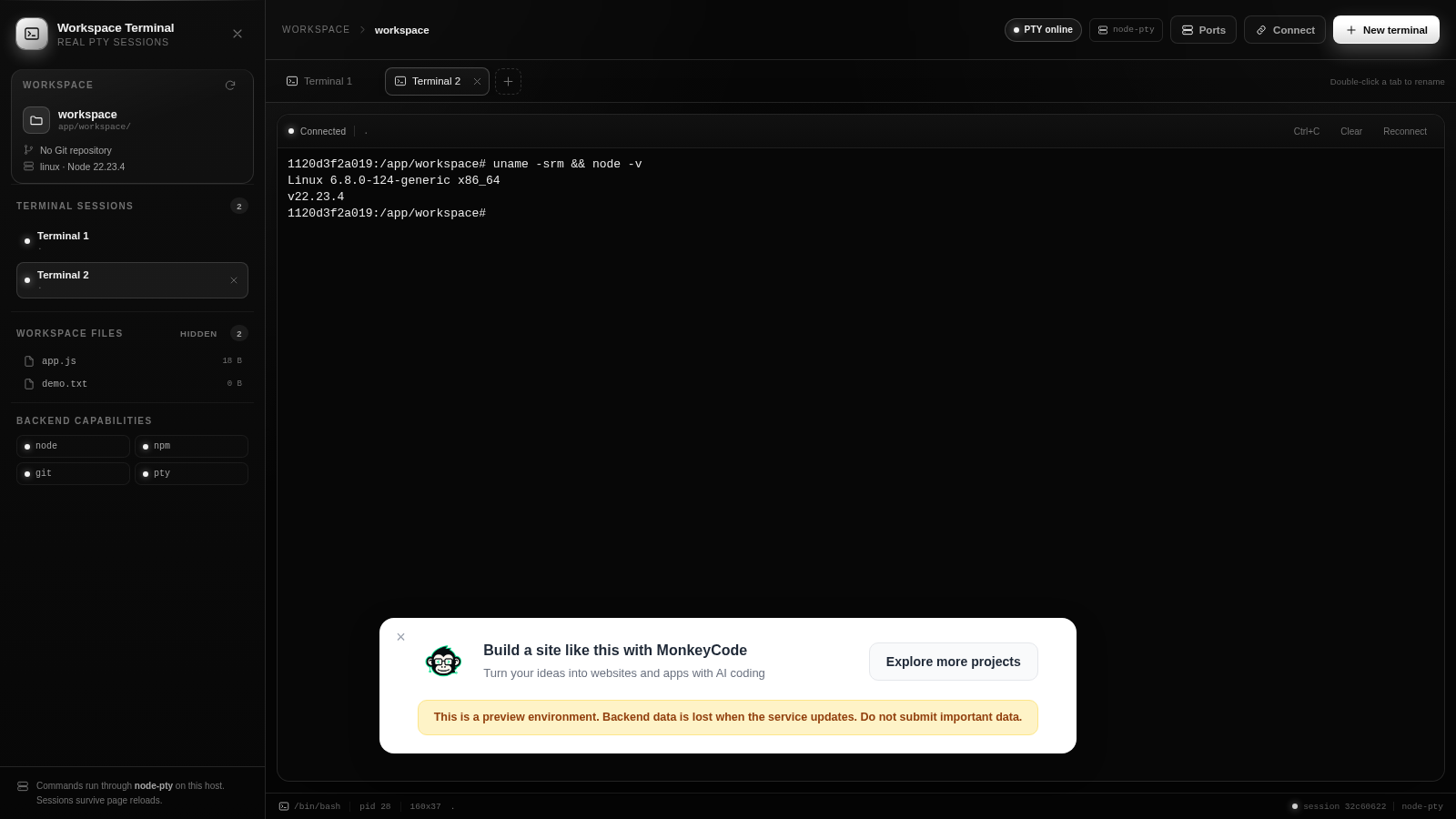
A real PTY terminal in the browser with persistent, multi-tab shell sessions
Workspace Terminal is a web application that gives you an actual bash shell running on a Linux host. When the page loads it automatically opens a PTY session and drops you at a prompt inside /app/workspace. From there you can type any shell command, open additional terminals in separate tabs, rename or close sessions, and see output stream back in real time. A sidebar shows the workspace path, runtime info, terminal sessions, a refreshable file list with sizes and a hidden-file toggle, plus the available backend capabilities. A Ports panel detects and lists listening servers, and sessions are designed to survive page reloads. It works without login and needs no local installation.
Highlights
Real bash shell
node-pty on host
Multiple sessions
Independent PTY tabs
Workspace files
Browse workspace
Ports panel
Detect open ports
Session persistence
Survive page reloads
How to Use
Open the terminal
Load the page and a PTY session starts automatically, showing a bash prompt inside /app/workspace. The top bar shows PTY online and the shell path, and the sidebar confirms the session is connected.
Run commands
Click the terminal input and type any shell command, then press Enter. Output appears in the terminal window as it runs, and the prompt returns when the command finishes; use Clear to wipe the screen or Ctrl+C to interrupt a running command.
Manage sessions and files
Use New terminal to open another independent shell tab, double-click a tab to rename it, and close tabs you no longer need. Refresh the workspace file list to pick up files created from the shell, toggle hidden files, and click a file to copy its name.
Inspect ports
Open the Ports panel to see listening servers detected by the backend. Start a server in the terminal and refresh the panel to locate it; servers are reachable on their own preview URL rather than localhost.
Similar Sites
 81
81MonkeyCode AI Workspaces
AI coding workspaces for engineering teams
 14
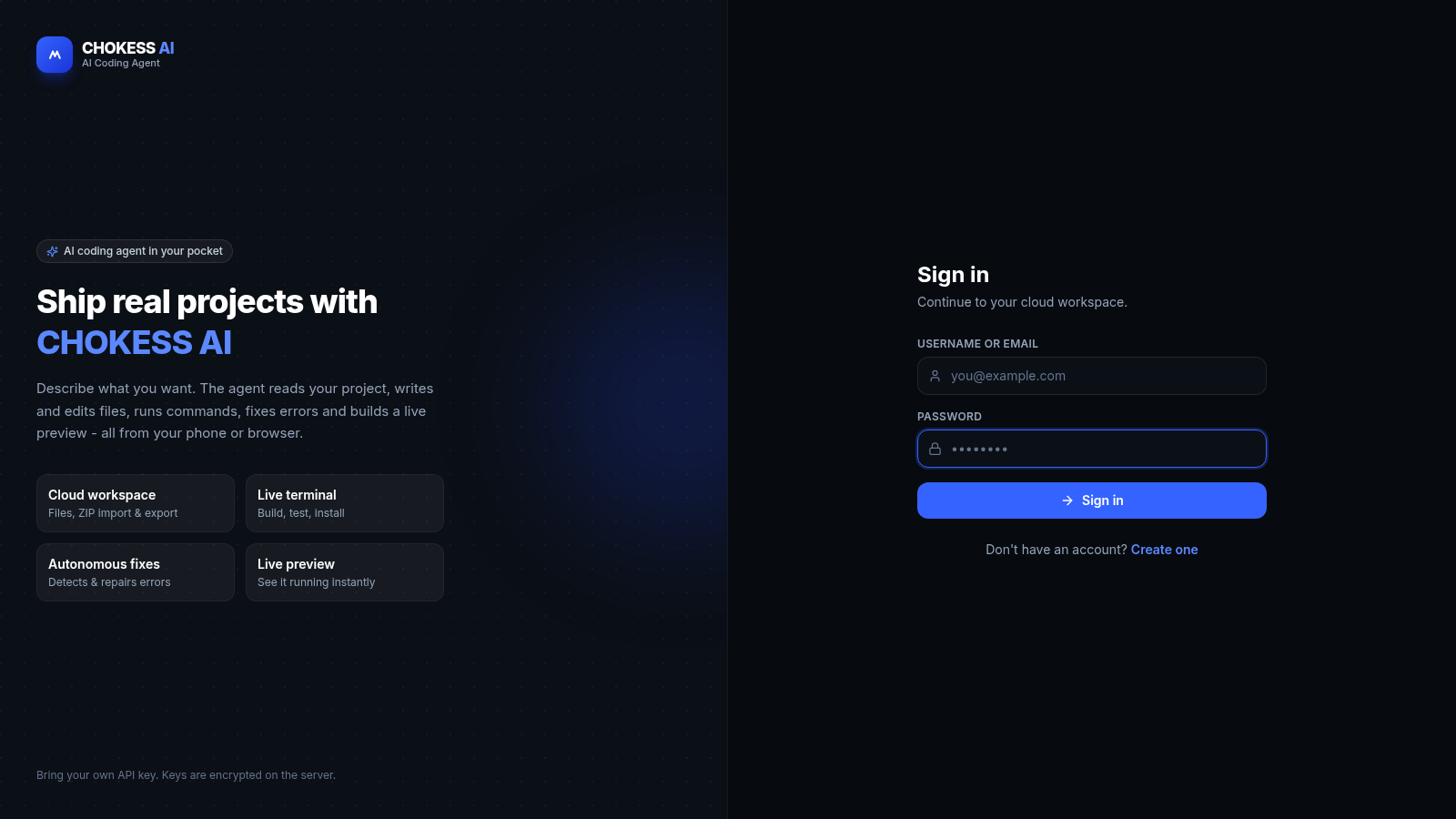
14CHOKESS AI
Browser-based AI coding agent with cloud workspace, terminal and live preview
 2
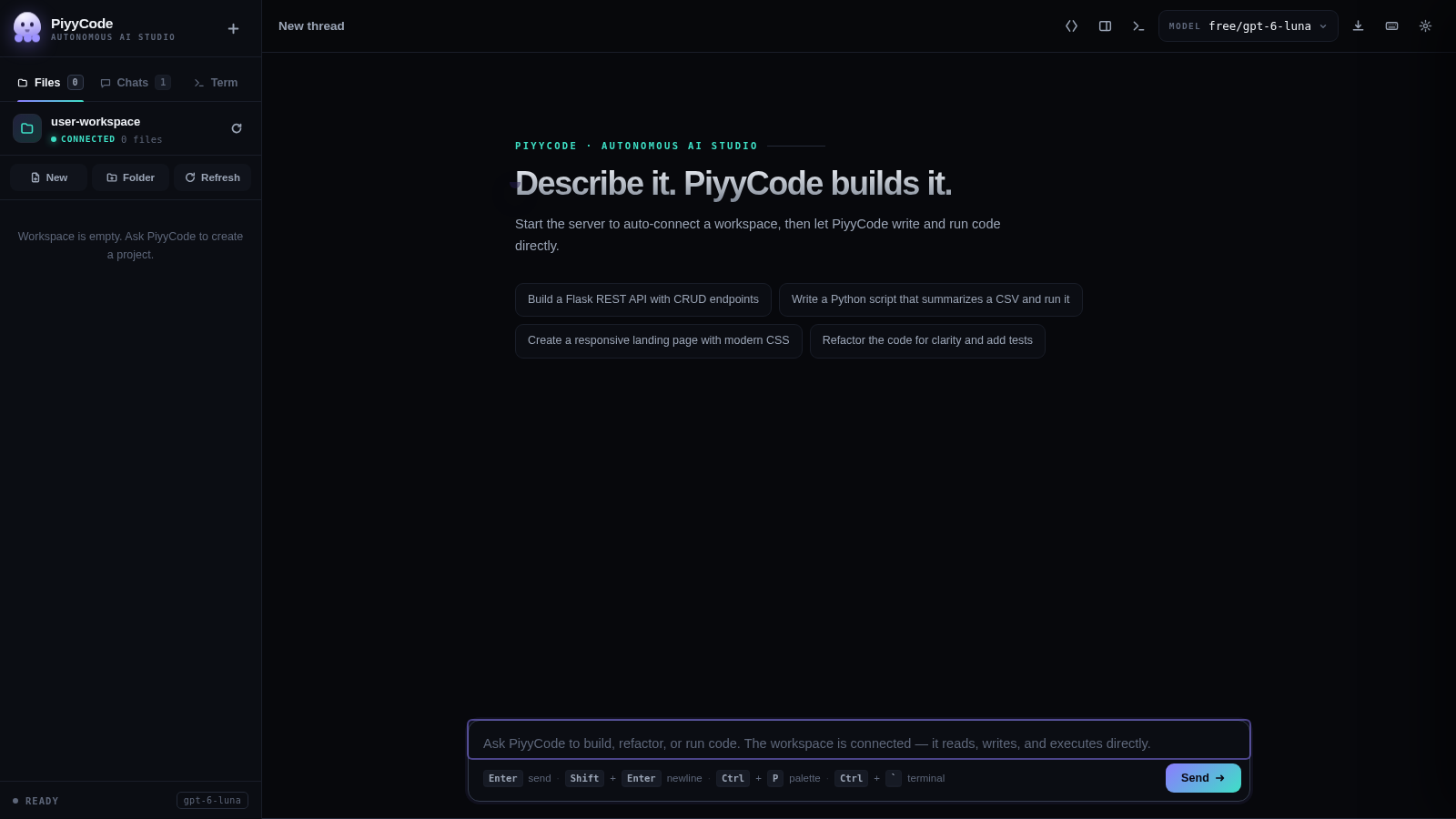
2PiyyCode
AI coding studio: live thinking, multi-provider models, workspace terminal.
 8
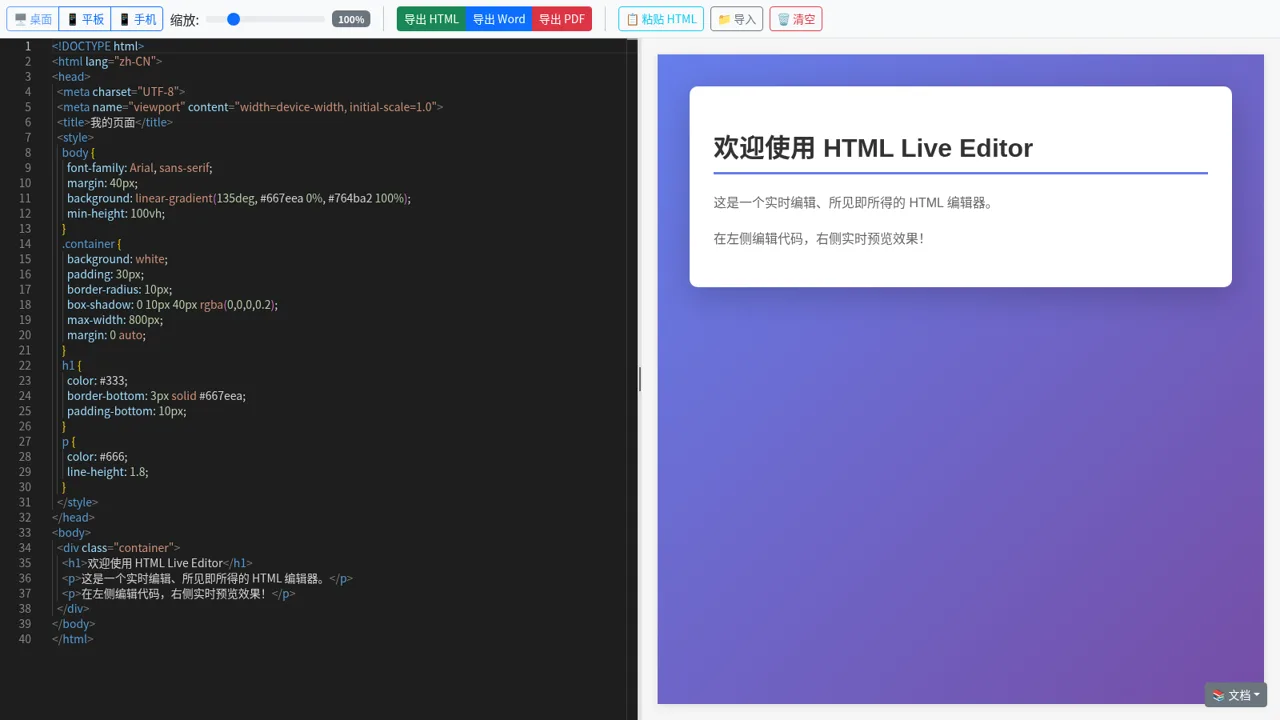
8HTML Live Editor
High-fidelity HTML live editor, supporting split-pane edit preview, multiple viewport switching, and HTML/Word/PDF export.
 2
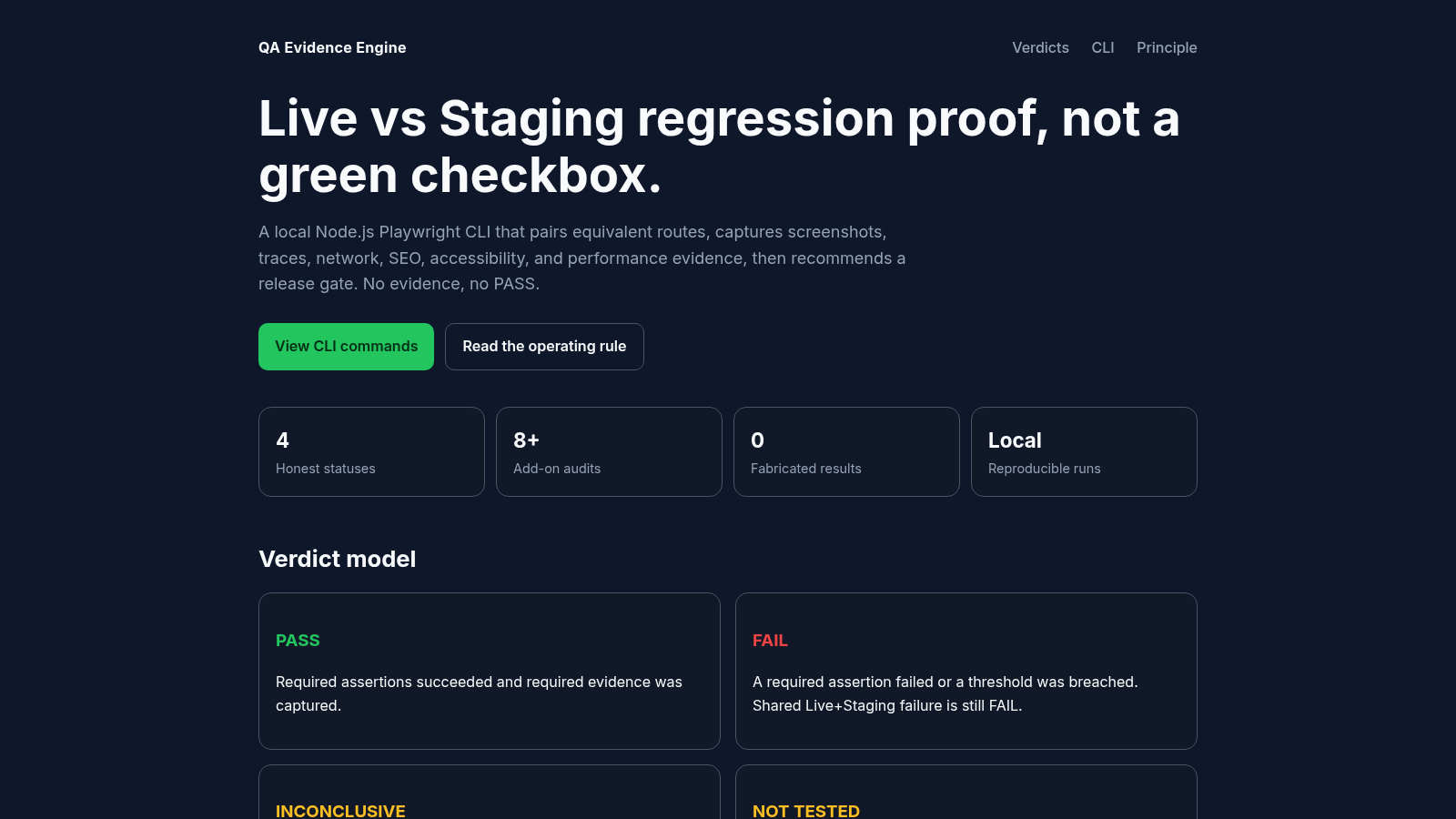
2QA Evidence Engine
Local CLI that compares Live vs Staging with honest verdicts, visual diffs, and release gates.
 47
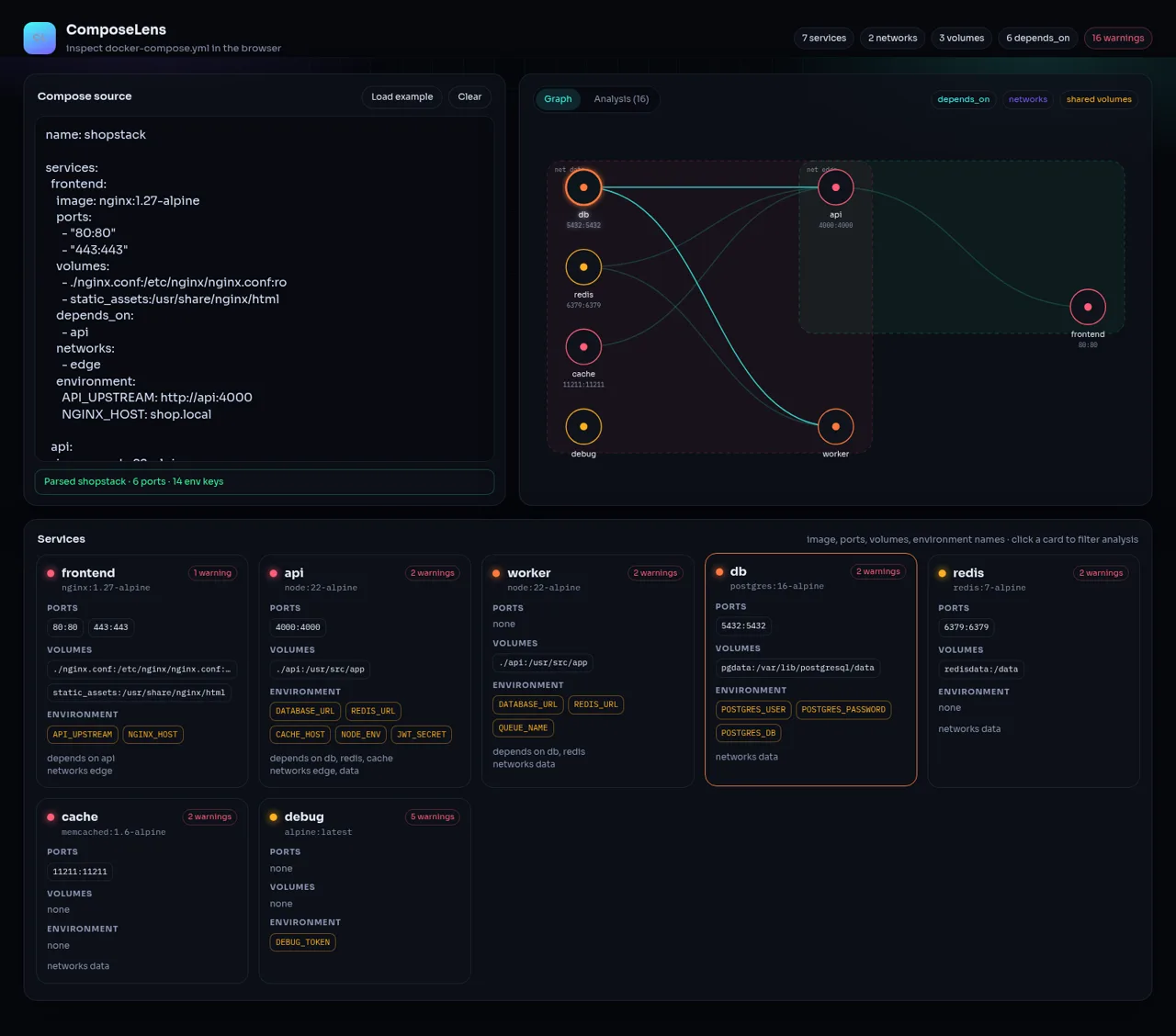
47ComposeLens
Visual Docker Compose inspector with graphs and security warnings