
PC Build Checker
Check desktop and laptop hardware choices, then review compatibility, performance scores, bottlenecks, and practical fixes.
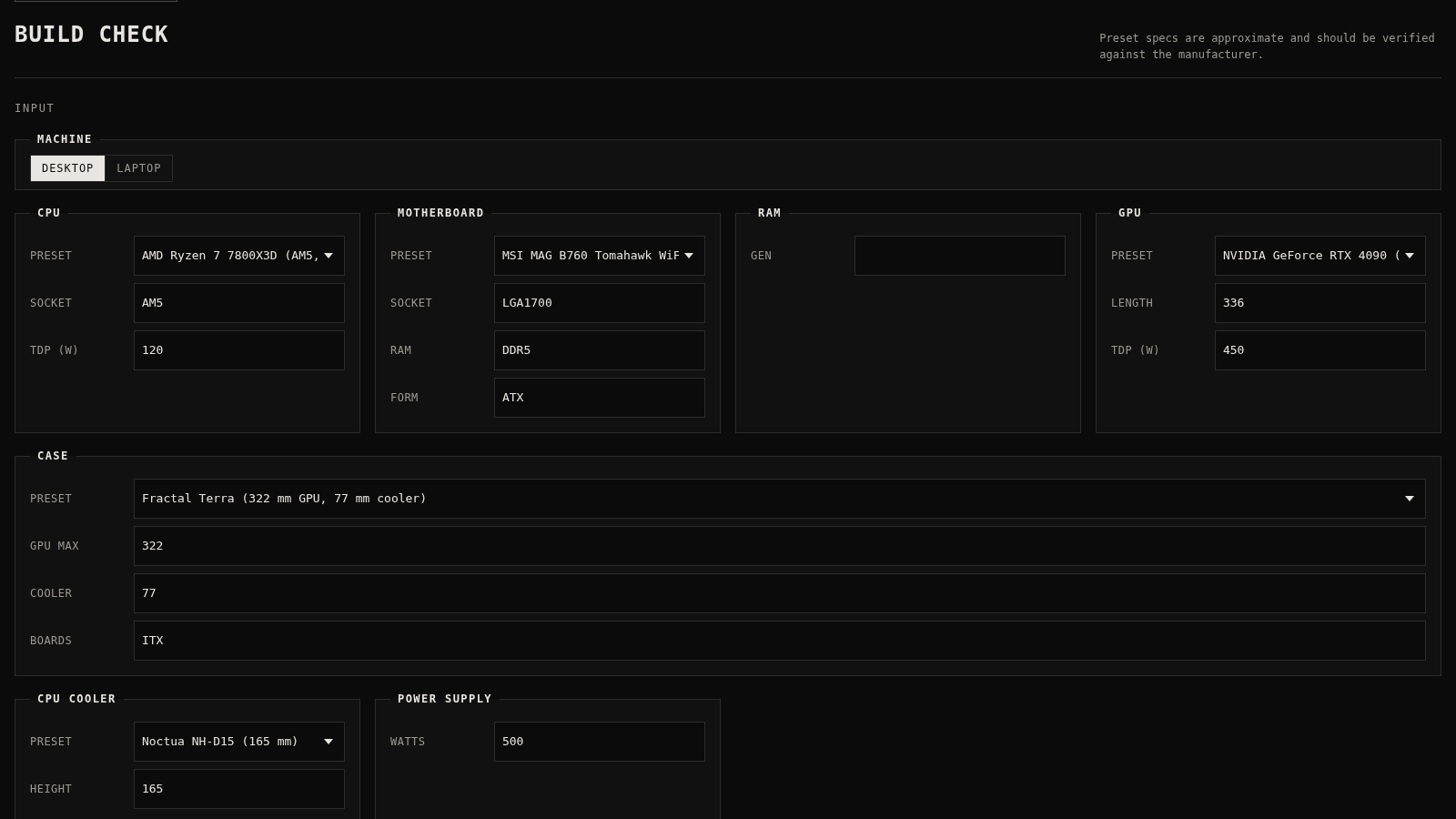
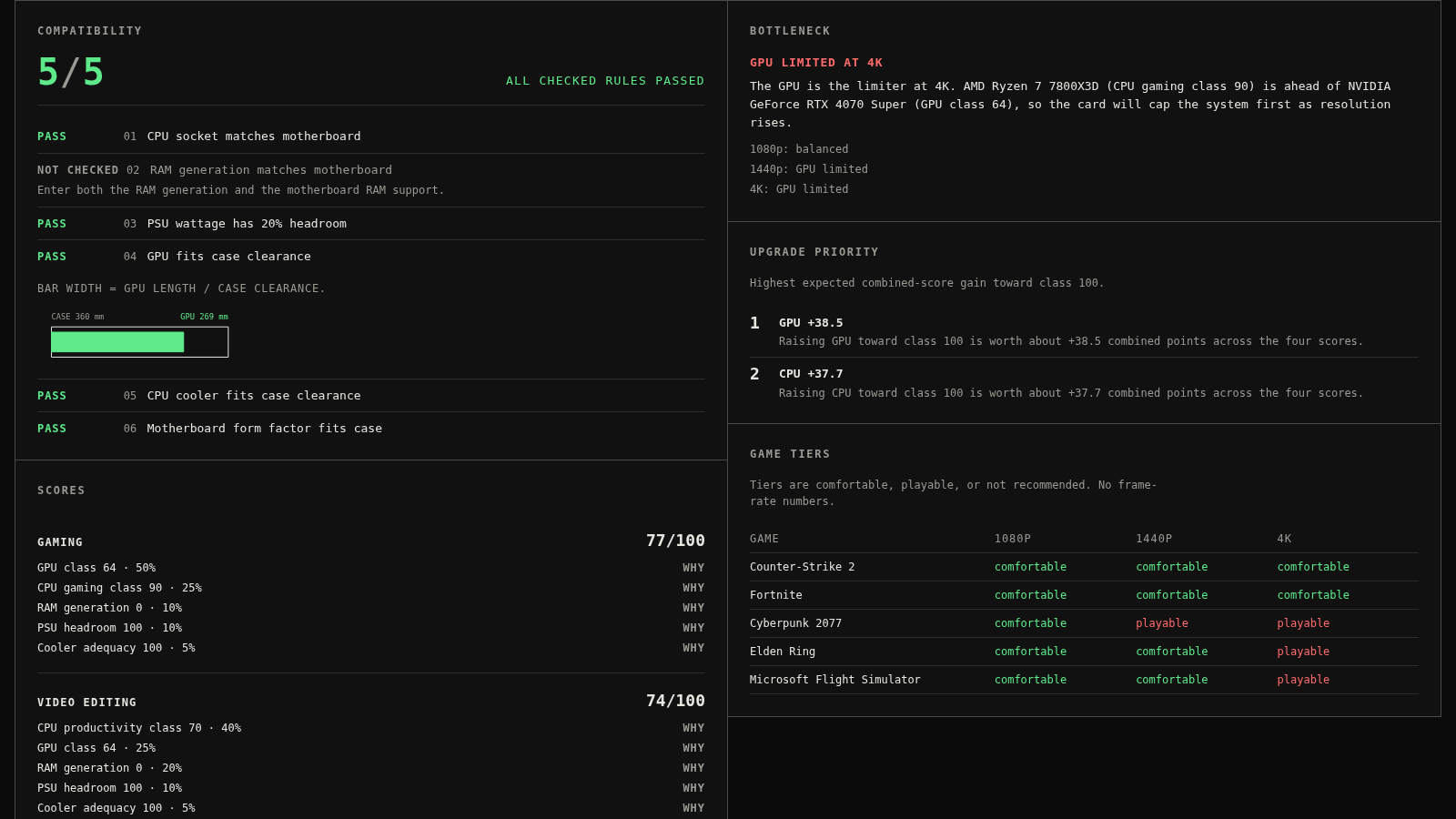
PC Build Compatibility Checker is an interactive browser utility for assessing computer configurations. Desktop users can select or manually enter a CPU, motherboard, RAM generation, GPU, case, cooler, and power supply. The result checks socket matching, memory support, PSU headroom, physical clearances, and board form factor, with an explanation and corrective suggestion for every failed rule. It also calculates gaming, video editing, development, and office scores, describes likely CPU or GPU limits at common resolutions, ranks upgrade priorities, and estimates game comfort tiers. Laptop mode provides a browser hardware scan, labels detected, approximate, suggested, and unavailable values, and lets users complete missing CPU, GPU, display, and class details before calculating performance results.
Highlights
Explainable Checks
Failures include fixes
Workload Scores
Four usage profiles
Hardware Scan
Browser-visible specs
Game Tiers
Three resolutions
How to Use
Choose a machine type
Select Desktop for a component-by-component build or Laptop for portable hardware. The form changes to show the fields and checks relevant to that machine type.
Enter or scan hardware
Use the preset lists to populate known component specifications, or enter custom values in the editable fields. In Laptop mode, select Scan my PC to fill browser-visible details and review the labels that distinguish detected, approximate, suggested, and unavailable information.
Run the check
Select Run check after completing the available fields. Empty fields remain explicitly marked as not checked, while supplied values are evaluated and summarized in the Output area.
Review compatibility
Read each numbered rule to see whether it passed, failed, or was skipped. Failed desktop rules explain the mismatch and recommend a compatible specification, such as a matching socket, a larger case clearance, or additional PSU capacity.
Compare performance
Use the workload scores, bottleneck summary, upgrade priority list, and game tier table to understand the estimated balance of the selected parts across gaming, creative work, development, office use, and common display resolutions.
Similar Sites
 8
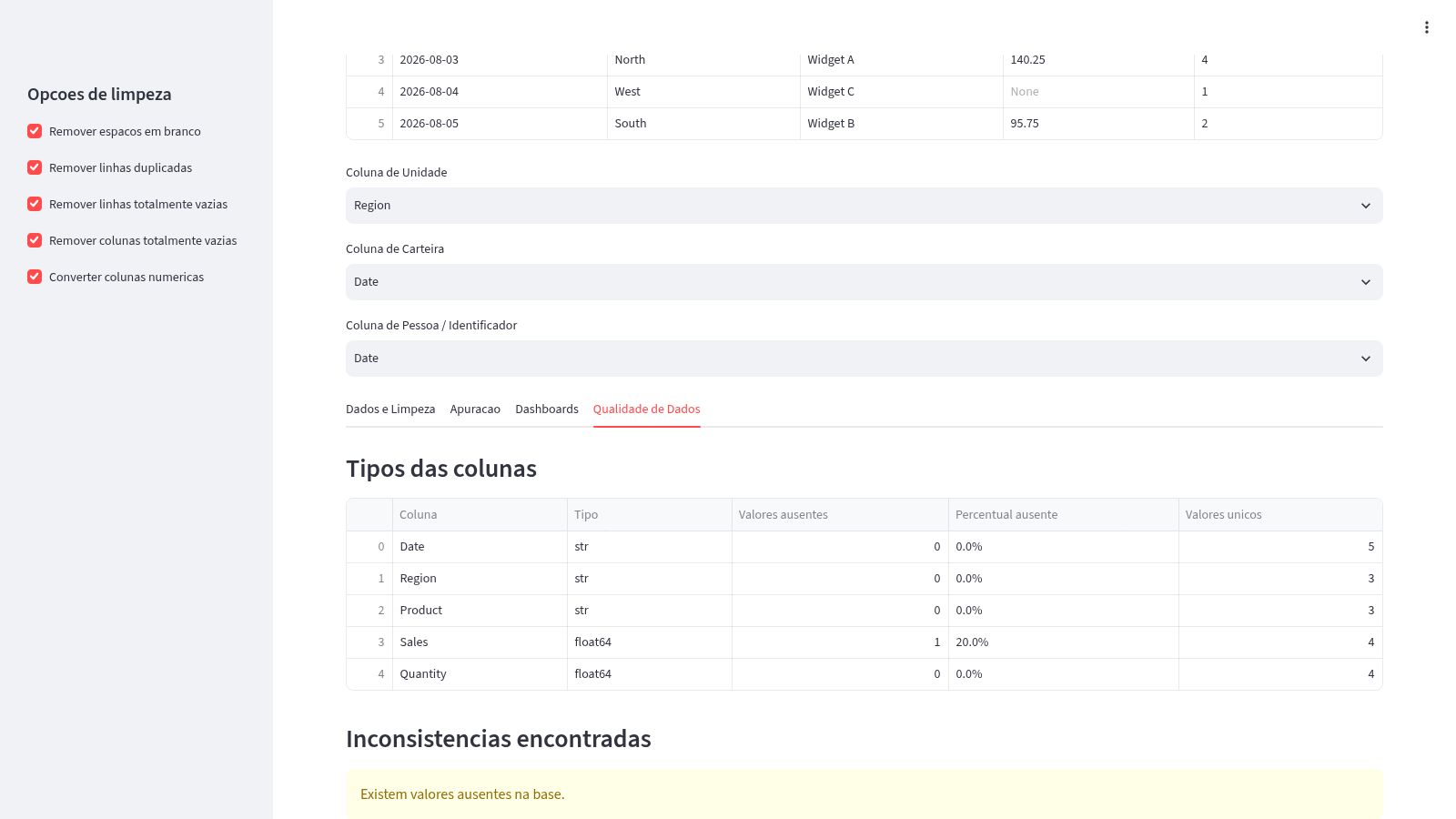
8Análise de Planilhas Excel/CSV
Carregue planilhas Excel ou CSV, limpe os dados, gere apurações e dashboards interativos.
 5
5Ruhi - Voice Assistant
A voice-controlled AI assistant that operates your PC and answers your commands.
 2
2Calculadora de Telhado
Calcula telhas, caibros, ripas e linhas do telhado pelas medidas da casa.
 94
94OhMyPS - AI Image Editor
Brush, describe, and quickly edit part of an image with AI.
 81
81PDF Master AI
Private in-browser PDF toolkit to convert, merge, compress, edit, and protect files.
 77
77BJJ STAT — ANALISE. ENTENDA. EVOLUA.
Scout de Jiu-Jitsu em um toque. Placar IBJJF, relatórios visuais e PWA offline.