
Império Life
A personal planner that keeps tasks, routines, habits and weekly scheduling in one place
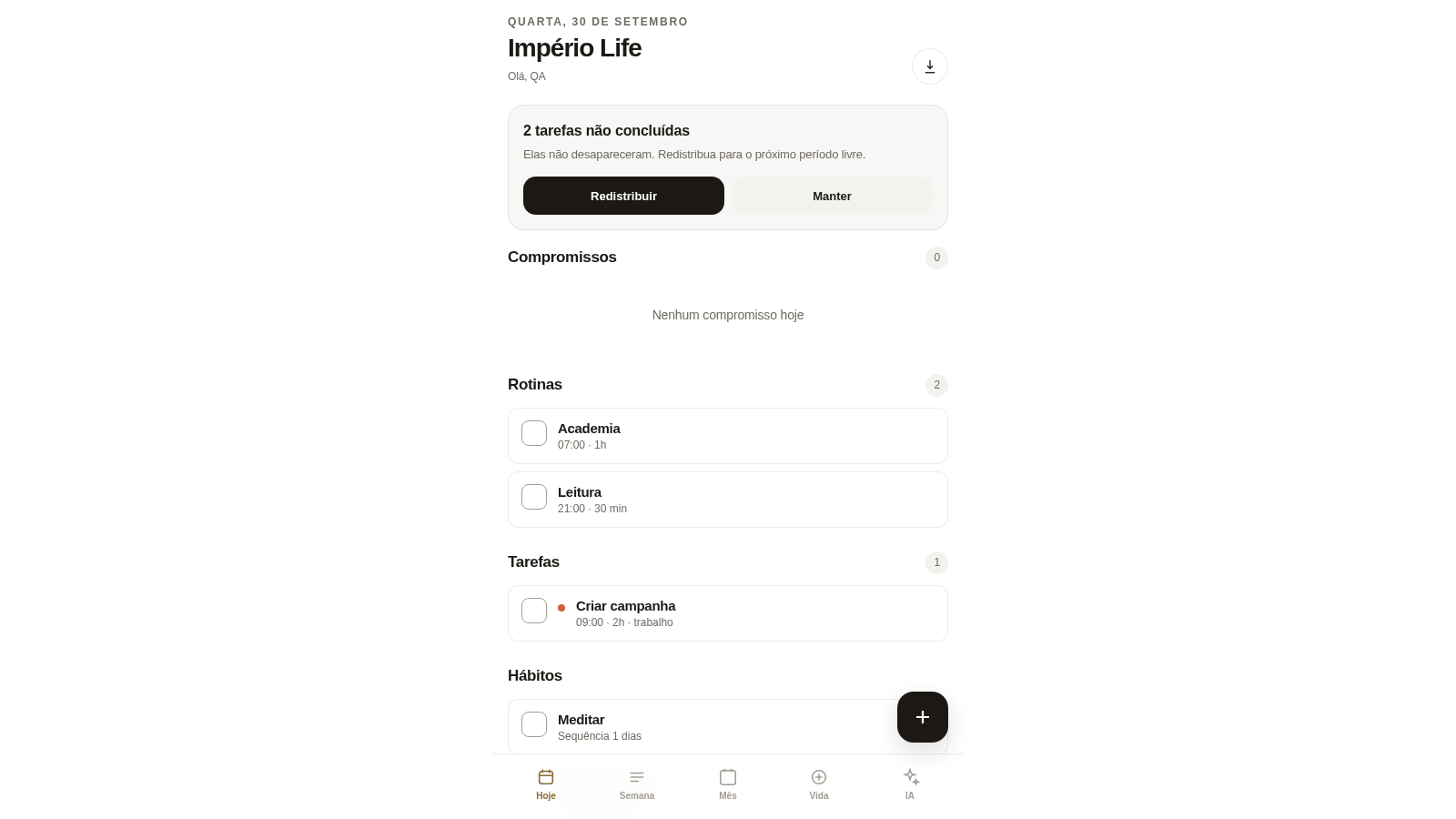
Império Life is a browser-based personal organization app with a Portuguese interface. After signing up with a name, email and password you land on the Today screen, which groups appointments, recurring routines, tasks and habits. From the bottom bar you can switch to a weekly planner, a month calendar, a life system that holds projects, habits and routines, and an AI assistant. The Create panel adds tasks, appointments, routines, habits, projects or unscheduled week items, each with priority, duration, deadline, planned date and time, category, project and status. The assistant accepts free text and turns a sentence into a scheduled item.
Highlights
Daily dashboard
Today at a glance
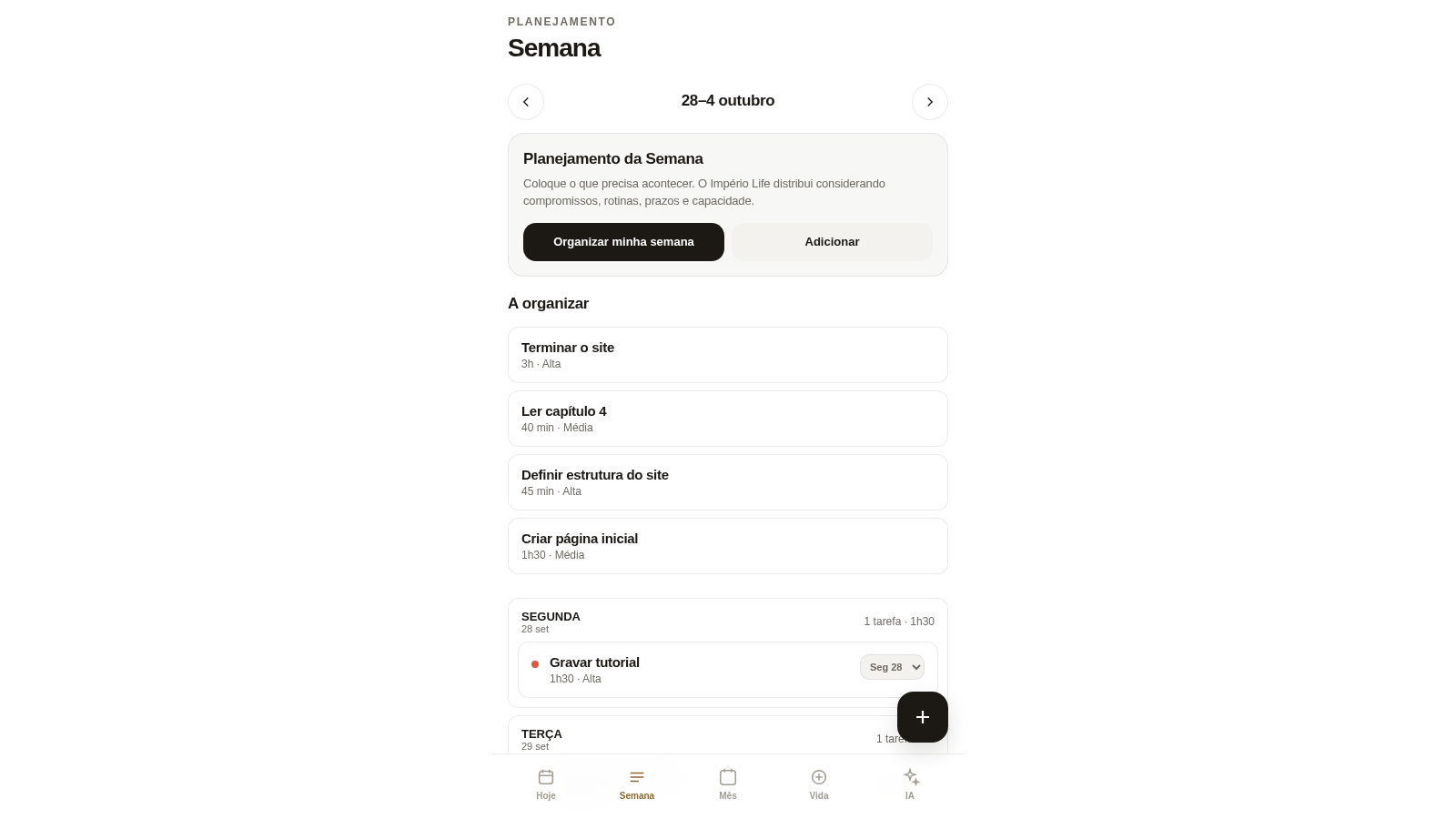
Weekly planner
Move tasks by day
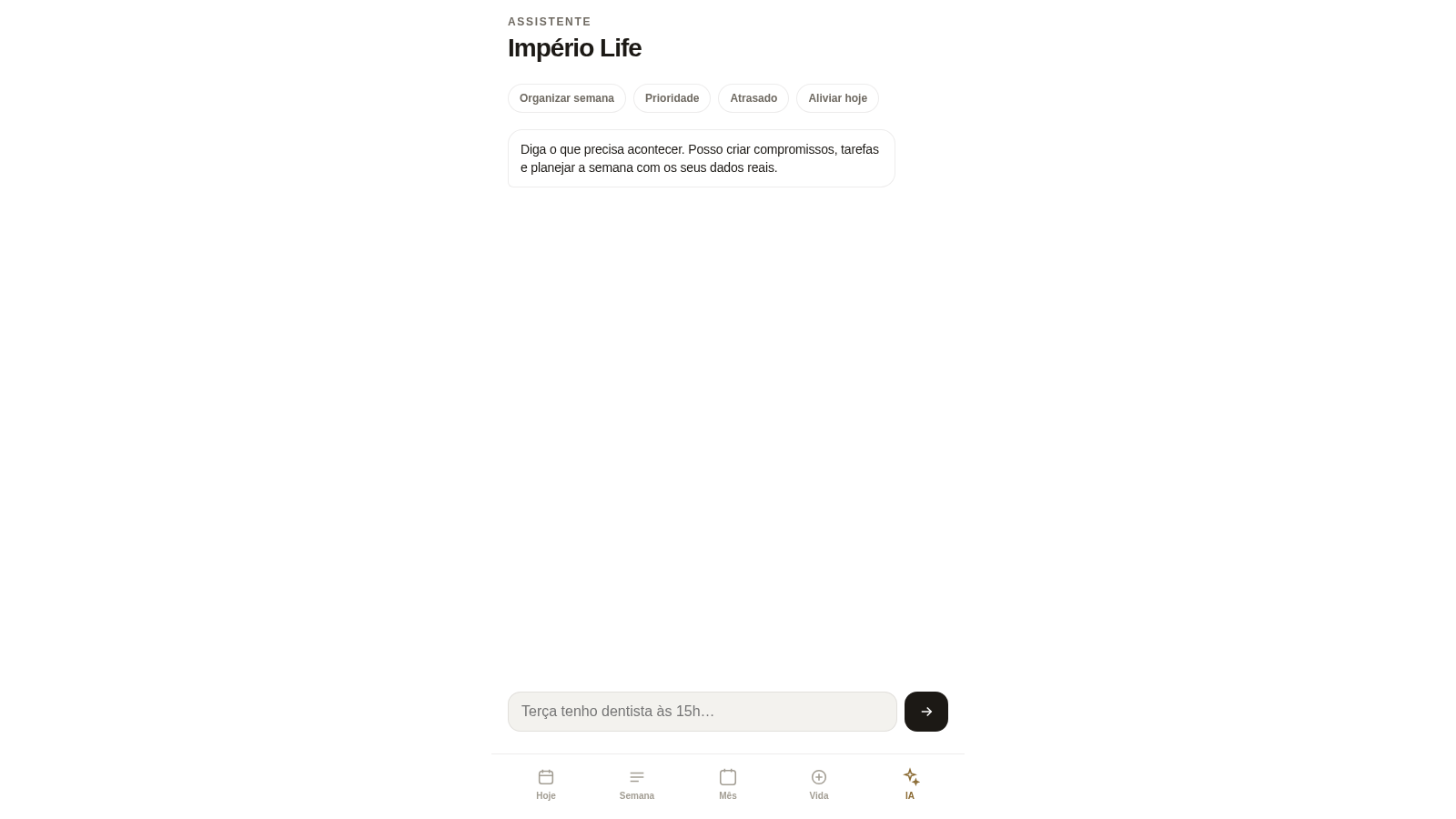
AI assistant
Type to add items
Life system
Projects and streaks
Month calendar
See the whole month
How to Use
Create an account
Open the site and choose Criar conta on the login card. Enter a name, an email and a password twice; the page states that no email verification is required, and after submitting you are taken straight to the Today screen.
Add your first items
Tap the round plus button at the bottom right to open the Create panel. Pick Tarefa, Compromisso, Rotina, Hábito, Projeto or Semana, fill in the title plus optional description, priority, duration, deadline, planned date and time, category, project and status, then press Salvar. A small Salvo confirmation appears when the item is stored.
Plan your week
Switch to Semana in the bottom bar. Unscheduled items sit under A organizar; use Organizar minha semana and the app distributes them across the days using appointments, routines, deadlines and capacity. Each day header shows task count and total time, and each scheduled task has a dropdown to move it to another weekday.
Track routines and habits
On the Today screen, routines and habits have a circular checkbox on the left; tapping it marks the entry. Habits display a streak such as Sequência 2 dias, and the Vida tab groups projects, habits and routines so you can review progress and deadlines in one place.
Ask the assistant
Open the IA tab, which offers quick actions for organising the week, reviewing priorities, overdue items and lightening today, plus a text field. Type a natural-language note; the assistant replies with the item it recorded, including the date and time it understood, and invites you to plan the week to distribute it.
Similar Sites
 9
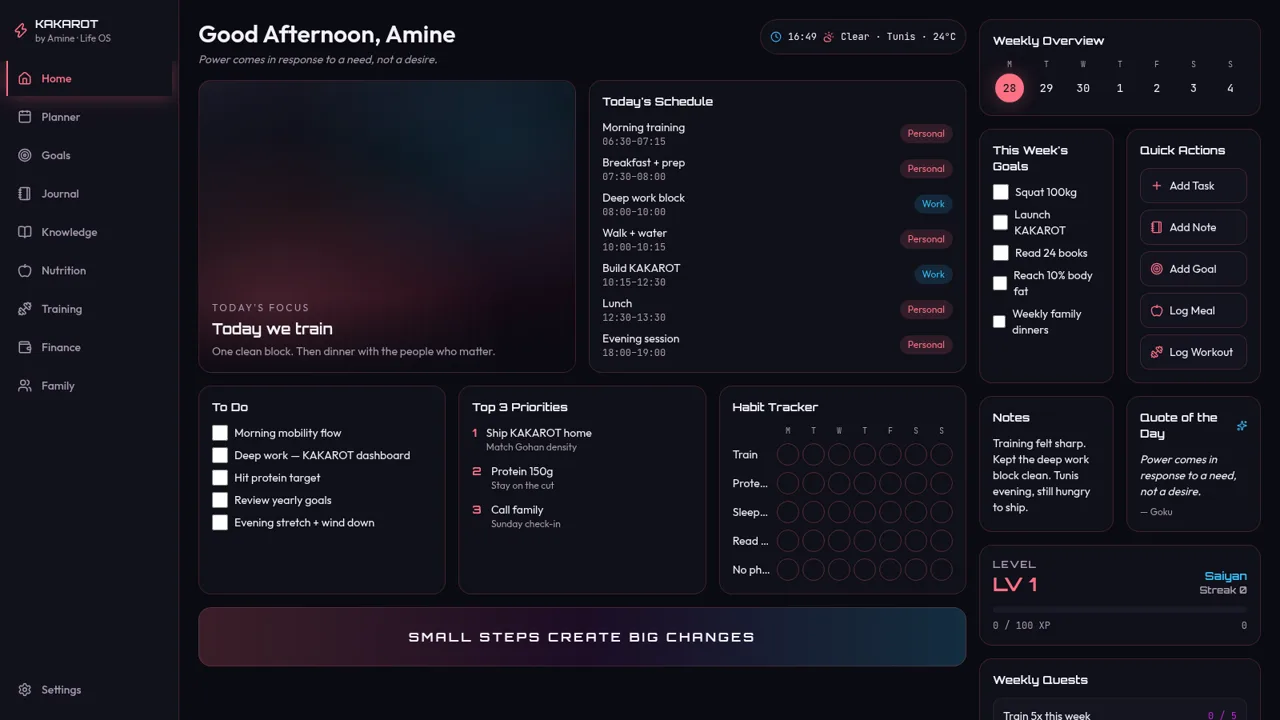
9KAKAROT
Neon life OS dashboard with tasks, habits, and RPG XP
 5
5Mawaeedi
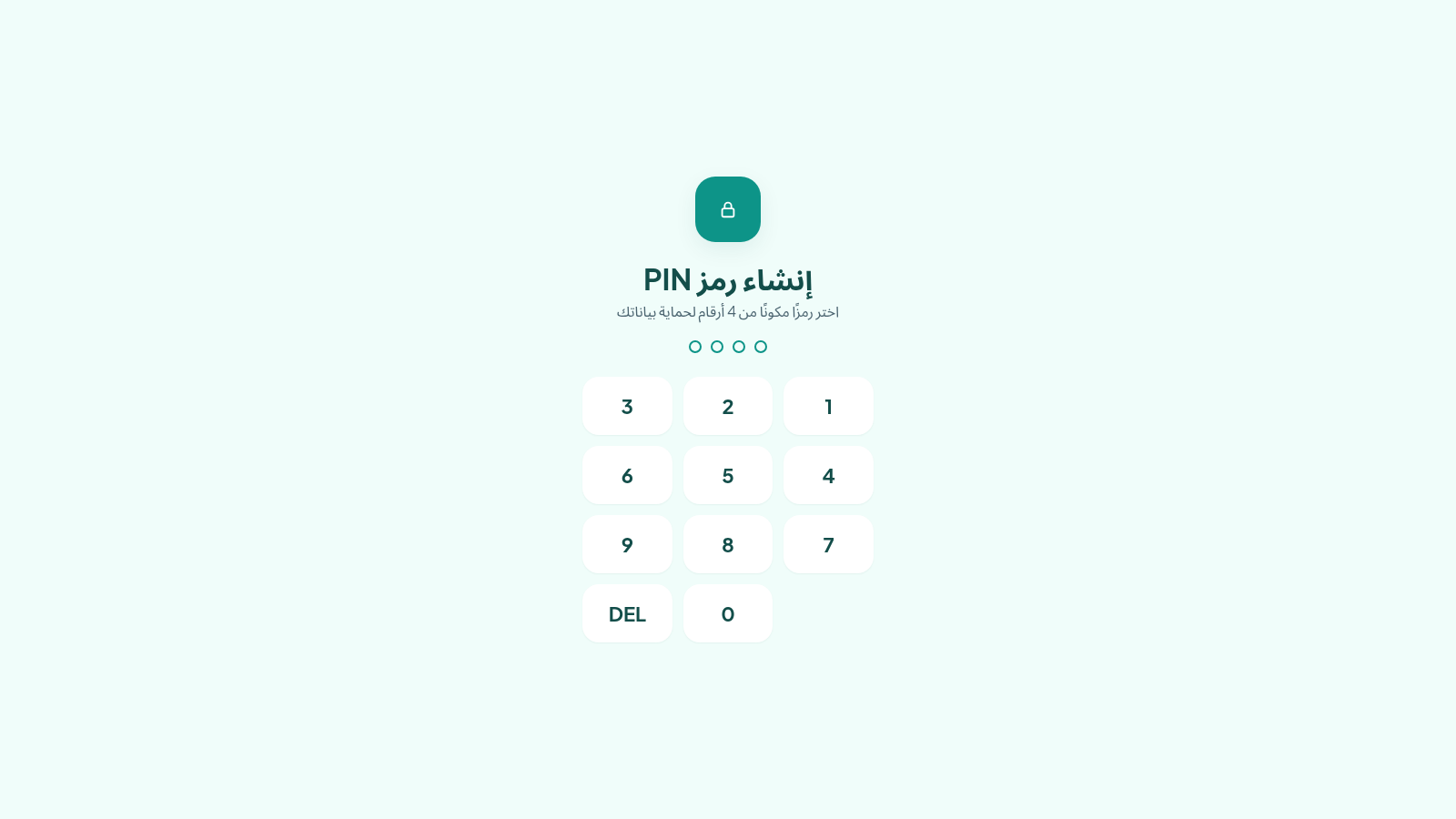
Personal tasks, installments, advances, and reminders
 23
23MOHAMED TASKS
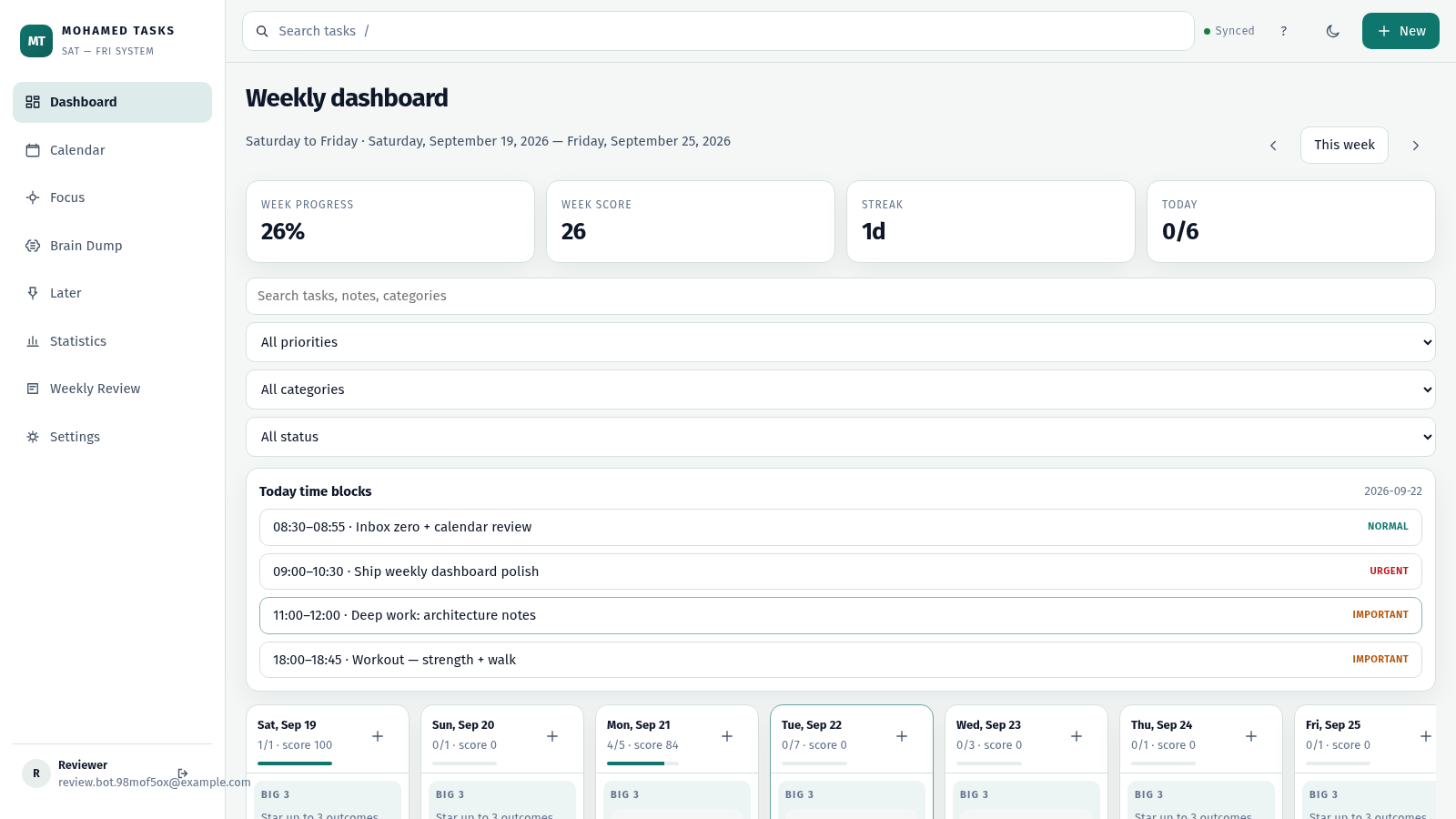
Weekly productivity dashboard with cloud sync, Big 3, and focus mode.
 14
14ESCAPE
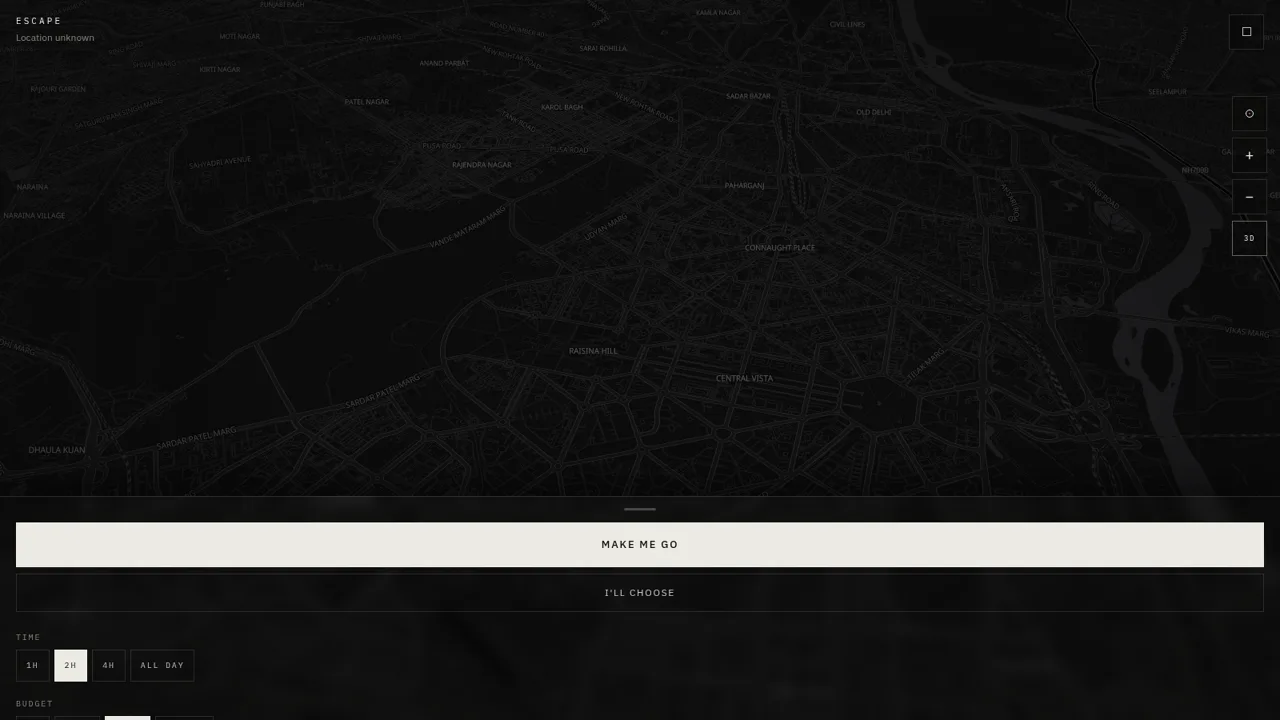
Escape — research places, check live weather, and plan your getaway.
 14
14Vitta — Saúde em um só lugar
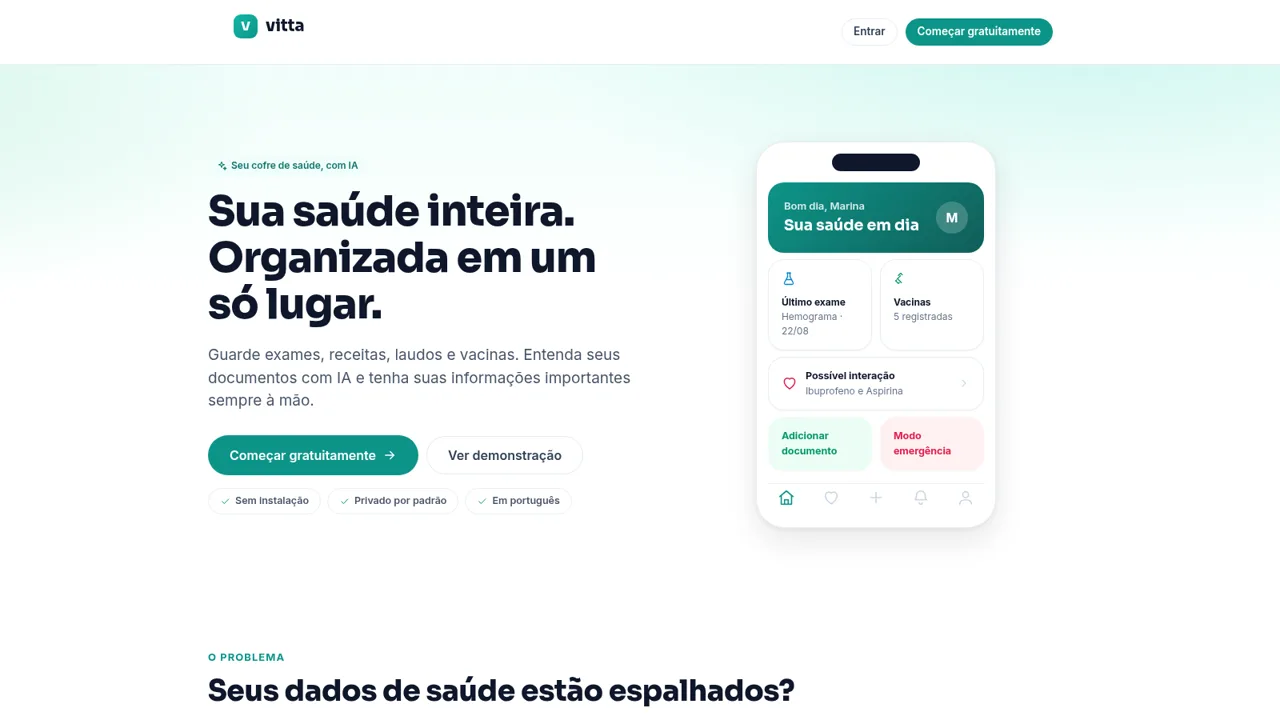
Cofre de saúde com IA: guarde documentos, entenda exames e vacinas.
 14
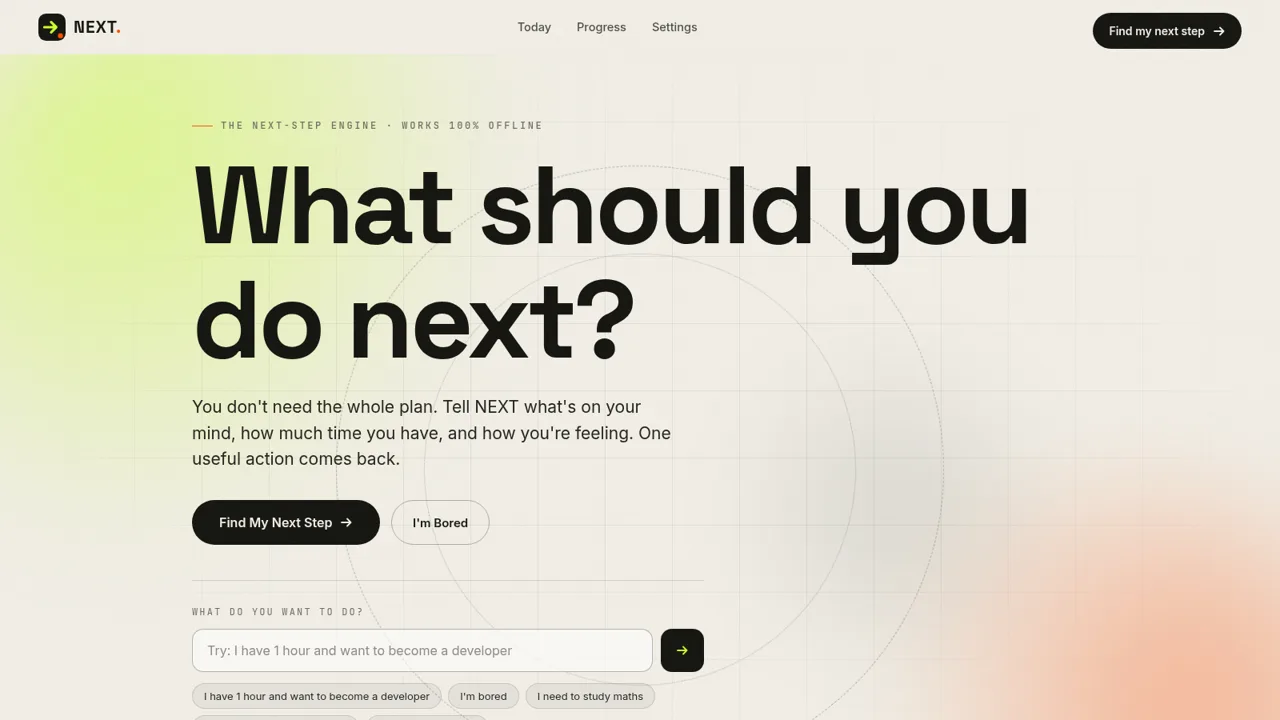
14NEXT — Find Your Next Step
NEXT turns your goals, time, and energy into one useful action.