
MuscleTri
Plan workouts, organize meals and track physical progress in one browser app
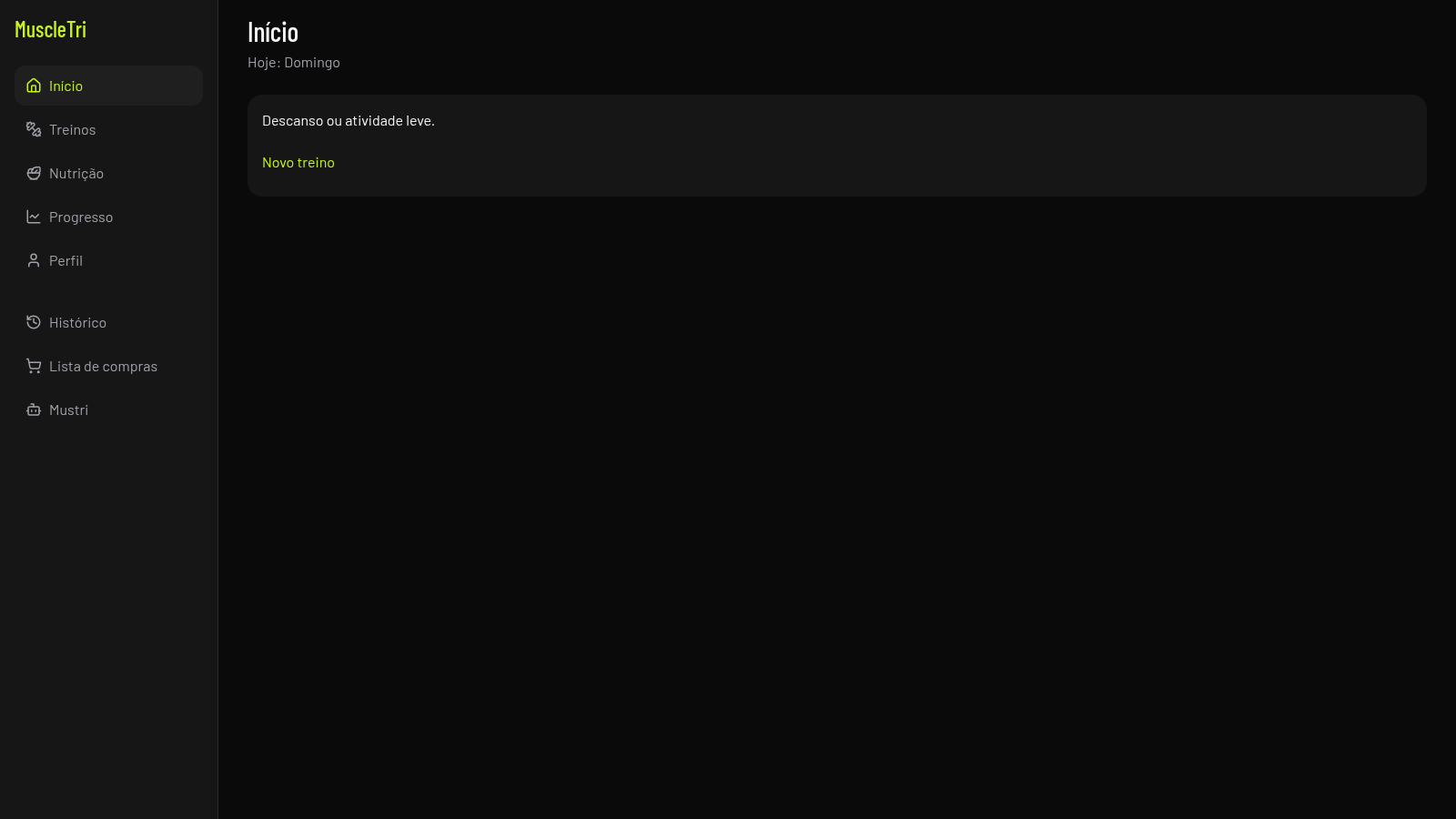
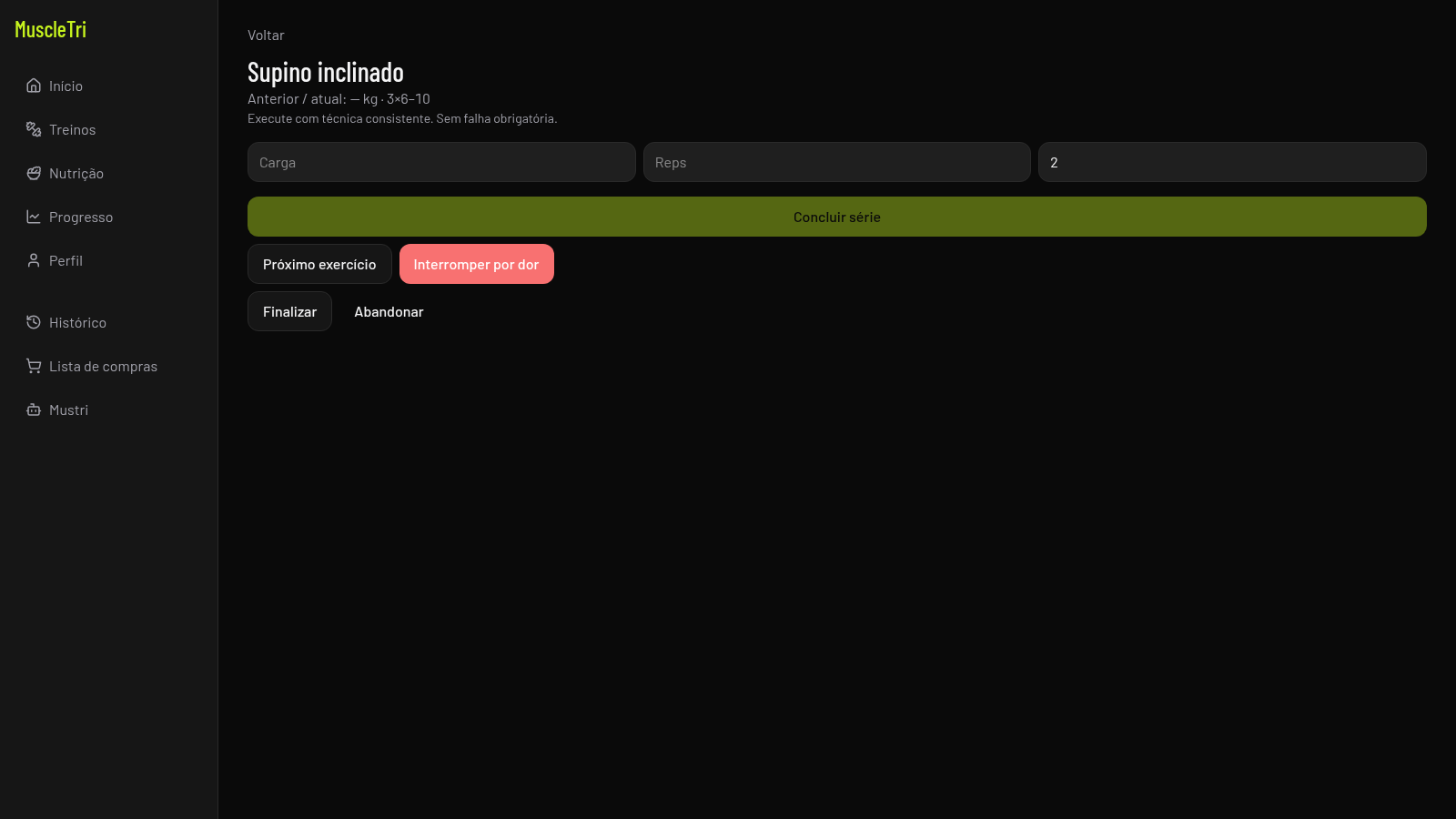
MuscleTri is a mobile-first web application for strength training and nutrition management. After a three-step onboarding that asks for your goal, experience level, weekly frequency, session length, optional weight and any injury restrictions, it offers a ready-made weekly plan or a custom builder. From the dashboard you can open each training day, run a guided session that logs load, reps and RIR with a rest timer, follow a meal plan with suggestions and substitutions, register body weight and recovery check-ins, review session history and work through a shopping list. The interface is entirely in Portuguese.
Highlights
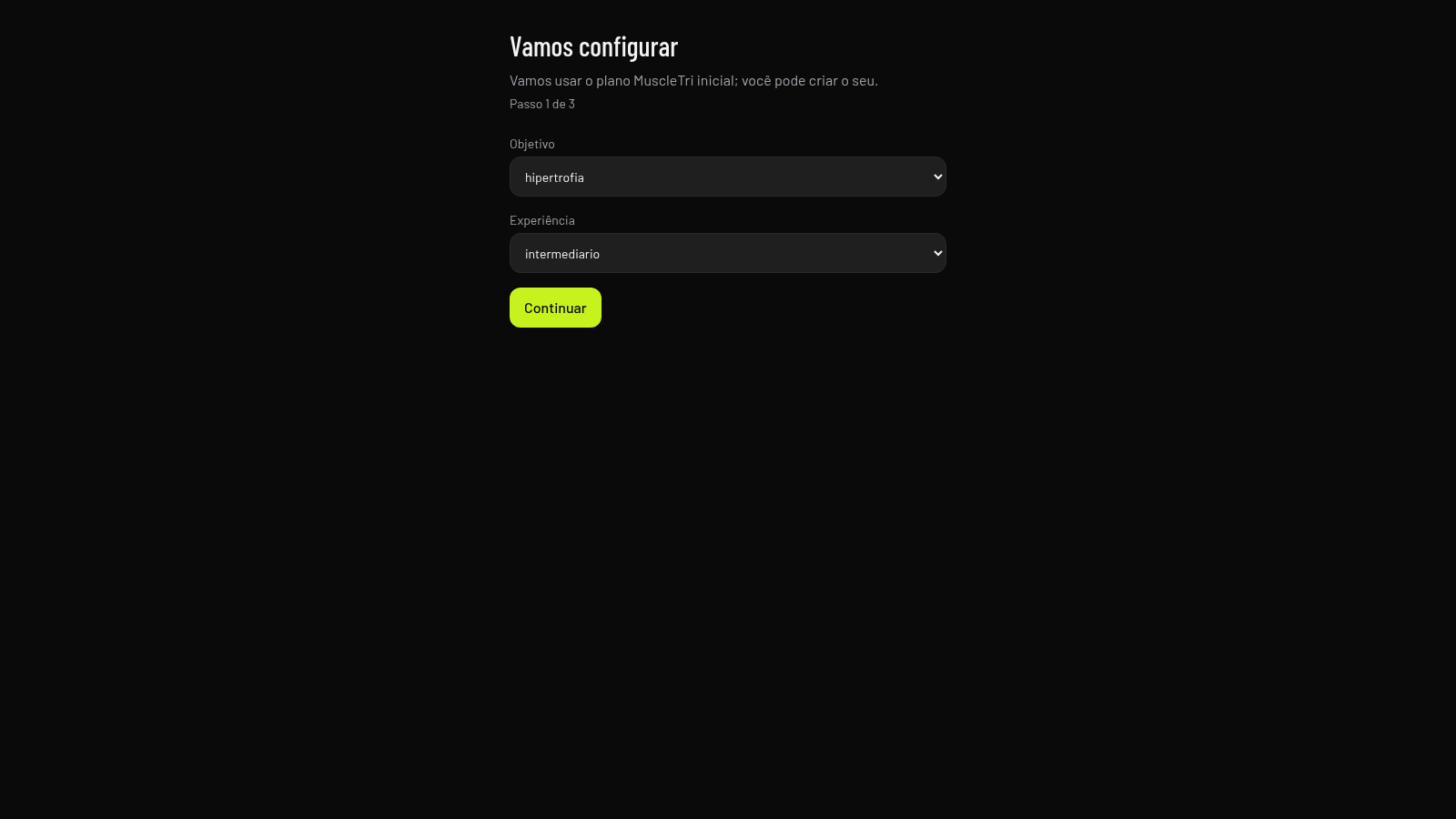
Setup wizard
Goal, level, week
Workout logging
Log load, reps, RIR
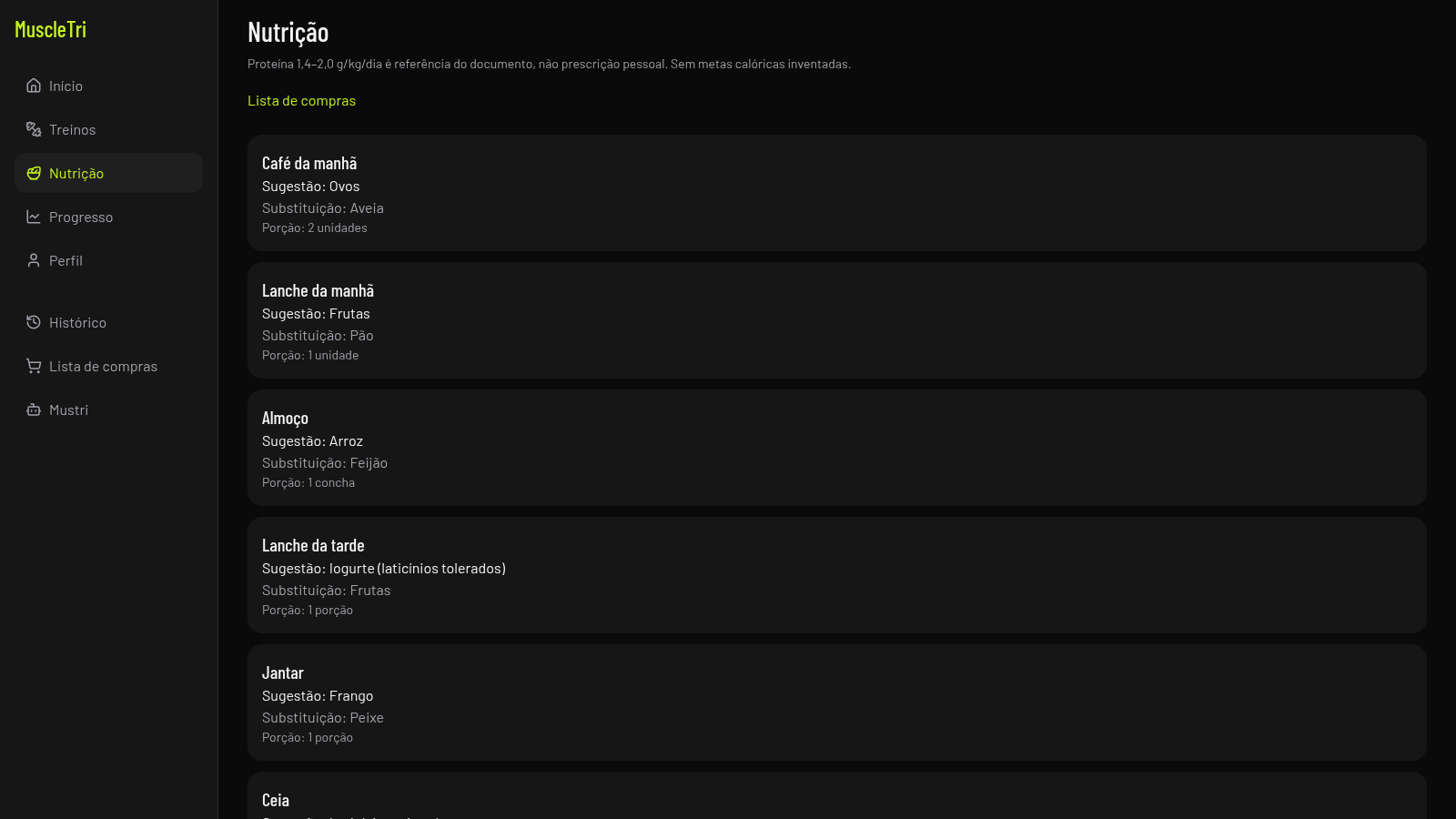
Nutrition plan
Meals with swaps
Progress data
Weight and check-ins
Shopping list
Auto food checklist
How to Use
Create an account
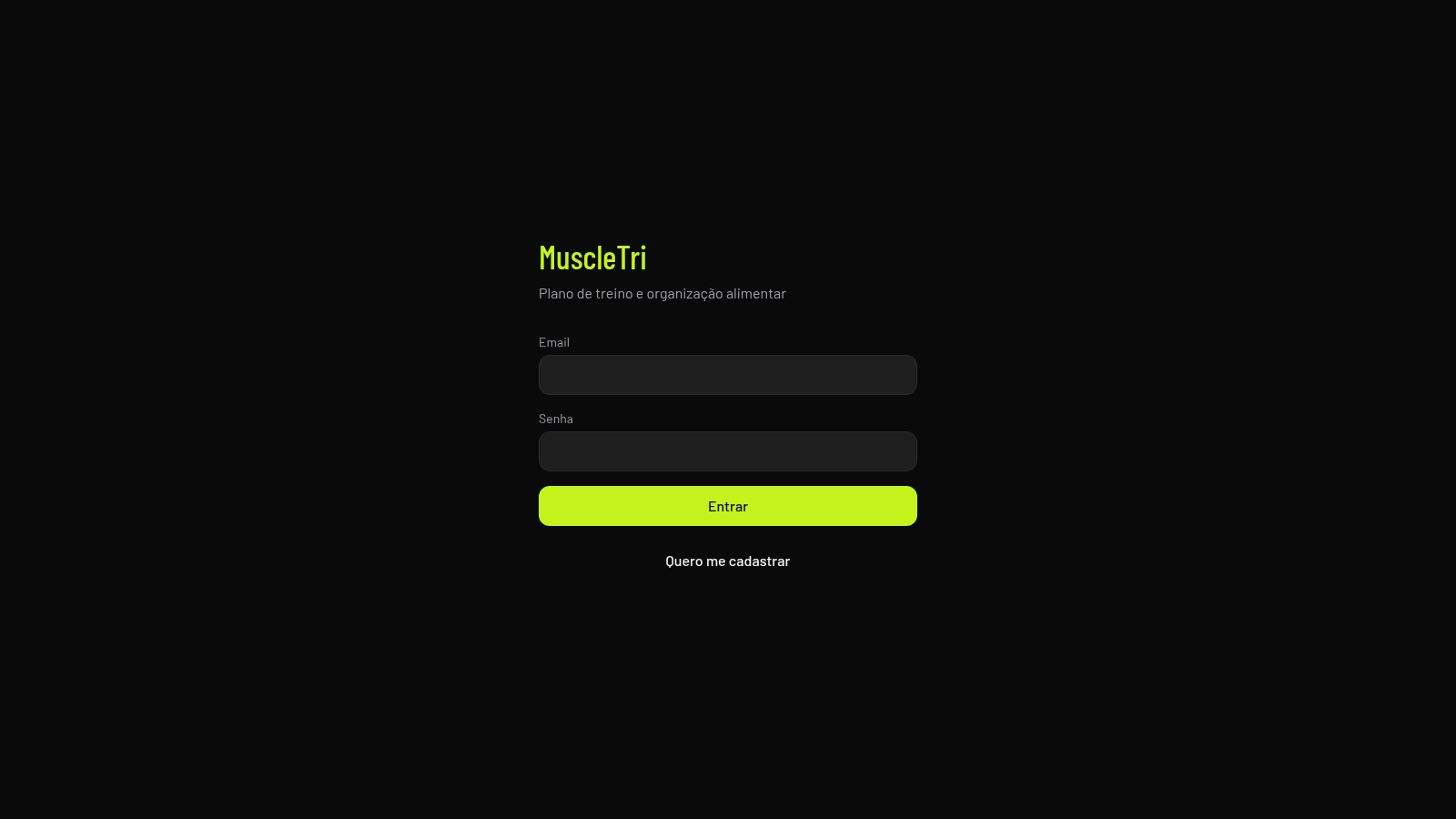
Open the site and register with an email and password, or use the login form if you already have one. After signing up you are taken straight into the setup flow.
Complete onboarding
Answer the three setup steps: pick your main goal and experience level, then choose weekly training frequency and session duration and optionally enter your weight, and finally add any injury restrictions. You can accept the ready-made MuscleTri starting plan or choose to build your own.
Run a workout
Open the Treinos section, select a training day and press Iniciar treino. During the session the app shows one exercise at a time; enter the load, reps and RIR, press Concluir série to record the set, and a rest timer starts. Use Próximo exercício to move on and Finalizar or Abandonar to close the session. Recorded sets appear in Histórico.
Track nutrition and progress
Visit Nutrição to read the meal plan with suggestions, substitutions and portions, and open Lista de compras to tick off ingredients or add your own items. In Progresso you can register body weight and fill in a recovery check-in, while Mustri shows the planned assistant status.
Similar Sites
 3
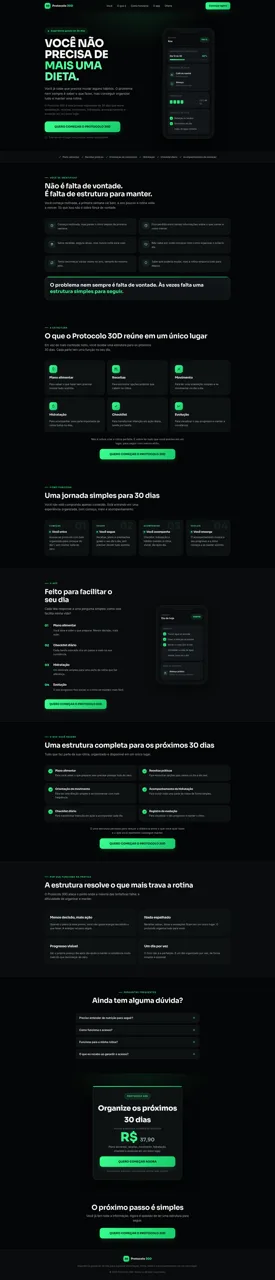
3Protocolo 30D
Estrutura guiada de 30 dias para organizar alimentação, rotina e hábitos em um único lugar.
 1
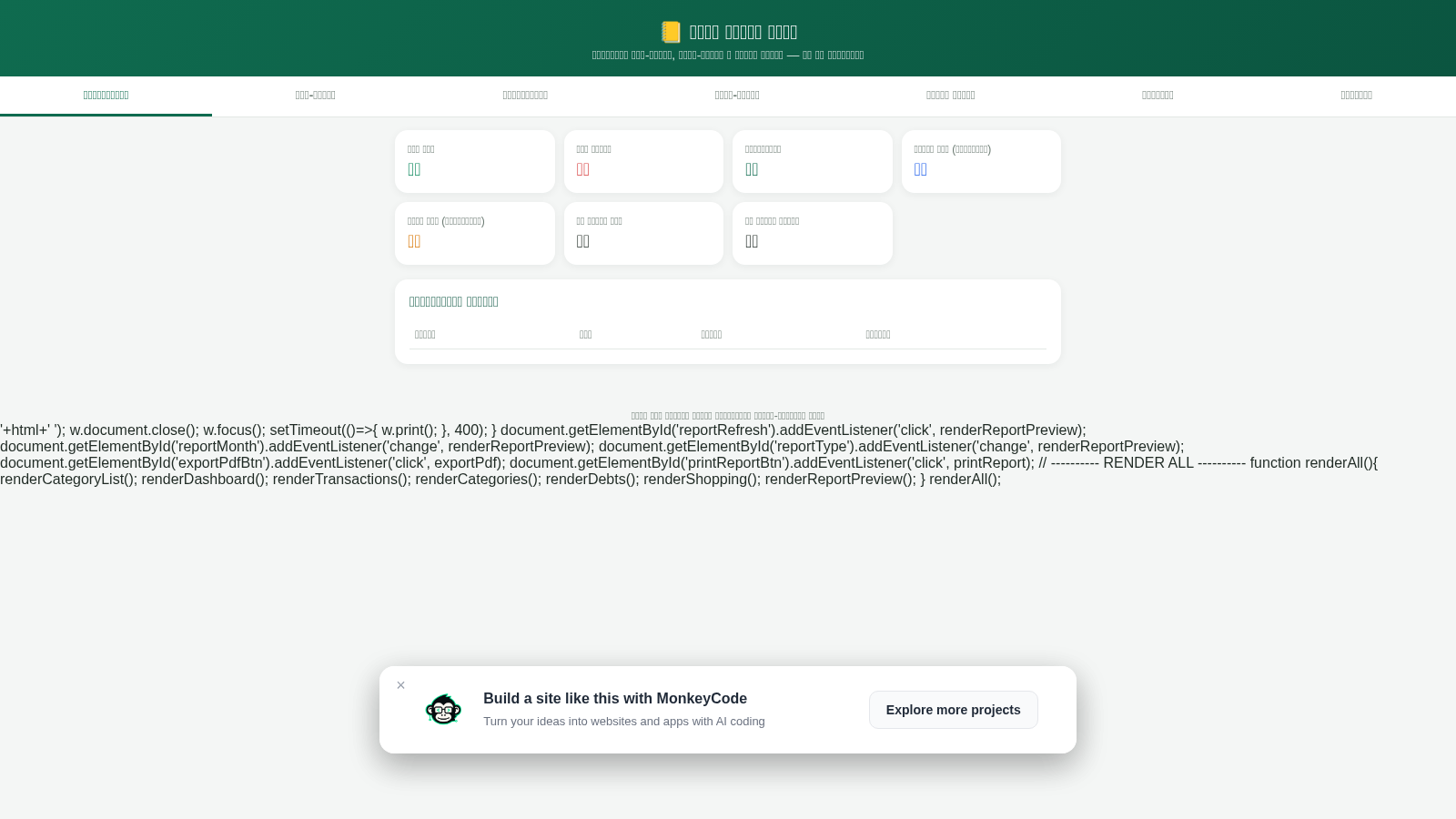
1আমার হিসাব খাতা
দৈনন্দিন আয়-ব্যয়, দেনা-পাওনা ও বাজার লিস্ট সংরক্ষণ এবং PDF রিপোর্ট এক্সপোর্ট
 129
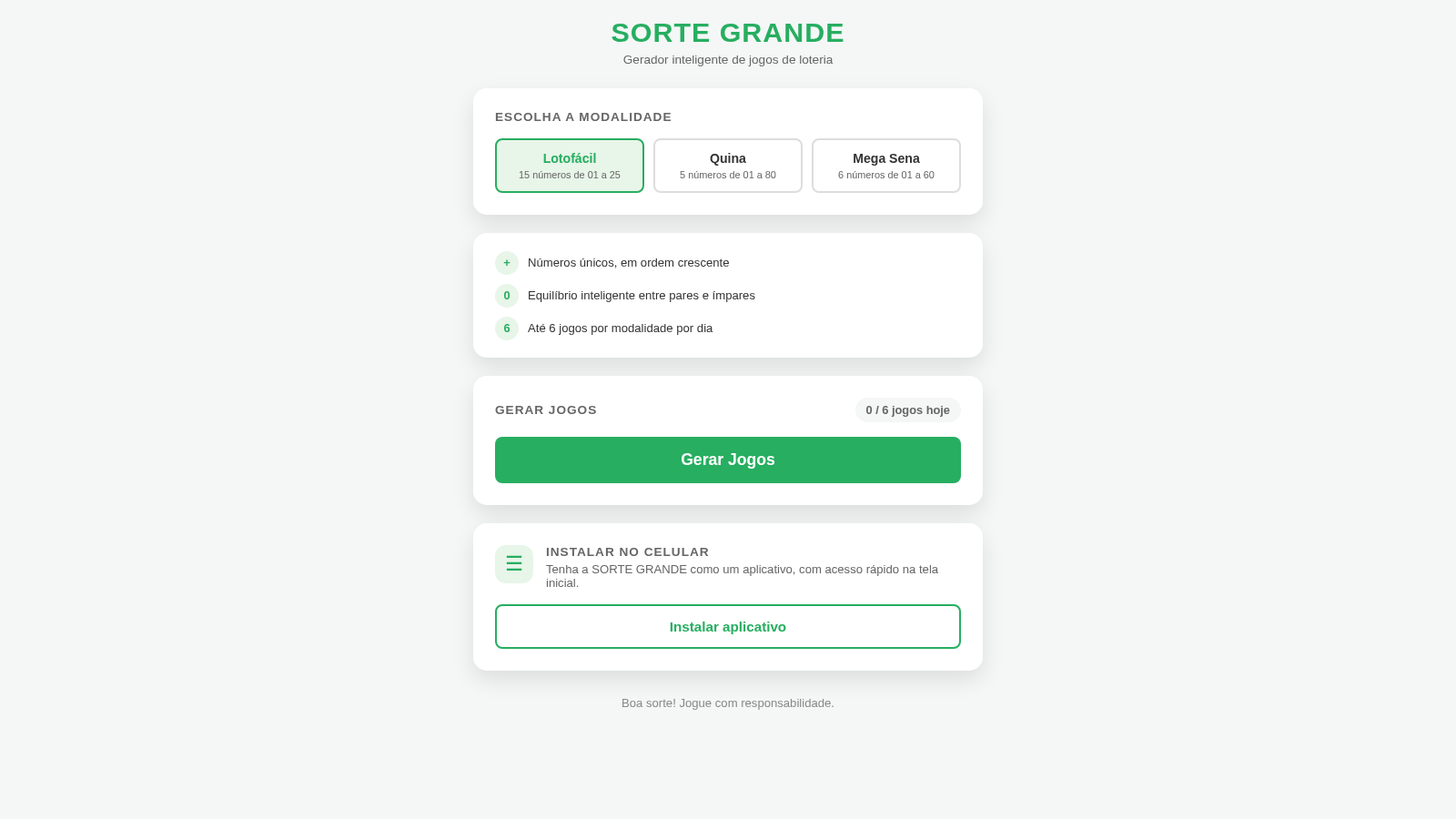
129Sorte Grande
Gerador inteligente de jogos de loteria (Lotofácil, Quina e Mega Sena)
 88
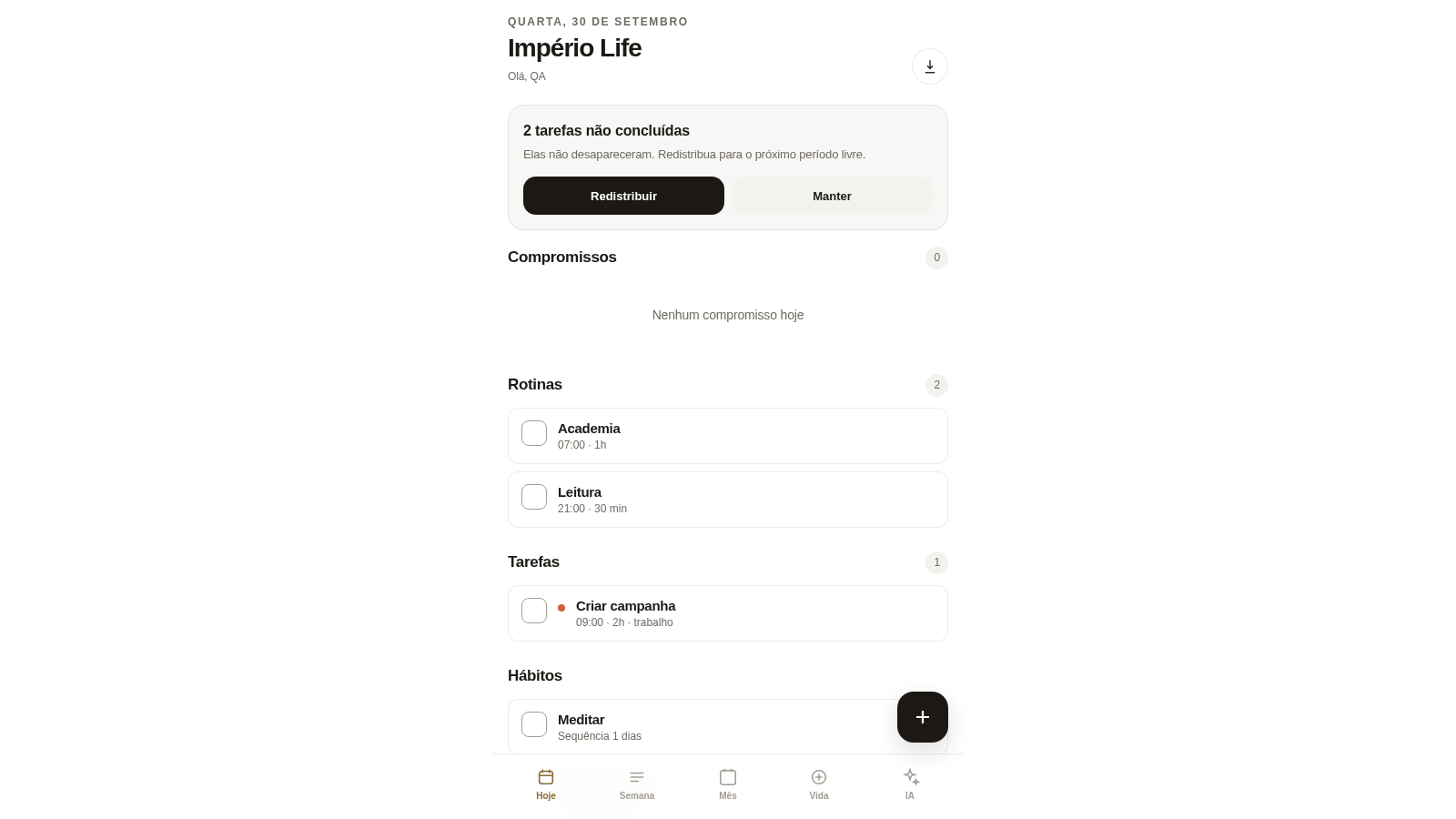
88Império Life
Organização pessoal: tarefas, rotinas e planejamento semanal.
 35
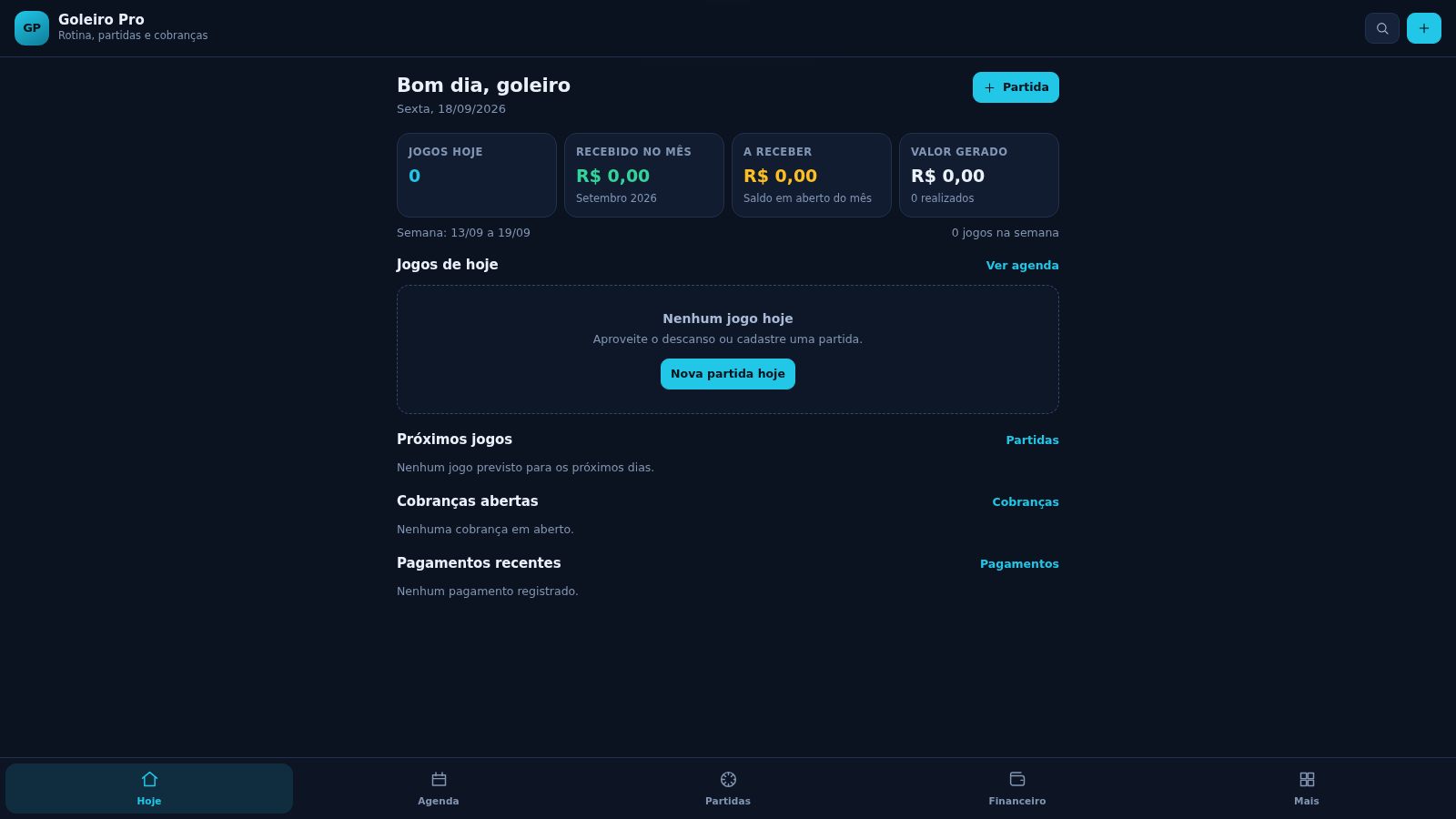
35Goleiro Pro
Controle pessoal de rotina, partidas, cobrancas, pagamentos e recibos do goleiro.
 33
33CONVIVA
CONVIVA — O familiar acompanha. O idoso vive. O Conviva conecta.