
PocketMoney Manager
Track pocket money privately with PIN protection, flexible categories, and spreadsheet exports.
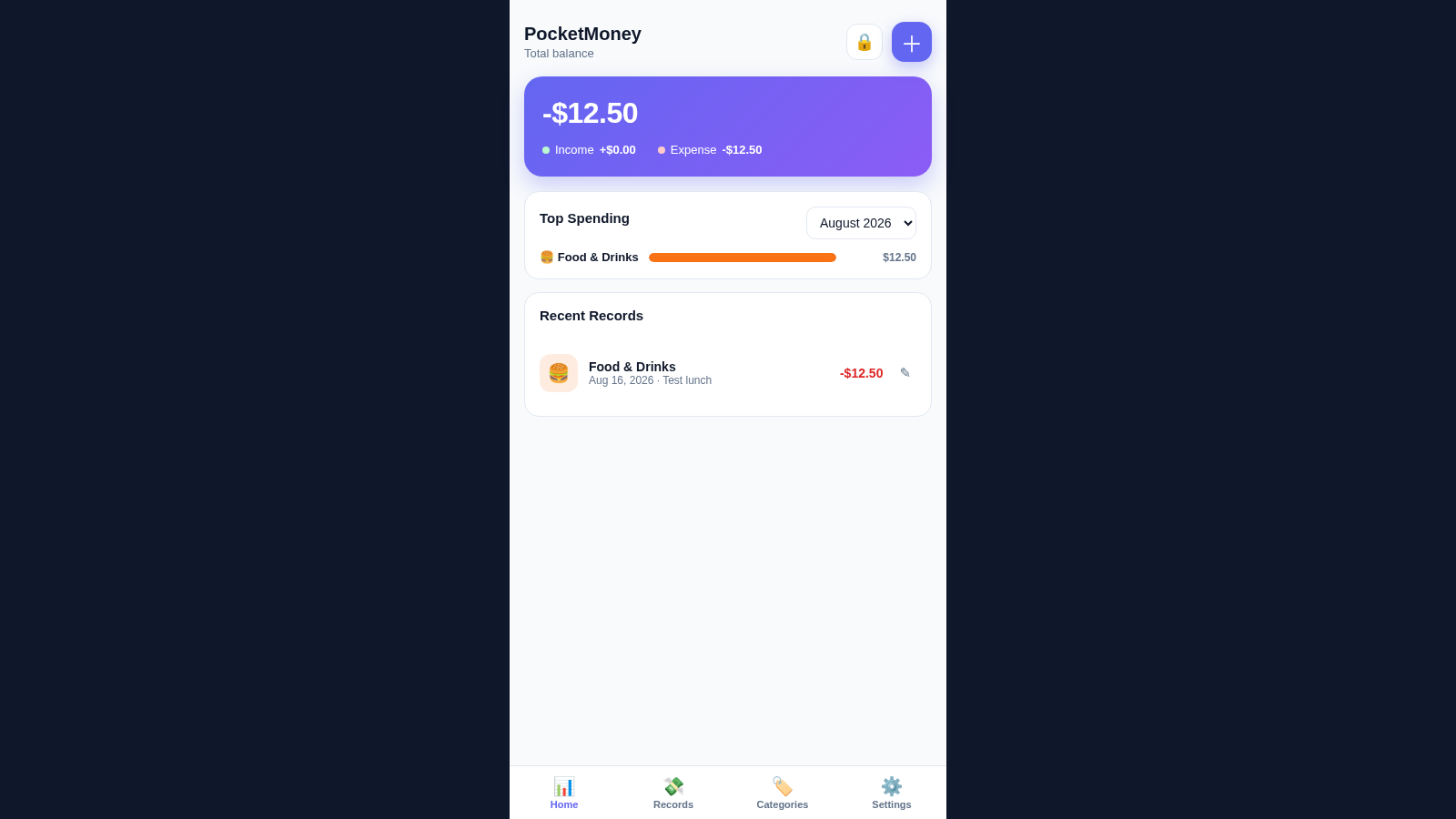
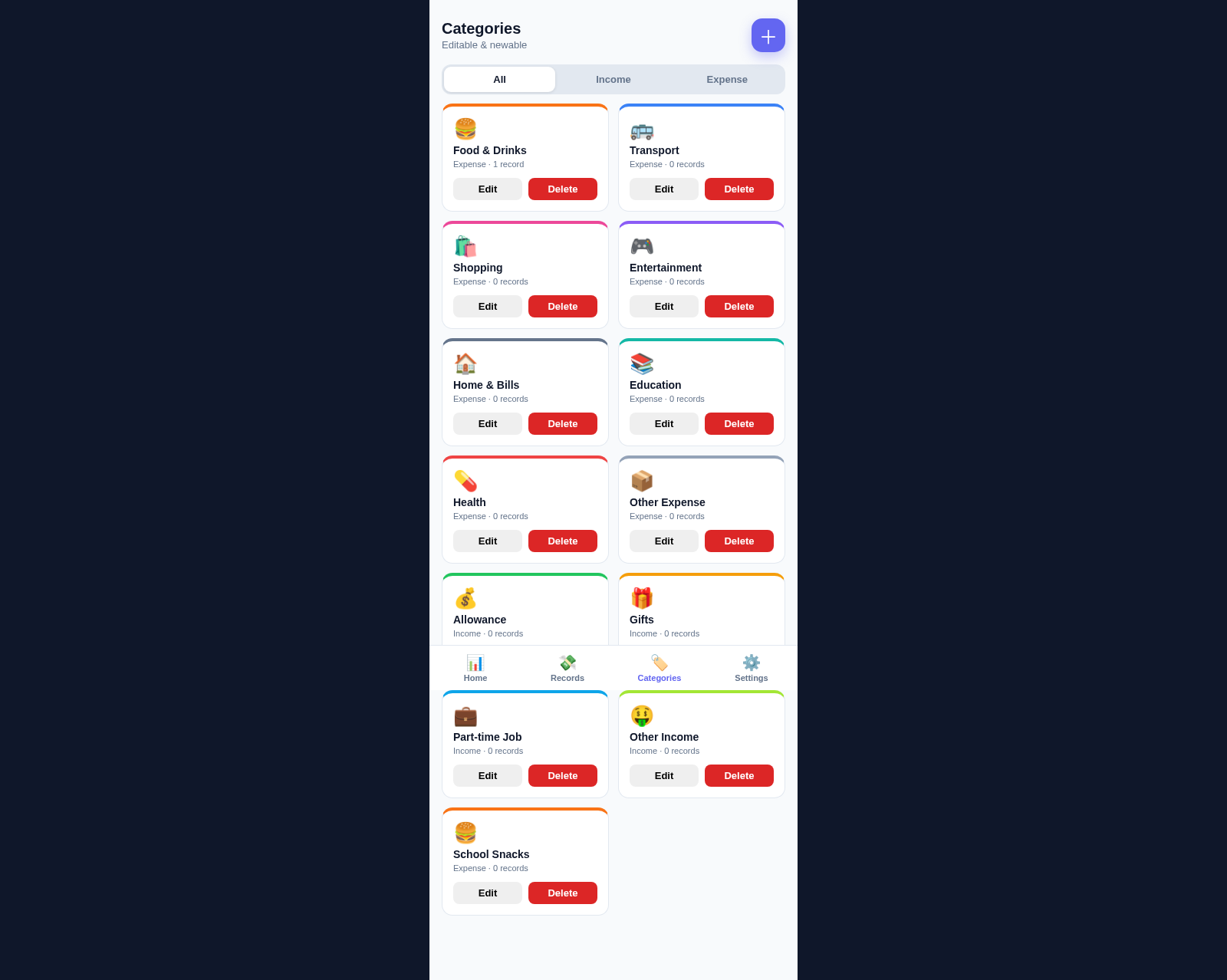
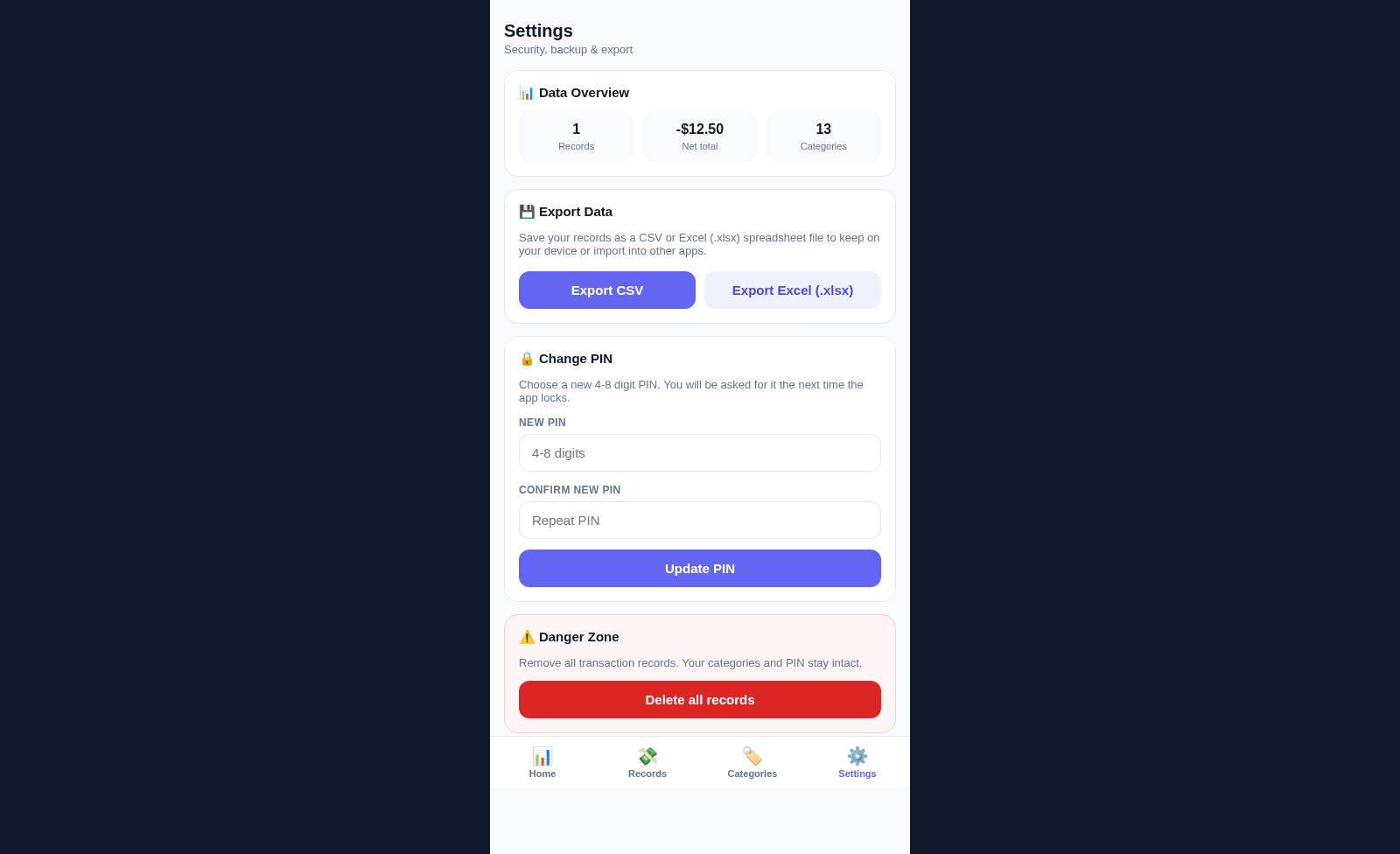
PocketMoney is a mobile-first personal money manager focused on allowances and everyday spending. After creating a local PIN, users can add income or expense records with an amount, category, date, and optional note. The home dashboard summarizes the current balance, total income, total expenses, top monthly spending, and recent activity. Separate Records and Categories areas support ongoing organization, while Settings provides CSV and Excel exports, PIN changes, a data overview, and a controlled option to remove transaction history. The interface states that data remains locally on the current device.
Highlights
PIN Privacy
Local access lock
Live Overview
Balance and spending
Custom Categories
Icons, colors, types
Dual Export
CSV and Excel files
How to Use
Create a PIN
On the welcome screen, enter a four- to eight-digit PIN, continue to the confirmation step, repeat the same PIN, and select Set PIN to open the dashboard.
Add a money record
Select the plus button from the home screen, choose Expense or Income, enter an amount, select a category, adjust the date if needed, and add an optional note. Selecting Save closes the form and updates the balance, spending overview, and recent records.
Review and organize activity
Use Records to browse transaction history and use the available filters to narrow the list. Open an existing record when its amount, category, date, or note needs to be changed.
Customize categories
Open Categories to filter income and expense groups, edit or delete existing entries, or select the plus button to create a category with its own name, icon, color, and transaction type.
Export a backup
Open Settings and select Export CSV or Export Excel to download the current records as a spreadsheet file that can be stored on the device or imported into another application.
Similar Sites
 3
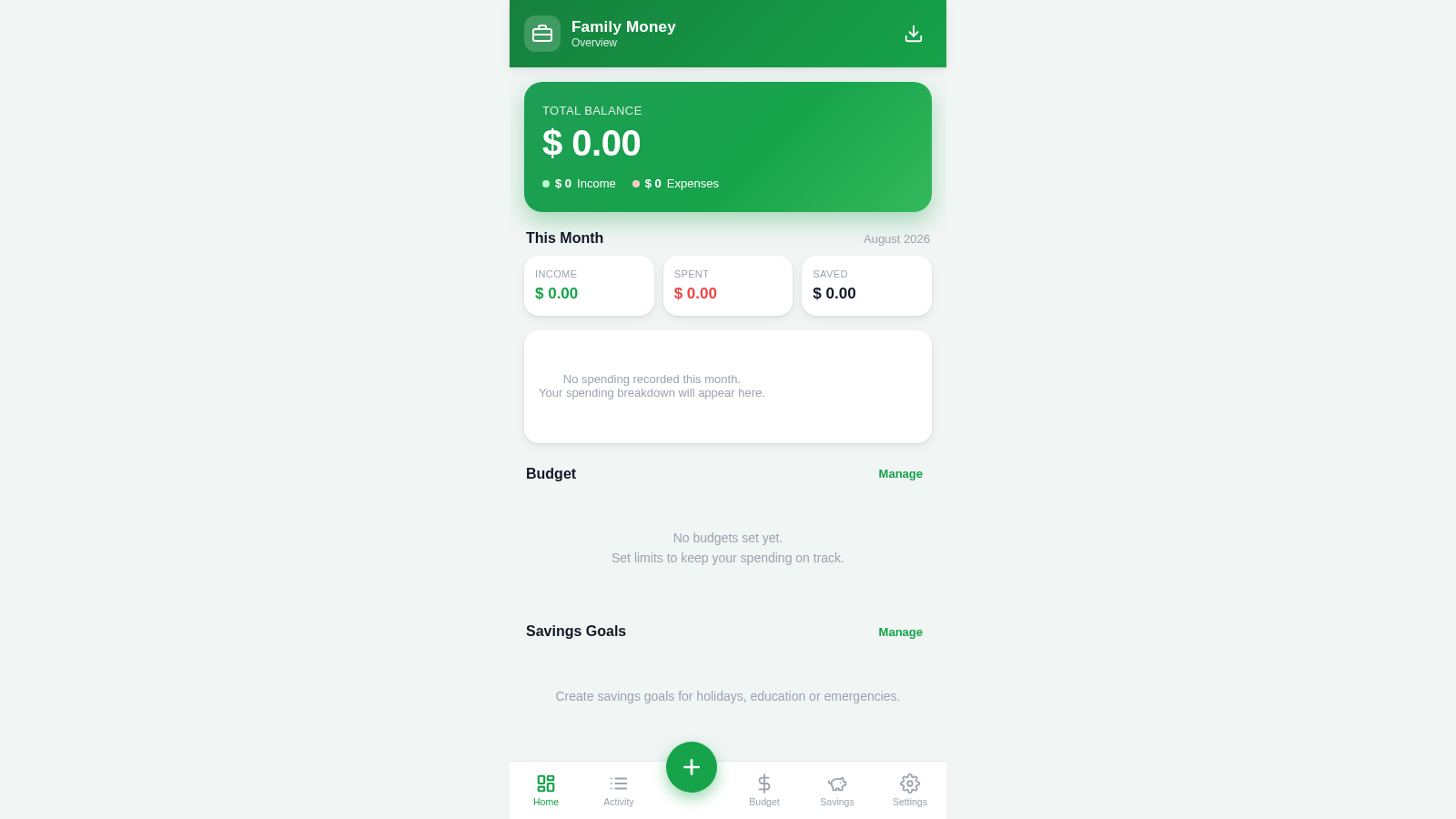
3Family Money Manager
Track income, expenses, budgets and savings for your family.
 19
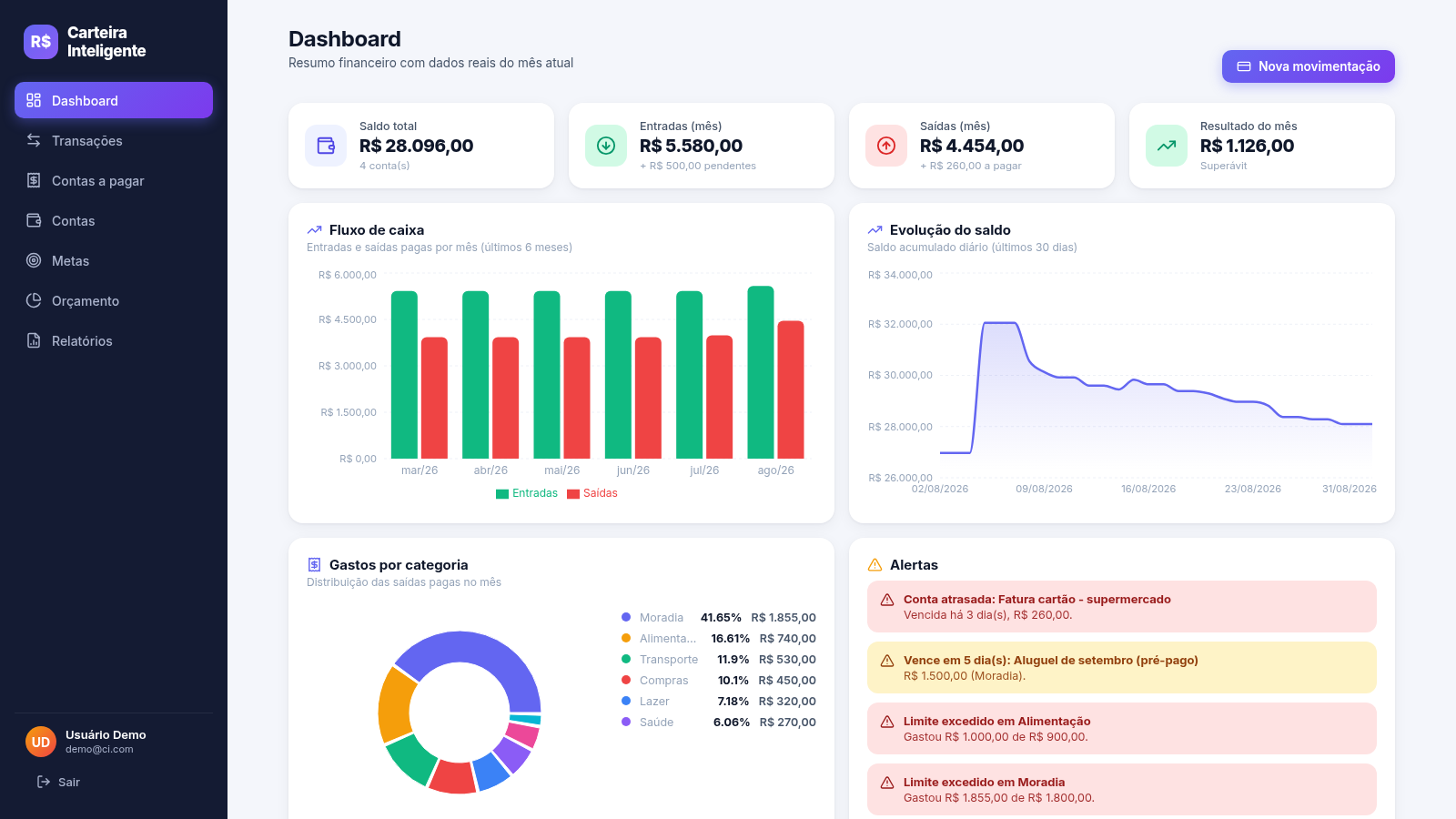
19Carteira Inteligente
Carteira Inteligente - controle financeiro pessoal em R$
 17
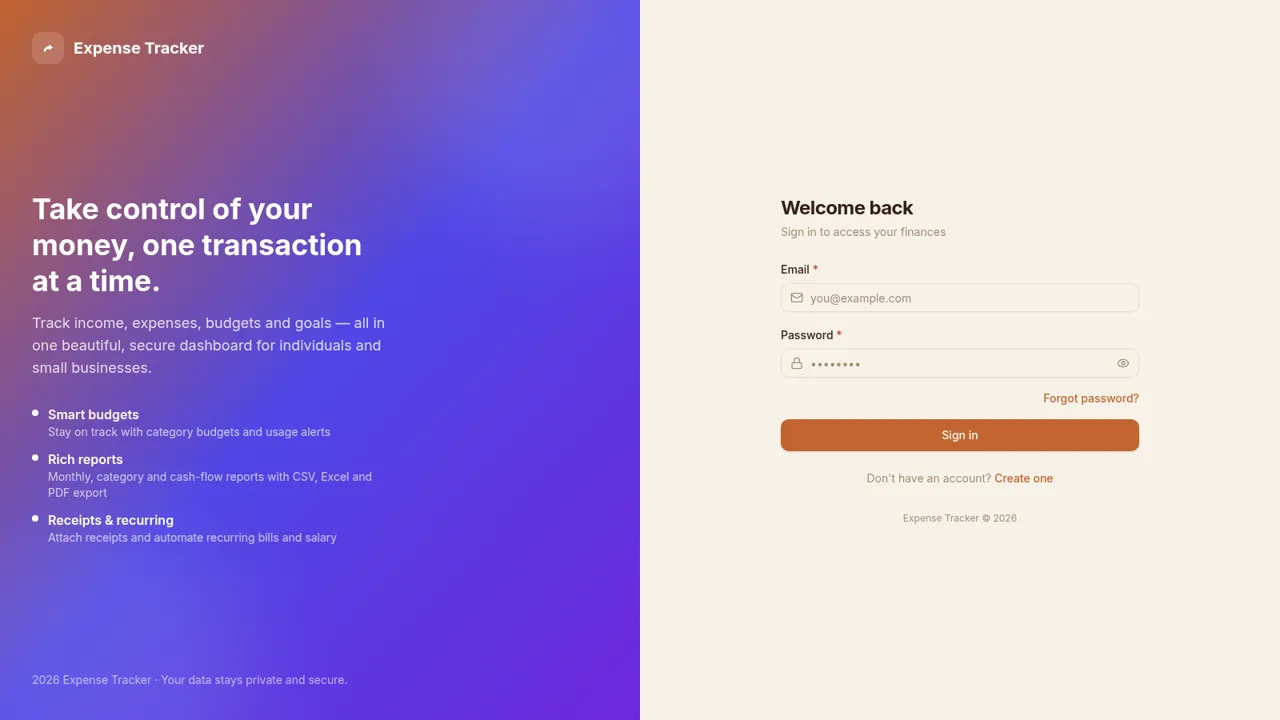
17Expense Tracker
Track income, expenses, budgets, recurring bills, and savings goals with reports and exports
 12
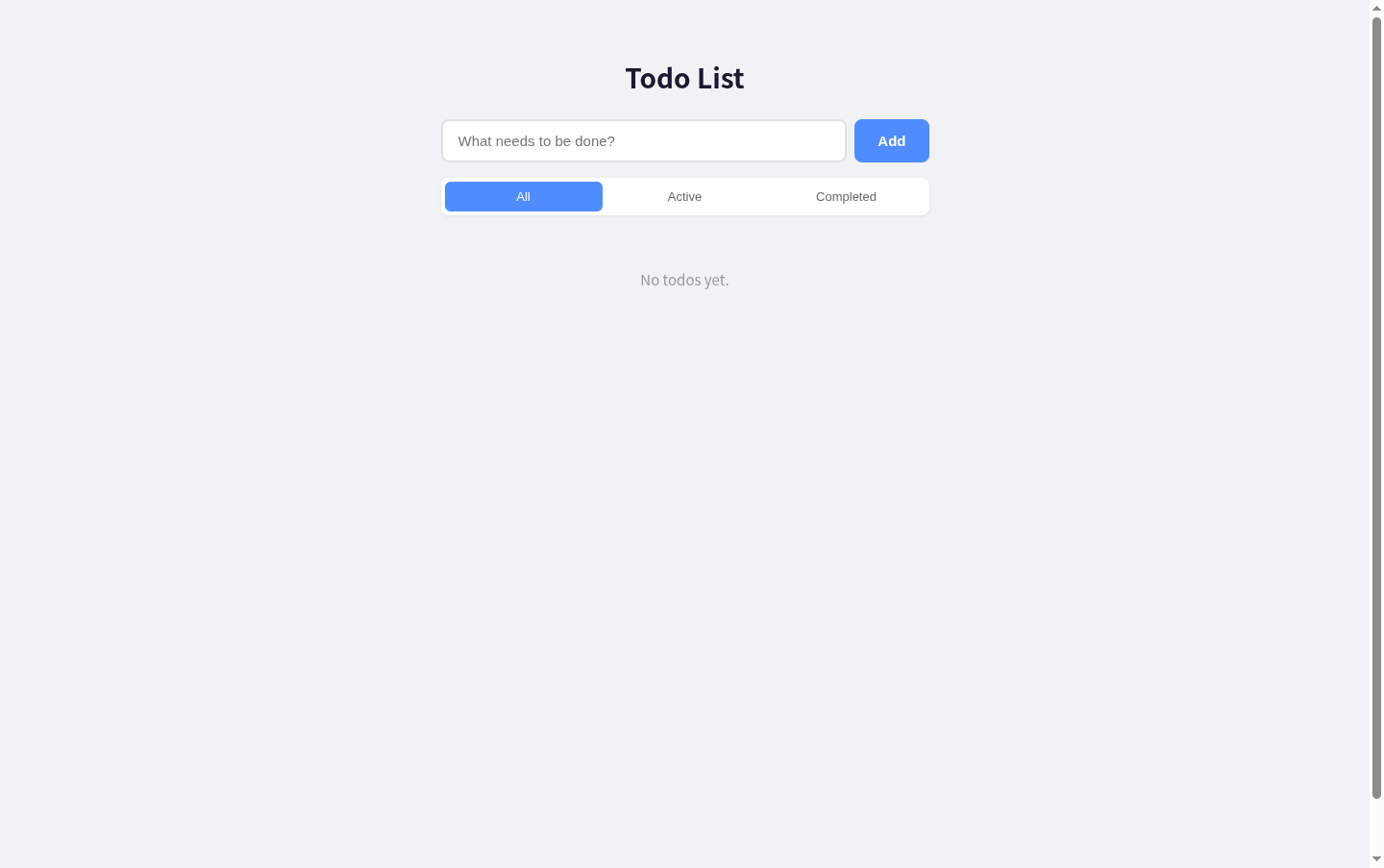
12Todo List
A simple todo list with React + Express, supporting add, edit, delete, filter and toggle complete.
 11
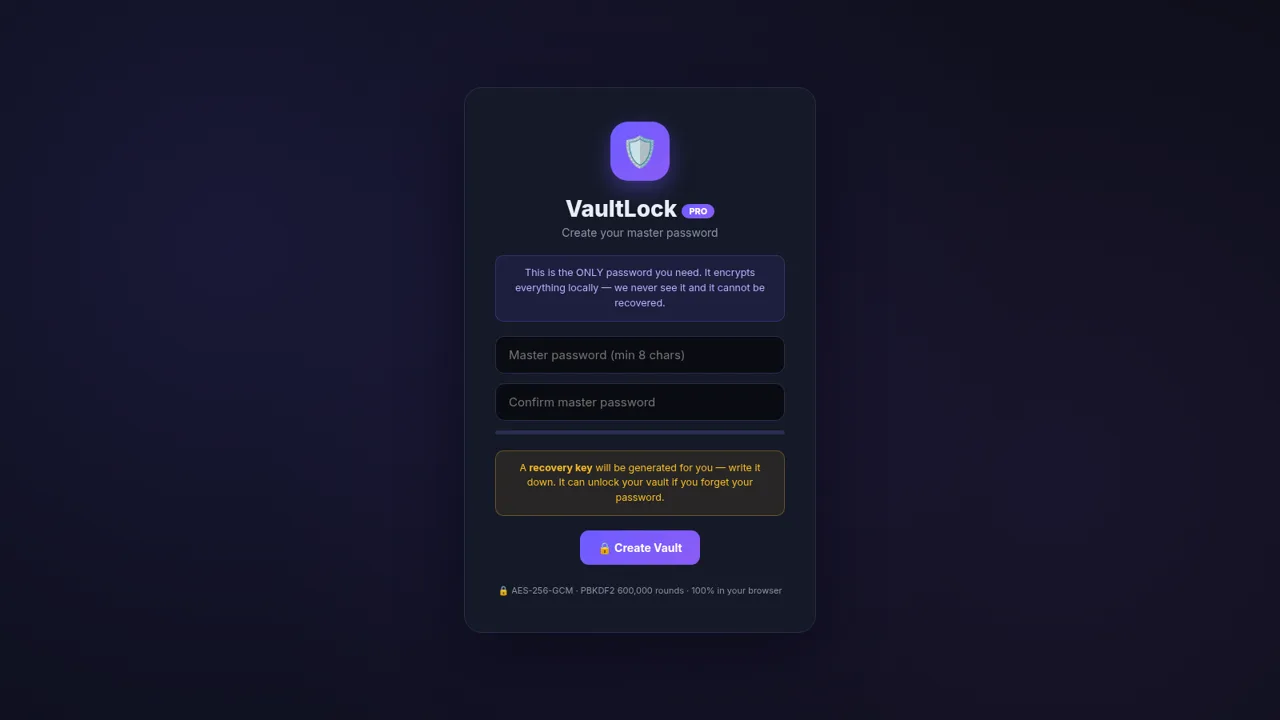
11VaultLock PRO Password Manager
Zero-knowledge encrypted password manager with AES-GCM, TOTP, generator and recovery keys
 6
6paisawise
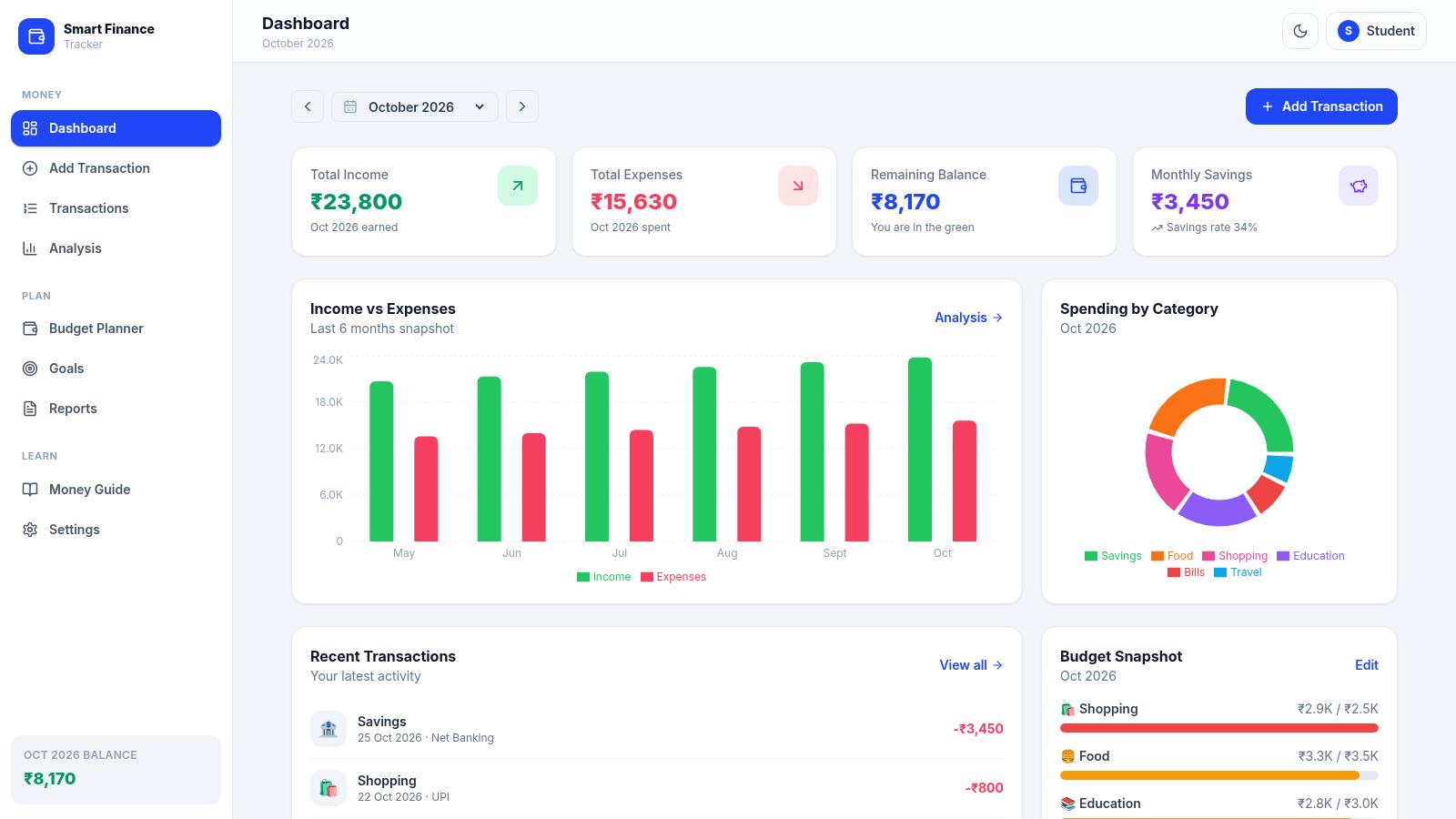
A modern personal finance dashboard built for Indian college students.