
VaultLock PRO Password Manager
A private browser vault for passwords, secure notes, TOTP codes, and recovery-protected access.
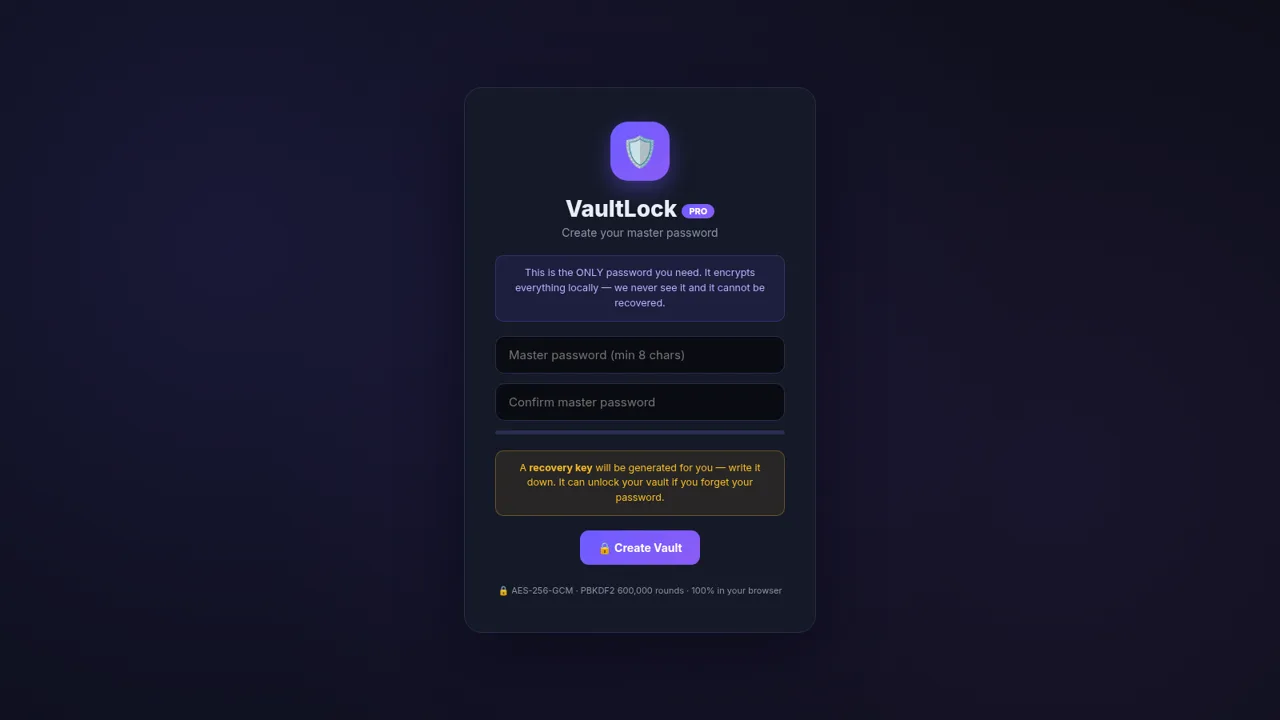
VaultLock PRO is an interactive password manager that creates an encrypted vault directly in the browser. A user chooses a master password, records a generated recovery key, and then manages passwords and secure notes through a dashboard. Password records can include a username, website, category, TOTP secret, tags, notes, and favorite status. The dashboard summarizes password health, weak and reused credentials, favorites, categories, and recent updates. A separate generator creates random passwords, passphrases, or PINs with configurable options.
Highlights
Local Encryption
AES-GCM browser vault
Recovery Access
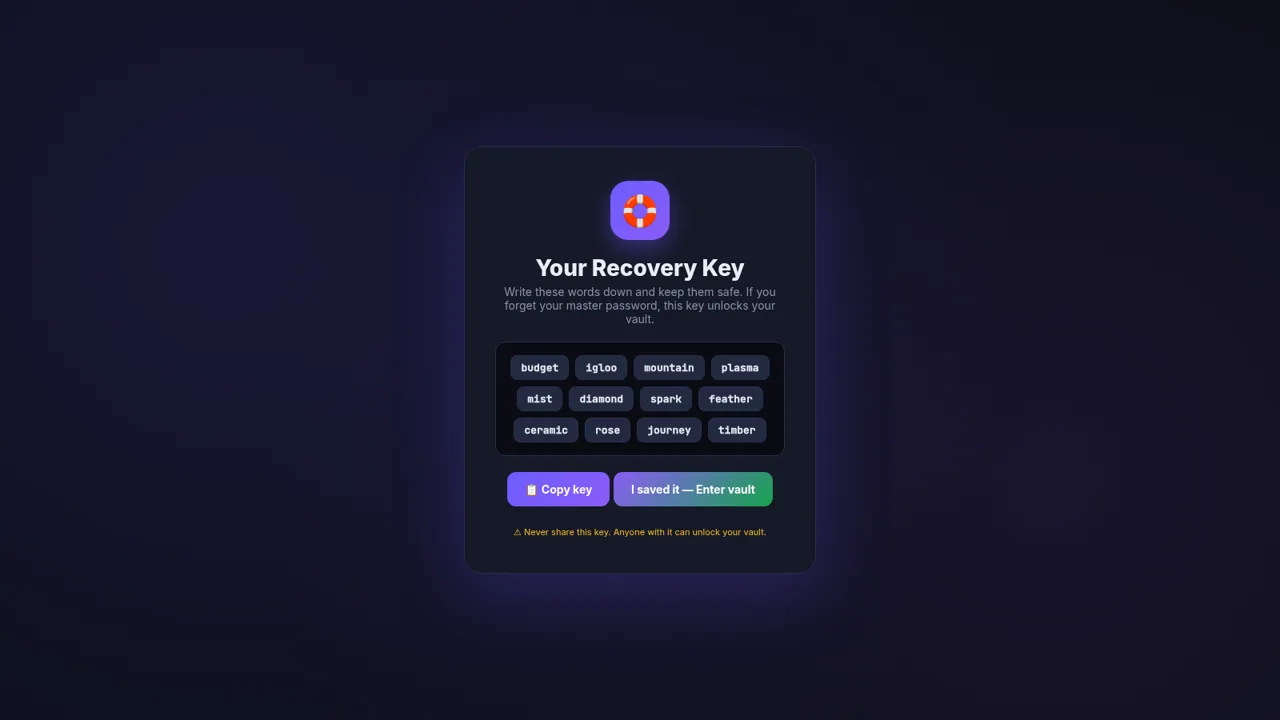
Twelve-word recovery key
Secure Notes
Create and edit notes
TOTP Support
Live 2FA code display
Health Dashboard
Weak and reused checks
Flexible Generator
Passwords, phrases, PINs
How to Use
Create a vault
Enter and confirm a master password of at least eight characters, then select Create Vault. The app generates a recovery key before opening the encrypted workspace.
Store the recovery key
Write down the displayed twelve-word recovery key and keep it outside the browser in a safe location. Confirm that it has been saved to enter the vault.
Add credentials
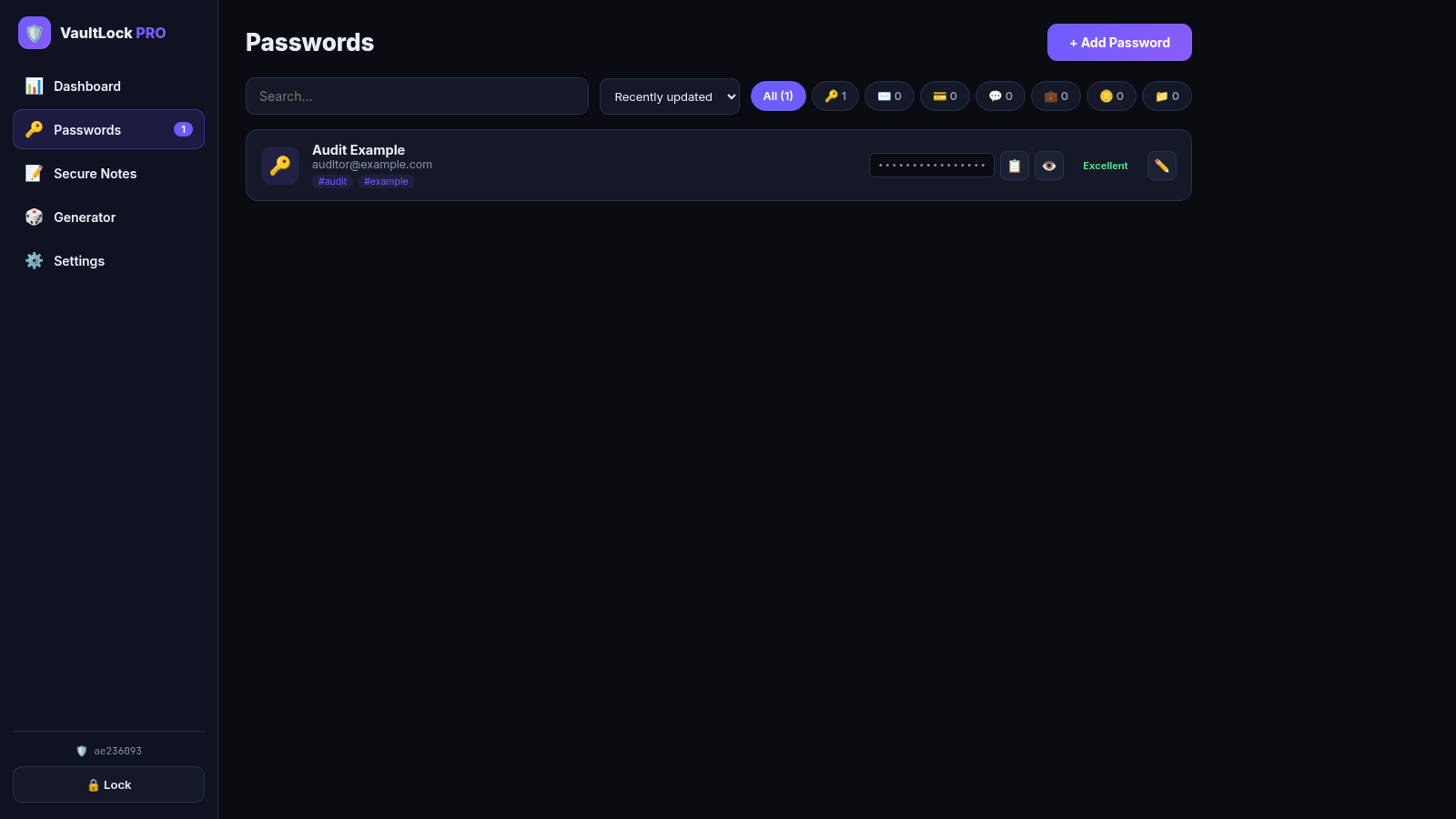
Open Passwords and select Add Password. Enter the account title and any useful username, password, website, category, TOTP secret, tags, or notes, then save the record. It appears in the searchable and filterable list.
Create secure notes
Open Secure Notes, select New Note, and provide a title and encrypted content. Saved notes appear as cards and can be reopened, edited, saved again, or deleted.
Generate secrets
Open Generator and choose Random, Passphrase, or PIN. Adjust the available length and character options, generate a new value, and use the copy control when needed.
Review vault health
Return to Dashboard to review totals, health percentage, weak or reused password counts, favorites, category distribution, and recently updated records.
Similar Sites
 88
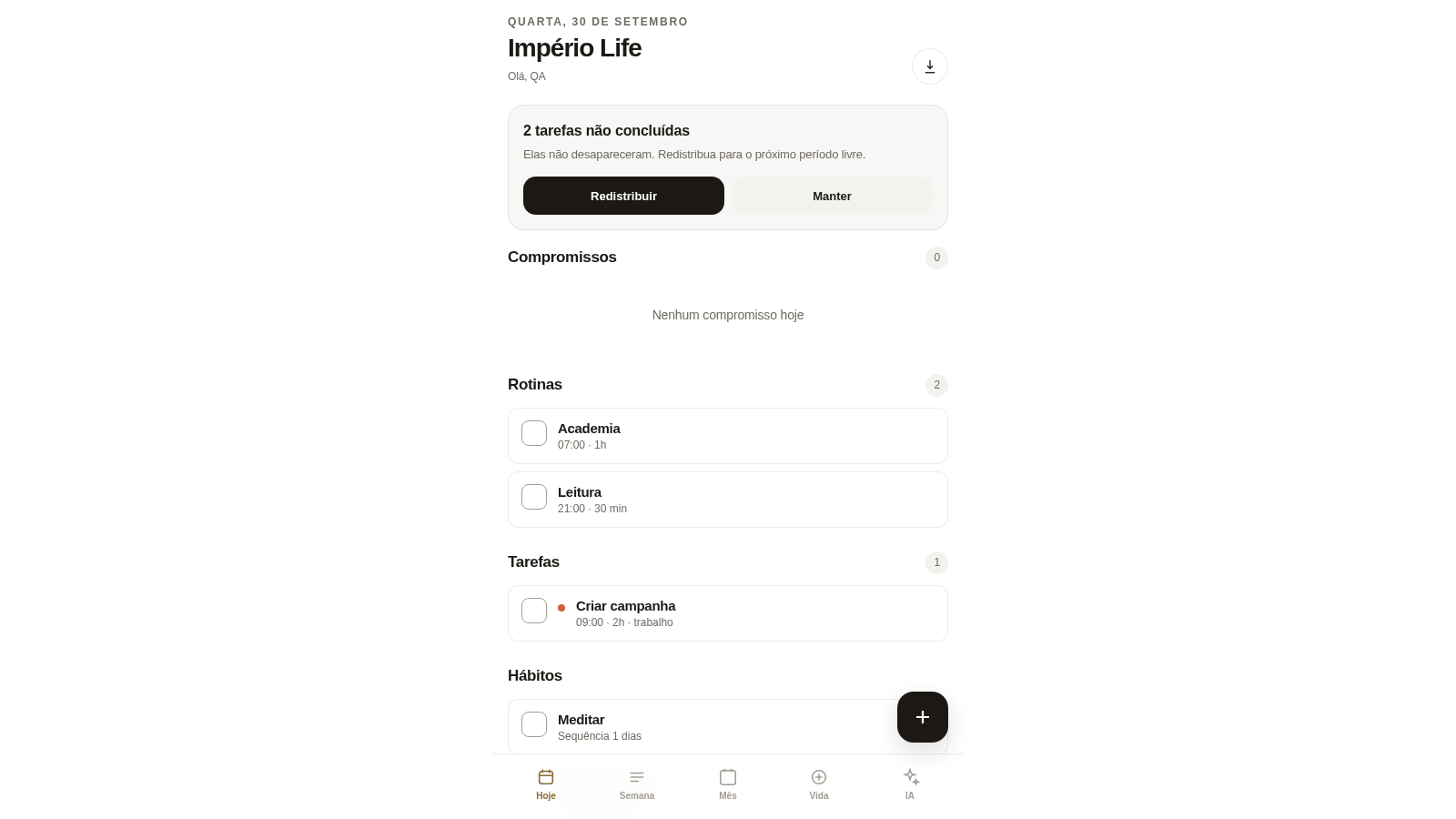
88Império Life
Organização pessoal: tarefas, rotinas e planejamento semanal.
 4
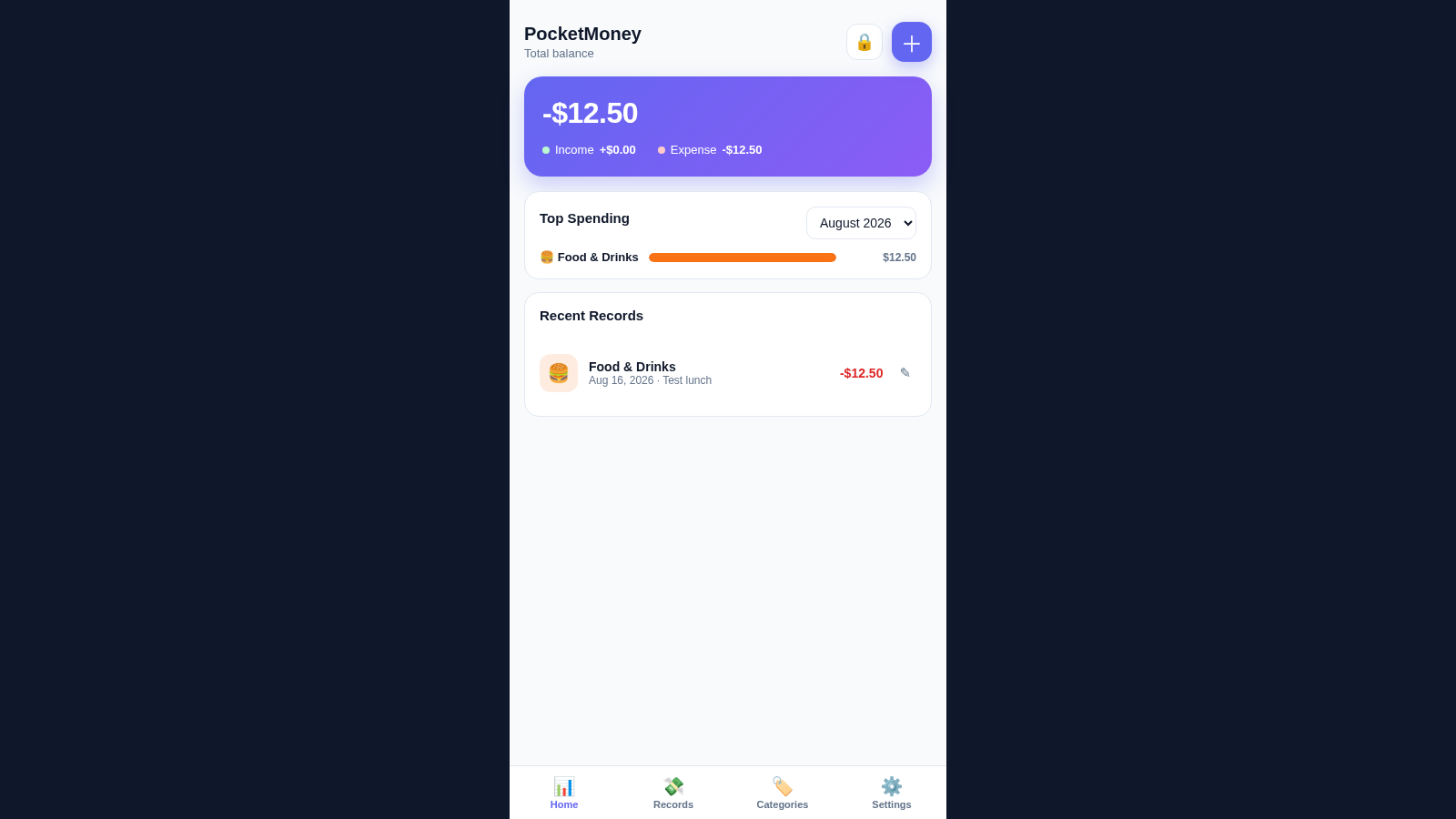
4PocketMoney Manager
Mobile-first pocket money app with PIN lock, editable categories, and CSV/Excel export.
 3
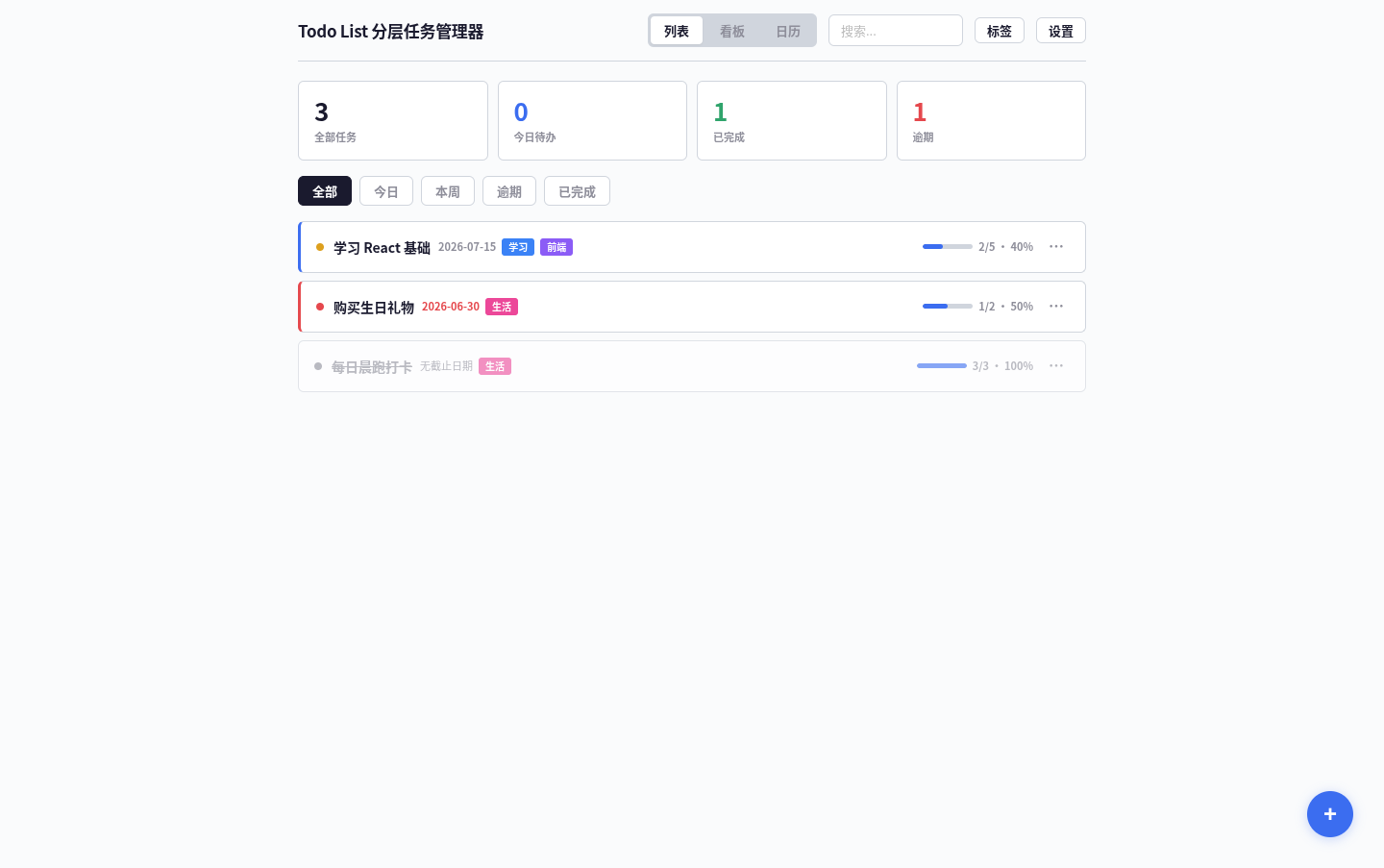
3Todo List
A task management app that supports kanban/calendar views, drag-and-drop sorting, and scheduled reminders.
 35
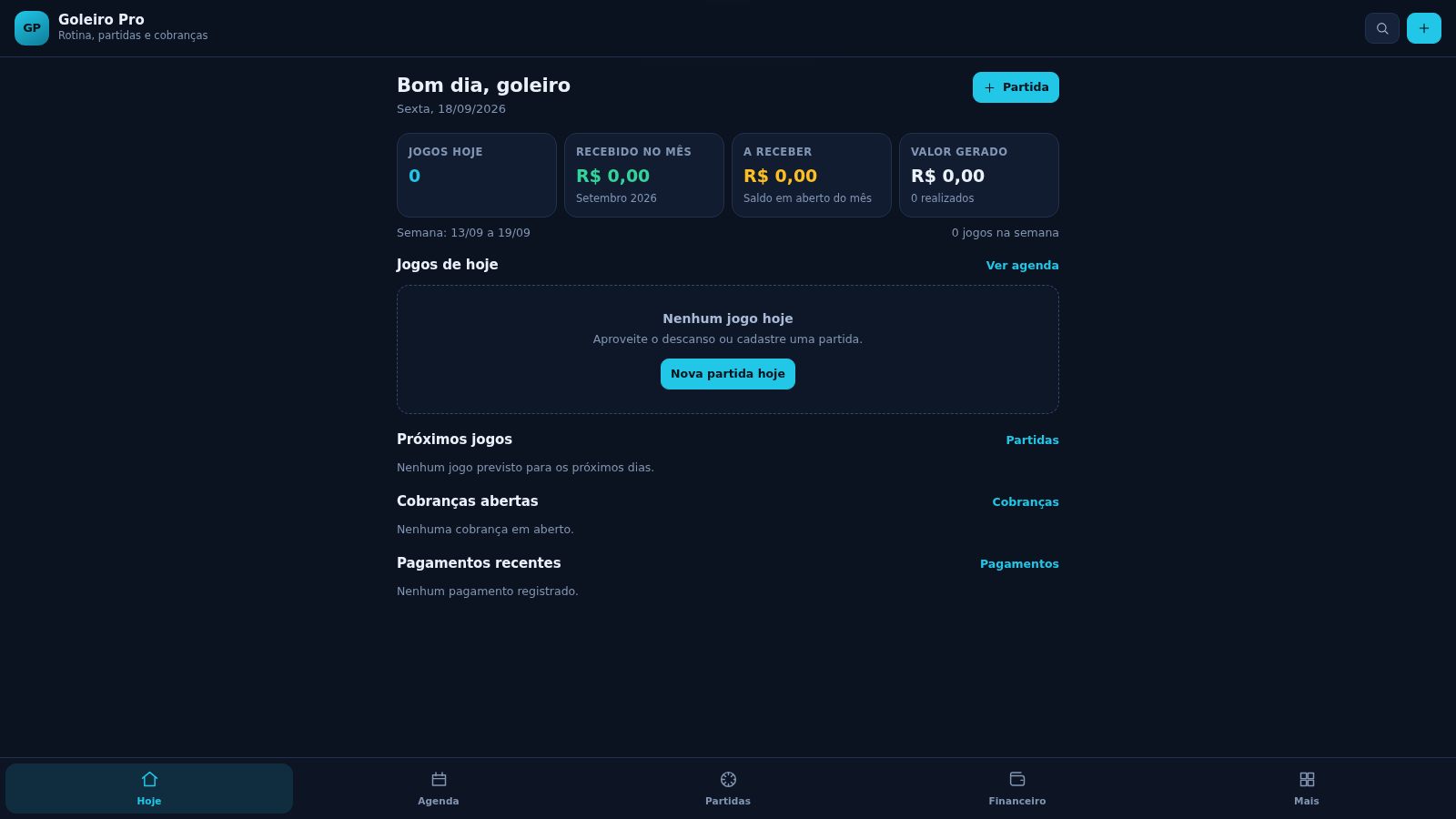
35Goleiro Pro
Controle pessoal de rotina, partidas, cobrancas, pagamentos e recibos do goleiro.
 29
29MuscleTri
App web mobile-first de treinos, alimentação e evolução física.
 23
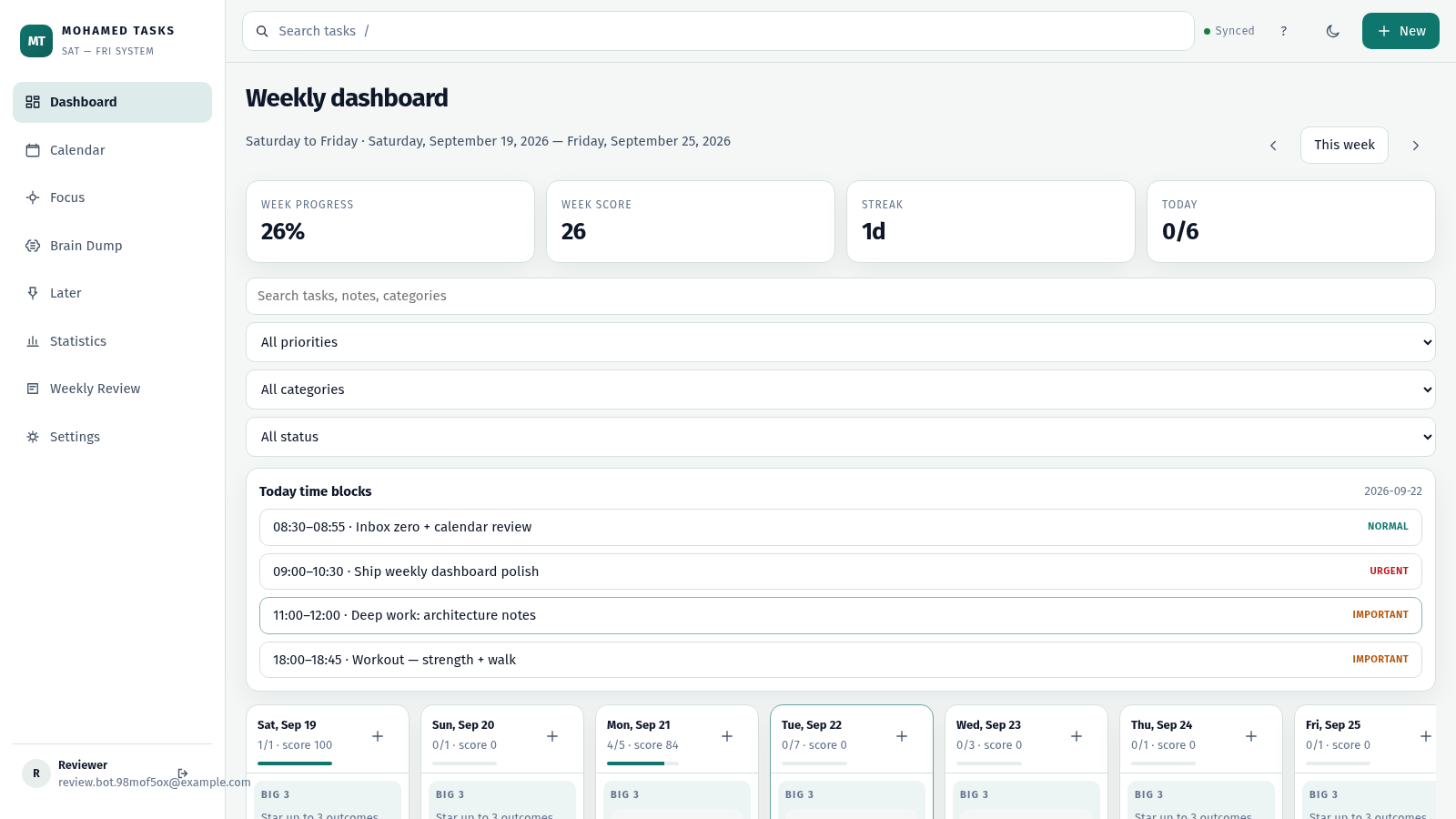
23MOHAMED TASKS
Weekly productivity dashboard with cloud sync, Big 3, and focus mode.