
Aprova Pauta Marketarte
Plan, approve and schedule monthly social content for several agency clients
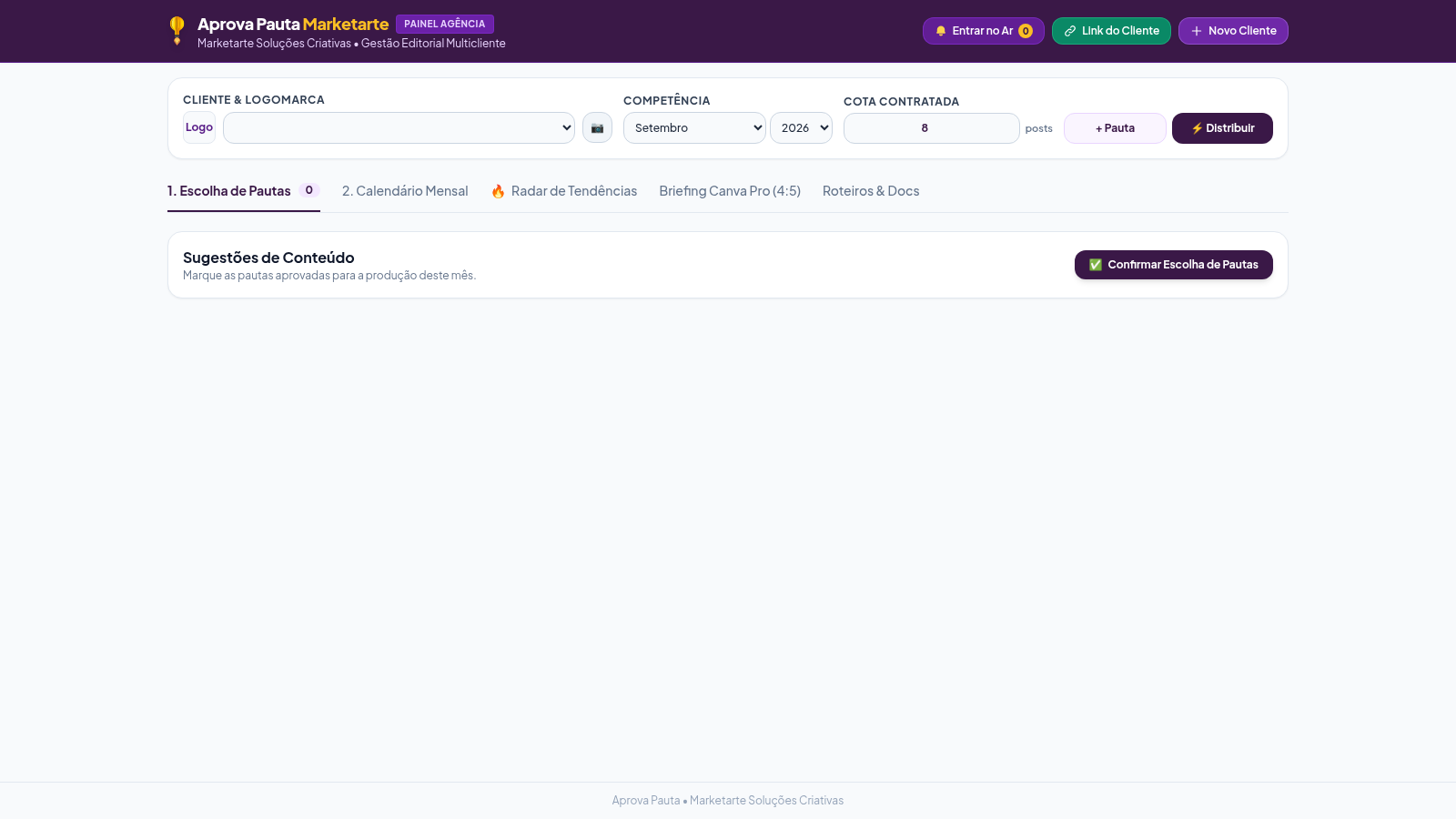
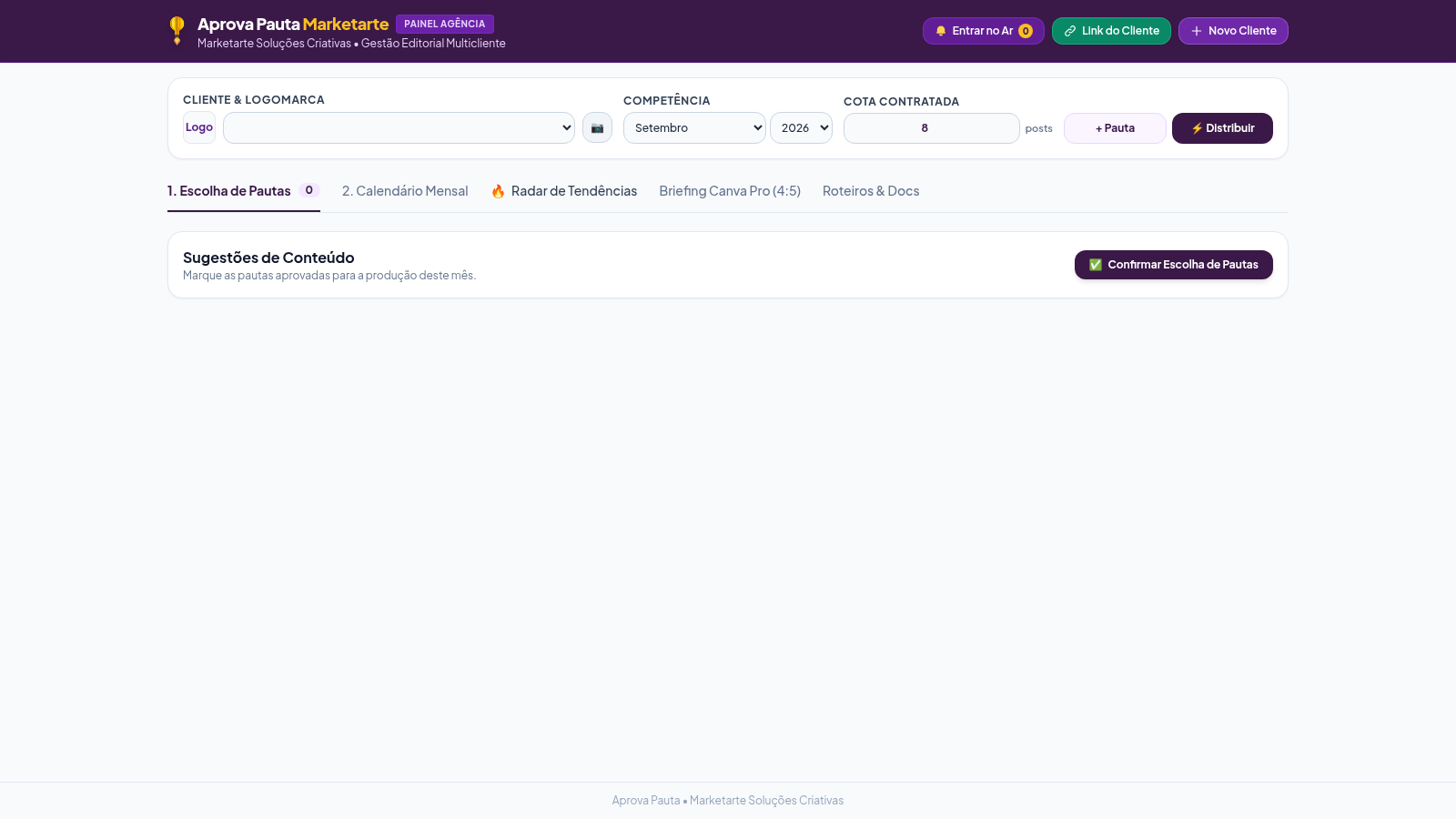
Aprova Pauta Marketarte is a browser-based editorial planning dashboard for a creative agency that manages social media content for multiple clients. The interface is written in Brazilian Portuguese and follows a clear workflow: choose a client, approve the month's post ideas, spread them across a calendar, then turn each one into a Canva brief or a production script. Four client accounts are preloaded, each with its own topics, brand palette, fonts and competitor set, and switching the client regenerates every view. The dashboard is organised into five tabs: content ideas, a monthly calendar, a trend radar, a Canva Pro 4:5 brief and a script document.
Highlights
Five workspace tabs
Plan to production
Per-client content
Regenerates on switch
Trend radar
Competitors, virals
Canva 4:5 brief
Frame, palette, fonts
Auto distribution
Spreads across month
How to Use
Choose the client and month
Use the client dropdown at the top to select one of the preloaded accounts, then pick the month and year under Competencia. The idea list, brand palette, fonts and competitor data all update to match the chosen client. A contracted-quota field lets you record how many posts the client bought for the month.
Approve the month's ideas
On the first tab, each suggested post appears as a card with a format tag such as Reels, Carrossel, Stories or Tradicional, a cover hook, a short summary and a scheduled day. Tick the boxes for the ideas you want to produce, and use the button above the list to confirm. You can also add a manual idea through the form that asks for a format, a central theme, a cover hook and a script summary.
Review the calendar and trends
Open the calendar tab to see approved posts pinned to dated weekdays, with a synthetic table listing day, format, theme, hook and status, plus a print option for A4. The trend radar tab offers a keyword search, quick links to Instagram tags, the Meta ads library and TikTok trends, a trending-topic list, monitored authority accounts and a wall of reference posts that can be converted into a new idea in one click.
Generate briefs and scripts
The Canva tab draws a 1080 by 1350 frame with the safe margins marked, drops the current hook inside it, and lists the brand palette as clickable hex codes, the heading and body fonts and suggested Canva search terms. The final tab concatenates every approved post into one copy-paste script document, with a single button to copy the whole thing.
Similar Sites
 7
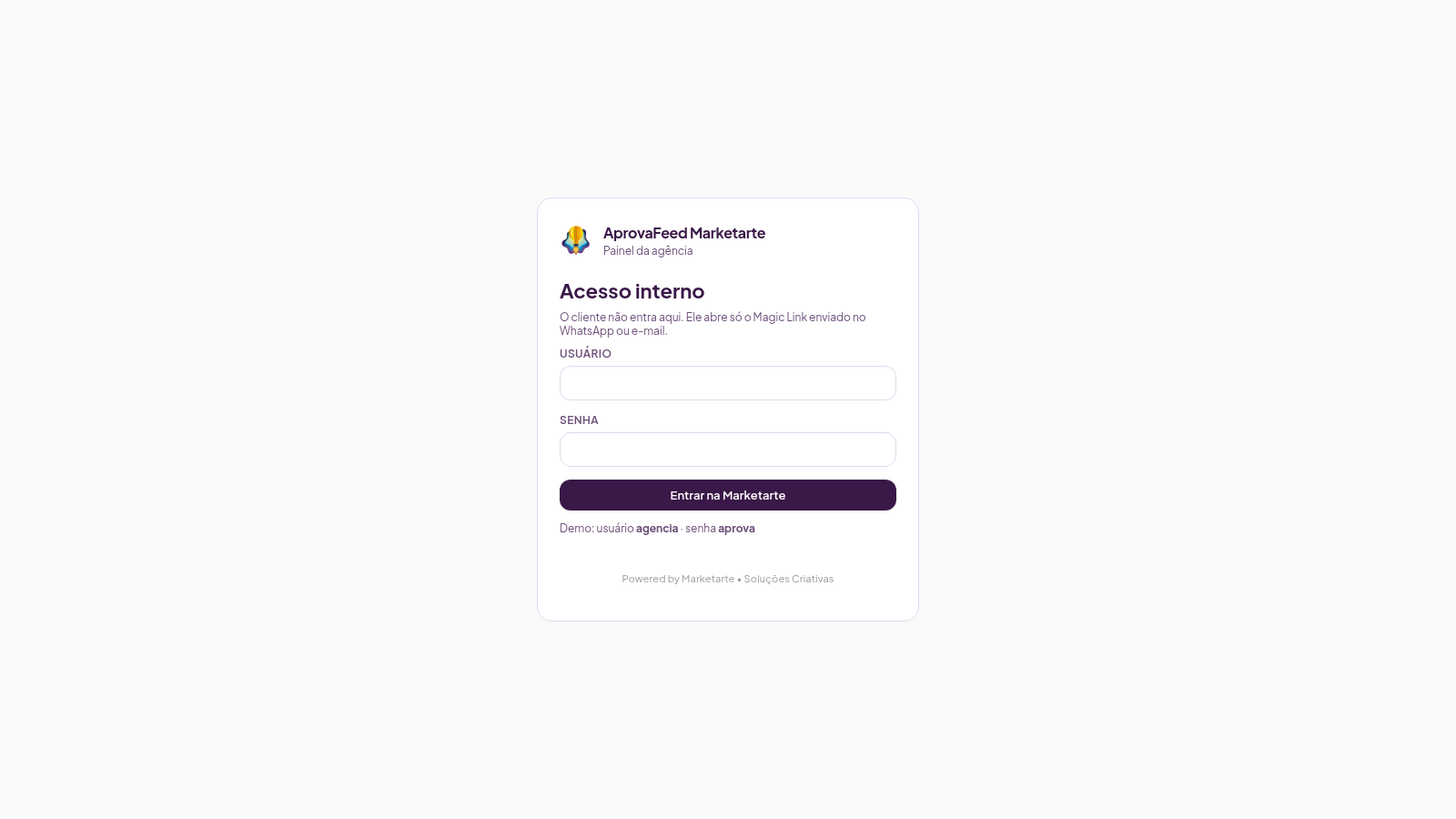
7AprovaFeed Marketarte
Feed Instagram para a agência apresentar e o cliente aprovar posts, reels, carrosséis e stories.
 65
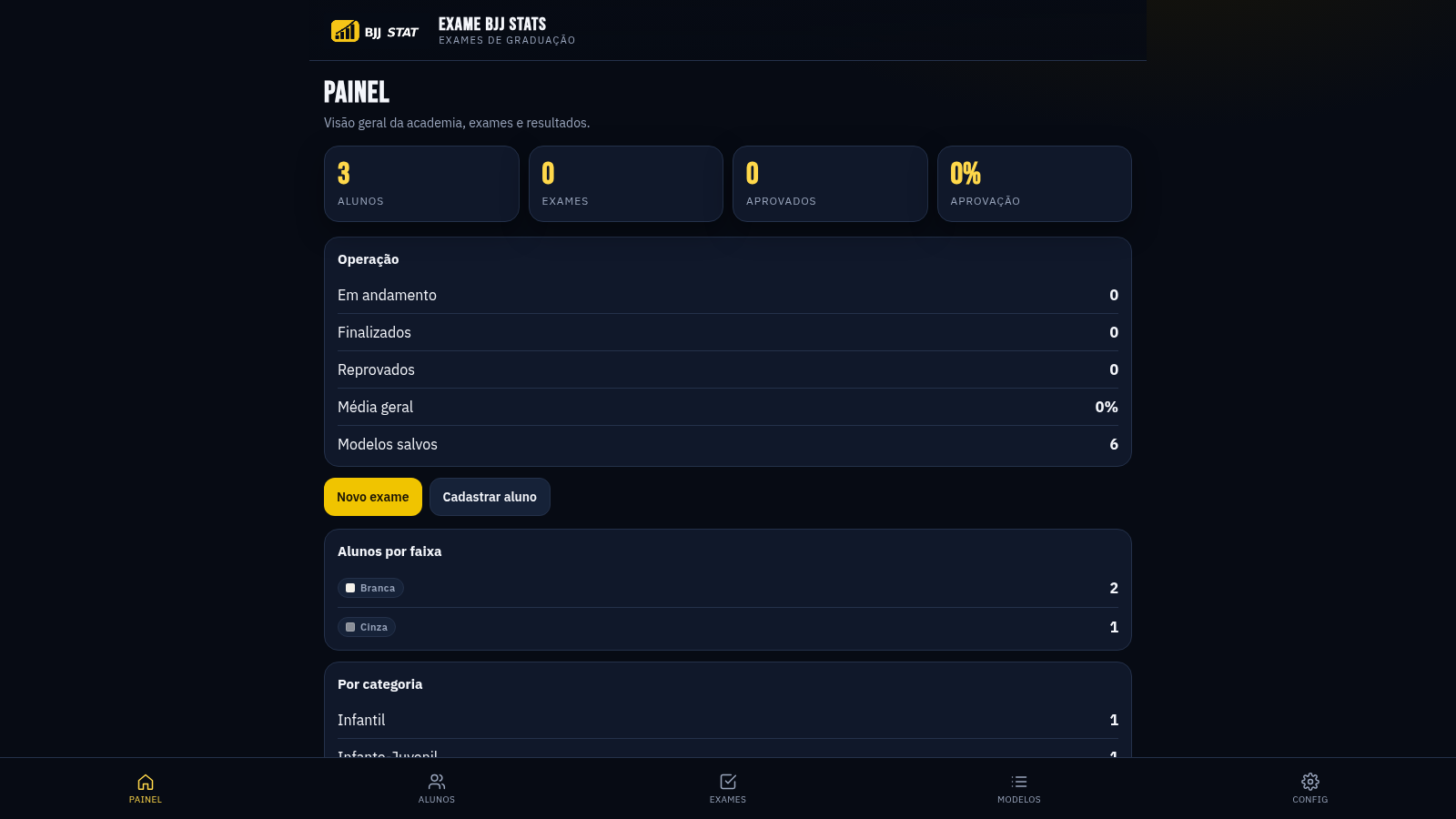
65EXAME BJJ STATS
Sistema profissional de exames de graduação BJJ, com modelos por faixa e relatório APROVADO/REPROVADO.
 15
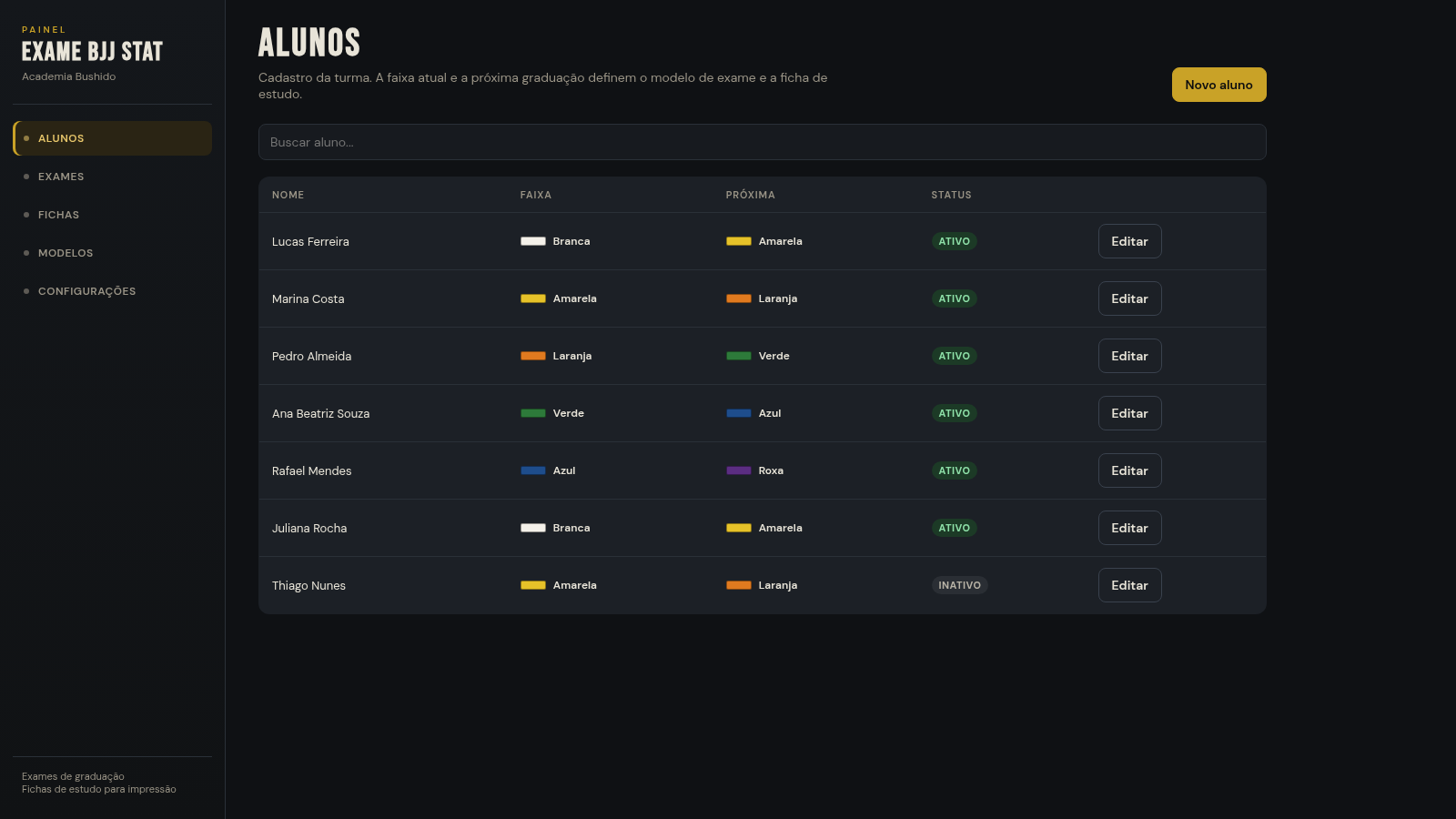
15EXAME BJJ STAT
Painel de exames BJJ: aplicar prova por modelo ou ficha, com barra de aprovação
 12
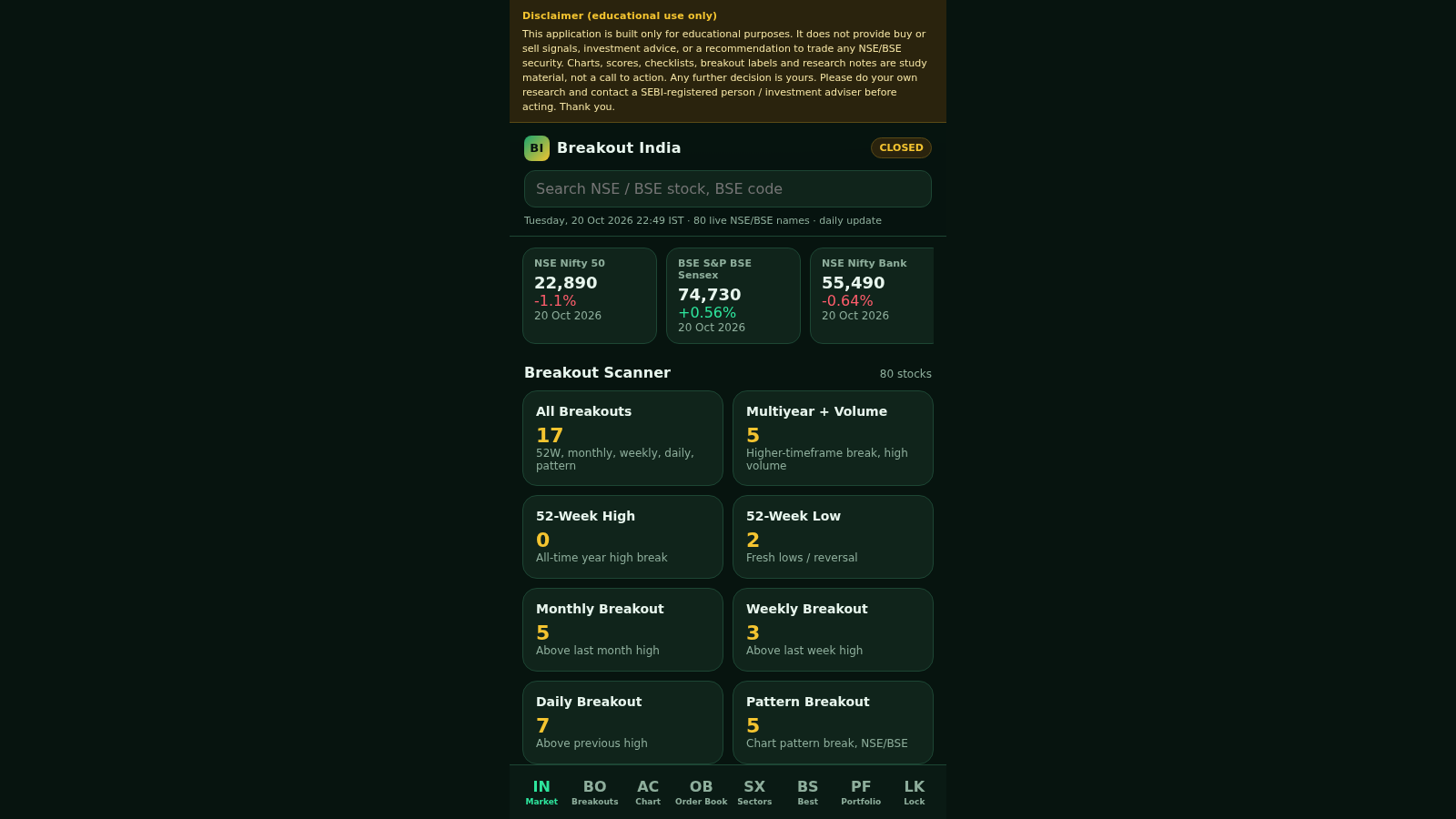
12vision stream
Educational purpose
 8
8DARK RADAR PRO
Central de inteligência e automação para páginas dark
 6
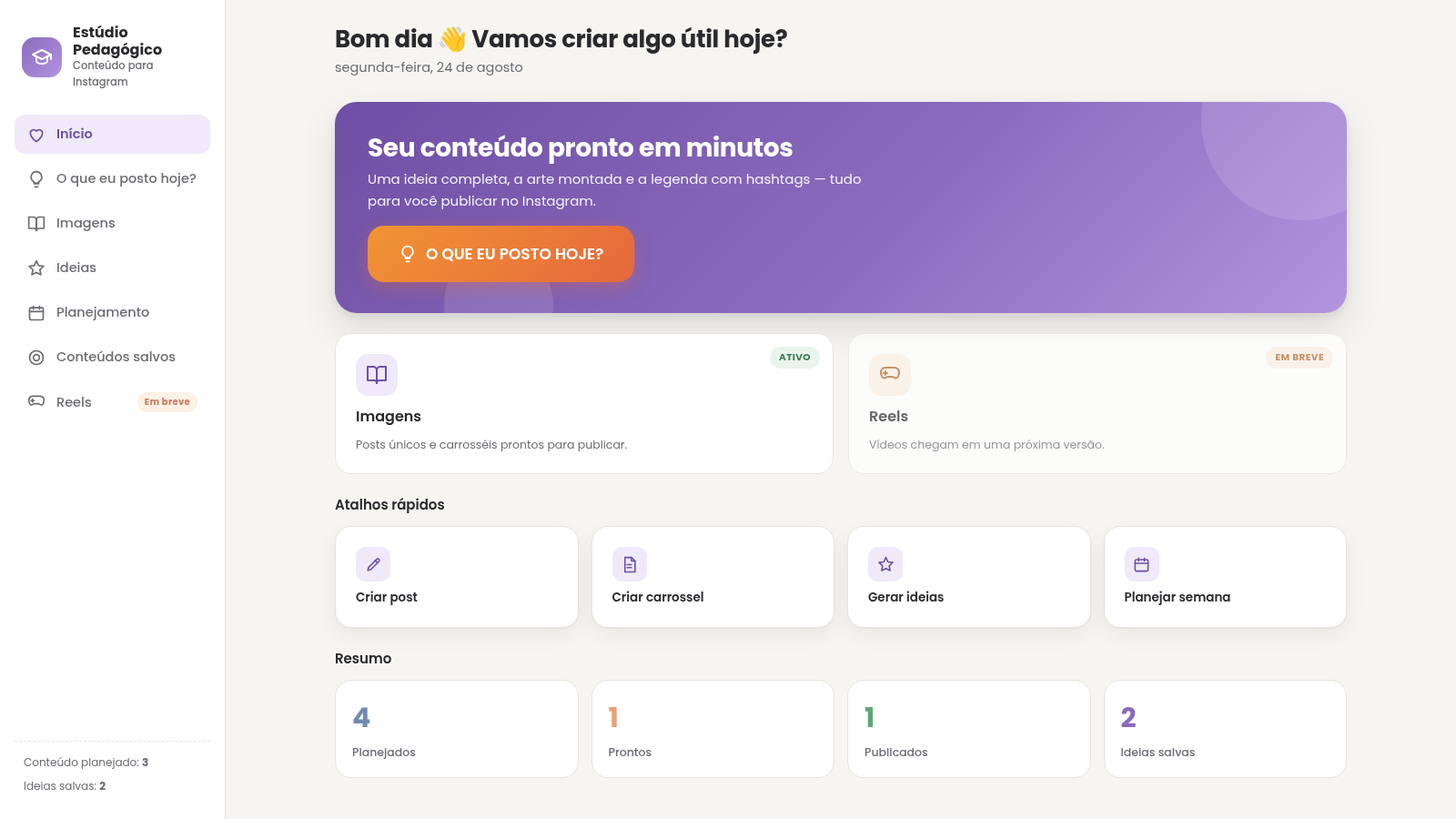
6Estúdio Pedagógico
Estúdio de Conteúdo Pedagógico