
AprovaFeed Marketarte



Plan, preview and get Instagram content approved by clients in one workspace
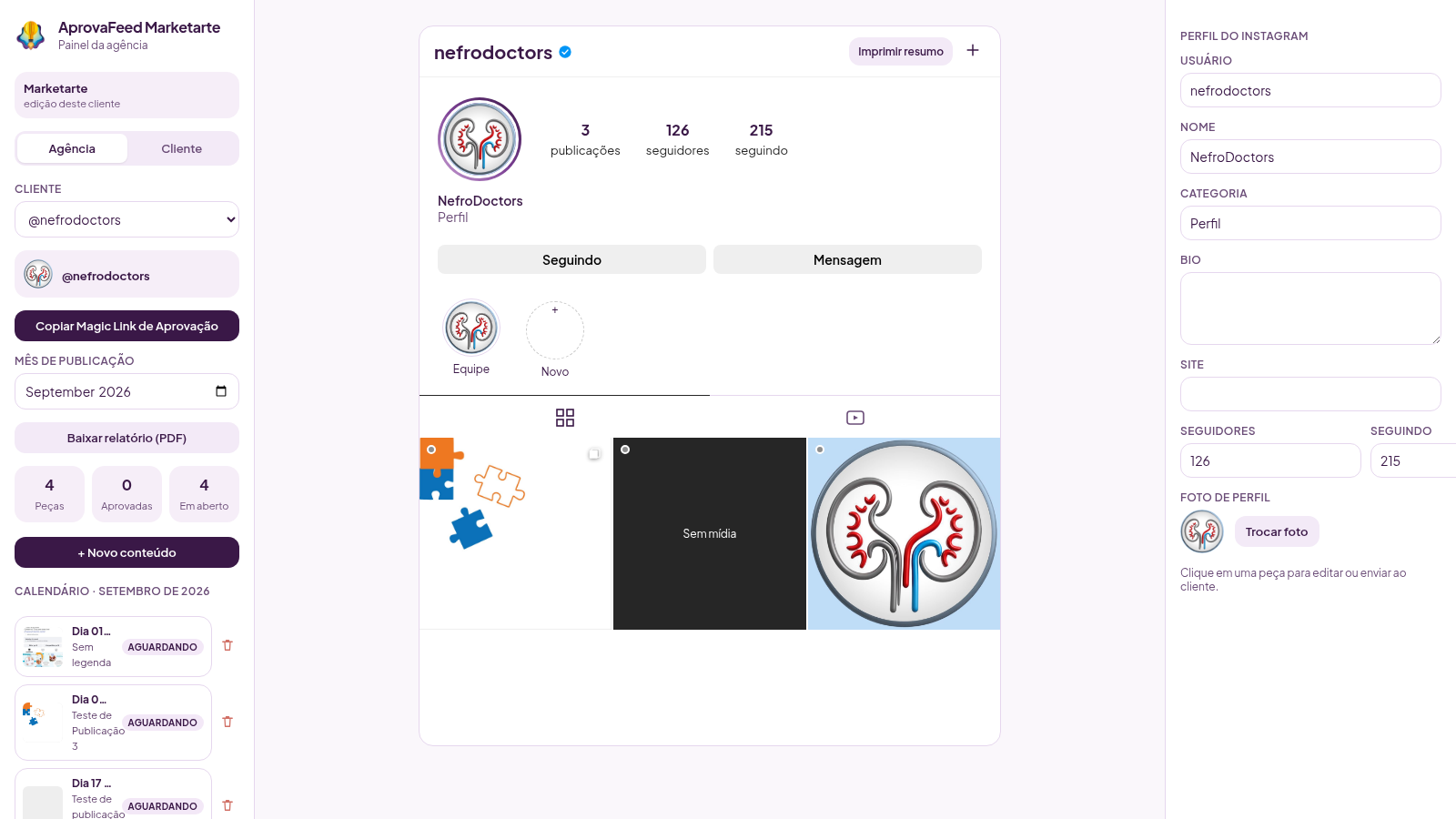
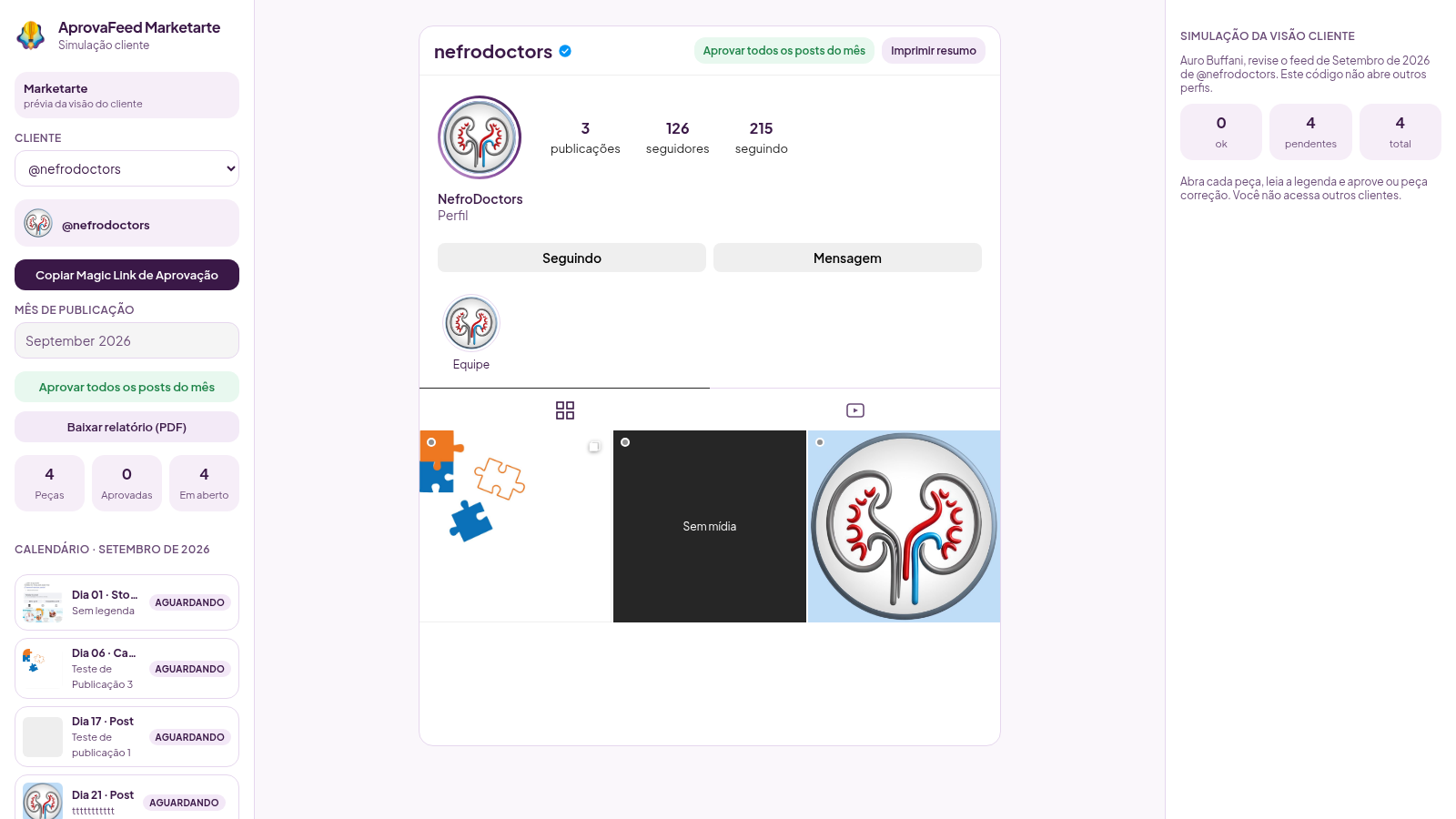
AprovaFeed Marketarte is a web tool for creative agencies that manage Instagram content for several clients. Agency staff sign in and pick a client profile, then build a monthly calendar of posts, carousels, reels and stories. Each piece can include uploaded photos or videos, a publication date and a caption, and the right-hand preview shows how it will look in an Instagram-style feed. Every client has isolated data, so one profile never sees another. When a month is ready, the agency shares a Magic Link: the client opens it without a password or panel and sees only their own feed, where each piece can be approved or sent back with a correction comment. The dashboard tracks how many pieces are approved versus still open, and a printable monthly summary can be generated.
Highlights
Isolated clients
Each profile owns its feed and links
Instagram preview
See posts, carousels and stories live
Passwordless review
Clients open a Magic Link, no account
Approve or request fix
Feedback travels back to the agency
Monthly calendar
Plan publication dates by month
Printable summary
Export the month as a PDF report
How to Use
Sign in to the agency panel
Open the site and enter the demo credentials shown on the login card, then press the login button. After signing in you land on the agency dashboard, which lists the available client profiles. Use the selector at the top to switch which client you are working on.
Open a client feed and add content
Press the open feed button on a client card to enter its workspace. A calendar on the left shows scheduled pieces by day, and the center shows the Instagram-style feed. Use the new content button to open the editor, where you choose the format, upload media, set a publication date and write the caption; the preview updates as you edit.
Review and send for approval
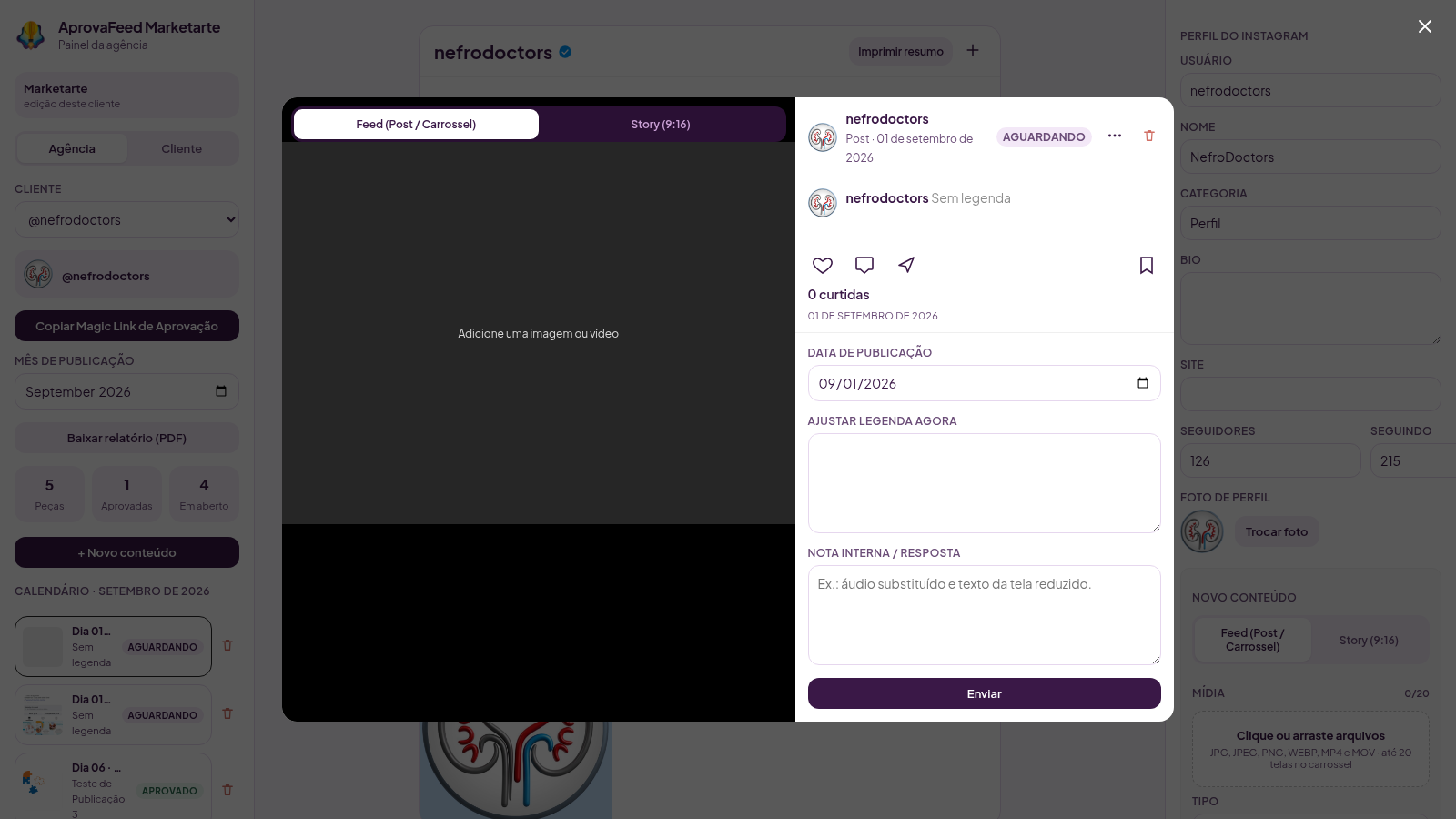
Click any calendar piece to open its preview card, check the slides and caption, and confirm the details. Use the copy Magic Link button to copy the client review link, then send it through your usual channel. Clients open that link and reach only their own feed.
Approve or request corrections
In the client view, open a piece and choose approve or request a correction, writing a short comment when something must change. The dashboard counters and the calendar status labels update immediately, so the agency can see what is approved and what is still open.
Track the month
Use the month field to move between publication months, and check the counters for total pieces, approved and open. When the month is done, generate the PDF report from the button in the sidebar to keep a printable record of the approved content.
Similar Sites
 4
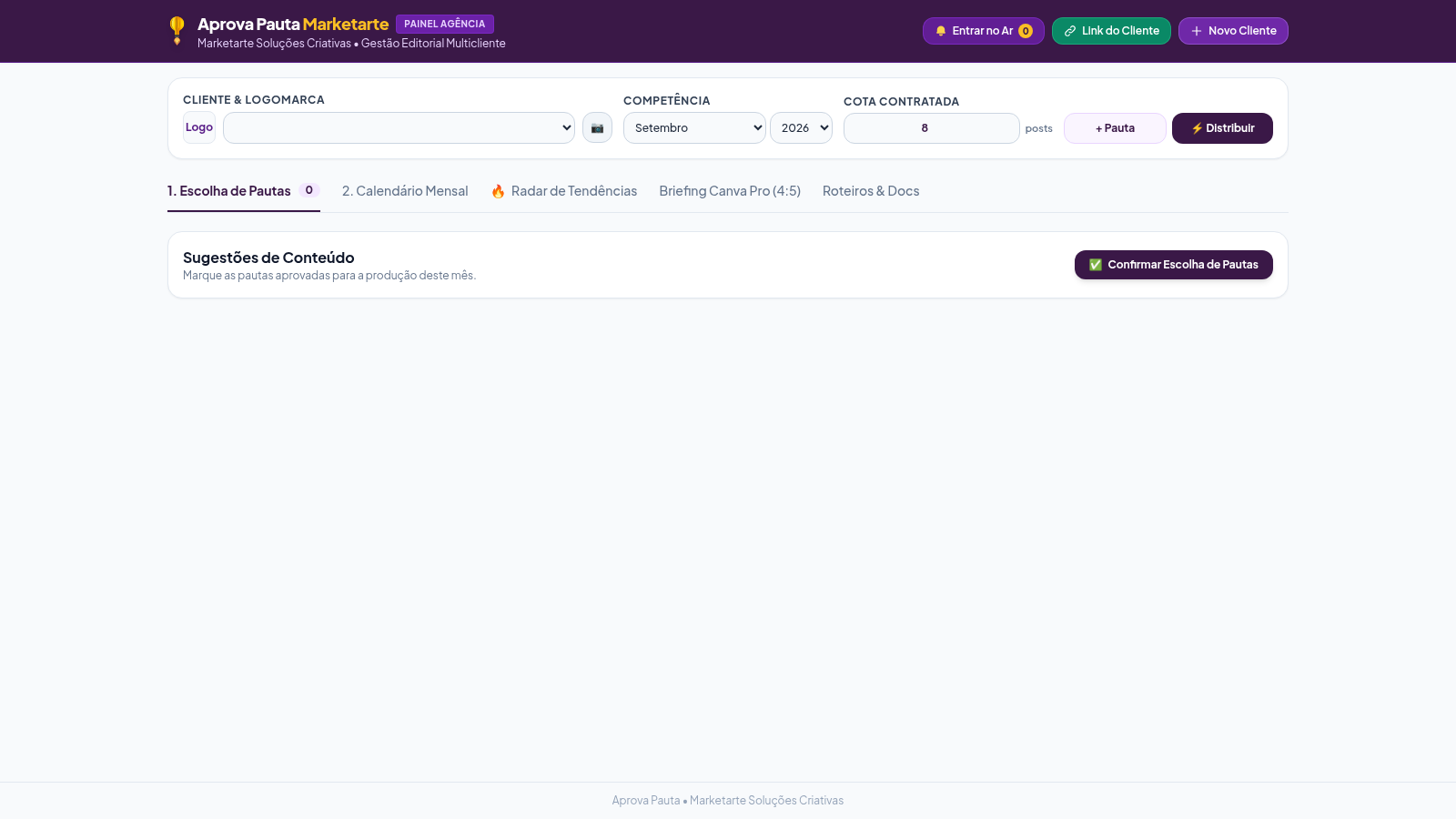
4Aprova Pauta Marketarte
Pautas, calendário, briefing Canva 4:5 e radar de tendências por cliente.
 2
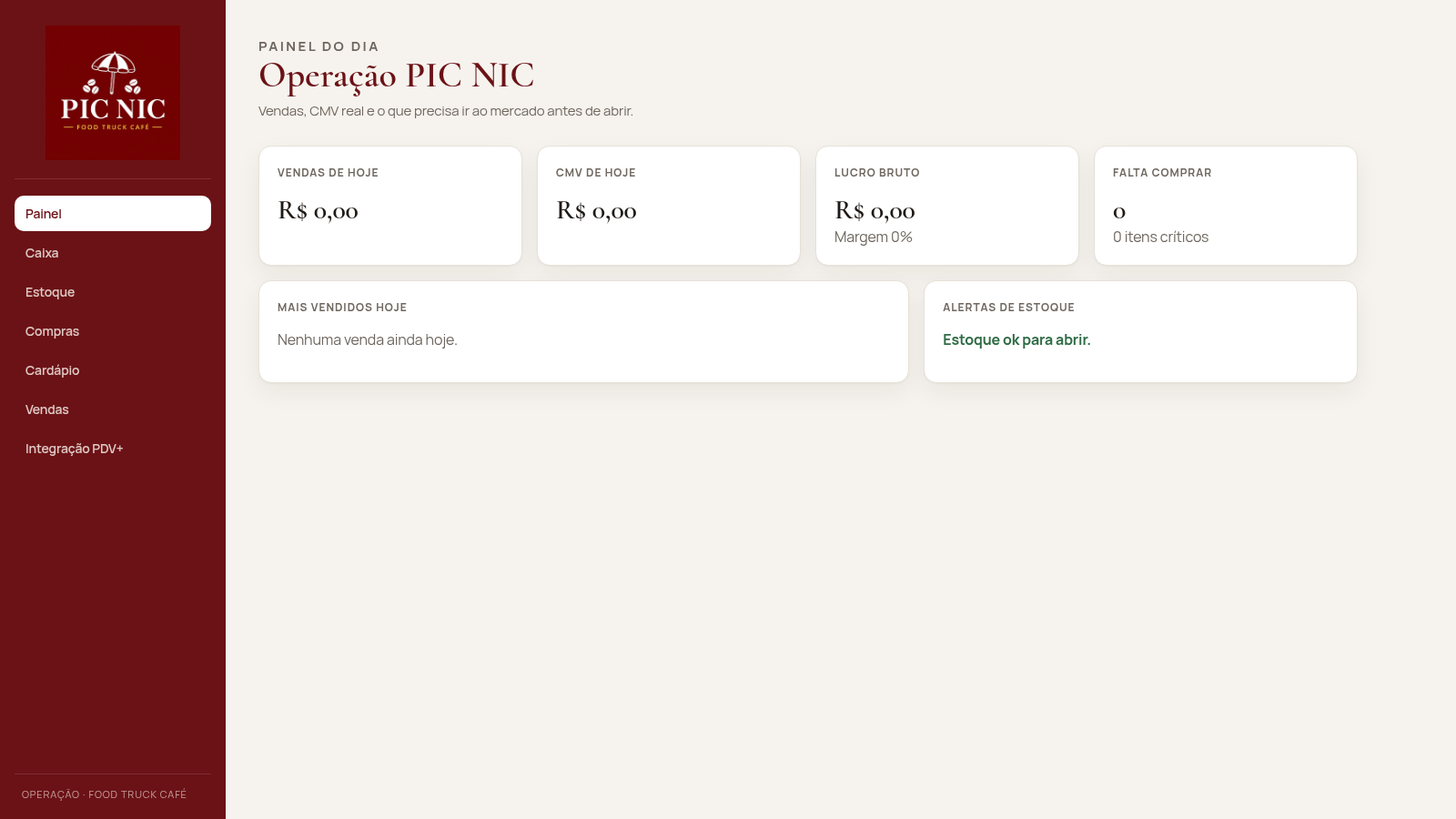
2PIC NIC Caixa e Estoque
Caixa, estoque por receita e CMV real para o food truck PIC NIC.
 413
413Smile Patisserie
Smile Patisserie menu: cakes, oriental, bakery, and WhatsApp cart
 464
464حاسبة رسوم الجمعية
حاسبة رسوم الجمعية لوكلاء Money Fellows — حساب القسط وصافي القبض شهر بشهر.
 126
126Agenda de Pedidos - Confeitaria
Agenda digital de pedidos para confeitaria com integração WhatsApp
 49
49SGI CONTROL
Sistema Integrado de Gestão da Qualidade (ISO 9001) com painel B2B multiempresa