
EXAME BJJ STAT
Run a BJJ academy's belt exams, sheets and student records in the browser
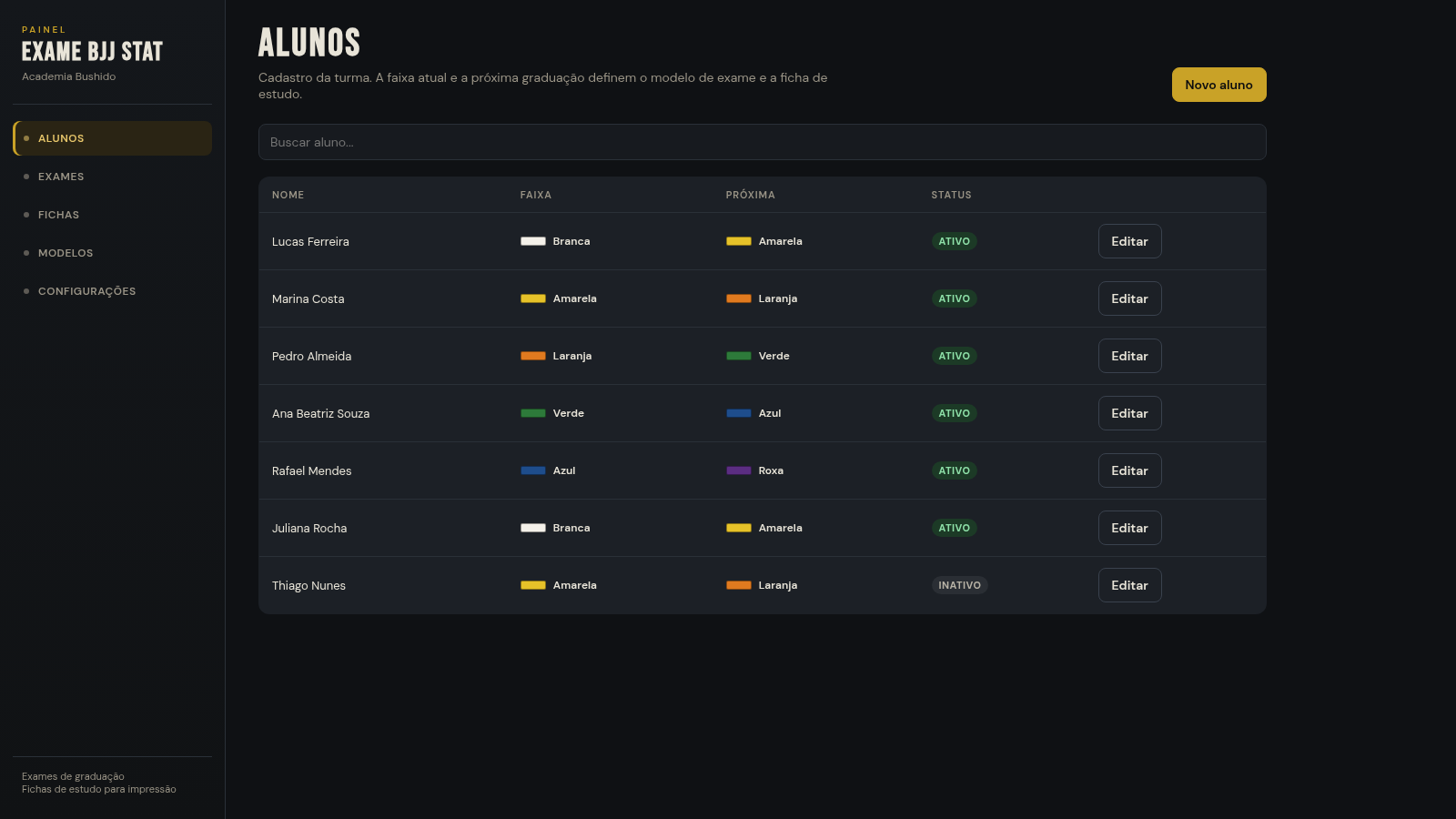
EXAME BJJ STAT is a management panel for a Brazilian Jiu-Jitsu academy. The sidebar splits the app into students, exams, exam application, technique sheets, belt models and settings. A coach can keep a roster with each student's current and next belt, build and edit per-student technique sheets, store belt exam models, schedule exams, run a live grading session where every technique is marked OK or missed against a cut-off percentage, and prepare a printable sheet. All data and interactions run in the browser without a login.
Highlights
Student roster
7 seeded students
Belt tracking
Current, next belt
Editable sheets
Per-student fichas
Belt templates
5 belt models
Live grading
OK / Nao, live %
Printable sheet
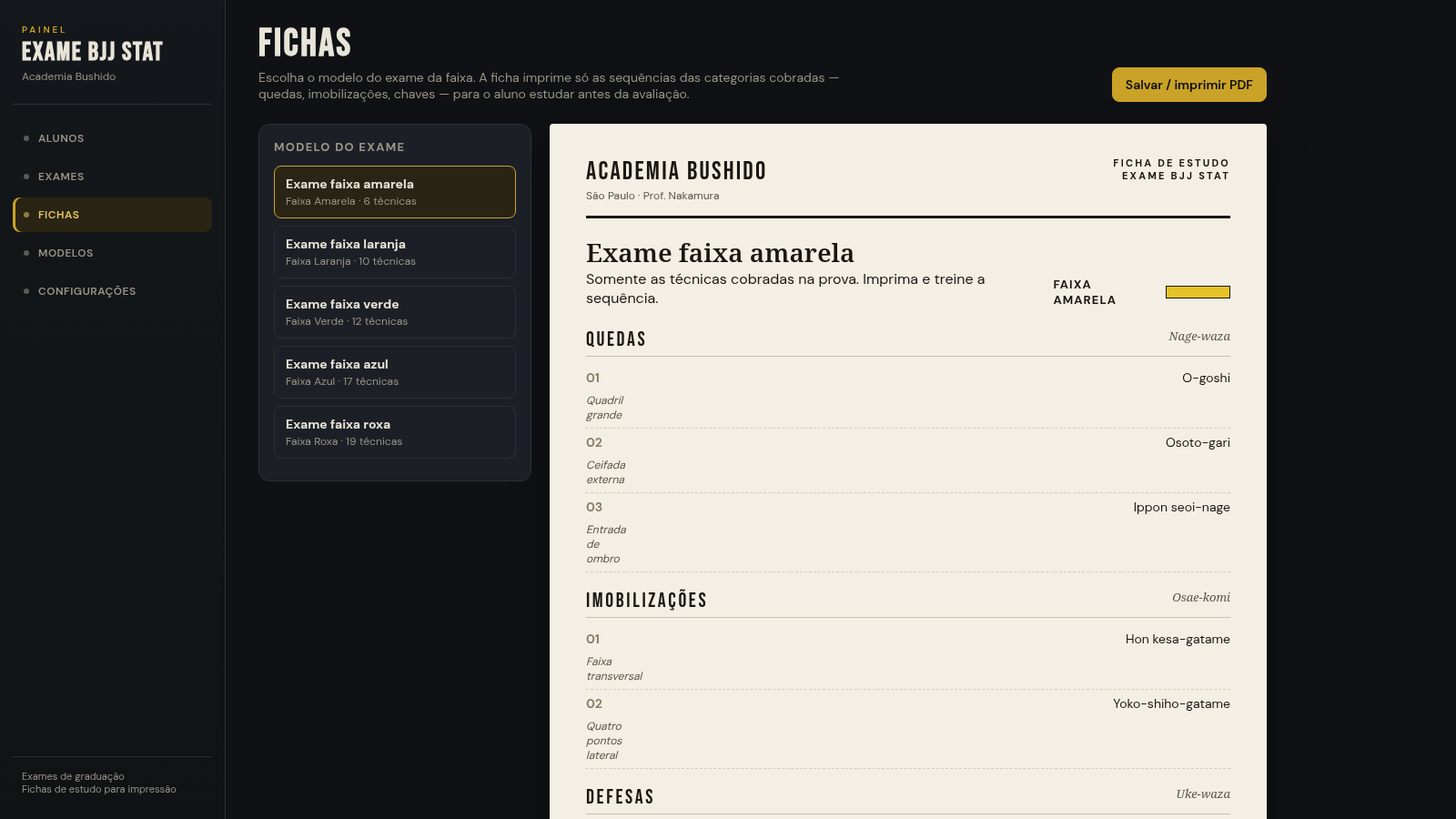
PDF-ready ficha view
Academy settings
Name, city, logo
No login needed
Open and start
How to Use
Open the panel
Load the page and the app opens directly on the students table. The left sidebar holds the title, the academy name Academia Bushido and six buttons; click any of them to switch sections without reloading the page.
Review or add students
In Alunos, the table lists each student with name, current belt, next belt and status. Use the search box to filter by name, press Novo aluno to register someone new, or click Editar on a row to change that student's belt and details.
Prepare a technique sheet
Open Fichas to see the sheets saved per student on the left rail and the rendered sheet on the right. Use Nova ficha to create one, Editar técnicas to adjust the technique list, Duplicar to copy it and Excluir ficha to remove it. A sheet shows the academy header, student name, belt and techniques grouped by category.
Run an exam
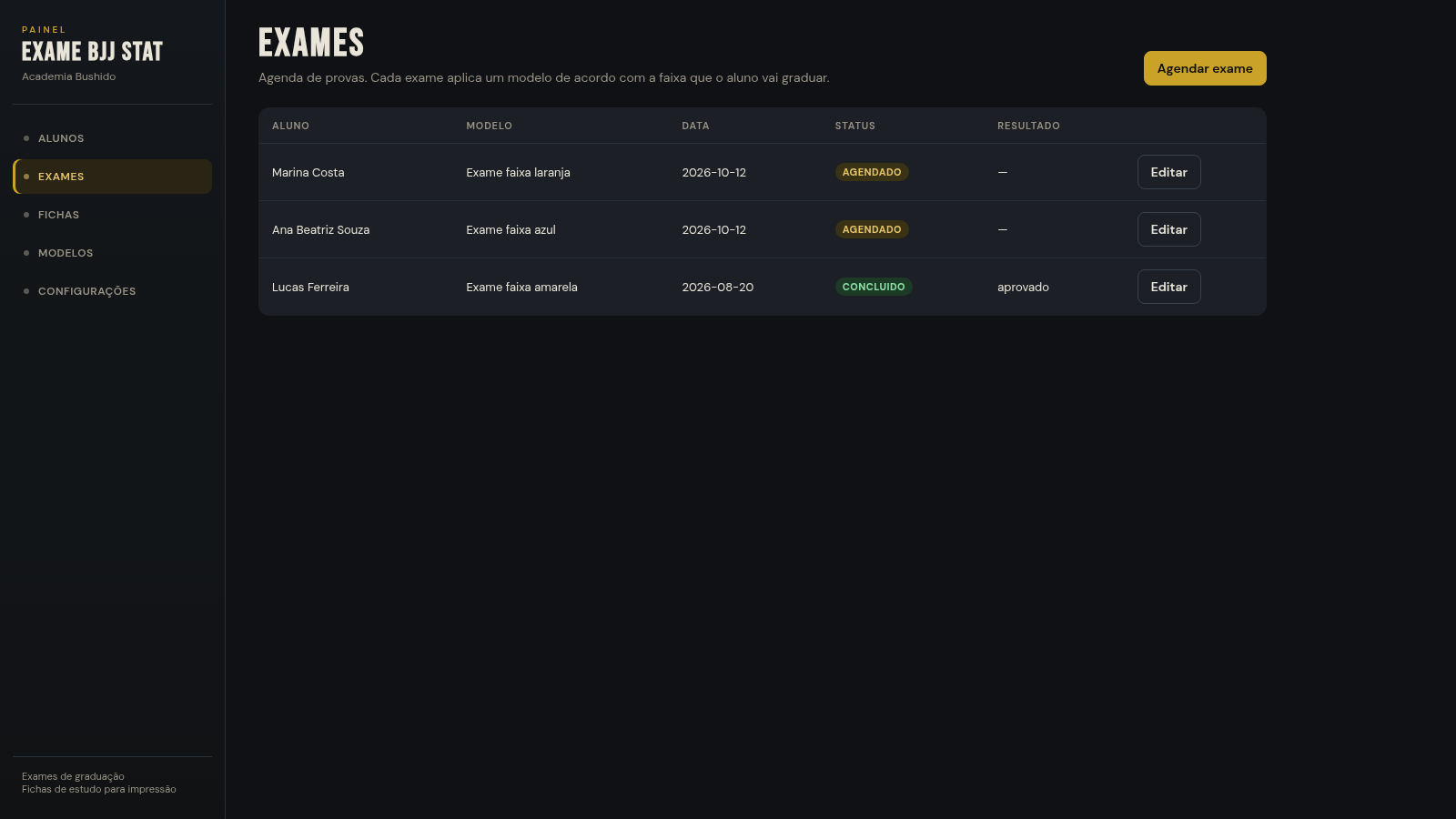
Go to Aplicar exame, pick a student and choose either a saved sheet or a belt model, set the date and the cut-off percentage (70 by default), then press Aplicar exame. In the session each technique shows OK and Nao buttons, and the header percentage, the done counter and the below or above cut-off label update on every click. Press Encerrar exame to finish.
Work with belt models
Modelos holds the belt templates, each with a technique and category count and a short description. Use Editar, Duplicar or Excluir on a card, and use the Fichas deste modelo block to apply an existing student sheet straight to an exam.
Adjust academy settings
In Configurações set the academy name, city and sensei or instructor, and upload a team logo in PNG, JPG or SVG. The note explains the logo appears on the panel and on the printed sheet; press Salvar to keep the changes.
Similar Sites
 65
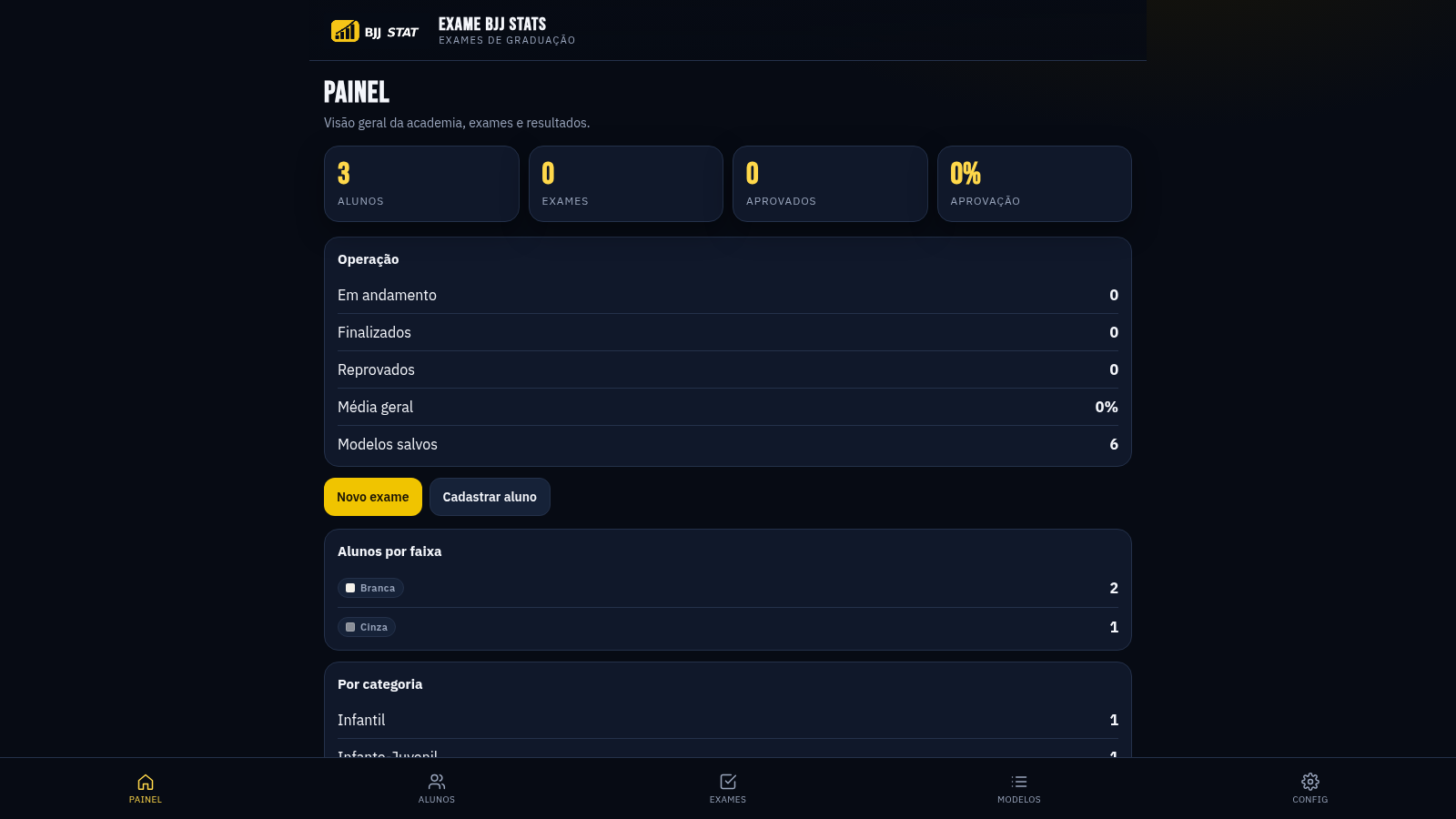
65EXAME BJJ STATS
Sistema profissional de exames de graduação BJJ, com modelos por faixa e relatório APROVADO/REPROVADO.
 5
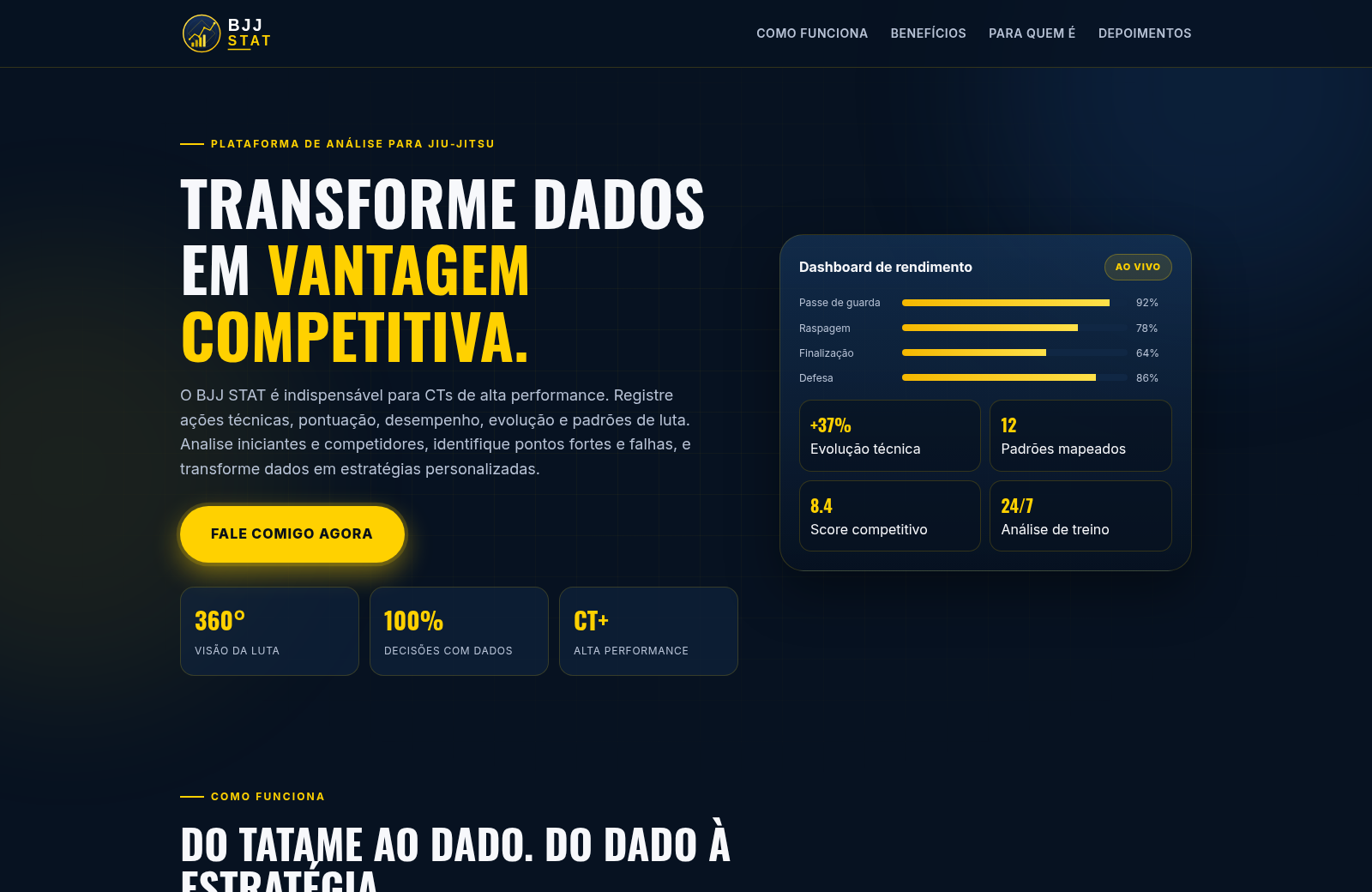
5BJJ STAT
Plataforma de análise e estatísticas para Jiu-Jitsu
 49
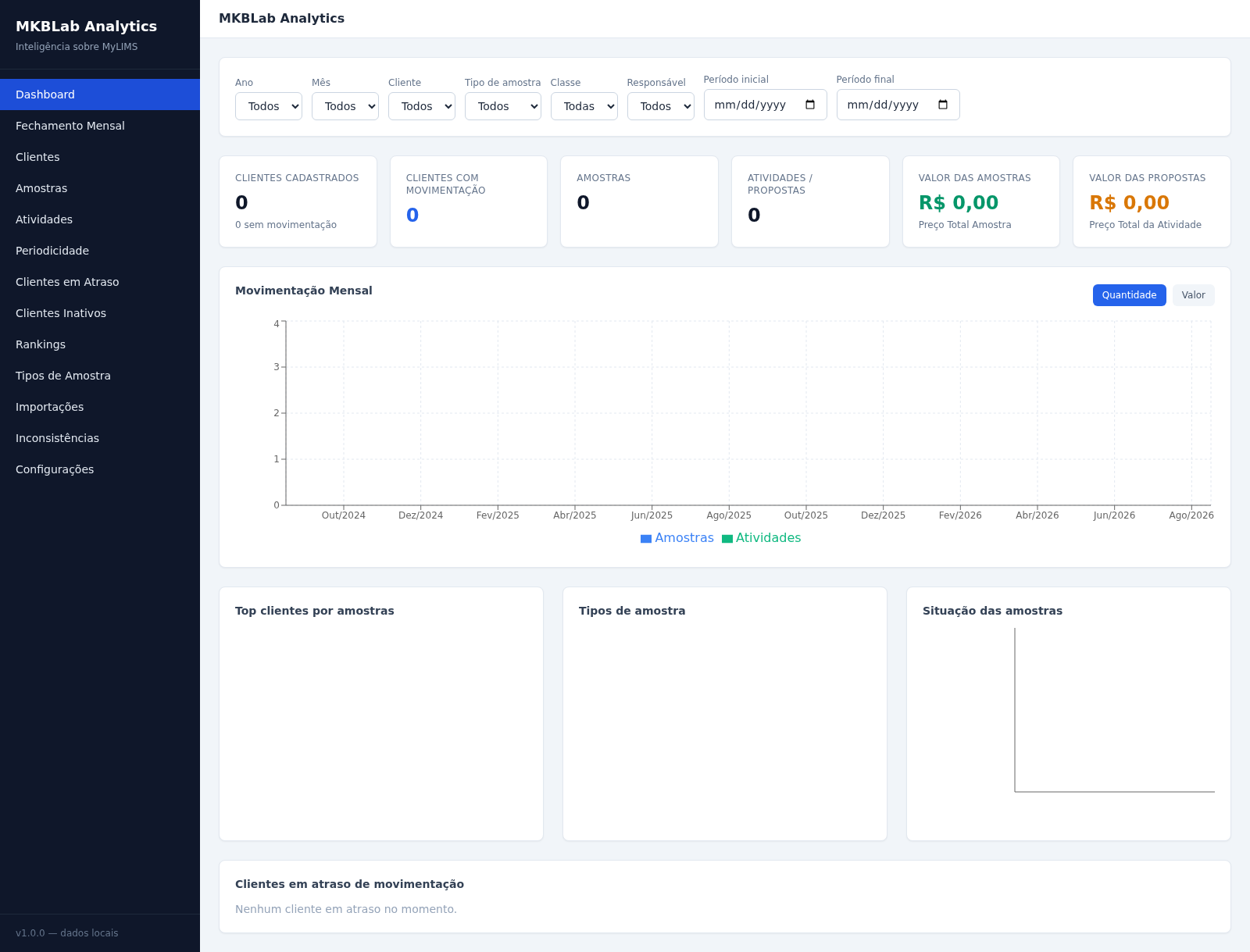
49MKBLab Analytics
Dashboard gerencial com importação de relatórios XLSX do MyLIMS
 42
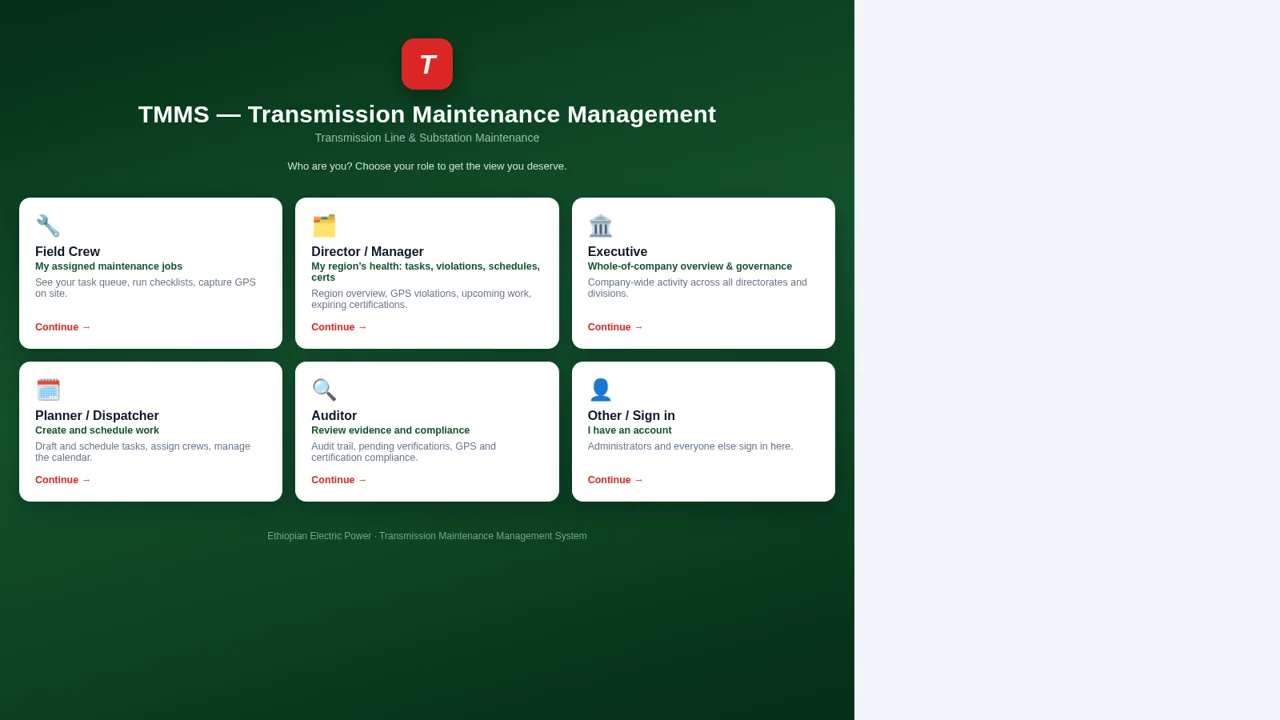
42EEP Transmission Asset Management System
Transmission maintenance: assets, tasks, crews, checklists and GPS reports.
 40
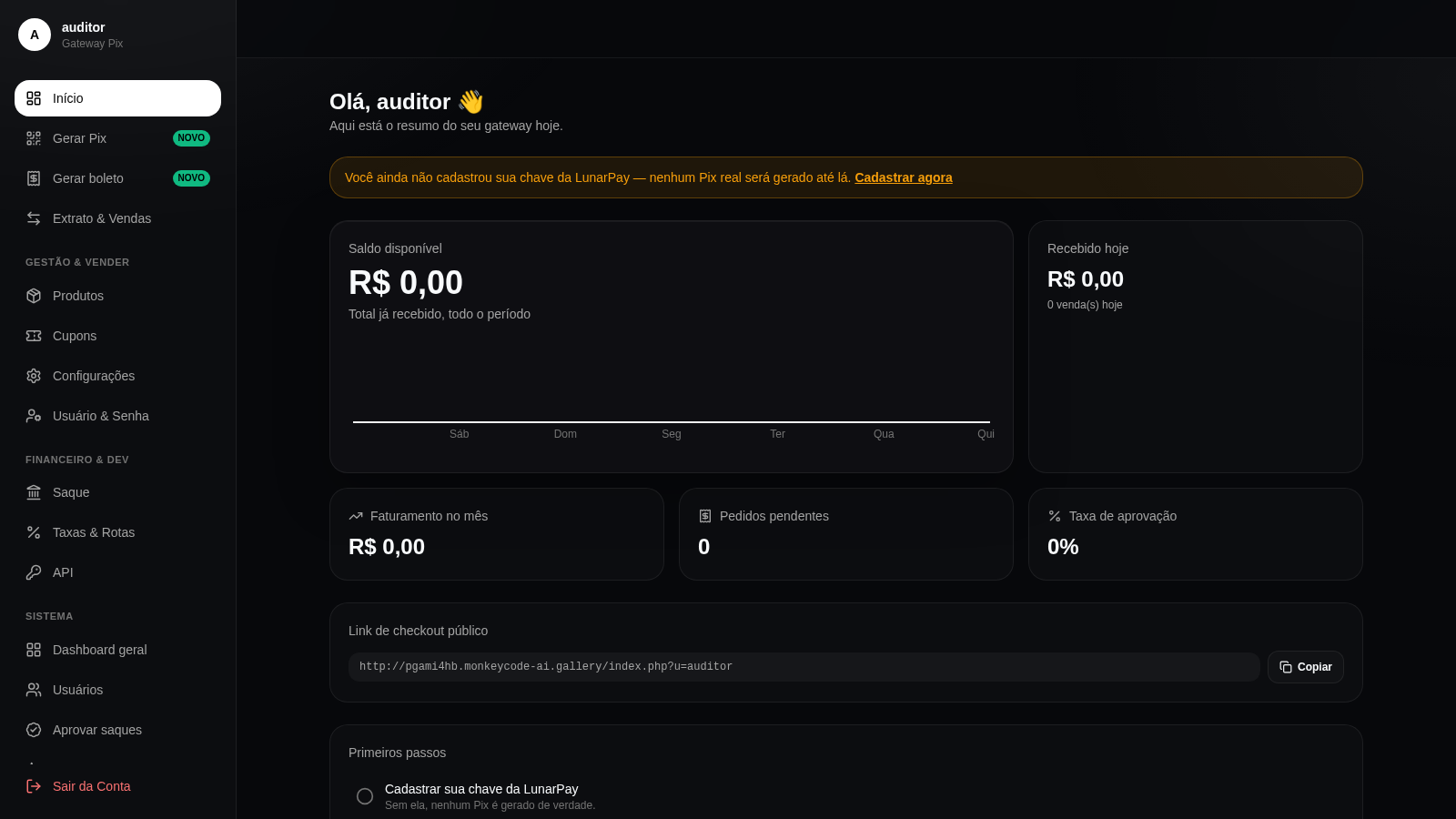
40Gateway Pix
Gateway Pix e boleto com painel de vendas, cupons e links de pagamento.
 32
32SwiftRide Cabs — Car Rentals
Outstation car rentals with instant fare, online payment, and a full owner dashboard