
DARK RADAR PRO
Research opportunities, organize content, and monitor a social media operation from one dark-themed workspace.
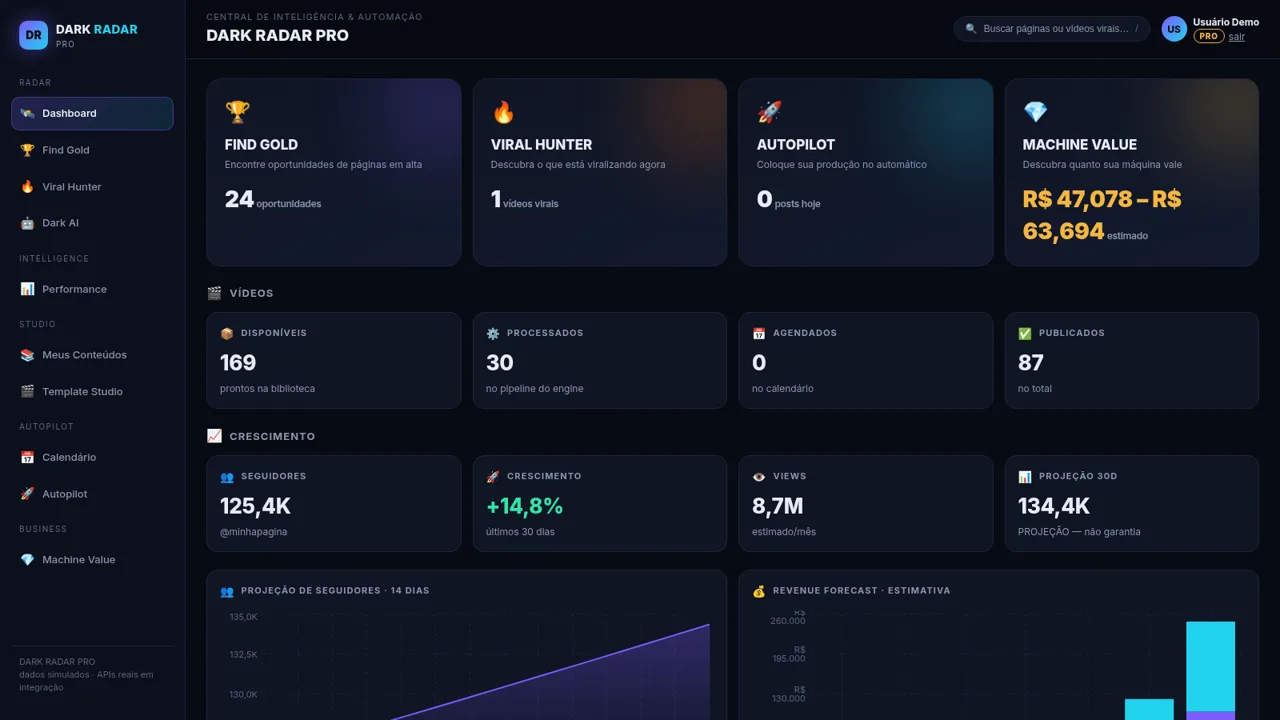
DARK RADAR PRO is a Portuguese-language business tool for operators of faceless or dark social media pages. After signing in with the provided demo account, users reach a central dashboard covering content inventory, follower growth, views, revenue forecasts, publishing activity, opportunity scores, viral videos, and estimated page value. Dedicated areas support natural-language account research, performance review, a structured video library, template workflows, calendar planning, automated publishing, AI assistance, and valuation. The interface states that displayed data is simulated while real APIs are being integrated, and the Autopilot area identifies official platform authorization as the intended publishing method.
Highlights
Opportunity Radar
Scored niche accounts
Content Pipeline
324 tracked records
Growth Forecasts
Charts and estimates
Autopilot Flow
End-to-end stages
How to Use
Sign in to the demo workspace
Use the demo email and password shown directly on the login screen. Successful authentication opens the PRO dashboard with navigation for intelligence, studio, automation, and business tools.
Review the operating dashboard
Start with the dashboard cards and charts to inspect available videos, processed items, scheduled and published totals, follower growth, monthly views, forecasts, revenue estimates, top opportunities, and recent viral examples.
Search for promising accounts
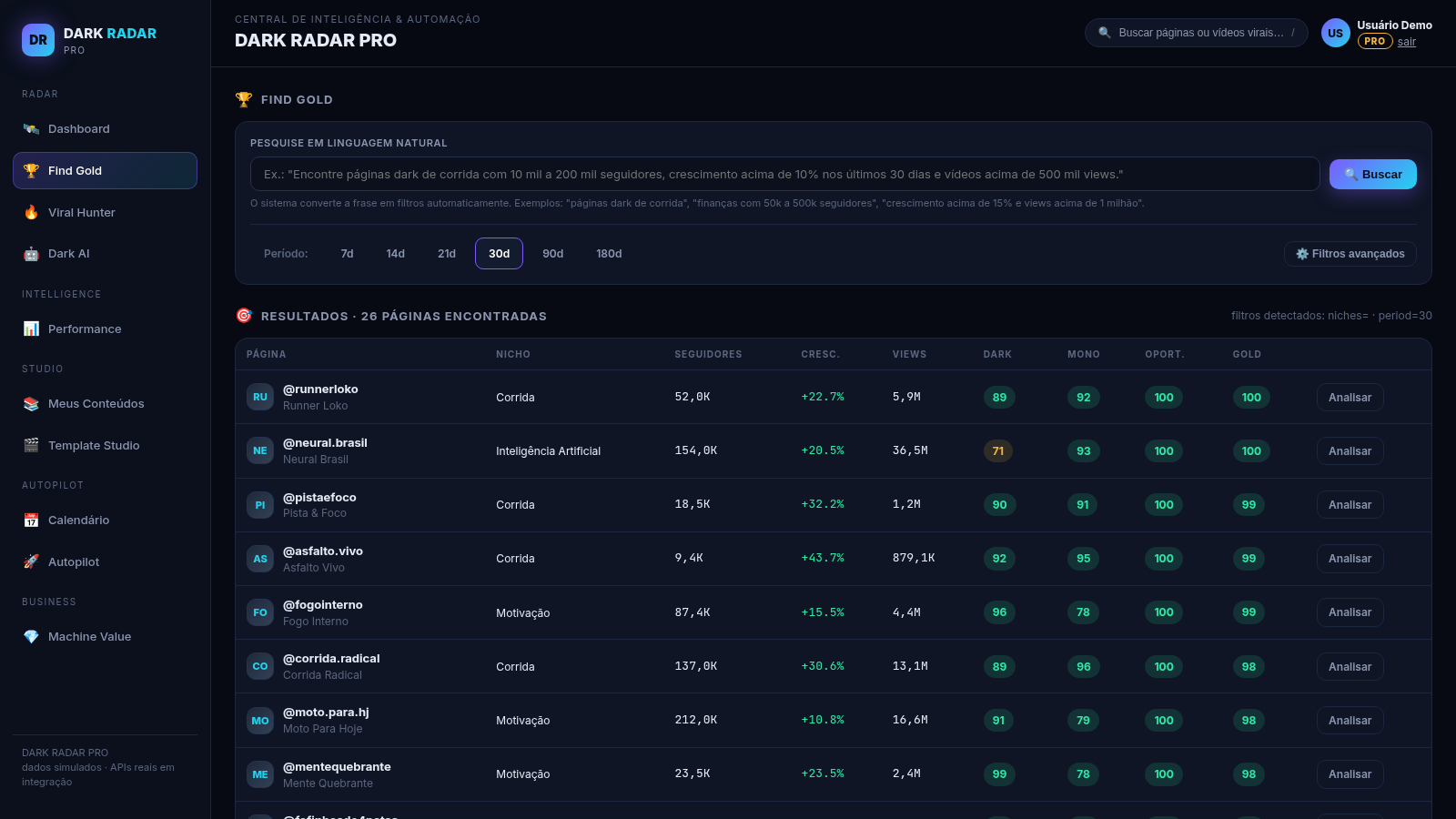
Open Find Gold and describe a target niche, audience size, growth rate, or view threshold in Portuguese. Submit the query to receive a scored table with follower, growth, view, dark-page, monetization, opportunity, and Gold indicators.
Organize and schedule content
Use the content library to browse records by workflow status and inspect each item's duration, resolution, niche, template, source, publication state, and views. Continue through templates, calendar, and Autopilot when preparing a publishing plan.
Check automation readiness
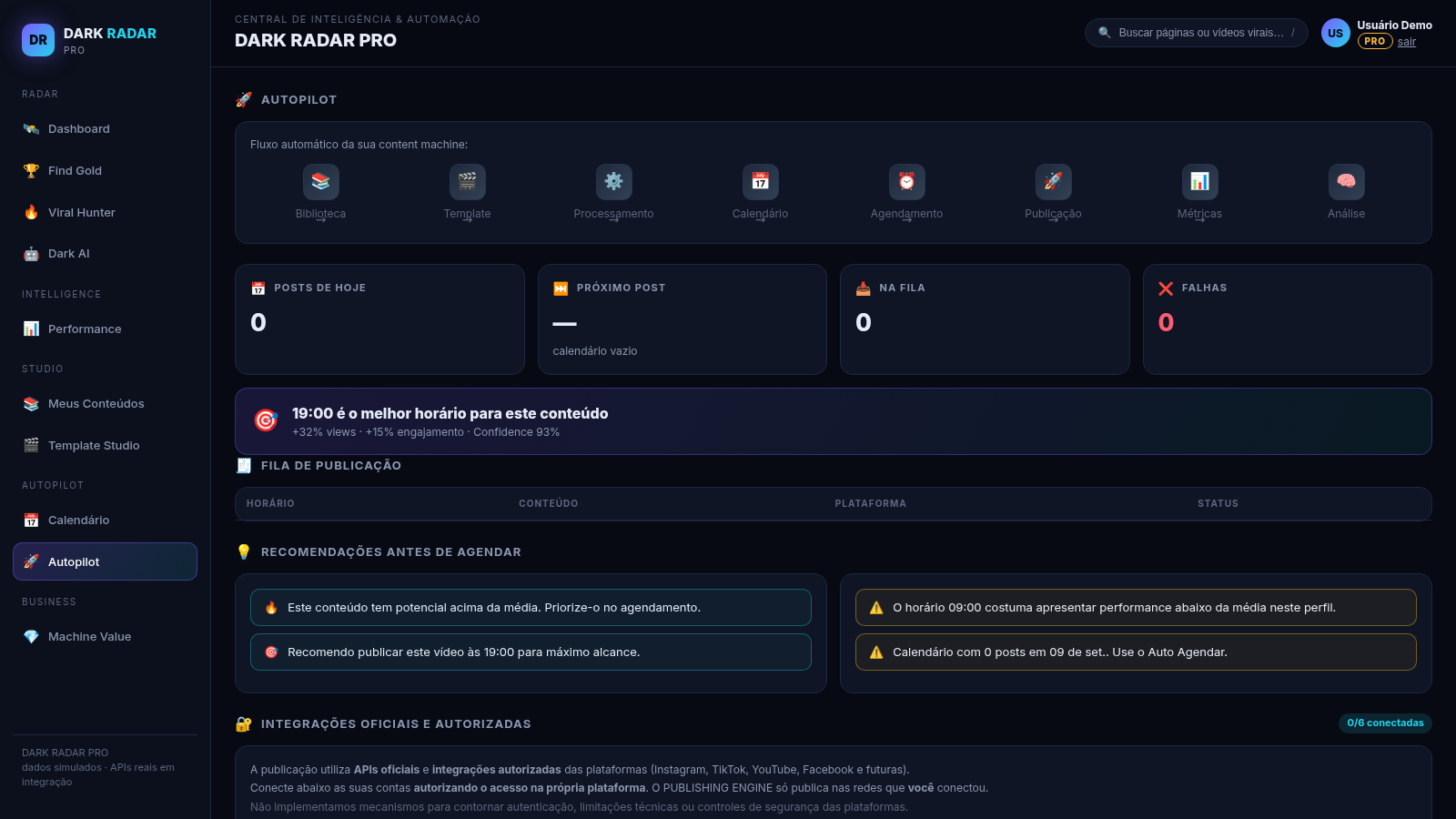
In Autopilot, review the pipeline stages, queue totals, timing recommendations, and supported social platforms. Account integrations must be authorized through the official platforms before real publishing can occur.
Similar Sites
 23
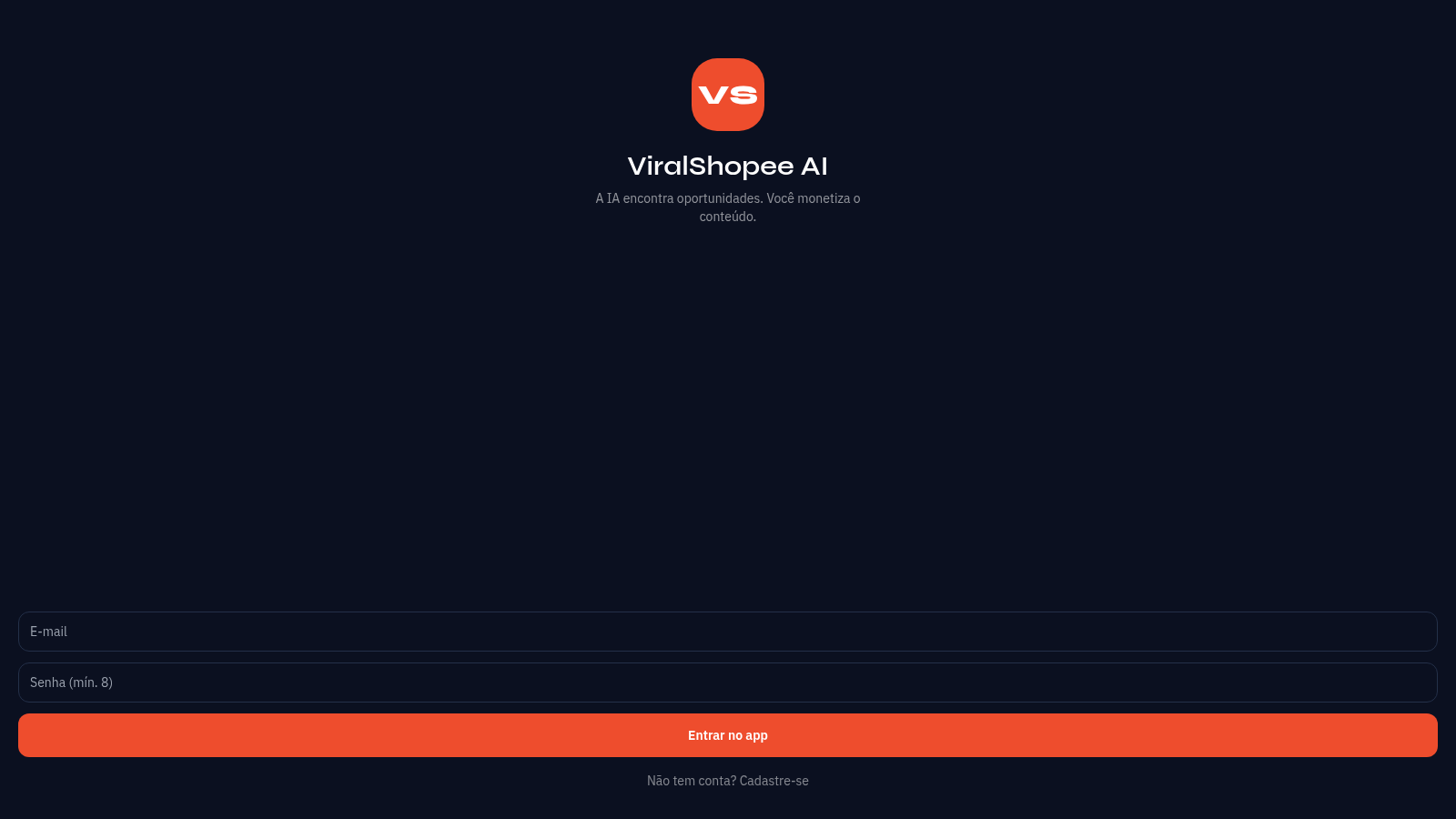
23ViralShopee AI
A IA encontra oportunidades. Você monetiza o conteúdo.
 4
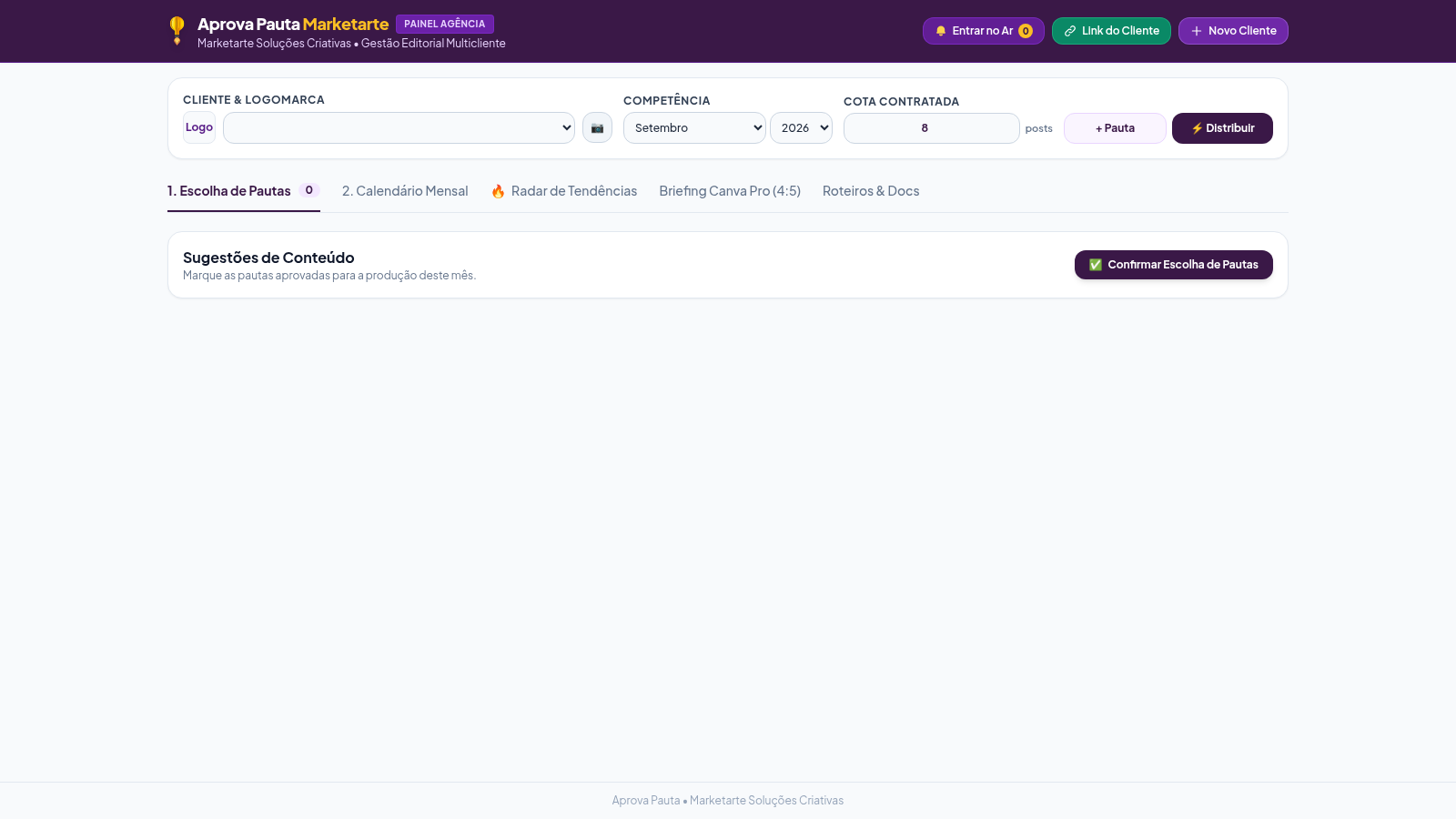
4Aprova Pauta Marketarte
Pautas, calendário, briefing Canva 4:5 e radar de tendências por cliente.
 51
51SGI CONTROL
Sistema Integrado de Gestão da Qualidade (ISO 9001) com painel B2B multiempresa
 65
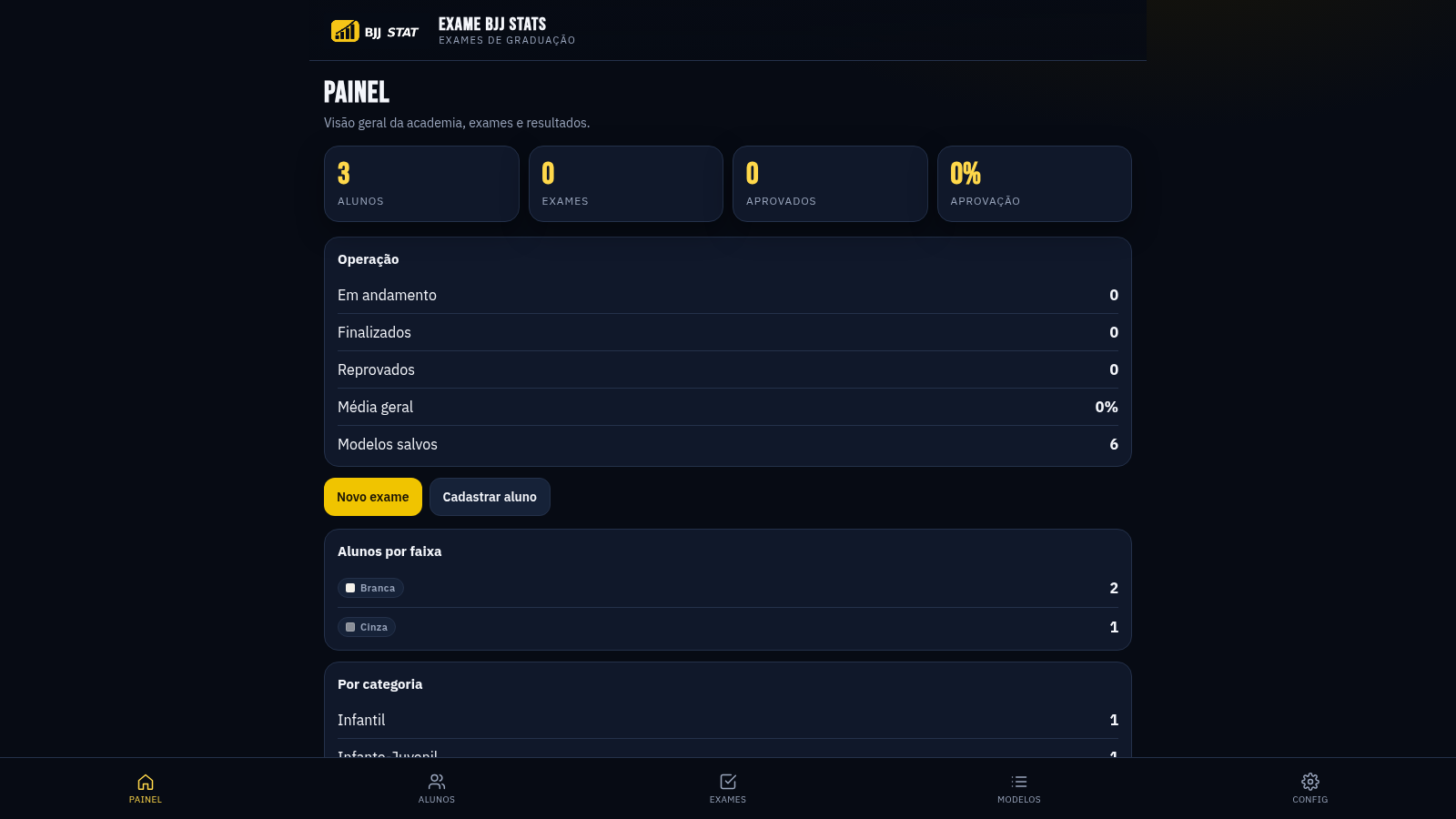
65EXAME BJJ STATS
Sistema profissional de exames de graduação BJJ, com modelos por faixa e relatório APROVADO/REPROVADO.
 63
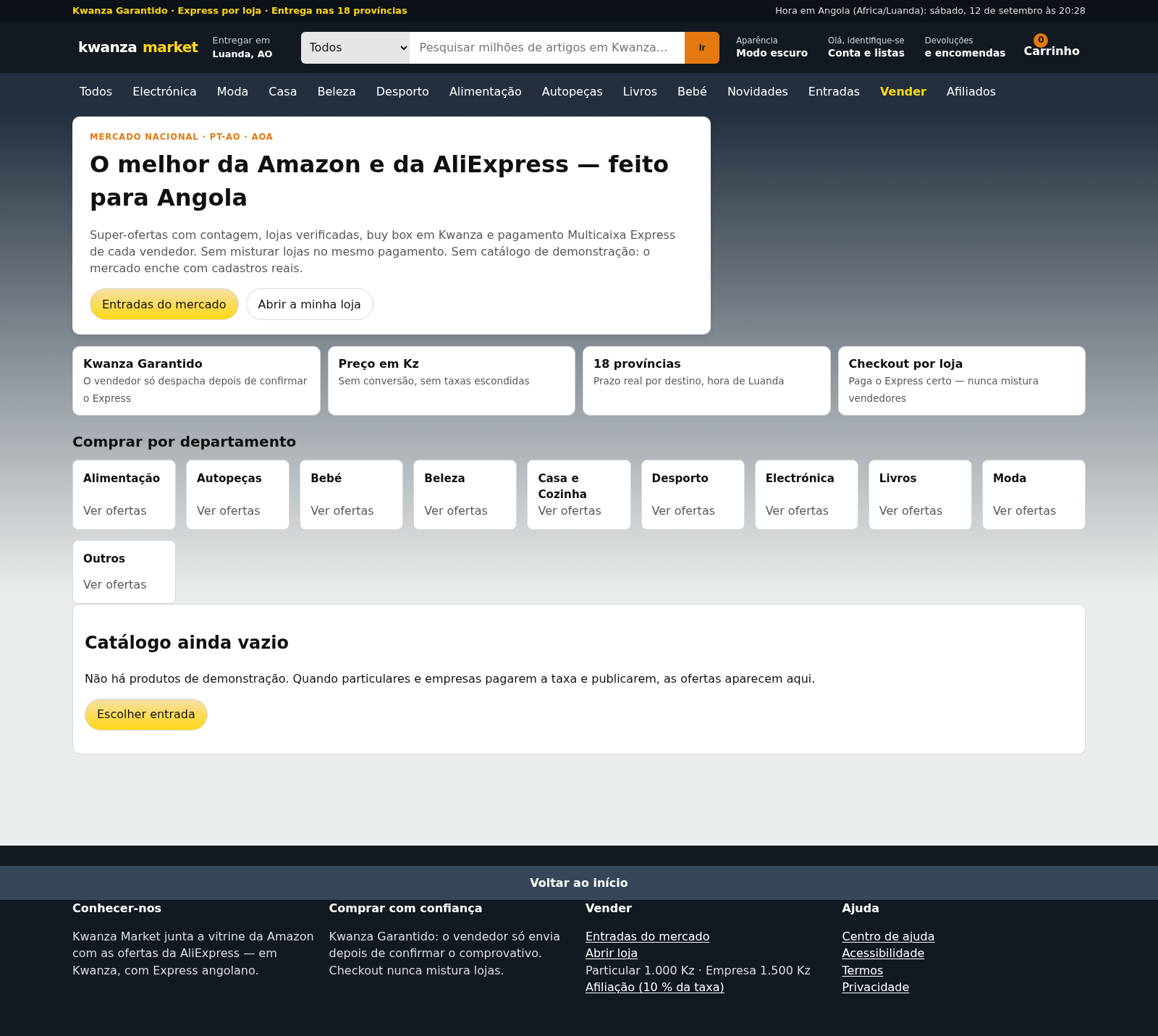
63Kwanza Market
Mercado de Angola: compre e venda em Kwanza com Multicaixa Express.
 61
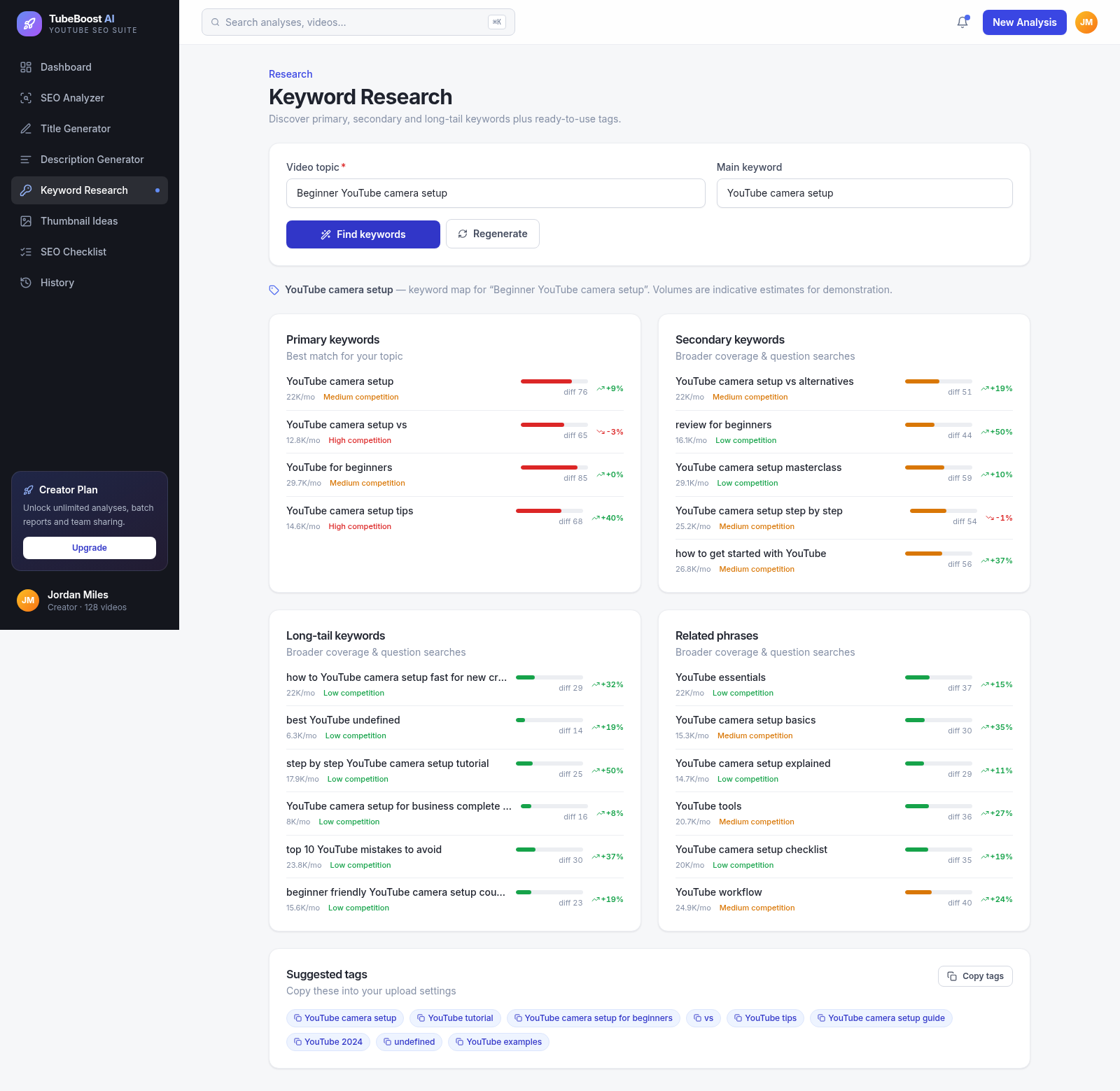
61TubeBoost AI — YouTube SEO
AI YouTube SEO tool: titles, descriptions, keywords, thumbnails.