
قراءة — ترجمة داخل الفقاعة
Read manga with Arabic dialogue placed inside the original bubbles
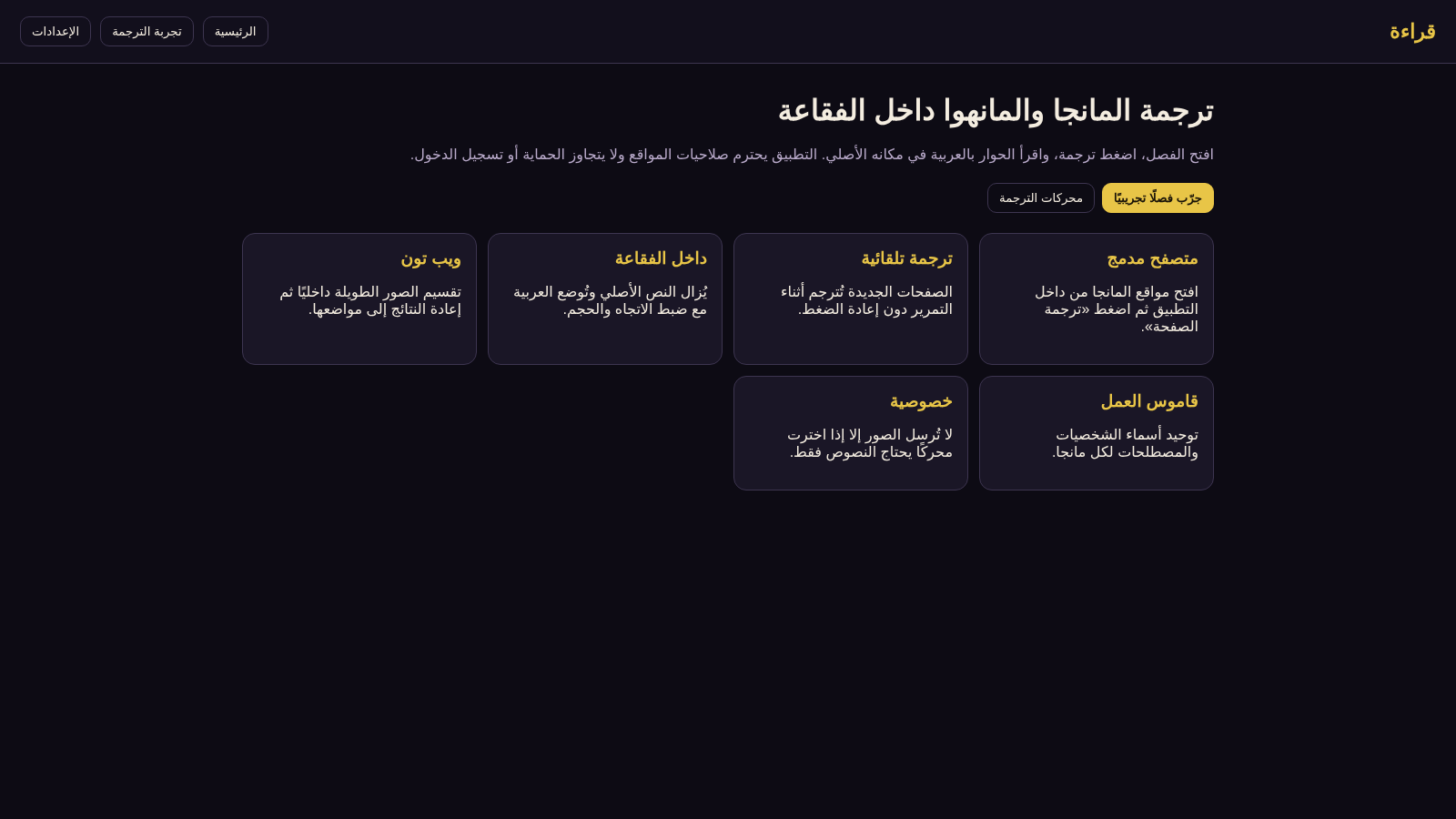
Qira'a is a web demo of a manga and manhwa reading tool that aims to translate dialogue into Arabic without leaving the page. The homepage introduces the idea with six feature cards covering a built-in browser, automatic translation while scrolling, in-bubble text replacement, webtoon image splitting, per-title glossaries, and privacy. A demo reader provides a three-page generated sample chapter with Japanese and English source bubbles. Pressing the translation button swaps the dialogue into Arabic inside the same bubble shapes, paging moves through the sample, and another button restores the original text. The settings screen lets visitors pick a translation engine and source or target language. The site presents itself as a web preview of a native Android app and does not require an account.
Highlights
In-bubble Arabic
Text kept in bubble
Three demo pages
Japanese, English
Engine settings
Choose engine type
Source text toggle
Compare both
How to Use
Start with the demo chapter
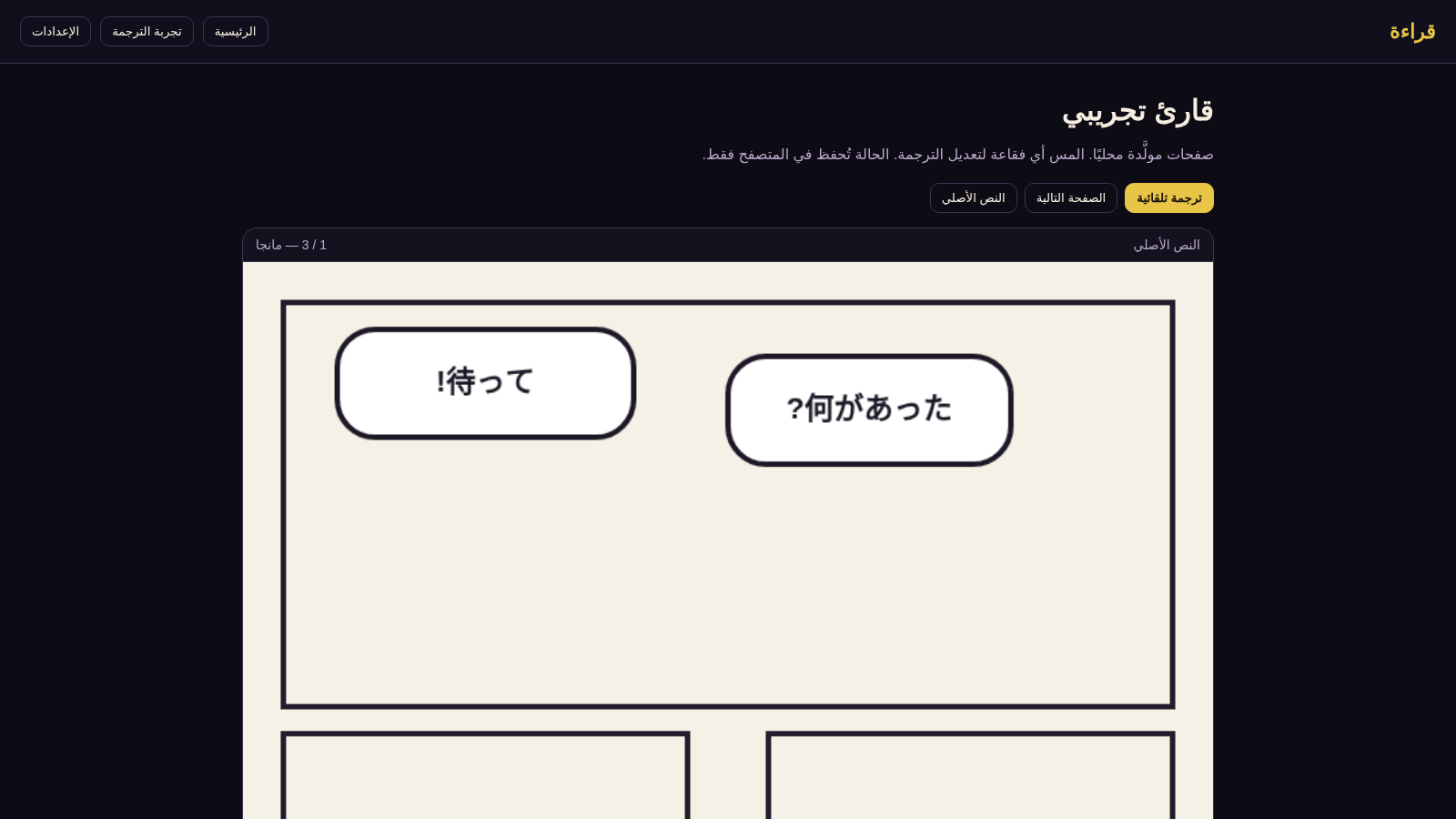
From the homepage, press the yellow button labeled try a sample chapter. A generated manga page opens in the reader with two Japanese speech bubbles and a counter showing the current page. The page is shown at a fixed width inside a dark frame, and the label above it indicates whether the original text or the translation is active.
Translate and compare
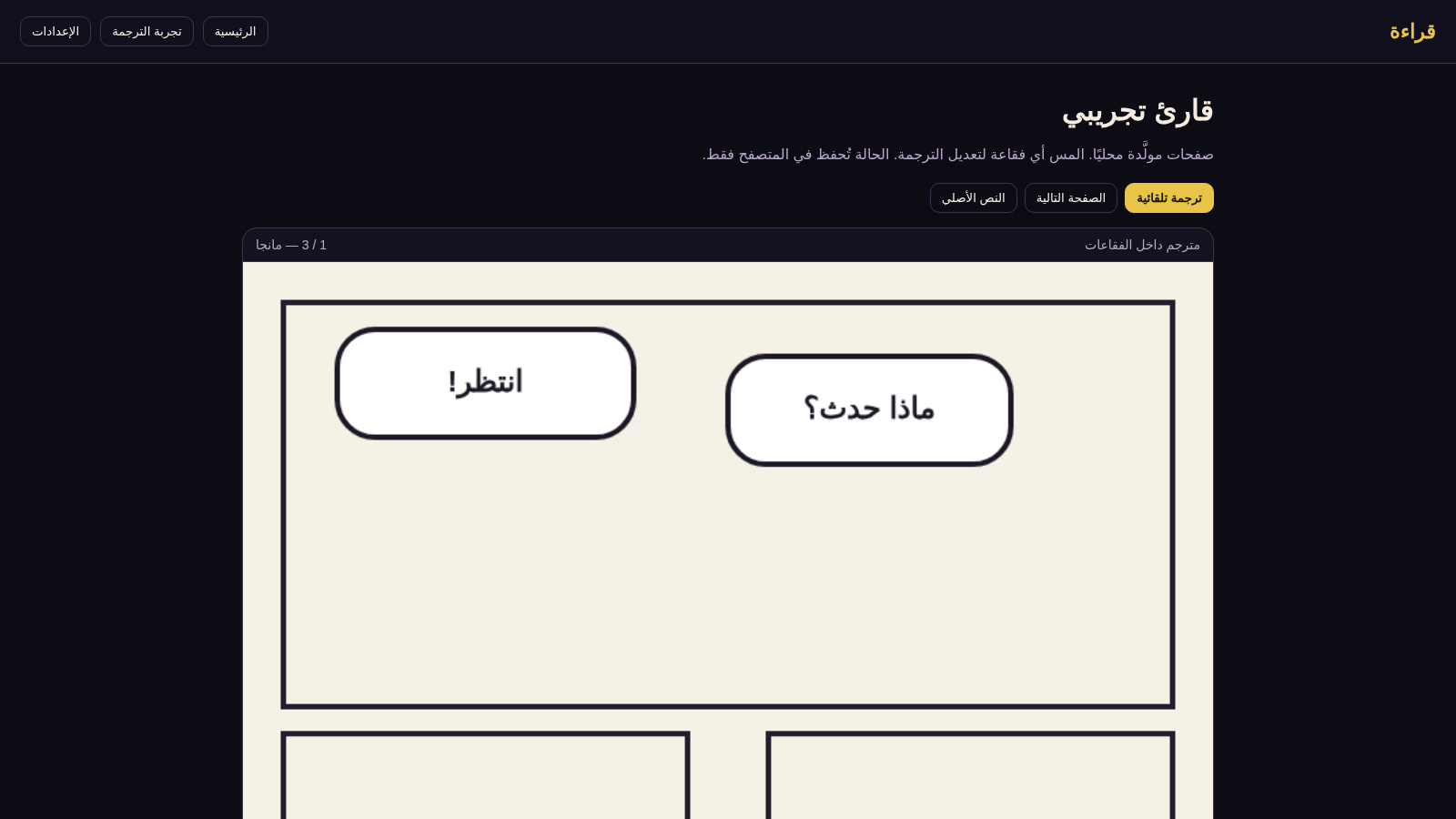
Press the automatic translation button and the Japanese dialogue is replaced with Arabic inside the same oval bubbles. Use the next page button to move through the sample, where the source language changes to English on the second page. The third button switches back to the original text, so both versions can be compared without reloading the page. Tapping a bubble is described as a way to edit its translation, and the reader notes that state is stored only in the browser.
Adjust the translation setup
Open the settings section from the top navigation. Choose an engine from on-device ML Kit, Google Cloud Translation, an AI model over an API, or a local model. Set the source language to automatic detection, Japanese, Korean, or English, and keep Arabic as the target. A note on the page states that this web build runs entirely in the browser and does not call external services.
Similar Sites
 1
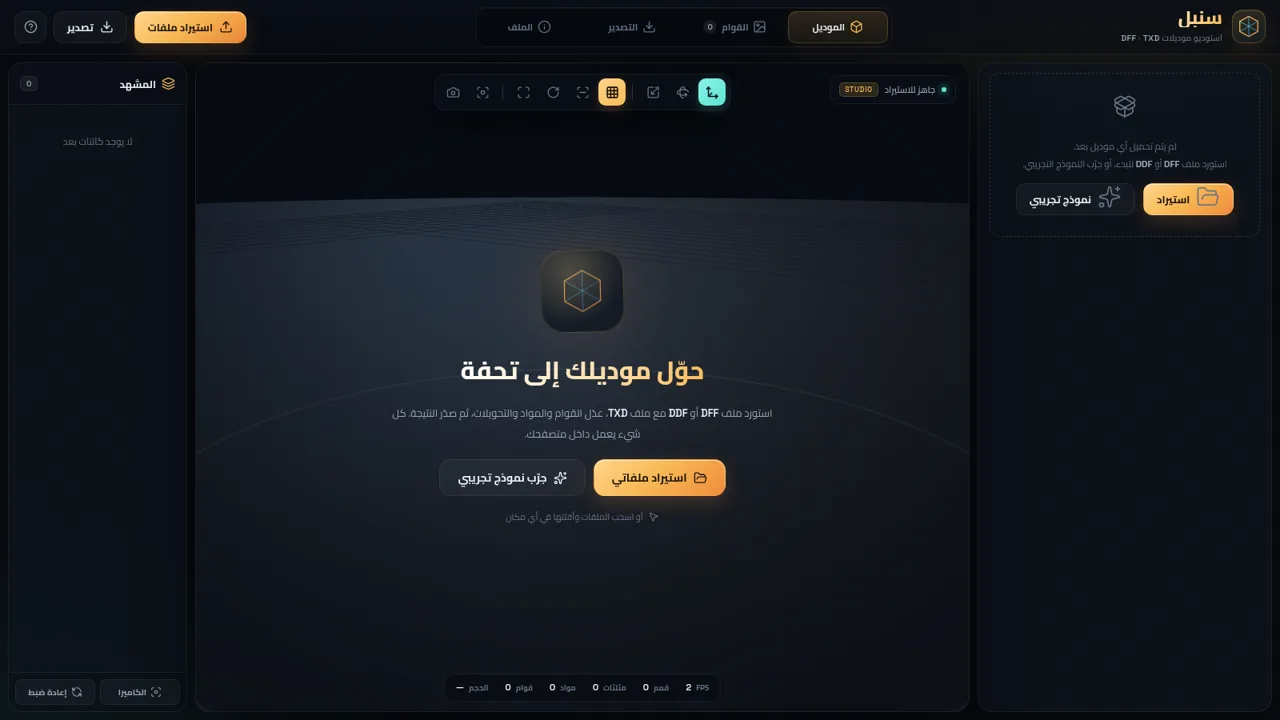
1سنبل — استوديو DFF و TXD
محرر موديلات RenderWare بصيغة DFF و DDF و TXD داخل المتصفح
 94
94OhMyPS - AI Image Editor
Brush, describe, and quickly edit part of an image with AI.
 79
79PDF Master AI
Private in-browser PDF toolkit to convert, merge, compress, edit, and protect files.
 77
77BJJ STAT — ANALISE. ENTENDA. EVOLUA.
Scout de Jiu-Jitsu em um toque. Placar IBJJF, relatórios visuais e PWA offline.
 53
53ToolCraft - Free Online Tools
Free, fast, privacy-friendly online tools & expert guides - all in your browser.
 30
30PC Build Checker
Check desktop and laptop PC builds for compatibility, scores, and upgrades.