
冷鍛計算
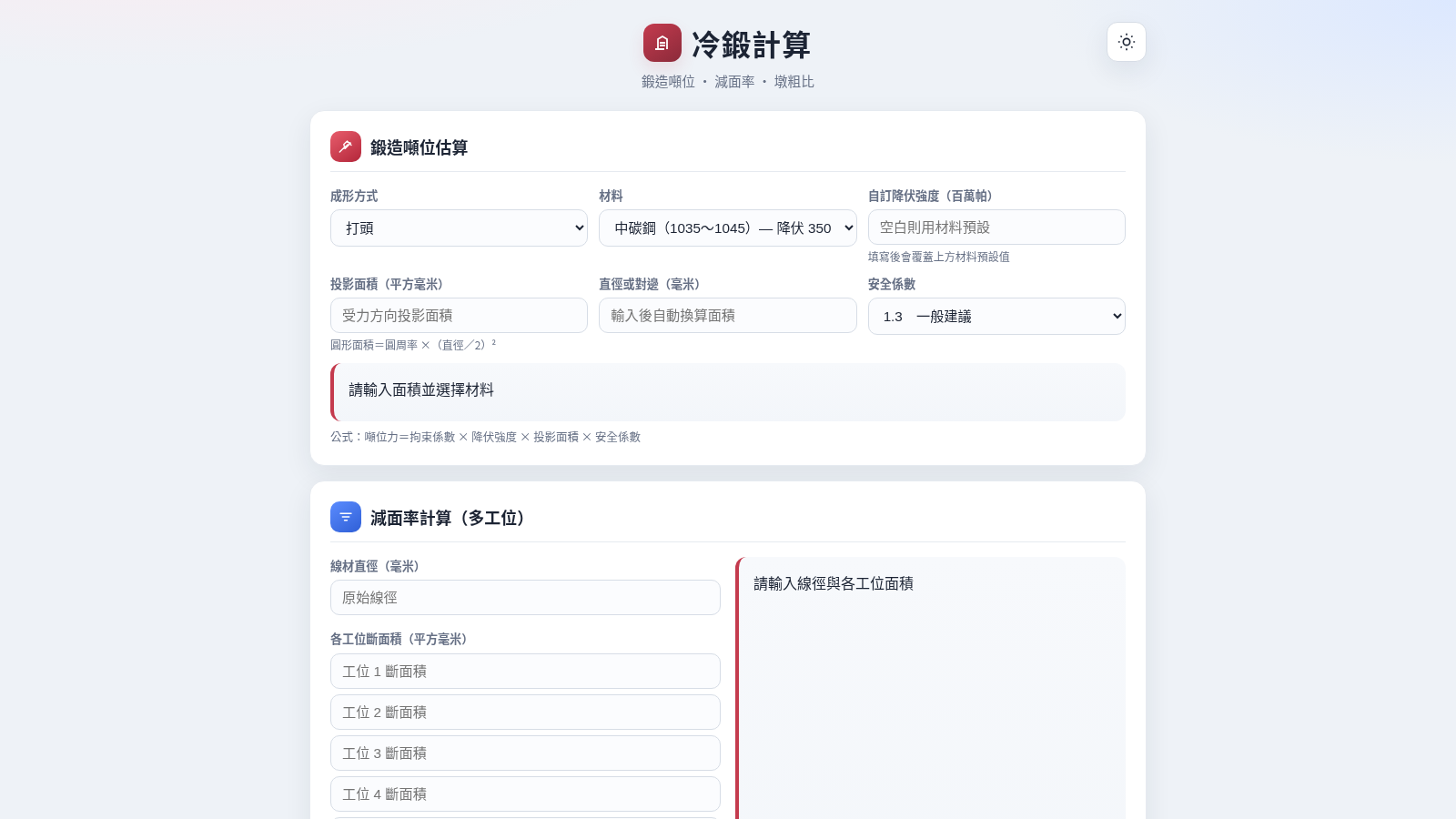
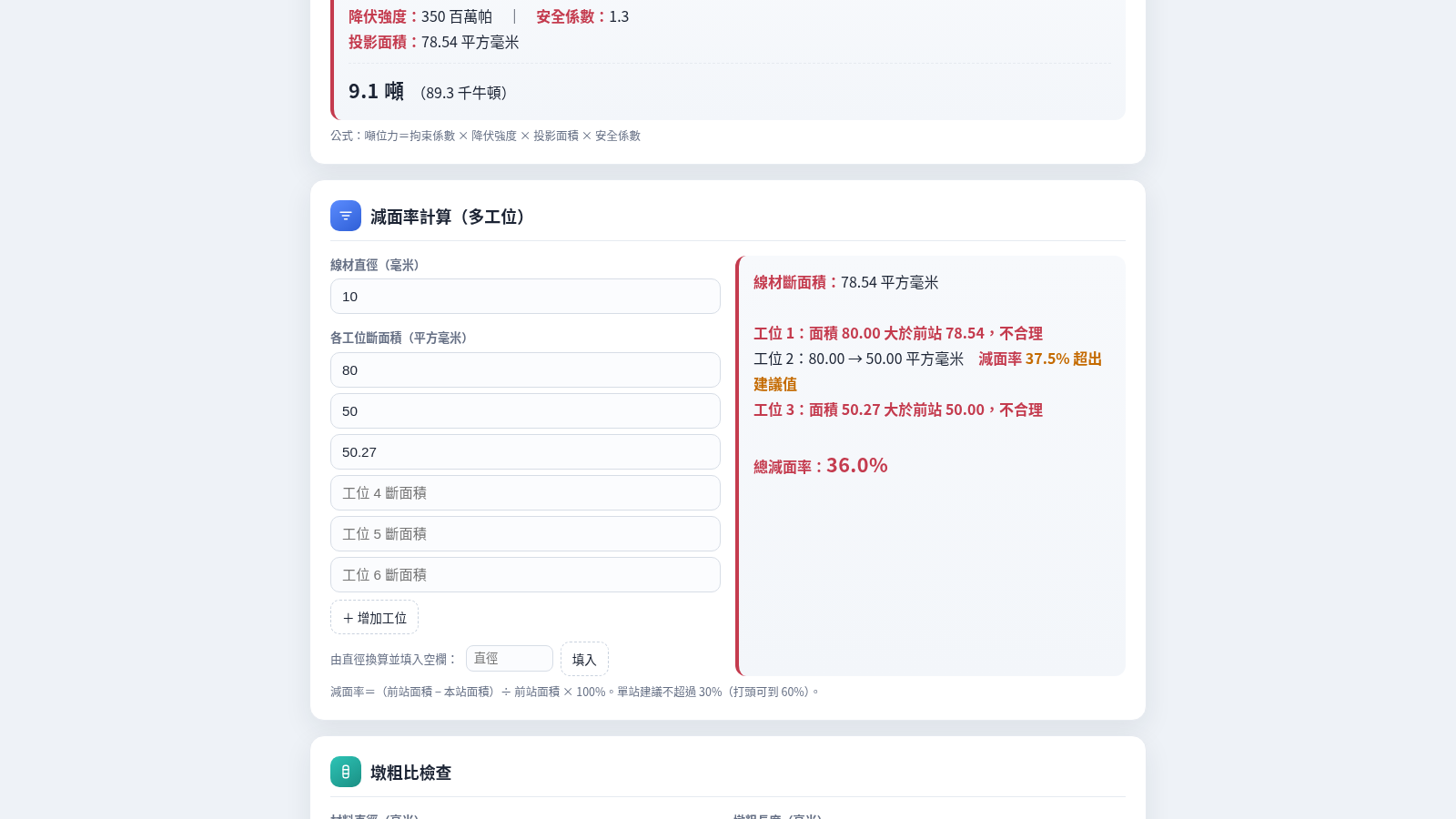
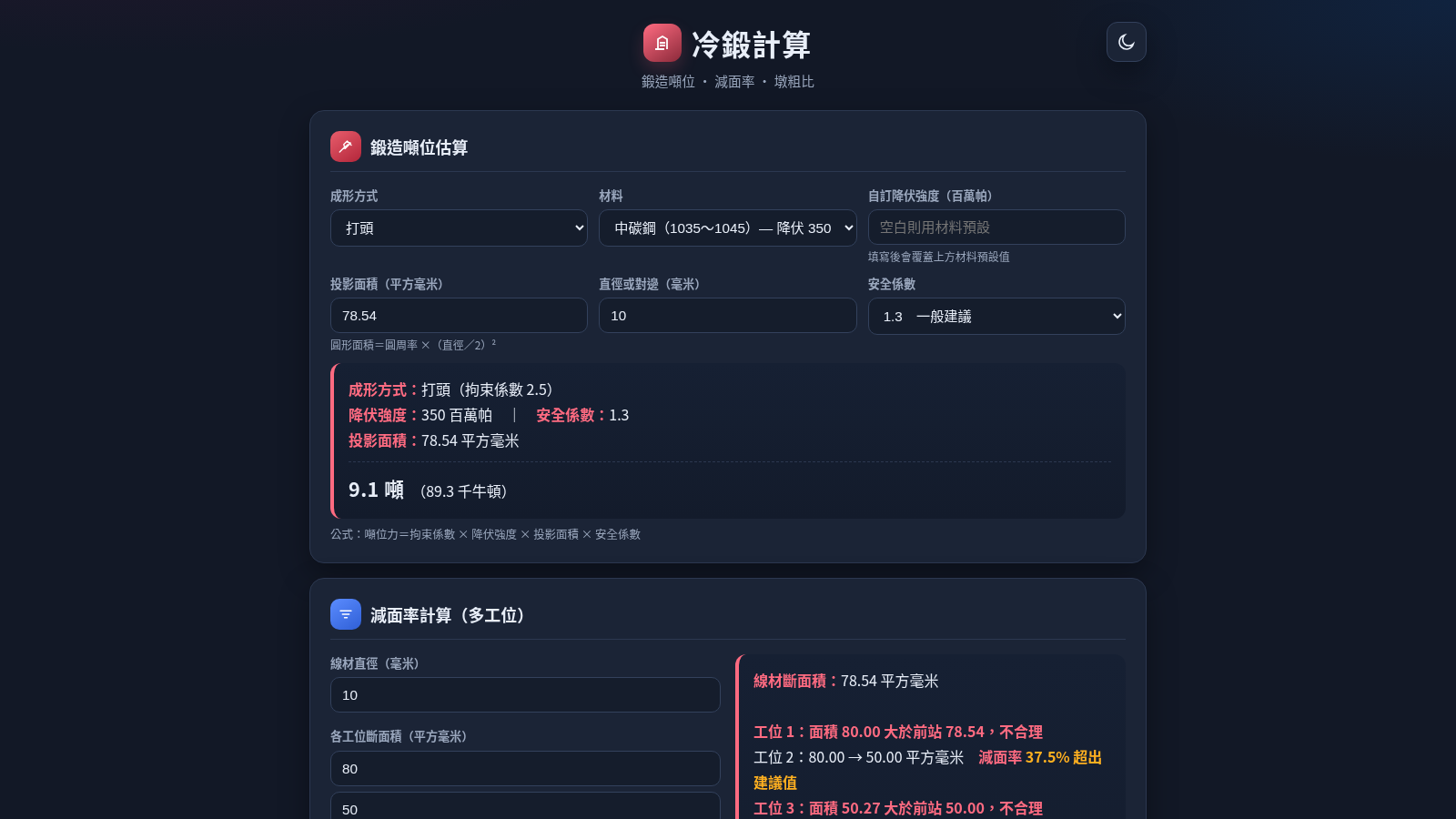
Three cold forging calculators for tonnage, reduction of area and upsetting ratio
Cold Forging Calculator is a browser based engineering tool for cold heading and multi-station cold forging. A single page holds three calculators. The first estimates forging tonnage from a forming method, a material preset or custom yield strength, a projected area and a safety factor, and reports force in tonnes and kilonewtons. The second tracks reduction of area across stations, compares each station to the previous one and flags reductions above the recommended limit. The third checks the upsetting ratio from material diameter and protruding length. Every result recalculates as you type, and a day/night toggle switches the palette.
Highlights
Tonnage estimate
Updates as you type
Multi-station areas
Per-station warnings
Upsetting ratio
Buckling guidance
Diameter converter
Diameter to area
Material presets
Six steel presets
Light and dark theme
Toggle in header
How to Use
Estimate forging tonnage
In the first card choose a forming method and a material, or type a custom yield strength to override the preset. Enter the projected area in square millimetres, or type a diameter in the second field to convert it into an area automatically. Pick a safety factor and the result line shows the method, its restraint factor, the area and the force in tonnes and kilonewtons, with the formula printed underneath.
Check reduction of area
In the second card enter the wire diameter and the cross-sectional area at each station. Five boxes are shown and the add-station button creates more. The tool starts from the wire area, compares each station to the one before it, warns when an area grows instead of shrinking, and marks any per-station reduction above the recommended thirty percent. A total reduction is reported at the end.
Check the upsetting ratio
In the third card enter the material diameter and the length protruding from the die. The tool divides length by diameter and immediately labels the value as safe, a borderline case needing die guidance, or likely to buckle, so you can see where your process sits.
Switch the theme
Use the day/night button in the header to flip the whole palette. The setting applies to all three calculators at once and the layout stays consistent while you continue entering values.
Similar Sites
 53
53ToolCraft - Free Online Tools
Free, fast, privacy-friendly online tools & expert guides - all in your browser.
 94
94OhMyPS - AI Image Editor
Brush, describe, and quickly edit part of an image with AI.
 79
79PDF Master AI
Private in-browser PDF toolkit to convert, merge, compress, edit, and protect files.
 77
77BJJ STAT — ANALISE. ENTENDA. EVOLUA.
Scout de Jiu-Jitsu em um toque. Placar IBJJF, relatórios visuais e PWA offline.
 30
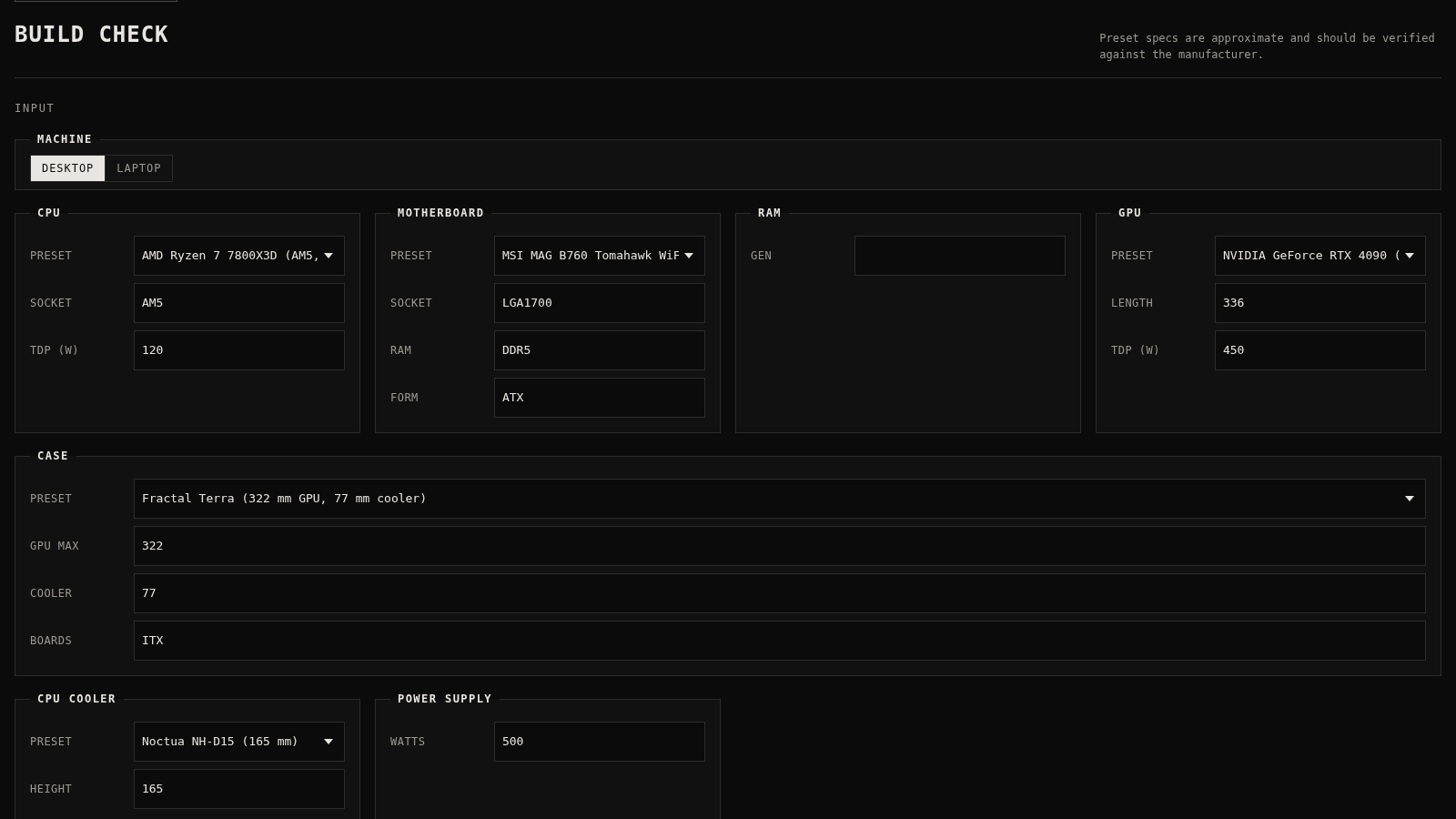
30PC Build Checker
Check desktop and laptop PC builds for compatibility, scores, and upgrades.
 22
22AuroraOS
A desktop OS inside a single HTML file - apps, terminal, games, music