
Fluxo Financeiro

A local-first personal finance dashboard you can open in any browser.
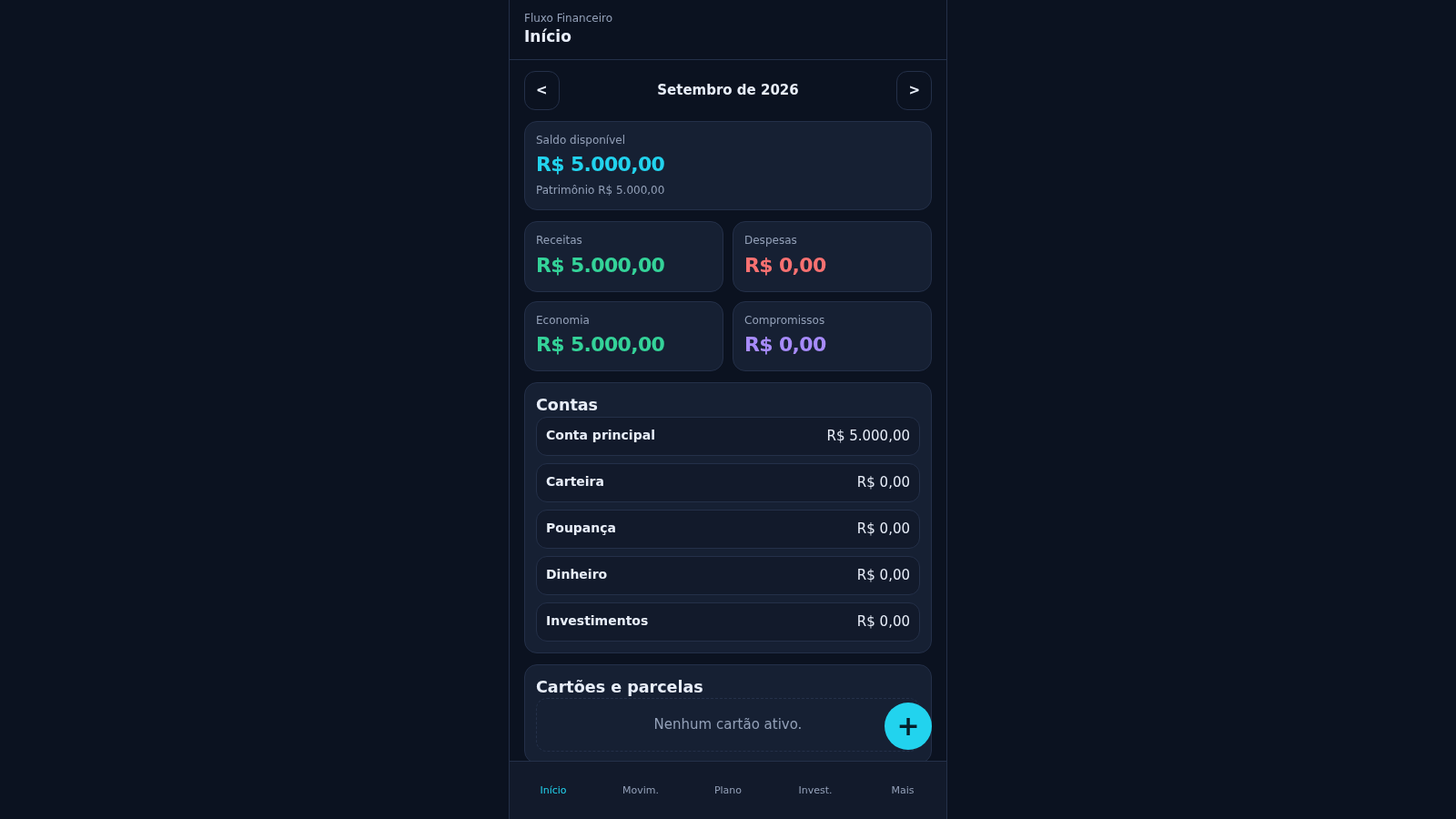
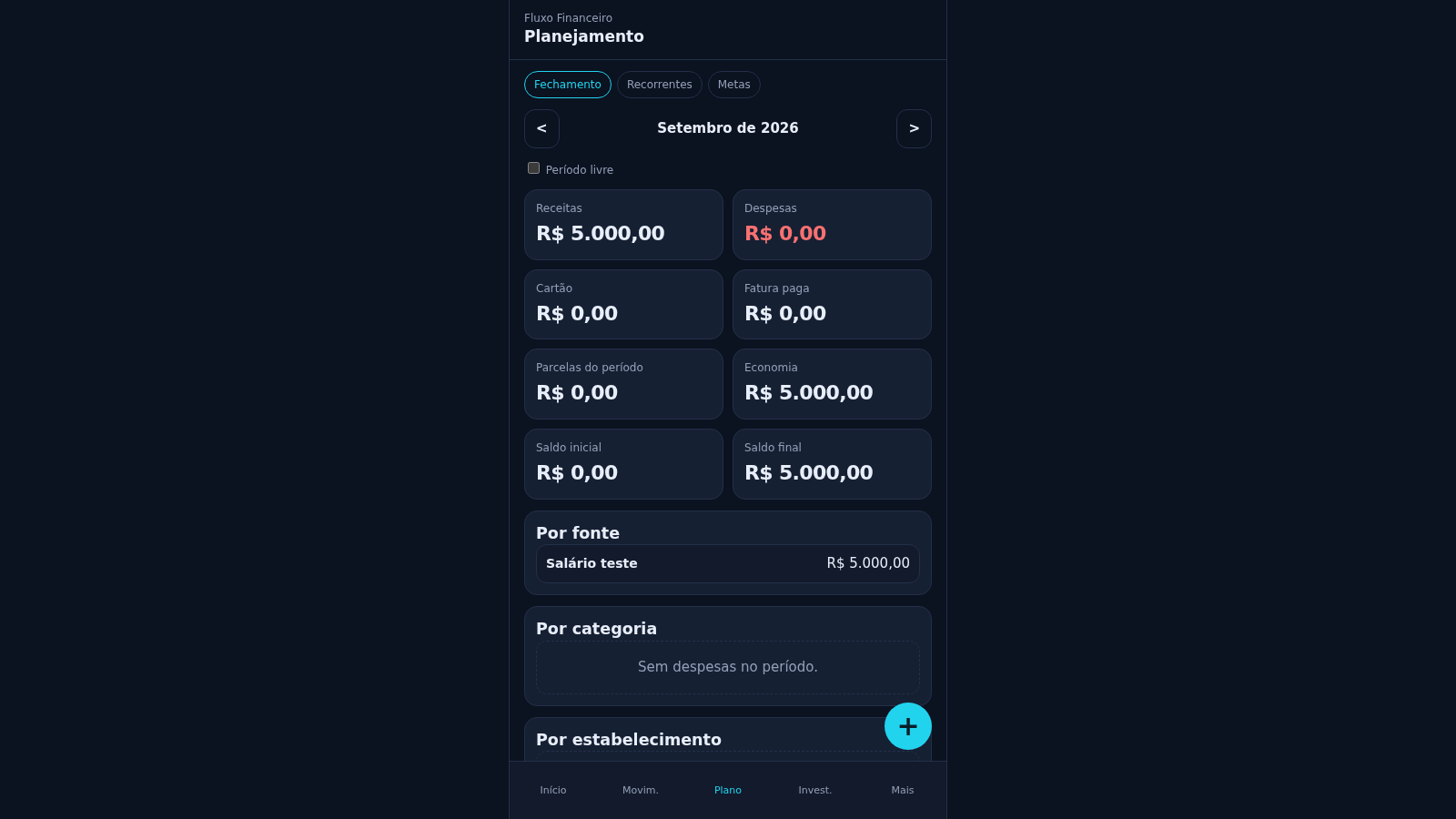
Fluxo Financeiro is a personal finance manager built as a single-page web app. It stores data only in your browser, so no account or sign-in is required. From the dashboard you can record income, expenses, transfers, card purchases, new accounts and investments; the summary cards then recalculate available balance, net worth, received and pending income, expenses, savings and commitments. Separate sections cover a searchable transaction list, a monthly planning view with projections by income source, category, establishment and card, an investments area, and a settings area for income sources, categories, accounts and cards.
Highlights
Seven entry types
Income and expense
Multiple accounts
Five default wallets
Card installments
Track card purchases
Monthly planning
Savings and goals
How to Use
Open the dashboard
Open the site in a browser and the first screen shows the Início dashboard. The month selector at the top moves between periods, and the summary cards immediately show available balance, net worth, forecast and received income, expenses, savings and commitments; with no records yet, every value starts at zero and each list displays its own empty-state message.
Add a transaction
Press the round + button labelled Adicionar at the bottom right, then choose an entry type such as Receita, Despesa, Transferência, Compra no cartão, Conta or Investimento. Fill in the form fields for description, amount, date, due date, category, account, status and recurrence, then confirm; the dashboard and the Movimentações list update with the new record.
Review and plan
Use the bottom navigation to open Movim. for a searchable transaction list with type filters and edit, duplicate or delete actions, Plano for monthly projections, recurring items and goals, and Invest. for registered investments. In the Mais area you can manage income sources, expense categories, accounts and cards; its Mais tab explains that the app is personal, local to the device and requires no login.
Similar Sites
 19
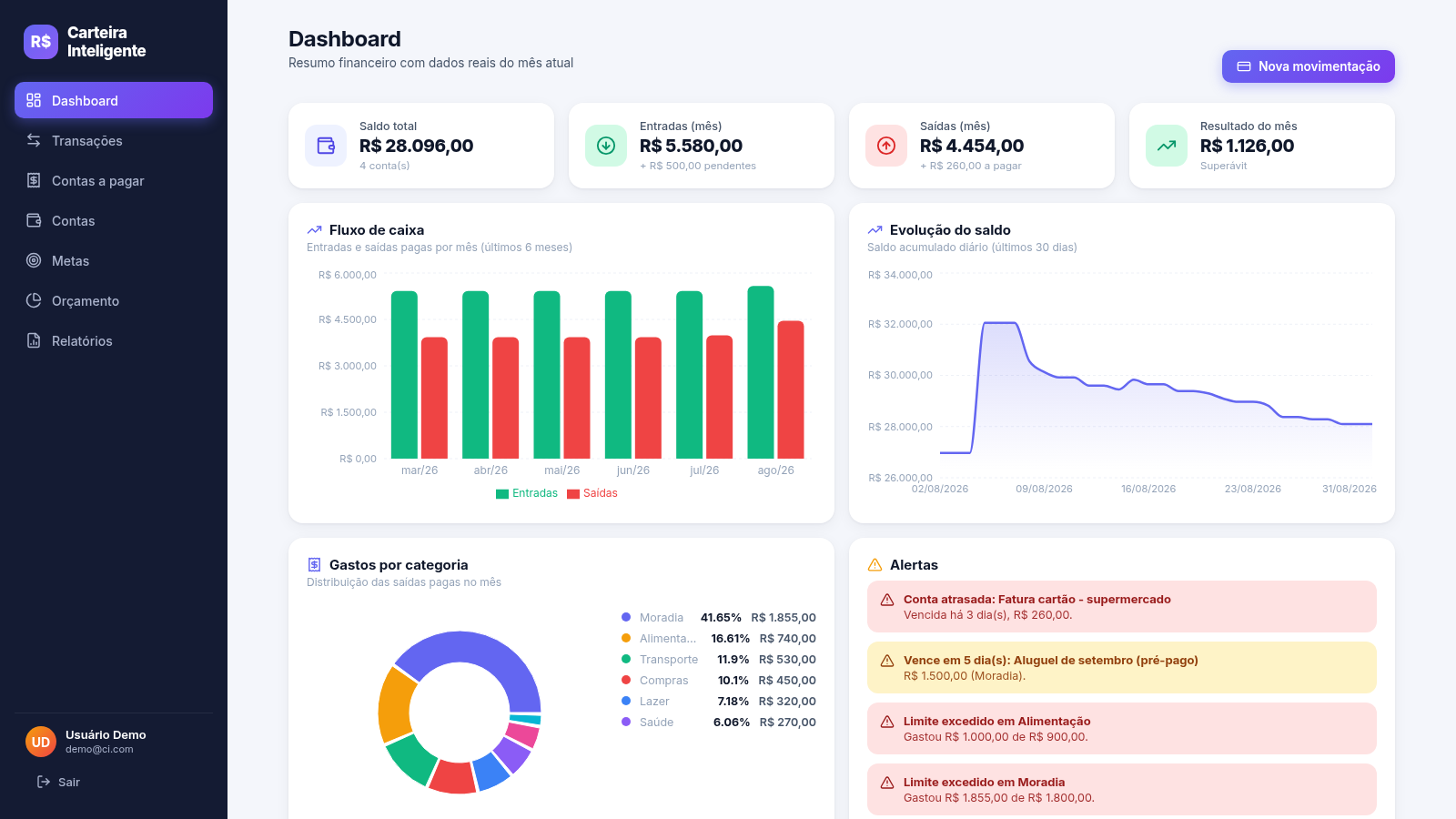
19Carteira Inteligente
Carteira Inteligente - controle financeiro pessoal em R$
 17
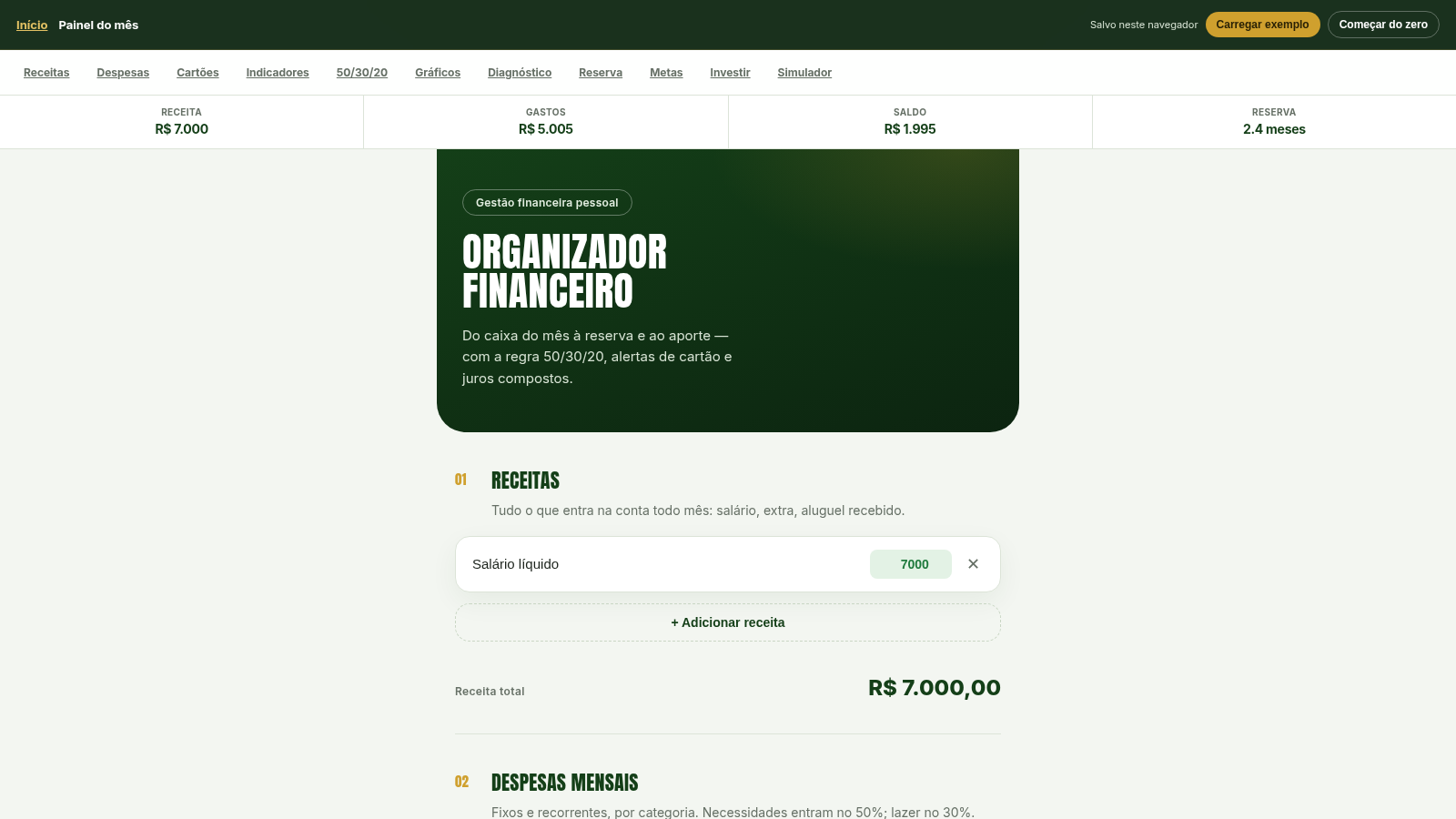
17Organizador Financeiro
Organize receitas, despesas e cartões. Aplique 50/30/20, calcule reserva de 6 meses, metas e juros compostos.
 5
5VELORA — Ateliê Financeiro
Patrimônio, cartões, orçamentos e metas num ateliê privado.
 5
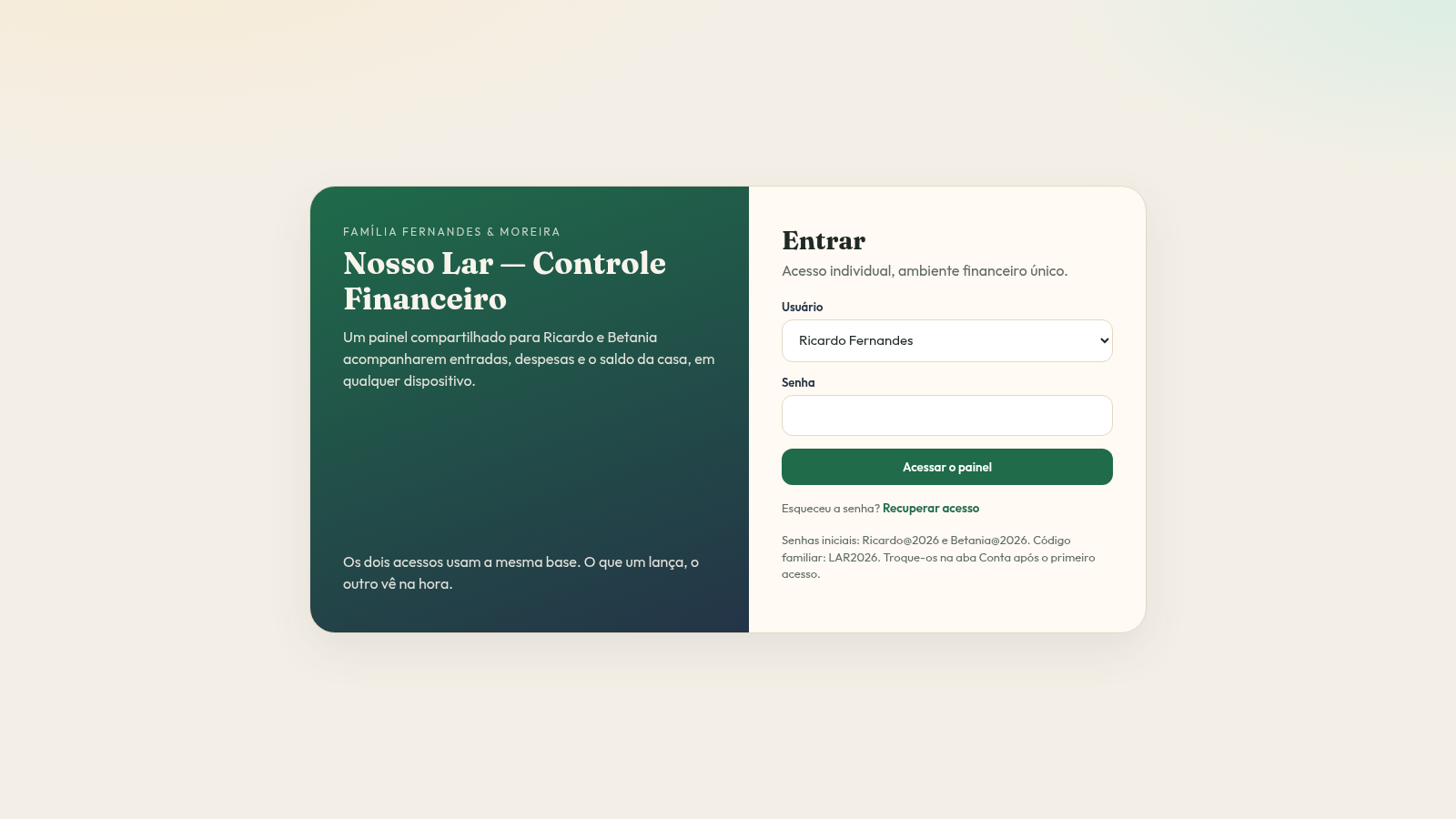
5Nosso Lar Controle Financeiro
CRM doméstico compartilhado para Ricardo e Betania controlarem as finanças da casa.
 1
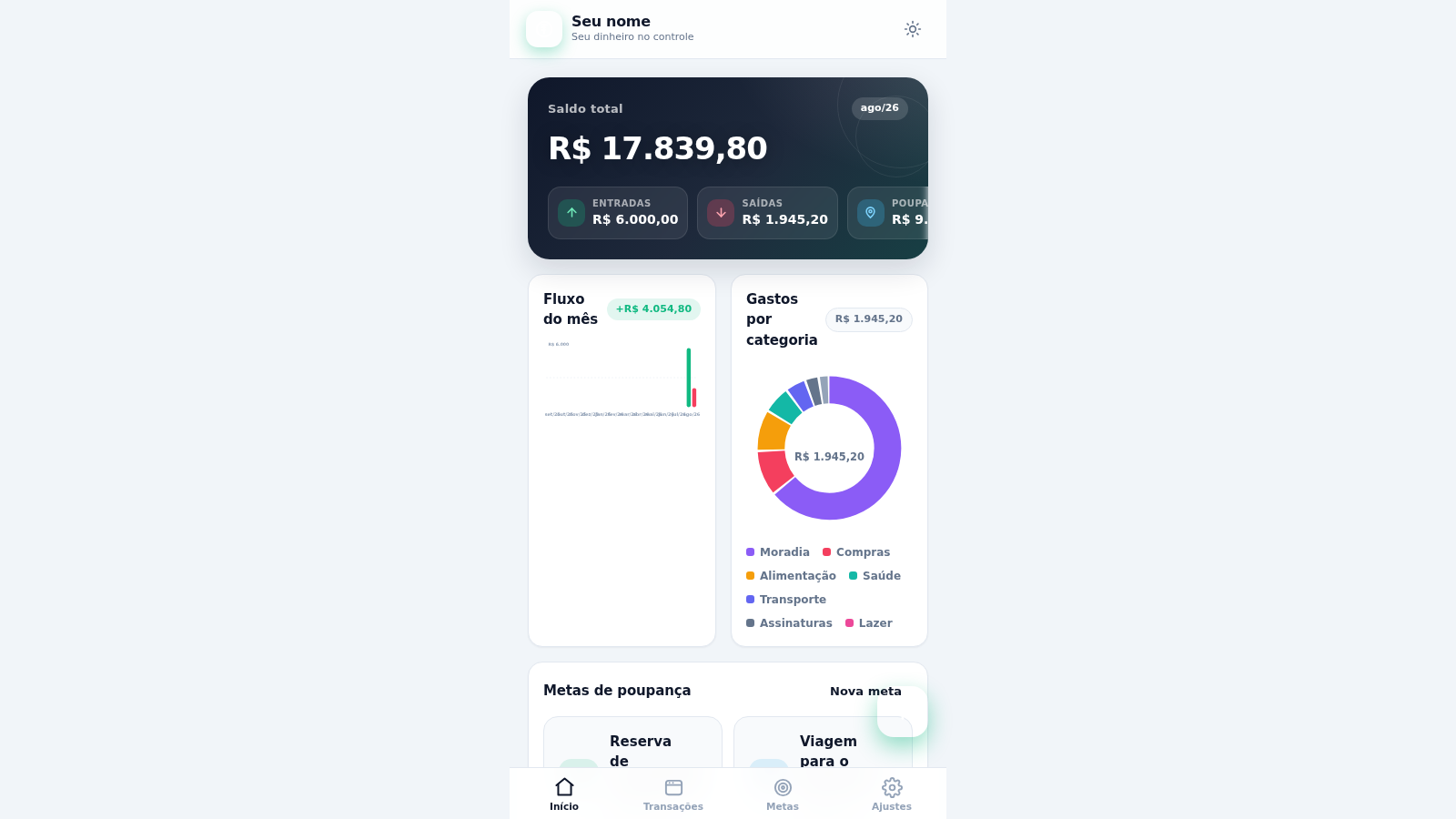
1Meu Poupador
Controle financeiro pessoal: receitas, despesas, metas de poupança, orçamentos e gráficos.
 129
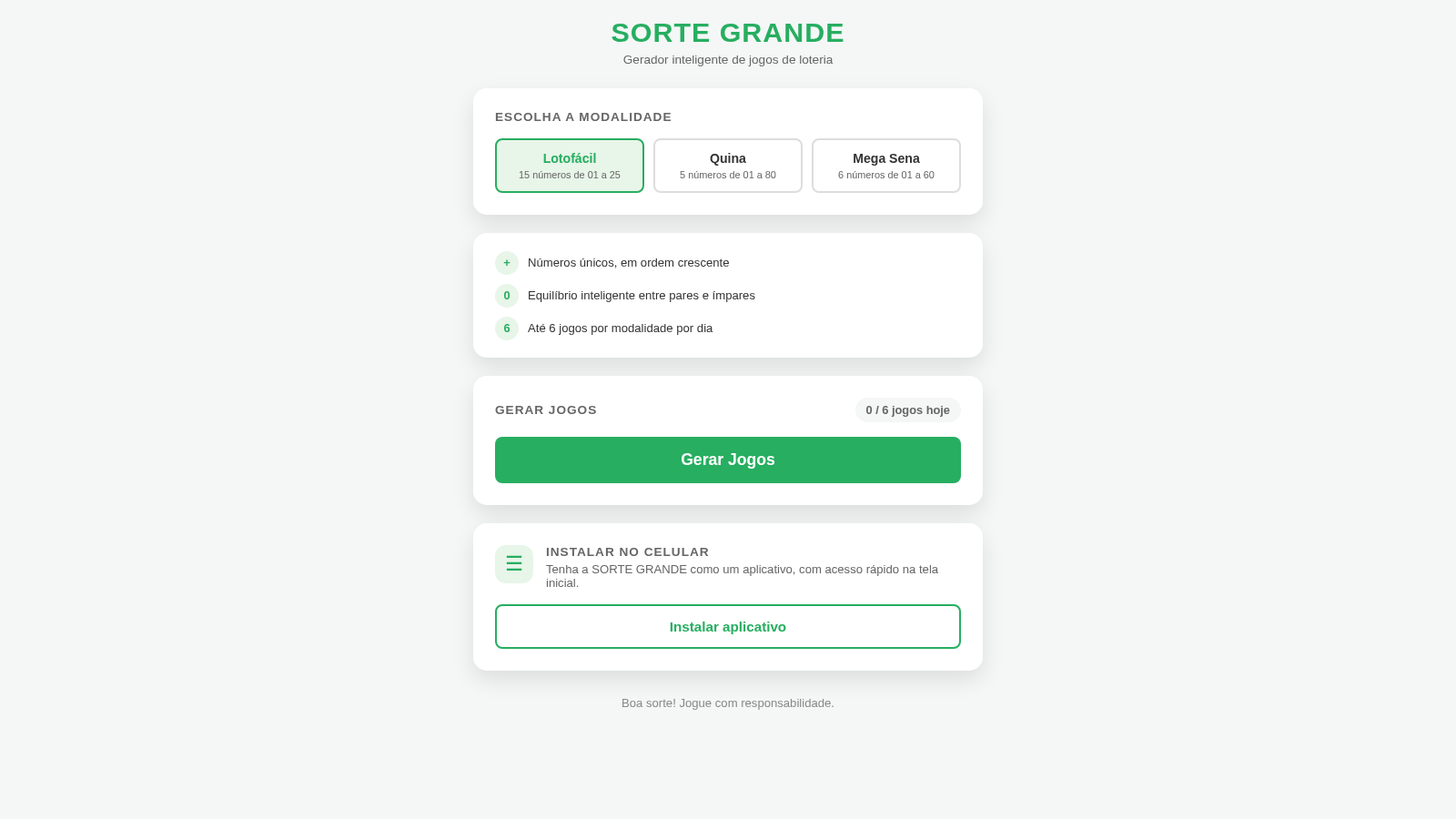
129Sorte Grande
Gerador inteligente de jogos de loteria (Lotofácil, Quina e Mega Sena)