
NSE Momentum Scan Dashboard
A browser-based NSE stock momentum scanner with scans, backtests, IPO scoring and a trade journal.
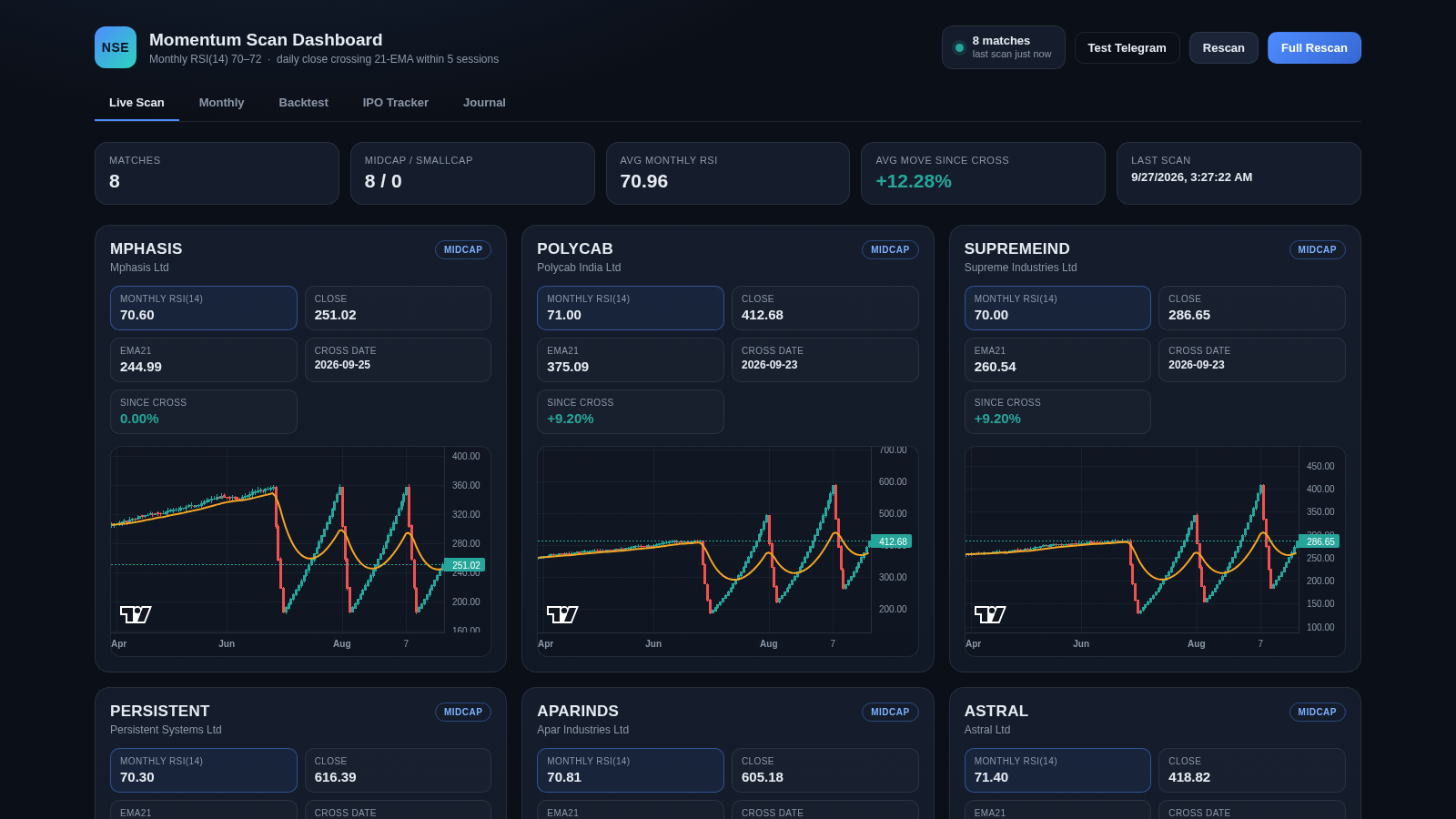
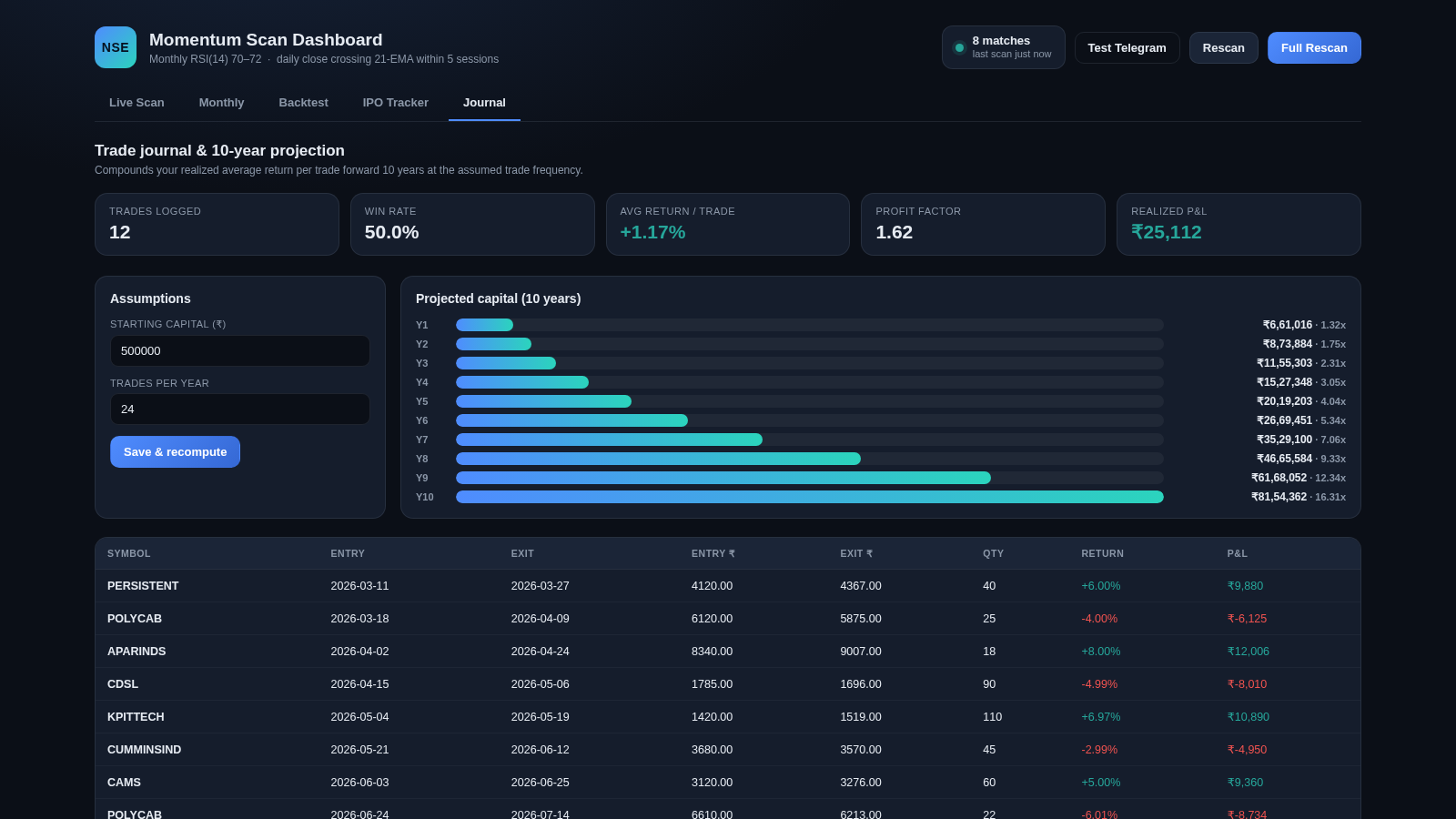
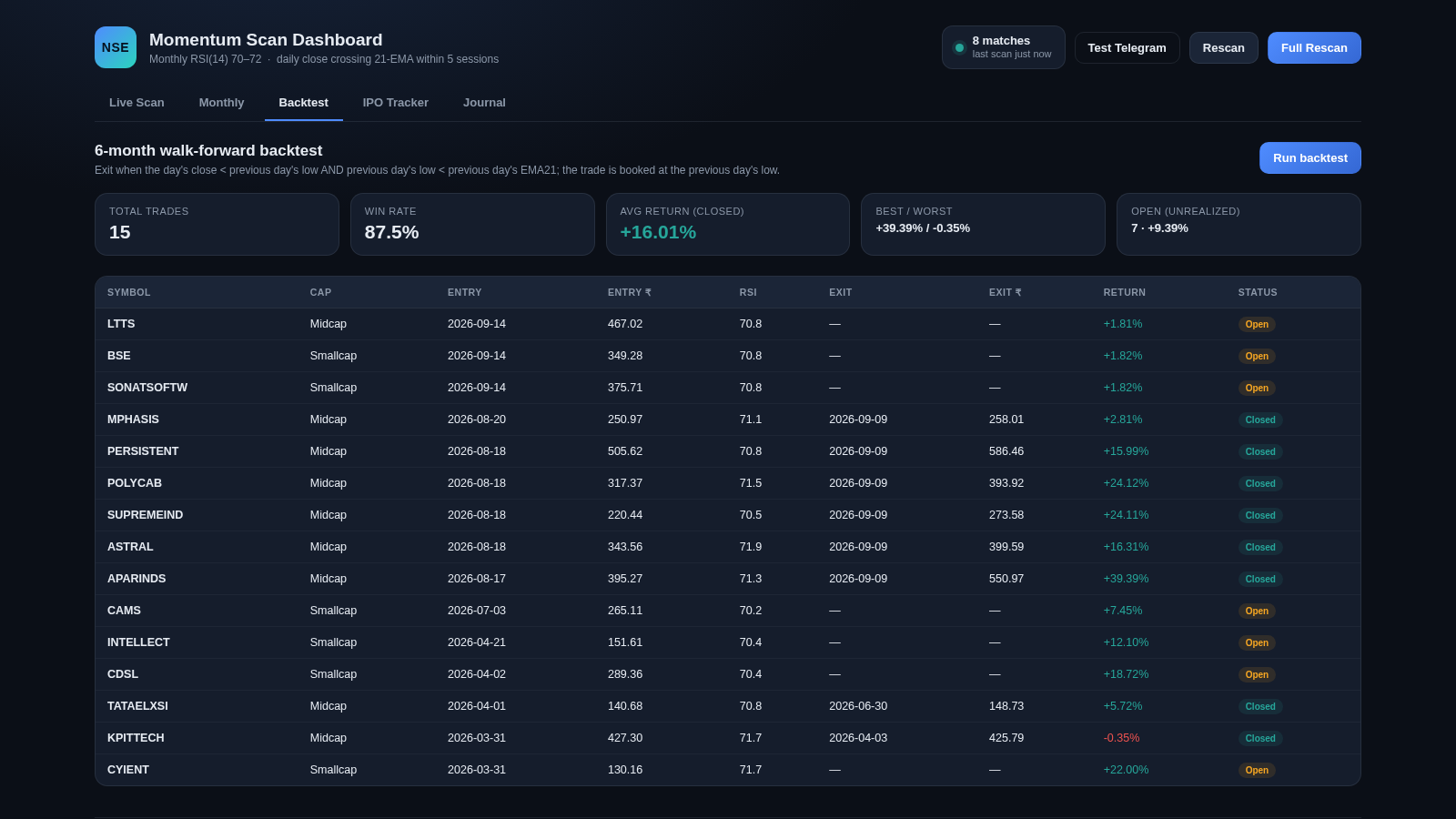
NSE Momentum Scan Dashboard is a demo web dashboard for scanning Indian NSE stocks for a momentum setup. The rule it screens for is a monthly Wilder RSI(14) landing between 70 and 72 together with a daily close that crosses above the 21-day EMA within the last five sessions. The dashboard is organised into five tabs. Live Scan shows the current matches as individual cards with RSI, close, EMA21, cross date, move since the cross and an embedded candlestick chart. Monthly lists every stock whose latest monthly RSI sits in the 70 to 72 band. Backtest runs a six-month walk-forward test with an exit rule and reports trade count, win rate, average return and best/worst trades in a table. IPO Tracker lists recently listed companies scored with a deterministic fundamentals rubric. Journal holds a manual trade log and compounds the realised average return forward ten years. A footer notes that all prices and fundamentals are generated sample data.
Highlights
Five-tab dashboard
Scan and backtest
RSI 70-72 scanner
RSI band 70 to 72
Backtest results
Win rate and returns
IPO scorecards
Fundamental rubric
Trade journal
10-year projection
TradingView charts
Candles per stock
How to Use
Switch between tabs
Open the dashboard and use the row of tabs under the header to move between Live Scan, Monthly, Backtest, IPO Tracker and Journal. Live Scan is shown first by default and each tab swaps the main content area while keeping the same header summary and action buttons.
Trigger a fresh scan
Use the Rescan button in the header to recompute the current match list, or Full Rescan to rebuild the whole scan. The header shows how many matches were found and when the last scan ran, and the summary cards for match count, average monthly RSI and average move since the cross update after the scan finishes.
Read a stock card
On Live Scan each match is a card with the ticker, company name, market-cap tag and a grid of metrics including monthly RSI, close price, EMA21, cross date and the percentage move since the cross. The card also contains a small active candlestick chart with an EMA line so you can see the cross without leaving the page.
Run the backtest
Open the Backtest tab and press Run backtest. The page reports total trades, win rate, average return on closed trades, best and worst trades, and the open unrealised positions, followed by a table listing each trade with symbol, cap, entry and exit dates, prices, RSI and return. A one-line description above the table explains the exit rule used.
Track IPOs and journal
The IPO Tracker tab lists recently listed companies with their listing date, issue and current price, subscription multiple and a fundamentals score, plus a Re-score button and a Refresh list button. The Journal tab lets you edit starting capital and trades per year, press Save and recompute to rebuild a ten-year compounding projection, and view the logged trades with quantity, return and profit or loss.
Similar Sites
 12
12vision stream
Educational purpose
 28
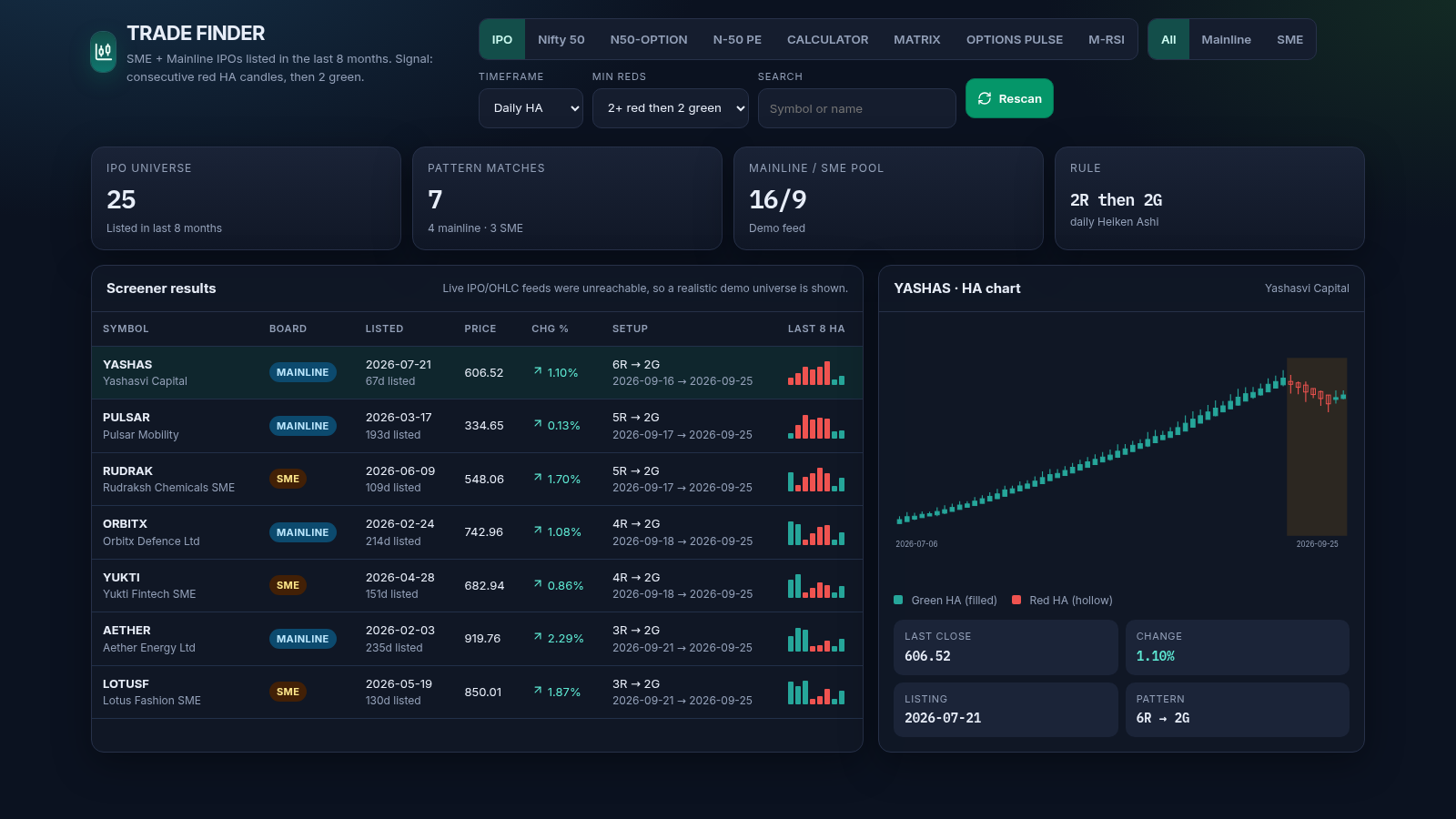
28TRADE FINDER
India market dashboard: HA IPO/Nifty, options, MATRIX, pulse, M-RSI, calculator
 5
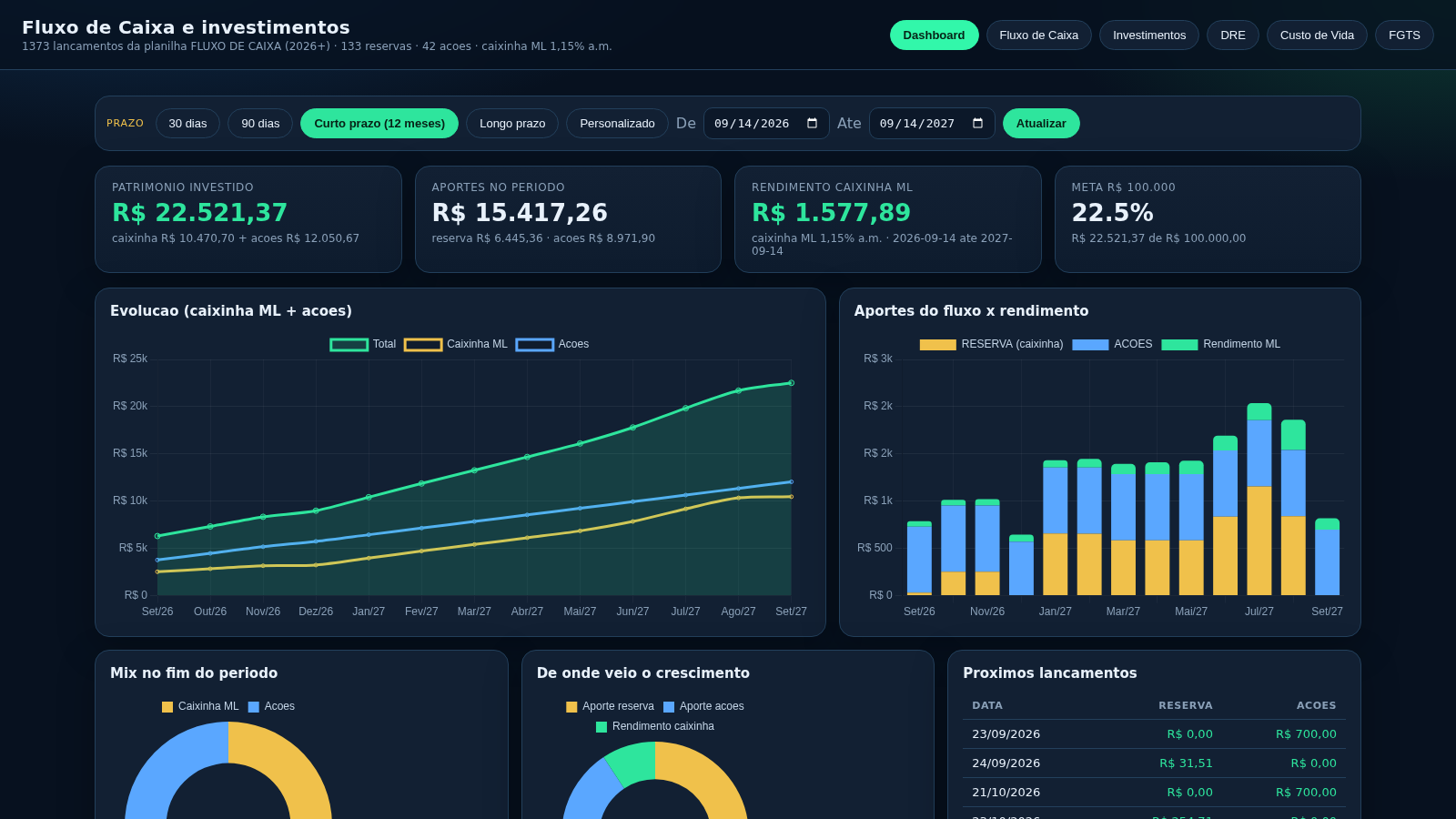
5hornescontas
Dashboard de fluxo de caixa, investimentos, DRE e projecao da caixinha ML
 31
31HemoVision AI
AI optical research and emergency blood-resource management.
 29
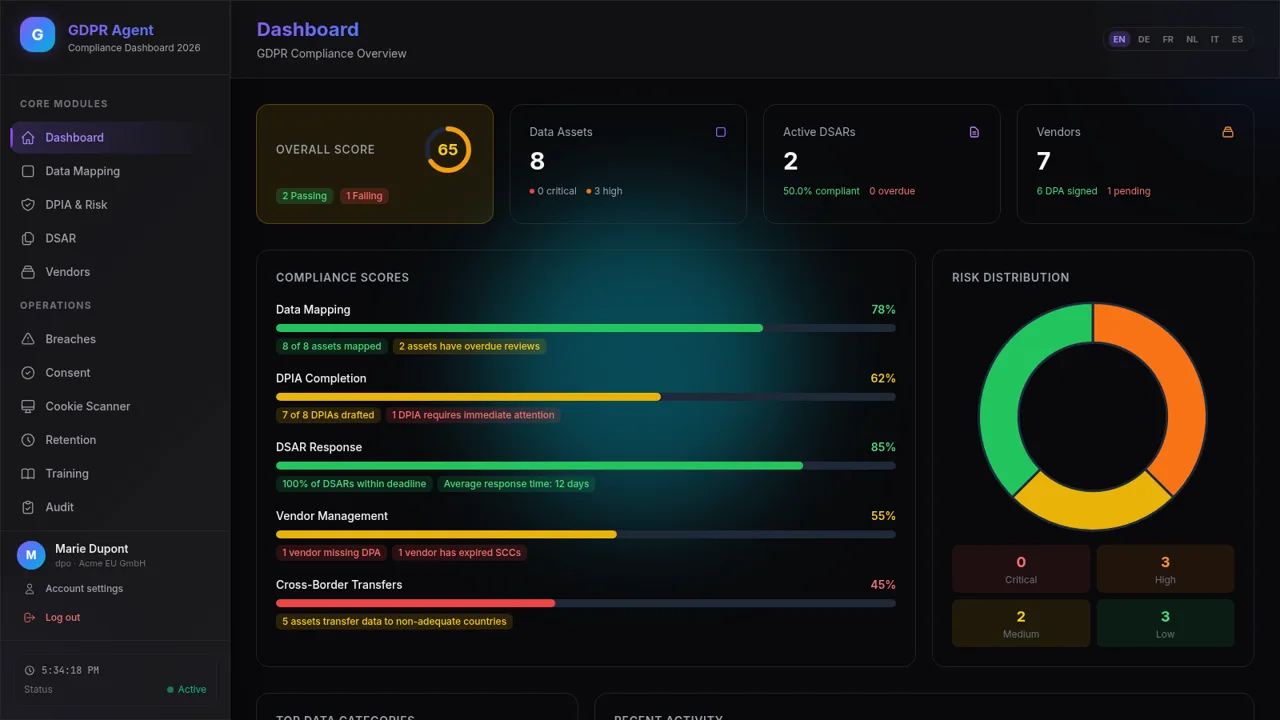
29GDPR Compliance Agent
GDPR compliance dashboard with data mapping, DPIA, DSAR, and vendor risk
 23
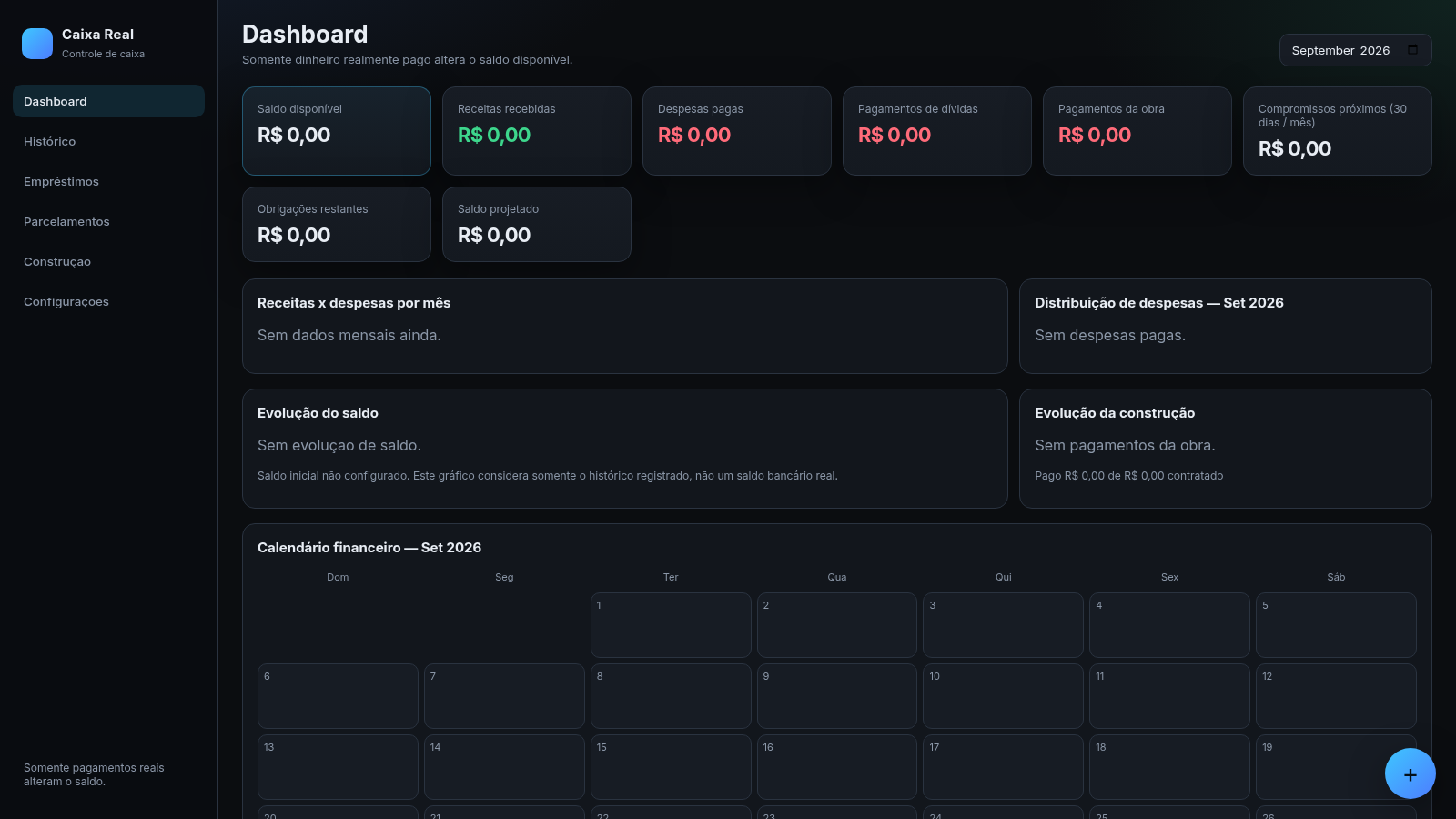
23Caixa Real
Dashboard financeiro de caixa real: receitas, despesas, empréstimos, parcelas e obra.