
TRADE FINDER
An India market dashboard that screens NSE IPOs, Nifty 50 names and options in one page
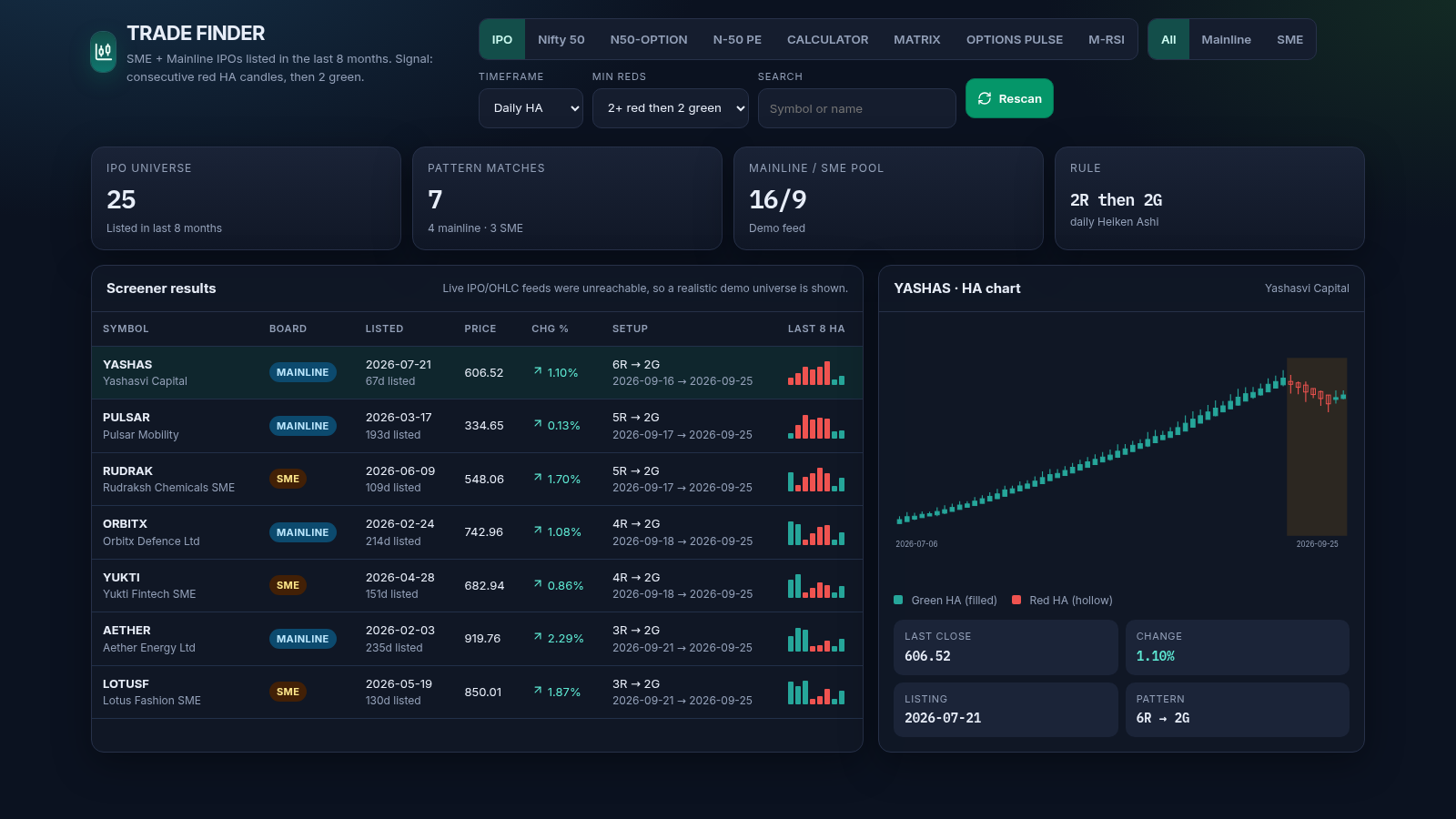
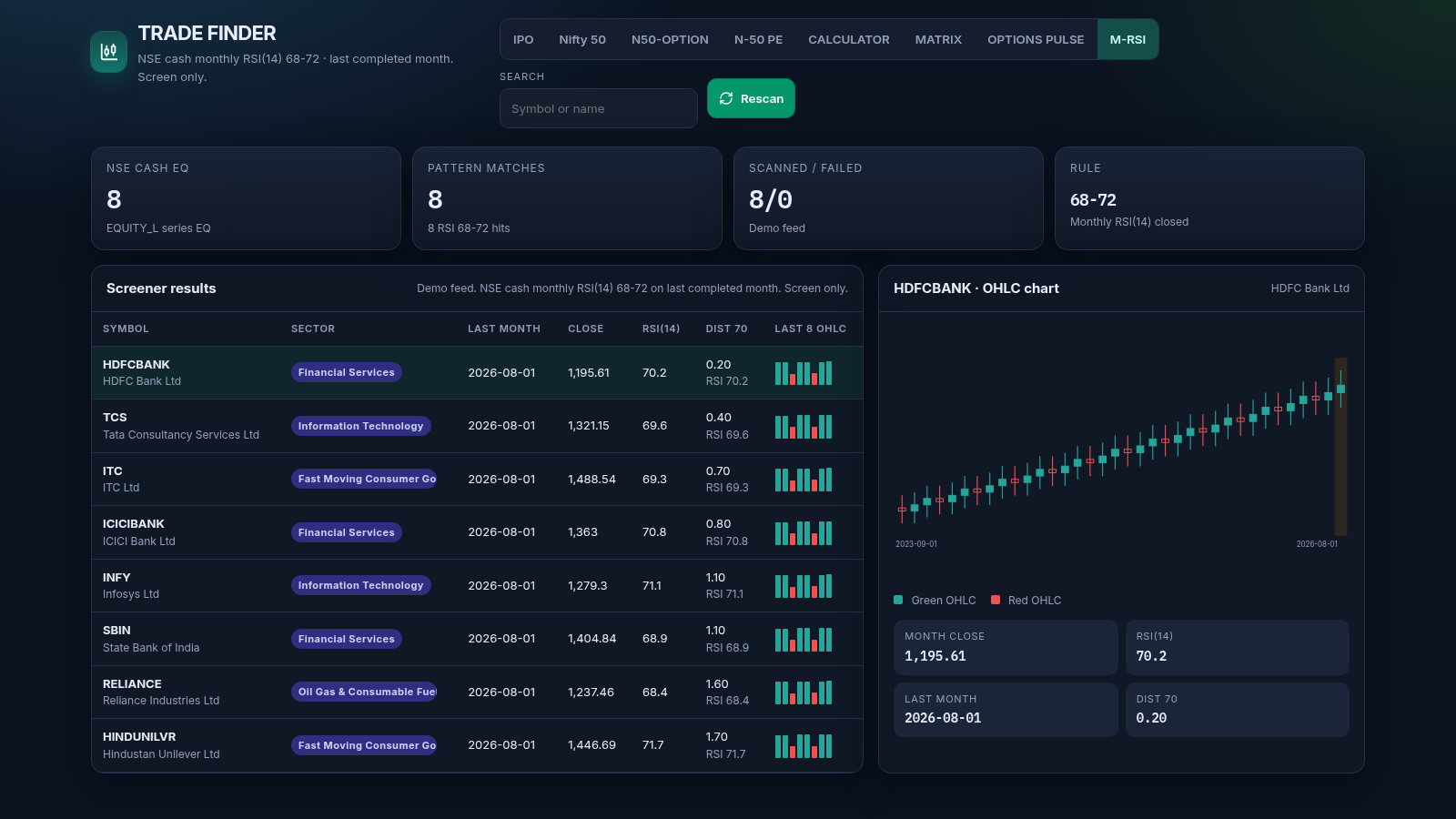
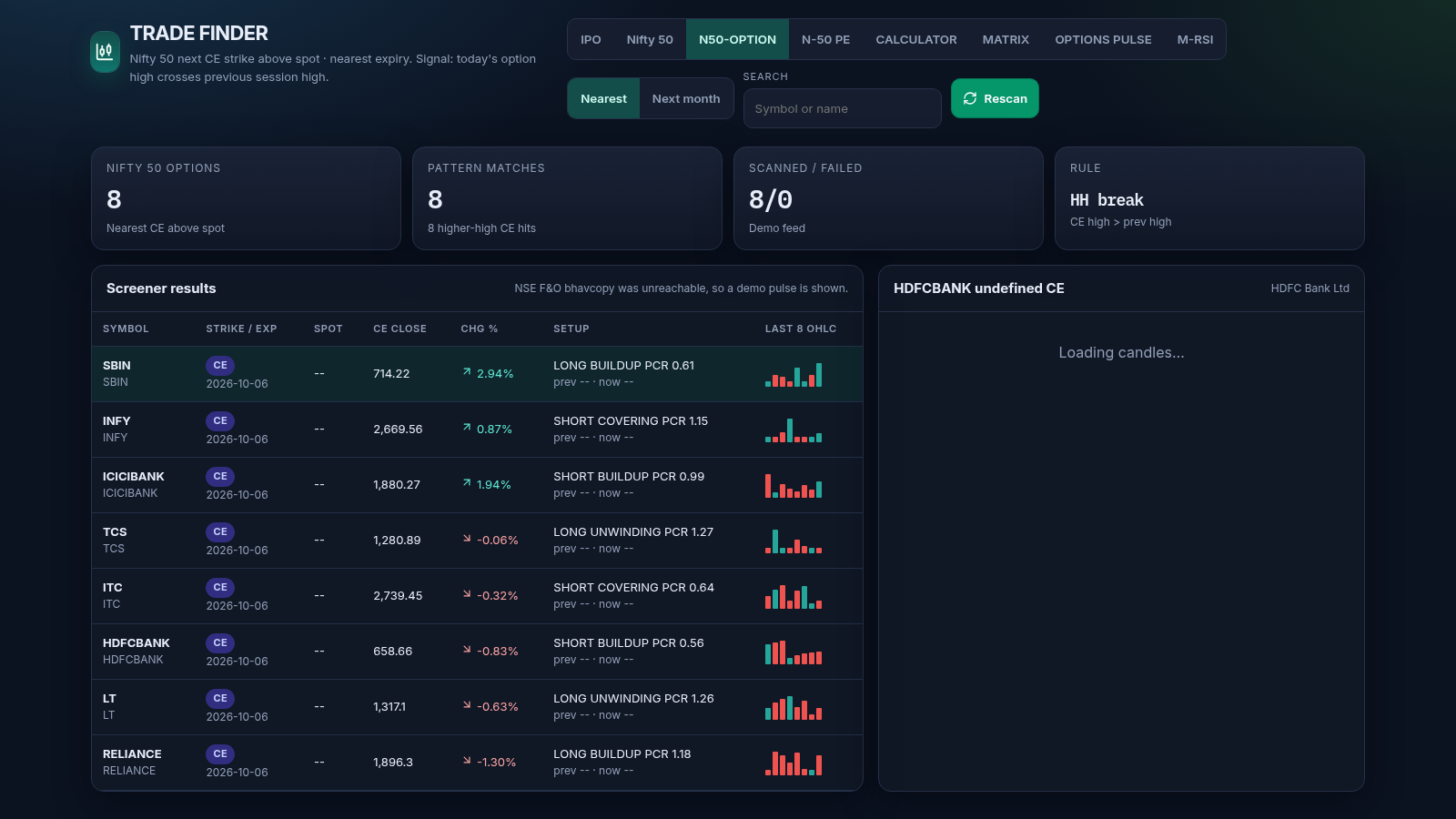
Trade Finder is a browser-based dashboard for Indian equity and derivatives traders. It collects eight watchlists on a single page: a Heiken Ashi screener for mainline and SME IPOs listed in the last eight months, a Nifty 50 constituent scanner, Nifty 50 nearest-expiry call and put option signals, a session return versus volume matrix, an options pulse based on futures open interest and PCR, a monthly RSI(14) screen, and a post-tax swing trading calculator. Choosing a watchlist updates the summary cards, a results table and a candlestick chart panel, so users can scan symbols, filter by segment or timeframe, search by name, and inspect the chart for any row. The whole dashboard runs in the browser with no account or sign-up.
Highlights
Eight watchlists
IPO, Nifty, options
HA candle screener
Reds then two green
Chart per row
Candles for a row
Tax calculator
Monthly compounding
Demo fallback
When feeds are down
How to Use
Open a watchlist
Use the row of tab buttons at the top of the page to switch between IPO, Nifty 50, N50-OPTION, N-50 PE, CALCULATOR, MATRIX, OPTIONS PULSE and M-RSI. Each selection reloads the summary cards, the results table and the chart panel for that screen.
Filter and search
On the screener tabs, choose a segment such as All, Mainline or SME, pick a daily or weekly Heiken Ashi timeframe, and set the minimum number of red candles. Type into the search box to narrow the table to a specific symbol or company name.
Inspect a chart
Click any row in the results table and the right-hand panel loads a candlestick chart for that symbol, along with details such as last close, change, listing date and the detected setup. A small legend explains the green and red candle colours.
Run the calculator
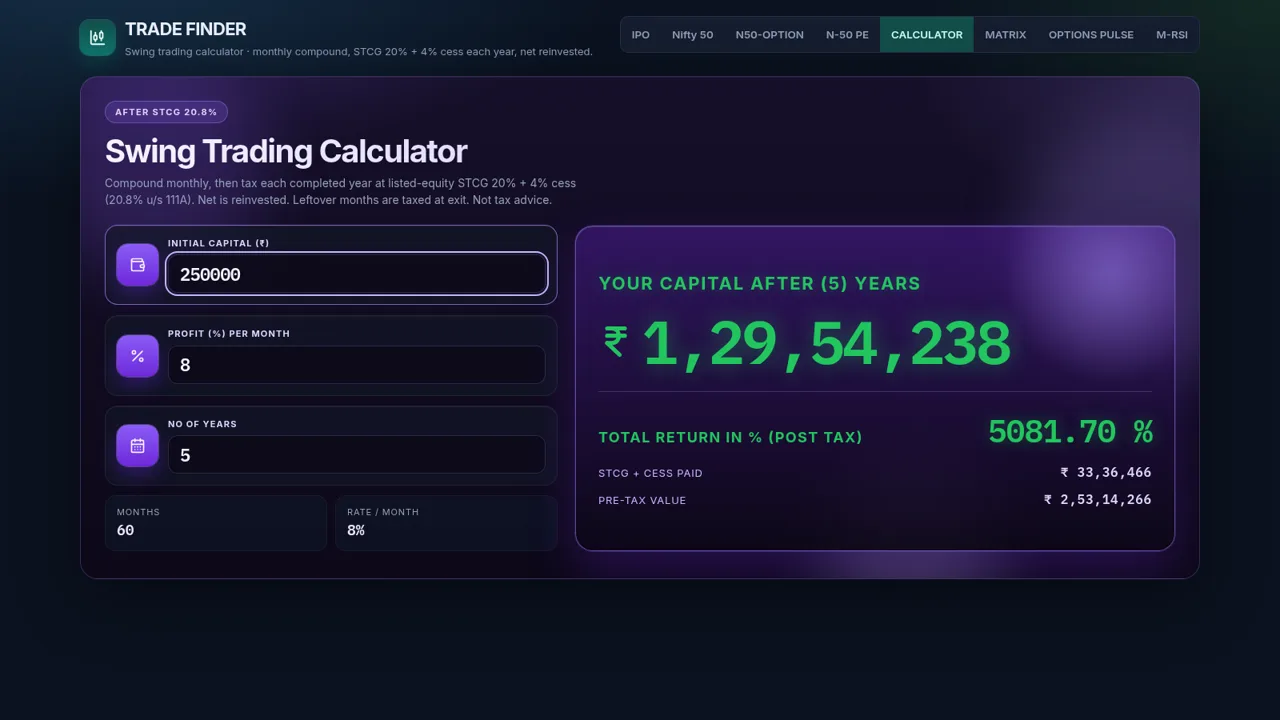
Switch to CALCULATOR and enter initial capital, monthly profit percent and number of years. The figures compound month by month, tax is applied at the end of each completed year, and the final capital, tax paid and pre-tax value update as you type.
Similar Sites
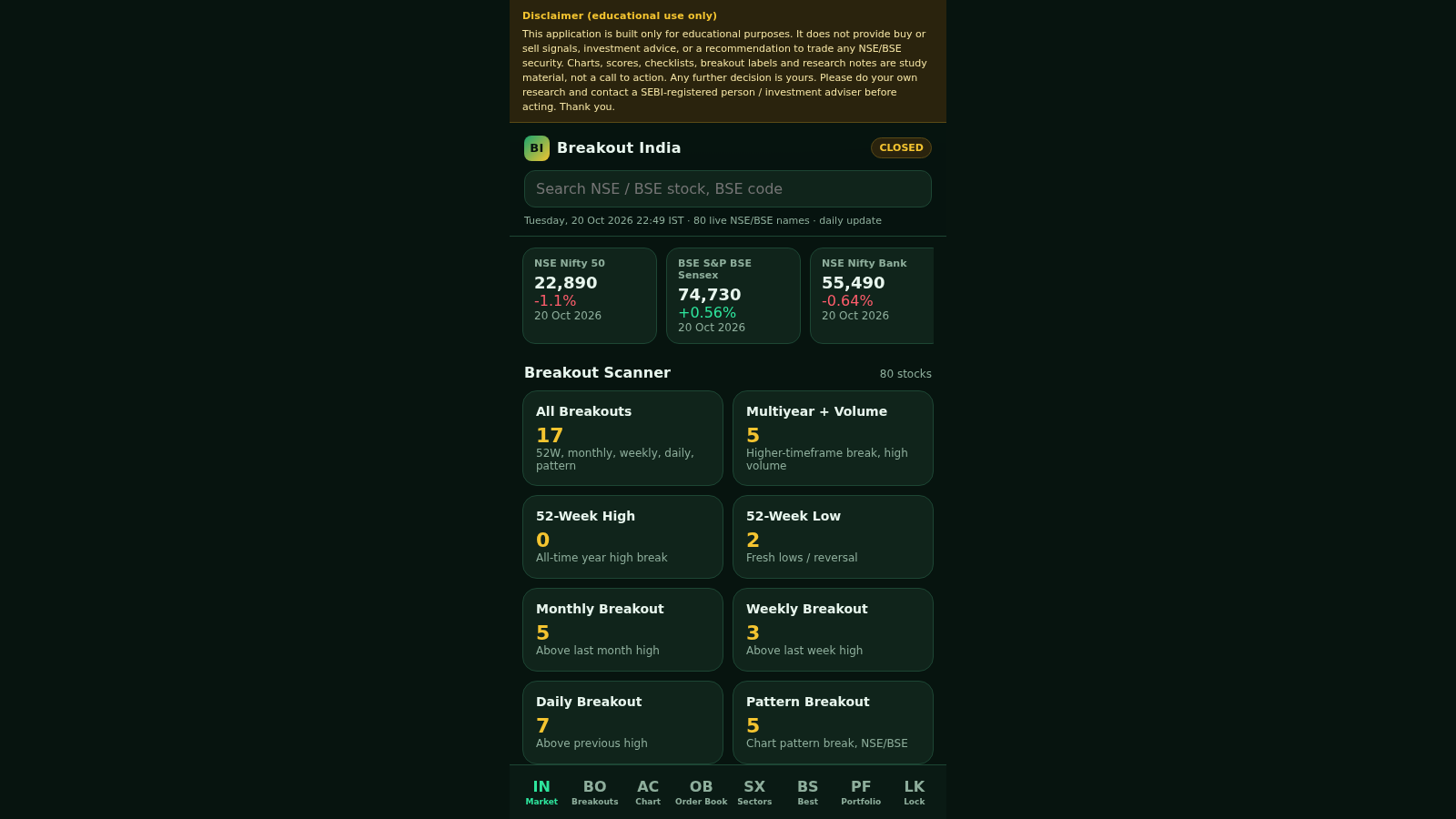 12
12vision stream
Educational purpose
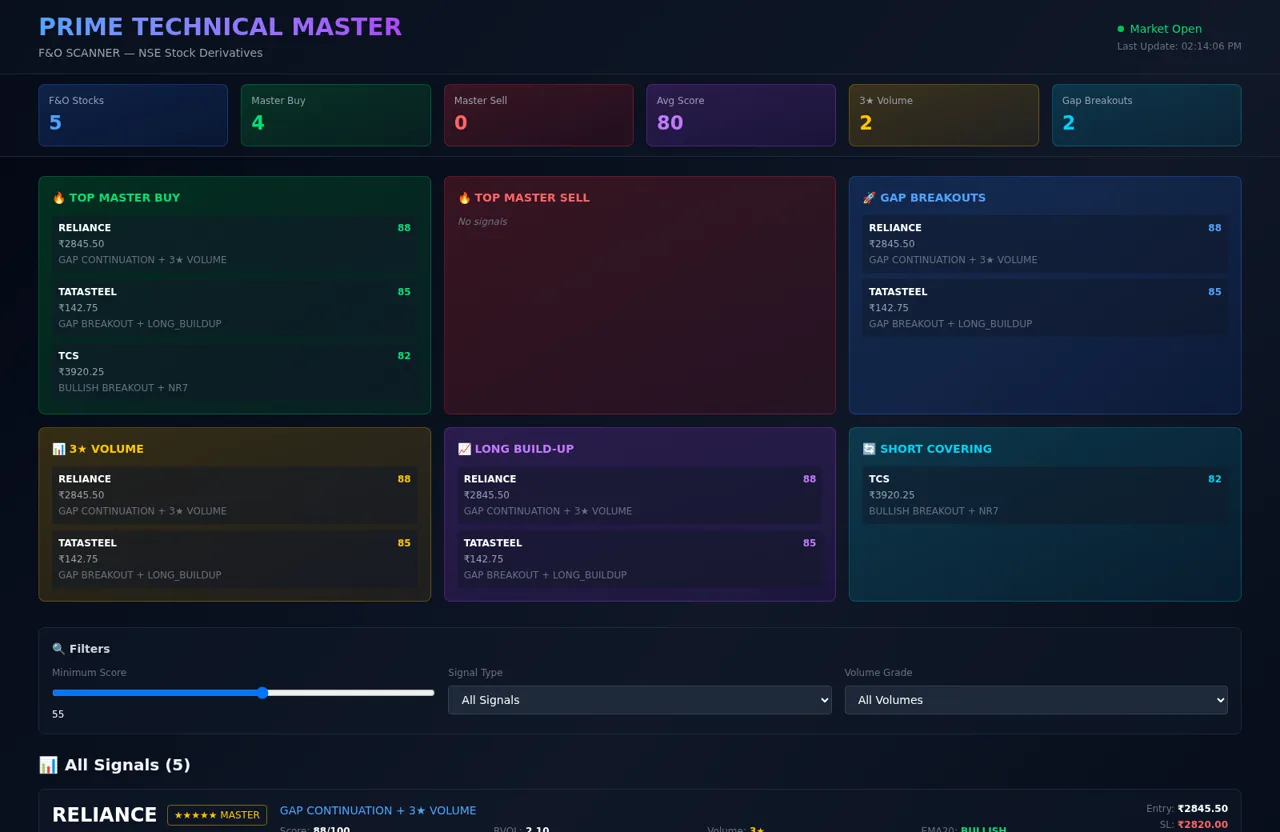 5
5PRIME F&O Scanner
NSE F&O stock scanner with master buy/sell technical signals
 24
24ReciboZap
Recibo profissional no celular. Envie no WhatsApp.
 11
11AoBot Trader
Plataforma de trading automatizado com IA e algoritmos quantitativos
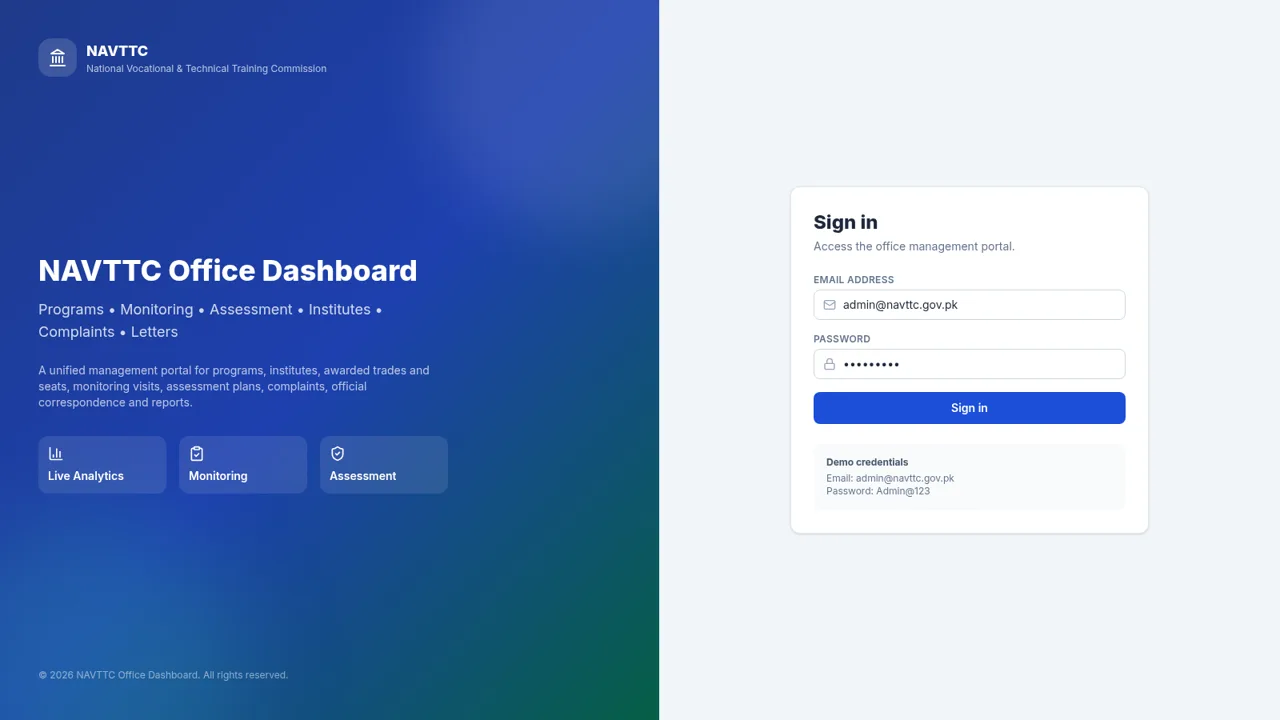 9
9NAVTTC Office Dashboard
Programs, monitoring, assessment and complaints portal for NAVTTC.
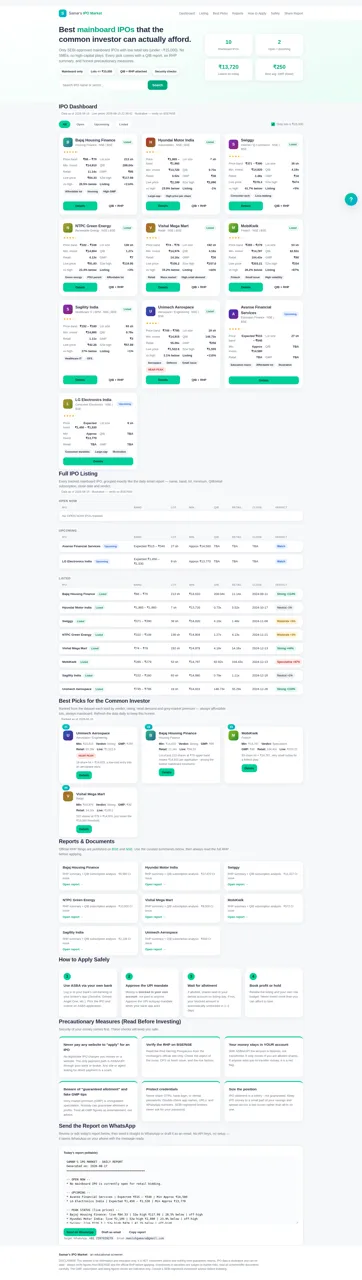 9
9Samar's IPO Market
Affordable mainboard IPO screener with QIB reports, RHP links, subscription data and safety guidance