
HemoVision AI
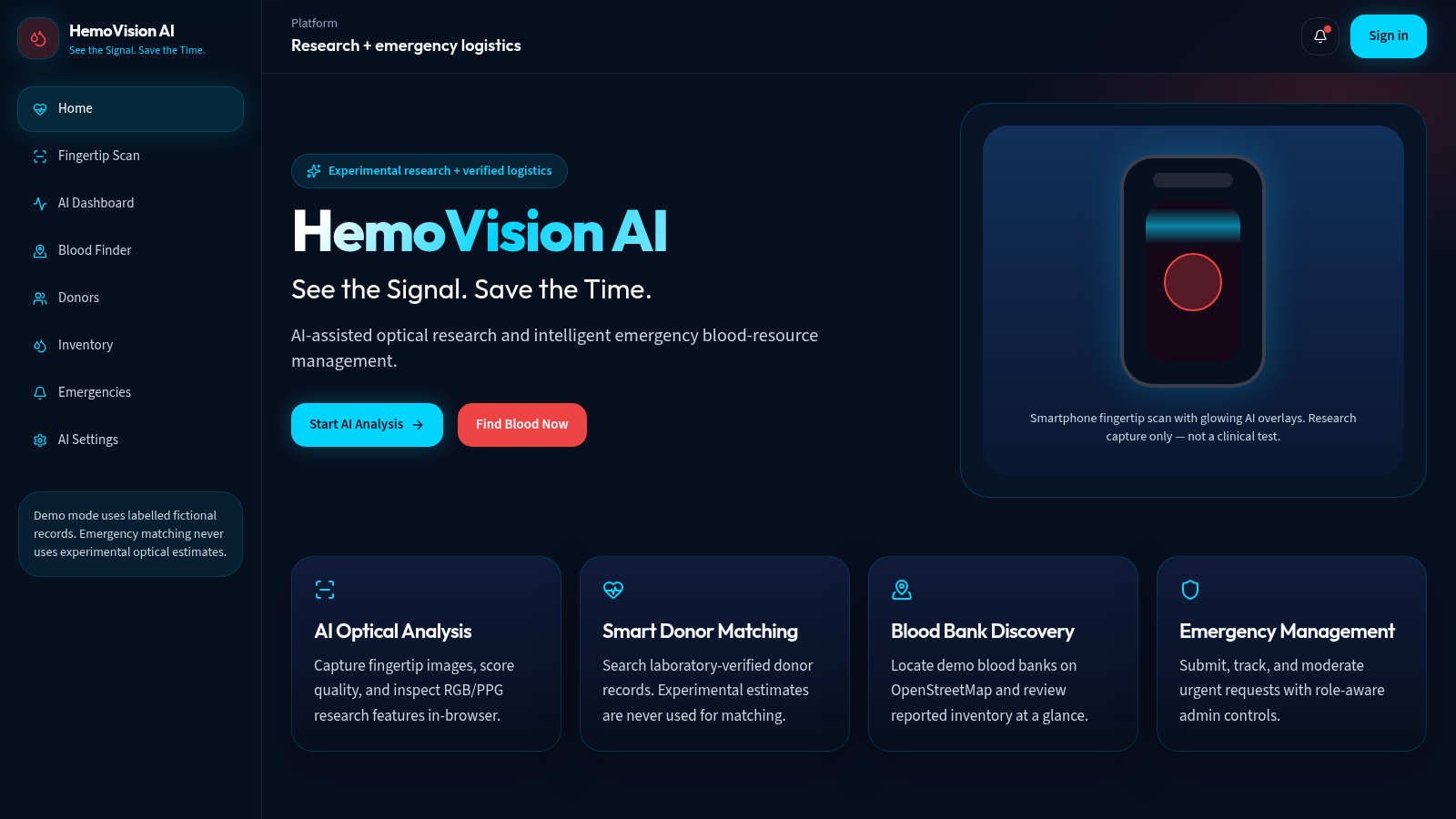
Experimental fingertip optical analysis and emergency blood-resource management in one browser app.
HemoVision AI is a browser-based platform that combines an experimental optical analysis workflow with tools for managing blood resources. Users can capture or upload a fingertip image, run browser-side quality and optical feature checks, and review the results on a research dashboard. The app also provides verified blood-group donor matching, blood bank discovery on an interactive OpenStreetMap map, an inventory dashboard with low-stock alerts, donor management, and a form-driven emergency request flow. All records are clearly labelled demo data, and blood-group matching never uses the experimental optical estimates. A sign-in page offers four seeded demo accounts with different roles.
Highlights
Optical scan
Camera or upload
AI dashboard
Optical charts
Blood matching
Verified groups only
Map discovery
Banks on the map
Inventory view
Low-stock alerts
Emergency flow
Request and tracking
How to Use
Open the platform
Load the site in a desktop browser and use the left sidebar to move between Home, Fingertip Scan, AI Dashboard, Blood Finder, Donors, Inventory, Emergencies and AI Settings. The sidebar notes that demo mode uses labelled fictional records.
Run a fingertip scan
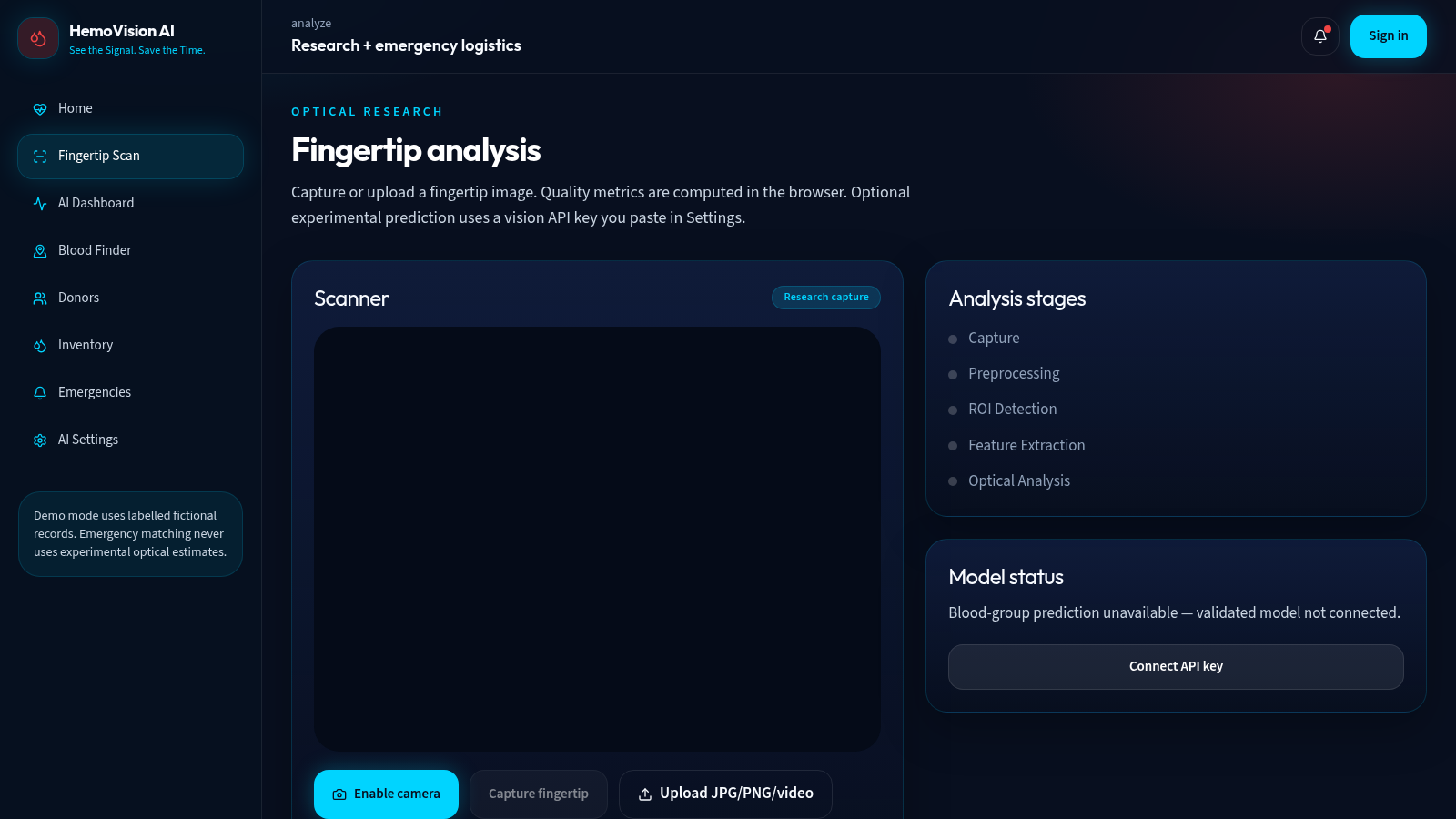
On the Fingertip Scan page, choose Enable camera to use the device camera or use the upload area for a JPG, PNG or video file, then press Capture fingertip. The page walks through Capture, Preprocessing, ROI Detection, Feature Extraction and Optical Analysis, and you can open the AI Dashboard to review the resulting quality and optical charts.
Search donors and banks
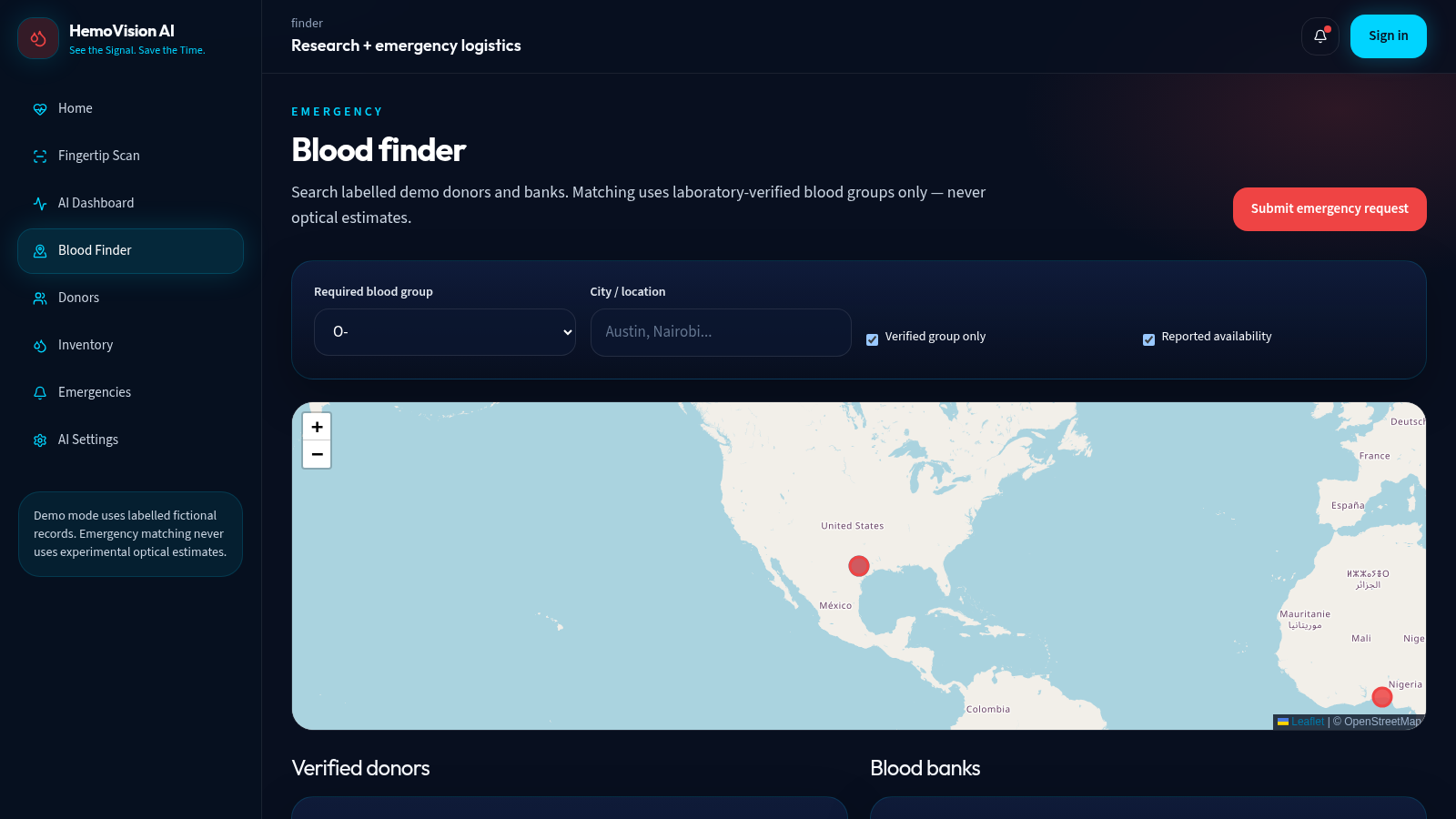
On the Blood Finder page, pick a required blood group, optionally enter a city, and adjust the verified-group and reported-availability checkboxes. Results appear as a donor list and a blood bank list under an OpenStreetMap map, and you can open an emergency request with one button.
Explore inventory and emergencies
The Inventory page shows availability by group in a bar chart plus a filterable list of stock entries with update times and low-stock tags. The Emergencies page lets you submit a request with blood group, units, hospital, city, urgency and contact details while listing open and matched requests.
Sign in with a demo account
The Sign in page lists four seeded accounts, platform admin, blood bank admin, donor and general user, each using an @hemovision.ai email and the password demo123. Signing in as a blood bank admin unlocks inventory editing, and you can also create a new account from the same page.
Similar Sites
 126
126Agenda de Pedidos - Confeitaria
Agenda digital de pedidos para confeitaria com integração WhatsApp
 49
49SGI CONTROL
Sistema Integrado de Gestão da Qualidade (ISO 9001) com painel B2B multiempresa
 70
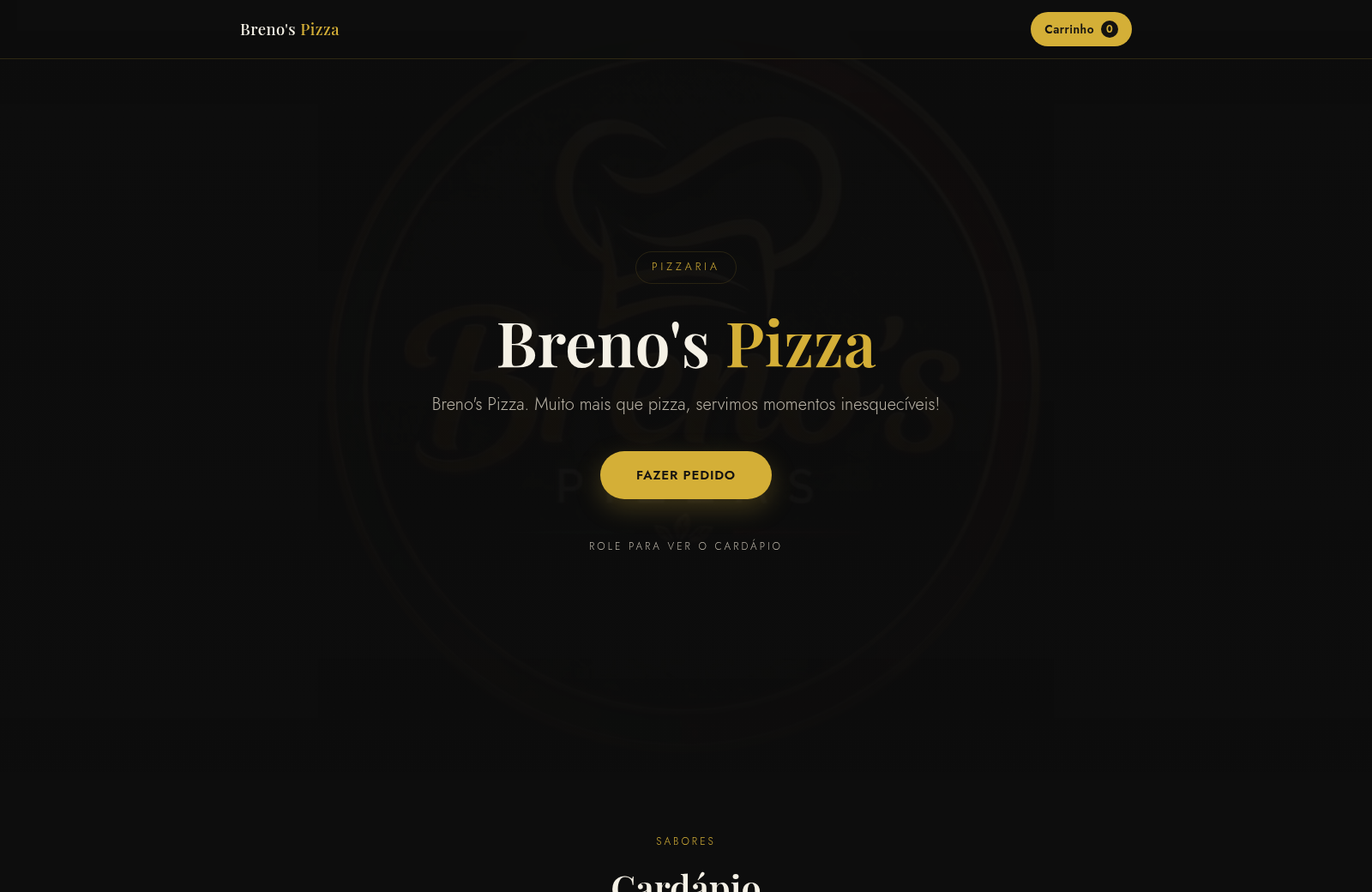
70Breno's Pizza
Breno's Pizza. Muito mais que pizza, servimos momentos inesqueciveis! Peça a sua pizza pelo WhatsApp.
 65
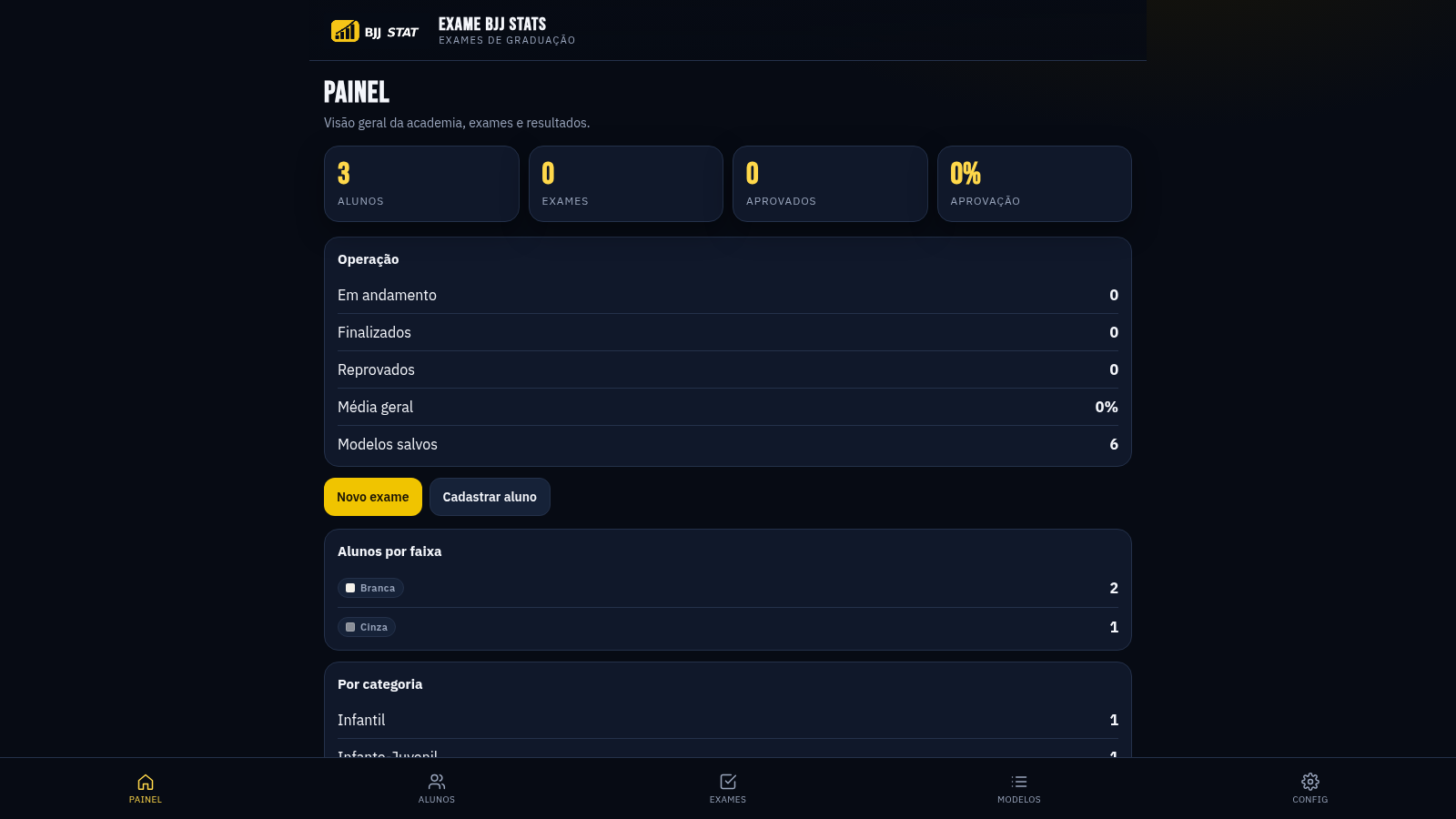
65EXAME BJJ STATS
Sistema profissional de exames de graduação BJJ, com modelos por faixa e relatório APROVADO/REPROVADO.
 63
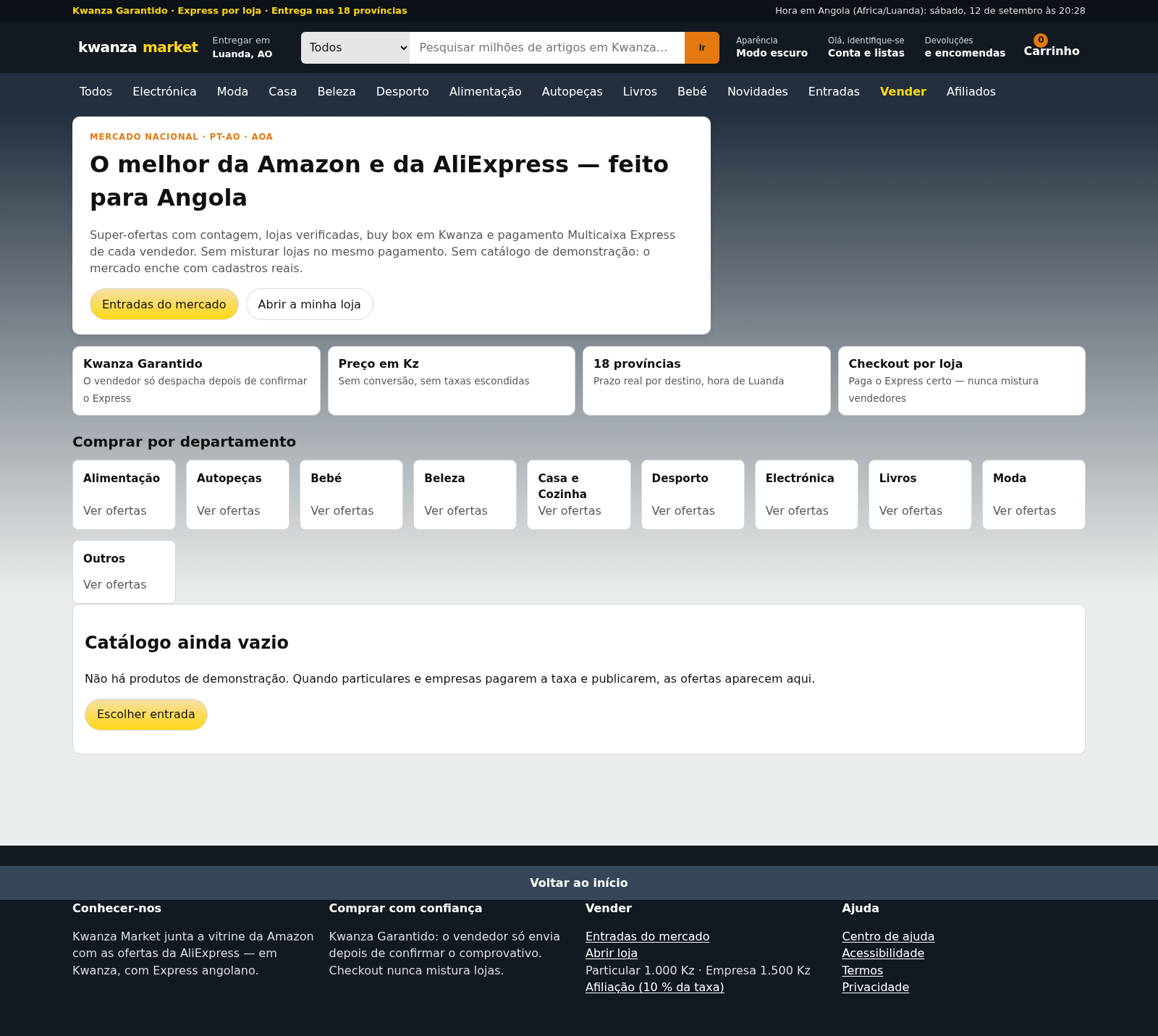
63Kwanza Market
Mercado de Angola: compre e venda em Kwanza com Multicaixa Express.
 61
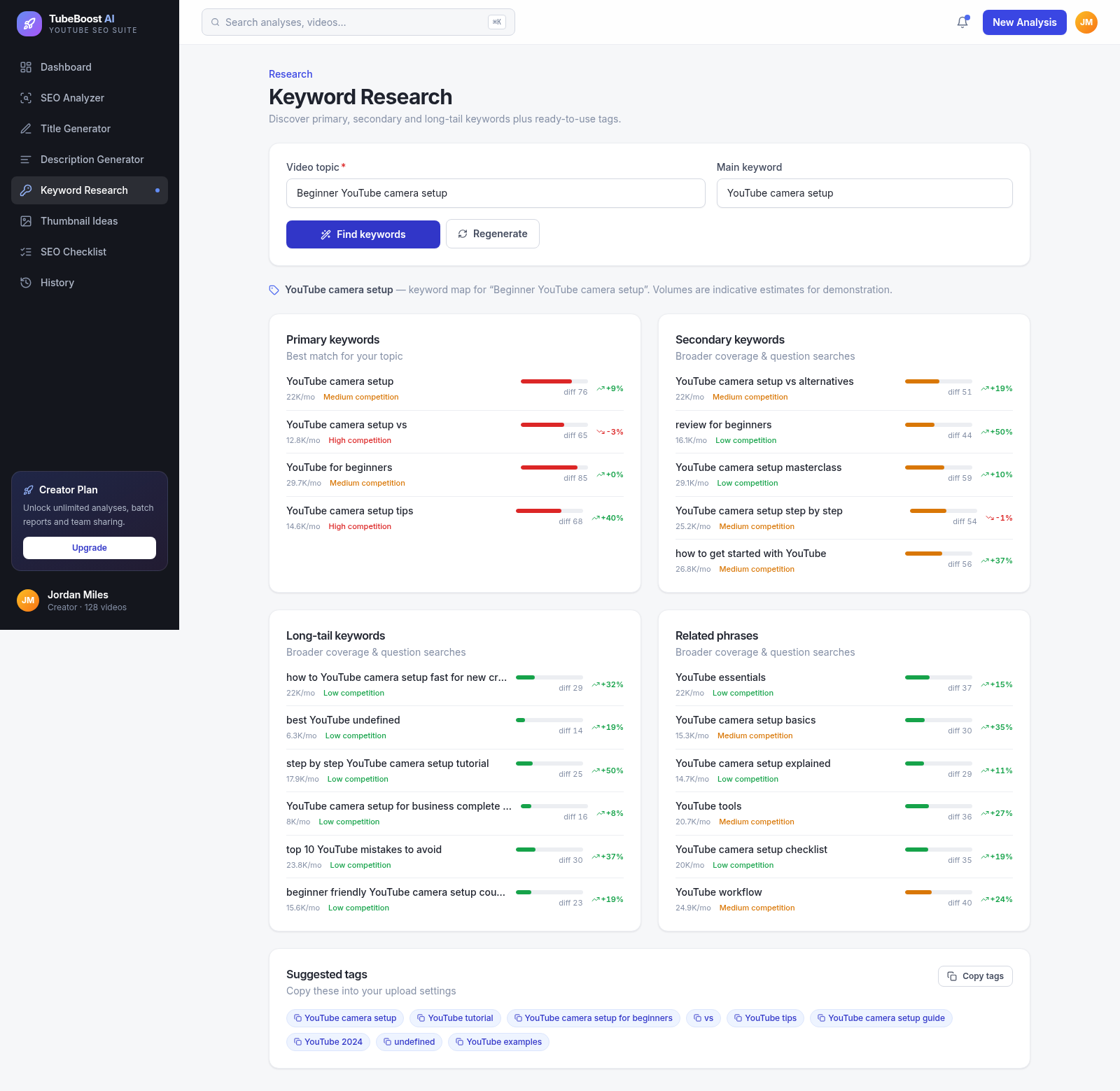
61TubeBoost AI — YouTube SEO
AI YouTube SEO tool: titles, descriptions, keywords, thumbnails.