
Almoxarifado Municipal Mage
Municipal warehouse stock control with entries, withdrawals and printable reports
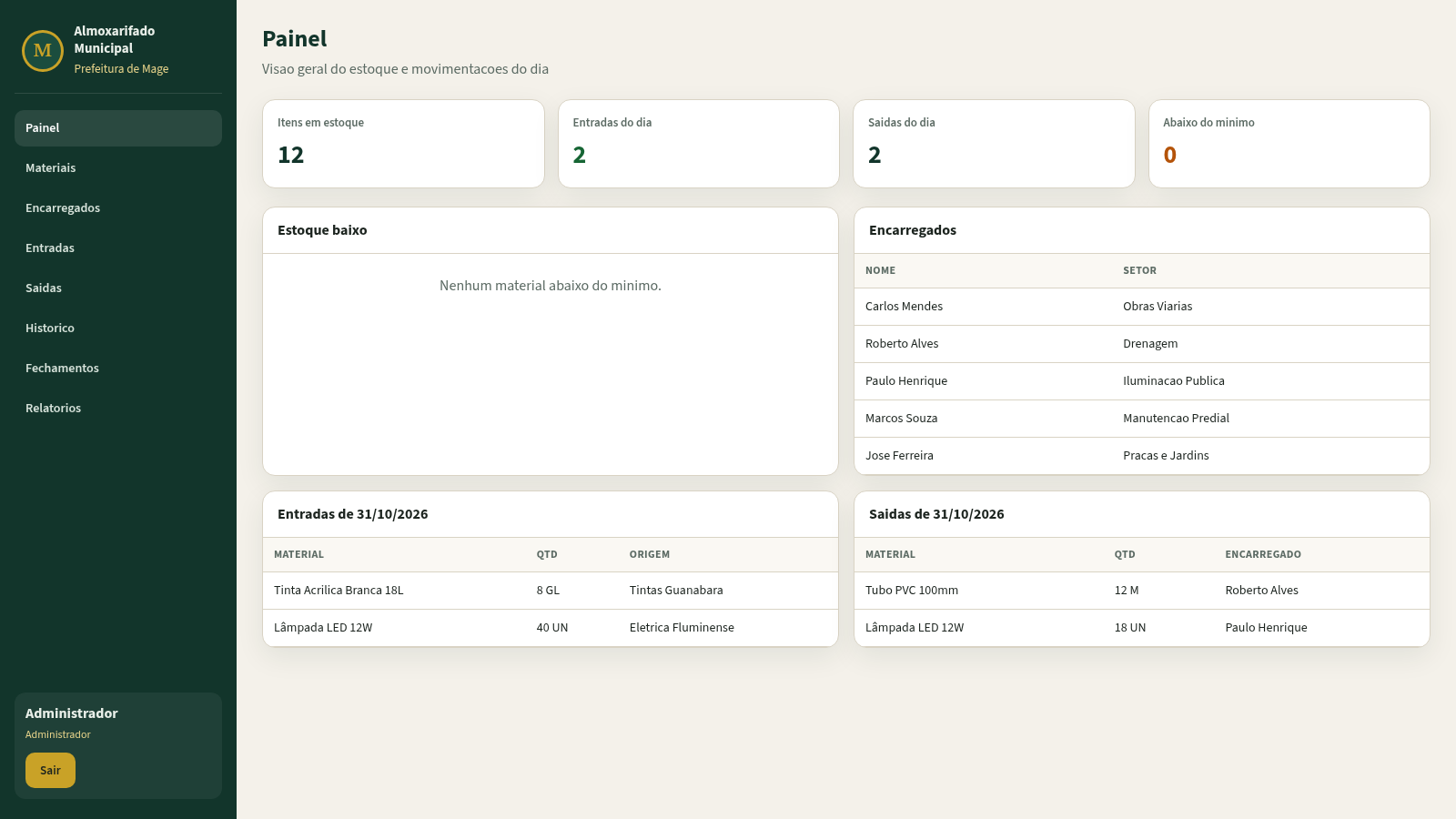
Almoxarifado Municipal Mage is a web application for managing the stock of a municipal warehouse. After signing in, users see a dashboard summarizing items in stock, entries and exits for the current day, low-stock alerts, warehouse managers, and the latest movements. Separate sections handle material registration and minimum stock levels, warehouse manager records, inbound deliveries with supplier and invoice data, outbound withdrawals that automatically reduce stock, a complete movement history, daily and monthly closing that locks dates, and printable reports intended for accountability. The interface is in Brazilian Portuguese and every page is connected through a persistent sidebar.
Highlights
Full stock control
Track minimum stock
Inbound and outbound
Entries, withdrawals
Printable reports
Monthly PDF reports
Period closing
Lock day and month
Movement history
Full audit trail
Role-based login
Demo credentials
How to Use
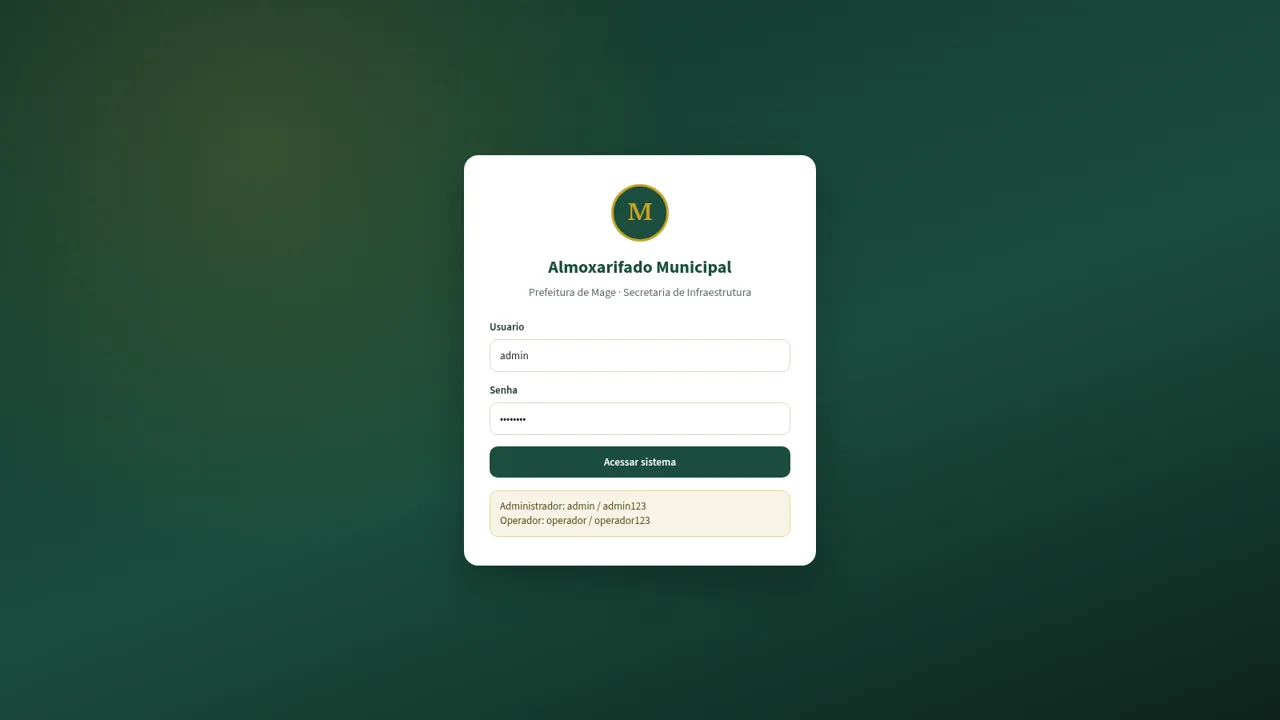
Sign in with a demo account
Open the site and wait for the container to start. On the login page enter admin with password admin123 or operador with password operador123, then press Acessar sistema. The dashboard opens with the current stock overview and today's movements.
Review the dashboard
The dashboard shows the number of items in stock, entries and exits for the day, items below the minimum level, the list of warehouse managers, and today's inbound and outbound records. Use the sidebar to move to any module from here.
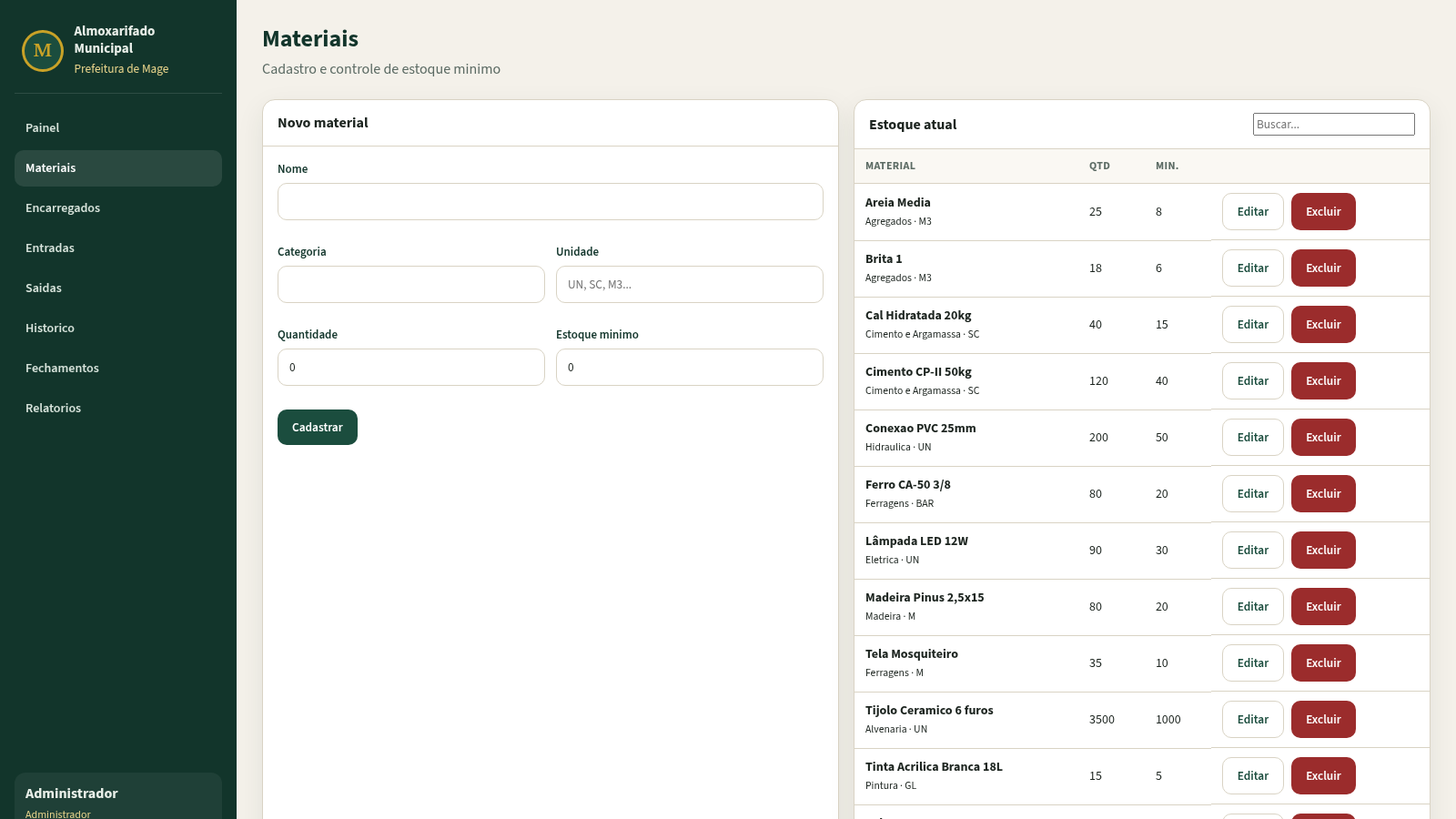
Register materials and managers
In Materiais, fill in name, category, unit, quantity, and minimum stock to add a new material, or use Editar and Excluir on an existing row. In Encarregados, register the name, sector, role, and phone of each person authorized to withdraw materials.
Record entries and withdrawals
In Entradas, choose a date, material, quantity, supplier, invoice number, and note, then submit to increase stock. In Saidas, choose the material, quantity, manager, destination, and note to register a withdrawal, which reduces the stock automatically. Both pages list prior records with print, edit, and delete actions.
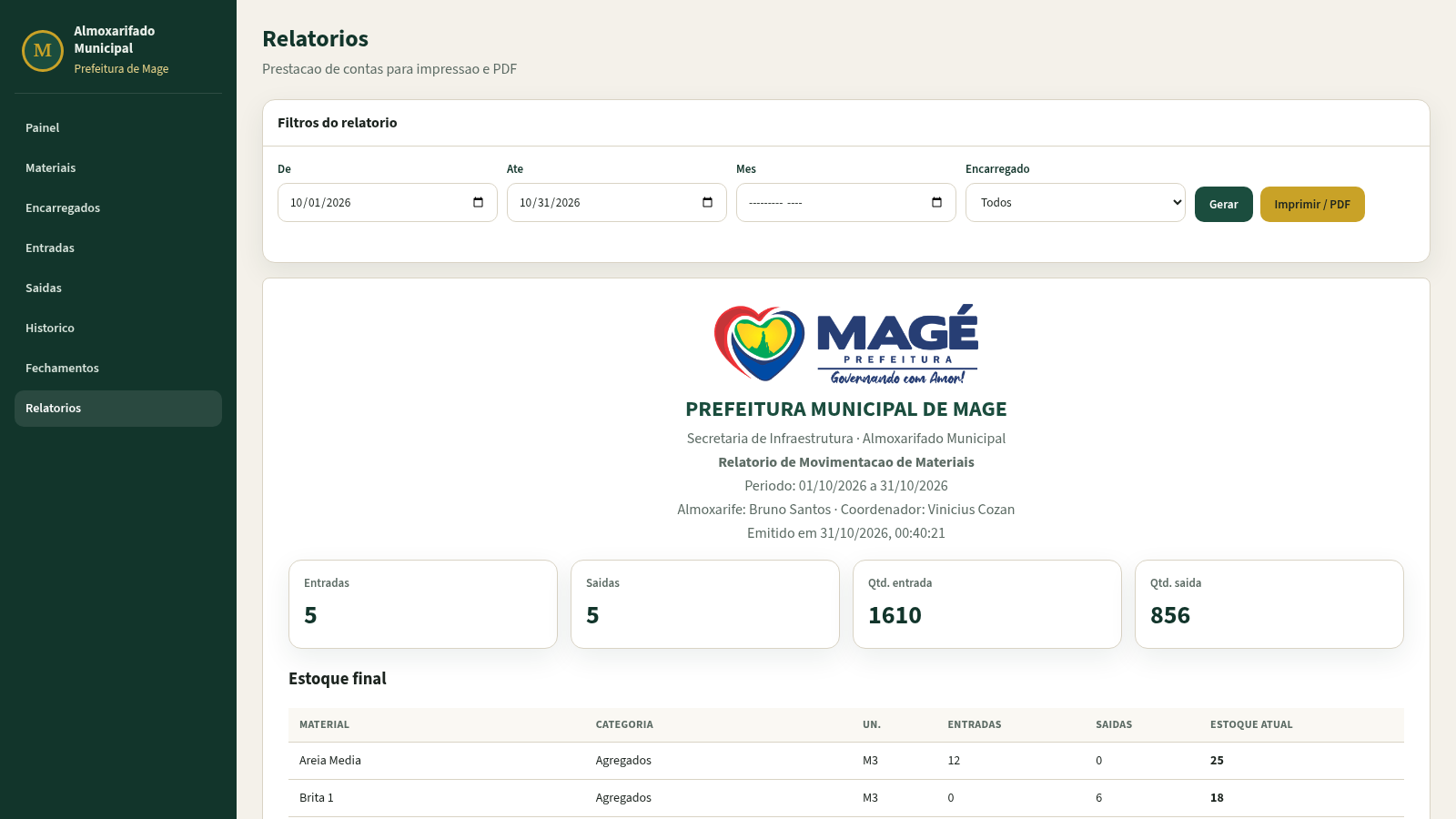
Close periods and generate reports
In Fechamentos, close a specific day or an entire month to lock its movements. In Relatorios, set the date range, month, and manager filters, press Gerar to build the report, then use Imprimir / PDF to print or save the movement report with totals, stock balance, and signature lines.
Similar Sites
 15
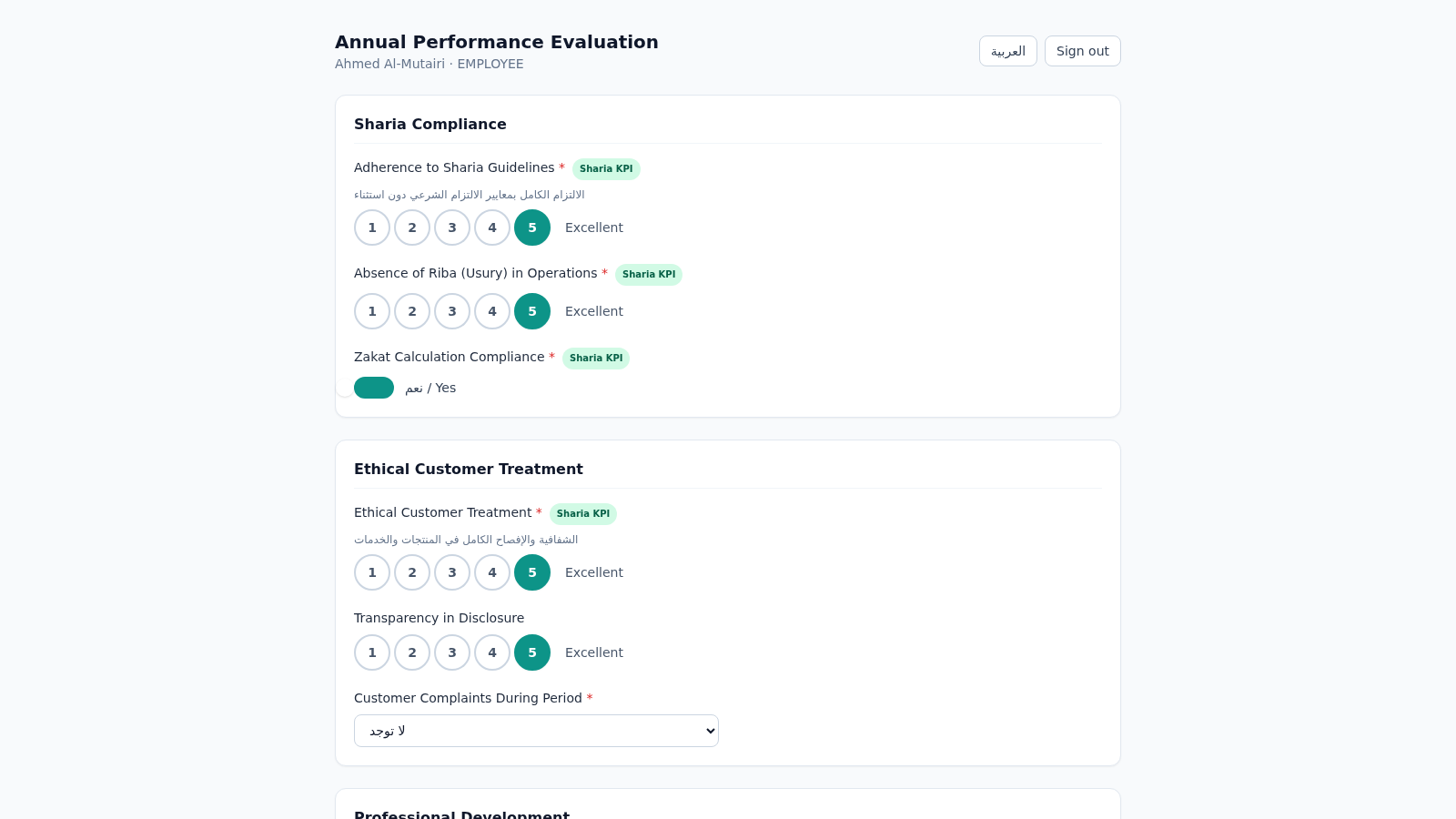
15Islamic Bank Performance Evaluation
Annual performance evaluation system for an Islamic bank: dynamic Sharia-KPI form engine, weighted scoring, immutable cryptographic audit trail, and 3-role approval workflow with Arabic/RTL support.
 23
233RLTEXTIL
SISTEMA DE GESTÃO DE FACÇÃO
 2
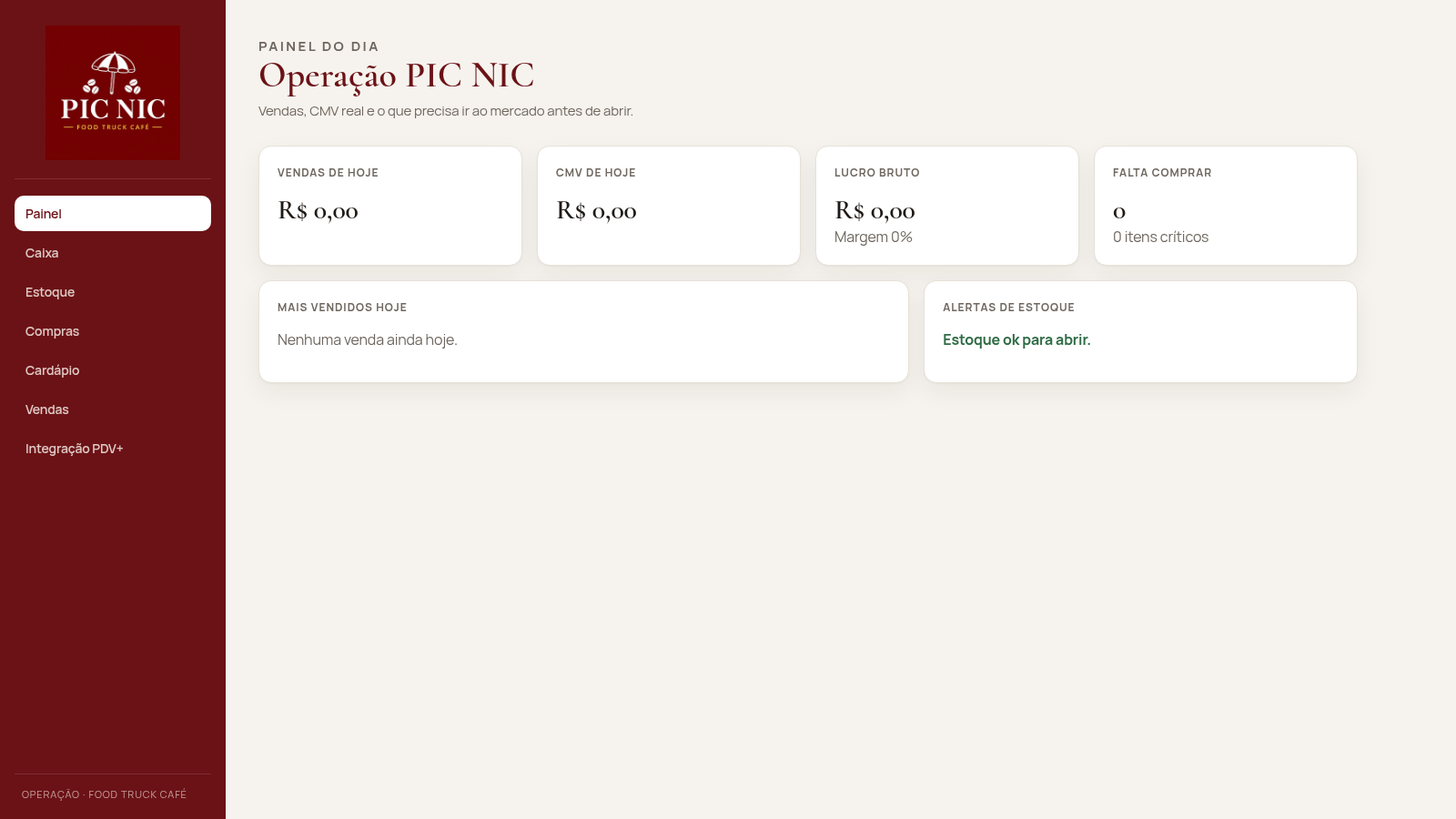
2PIC NIC Caixa e Estoque
Caixa, estoque por receita e CMV real para o food truck PIC NIC.
 69
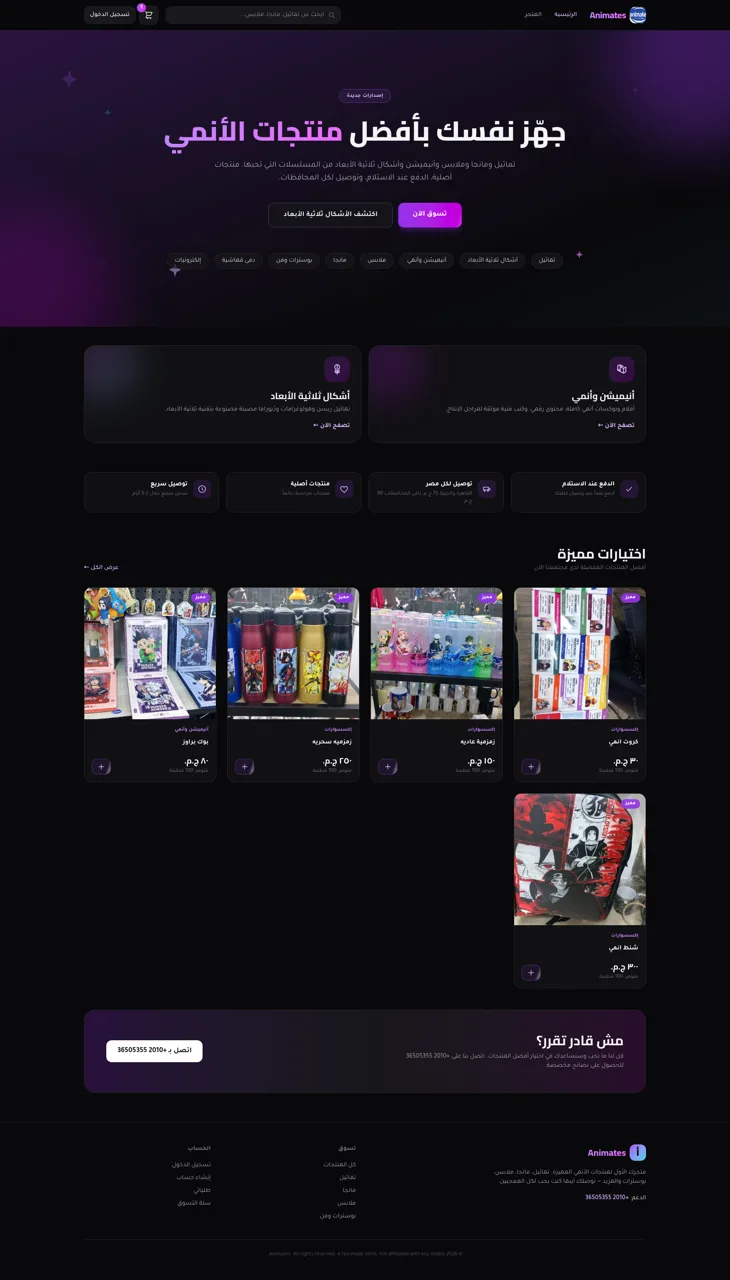
69Animates — Anime Merch Store
Full-stack Arabic RTL anime merch store with COD checkout and admin dashboard
 60
60Ferreira atelier
Venda de fotografias digitais e impressas com PIX, cartao e boleto.
 49
49Arko Jyotish
Astrology storefront: kundli, panchang, muhurat & rashifal PDF reports