
auto tech IA
Search vehicles and diagnostic codes for electronic auto repair
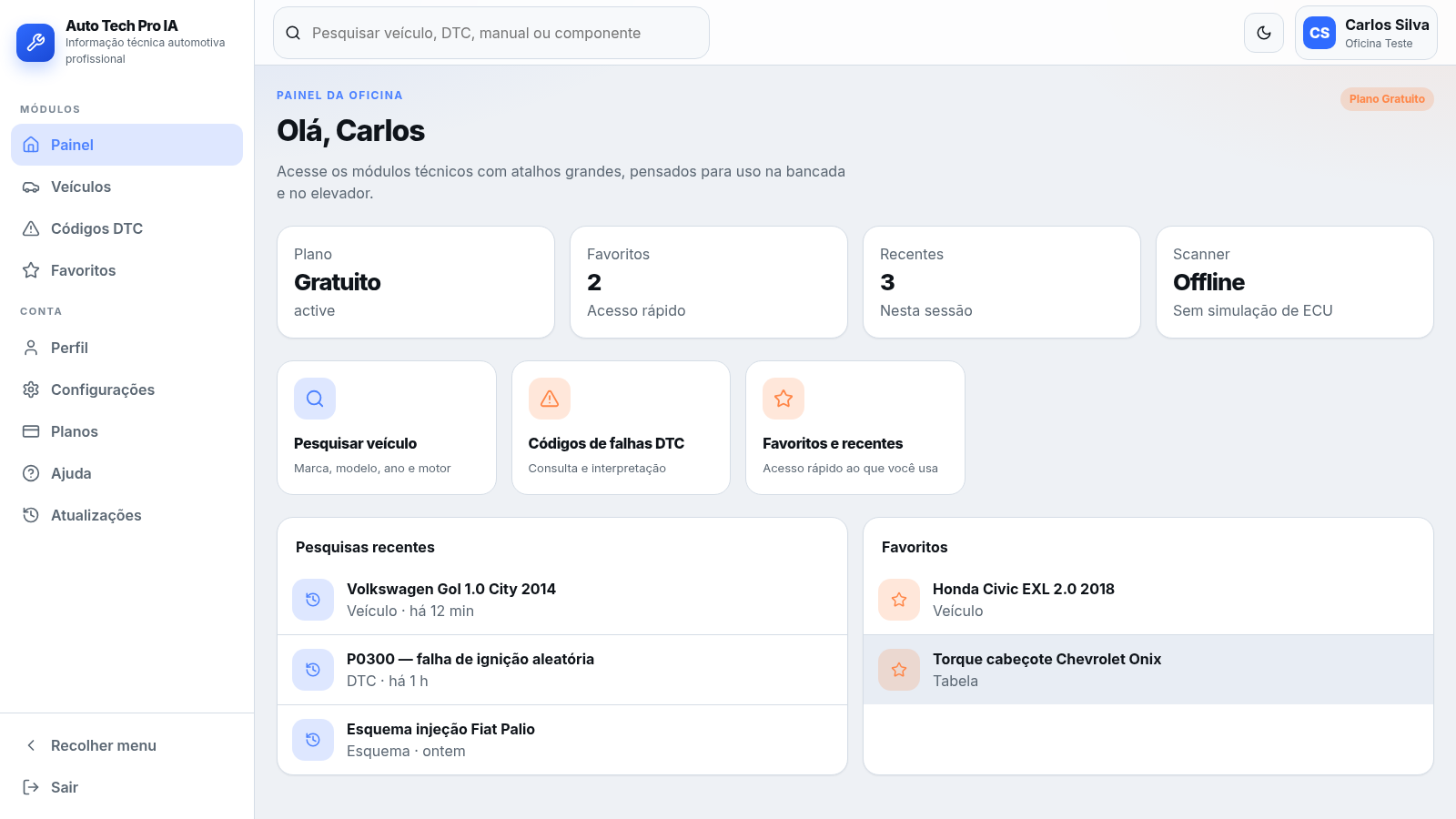
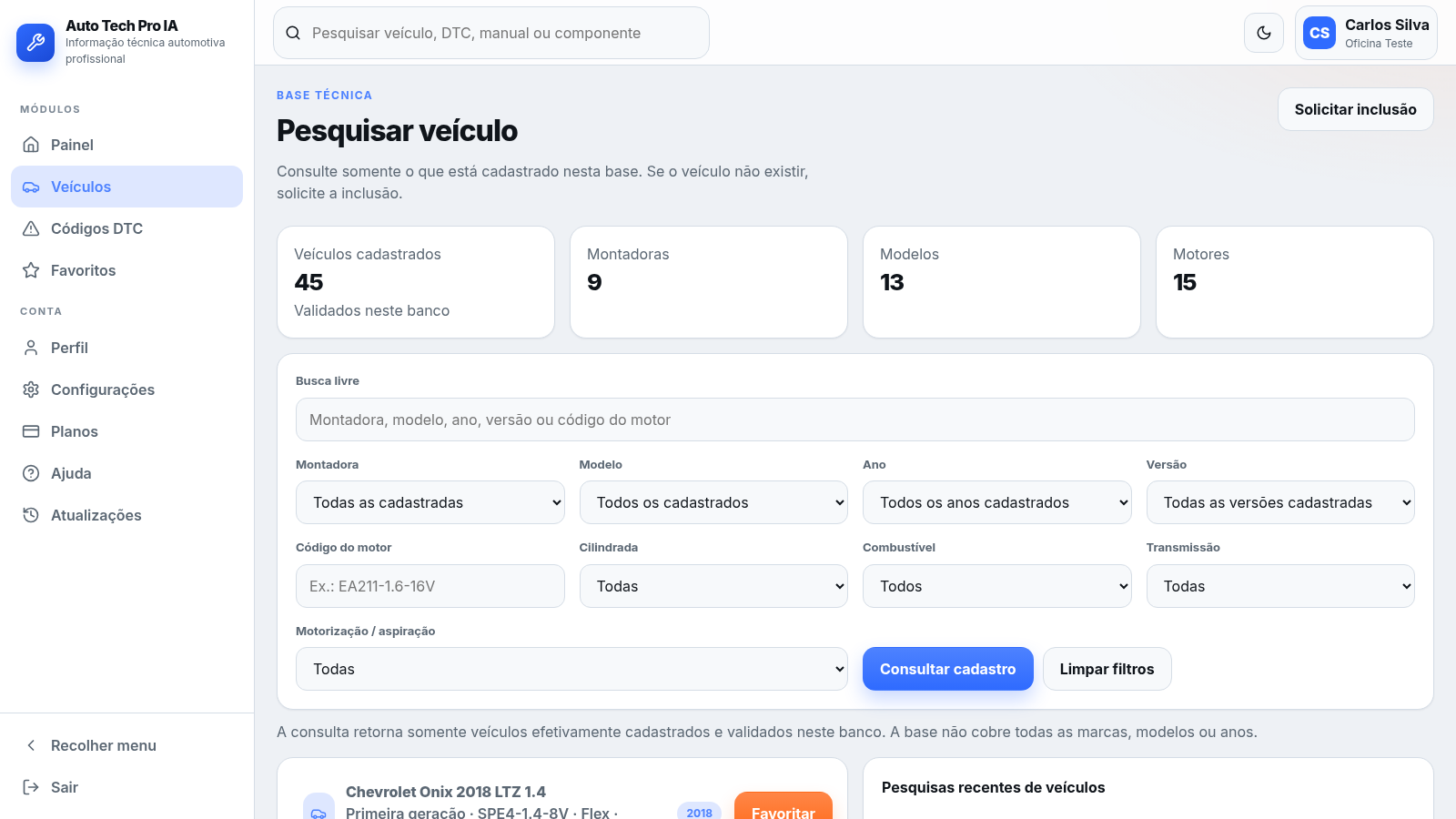
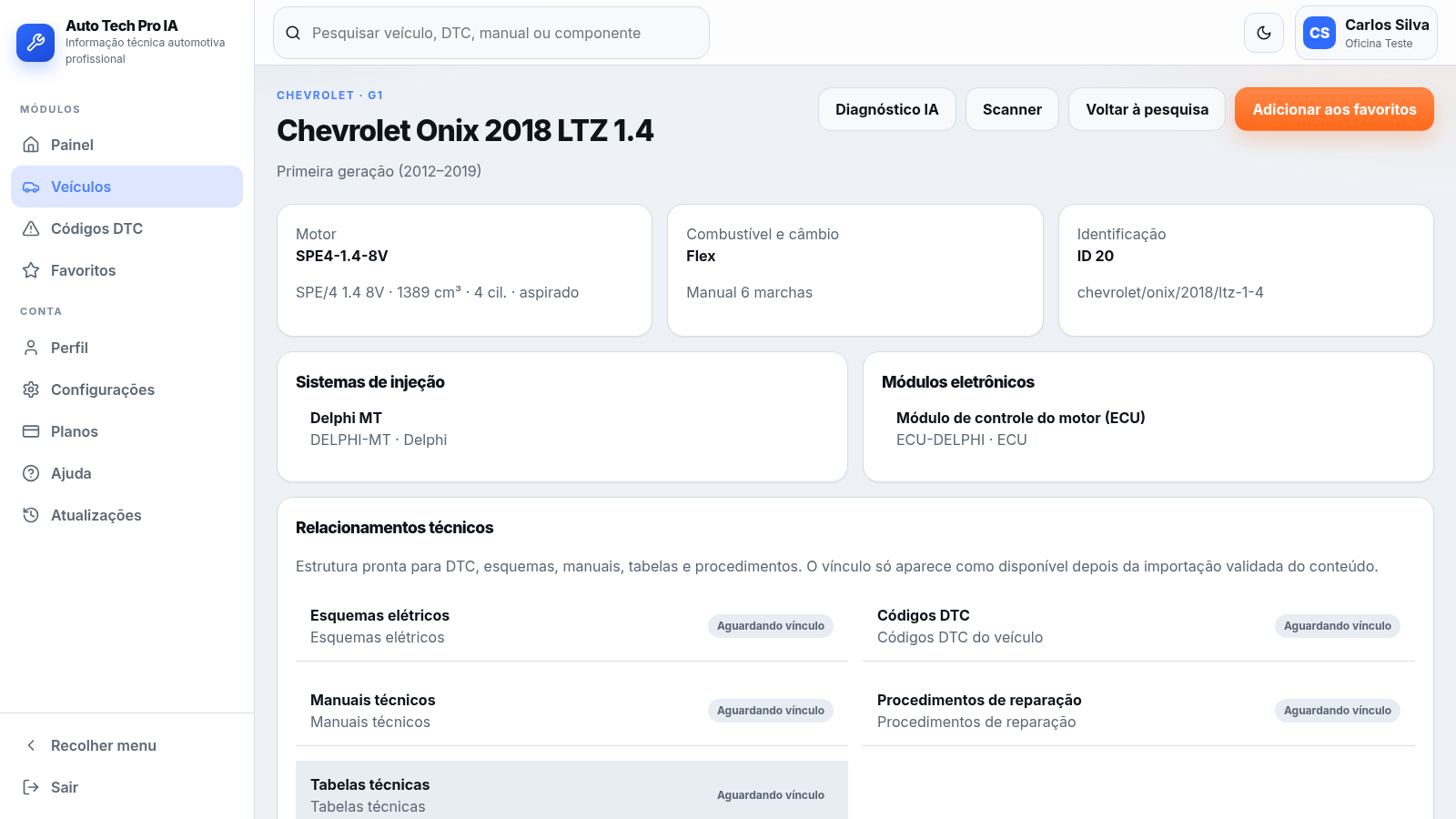
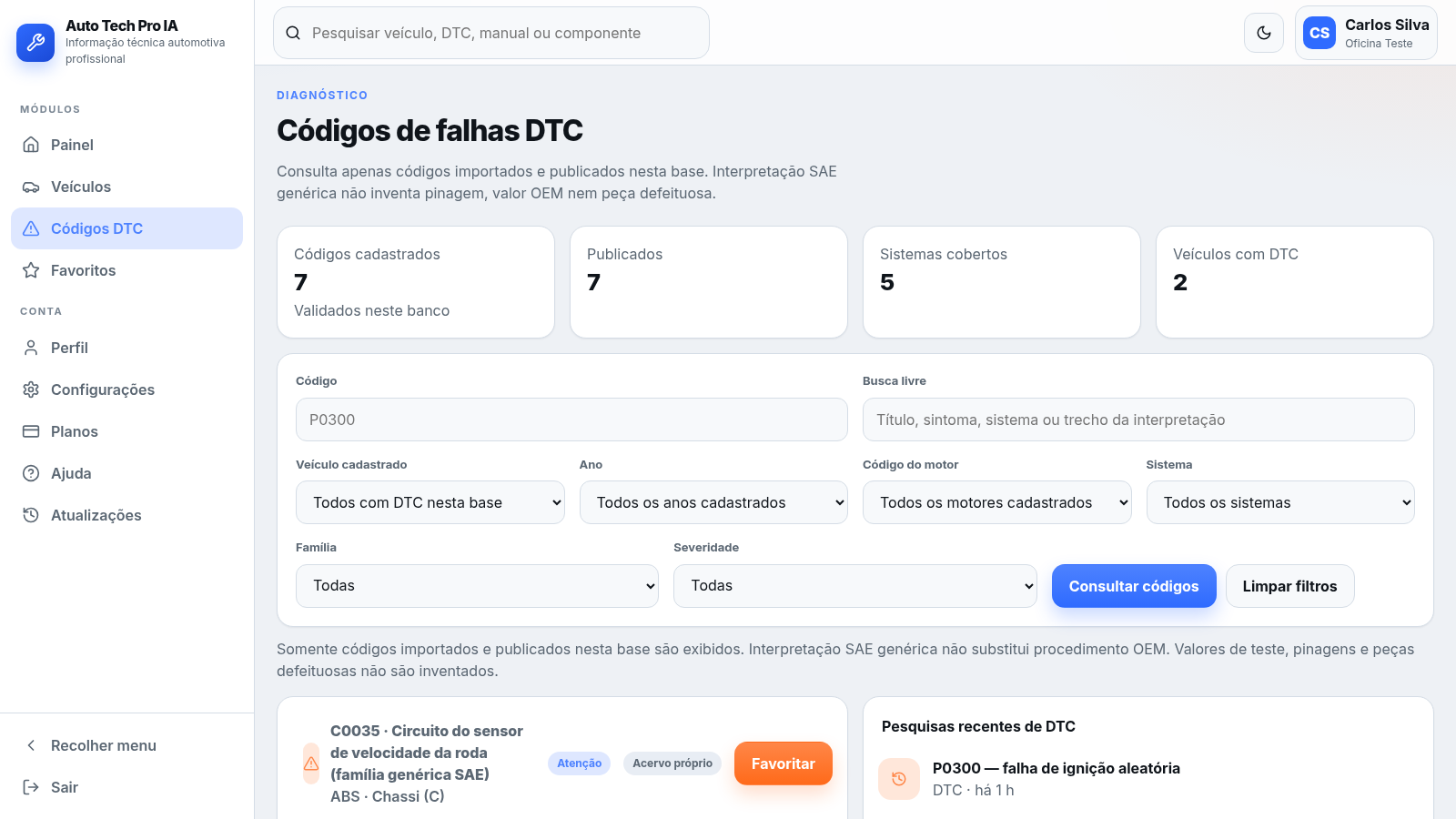
Auto Tech Pro IA is a browser-based technical reference platform for automotive repair professionals such as mechanics, auto electricians and workshop managers. After creating an account, users reach a dashboard with shortcuts into the main modules. The vehicle module lets users search a validated database by make, model, year, version, engine code, displacement, fuel and transmission, and open structured vehicle pages that show engine data, injection systems, electronic modules and available technical relationships. The DTC module lets users look up published SAE diagnostic trouble codes with symptoms, generic possible causes and guided test flows, and cross links them to registered vehicles and related material. Additional modules cover favorites and recent searches, profile, settings, subscription plans and a help area.
Highlights
Vehicle database
45 cars, 9 makes
SAE DTC lookup
Symptoms and causes
AI diagnostics
Paid plan required
Favorites module
Save items quickly
Theme toggle
Light and dark modes
How to Use
Create an account
Open the site and use the registration form to enter your full name, email, workshop, a role such as mechanic or automotive electrician, and a password of at least eight characters, then accept the data consent. Registration is handled on the server and takes you straight to the dashboard.
Search the vehicle base
From the dashboard pick the vehicle shortcut or the top search bar, then combine free text with make, model, year, version, engine code, displacement, fuel, transmission and aspiration filters. Press the consult button and the list is replaced with the matching validated vehicles.
Open a vehicle page
Click any vehicle card to open its detail page. It shows the generation, engine code and displacement, fuel and gearbox, injection systems, electronic modules, and cards for wiring diagrams, DTCs, manuals, repair procedures and technical tables, each marked with its current availability.
Look up a DTC
Open the DTC module, filter by code, associated vehicle, year, engine, system, family or severity, and click a result. The detail page presents a generic SAE interpretation, associated symptoms, possible causes and a guided test flow, plus linked vehicles and related items.
Manage favorites
Use the star control on vehicles and DTCs to add them to favorites, then open the Favorites module to review saved items alongside recent vehicle and DTC searches for quick access.
Similar Sites
 13
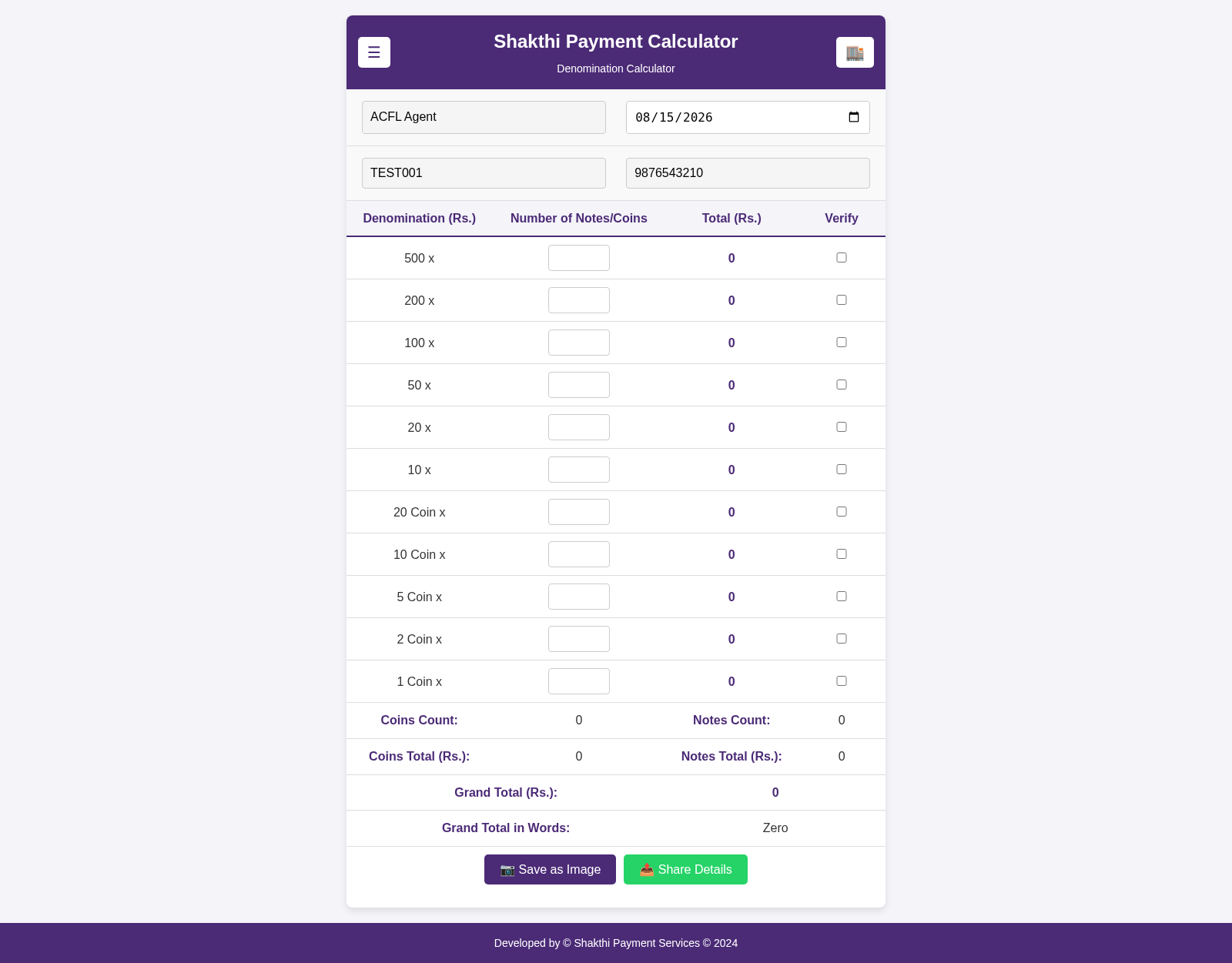
13Shakthi Payment Calculator
Denomination calculator and payment tracker for Shakthi Payment Services
 10
10Neuron'arte · Growth Marketing
Growth marketing que conecta estratégia, conteúdo, aquisição, relacionamento e processo comercial para gerar oportunidades de negócio.
 10
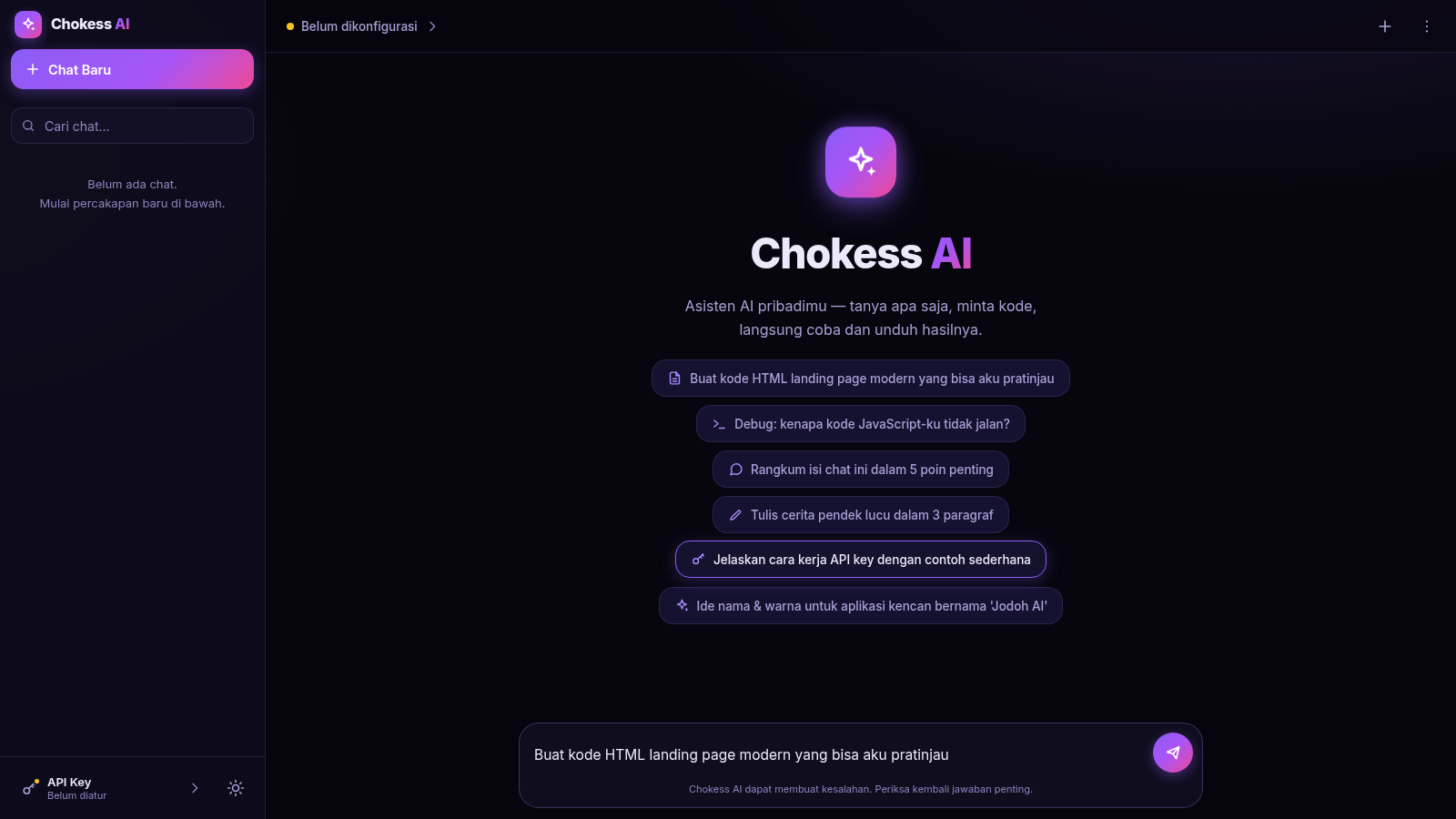
10Chokess AI — Personal AI Chat
Chat AI pribadi dengan API key sendiri, mendukung Claude & OpenAI
 8
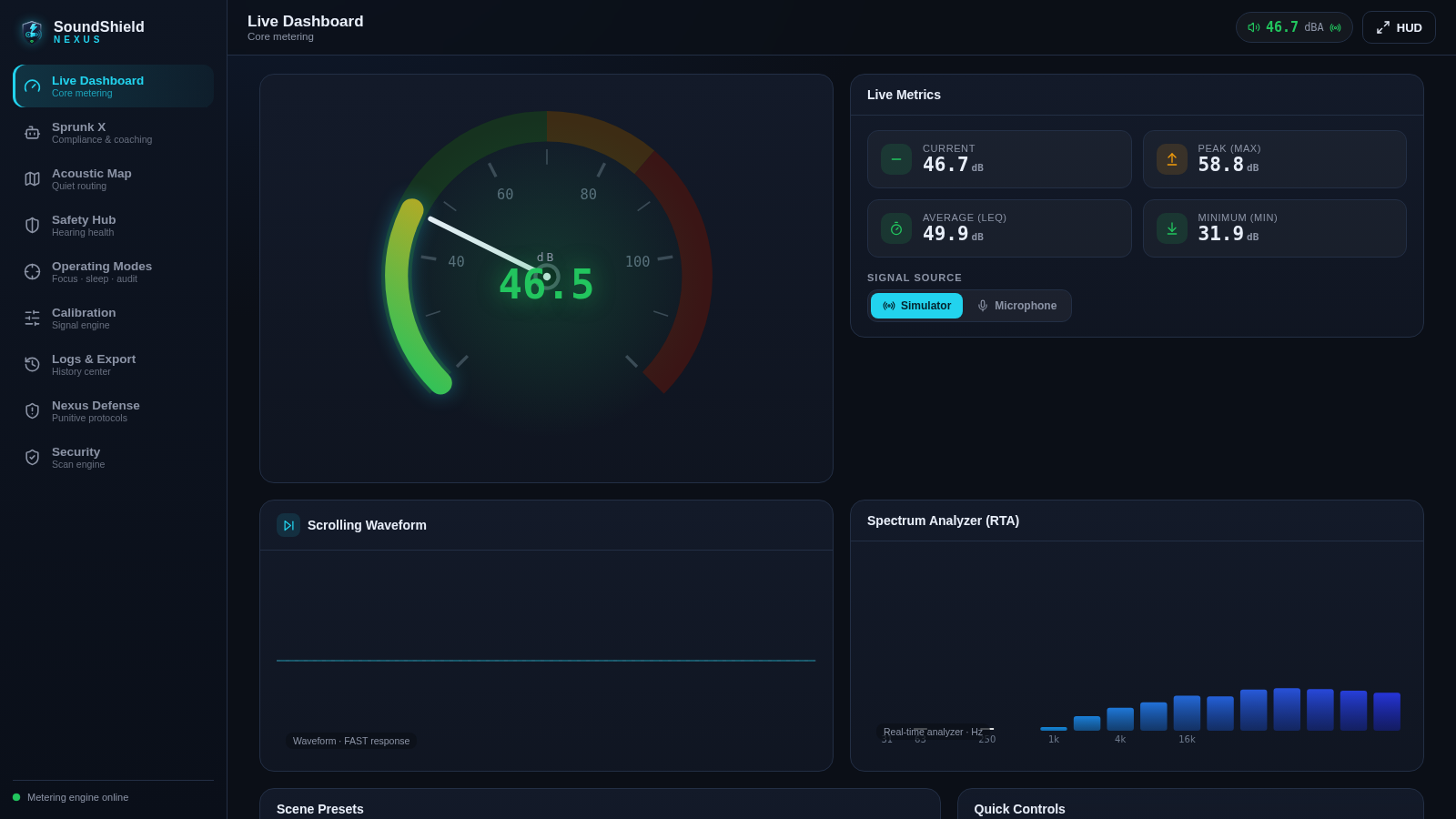
8SoundShield Nexus
Five scanners police every payload via the Sprunk X compliance engine
 7
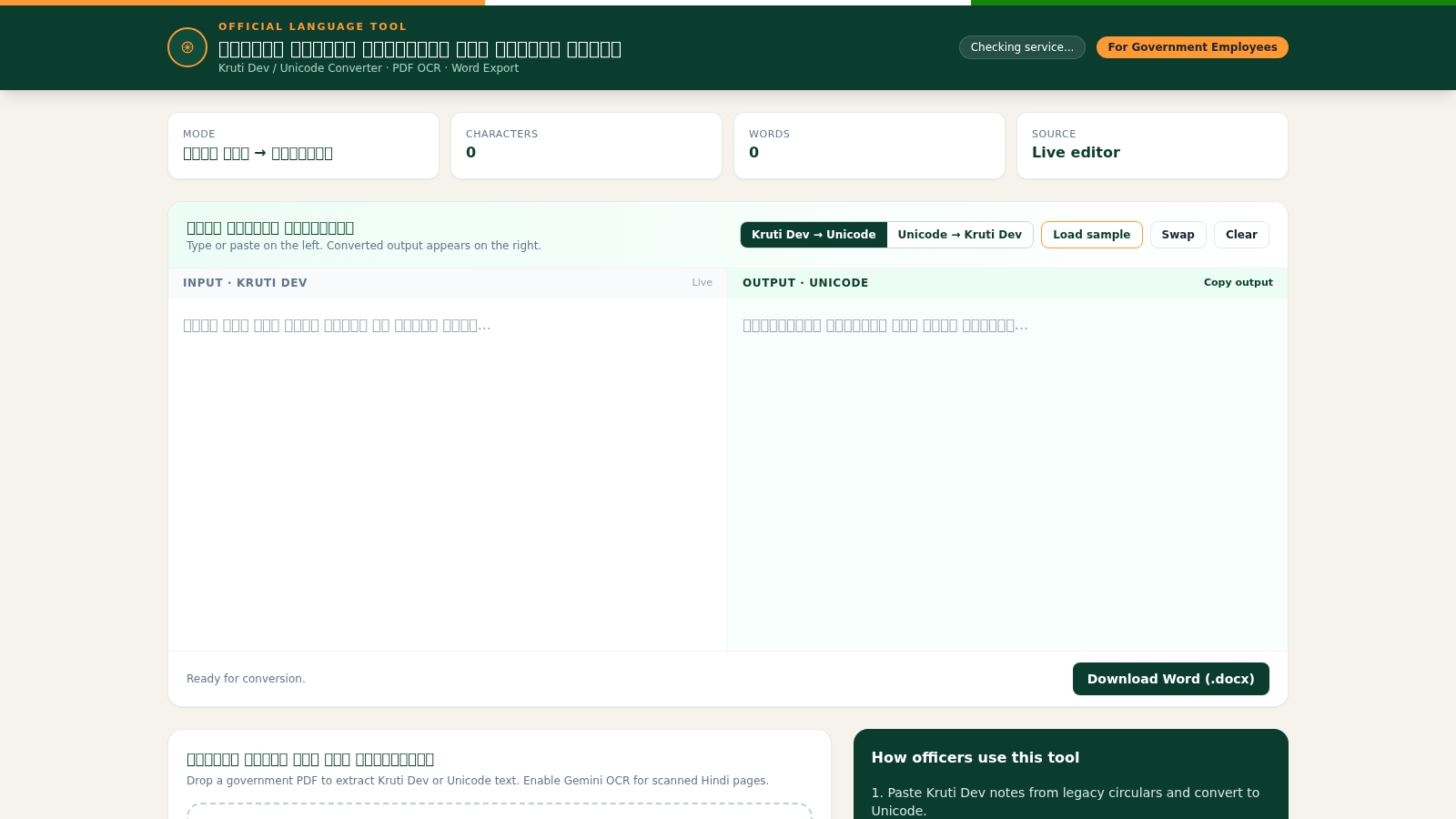
7Hindi Font Converter
Convert Kruti Dev and Unicode Hindi, extract PDF text, and export Word files.
 6
6AI Toolbox
IA chat e geracao de imagens em tempo real com historico salvo