
Undefeatable Gomoku
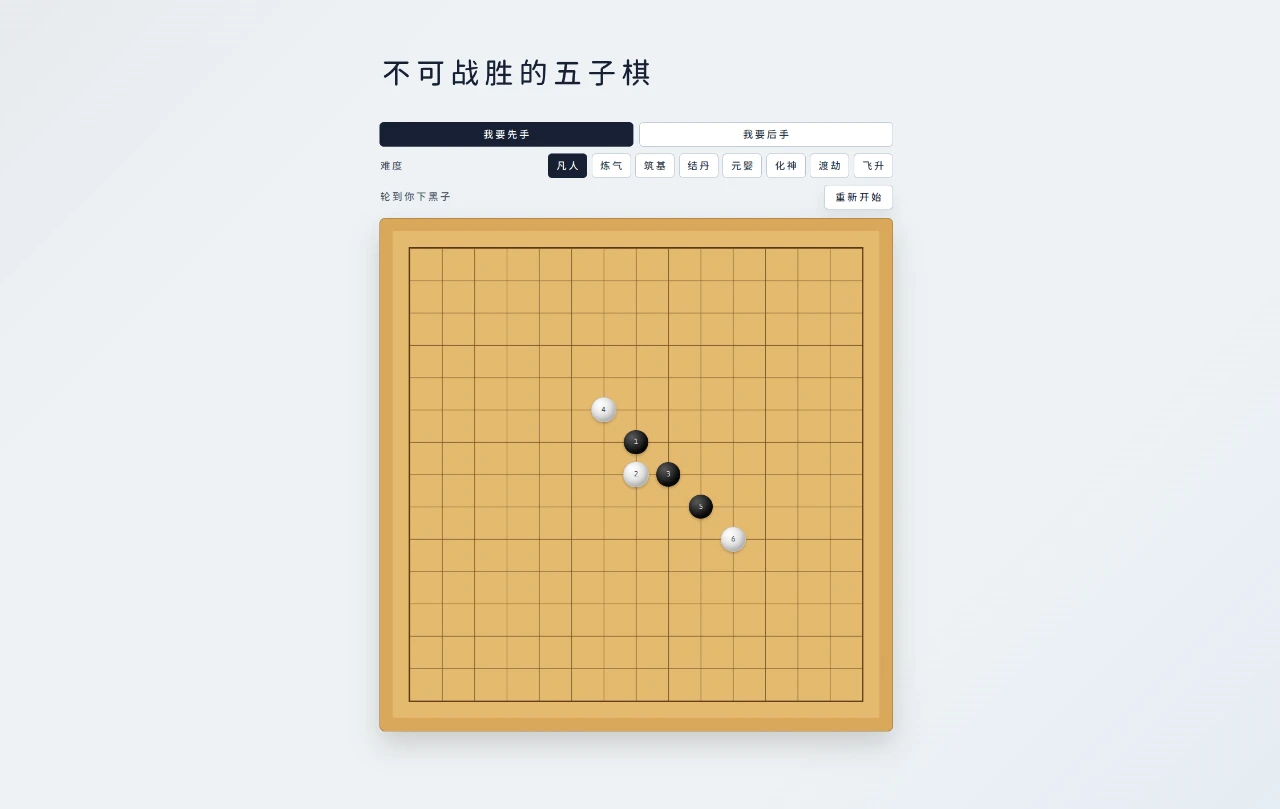
Challenge a computer opponent on a focused 15 by 15 Gomoku board with four selectable difficulty levels.
Undefeatable Gomoku is a compact browser game for playing five in a row against a computer opponent. The entire experience is arranged around a 15 by 15 board, with controls above it for choosing whether the player or computer moves first and selecting casual, challenging, hardcore, or nightmare difficulty. A status panel identifies the active color and current turn. Clicking an empty intersection places a numbered stone, after which the computer responds on the same board. Undo and restart controls support correction, experimentation, and repeated matches without requiring an account or a separate setup screen.
Highlights
Four AI Levels
Casual to nightmare
Flexible Opening
Choose who moves first
Clear Board State
Turns and moves are marked
Quick Recovery
Undo or restart anytime
How to Use
Choose the opening side
Use the first pair of controls above the board to decide whether you want to move first or let the computer open. The board updates to reflect that choice, and the status line identifies which color you control and whose turn is active.
Set the difficulty
Select one of the four difficulty options, ranging from a casual setting to the nightmare level. The selected option controls the computer opponent while keeping the same board and click-based rules.
Place stones on the board
Click an empty cell on the 15 by 15 grid to place your stone. The move receives a number, the computer places its response, and the turn indicator changes so you can follow the current match state.
Revise or restart the match
Use the undo control to take back the latest exchange when you want to test another line. Select restart to clear the position and begin a fresh match with the current setup controls available above the board.
Similar Sites
 3
3Tic Tac Toe
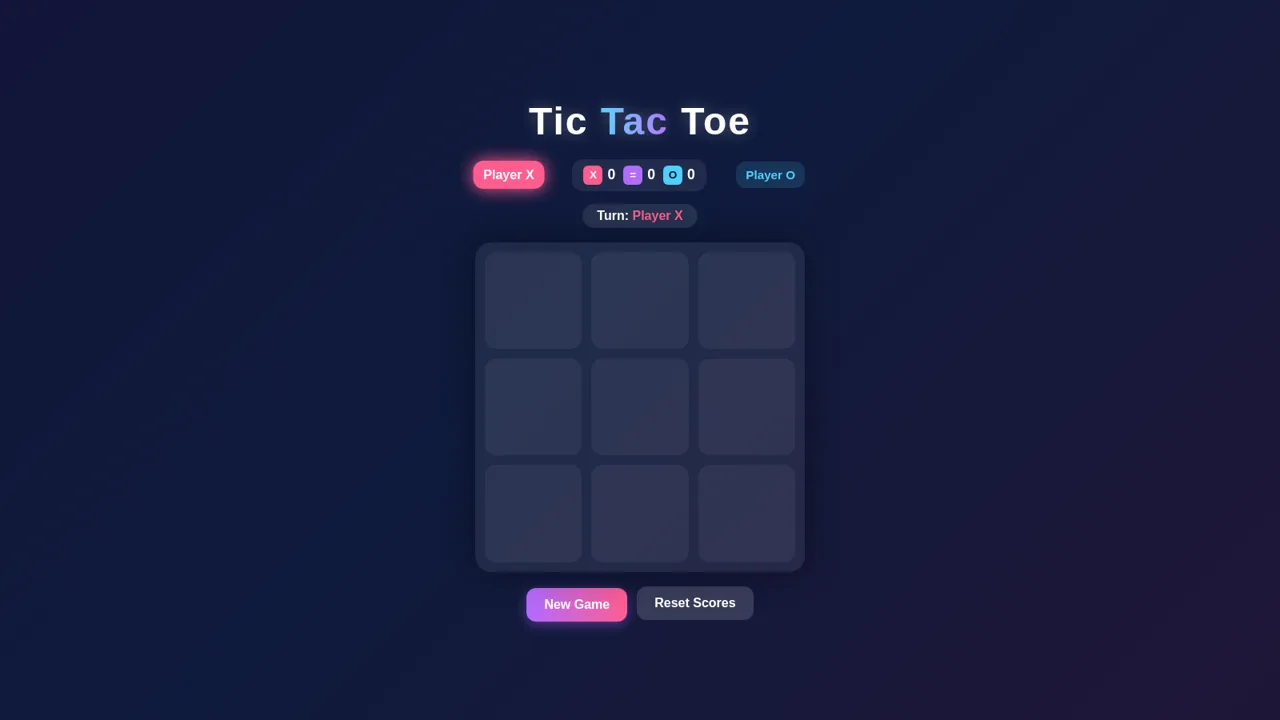
Colorful 2-player Tic Tac Toe game with score tracking, win highlight and confetti
 2
2Tic-Tac-Toe
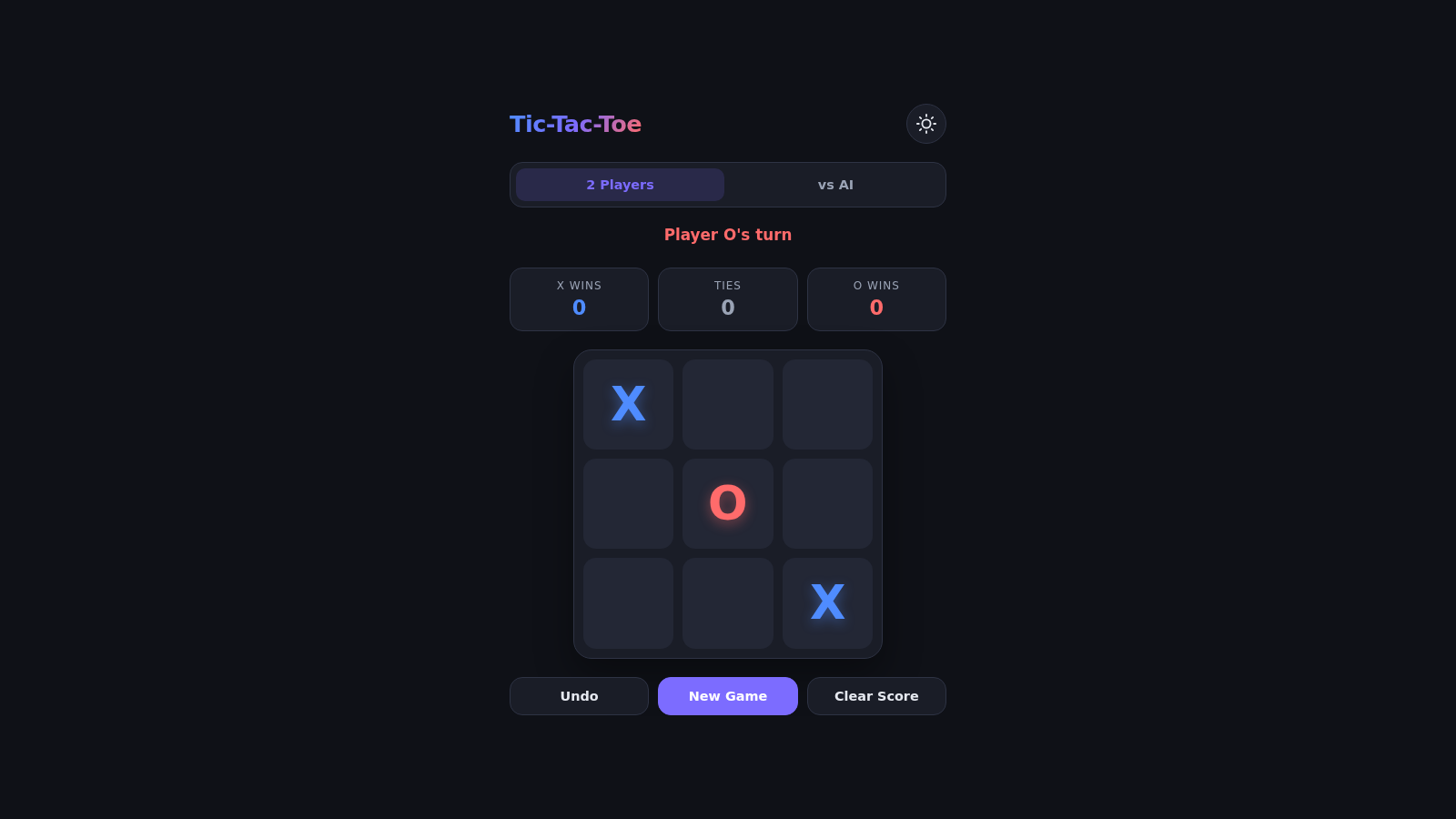
A zero-dependency Tic-Tac-Toe game with unbeatable AI.
 62
62Vexel: Cascade
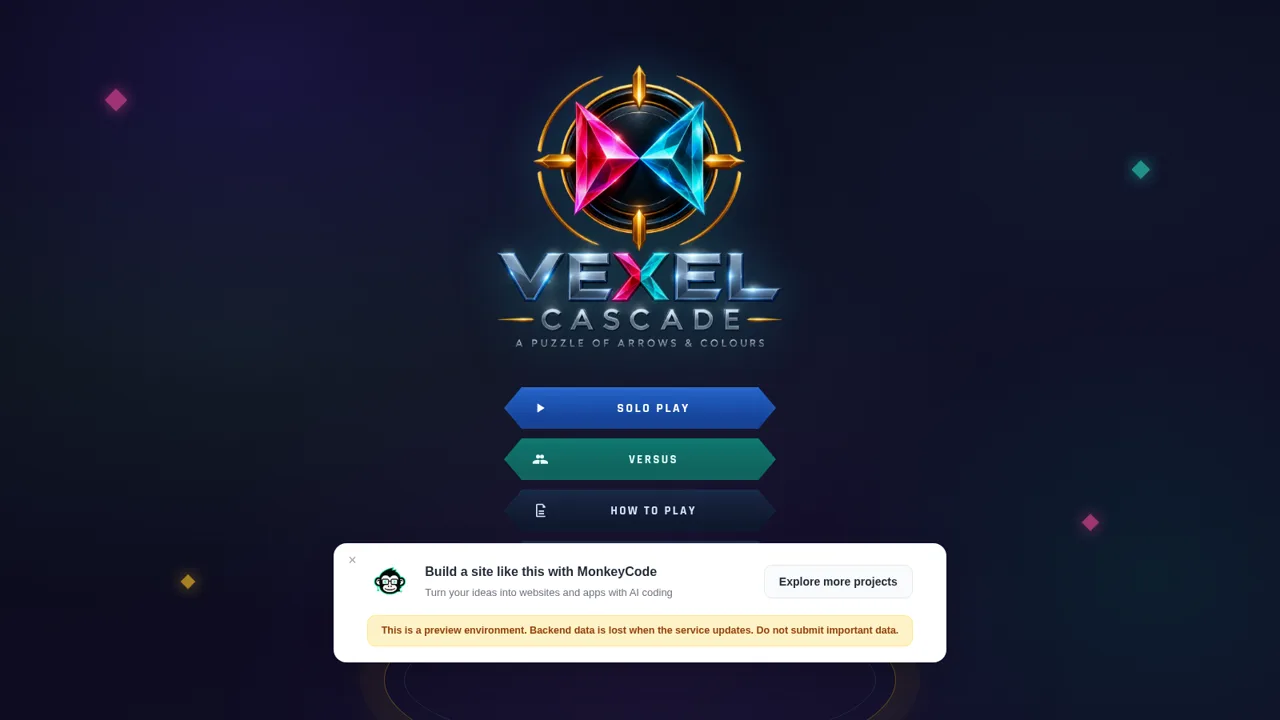
Directional arrow puzzle with solo and versus rooms
 6
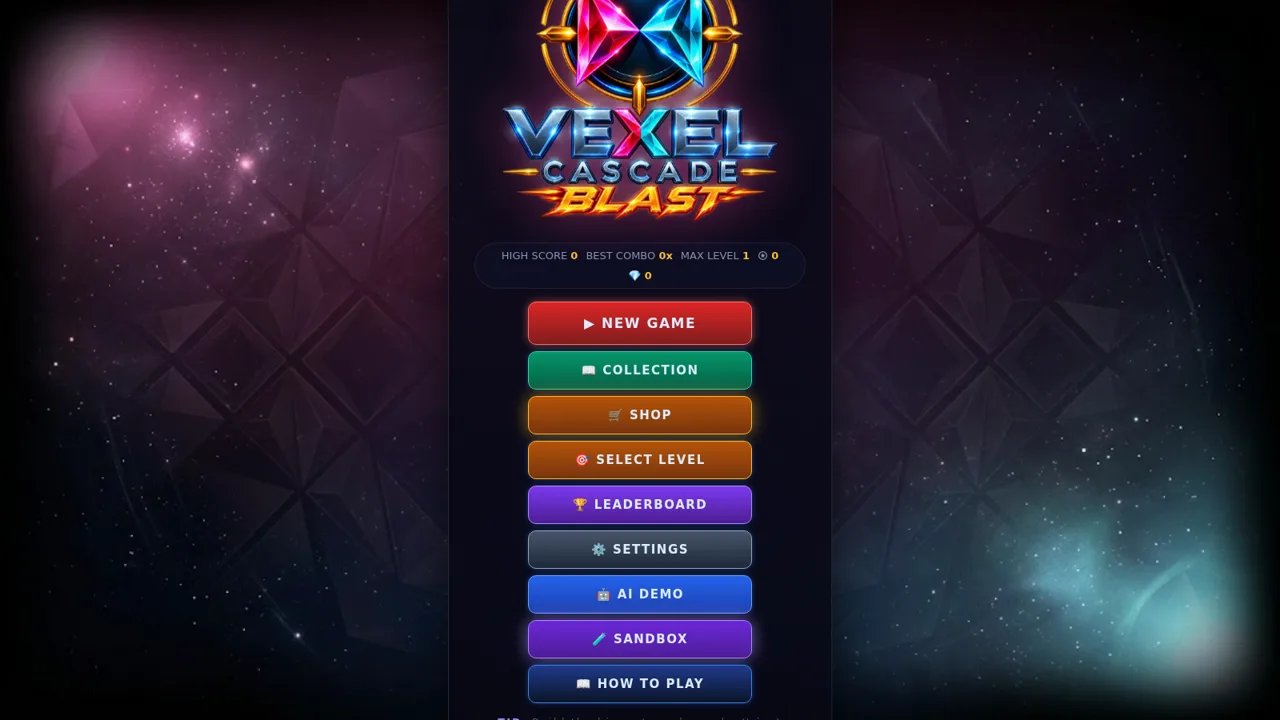
6Vexel Cascade Blast
Cascade puzzle: arrows break when they face different colors. Build the biggest combo.
 16
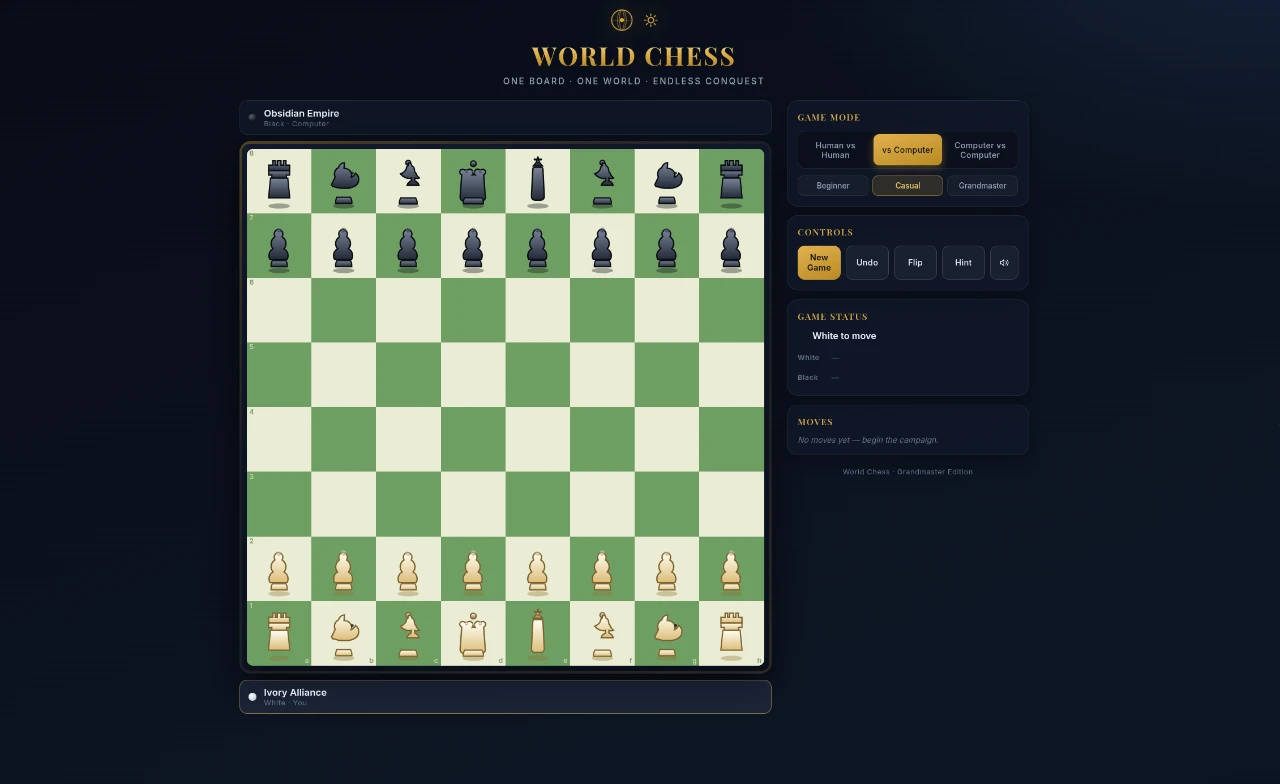
16Chess Game
Full-featured chess with AI opponent, hints, and elegant dark UI
 10
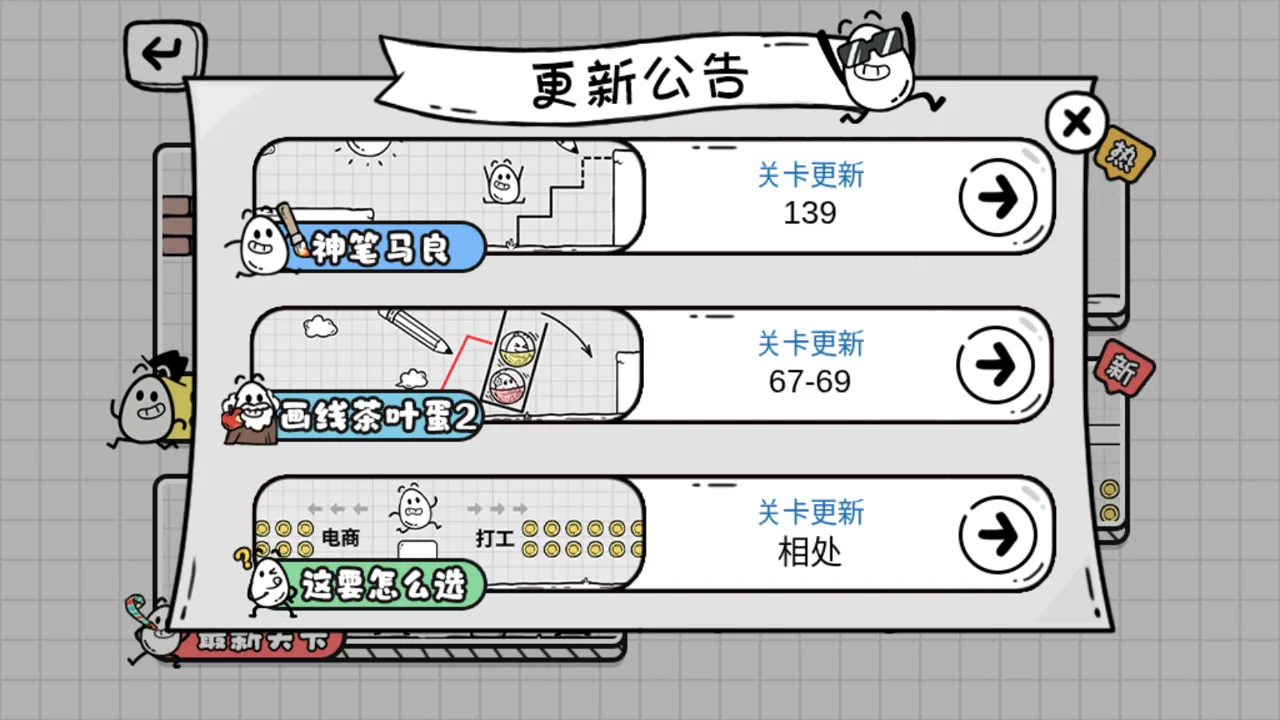
10Tea Egg Adventure
A fun puzzle adventure HTML5 game where you help a tea egg through tricky levels