
GearNest | Premium Gadgets Store
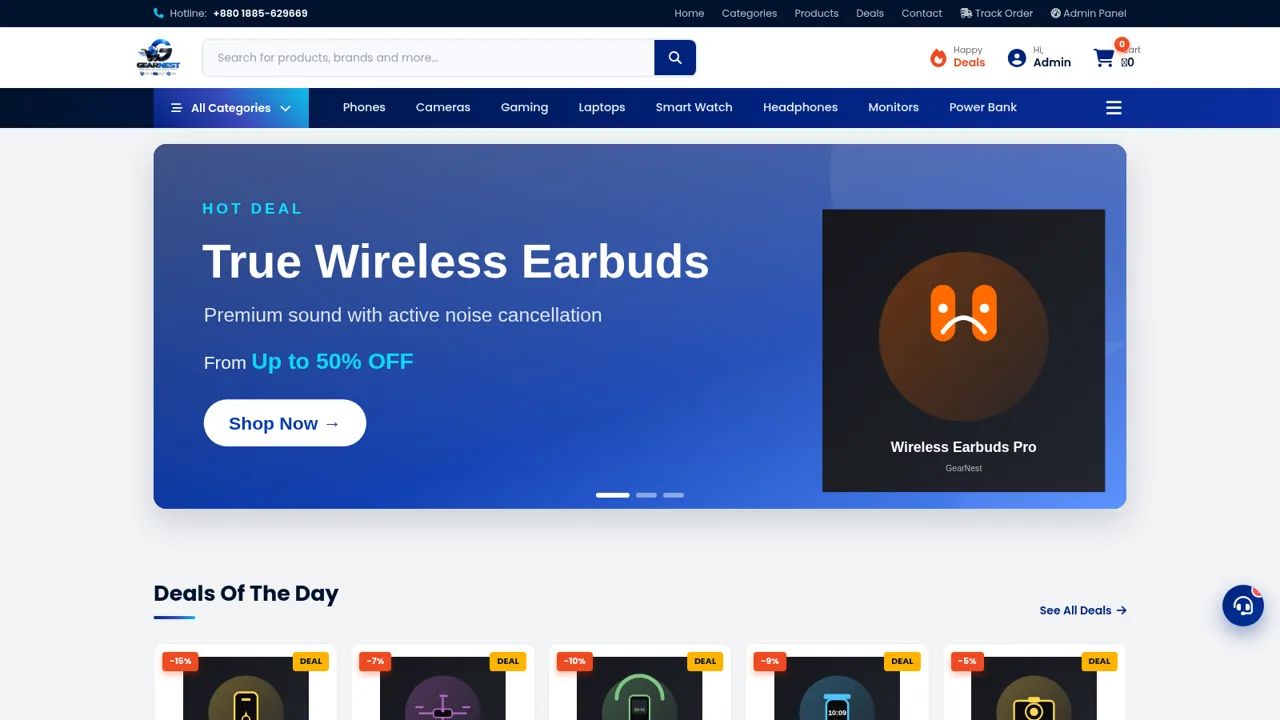
Browse original gadgets, compare local prices, and manage purchases through a complete Bangladesh-focused electronics storefront.
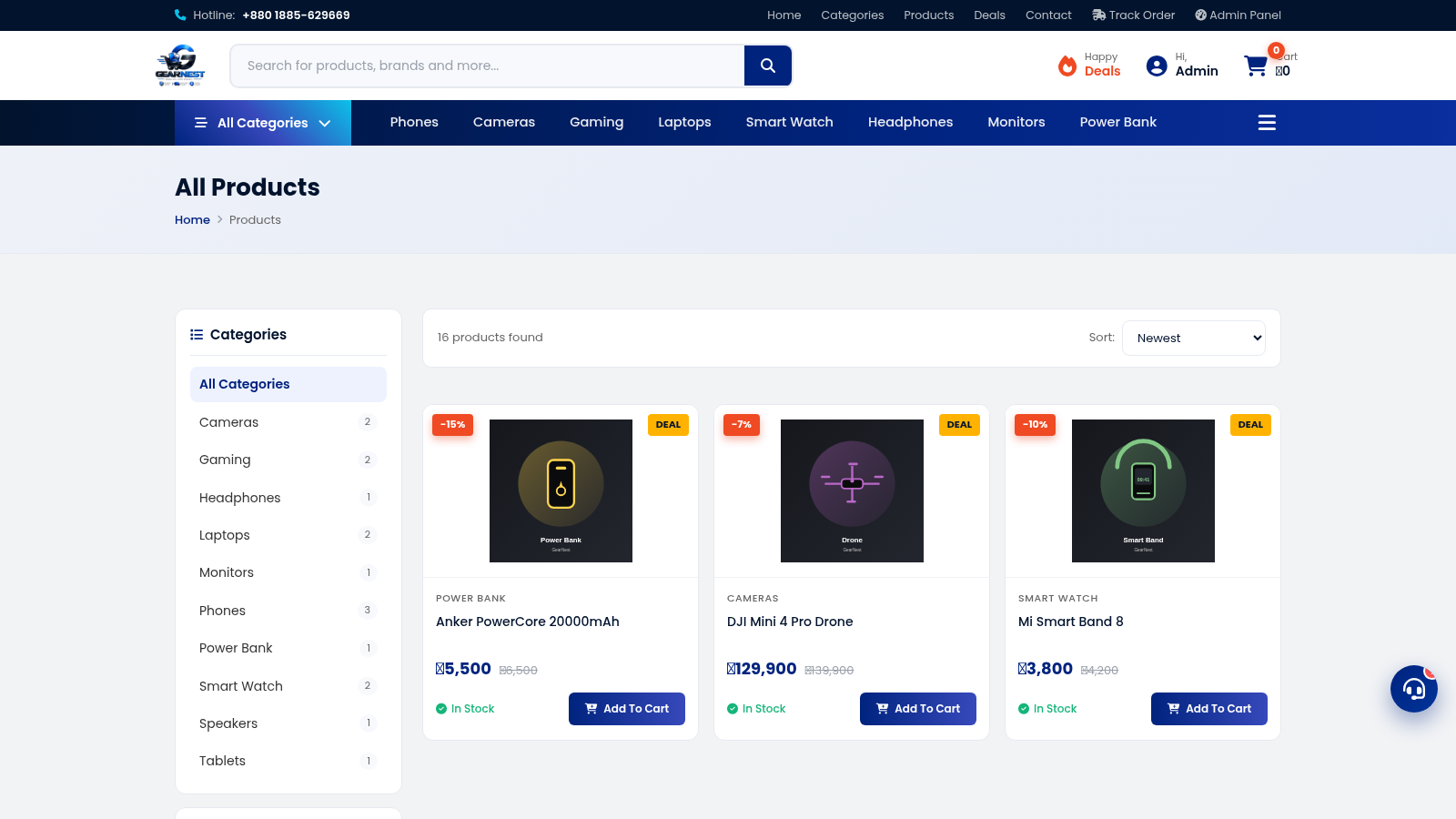
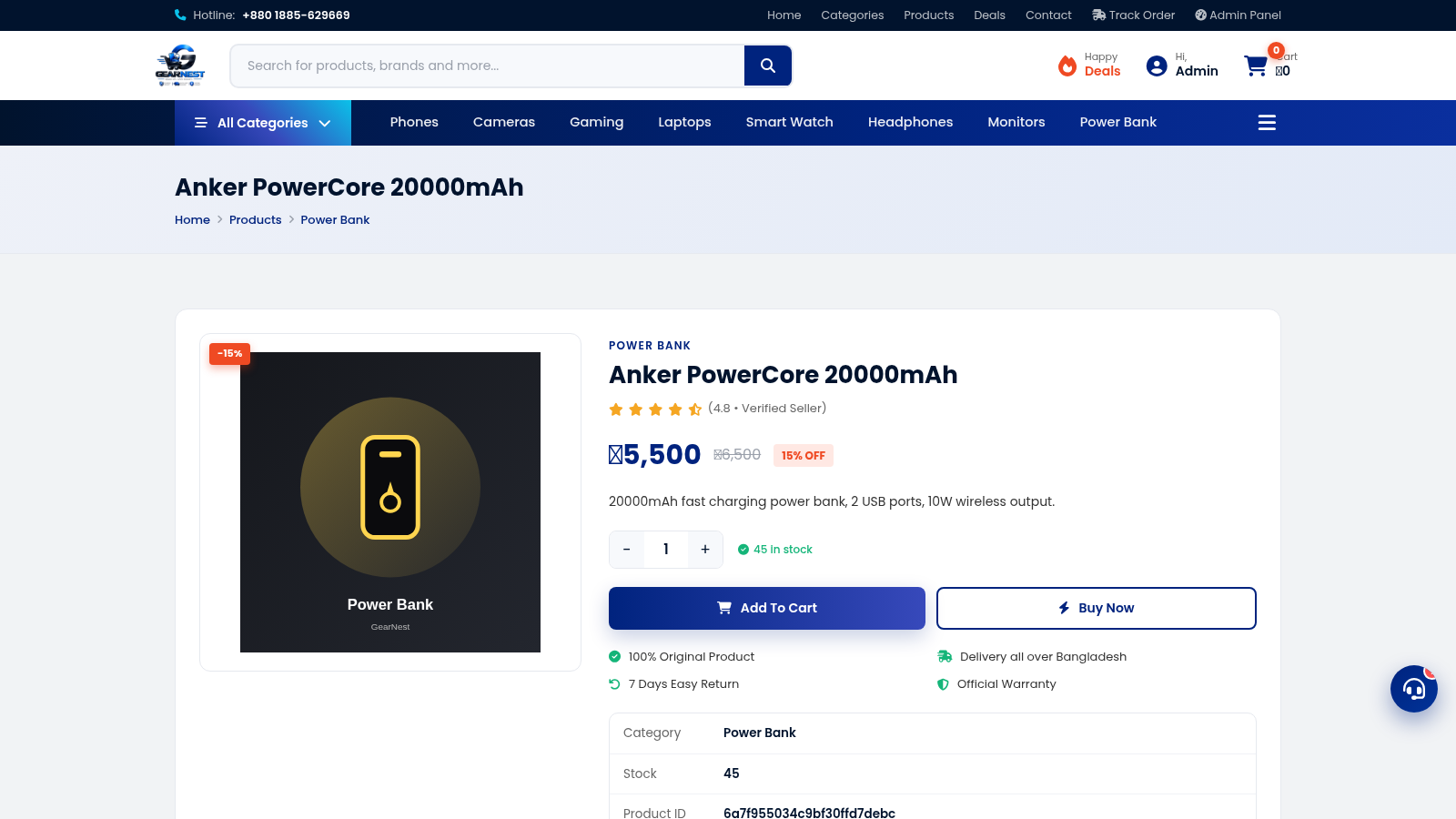
GearNest is a full online gadget store designed for shoppers in Bangladesh. Its catalog presents phones, laptops, cameras, gaming accessories, smart watches, headphones, monitors, power banks, speakers, and tablets with prices in Bangladeshi taka. Visitors can move from promotional deals and category discovery to a searchable product list, open individual product pages, review discount, stock, warranty, delivery, and return information, adjust quantities, and add products to a cart. Account creation and a clearly disclosed demo administrator login support access to profile, order, product, customer, and store-management areas. The storefront also provides contact details, nationwide delivery messaging, trusted brand references, payment method labels, and customer testimonials.
Highlights
Broad Gadget Catalog
16 products in 10 groups
Deal Discovery
Discounts and sale prices
Complete Shopping Flow
Details, cart, and account
Store Administration
Products, orders, and users
How to Use
Browse the storefront
Start on the home page to review featured deals, promoted products, service policies, and popular categories. Use the main navigation or a category shortcut to narrow the catalog to the type of gadget you want.
Find and compare products
Open the Products page to browse all 16 listed items. Use the search field, category links, or sorting menu to locate suitable products, then compare the current price, original price, discount badge, category, and stock label shown on each card.
Review a product
Select a product card to open its detail page. Read the short specification, check availability, warranty, delivery, return information, and related products, then use the minus and plus controls to set the desired quantity.
Build the cart
Choose Add To Cart to store an item for later or Buy Now to continue toward purchase. Open the cart to review quantities, subtotal, shipping, and total before proceeding to checkout; an empty cart provides a direct Browse Products route.
Access account features
Create a customer account from the registration link or use the demo administrator credentials displayed on the login page. Successful administrator login opens a dashboard with product, order, customer, revenue, inventory, and store-setting views.
Similar Sites
 1
1Nova Store
Premium mobile shopping with cart, checkout, orders, and an owner dashboard.
 126
126Agenda de Pedidos - Confeitaria
Agenda digital de pedidos para confeitaria com integração WhatsApp
 69
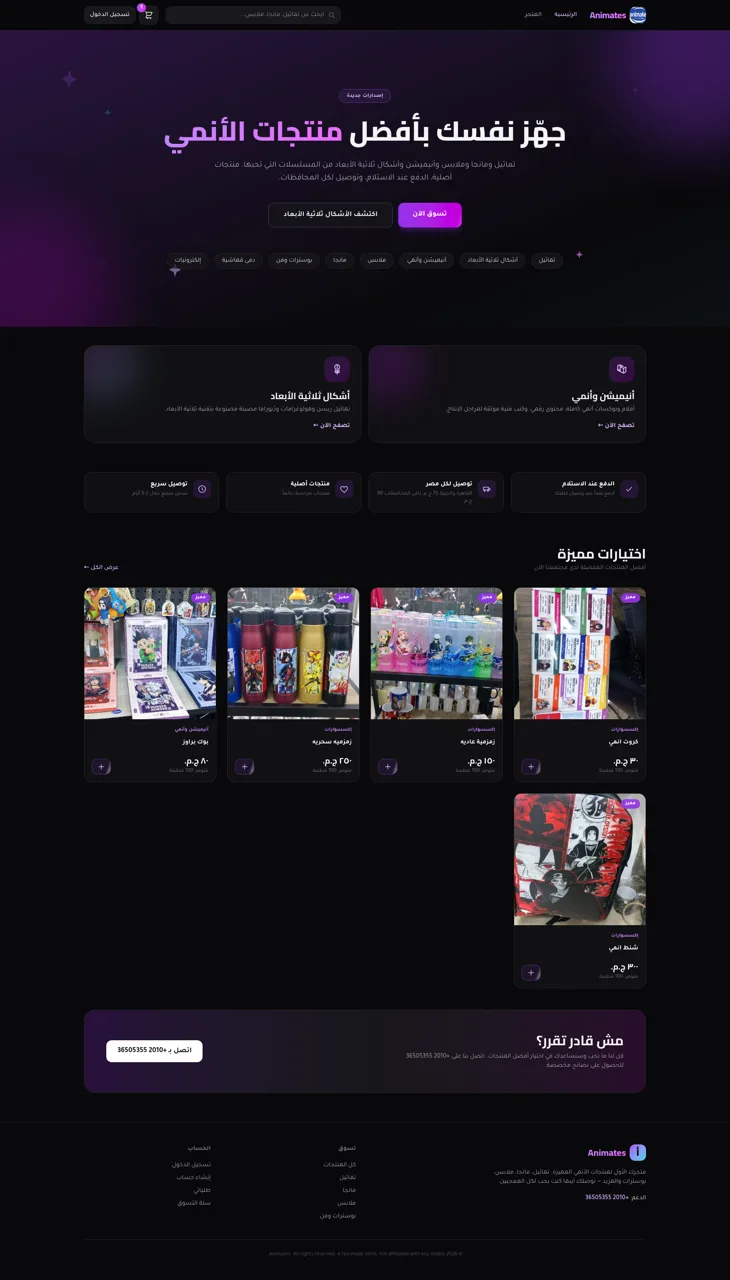
69Animates — Anime Merch Store
Full-stack Arabic RTL anime merch store with COD checkout and admin dashboard
 60
60Ferreira atelier
Venda de fotografias digitais e impressas com PIX, cartao e boleto.
 54
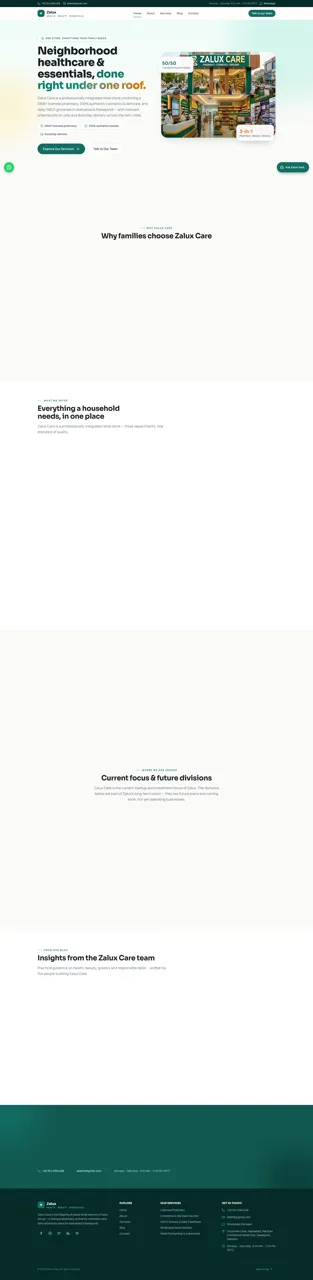
54Zalux - Flagship Enterprise
Zalux Care: pharmacy, cosmetics & daily essentials in Islamabad & Rawalpindi.
 49
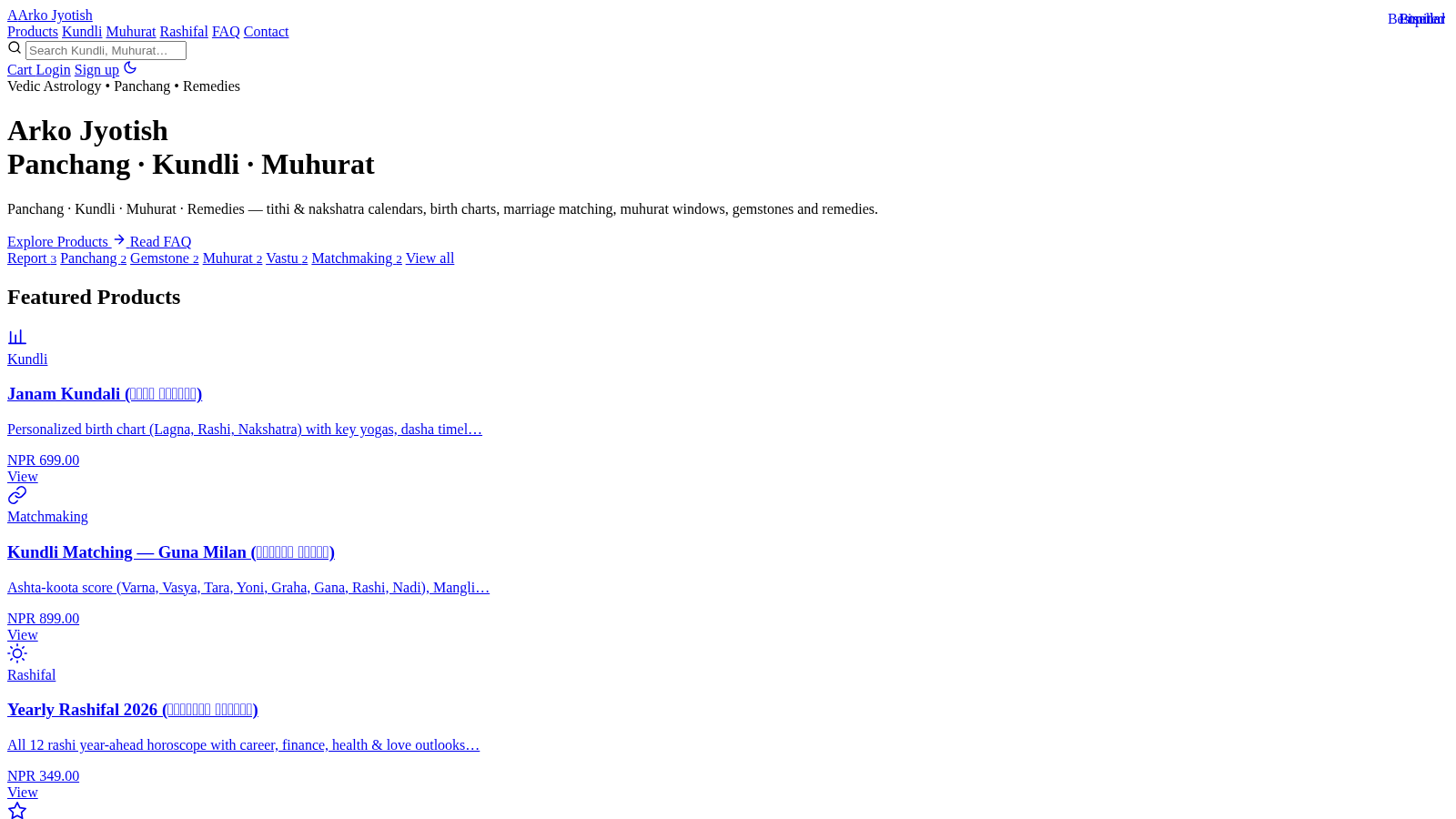
49Arko Jyotish
Astrology storefront: kundli, panchang, muhurat & rashifal PDF reports