
عداد النقر
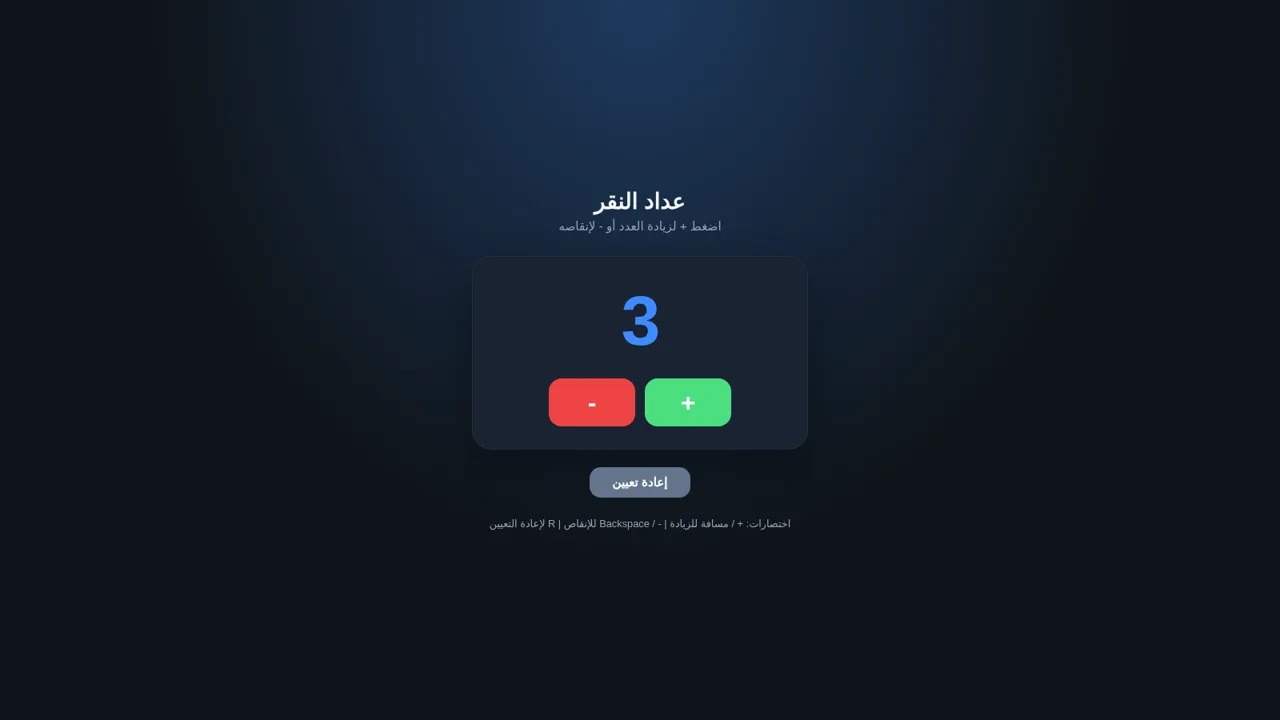
A focused Arabic click counter with keyboard controls and automatic browser persistence.
Click Counter is a single-page Arabic utility for keeping a running number in the browser. Users can increase or decrease the count, return it to zero, and use keyboard shortcuts instead of the on-screen controls. The current value is saved locally and restored after refreshing the page, so a counting session can continue without registration or a server account.
Highlights
Instant Controls
Count up, down, or reset
Keyboard Support
Five convenient shortcuts
Local Persistence
Count survives page refresh
Arabic RTL Layout
Clear right-to-left UI
How to Use
Increase the count
Select the plus button to add one to the displayed value. You can also press the plus key or Space, and the large number updates immediately while the new value is saved in the browser.
Decrease the count
Select the minus button to subtract one from the current value. The minus key and Backspace provide the same action from the keyboard, with the updated count shown at once.
Reset the session
Select the Arabic reset button or press R when you want to return the count to zero. The reset value is also stored locally, replacing the previous saved count.
Continue after refresh
Refresh or reopen the page in the same browser to continue from the most recently stored number. No sign-in or manual save action is required.
Similar Sites
 94
94OhMyPS - AI Image Editor
Brush, describe, and quickly edit part of an image with AI.
 81
81PDF Master AI
Private in-browser PDF toolkit to convert, merge, compress, edit, and protect files.
 77
77BJJ STAT — ANALISE. ENTENDA. EVOLUA.
Scout de Jiu-Jitsu em um toque. Placar IBJJF, relatórios visuais e PWA offline.
 59
59ToolCraft - Free Online Tools
Free, fast, privacy-friendly online tools & expert guides - all in your browser.
 30
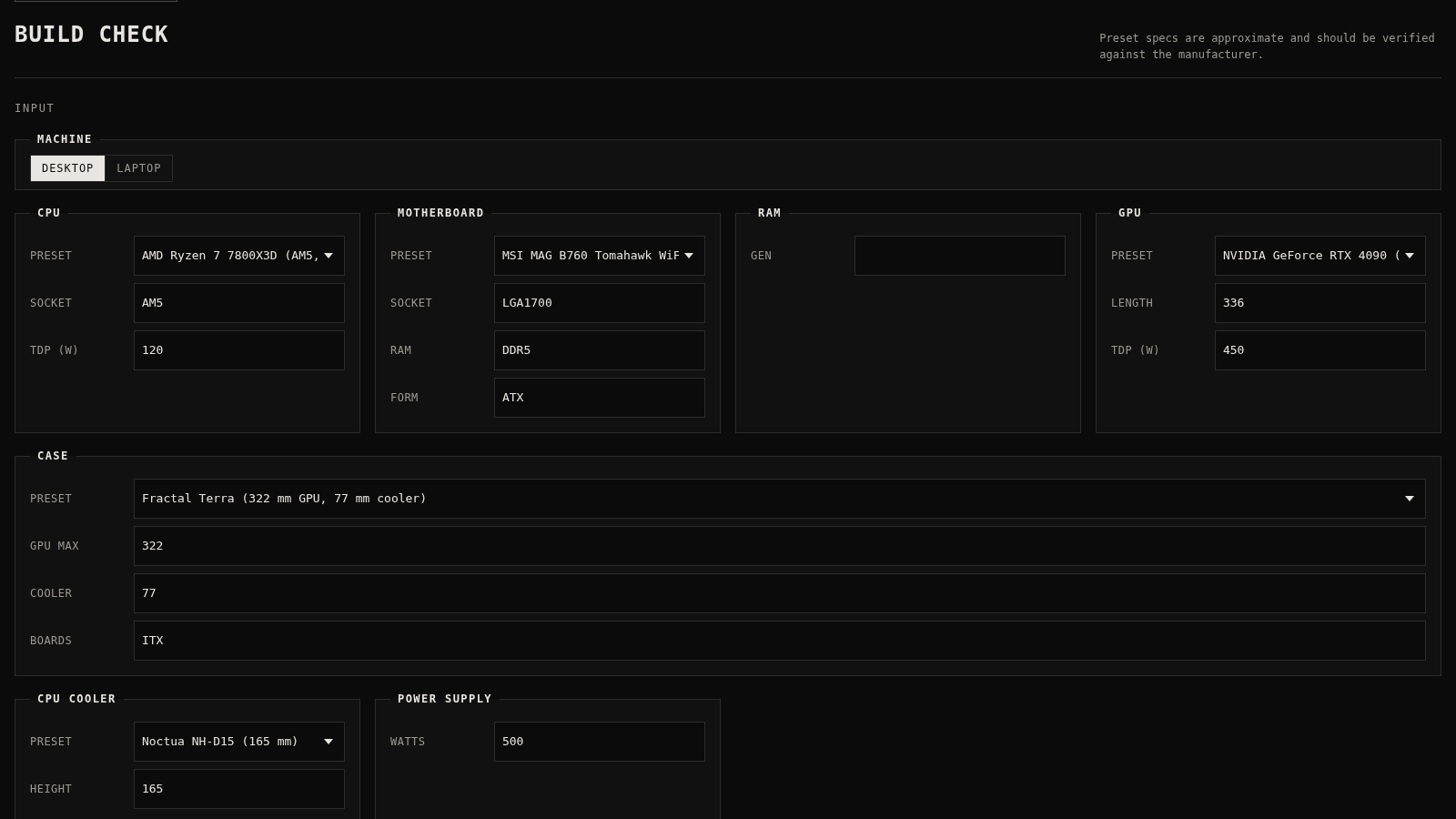
30PC Build Checker
Check desktop and laptop PC builds for compatibility, scores, and upgrades.
 22
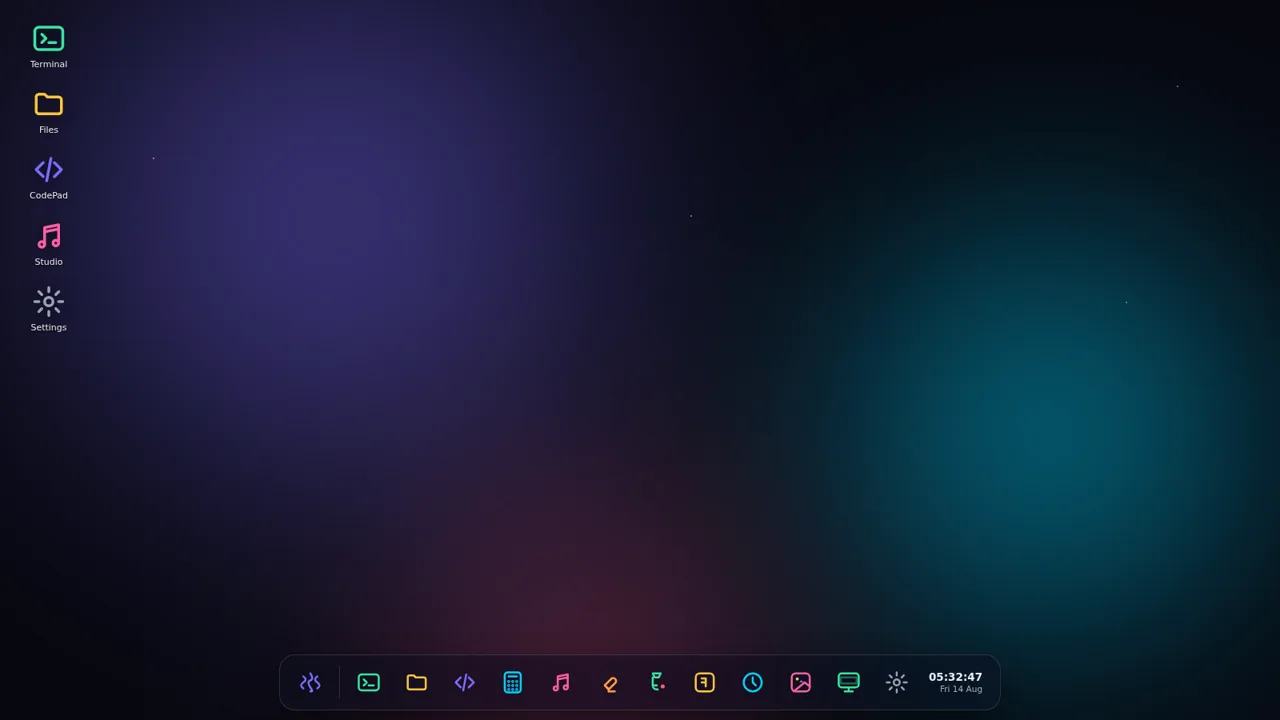
22AuroraOS
A desktop OS inside a single HTML file - apps, terminal, games, music