
Goleiro Pro
Organise matches, payments and receipts for football bookings in a single browser workflow
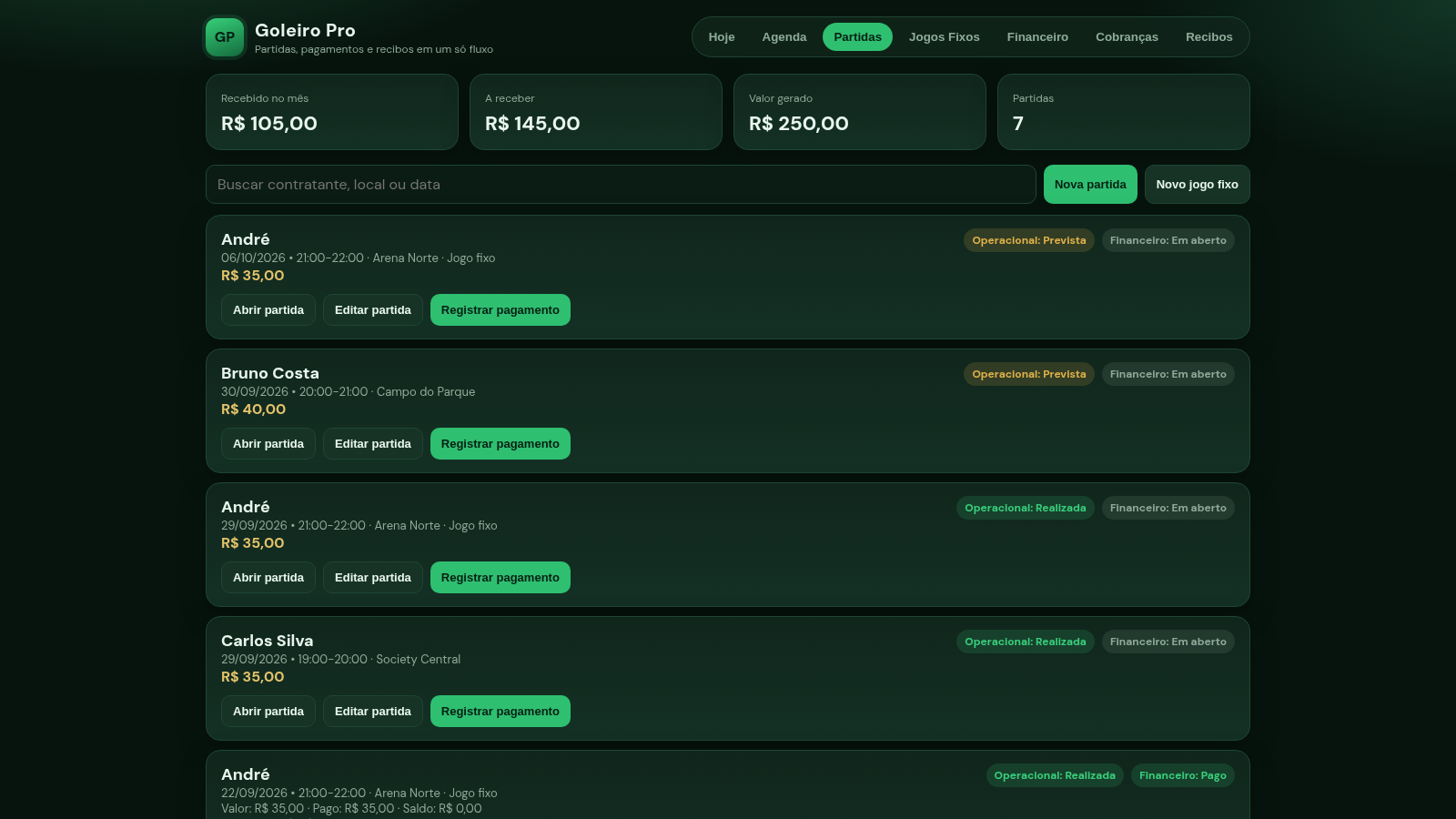
Goleiro Pro is a browser-based management tool for people who organise football and goalkeeper matches, such as booking agents, referees or small sports operators. The interface is written in Portuguese and is organised into seven views: a today dashboard, an agenda, a match list, recurring fixed games, a finance view, a charges view and a receipt centre. The top bar keeps four running totals visible at all times - amount received this month, amount still to receive, total amount generated and number of matches. Each match card shows the contractor, date and time, venue, price, an operational status and a financial status. Opening a match reveals a detail panel with duration, value, amount paid, remaining balance and a payment history, from which you can edit the match, cancel it, skip it or register a payment. The finance view splits records into money still to receive and a payment table where you can edit payments or open a PDF. The receipt centre lists paid entries with actions to view, export a PDF or share via WhatsApp. All data is stored locally in the browser, so the app works without any backend.
Highlights
Today dashboard
Live totals, today
Match lifecycle
Create, edit, cancel
Flexible payments
Partial pay, credit
Receipt centre
PDF and WhatsApp
Recurring games
Fixed weekly games
How to Use
Read the dashboard
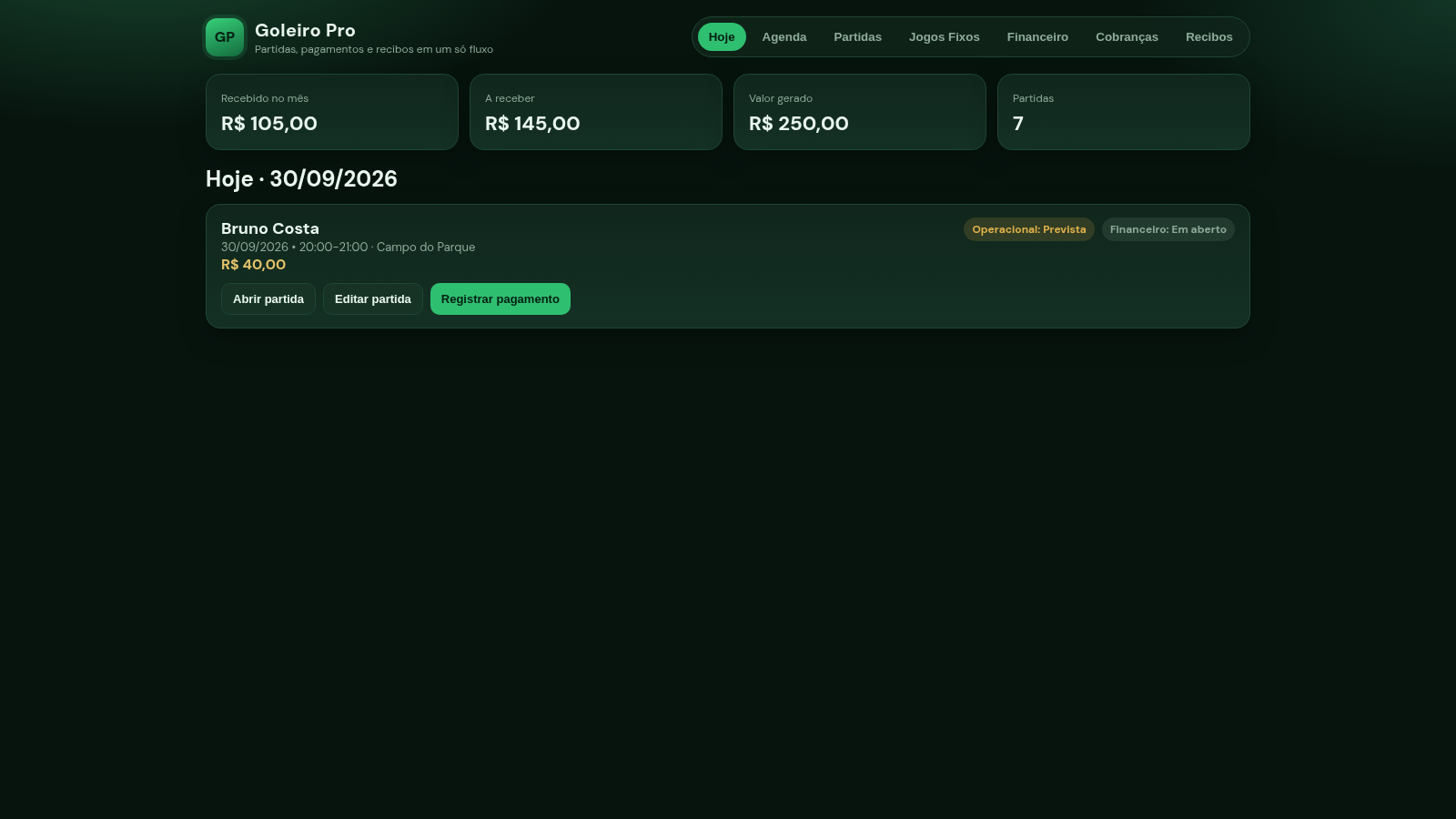
When the app opens you land on the today view. The four cards in the top bar show how much has been received this month, how much is still to receive, the total amount generated and the number of matches. Below them, today's matches are listed as cards with contractor, time, venue and price.
Create or open a match
Switch to the Partidas view and use the Nova partida button to open a form with contractor, date, start and end time, duration, venue, value, type (single or fixed game), a notes field and an operational status. Filling and submitting the form creates the match and immediately updates the totals. On an existing card, Abrir partida opens a detail panel with the full operational and financial breakdown.
Register a payment
From a match card or the detail panel, click Registrar pagamento. The modal shows the match value, the amount already paid and the outstanding balance, and pre-fills the amount to pay now. You can adjust the amount, choose whether to apply it to older open matches, allow advance credit, set the payment date and time, pick Pix, cash, transfer or other, and record who paid. Confirming marks the record as paid and moves it into the finance and receipt views.
Track finances and receipts
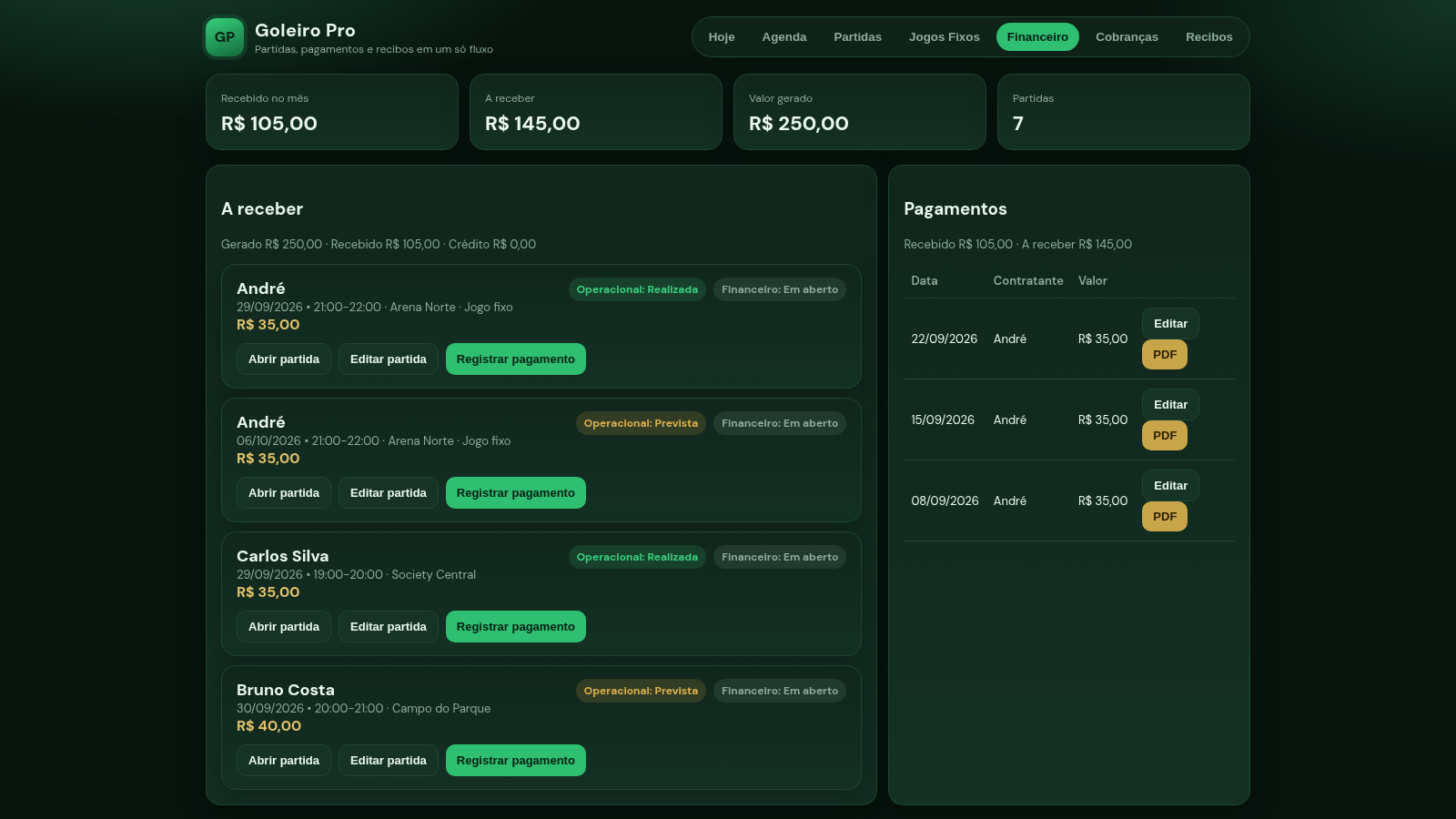
The Financeiro view separates outstanding matches from the payment table, where each row can be edited or turned into a PDF. The Recibos view lists paid receipts with Ver, PDF and WhatsApp actions, so a receipt can be reopened, exported or sent to the contractor without leaving the page.
Similar Sites
 40
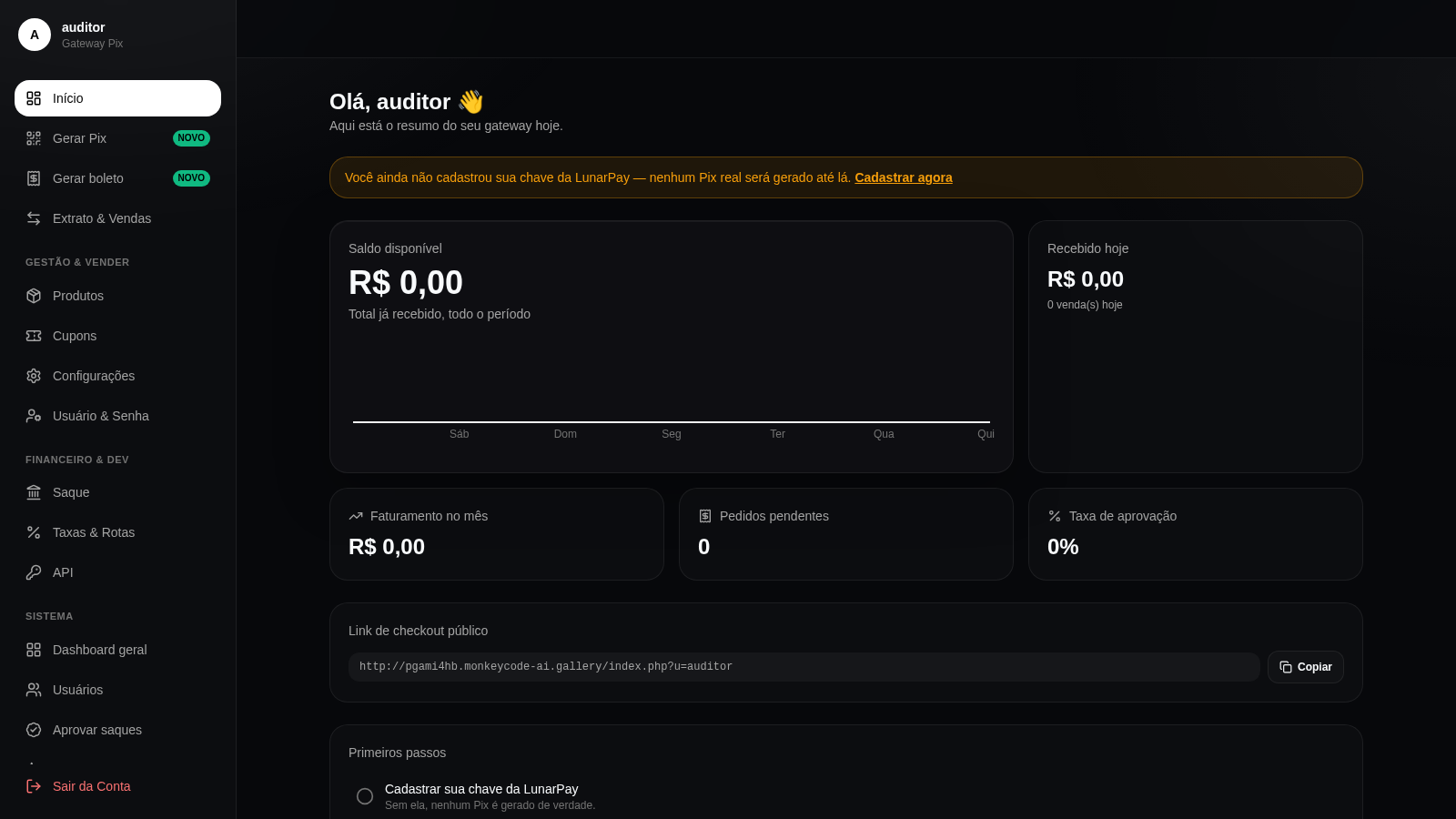
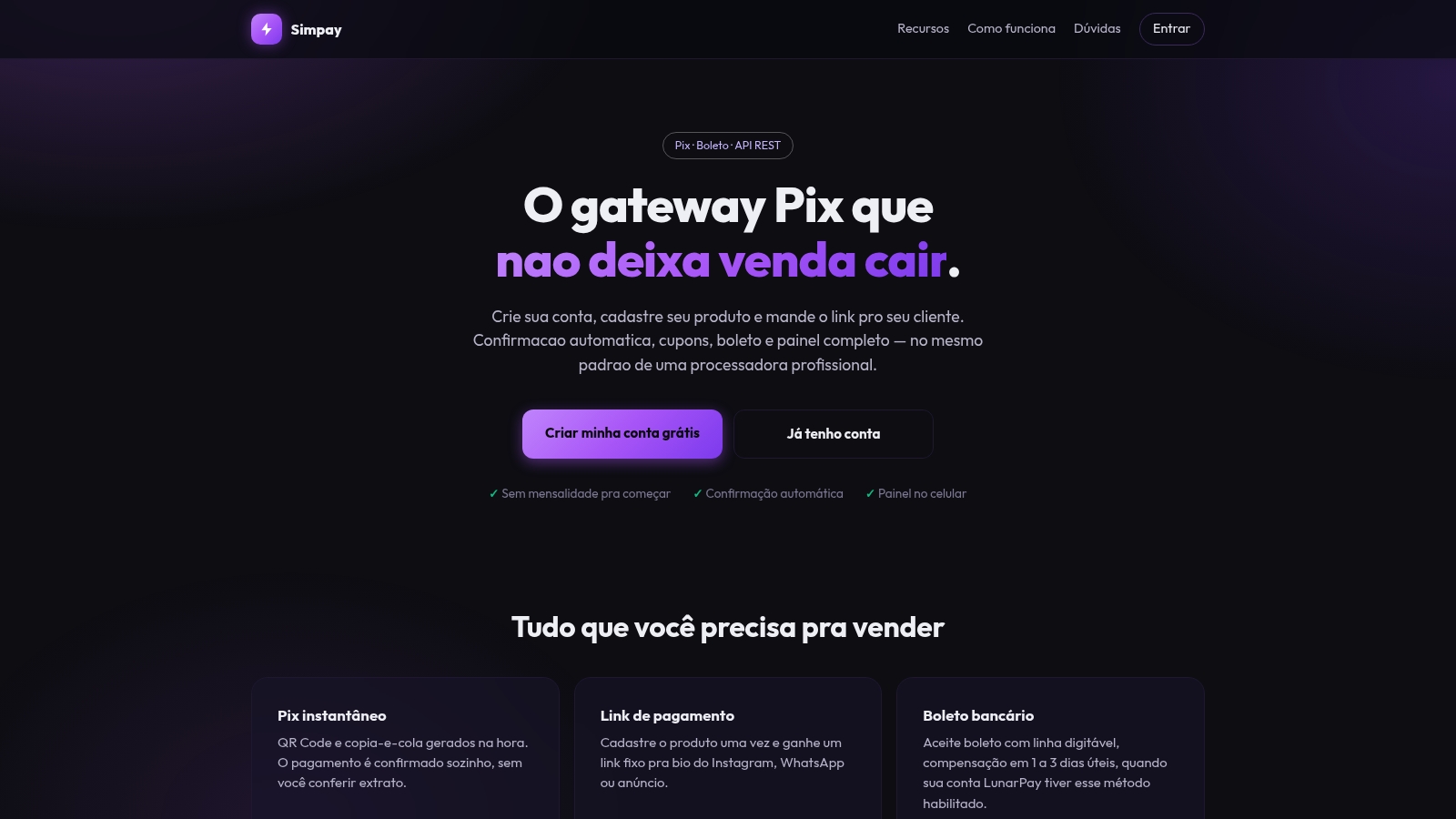
40Gateway Pix
Gateway Pix e boleto com painel de vendas, cupons e links de pagamento.
 37
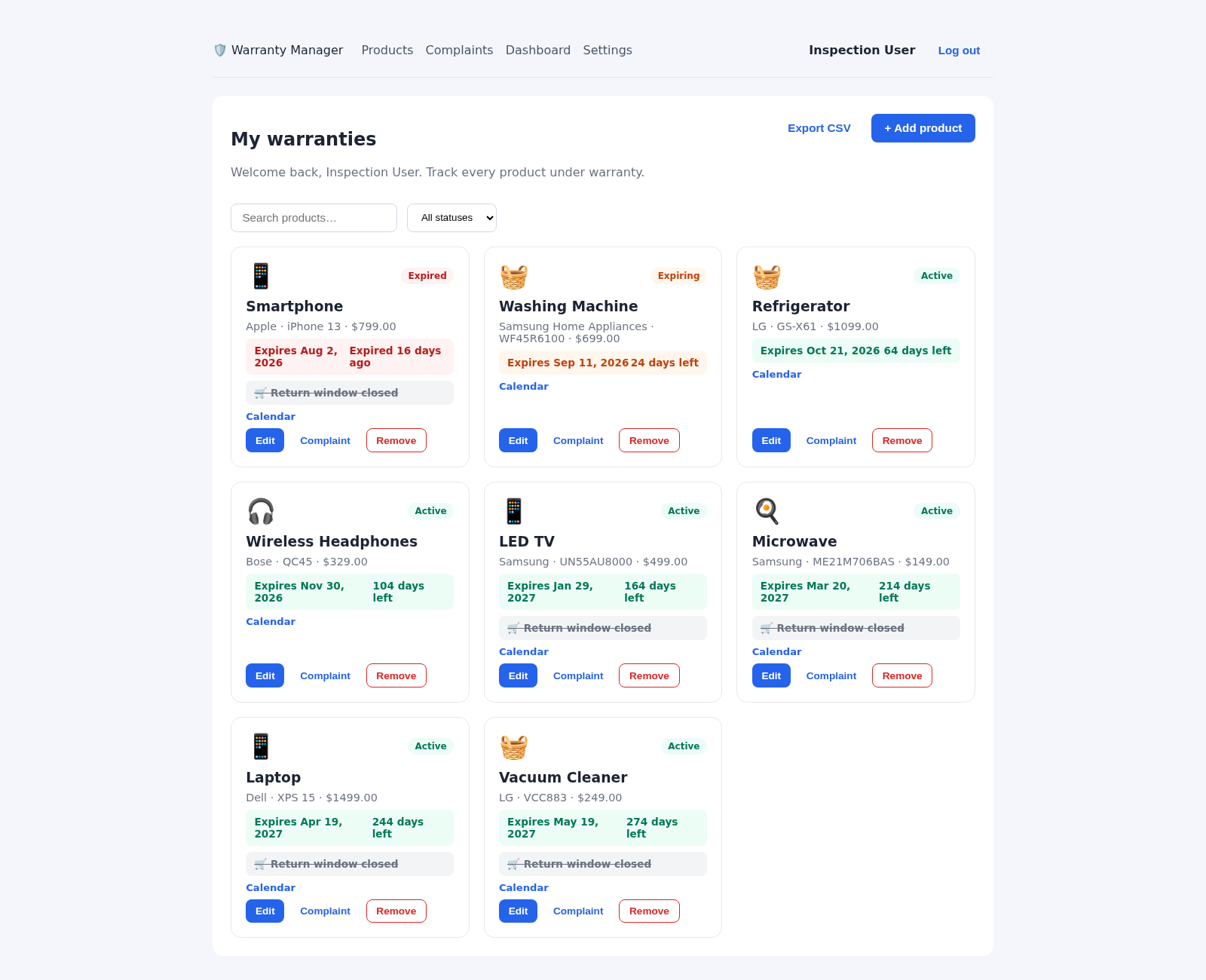
37Warranty Manager
Track product warranties, expiry reminders, and full complaint lifecycles
 24
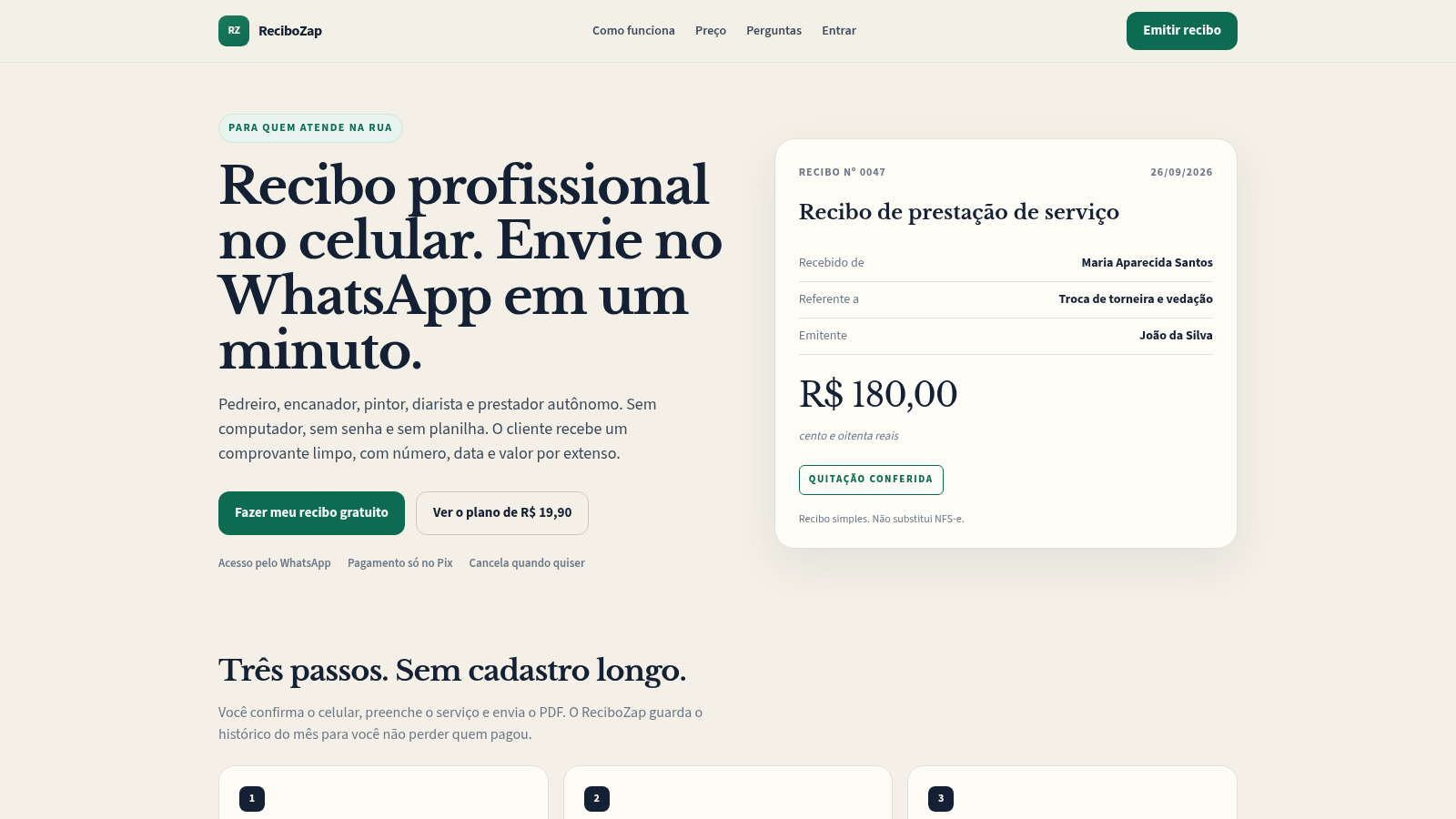
24ReciboZap
Recibo profissional no celular. Envie no WhatsApp.
 13
13Gateway Pix
Receba por Pix e boleto com link de pagamento, cupons e painel de vendas.
 12
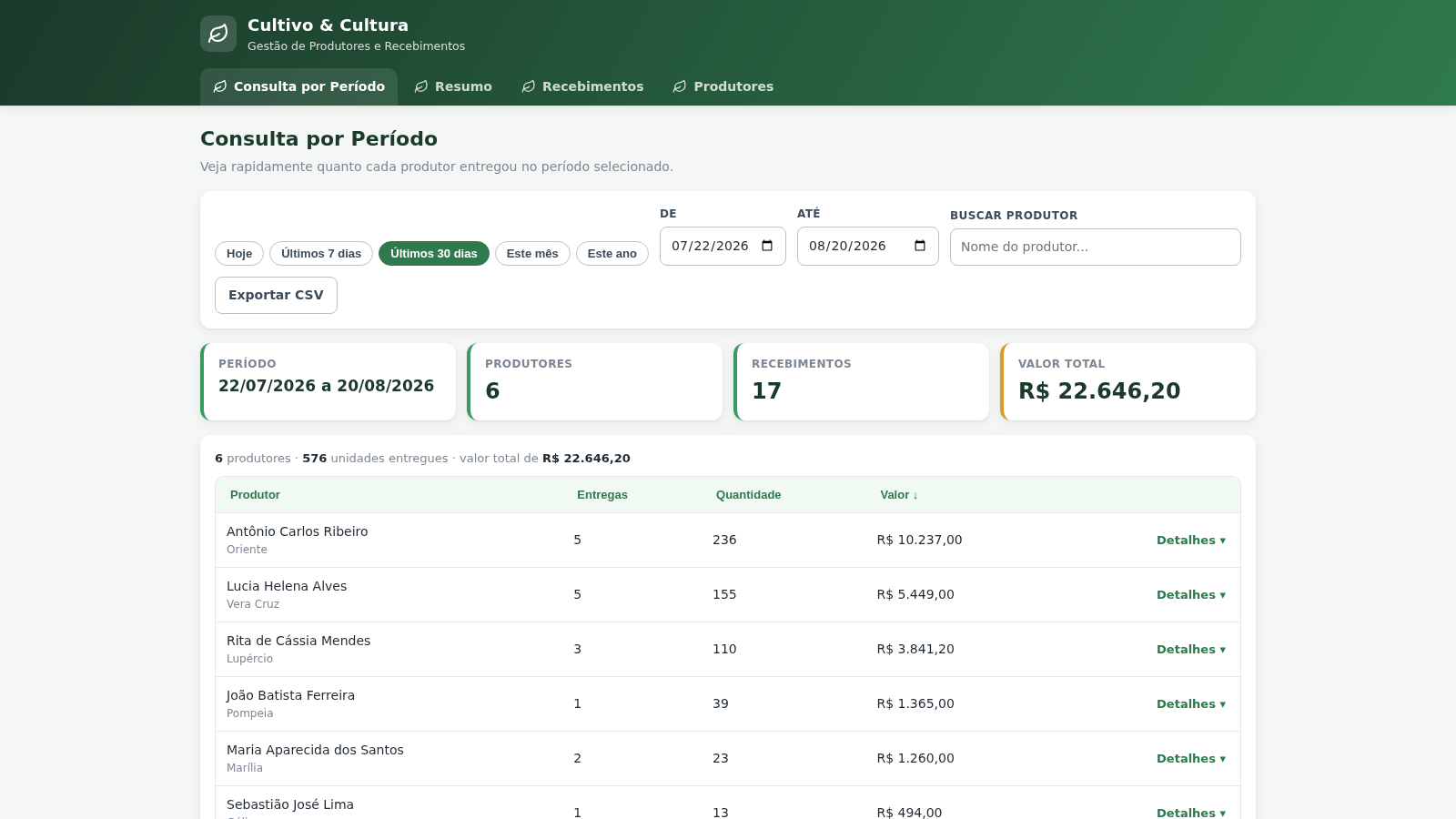
12Cultivo & Cultura
Gestão de produtores e recebimentos com totais de entregas por período
 10
10EVOLUX
SaaS multiempresa para gestao de negocios, agenda e financeiro