
Warranty Manager
Keep product warranties, expiry risks, return windows, receipts, and complaints organized in one browser workspace.
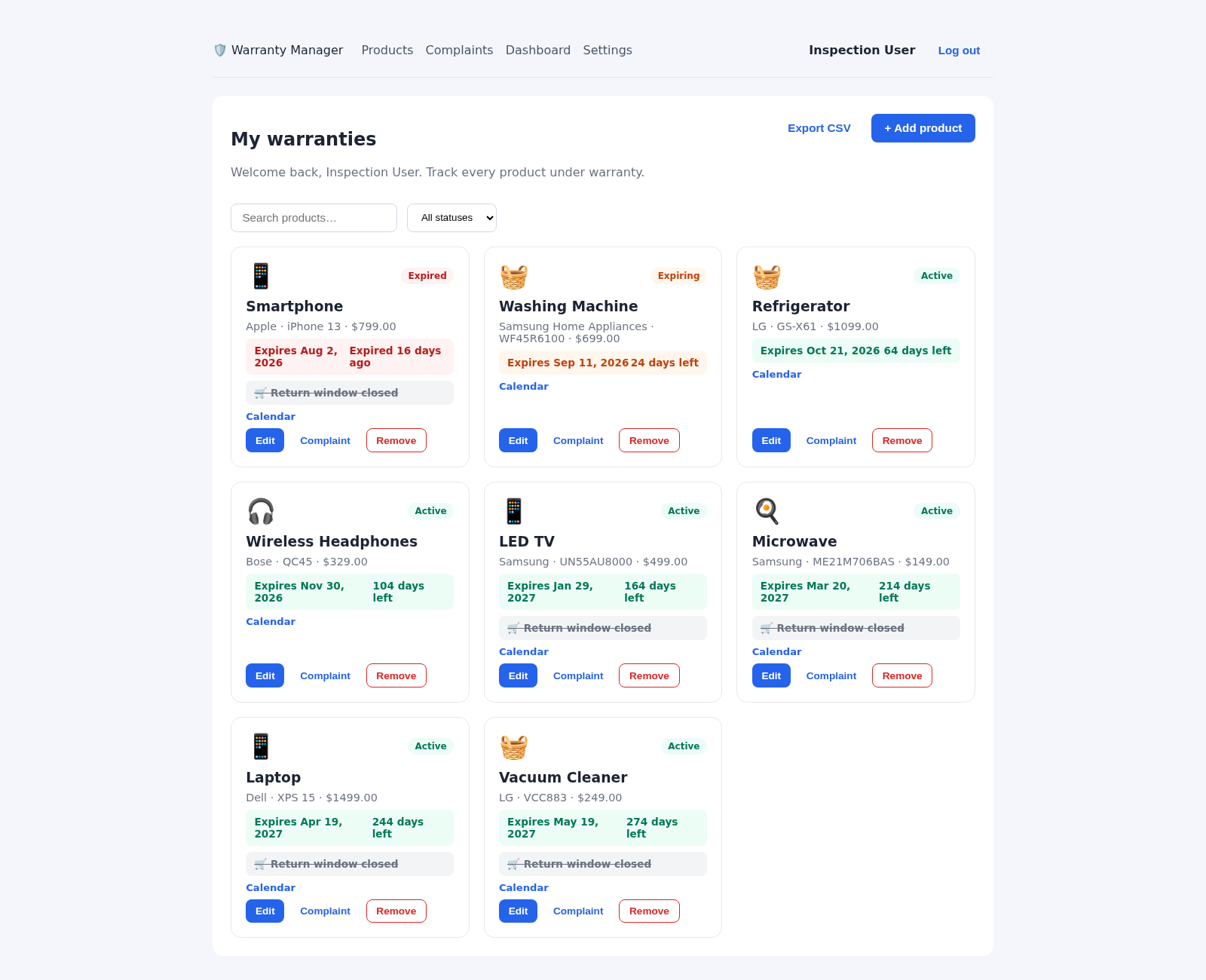
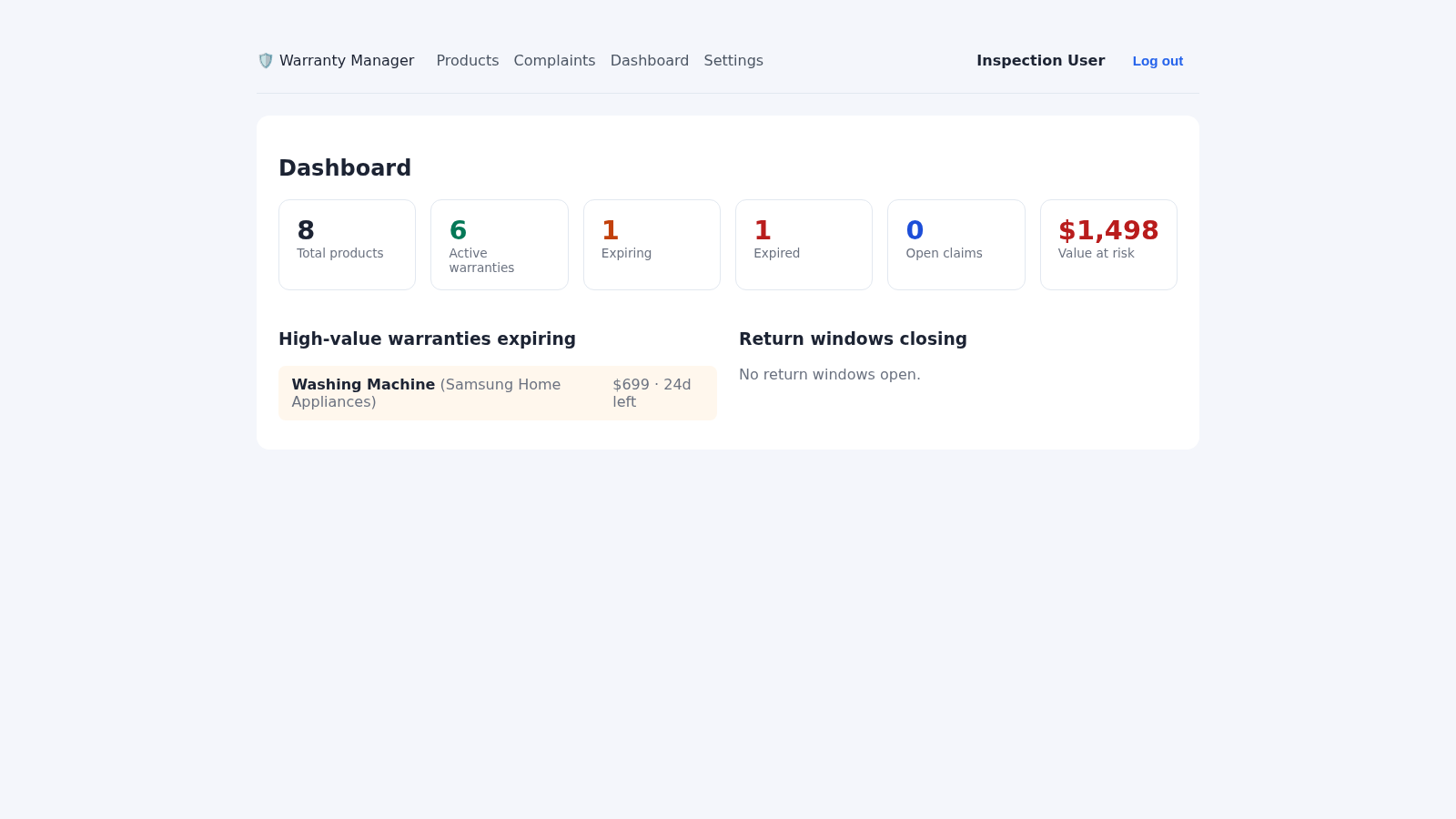
Warranty Manager is an account-based utility for maintaining practical records about household products and their coverage. A new account starts with sample products spanning electronics, appliances, audio equipment, and small kitchen devices. Each record can include a brand, model, category, purchase date, warranty expiry, warranty duration, return deadline, serial number, price, support email, receipt image, and notes. The products view shows active, expiring, and expired states with time remaining, supports searching and status filtering, and provides actions for editing, removal, calendar reminders, and complaints. A dashboard summarizes product counts, open claims, financial value at risk, high-value warranties nearing expiration, and return windows. Complaint records can be exported, while settings allow the user to configure SMTP credentials, sender identity, and reminder lead time.
Highlights
Expiry overview
Clear coverage status
Risk dashboard
Counts and value at risk
Complaint records
Claims from start to finish
Portable reminders
Calendar and CSV exports
How to Use
Create an account
Open the registration page, enter a full name, email address, and password, then submit the form. The app signs you in and seeds the workspace with sample products so the product list and dashboard can be explored immediately.
Add or maintain a product
Choose Add product from the products page and record the item name, brand, category, model, purchase and expiry dates, warranty duration, return deadline, serial number, price, support email, receipt image, and notes as available. Existing cards provide Edit and Remove controls for later maintenance.
Monitor deadlines
Use the status tabs and product search to focus on active, expiring, or expired warranties. Open Dashboard to review totals, open claims, value at risk, high-value products nearing expiration, and return windows that need attention.
Prepare reminders
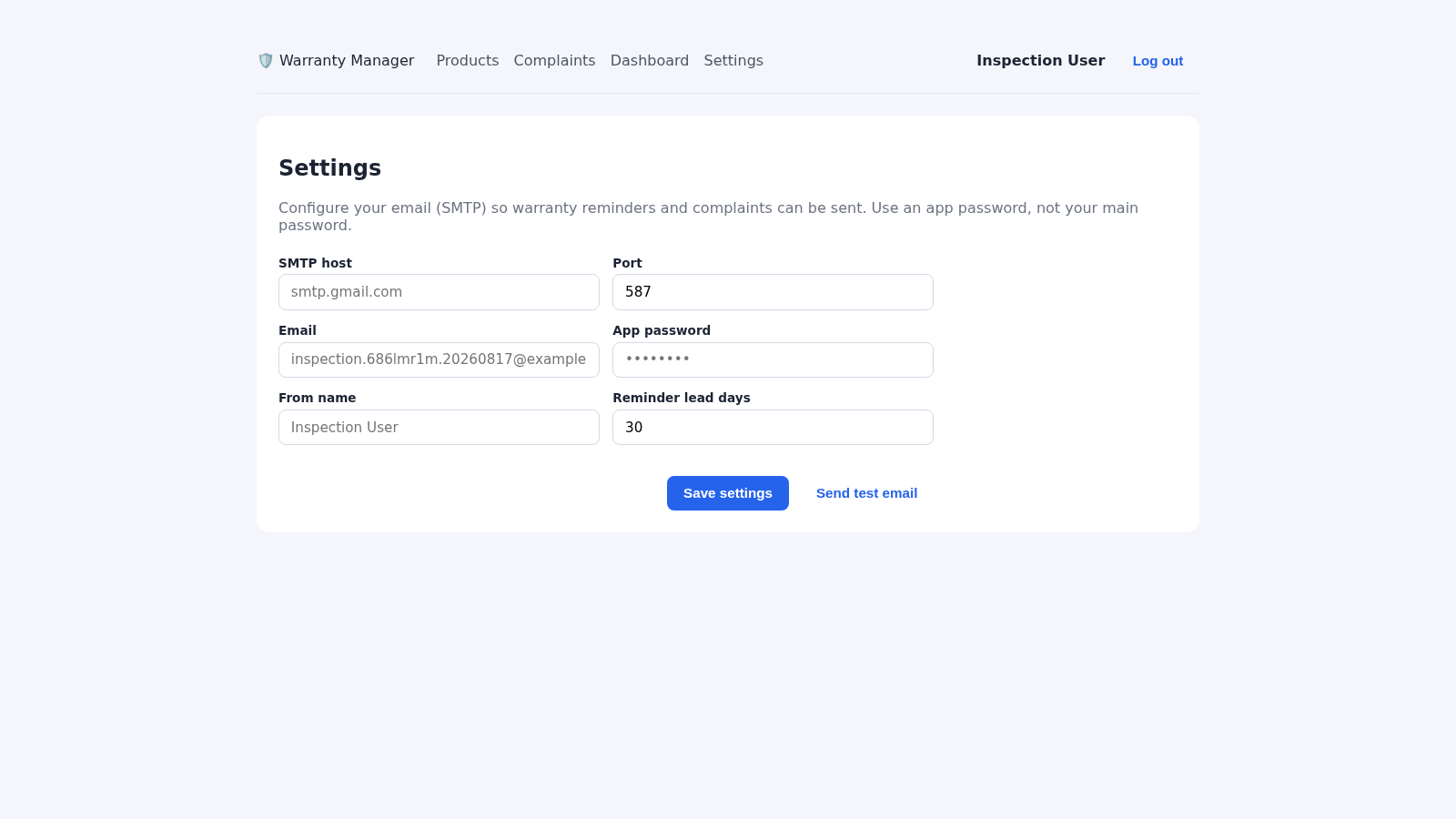
Select Calendar on a product card to download a calendar reminder. For automated email activity, open Settings and provide an SMTP host, port, email, app password, sender name, and reminder lead time, then save and use the test email action.
Track a complaint
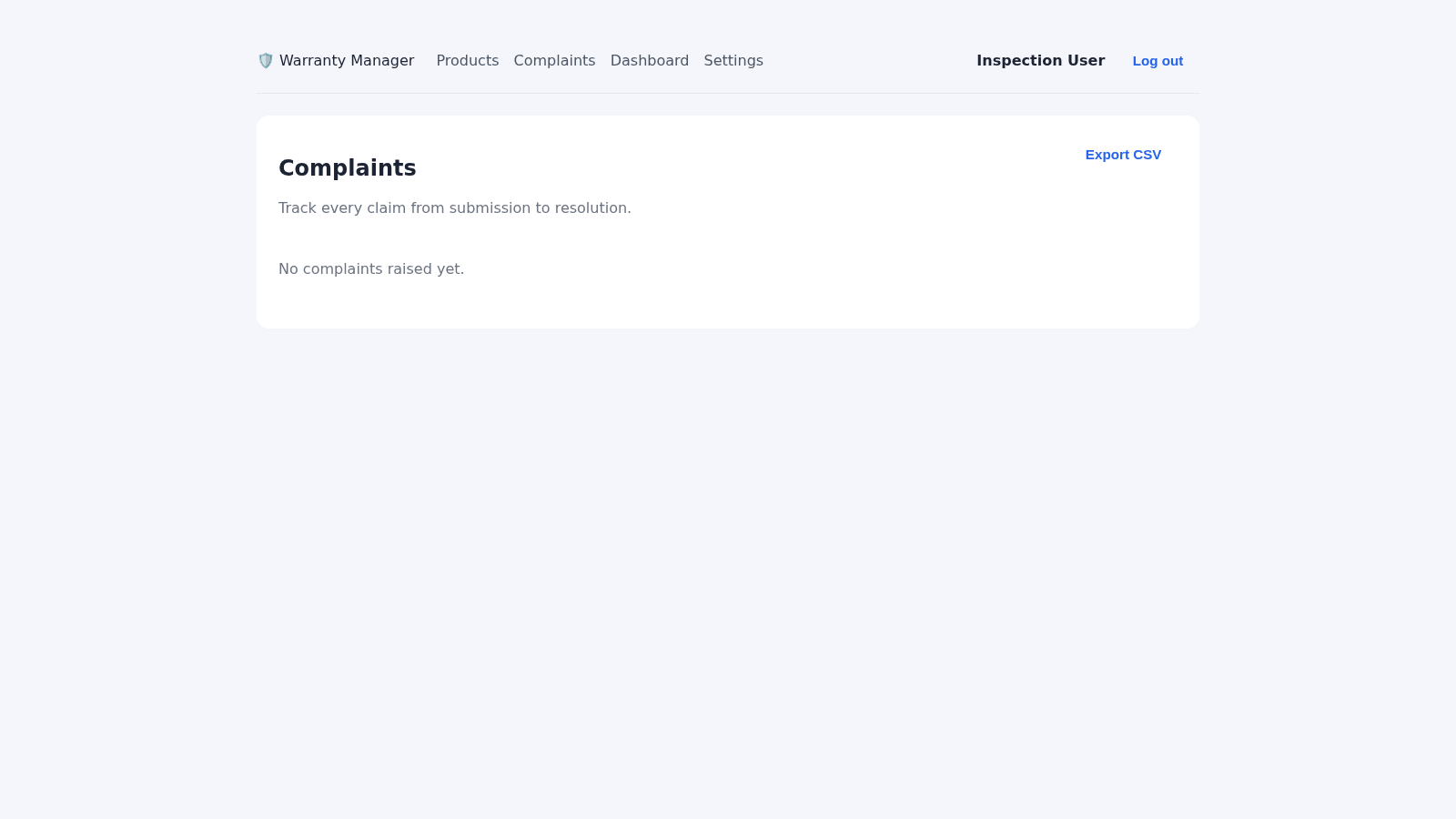
Choose Complaint on a product card, enter a subject and description, and submit it to the product support address through the configured SMTP account. Use the Complaints page to follow claim records and export them as CSV.
Similar Sites
 44
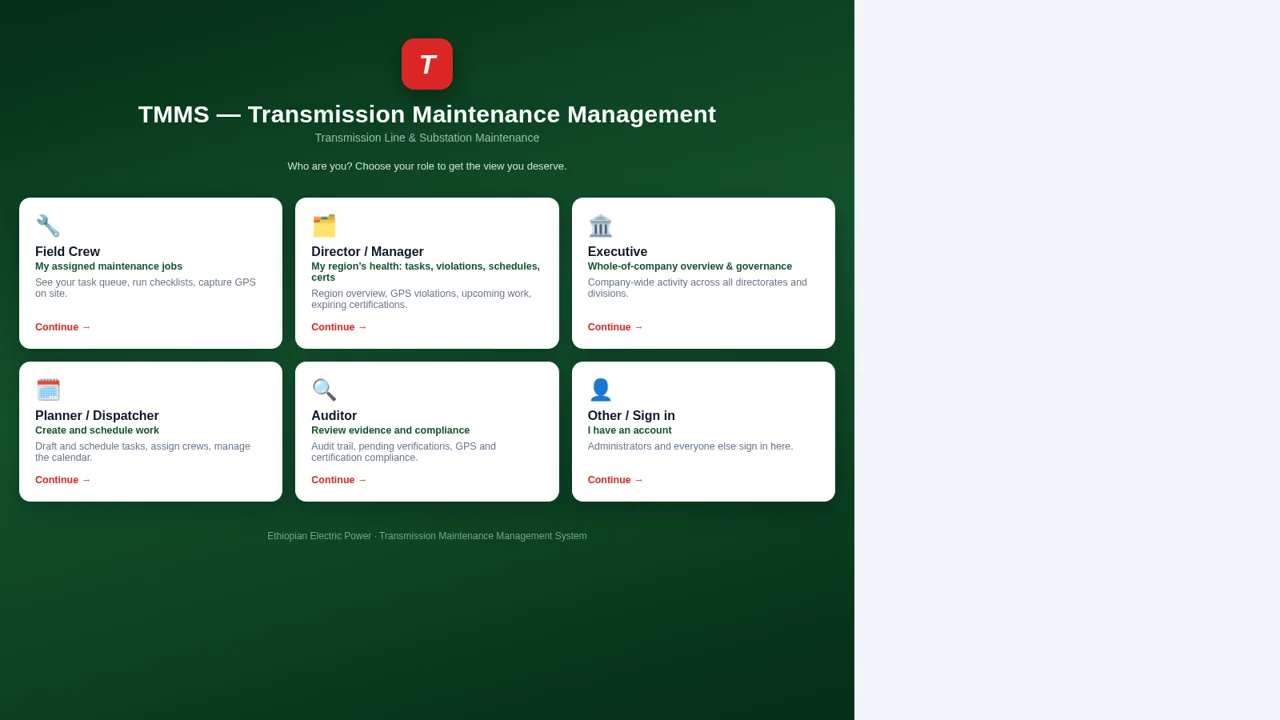
44EEP Transmission Asset Management System
Transmission maintenance: assets, tasks, crews, checklists and GPS reports.
 15
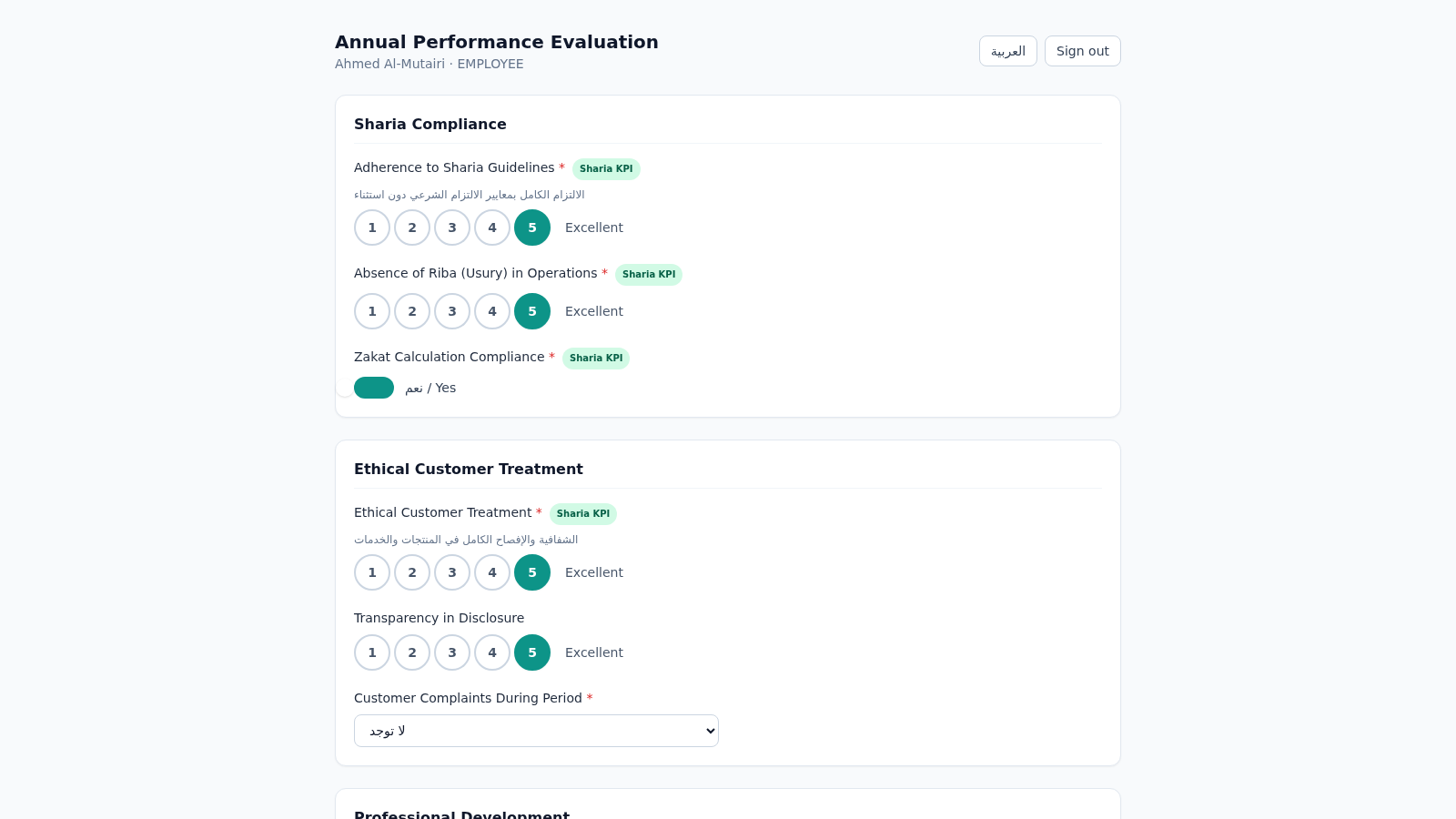
15Islamic Bank Performance Evaluation
Annual performance evaluation system for an Islamic bank: dynamic Sharia-KPI form engine, weighted scoring, immutable cryptographic audit trail, and 3-role approval workflow with Arabic/RTL support.
 14
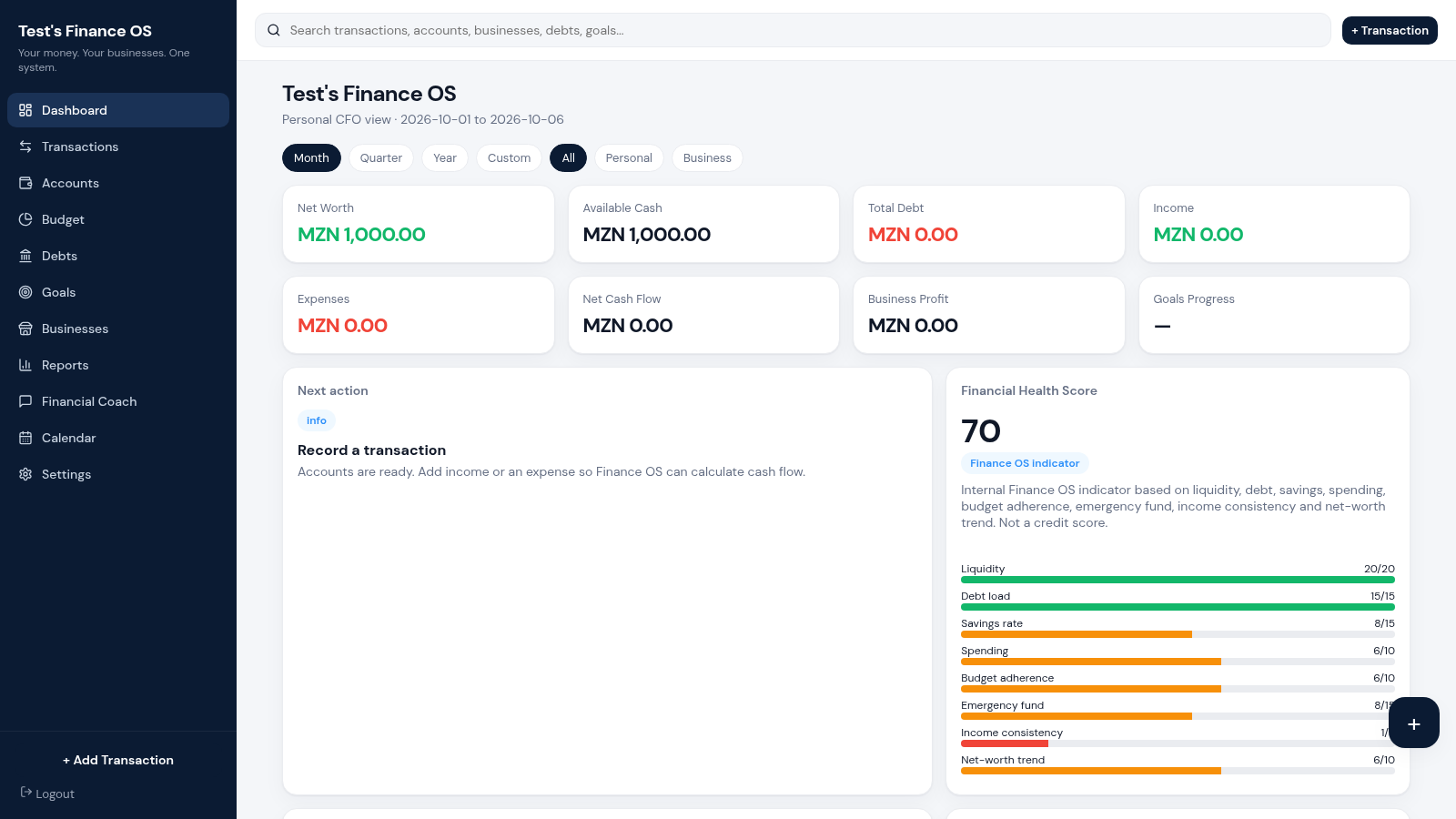
14Finance OS
Your money. Your businesses. One system.
 13
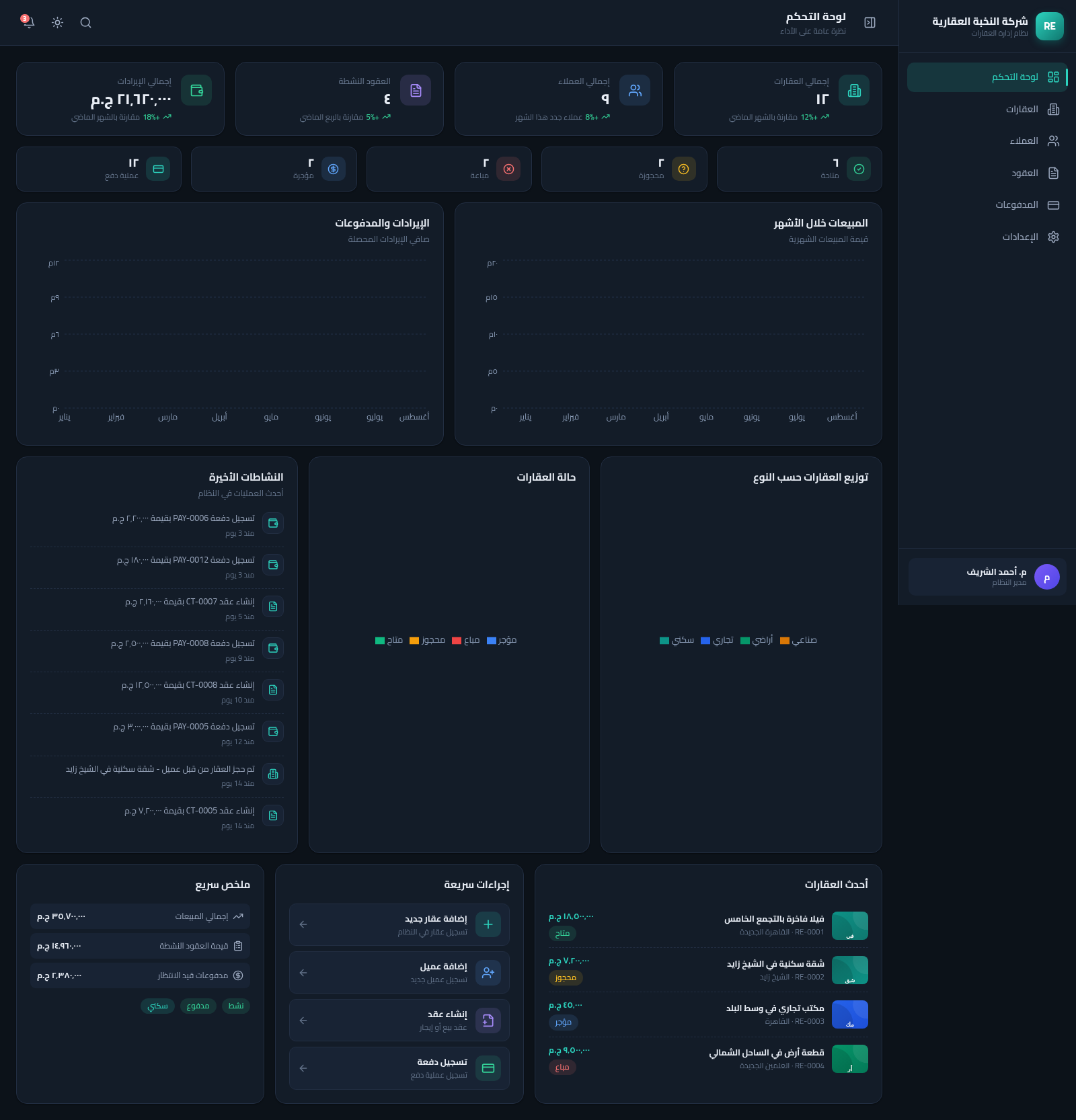
13Real Estate Manager
نظام متكامل لإدارة العقارات والعملاء والعقود والمدفوعات بواجهة عربية RTL
 12
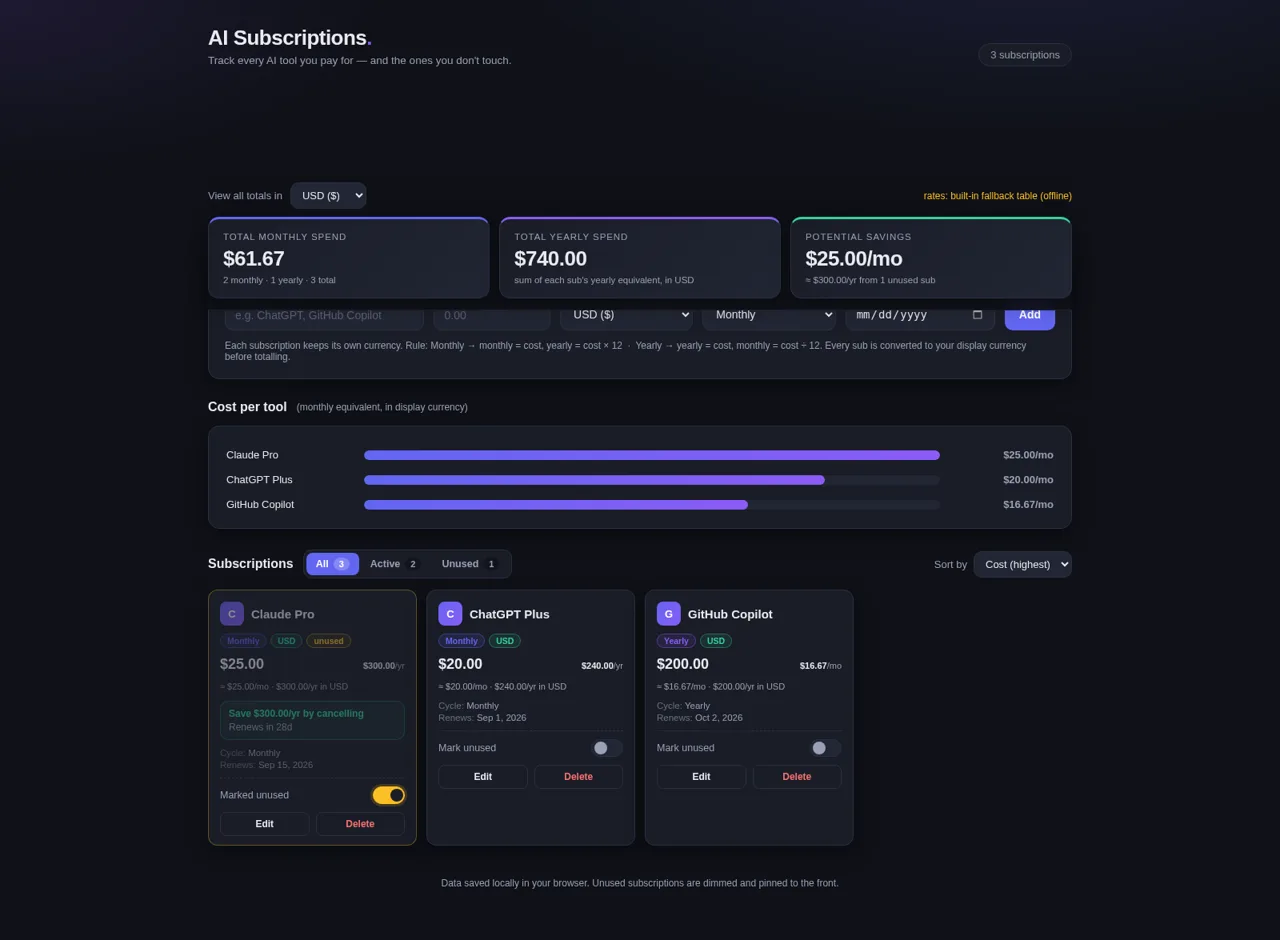
12AI Subscriptions Tracker
Track every AI tool you pay for — and the ones you don't touch.
 9
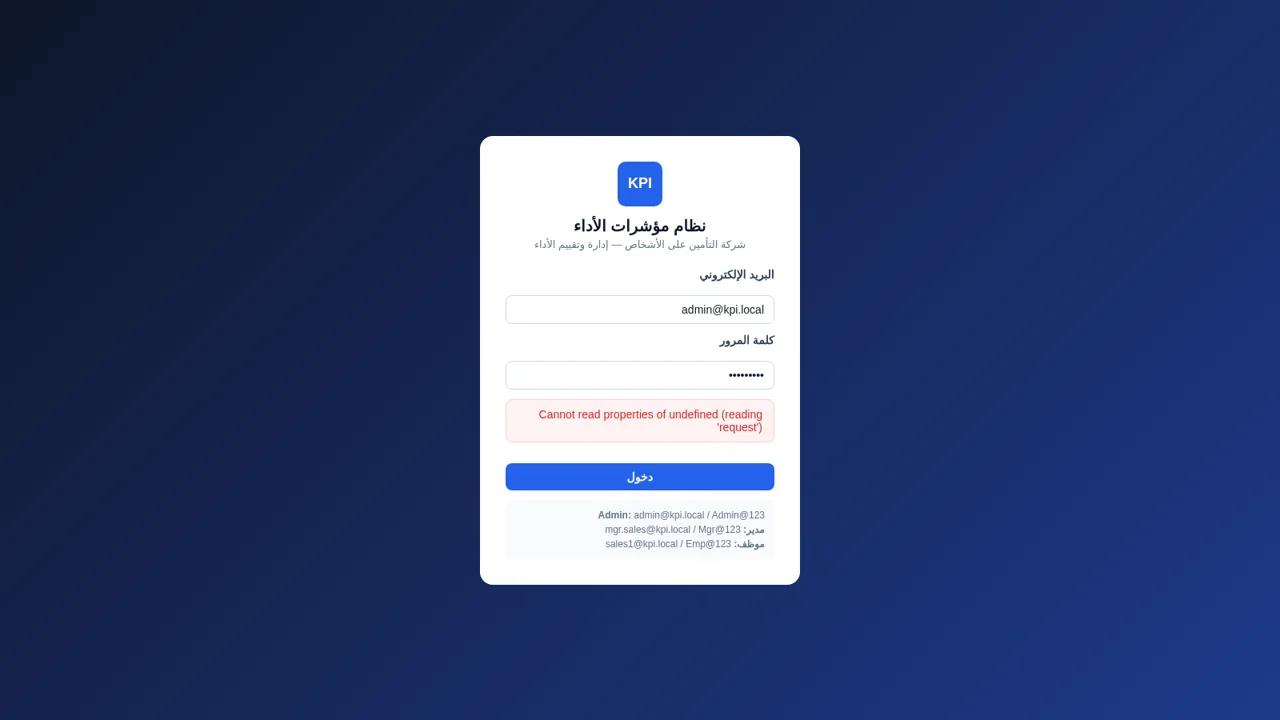
9نظام KPI لشركة التأمين
إدارة وتقييم مؤشرات أداء الموظفين في شركة تأمين على الأشخاص