
Remote BrowserOS
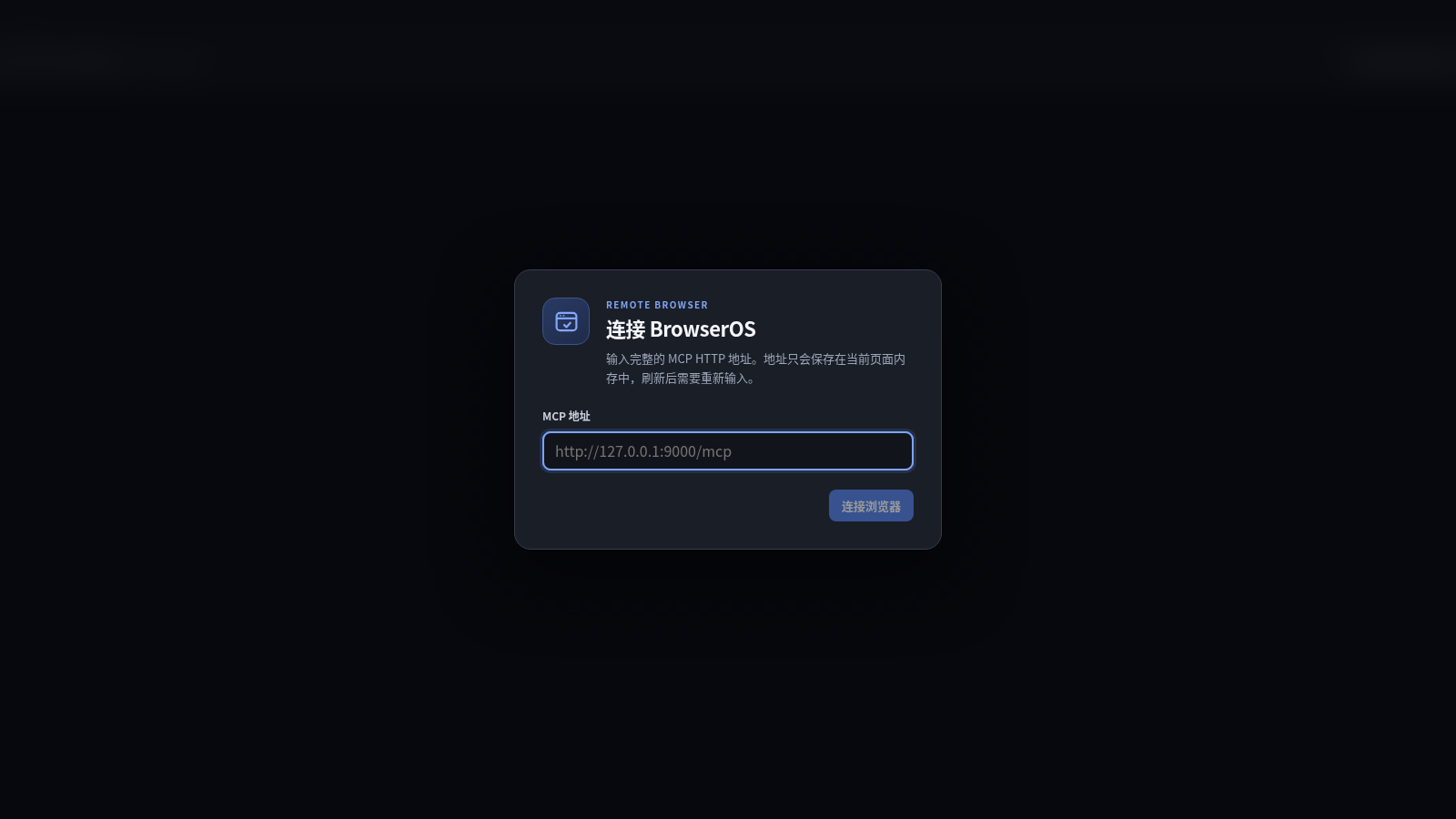
Connect a BrowserOS MCP endpoint and operate remote browser tabs from a focused web interface.
Remote BrowserOS is a pure frontend remote-browser control interface. Its initial dialog accepts a complete BrowserOS MCP endpoint, while the main workspace provides a browser-style tab strip, new-tab action, back and forward navigation, refresh, an address field, connection status, and a large remote viewport. The page validates that an HTTPS-hosted client must use an HTTPS MCP endpoint and states that the address remains only in current page memory, so refreshing requires it to be entered again. Once paired with a compatible BrowserOS service, the interface is designed to mirror pages and relay navigation and input without requiring a site account.
Highlights
Browser-like controls
Tabs and navigation
Clear connection flow
Endpoint setup dialog
Protocol validation
Actionable HTTPS error
Ephemeral endpoint
Kept in page memory
How to Use
Prepare BrowserOS
Start or obtain access to a compatible BrowserOS MCP service and note its complete endpoint address. Because this interface is served over HTTPS, the MCP endpoint must also be available through HTTPS rather than plain HTTP.
Connect the endpoint
Enter the full MCP address in the connection dialog and select the connection button. The status area reports the connection state; invalid protocol choices produce a visible explanation so the endpoint can be corrected before retrying.
Open and navigate tabs
After the BrowserOS service connects, use the tab strip and new-tab control to manage remote pages. Enter a destination in the address field, then use back, forward, and refresh controls as the mirrored viewport updates.
Interact with the page
Use the remote viewport to relay supported pointer and keyboard actions to the active page. Connection-dependent controls remain disabled before pairing, which helps distinguish the setup state from an active remote session.
Similar Sites
 81
81MonkeyCode AI Workspaces
AI coding workspaces for engineering teams
 45
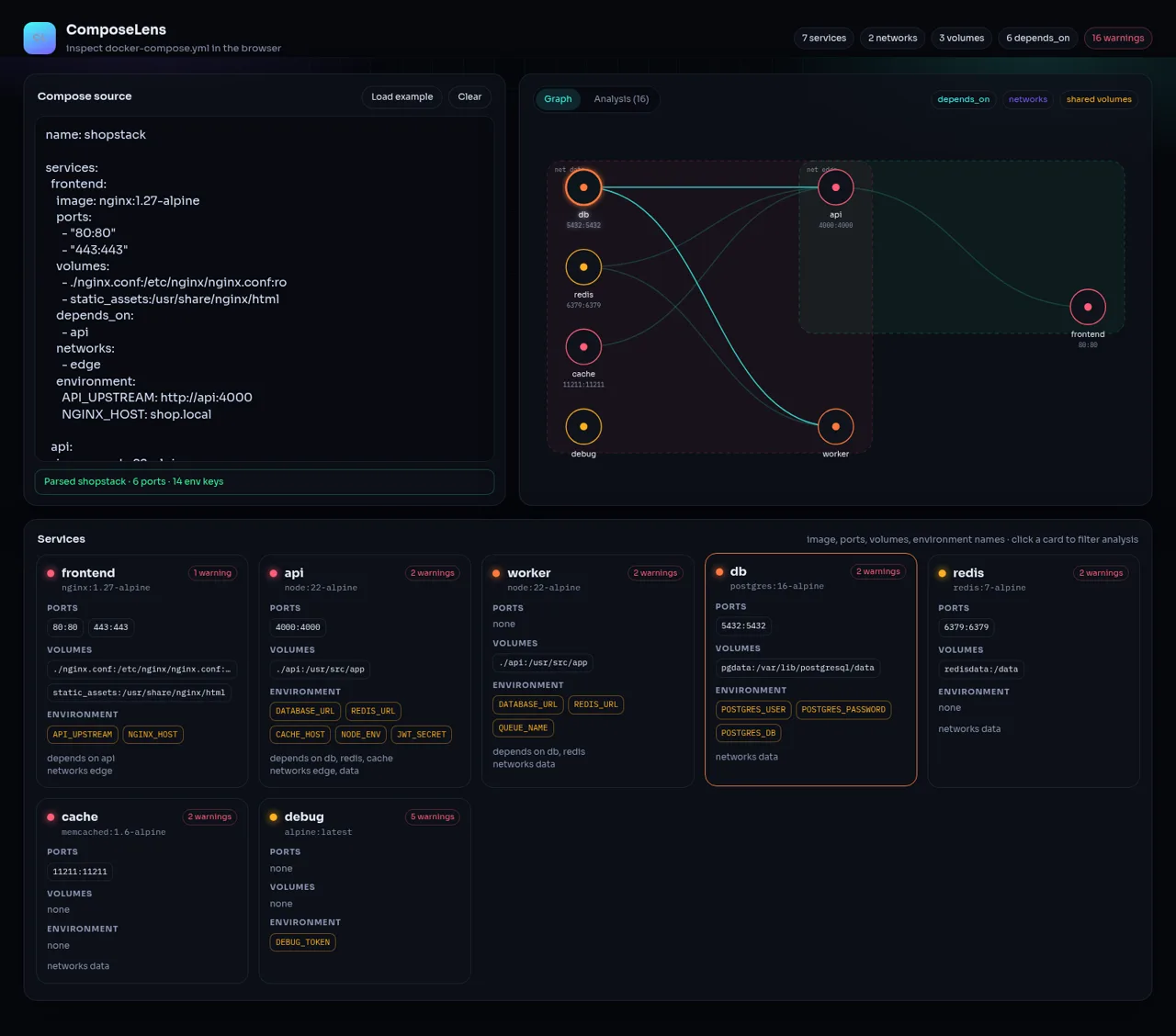
45ComposeLens
Visual Docker Compose inspector with graphs and security warnings
 24
249Router - AI Router
FREE AI coding router with auto-fallback, RTK token saving, 40+ providers
 23
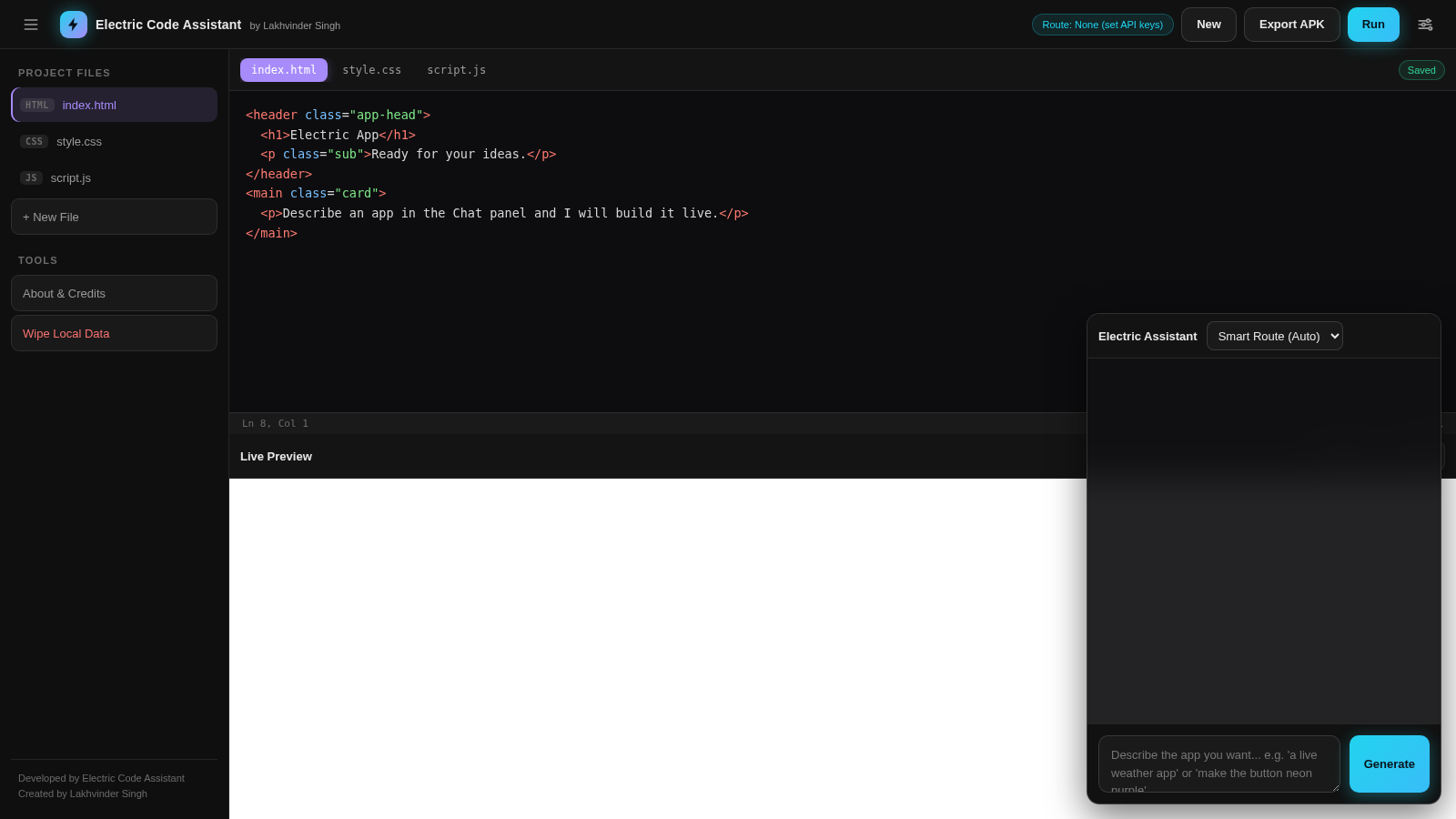
23Electric Code Assistant
Ultra-lightweight AI web IDE: build apps with AI, live preview, APK export
 15
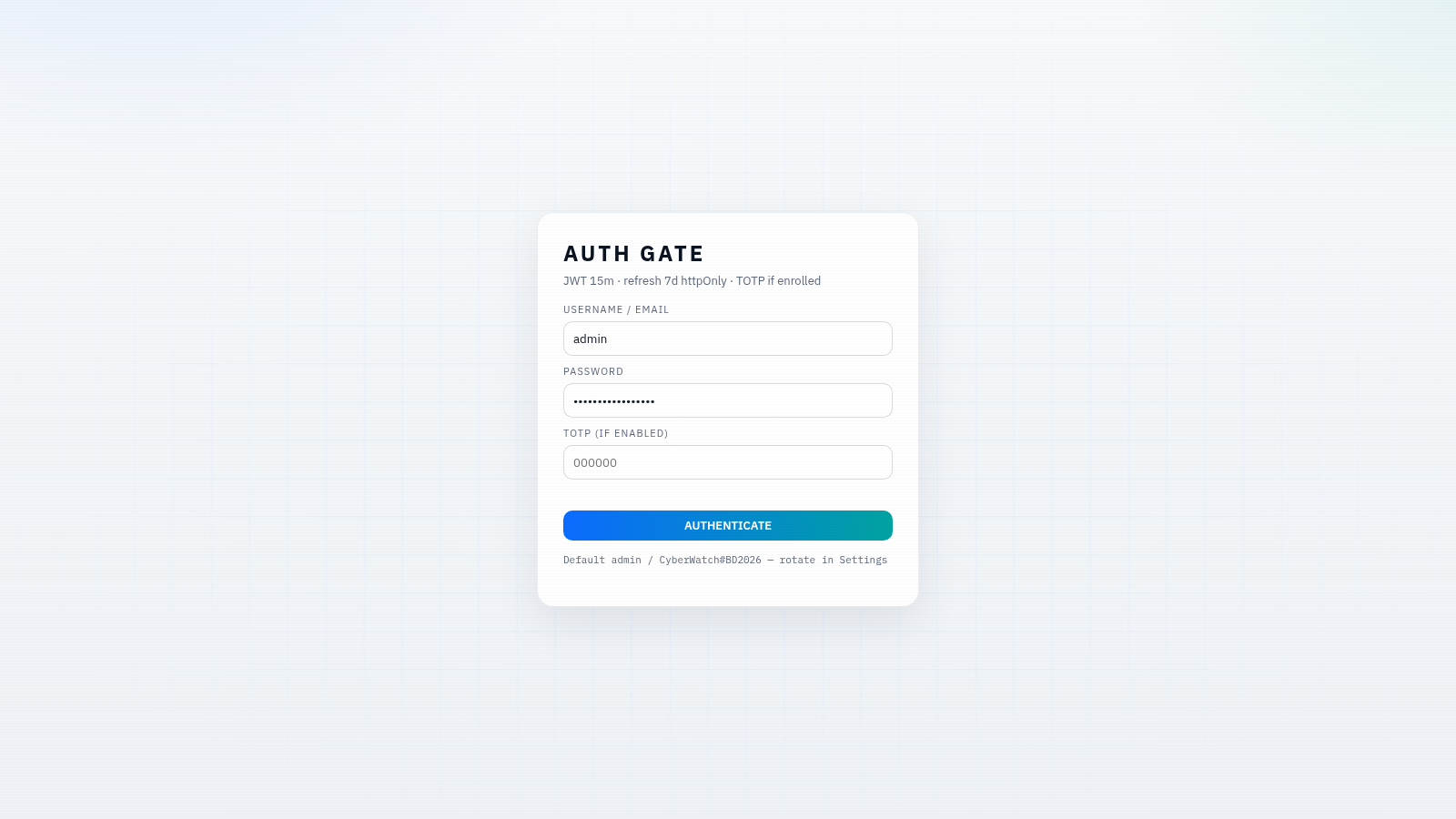
15CYBERWATCH-BD
Unified SOC with local AI triage, gated scans, and Bangladesh cyber tools.
 14
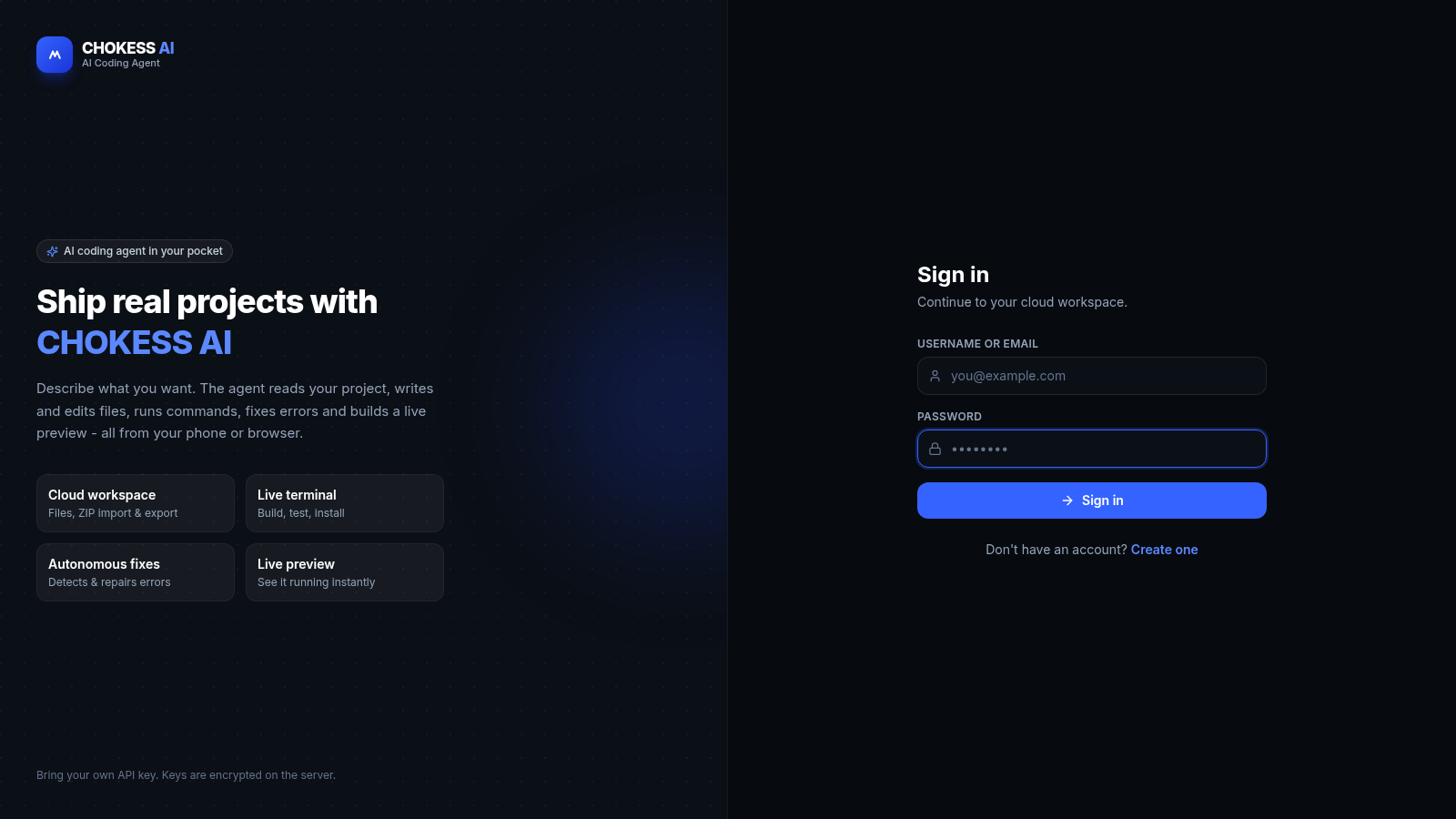
14CHOKESS AI
Browser-based AI coding agent with cloud workspace, terminal and live preview