
Central de Atendimento
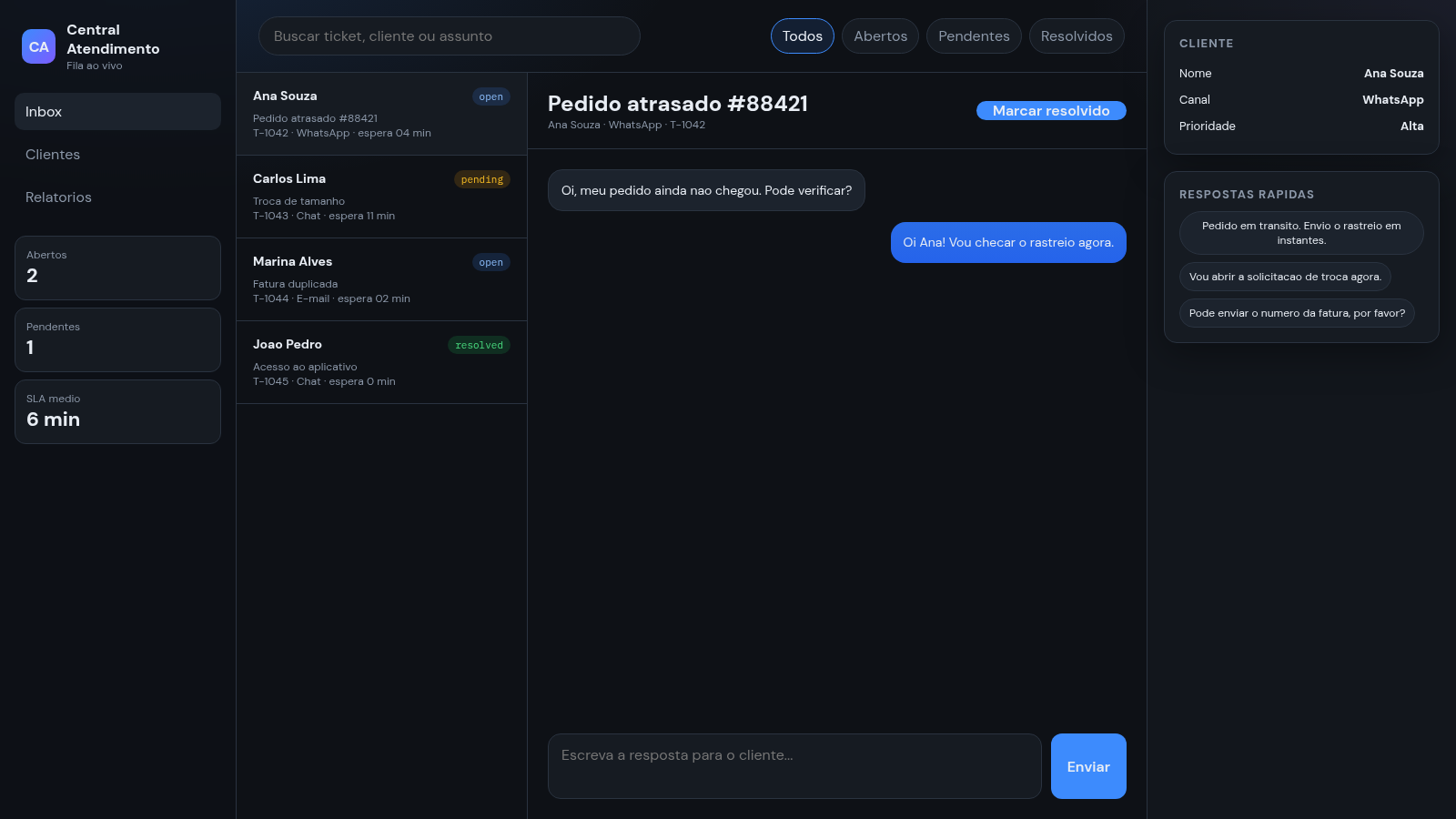
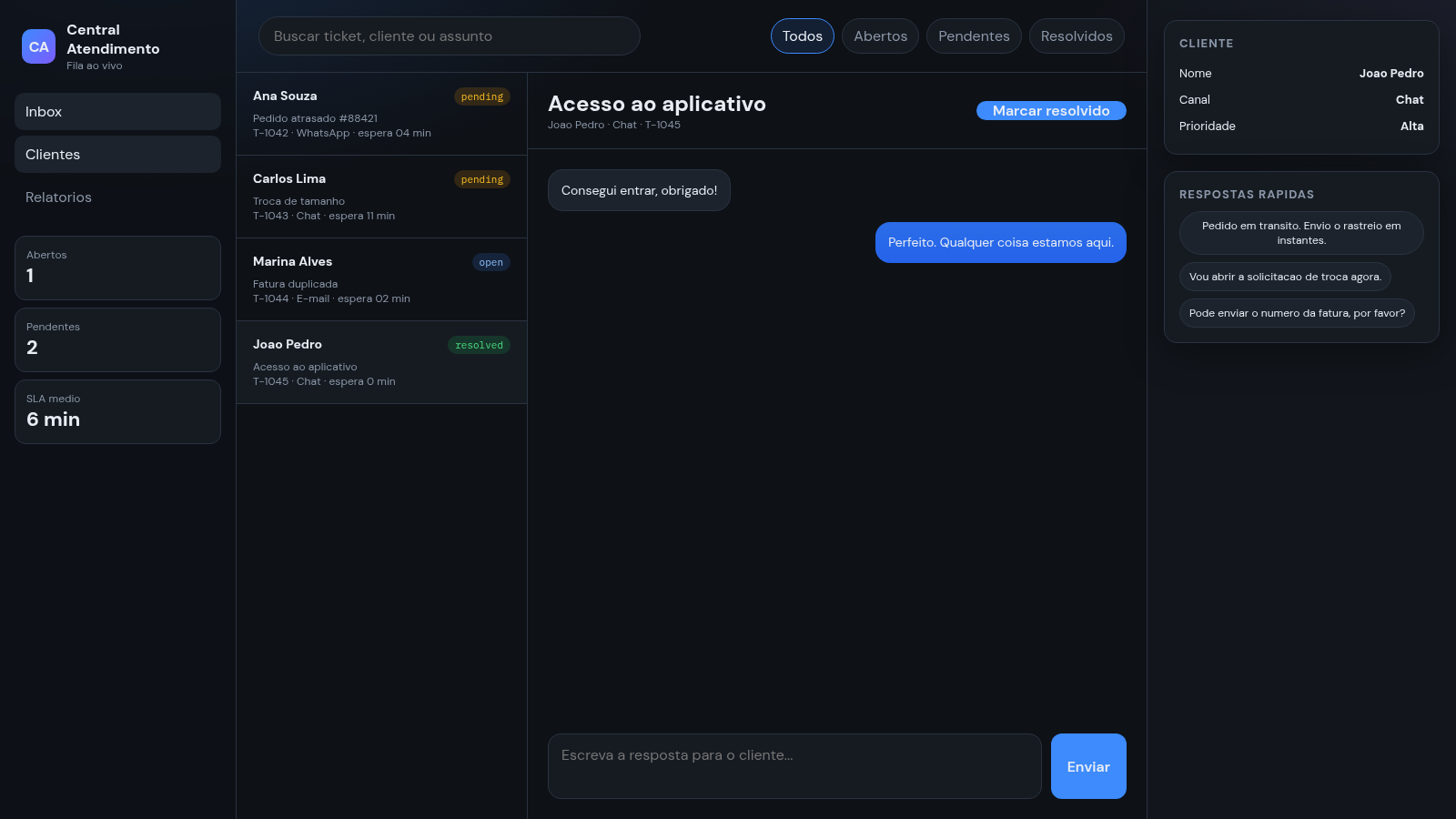
A browser helpdesk panel for triaging support tickets and replying to customers.
Central de Atendimento is a Portuguese-language customer support dashboard that runs in the browser. It organises work around one inbox: a queue of support tickets on the left, the open conversation in the middle, and customer details plus canned answers on the right. Each ticket row shows the customer name, a status badge, the subject, the channel and the current wait time. Selecting a ticket loads its message thread, where you can type and send a reply, or drop in a canned response with one click. Tickets can be marked as resolved, the list can be filtered by status or searched by name and subject, and sidebar counters for open, pending and average SLA update as you work. The included data is a small set of sample tickets.
Highlights
Live ticket queue
Four seeded tickets
Quick replies
Insert canned text
Status filters
Filter by status
Ticket search
Search by name or id
Counter sidebar
Open pending and SLA
How to Use
Open a ticket
The left sidebar starts on the Inbox view and lists four tickets, each showing a customer name, a status badge such as open, pending or resolved, the subject, the channel and the wait time. Click any row to load that conversation into the middle column.
Reply to the customer
The middle column shows the selected conversation and a reply box underneath it. Type your answer into the box and press the Enviar button. Your message is appended to the thread, the ticket status changes to pending, and the sidebar counters for open and pending tickets update to match.
Use a quick reply
The right column lists the selected customer name, channel and priority, followed by three canned answers under the heading Respostas rapidas. Clicking one inserts its text into the reply box without sending it, so you can adjust the wording before you press Enviar.
Filter and search the queue
Above the ticket list there is a search field that filters as you type, plus the buttons Todos, Abertos, Pendentes and Resolvidos. Choosing a status narrows the list and loads a matching ticket into the middle column. Each conversation also has a Marcar resolvido button to close it out.
Similar Sites
 26
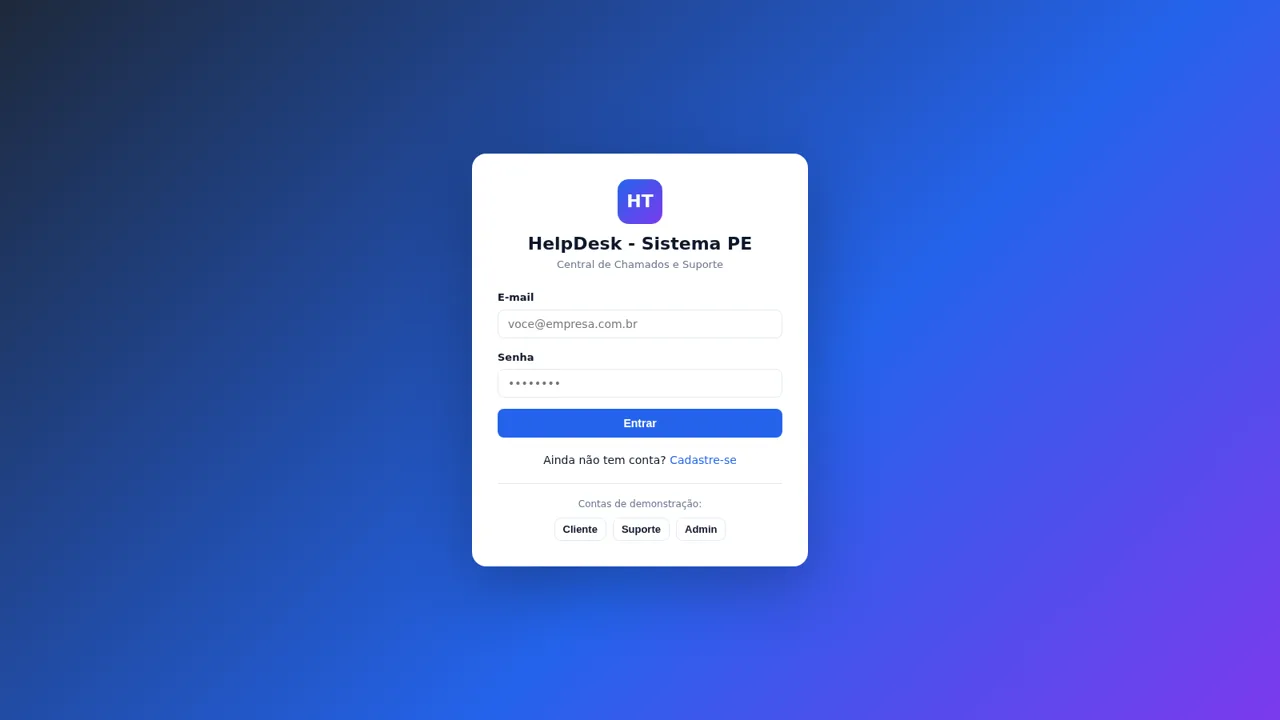
26HelpDesk - Sistema PE
Chamados e suporte com chat, painel admin e configurações de marca
 49
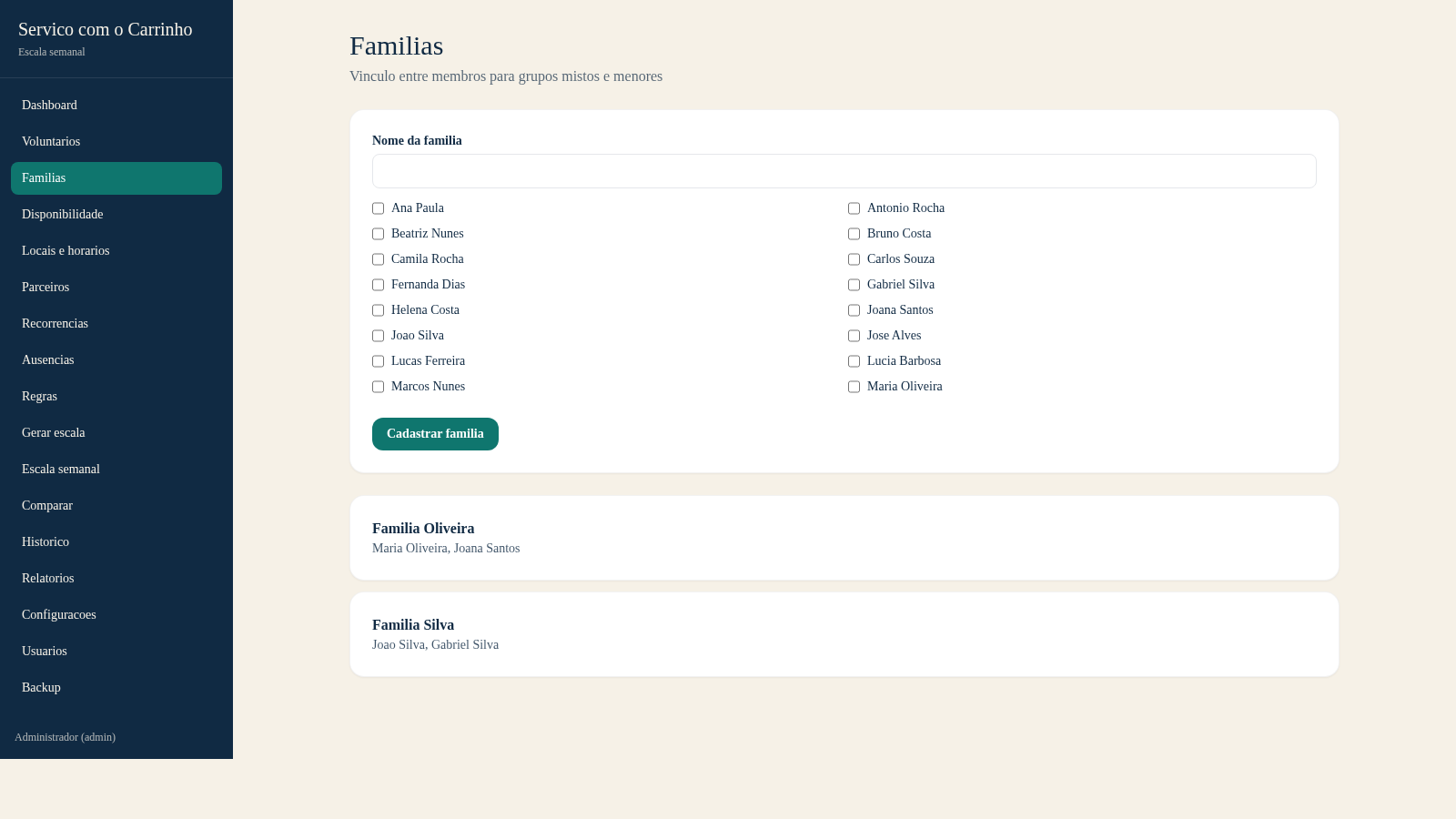
49Escala do Carrinho
Sistema de administracao e geracao automatica da escala semanal do Servico com o Carrinho
 30
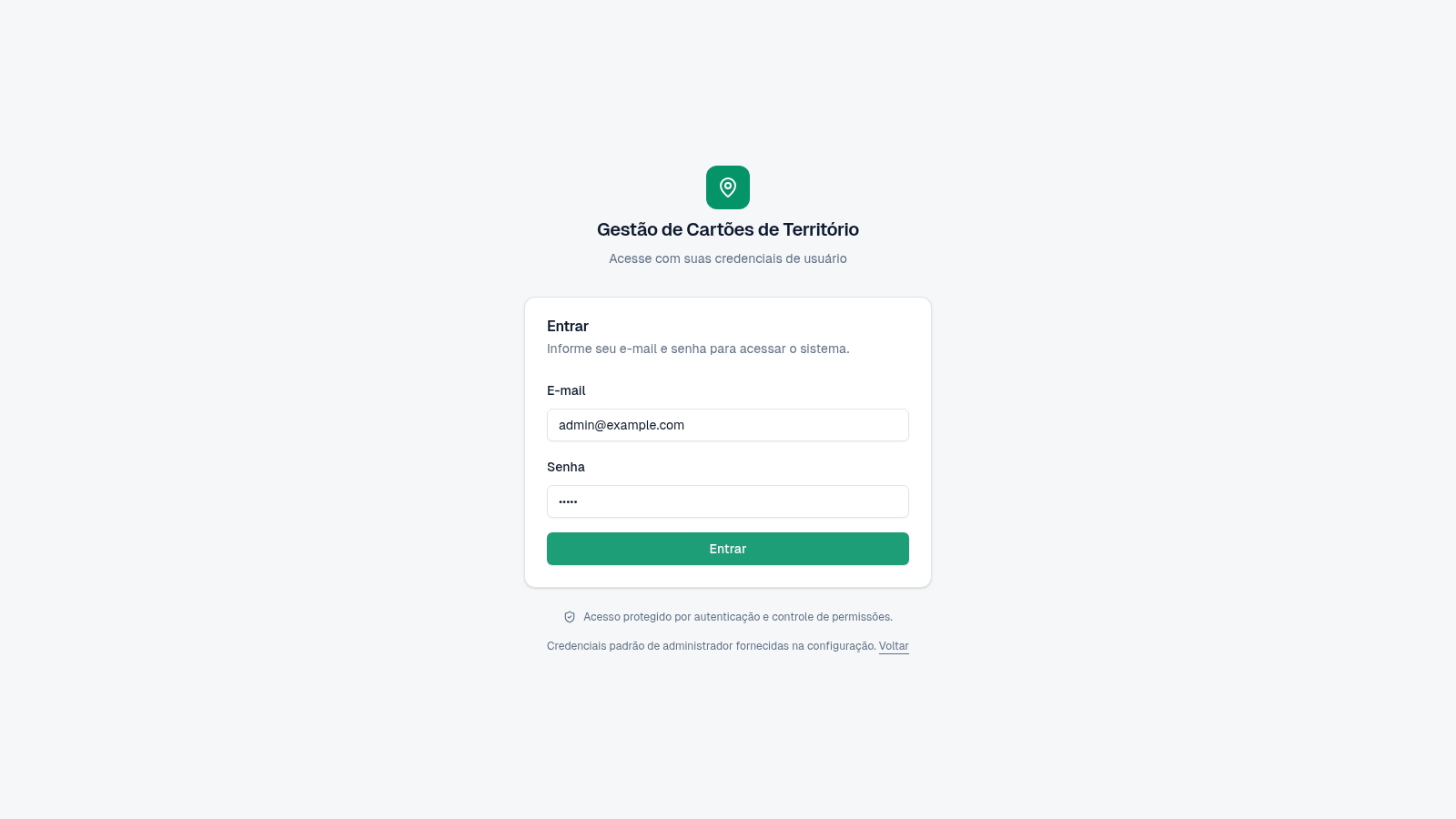
30Cartões de Território
Gestão de cartões e territórios com grupos, designações e histórico.
 24
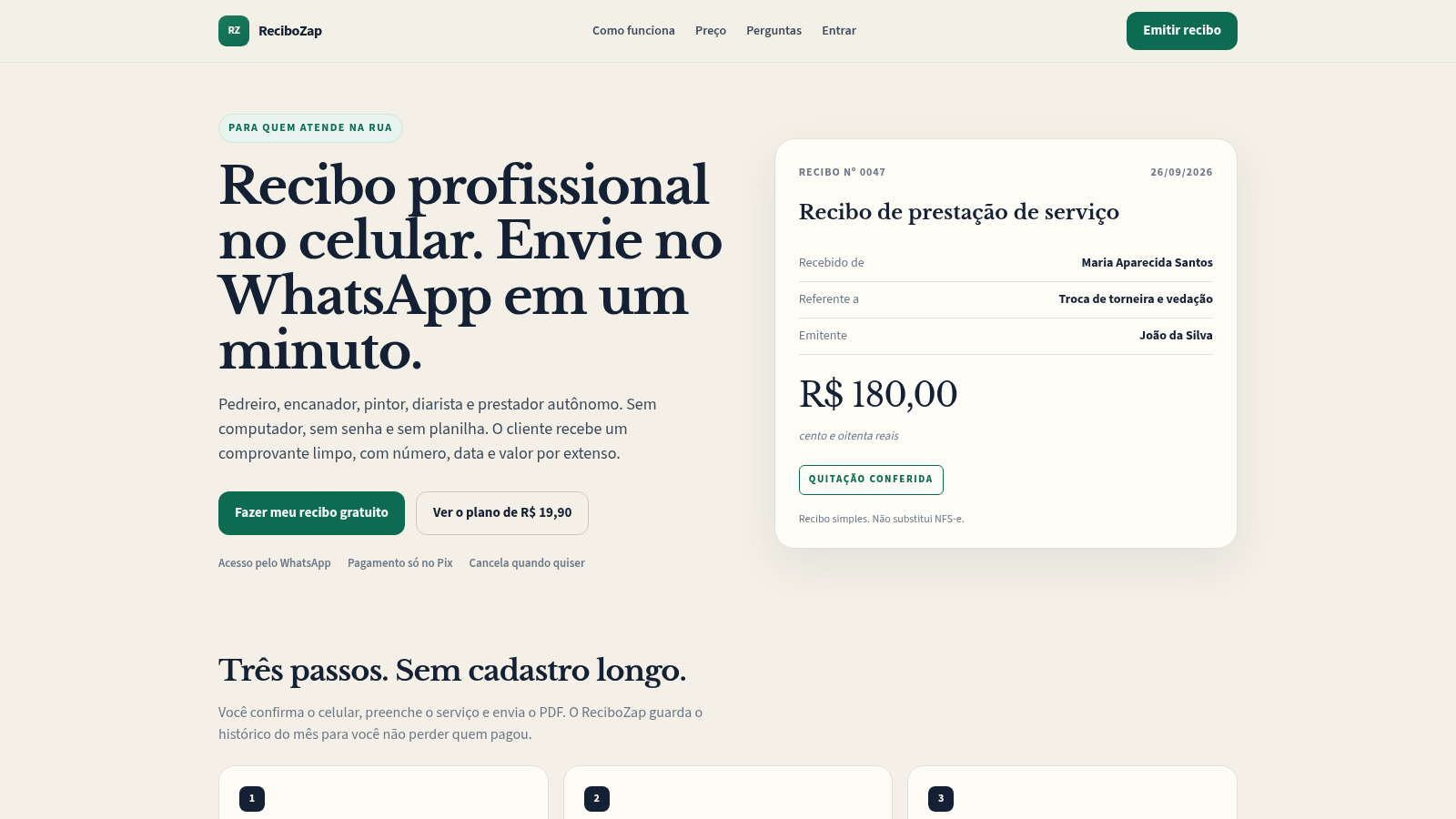
24ReciboZap
Recibo profissional no celular. Envie no WhatsApp.
 20
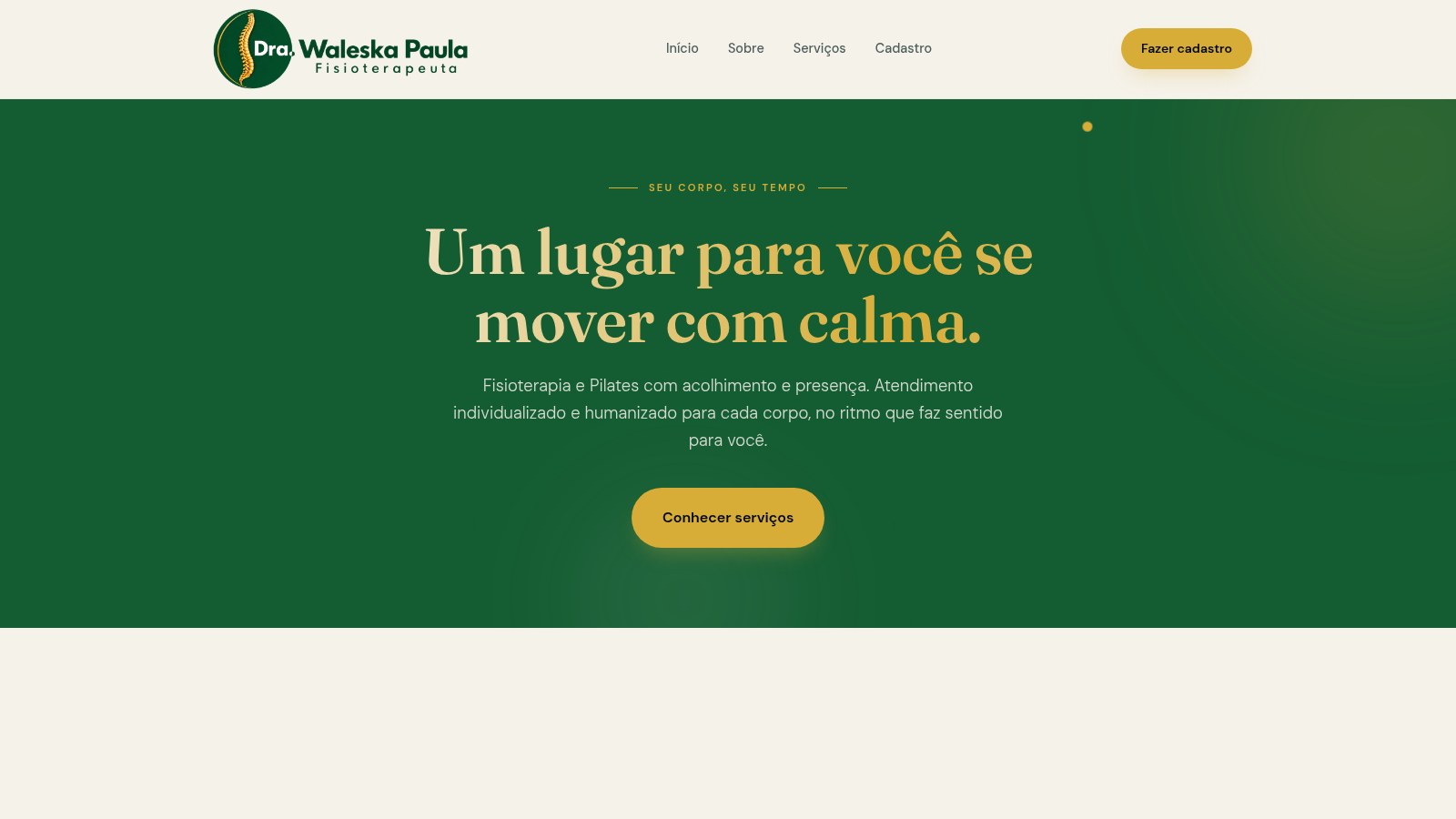
20Dra. Waleska Paula — Fisioterapia e Pilates
Clínica de Fisioterapia e Pilates, com atendimento humanizado e acolhedor pela Dra. Waleska Paula.
 18
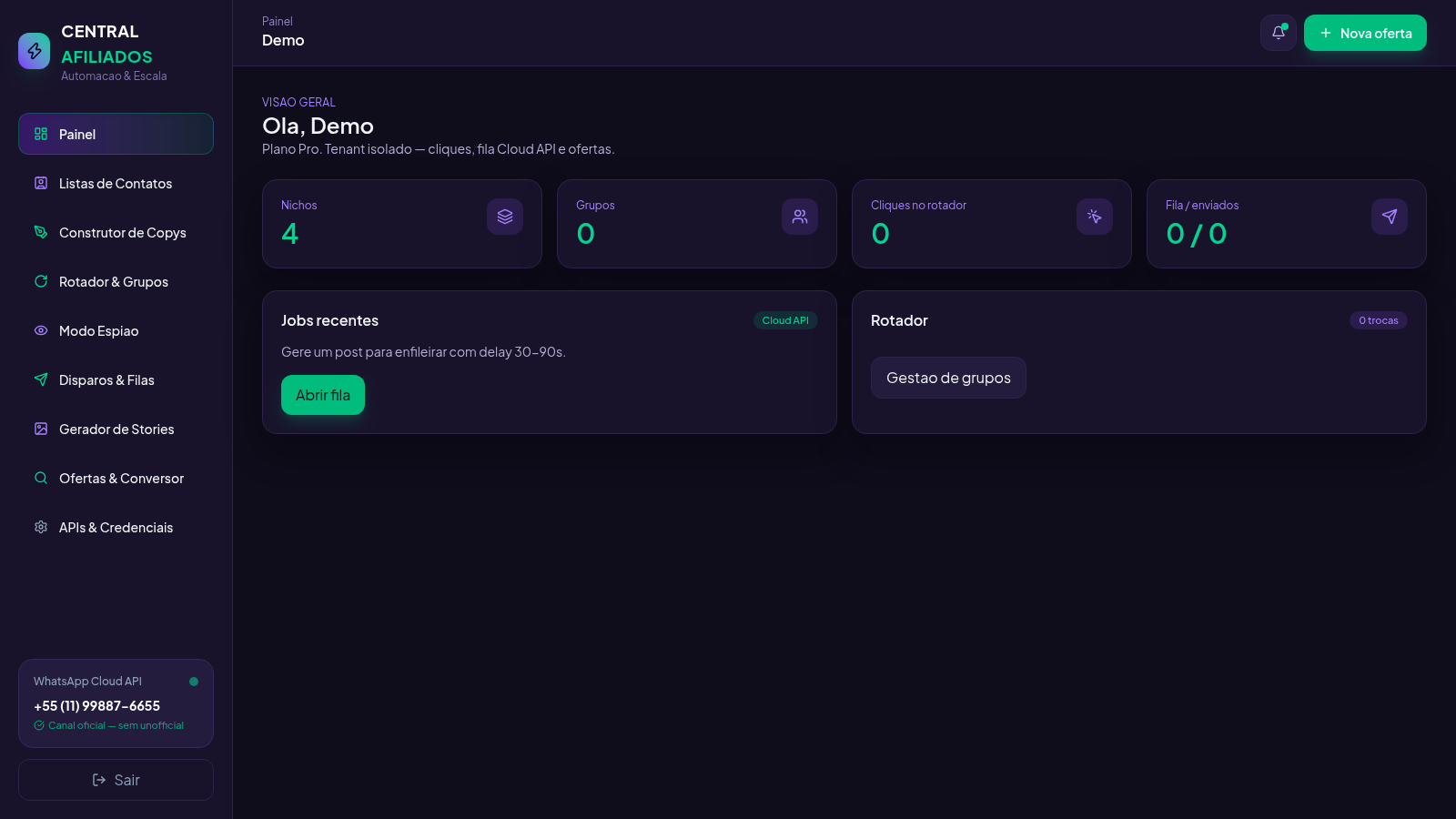
18Central Afiliados
SaaS multi-tenant de ofertas, conversão de links e rotador de grupos